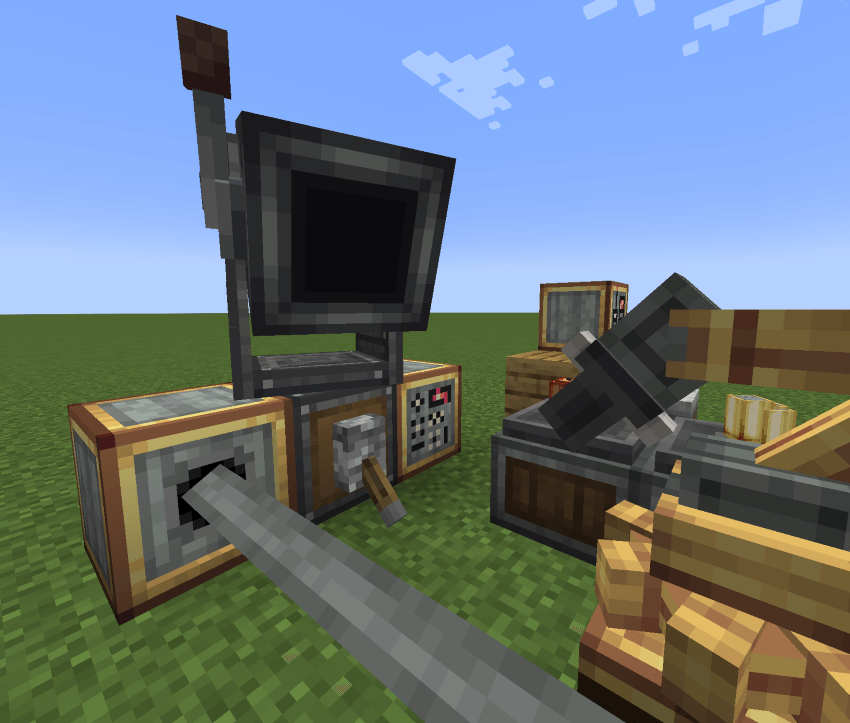
CBC Ballistics allows you to aim cannons from Create Big Cannon more precisely,
Instead of relying on estimation to aim your cannons, you may employ a ballistic calculator to quickly find
firing solutions for any target within range.
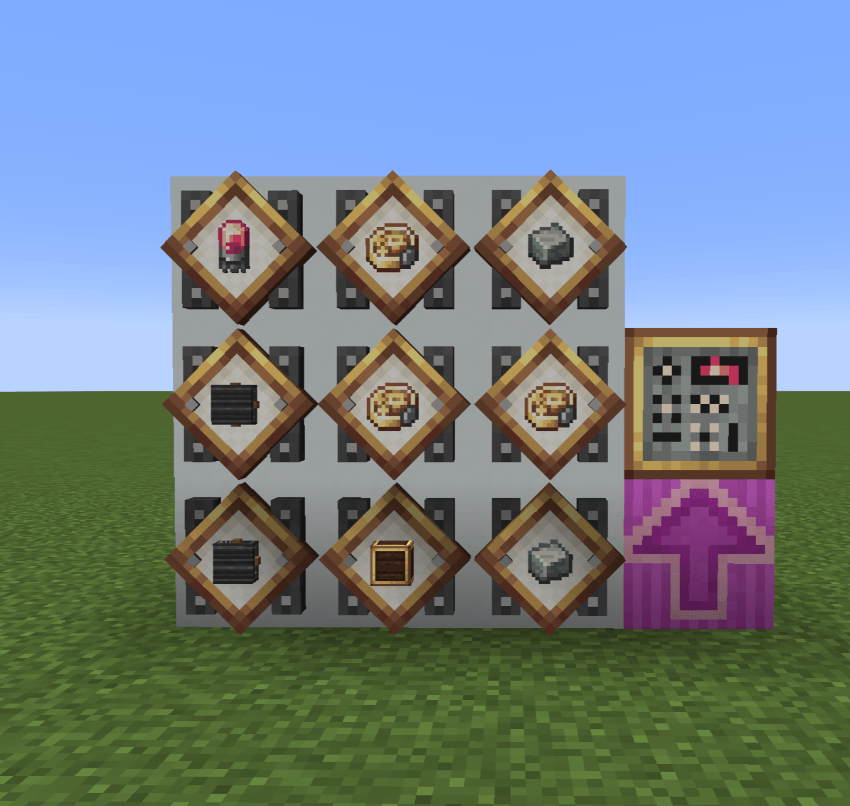
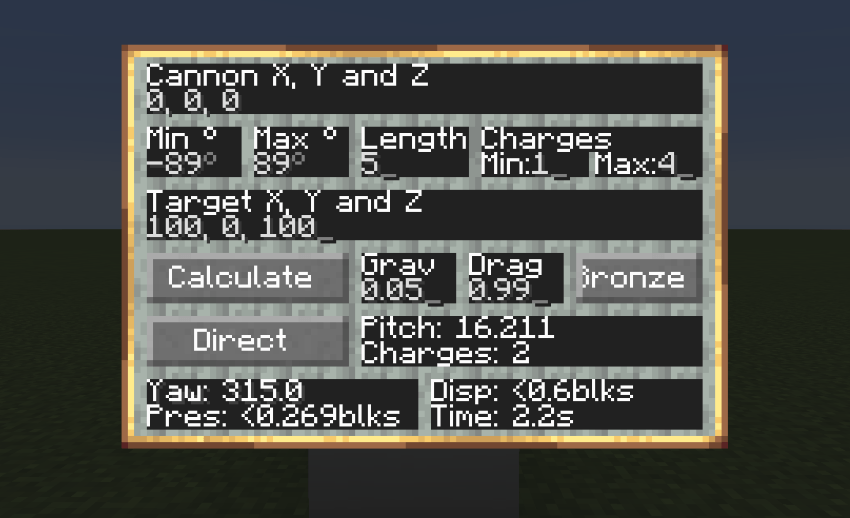
Can output either a low or high angle firing solution.
For each firing solution, the calculator displays:
Pitch: Angle of cannon
Charges: Charges used for firing solution
Yaw: Yaw of cannon
Precision: Estimated margin of error for the found solution in blocks
Dispersion: Maximum estimated dispersion of projectile for the given range in blocks
Travel time: Time in seconds before the projectile impacts the target
When the Set button is press by the Artillery Coordinator, a redstone signal can be read by
a comparator that indicates the ammount of charges that are approprate for the target.
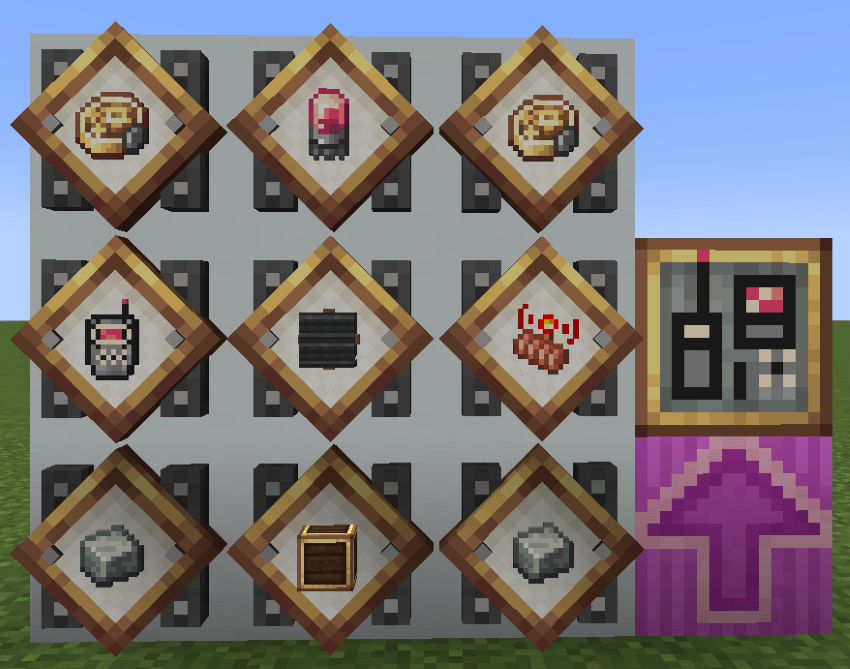
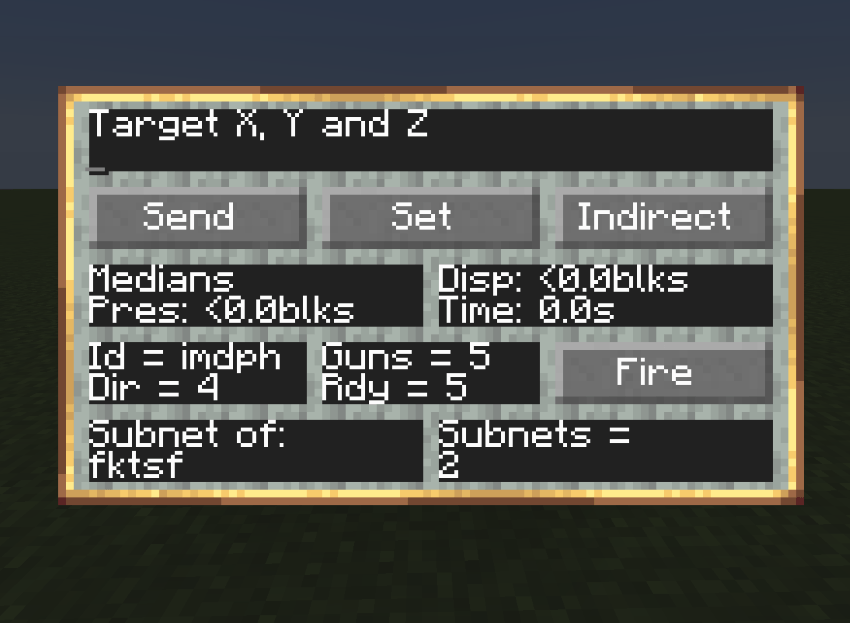
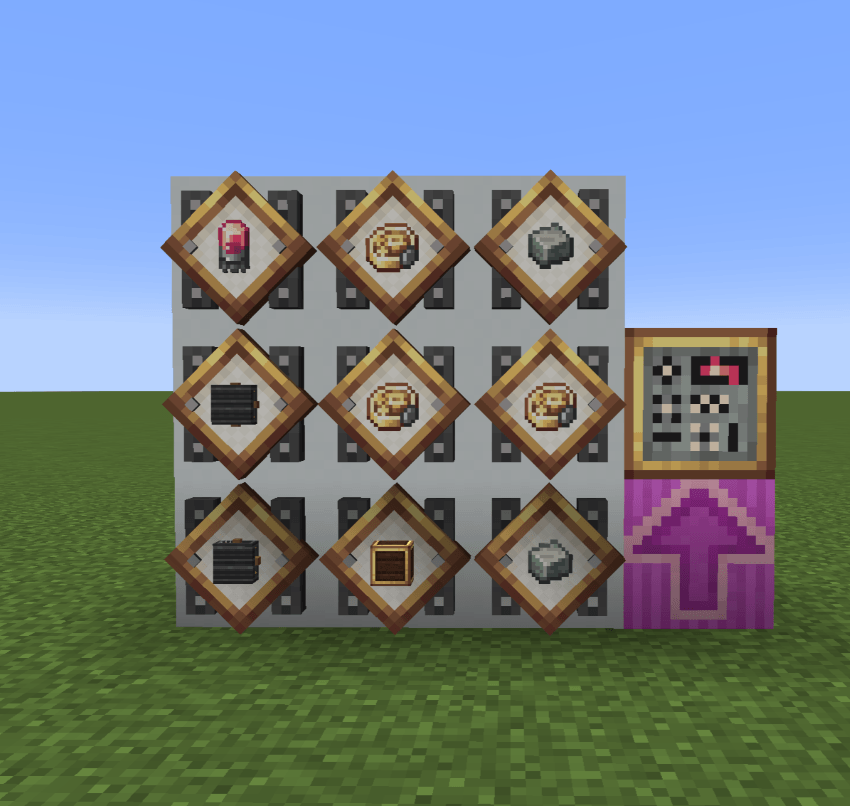
Controls all Cannon Controllers and Directors (Ballistic Calculators) and outputs
relvant information.
Send: Sends target data to all ballistic calculators and displays the mean results
Set: Tells all Cannon controllers to aim according to sent target data
Mode: Tells the directors to change mode
Fire: fires the cannon
Rdy: number of Cannon Controllers that have finished aiming towards the target
Can be controlled by another Artillery Coordinator by becoming a subnetwork of
said other Artillery Coordinator.
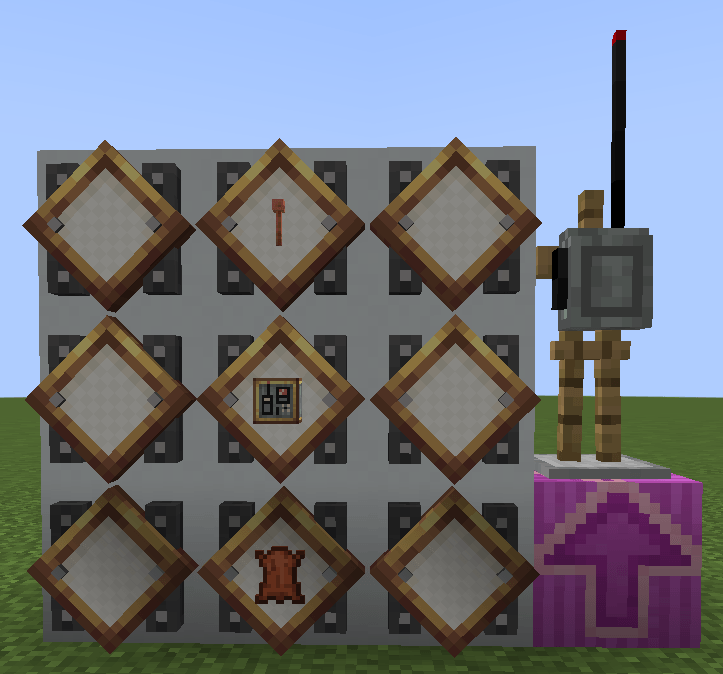
Right click whilst crouching with Radio Set in hand on an Artillery Coordinator to connect.
Whilst connected to an Artillery Coordinator, press the open radio key (default: r)
to open the Artillery Coordinator from a distance.
Radio will fail to open if there is no network, if the network id has changed, or if the Artillery
Coordinator is in an unloaded chunk.
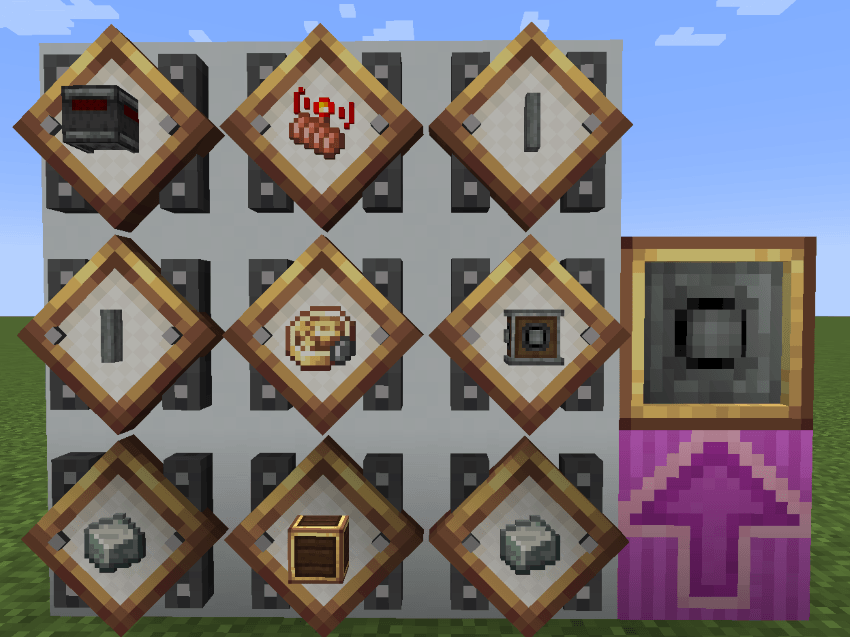
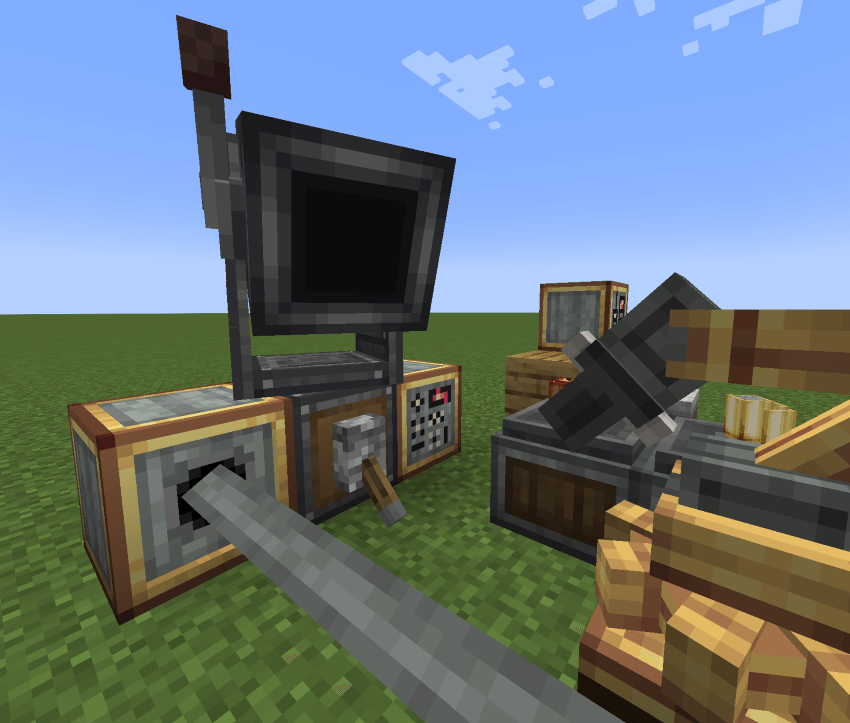
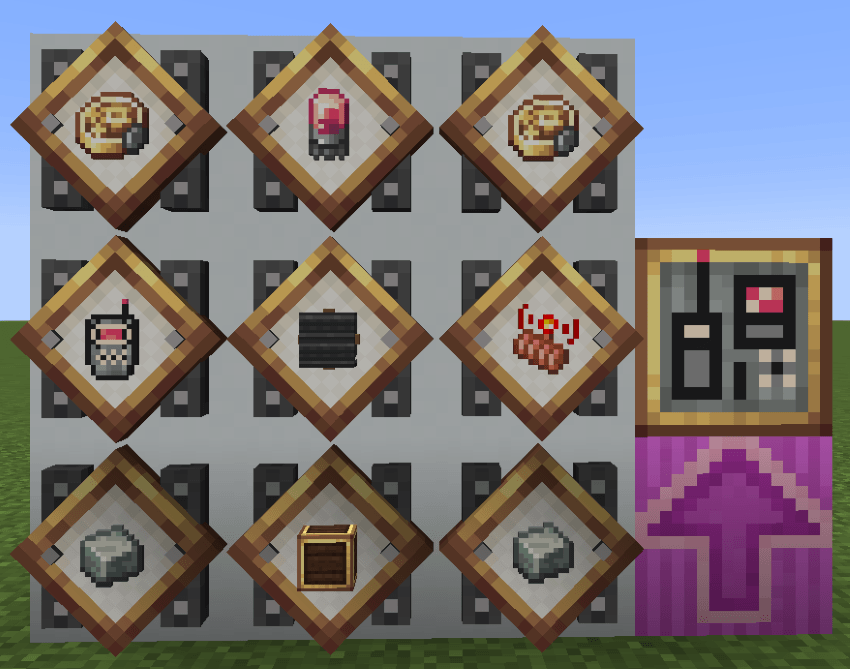
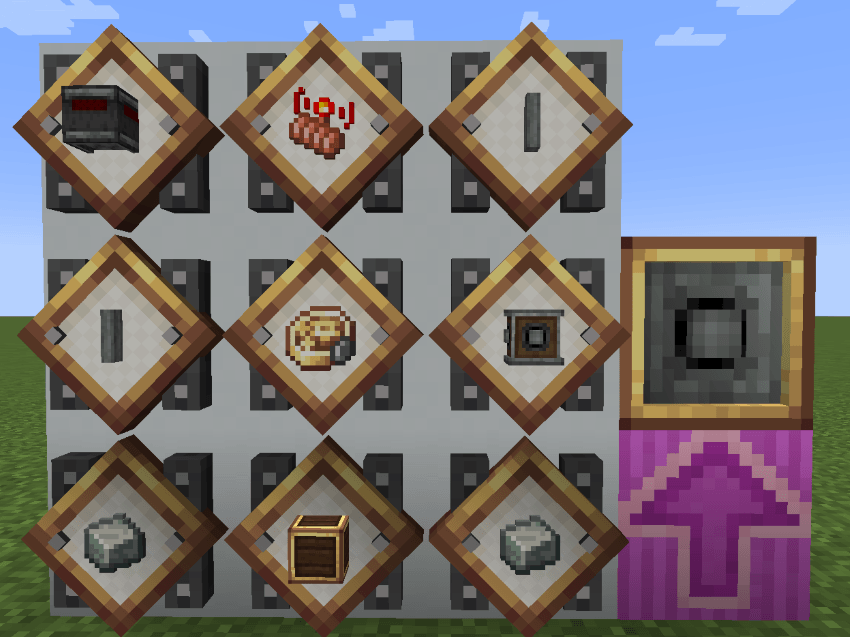
Works in conjuction with the Ballistic Calculator to aim the cannon towards the target.
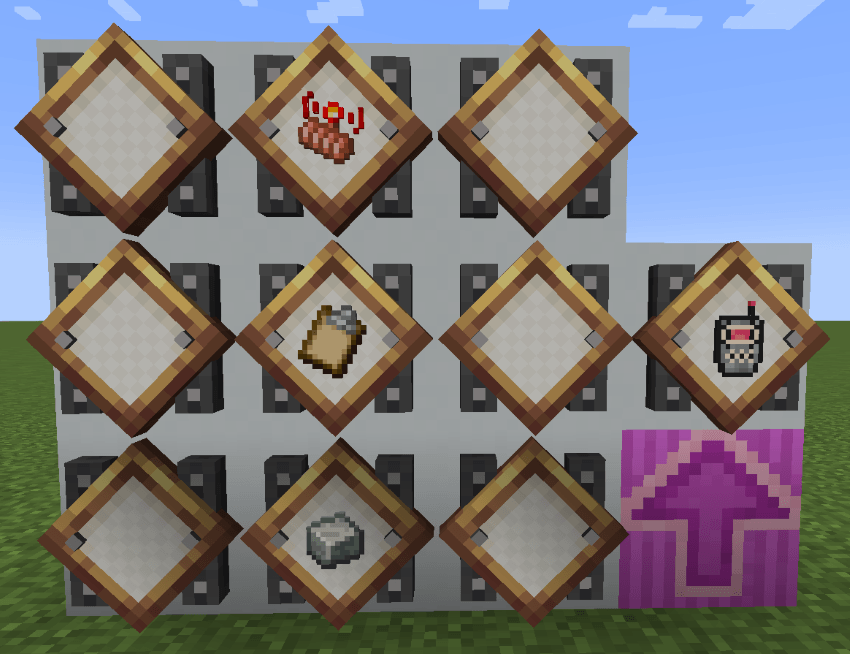
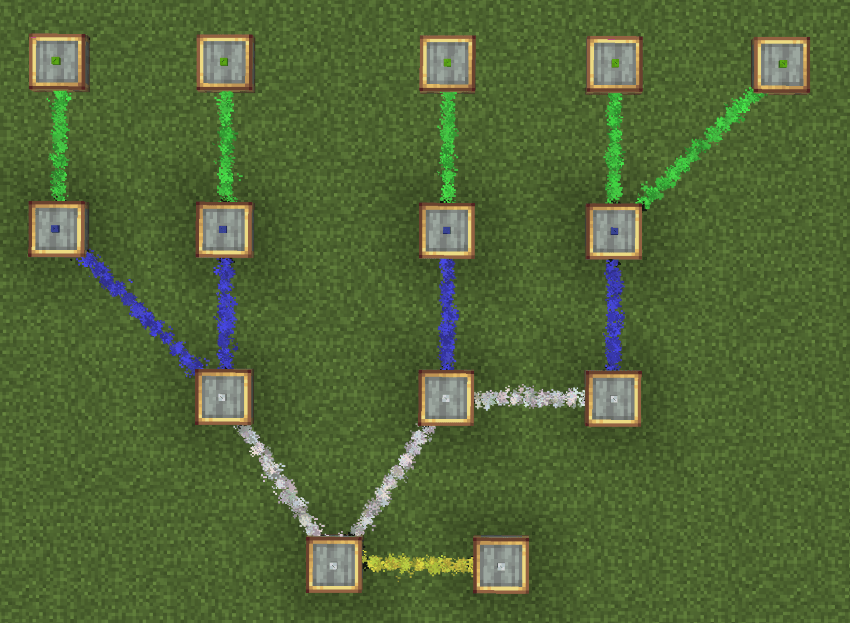
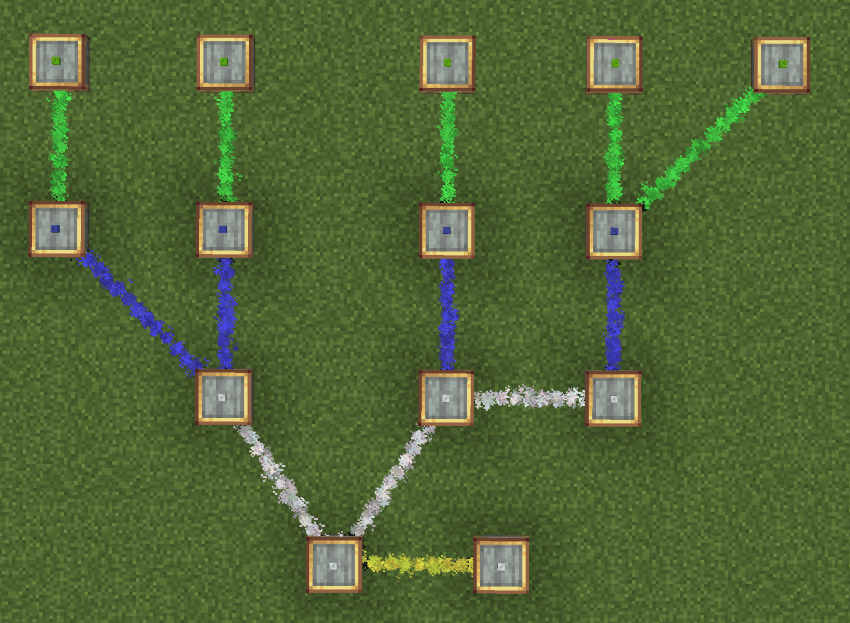
Connects all the Artillery Network components together.
Right click to tune into a network. (Only works on components that are already connected to
network or are themselves a network, such as the Artillery Coordinator)
Right click on another component that isn't already connected to a network to
connect it.
Right click on a component in the same network to disconnect it.
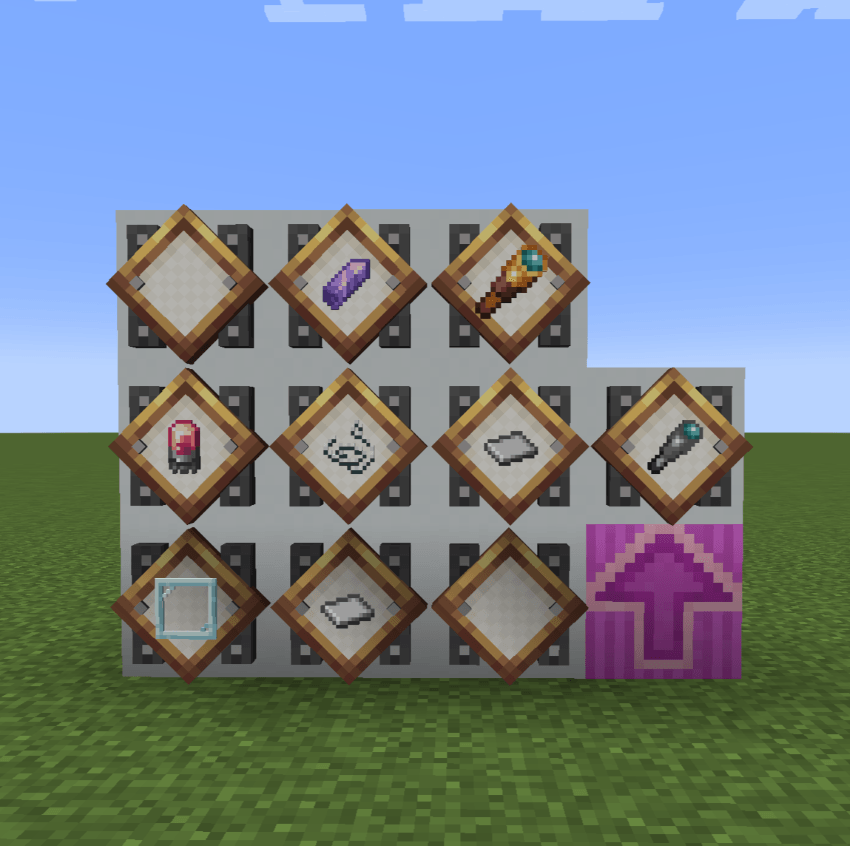

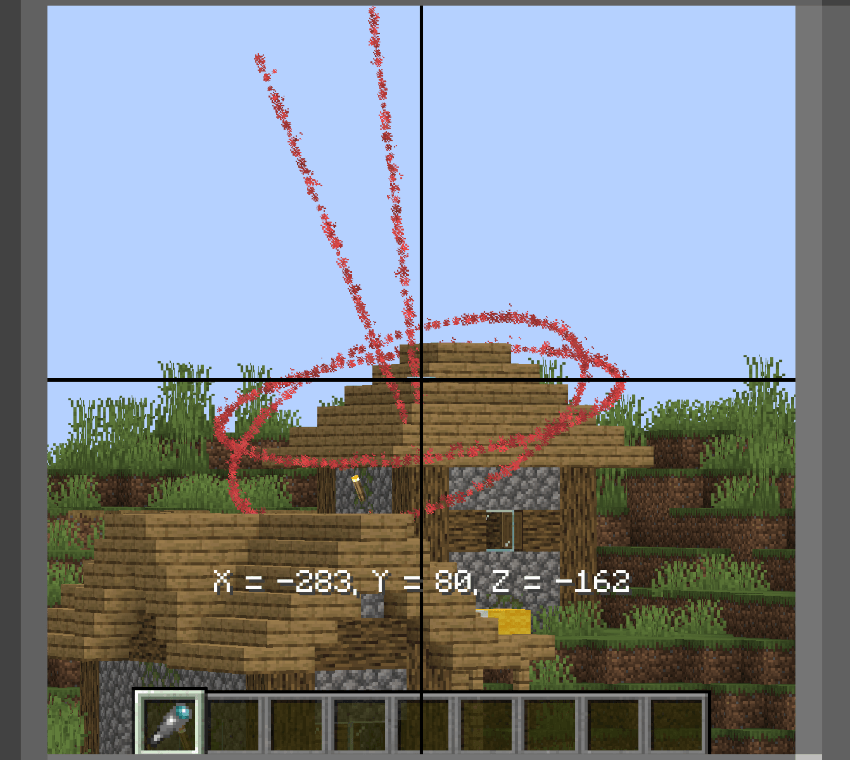
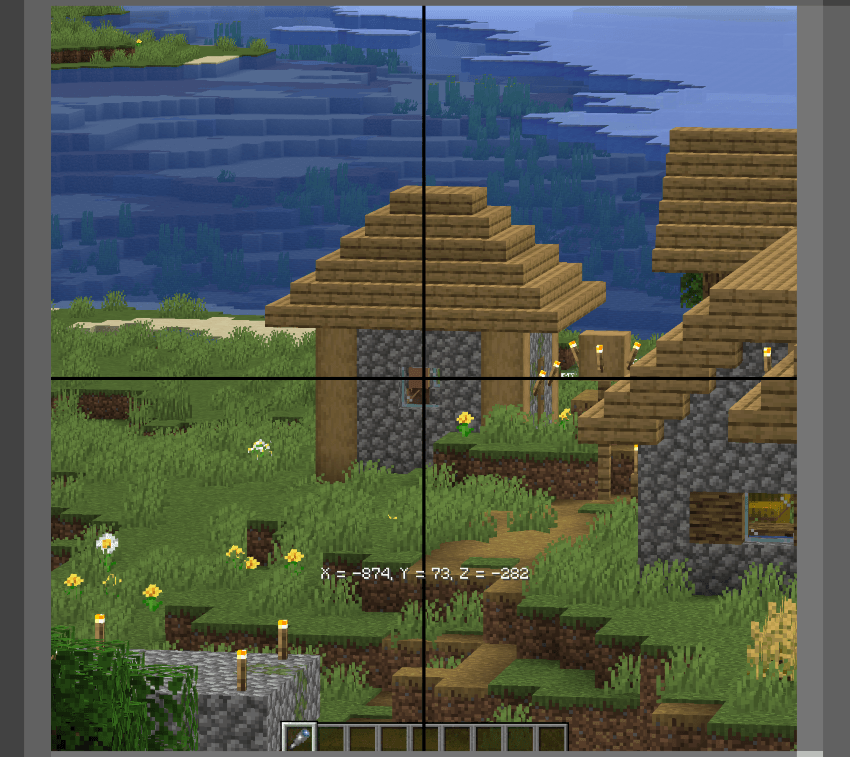
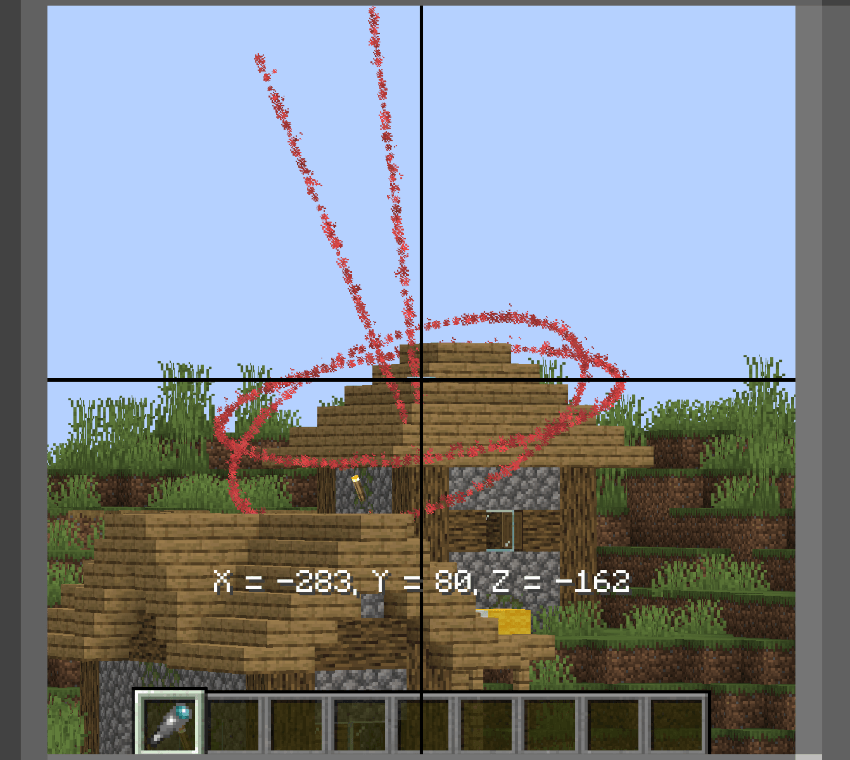
Dispite the name, does not actually give range but rather coordinates.
Left click whilst scoped in to find coordinates of target.
Right click on a Ballistic Calculator with item in hand to automatically input
found coordinates.