Badges update automatically and link to the mod page on MineUniverse.
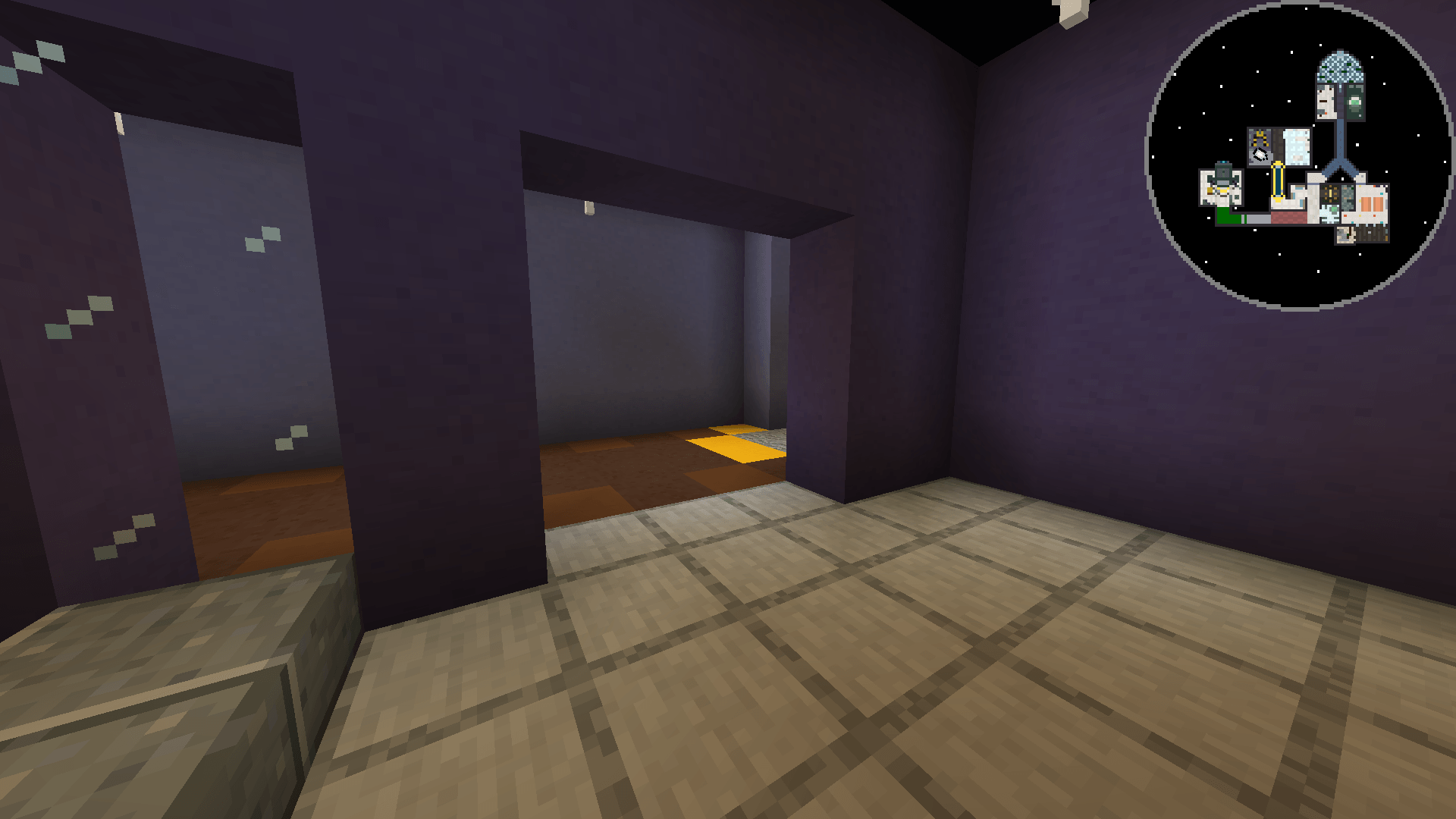
Cartographer's Canvas is a client-side mod that lets you create a custom minimap and bind it directly to your world.
Open the main config screen through Mod Menu or the command /cartographerscanvas config. From there you can jump into any of the three screens below, and assign a keybind to each.
| Command | Opens |
|---|---|
/cartographerscanvas config |
Screens and keybinds |
/cartographerscanvas editor |
Map editor |
/cartographerscanvas library |
Map library |
/cartographerscanvas settings |
Minimap settings |
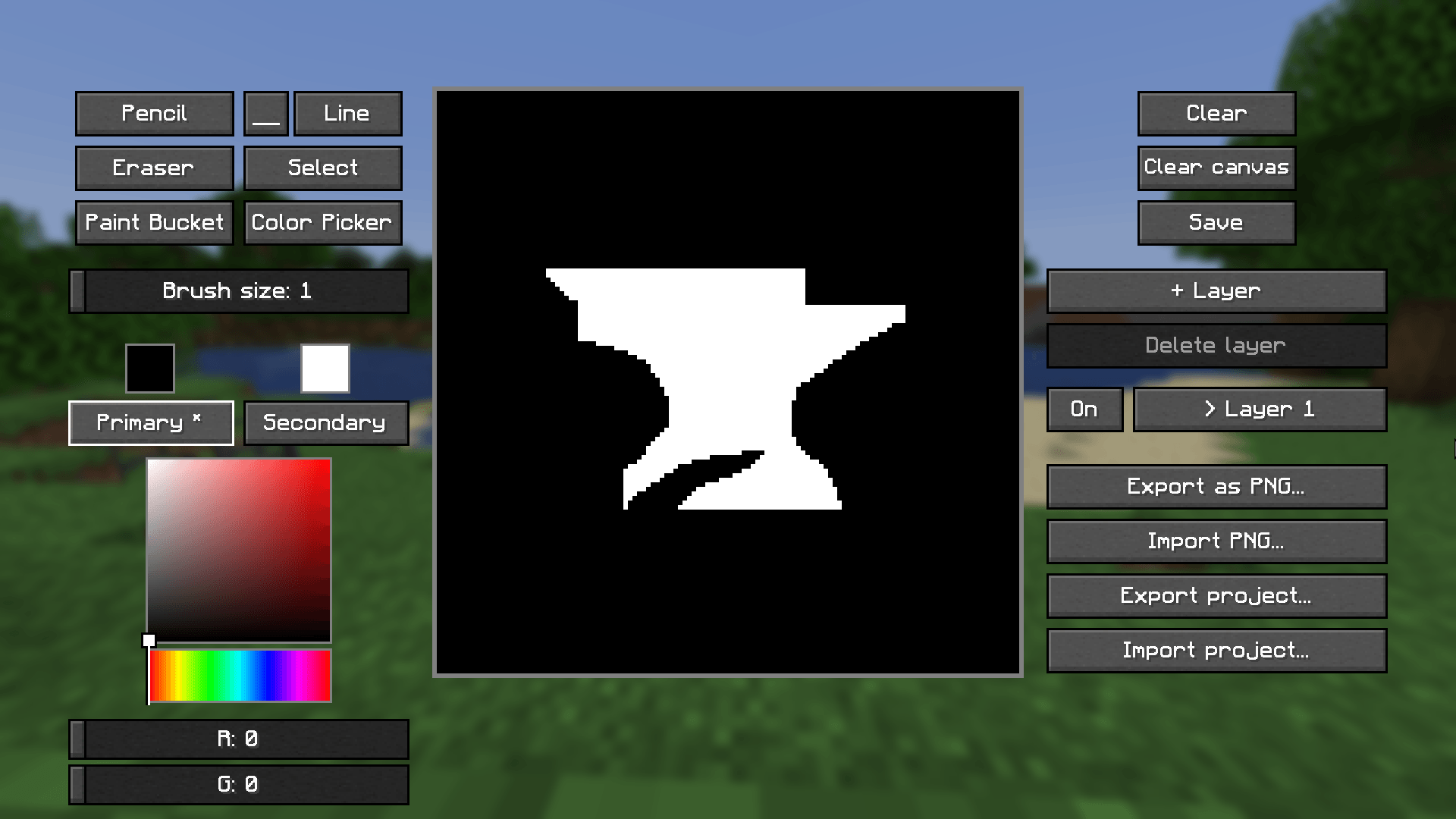
The editor gives you a 128×128 pixel canvas where you can create the image your minimap will display.
Tools:
Ctrl+C / Ctrl+X / Ctrl+V). Pasted selections appear translucent so you can drag them into place before confirming.Color picking works through a saturation/value square with a hue slider, individual RGBA sliders, or a hex code field.
Layers: split your image into up to eight individually toggleable, reorderable, and deletable layers. Undo/redo is available via Ctrl+Z / Ctrl+Y.
Saving your work:
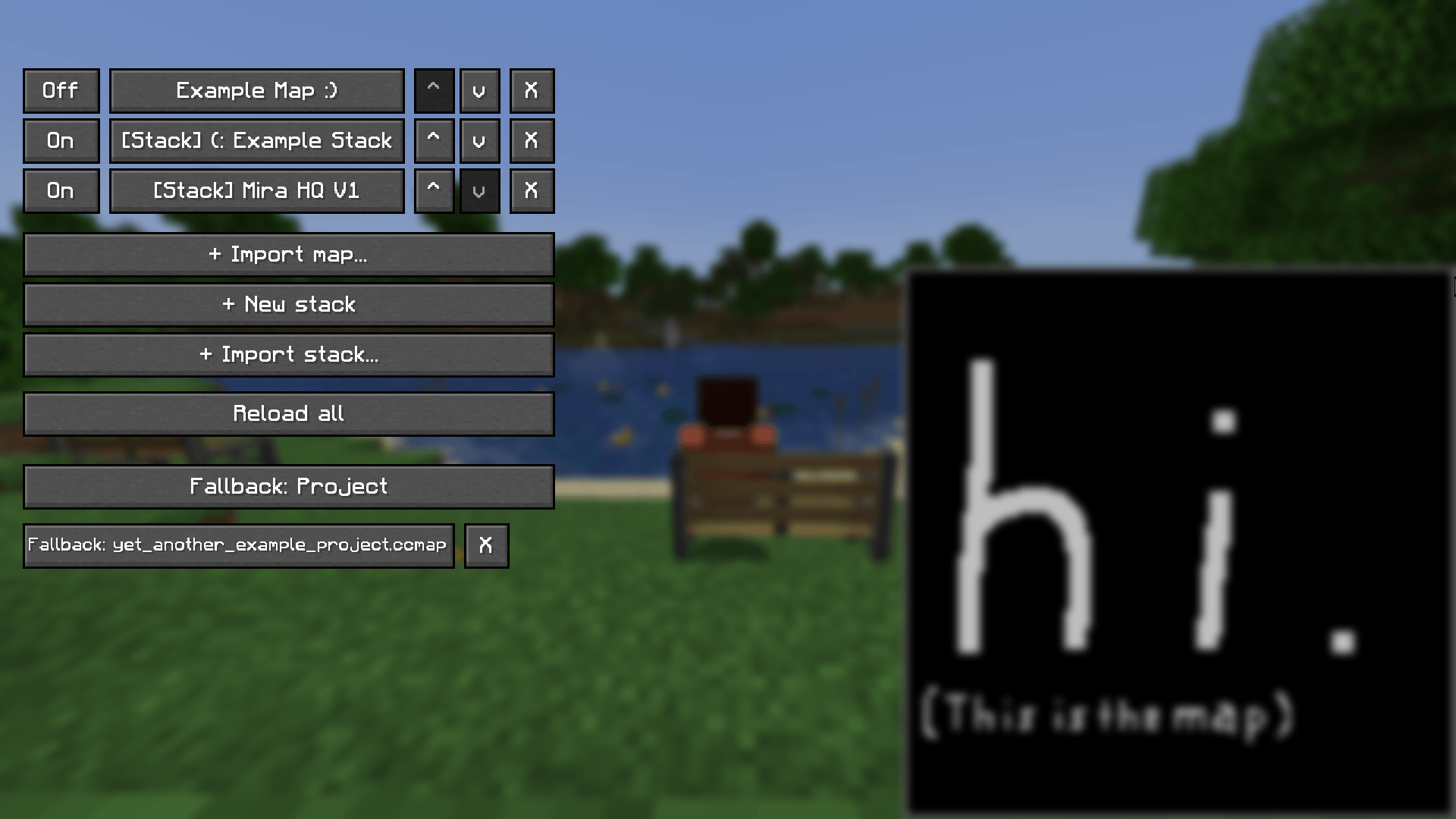
The library is where your maps get bound to actual positions in the world. You can add projects to it in one of three ways:
.ccmap file..ccstack file (see below).Entries can be freely reordered, the top entry having the highest priority, winning whenever regions overlap.
Click any entry to configure it:
.ccstack file with the region, dimension, rotation, every layer's image, each layer's Y-range, and the stack's own fallback, useful for sharing a complete setup with others on the same world. Individual maps don't need a separate export here, since they're already just references to the .ccmap file you made in the editor.What's a stack? A stack groups several maps under the same X/Z position, switching between them based on the player's Y (height), useful for multi-floor builds with distinct levels. Each stack has its own fallback for when you're in the right spot but at a height none of its levels cover:
There's also a global fallback, which decides what to show when the player's position doesn't match any entry in the library, independent of each stack's own fallback.
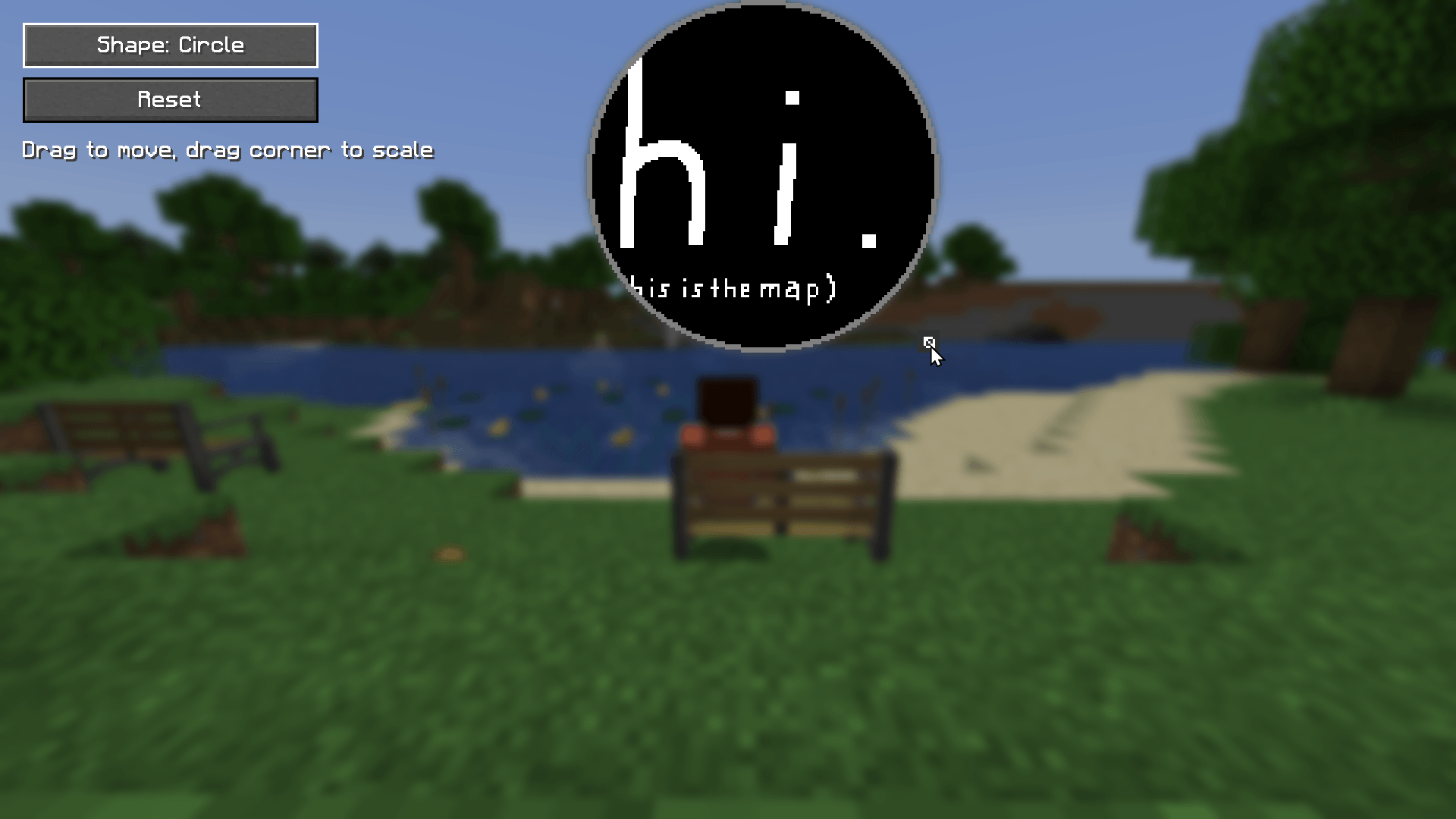
This is where you modify the on-screen appearance: