Bring the power of calculation to your Minecraft chat with CalcMod! Discover a wide range of features designed for both casual and hardcore players, from basic calculations to advanced utilities for optimizing your gameplay.
/calc craft piston 3 sb

/calc nether ~ ~ ~

Click any green text to copy it to your clipboard!
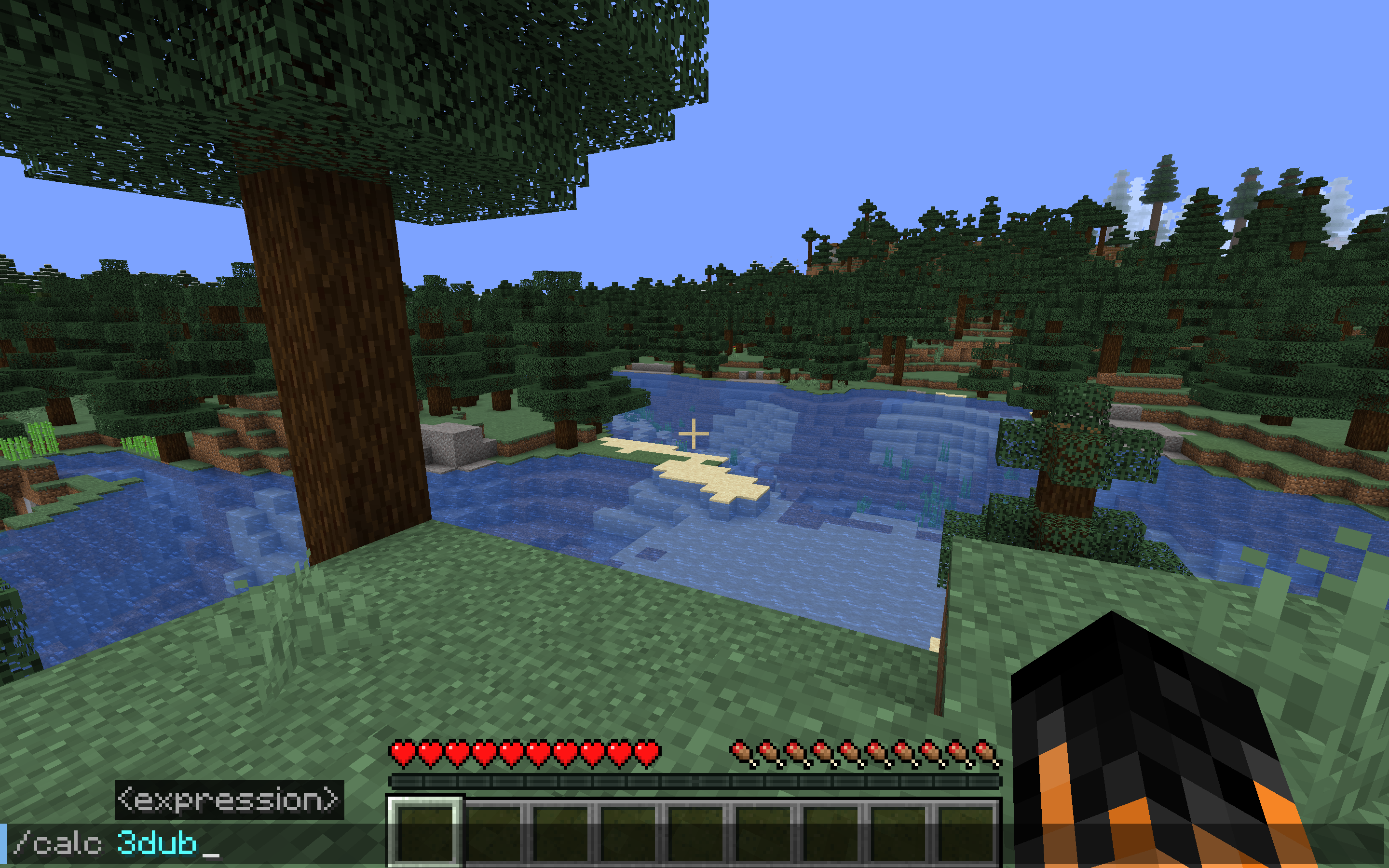
Functions like a simple calculator with some handy variables. To see a list of variables run /calc variables.
Usage: /calc {expression}
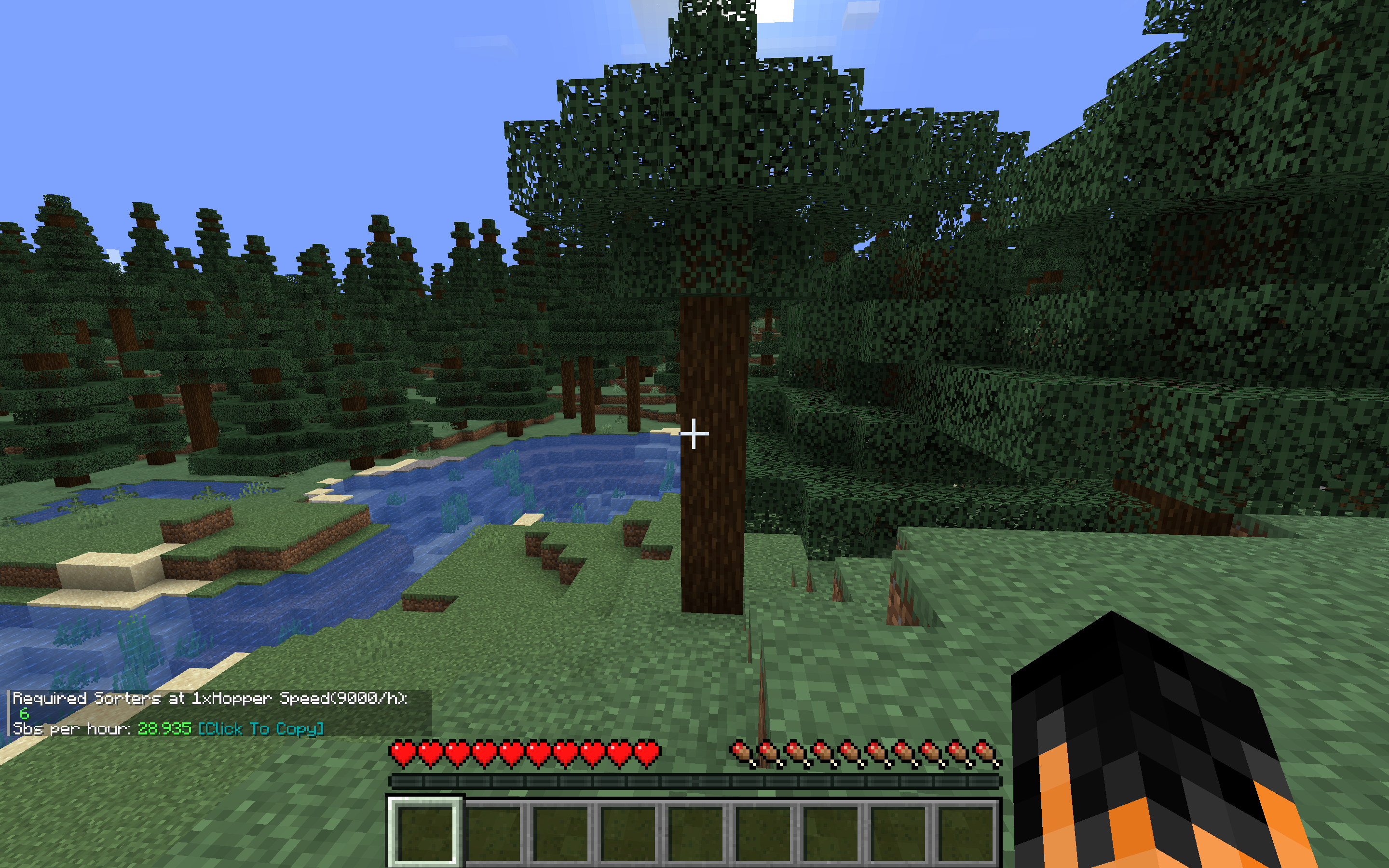
Calculates the number of needed item sorters given a rate of items per hour (can be in expression form). Additional input for multiple times hopper speed sorters, and a separate command for Allay based non stackable sorters.
Usage: /calc storage {itemsperhour}
Usage: /calc storage {timesHopperSpeed} {itemsperhour}
Usage: /calc allaystorage {itemsperhour}
Given a desired item and the quantity to be crafted, returns the amounts of the items needed to craft the amount of the desired item.
Usage: /calc craft {item} {amount}
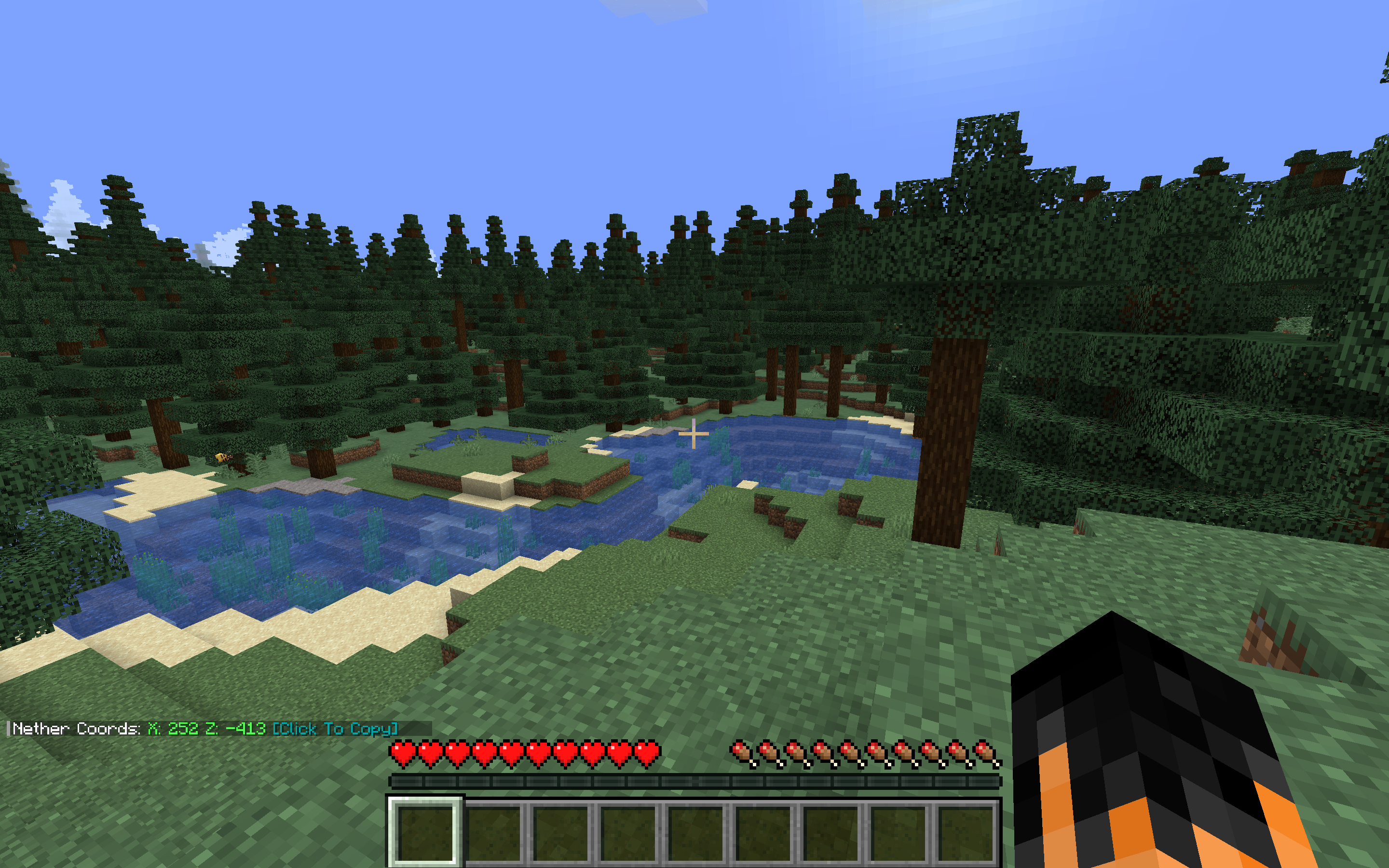
Given a block position returns the other dimension's corresponding coordinates. If no coordinates are given, command assumes current player position.
Usage: /calc nether {x} {y} {z}
Usage: /calc overworld {x} {y} {z}
Given a number of items and afk time in seconds (can be in expression form), returns the number of items per hour.
Usage: /calc rates {numberofitems} {time(seconds)}
Given a maximum and/or minimum value, returns a random number between those values (inclusive). If just a maximum value is entered, picks a random number from 0 to the max value (inclusive).
Usage:/calc random {max}
Usage: /calc random minmax {min} {max}
Given a container and a desired comparator signal strength, returns the number of items needed to achieve that signal strength.
Usage: /calc signaltoitems {container} {signalstrength}
Calculates the average amount of gold ingots to barter to get a number of a desired item (togold), or the average amount of an item that will be recieved when bartering a number of gold ingots (toitem).
Usage: /calc barter togold {numberofitems} {item}
Usage: /calc barter toitem {amountofgold} {item}
Custom functions are reusable commands that perform a specific computation. Custom functions can be run in any number field formatted with the function name and the parameters in perenthases customfunction(param1, paramN).
Custom functions can have any number of parameters, specified in [square] brackets when adding a function.
Create your function:
/calc custom add blockstoingots [num-blocks]*9
/calc blockstoingots(72)

Usage: /calc custom add {name} {function}
Usage: /calc custom run {name} {input}
Usage: /calc {name}({parameters})
Usage: /calc custom list
Usage: /calc custom remove {name}
Given a number of full Shulker Boxes (can be in expression form), returns the number of items, or vice versa.
Usage: /calc itemtosb {numberofitems}
Usage: /calc sbtoitem {numberofsbs}
Given a number of items (can be in expression form), returns the number of stacks and remainder items, or vice versa.
Usage: /calc itemtostack {numberofitems}
Usage: /calc stacktoitem {numberofstacks}
Given a number of seconds (can be in expression form), returns the number of items needed in a hopper clock to achieve that time.
Usage: /calc secondstohopperclock {seconds}
Given a number of seconds (can be in expression form), returns the number of repeaters and their delay.
Usage: /calc secondstorepeater {seconds}
Aside from the Minecrafty functions, CalcMod also features a gratuitous amount of more advanced functions and variables linked in a spreadsheet here (in case you need to calculate an inverse hyperbolic cotangent to play Minecraft).
Variables can be used inside equations in any number field. They act as shortcuts instead of having to remember that "a double chest full of 16 stackable items is 864." If no stack size is given, variables default to the stack size in each command.
Constant variables represent an unchanging number.
Name: Value
dub: 3456 (default)
dub64: 3456
dub16: 864
dub1: 54
sb: 1728 (default)
sb64: 1728
sb16: 432
sb1: 27
stack: 64 (default)
stack64: 64
stack16: 16
stack1: 1
min: 60
h: 3600
Dynamic variables change depending on an in-game status. These are particularly useful inside custom functions.
Name: Value
x: Player x coord
y: Player y coord
z: Player z coord
health: Player health