Mineuniverse
Log in Register
Mods

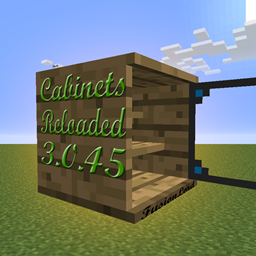
Cabinets Reloaded

Adds cabinets to Minecraft.
by FusionLord
Claim this project
19,261 downloads
0 likes
Updated Jun 30, 2026
0 hypes

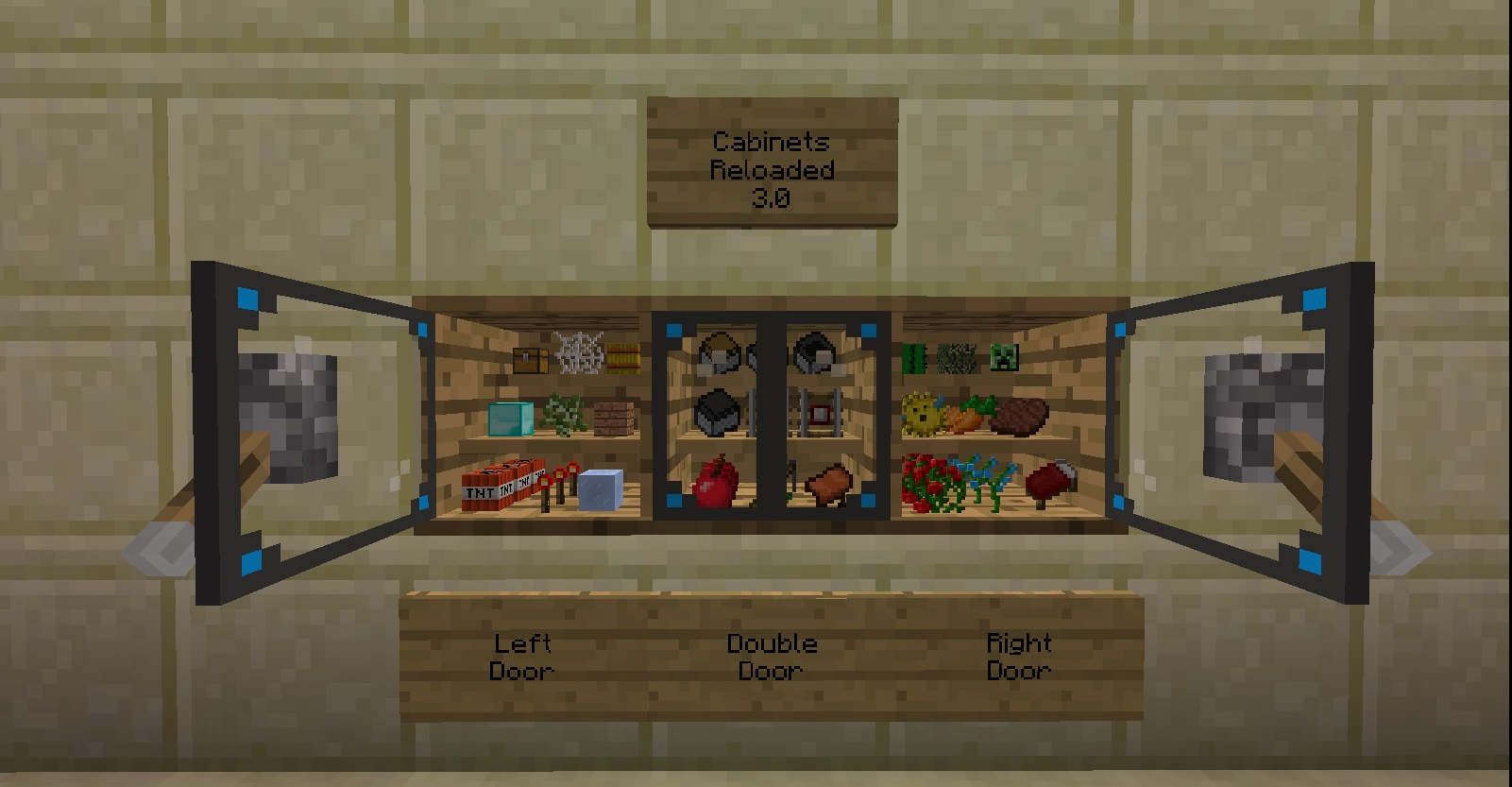
This is a complete rewrite of my very first mod for Minecraft. It adds cabinets to show off and secure your precious items that you find while out in your Minecraft world. They are 9 slots for storage and and can be set to public or private. They are blast resistant. You can now customize your cabinets individually to appear, function and troll the way you like. Cabinets now have two slots to place items into that will provide special abilities. Some items will only fit into the second slot as they provide a secondary ability beyond the primary and do not require a GUI.

An example of a primary ability is crafting. So you would place a crafting table into the first ability slot which is below the buttons and the button just above that slot will update to say "Craft!" So click the button and the crafting GUI will open for you. "Why do this?" you may ask. Well, concealment, space-saving, appearance. The beauty is you can un-slot the "ability item" at anytime and replace it again or with a different ability item. There are some neat abilities available in the current version.

 An Example of a secondary ability is a torch. Placing a torch in the second ability slot will cause the cabinet to give off light as if the torch itself was placed in the block space of the cabinet. There are more cool secondary abilities as well. Try items to find them.

Requires: MinecraftForge, FusionUtil.

Issues/feature requests click here!

Recipe:

7faf9428e2.png

Skin:

Skinning the cabinets inside and out to your liking is extremely versatile. You can use the glass door to show off items or you can skin the door with a chest armor to designate the cabinet as armor storage or pretty much anything to your liking within the minecraft and modded texture list.

Settings:

  • Unclaim:  Click this button to drop ownership of the cabinet. The next player to open the cabinet will become the owner.
  • Items: Shown: Click this to hide the contents of the cabinet. Items: Hidden: Click this to show the contents again.
  • Access: Private Click this to set the cabinet to public access. Access: Public: Click this to set the cabinet to private access.
  • Yaw: <direction>:  When placed, the cabinet door will face the player. Click this to rotate the cabinet. I.E. North, East, South and West.
  • Note: when rotating the cabinet you will not be able to exit the GUI if the door is blocked, preventing re-opening, so just rotate to a safe position.
  • Pitch: Flat: Click this to set the cabinet to up, down or back to flat again.
  • Skinning: Private: Click this to allow other players to change the cabinet skin. Skinning: Public: Click this to make skinning the cabinet by the owner only.
  • Door Type: Left: Click this to cycle through the door types: Left, Right and Double.
  • Back: Click this to close the Settings GUI and re-enter the Cabinet GUI.

Updates coming soon: 

More Cabinet Features.
Make a suggestion.

Videos:

Want to make a video that will go right here? Record it, upload to youtube, and post a link in the comments. Thanks in advanced!

By; Dox

Videos of older versions:

By: acboy21 - Thank you!

By: drackiseries - Thank you!

No files available for download.

More from FusionLord

TomTom MC
6,987
EMC Builders Wand
655,141
RPGLoot
374,620
FusionLord's Patrons
3,147
Ore-Excavation:Shape Selector
234,108
FusionUtil
216,987

You Might Also Like

Thaumon
Thaumcraft-inspired decoration blocks for modern Minecraft
9,980,238
Handcrafted
Make your house a home!
99,029,678
Fancy Block Particles - Renewed
3D Digging Particles! Original mod by MorphoxL
997,906
Door(s) Coupling [FABRIC]
Couplings for Fabric 1.16
993,161
I Like Wood
This mod adds wood variants to blocks that should have them but don't and new wooden blocks.
992,209
Addendum (Fabric)
Adding new blocks to fit your ender palette! Port of Additional Ender Blocks by cleverpanda714.
991,763