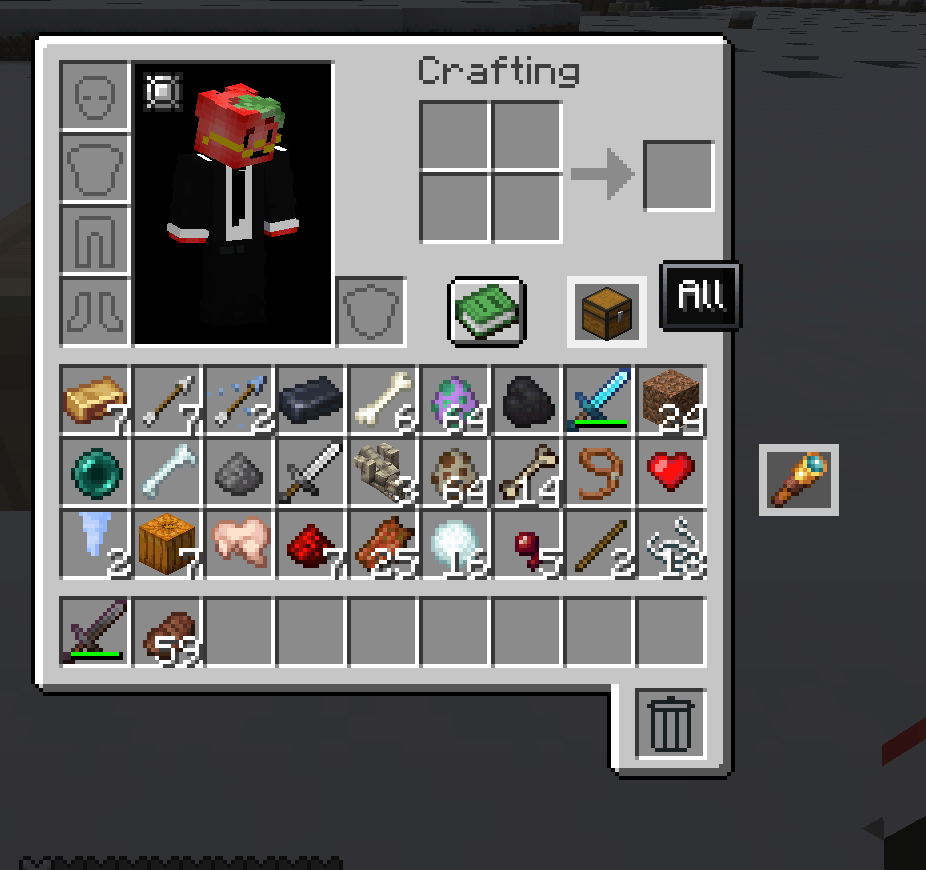
Bundled Not Siloed is a complete inventory overhaul for NeoForge 1.21.1 designed to make carrying items feel less restrictive without turning your inventory into a giant wall of slots.
Instead of treating every inventory slot as a separate storage box, Bundled Not Siloed treats your inventory as one shared pool of storage.
Your hotbar and normal inventory still look and behave like familiar Minecraft inventory spaces, but they are now simply ways to access the items you are carrying rather than hard limits on what you can hold.
By default, you have the equivalent capacity of a normal Minecraft inventory: 36 full stacks.
The difference is that items now use space based on how large their normal stack size is.
For example:
This means your total carrying capacity stays balanced while removing the awkward limitations caused by fixed inventory slots.
You are not limited to 36 different item types just because Minecraft normally has 36 inventory and hotbar slots.
If you have enough remaining capacity, you can carry as many different kinds of items as that capacity allows.
A collection of many small stacks can use the same amount of space as a few large stacks.
The familiar 9-slot hotbar remains your quick-access area.
Items placed there still count toward your total inventory capacity, but the hotbar itself does not provide additional storage. It simply lets you choose which carried items you want immediately available.
The same idea applies to the normal inventory screen: it is a convenient view into your collection rather than the actual limit of your storage.
Your inventory capacity can be changed dynamically through the mod's inventory capacity attribute.
This allows modpacks, equipment, progression systems, commands, or other mods to increase or decrease how much a player can carry without changing how the inventory system works.
Bundled Not Siloed uses two companion libraries:
Stacks Not Slots handles the actual inventory and capacity system.
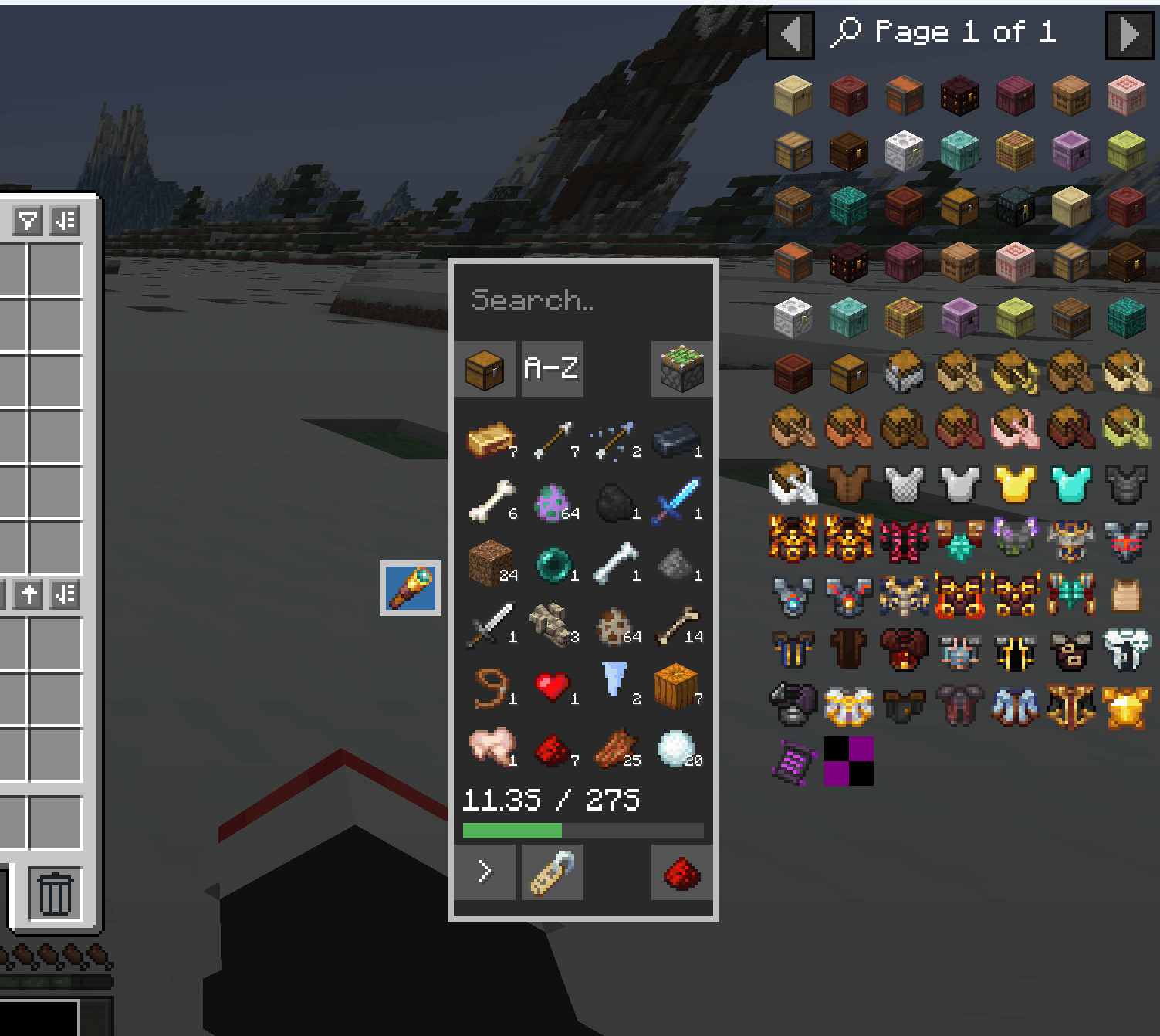
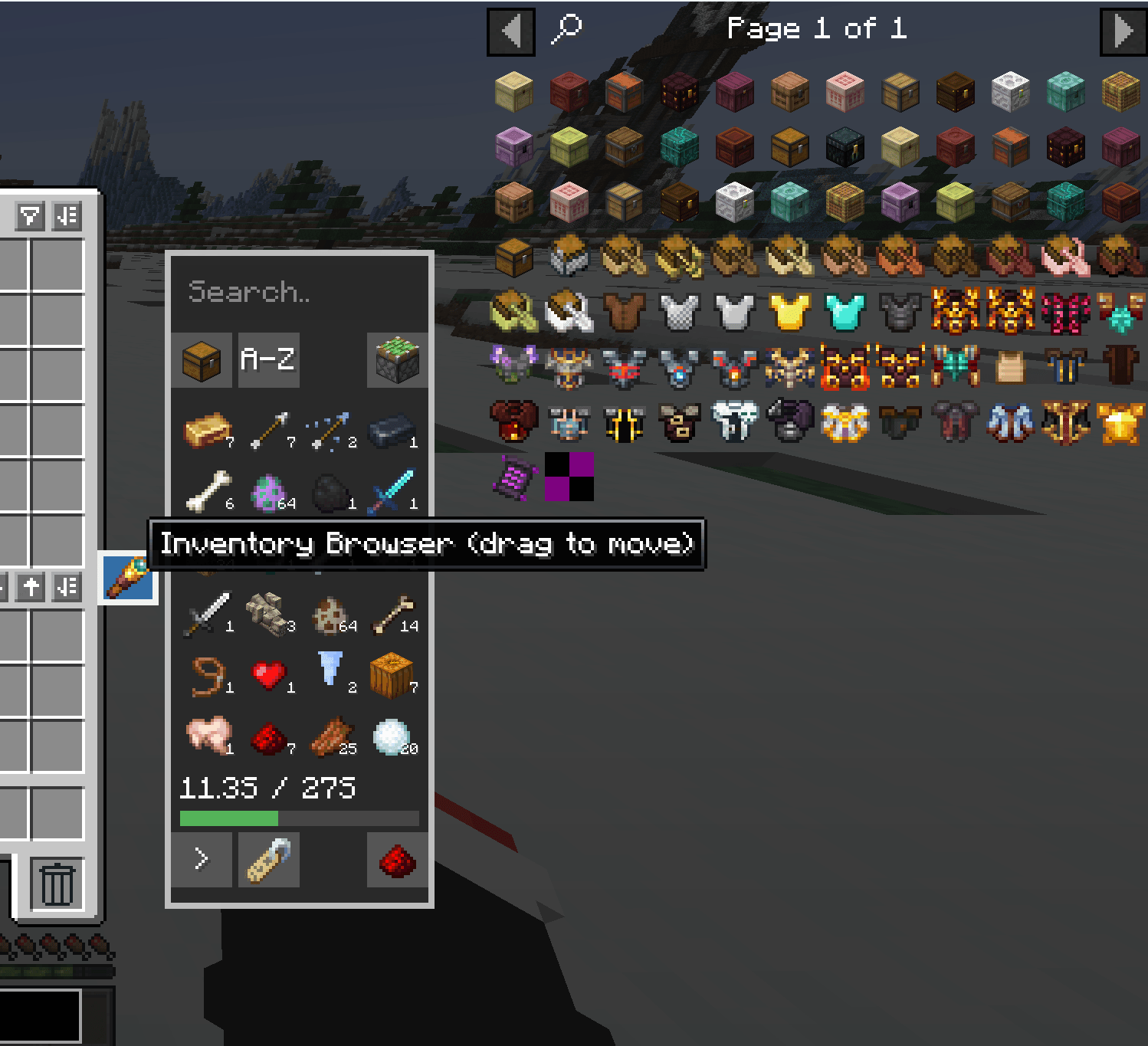
Panels Not Screens powers the movable inventory browser used to view and manage everything you are carrying.
Together, they allow Bundled Not Siloed to provide a much more flexible inventory while still keeping the parts of Minecraft's inventory players already understand.
Carry what fits, not what fits into arbitrary slots.
There is no hidden compatibility-slot ceiling below capacity. If a player has capacity N, the backend and NeoForge item-handler view can grow to represent N distinct quantity-one 64-stackable identities (subject only to Java's practical integer/memory limits). Snapshot chunking and the vanilla 36-index projection are transport/access details, never carrying limits.
Stacks, Not Slots keeps the familiar vanilla inventory while adding a separate inventory browser for accessing your full stored inventory.
Open your normal inventory and click the spyglass handle beside the inventory window to open the browser.
The same draggable browser is available on container screens such as chests and other inventories.
The browser represents your full logical inventory rather than a fixed set of storage slots.
When hovering an item in the browser:
To move items from the visible vanilla inventory into backend storage:
You can also take an item from the browser onto your cursor and place it into another container normally.
Shift-clicking changes slightly depending on whether the browser is open.
Shift-clicking behaves like normal Minecraft between:
When viewing your player inventory:
When another container is open:
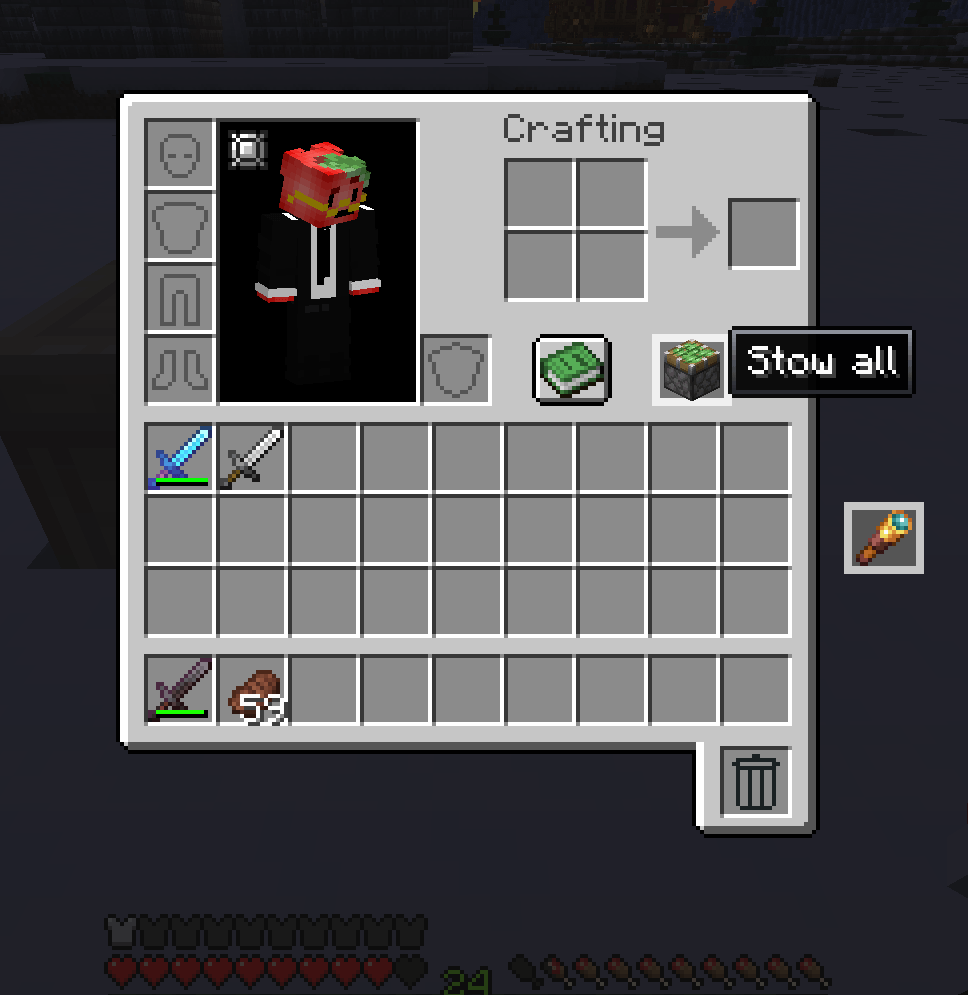
The browser includes a piston button for quickly moving large amounts of inventory.
Keyboard shortcuts are also available:
These work with the currently open menu or, where supported, the container you are looking at.
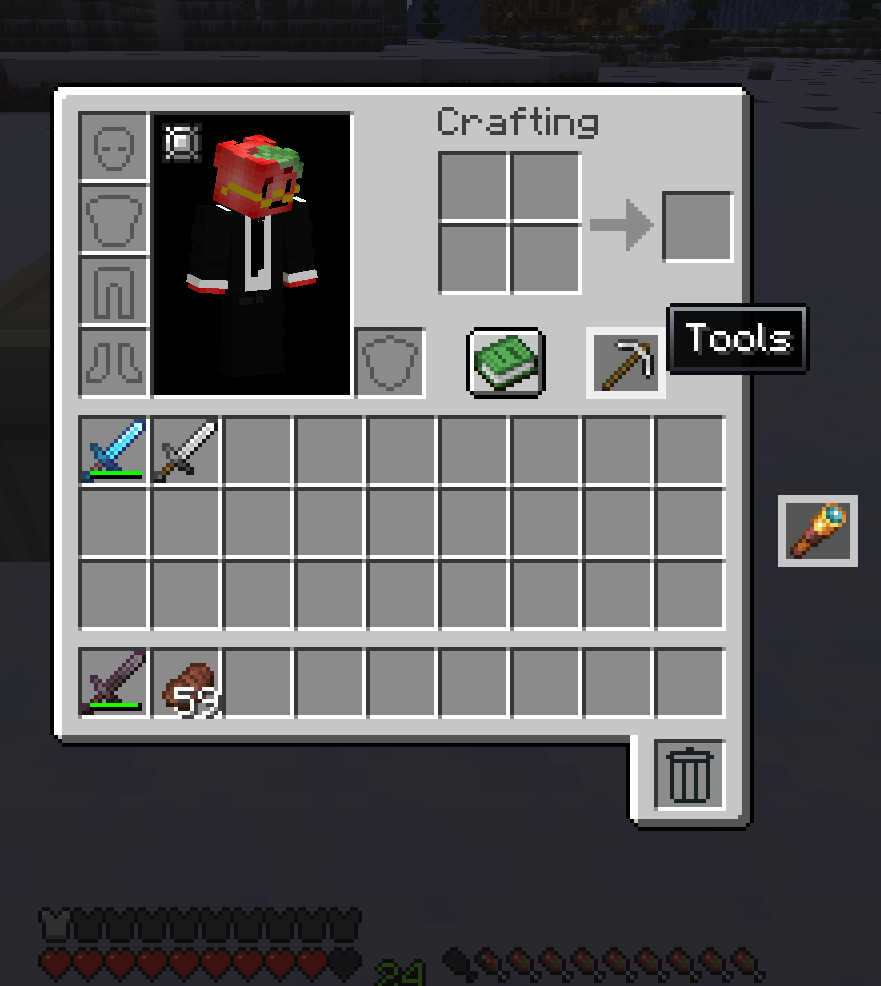
The draggable category icon above the vanilla inventory controls which category is currently selected.
You can scroll through categories whether the category popup is open or closed.
Hold Shift while using the category control to turn it into a sticky piston. This stows the contents of the 27-slot main inventory into backend storage without affecting the hotbar.
Click Manage Tabs to:
Category rules can match:
#tags@modid namespacesCategories are organizational views and rules over the same unified inventory. They do not create separate storage compartments.
Selecting a category or sort mode performs a one-time arrangement of the 27-slot main inventory.
The game places one stack of each distinct matching item identity into the visible grid where possible.
After that, the inventory is fully manual again. Stacks, Not Slots will not continuously rearrange your inventory in the background.
The grid is only reorganized when you explicitly select another category or sort option.
Available sort modes include:
Your selected category and sort mode are saved with your player data.
Each of the nine hotbar positions can optionally be assigned its own category.
Hotbar bindings do not:
Instead, they provide an explicit cycling action.
Use the configurable Cycle Forward and Cycle Backward keys to swap the selected hotbar position with the next item you own that matches its assigned category.
This lets a hotbar position behave like a quick-access group while still remaining a normal Minecraft hotbar slot.
The browser includes a full inventory search.
When the search box is empty, the browser shows items from the currently selected category.
When text is entered, search expands across the entire inventory regardless of category.
Search supports:
@modid#tag