See at a glance how much room is left in every Bundle, find things inside, take them out with a click, and keep it all sorted.
Vanilla Bundles are great until you cannot tell what is inside or how full they are. Bundle Organizer fixes that without adding new items or changing any recipes. It is safe to add to an existing world and safe to remove later.
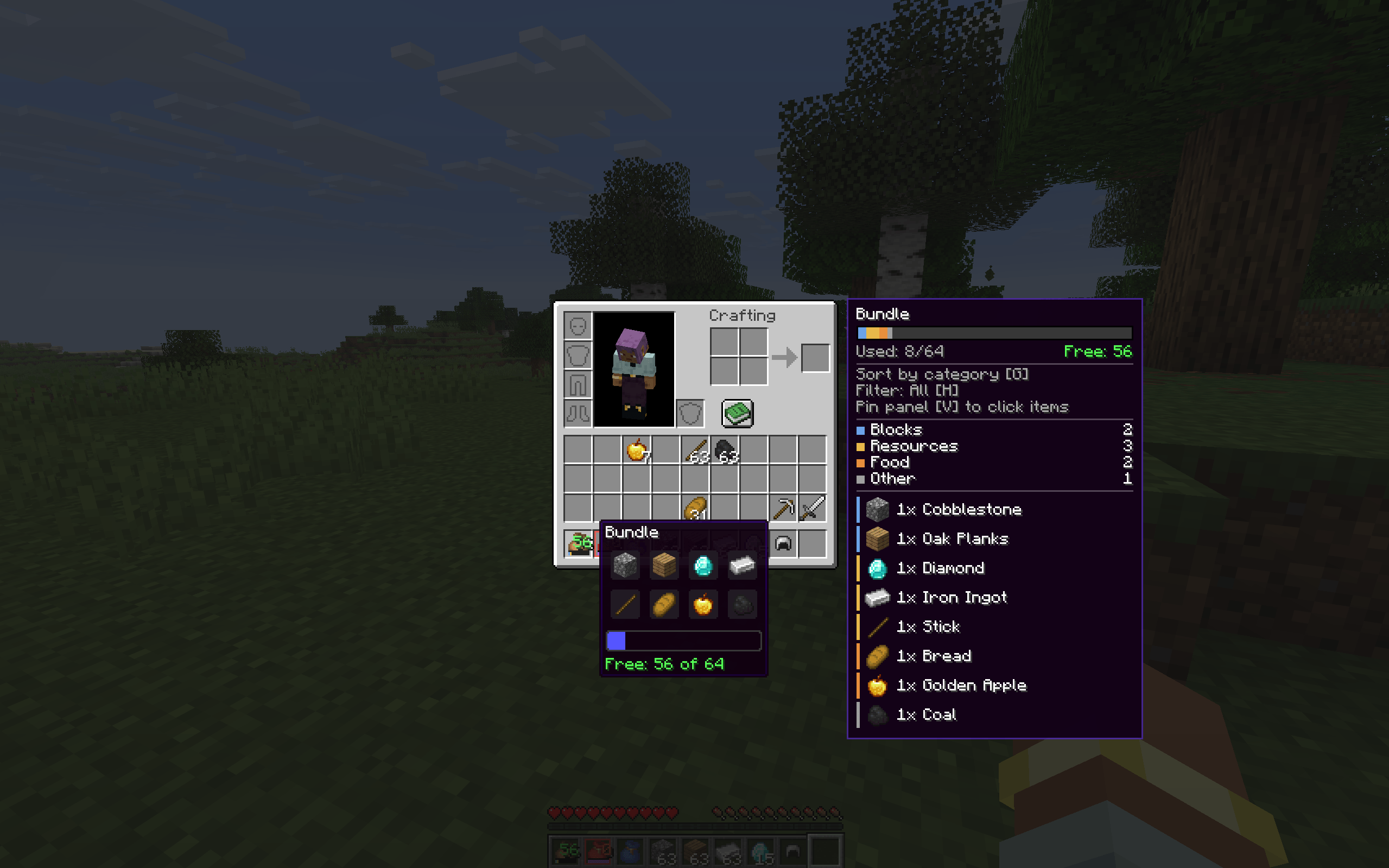
A small number on every bundle icon shows how many units of space are still free (64 = empty, 0 = full). The colour goes from green to yellow to orange to red as the bundle fills up. A thin bar under it is split by item category, and an almost full bundle gets a soft pulsing frame. It works in the inventory, in containers and on the hotbar, and it covers dyed bundles and bundles from other mods.
Hover a bundle in any inventory or container screen and a panel appears next to it:
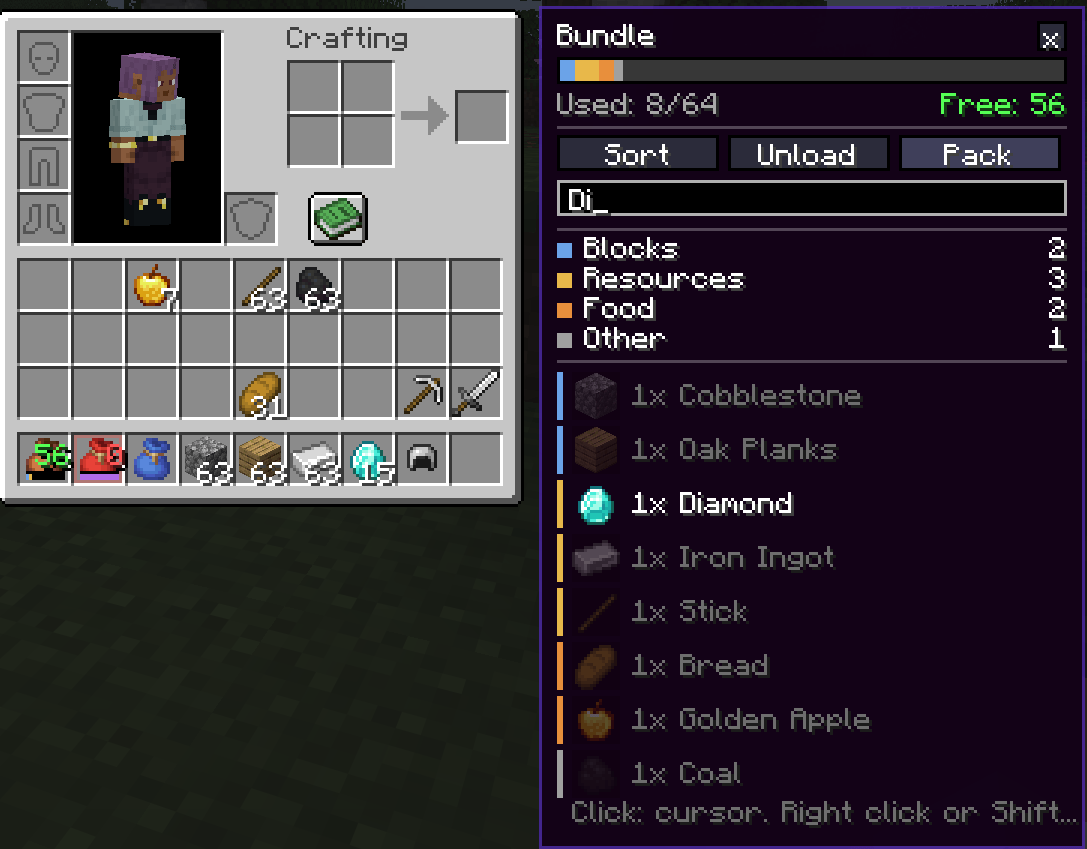
Press V over a bundle and the panel stays on screen and becomes clickable:
@modid to filter by mod. Non-matching rows are dimmed.Press H over a bundle to cycle through categories: Blocks, Resources, Tools, Weapons, Armor, Food, Potions, Other. Everything outside the chosen category is dimmed, so you can find that one stack of bread in a bundle full of cobblestone. Categories are detected from vanilla and c: common tags, so items from other mods are sorted too. Category colours can be changed in the config.
Press G over a bundle to reorder its contents:
Hold Shift with the sort key to switch the sorting mode. An optional setting sorts every bundle in your inventory automatically when you close a screen.
| Action | Key |
|---|---|
| Sort the bundle | G (with Shift: change sort mode) |
| Cycle category filter | H (with Shift: clear filter) |
| Unload into inventory | J |
| Pack from inventory | L |
| Pin or unpin the panel | V |
All keys can be changed in Controls. They act on the bundle under the cursor (or the pinned one) in an open inventory, and never while you are typing in a text field.
In serverconfig/bundleorganizer-server.toml:
| Option | Default | Effect |
|---|---|---|
allowSorting |
true |
Allow sorting bundles |
allowExtraction |
true |
Allow taking items out and unloading |
allowPacking |
true |
Allow packing from the inventory |
Does it change how bundles work? No. Capacity, recipes and item behaviour stay vanilla. The mod only gives you more convenient ways to look inside, sort, and move items in and out.
Is it safe to add to an existing world? Yes. It adds no blocks, items or world data, so it can be removed at any time.
Do I need it on the server? Not to see the free-space number, the panel, the filter and the search. For sorting, taking items out, unload and pack, yes: install it on the server too.
Can I use it in a modpack? Yes, please do.
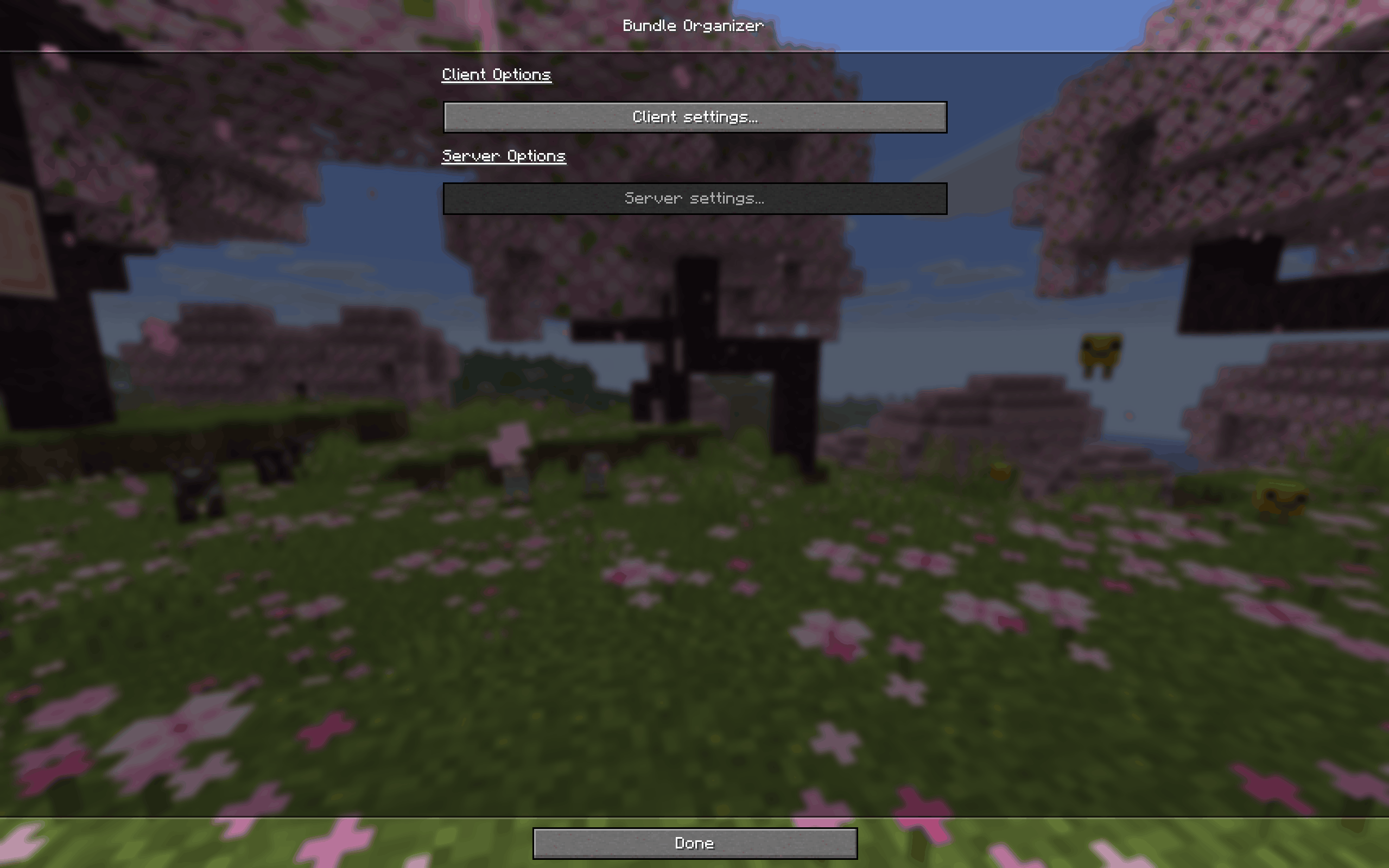
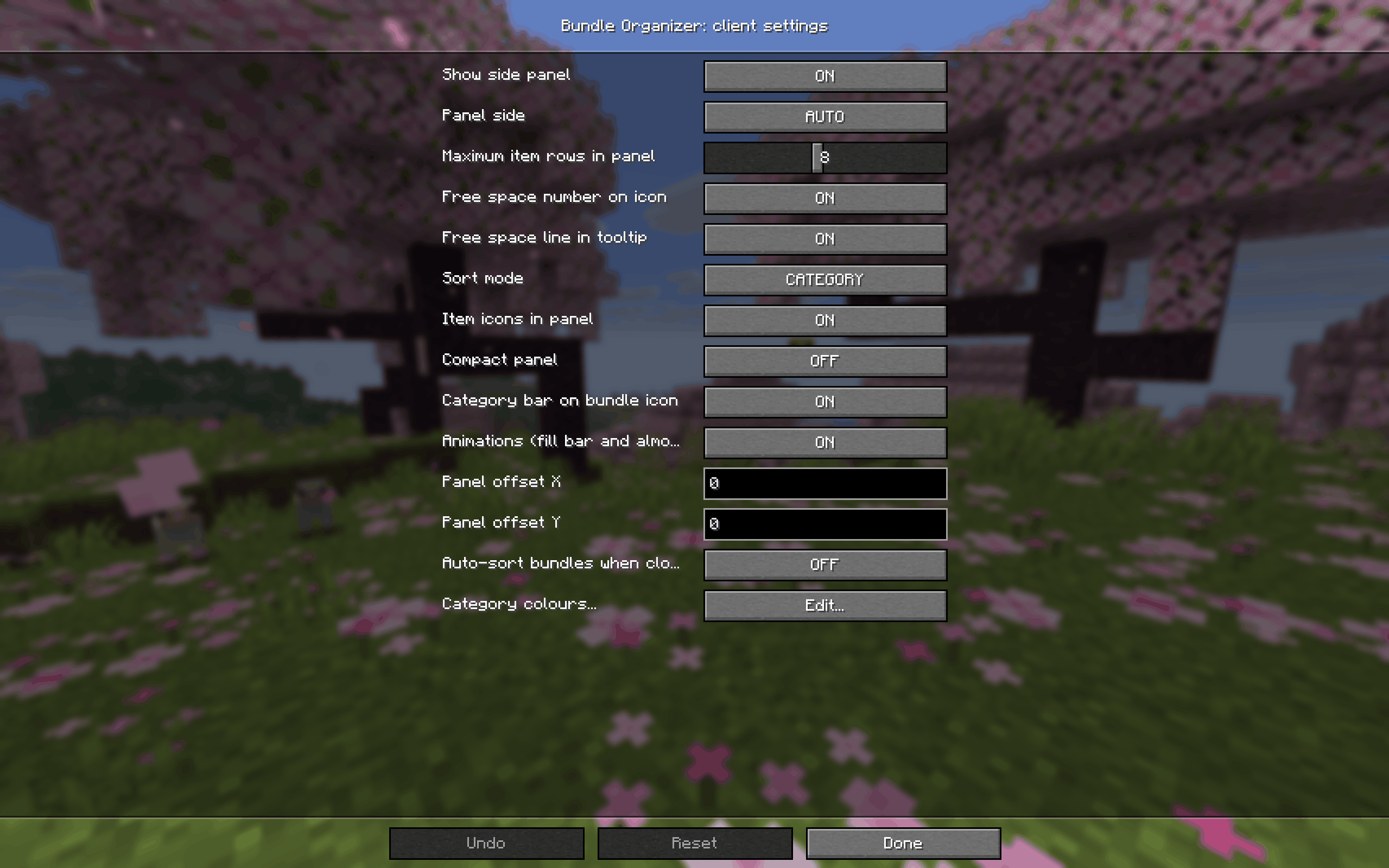
The panel covers my recipe viewer. Change panelOffsetX and panelOffsetY in the client config, or switch the panel side.
A key does nothing. The keys work only with the cursor over a bundle (or with a pinned panel) in an open inventory screen, and not while a text field has focus.
Found a bug or have an idea? Please open an issue and include your Minecraft and NeoForge versions and latest.log.