Browsermod MCEF
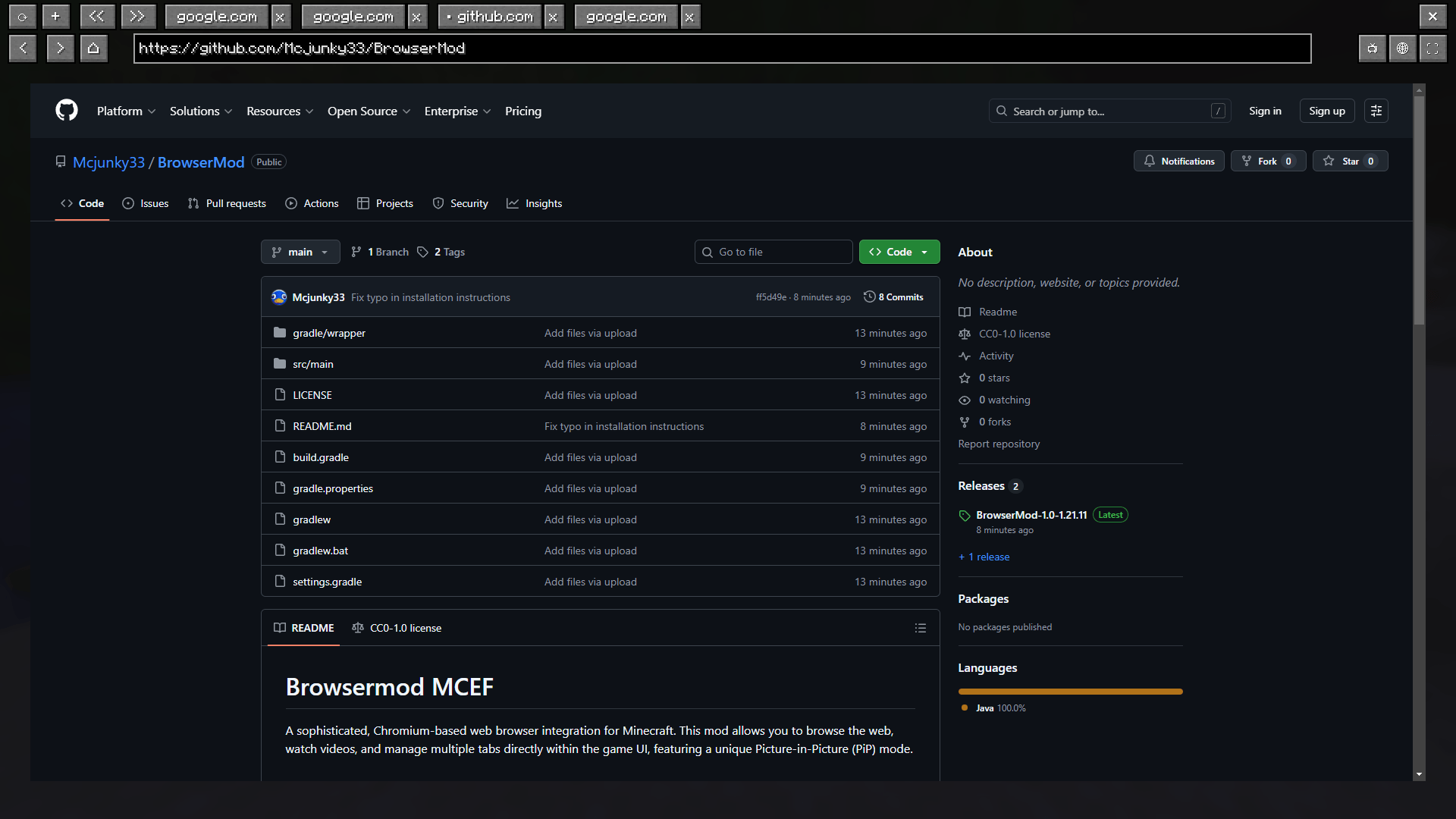
A sophisticated, Chromium-based web browser integration for Minecraft. This mod allows you to browse the web, watch videos, and manage multiple tabs directly within the game UI, featuring a unique Picture-in-Picture (PiP) mode.
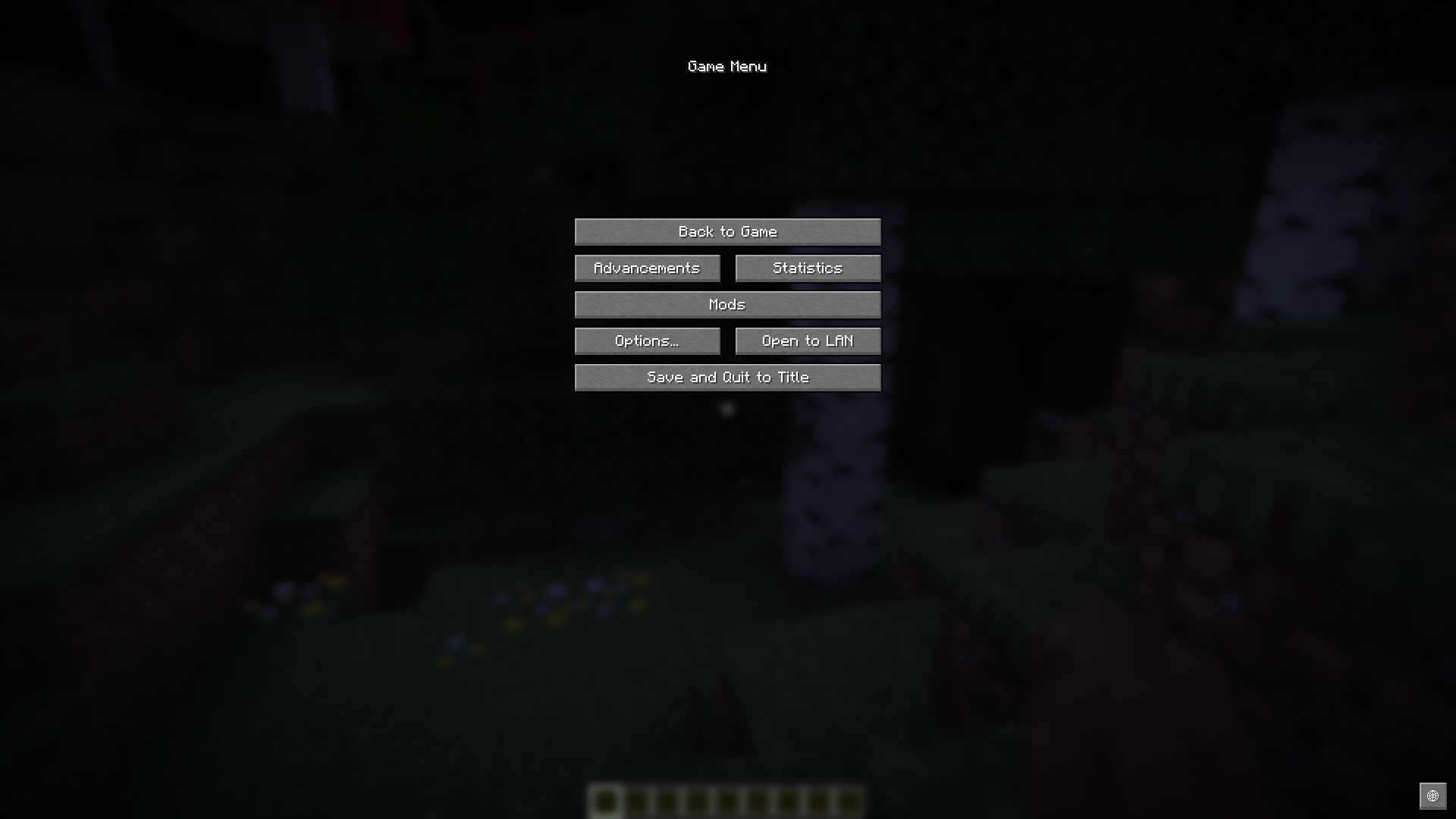
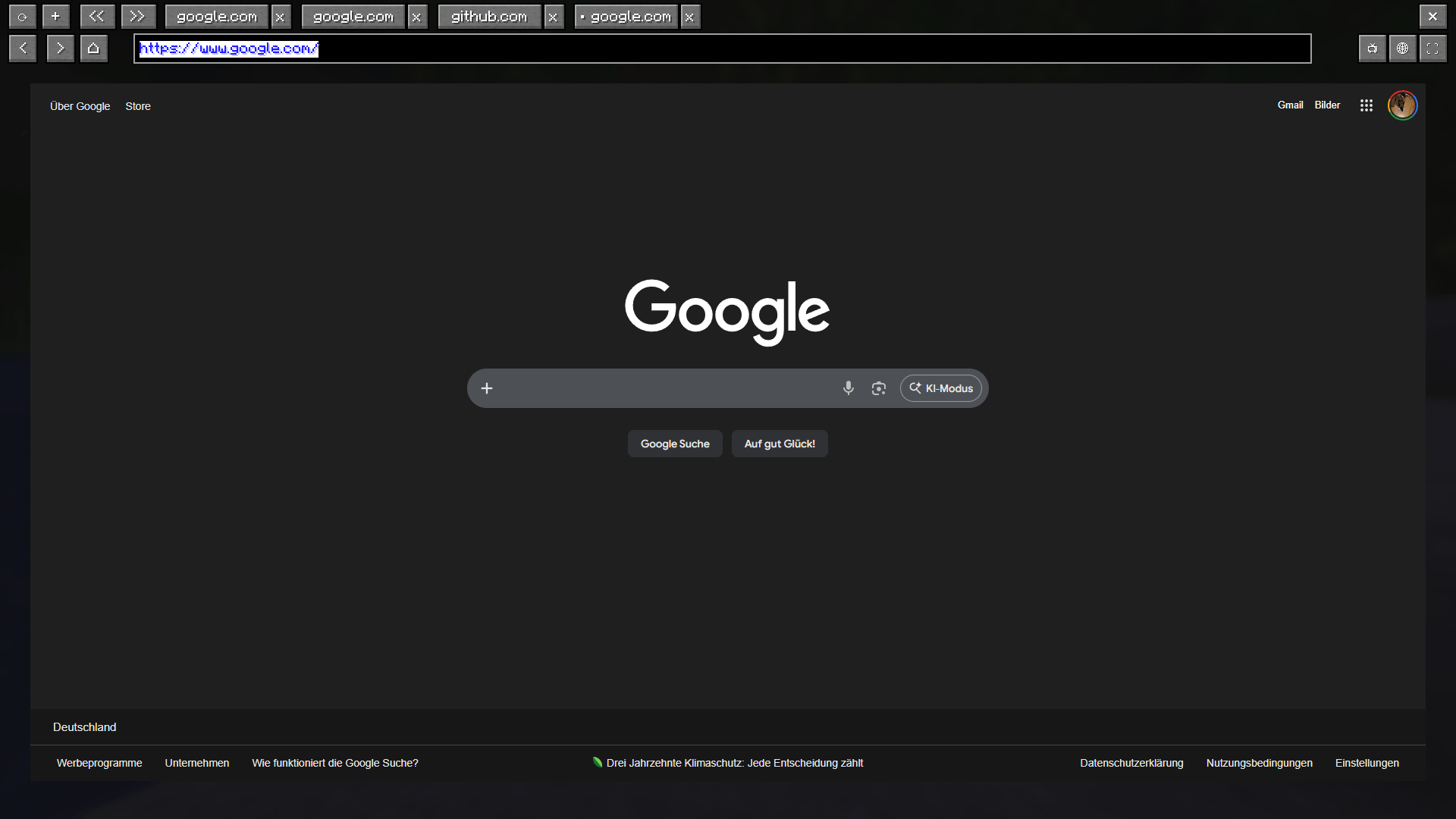
Browser screen: 
Controls and Keybindings
All keys can be remapped in the Minecraft options. The defaults are:
- B: Open the Main Browser Screen.
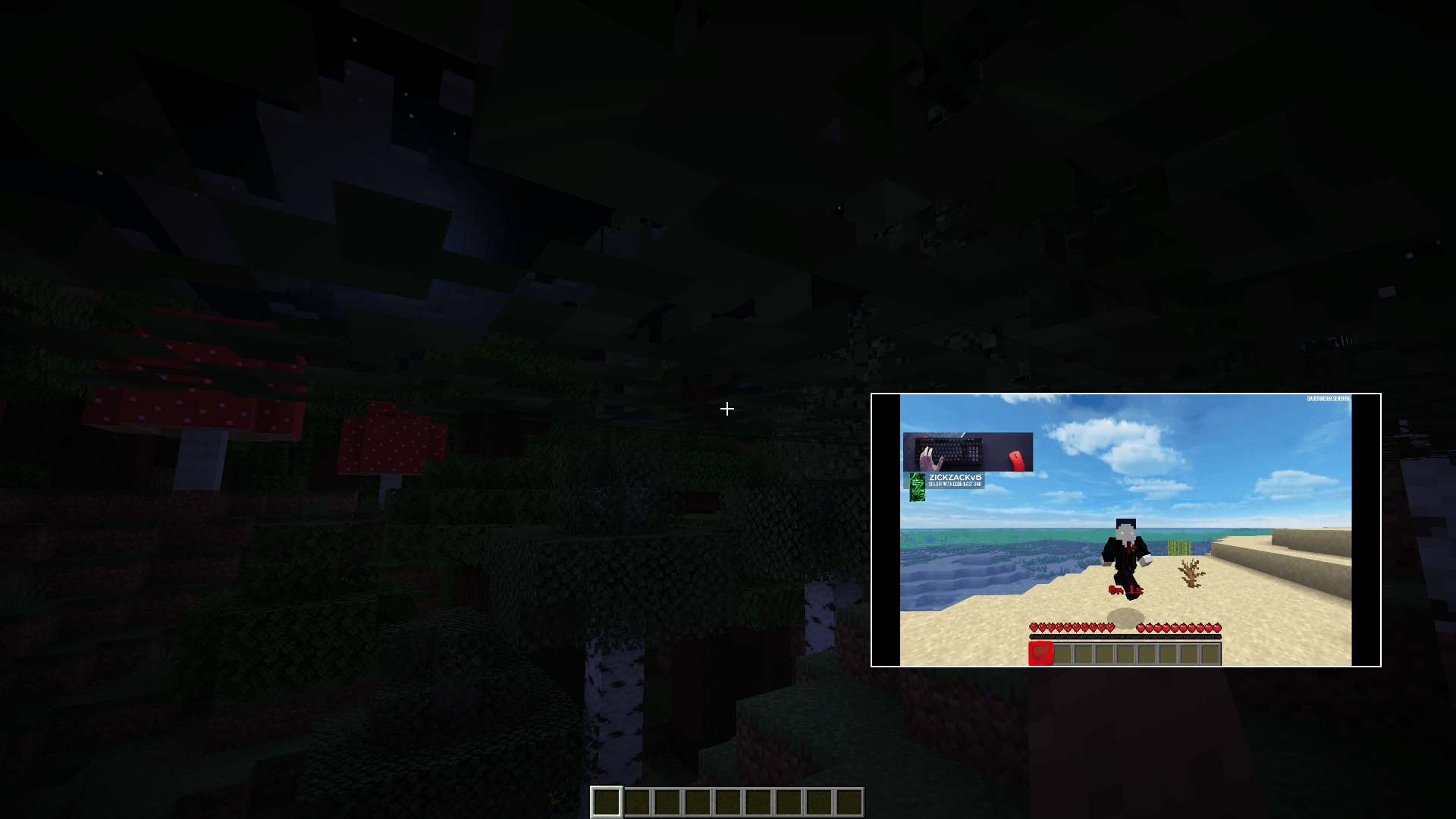
- P: Toggle Picture-in-Picture (PiP) mode.
- Arrow Up / Down: Scroll up and down while in PiP mode.
- F12: Toggle Fullscreen mode while the browser is open.
- AltGr: Special support to trigger Ctrl + Alt combinations (required for international characters like @).
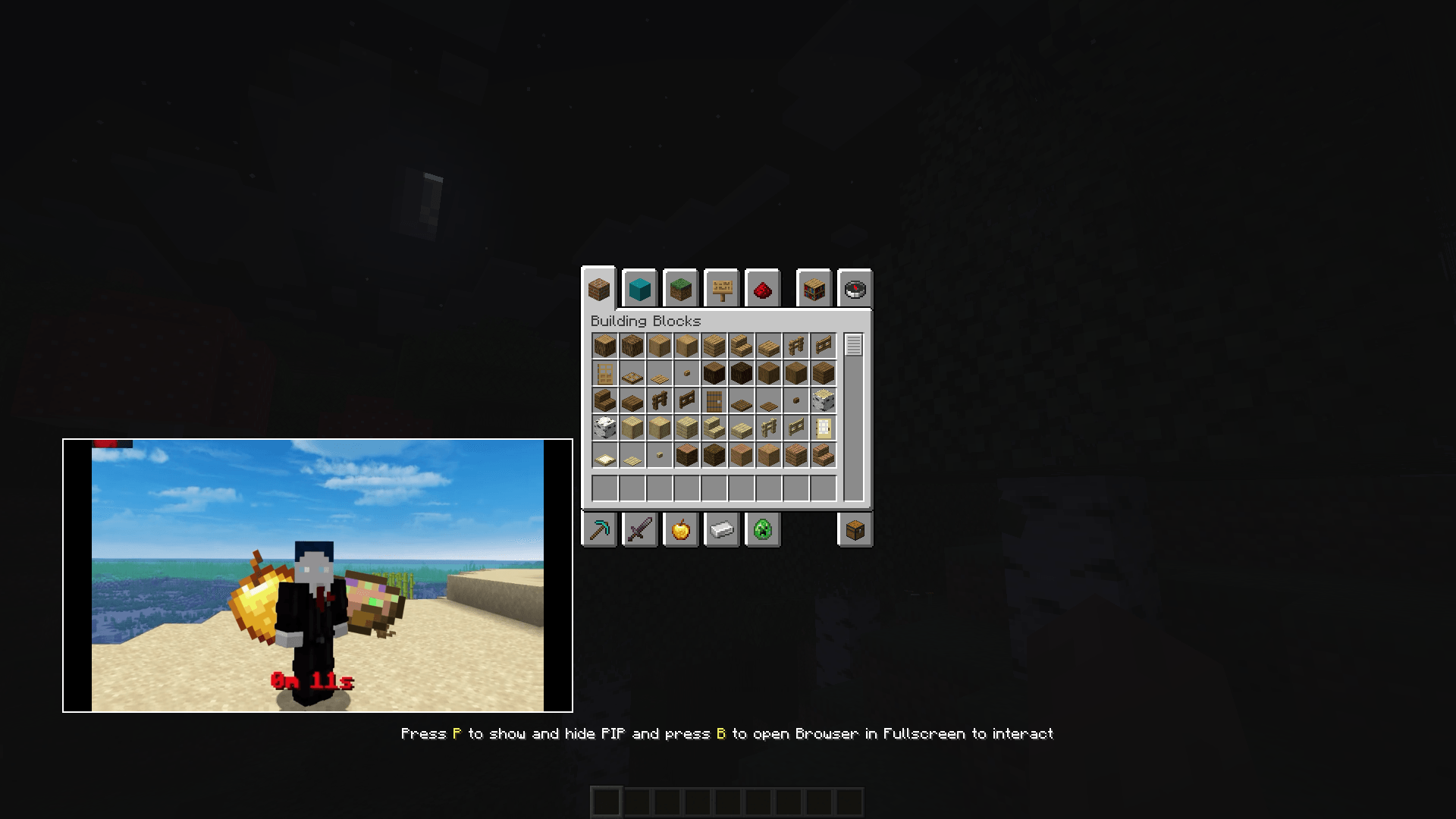
PiP: 


Features
- Multi-Tab Management: Open, switch, and save multiple browser tabs.
- Picture-in-Picture (PiP): Keep a small browser window open while playing. Resize and move it anywhere on your screen.
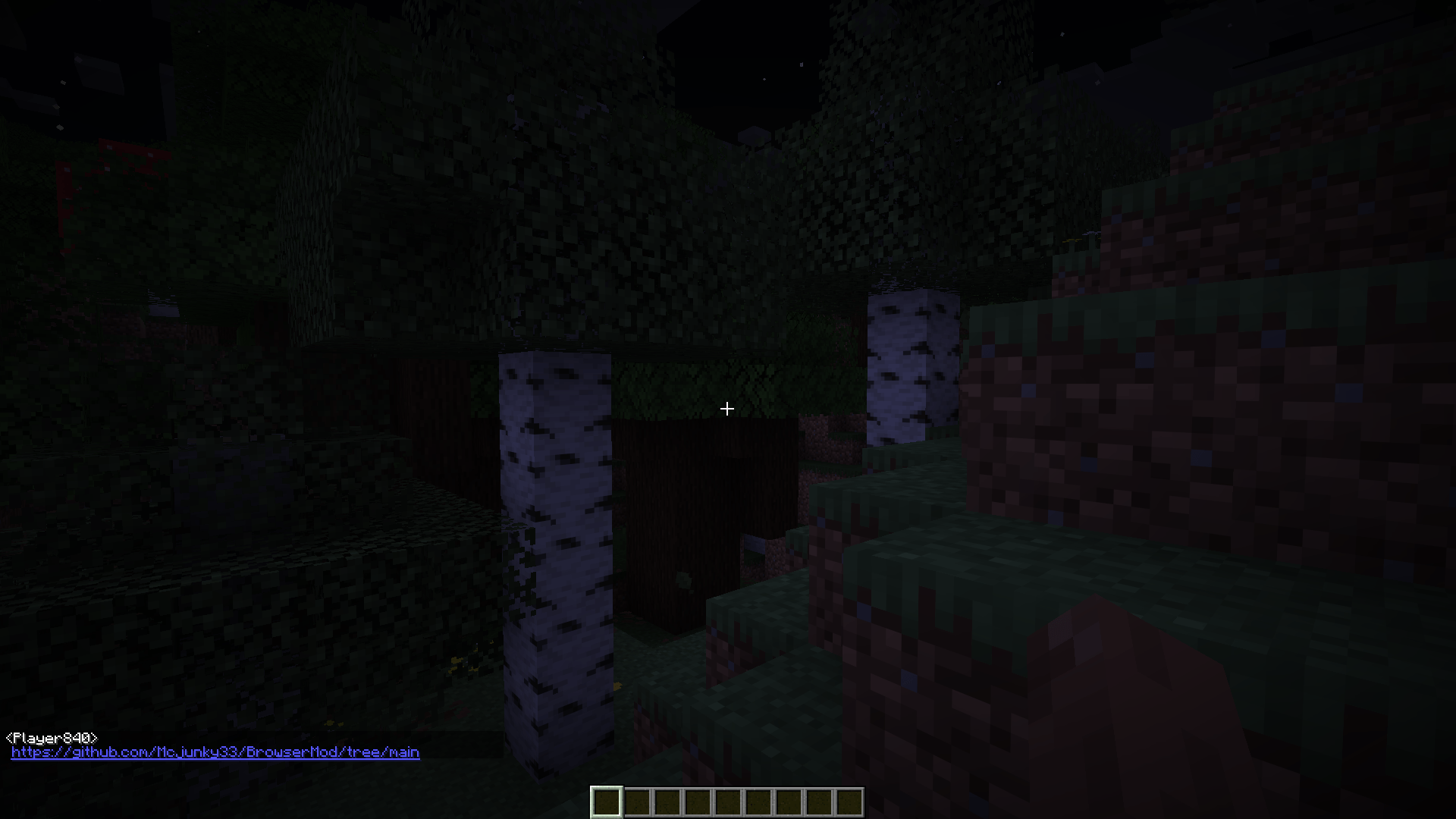
- Chat Link Interceptor: Clicking URLs in chat automatically opens them in a mod tab instead of an external browser.
- Persistence: Your tabs and PiP configuration (position/size) are saved automatically in .json config files.
- Stream Browser ingame on blocks only singleplayer no multiplayer screen. (only version 0.3 higher versions not supported)
Ingame Stream: 
Clickable Links in chat: 

Technical Details
- Working on Windows (X64/X86)
- Working on linux (X64/X86) (Android doesn't work)
- Working on MacOS (X64/X86)
- No Arm Processors
Installation
- Install the requied MCEF [Keksuccino's Fork]
- Place the browsermod.jar in your mods folder.
Browsermod MCEF
Eine fortschrittliche, Chromium-basierte Webbrowser-Integration für Minecraft. Diese Mod ermöglicht es dir, im Internet zu surfen, Videos anzusehen und mehrere Tabs direkt in der Minecraft-Benutzeroberfläche zu verwalten – inklusive eines einzigartigen Picture-in-Picture (PiP) Modus.
Steuerung und Tastenkombinationen
Alle Tasten können in den Minecraft-Optionen geändert werden. Standardbelegung:
- B: Öffnet das Haupt-Browserfenster.
- P: Schaltet den Picture-in-Picture (PiP) Modus an/aus.
- Pfeil Hoch / Runter: Scrollen innerhalb des PiP-Fensters.
- F12: Vollbildmodus im Browser umschalten.
- AltGr: Spezielle Unterstützung für Strg + Alt Kombinationen (wichtig für Sonderzeichen wie @).
Features
- Multi-Tab Management: Mehrere Tabs gleichzeitig öffnen, wechseln und speichern.
- Picture-in-Picture (PiP): Behalte ein kleines Browser-Fenster während des Spielens offen. Das PiP-Fenster lässt sich frei skalieren und verschieben.
- Chat-Link-Abfangjäger: Klickst du auf eine URL im Chat, öffnet sich diese automatisch in einem neuen Tab der Mod, statt im externen Browser.
- Speicherung: Deine Tabs sowie die PiP-Konfiguration (Position/Größe) werden automatisch in .json-Dateien gespeichert.
- Stream Browser im spiel an blöcke only singleplayer no multiplayer screen. (only version 0.3 higher versions not supported)
Technische Details
- Funktioniert auf Windows (X64/X86)
- Funktioniert auf linux (X64/X86) (Android funktioniert nicht)
- Funktioniert auf MacOS (X64/X86)
- Keine Arm Processors
Installation
- Installiere den benötigten MCEF [Keksuccino's Fork].
- Lege die browsermod.jar in deinen mods-Ordner.