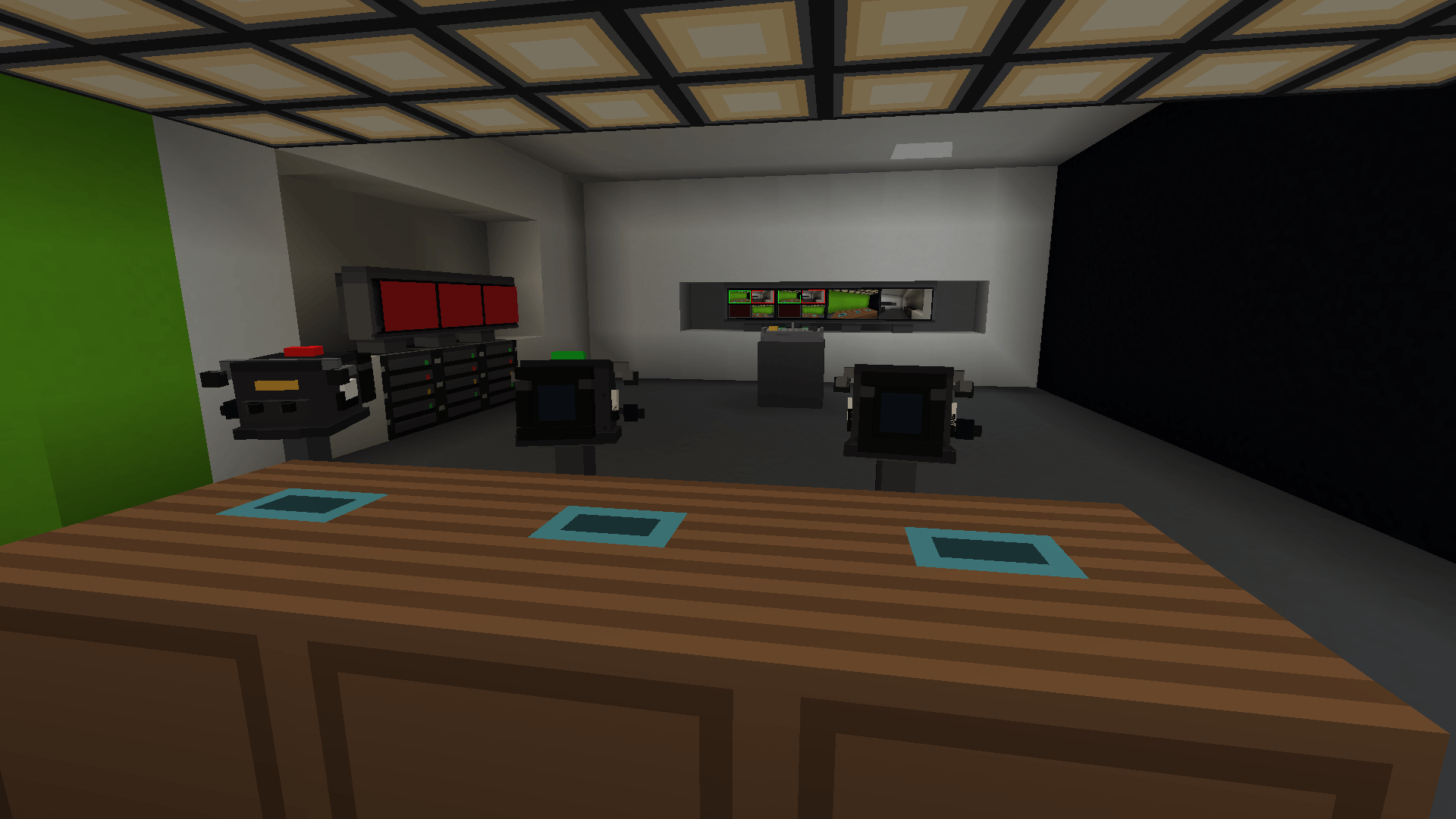
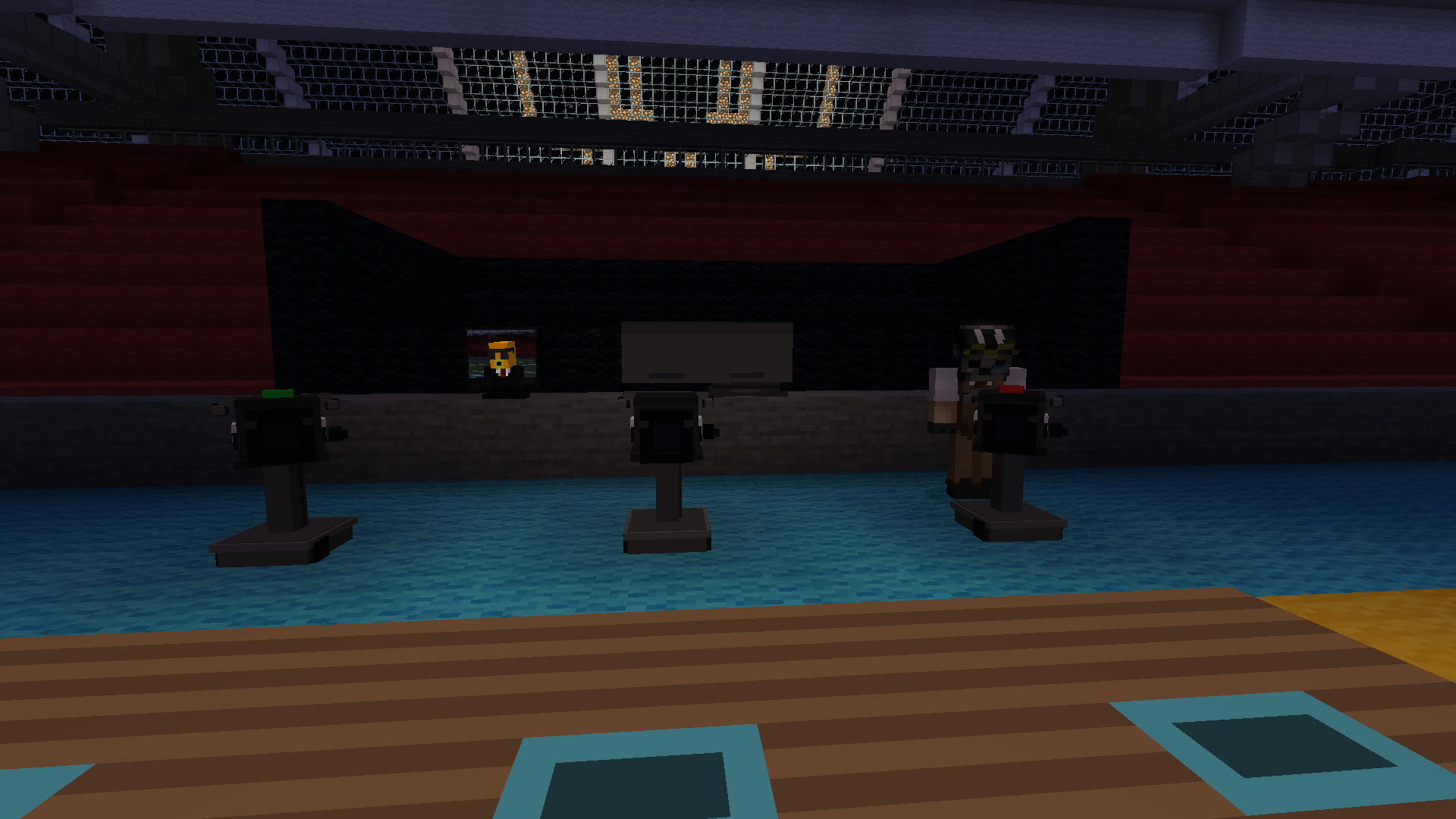
Build the studio. Direct the show. Broadcast it across your Minecraft world.
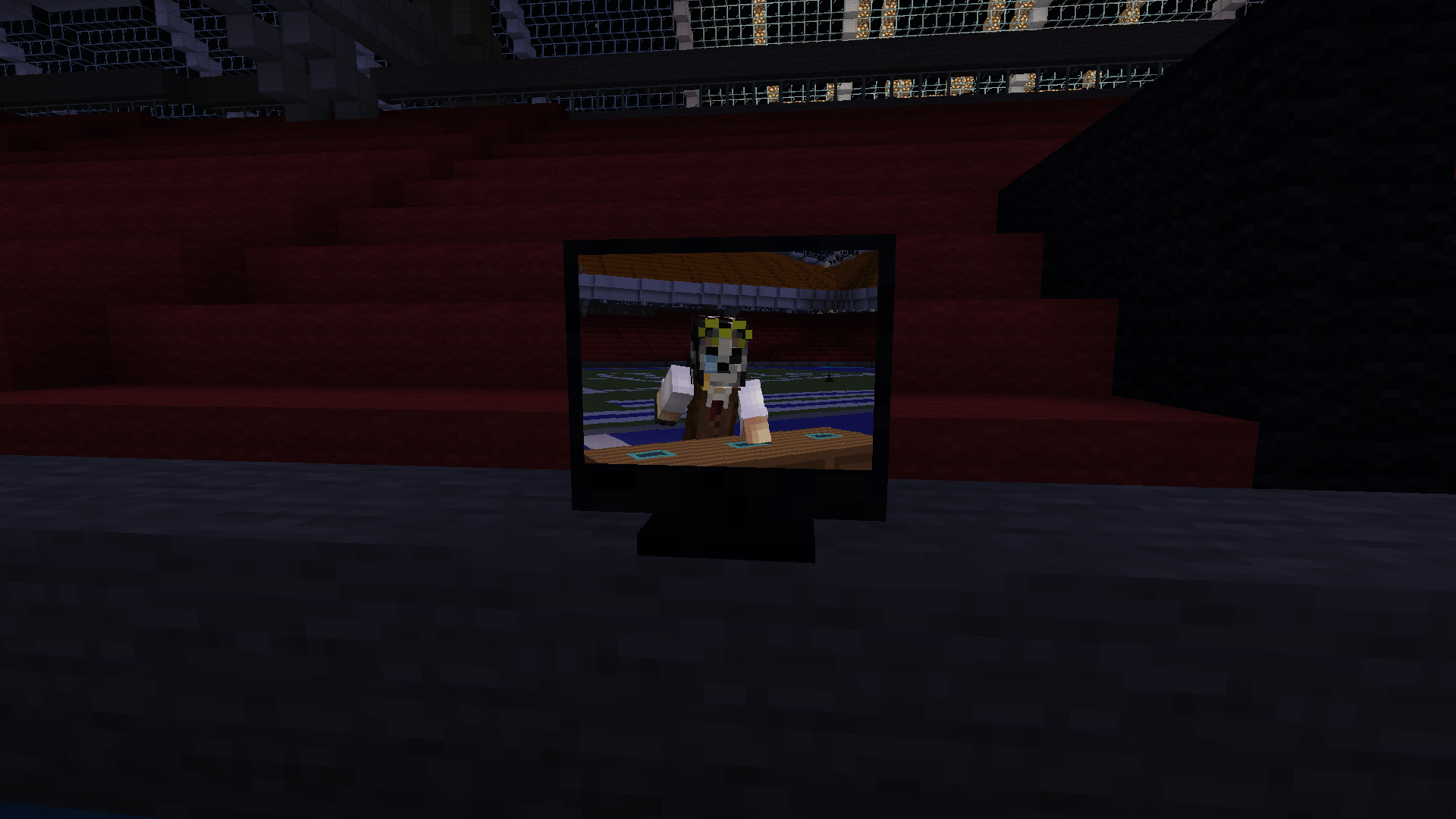
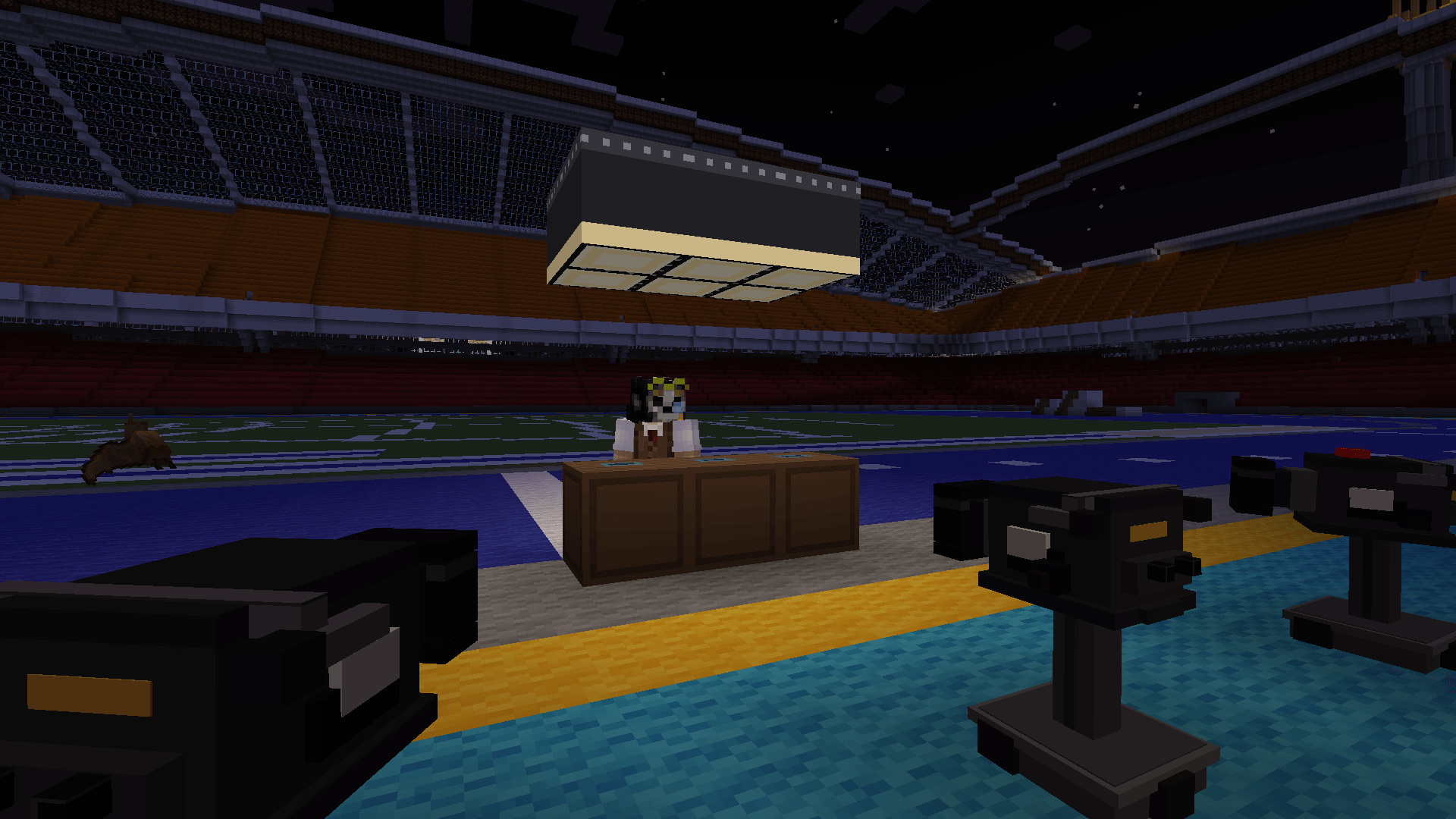
Point a camera at your friend. Cut to it from the mixer. Someone two thousand blocks away switches on a television and watches it happen live.
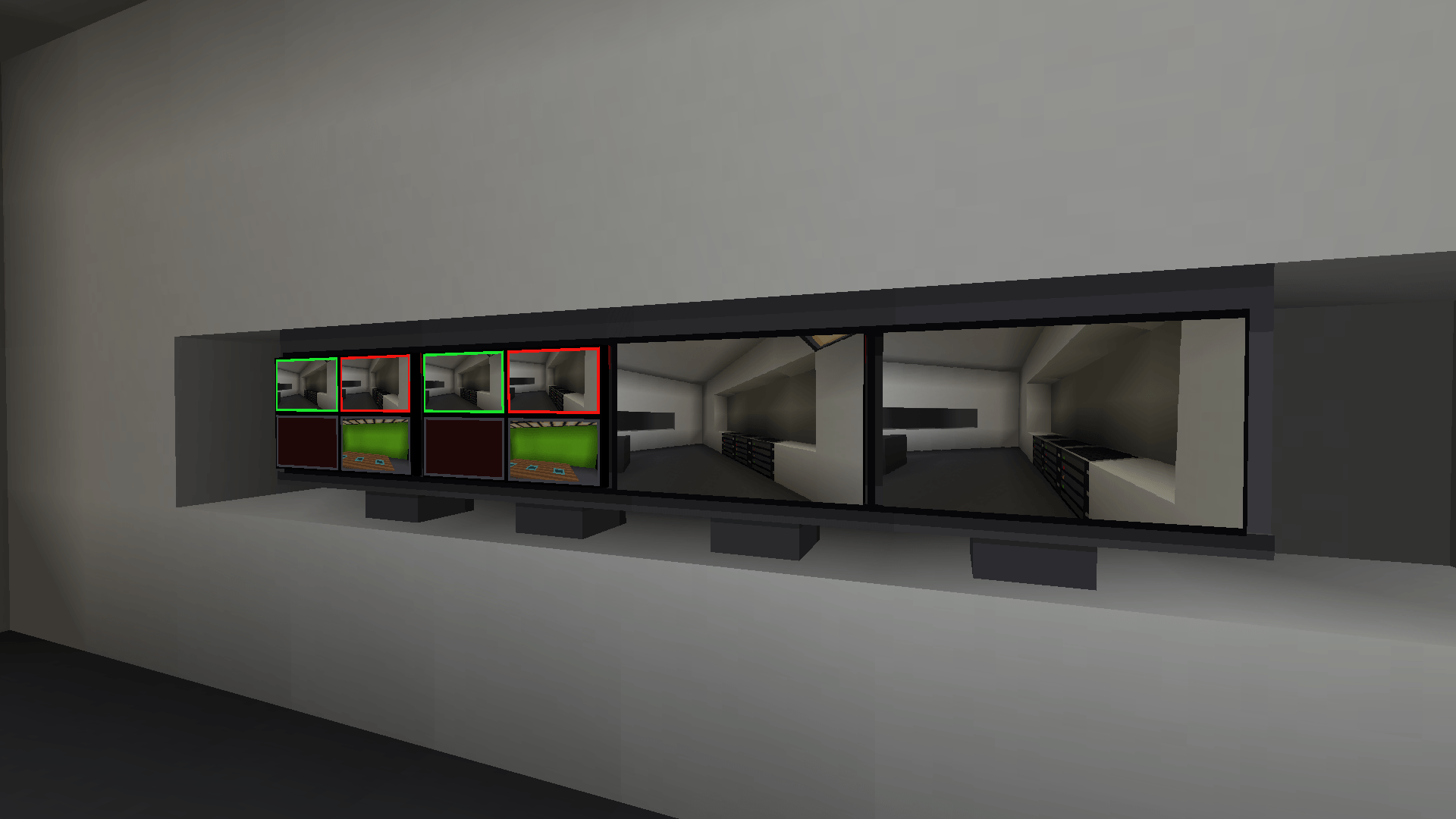
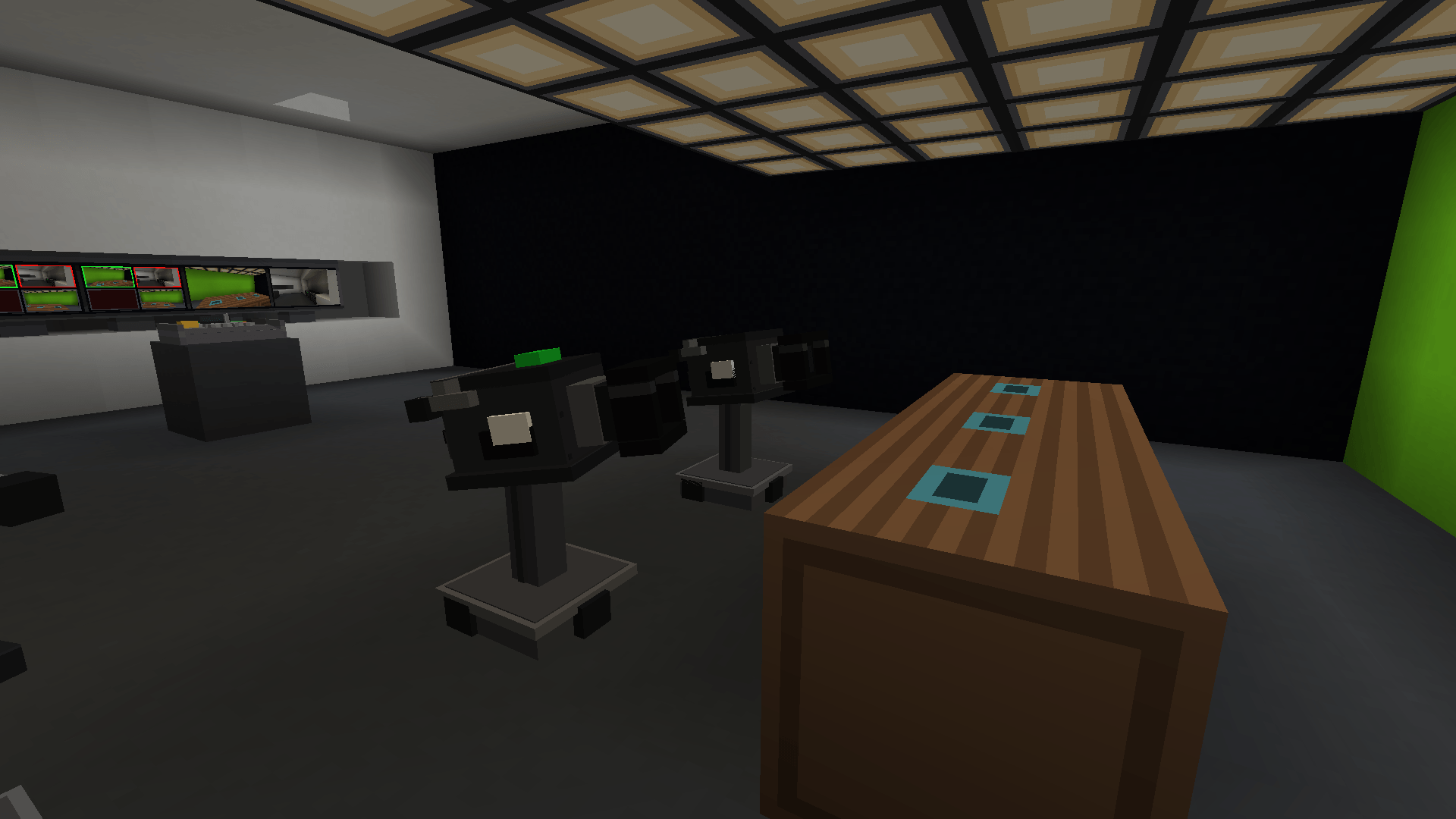
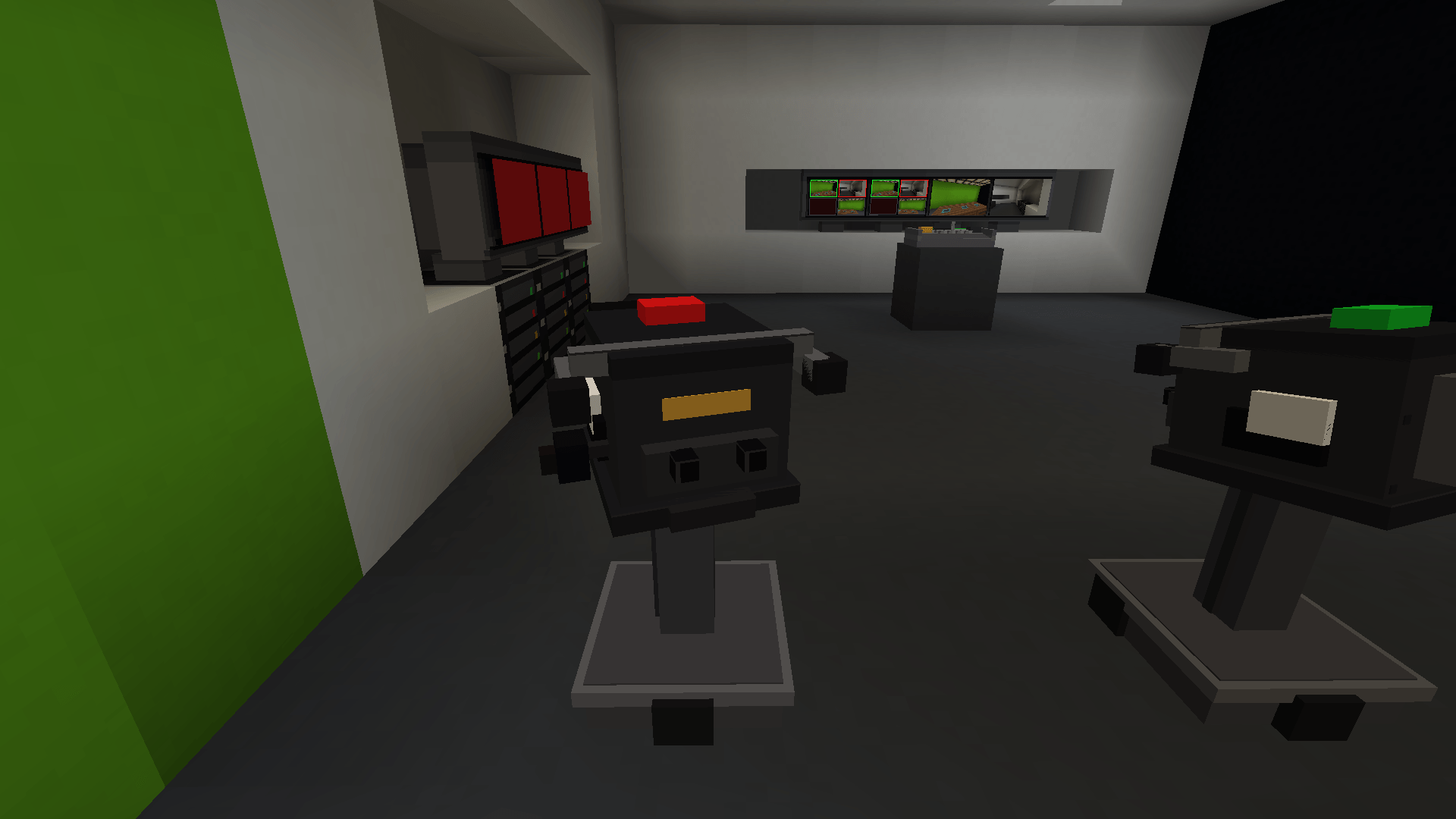
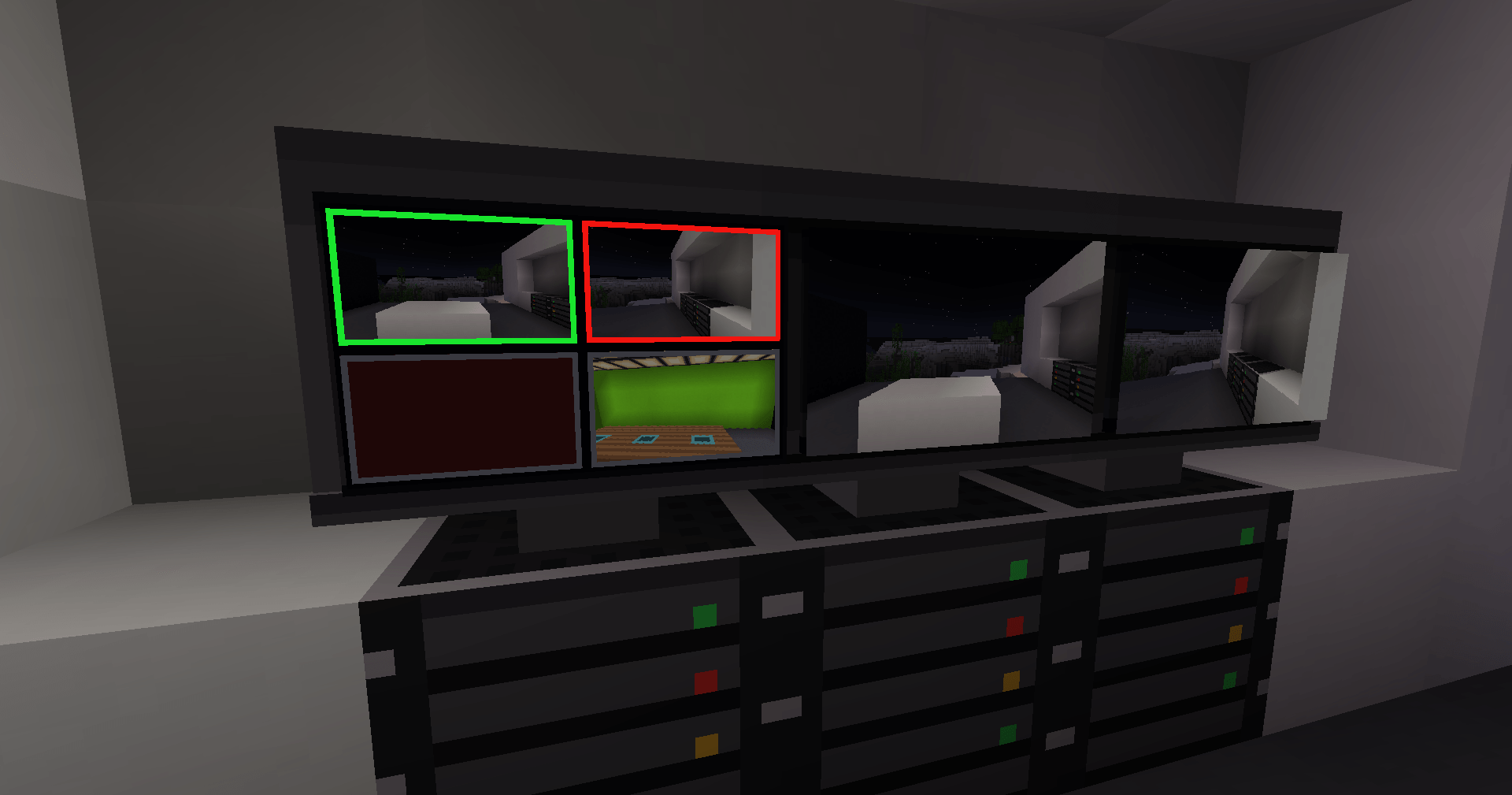
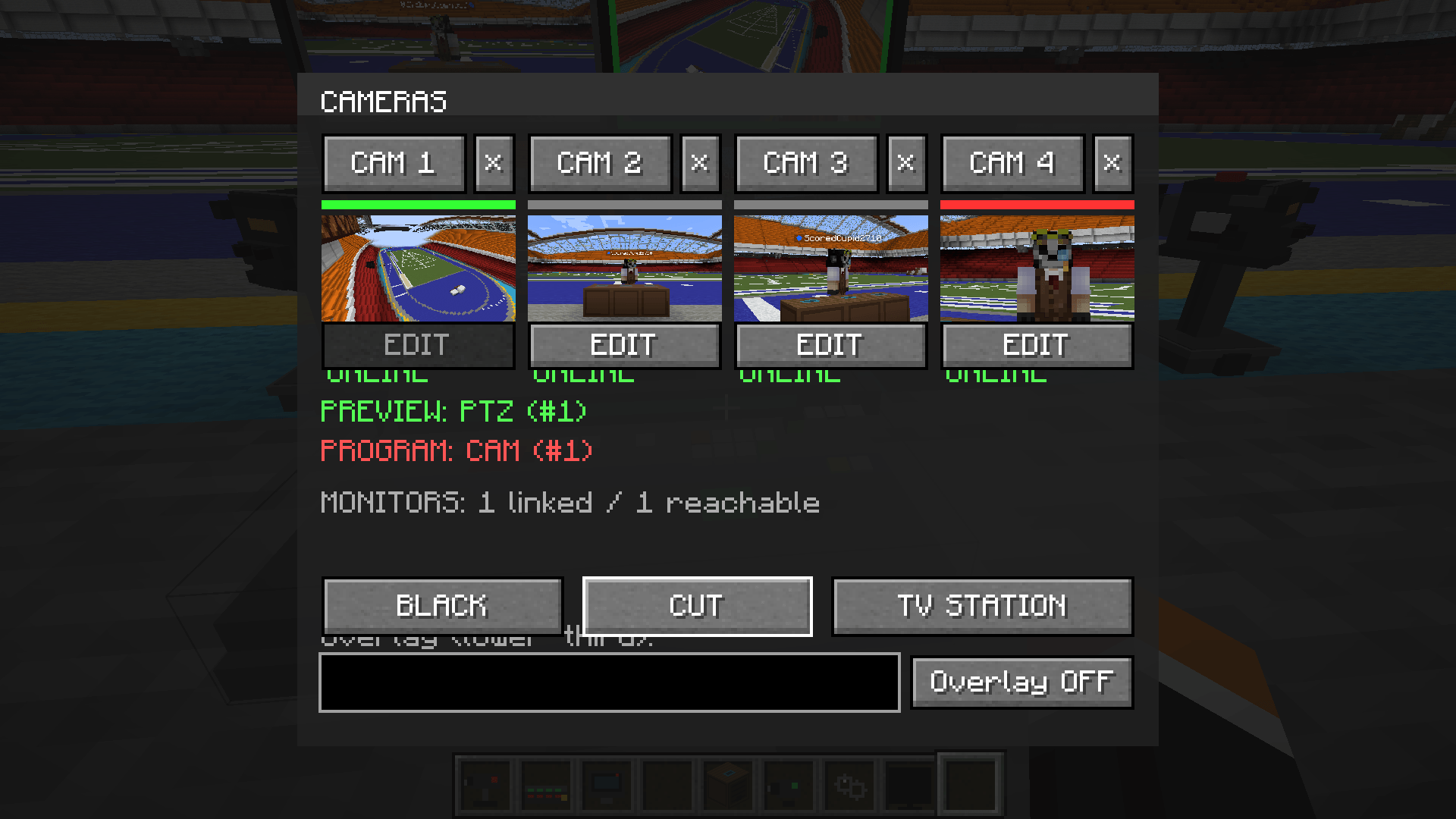
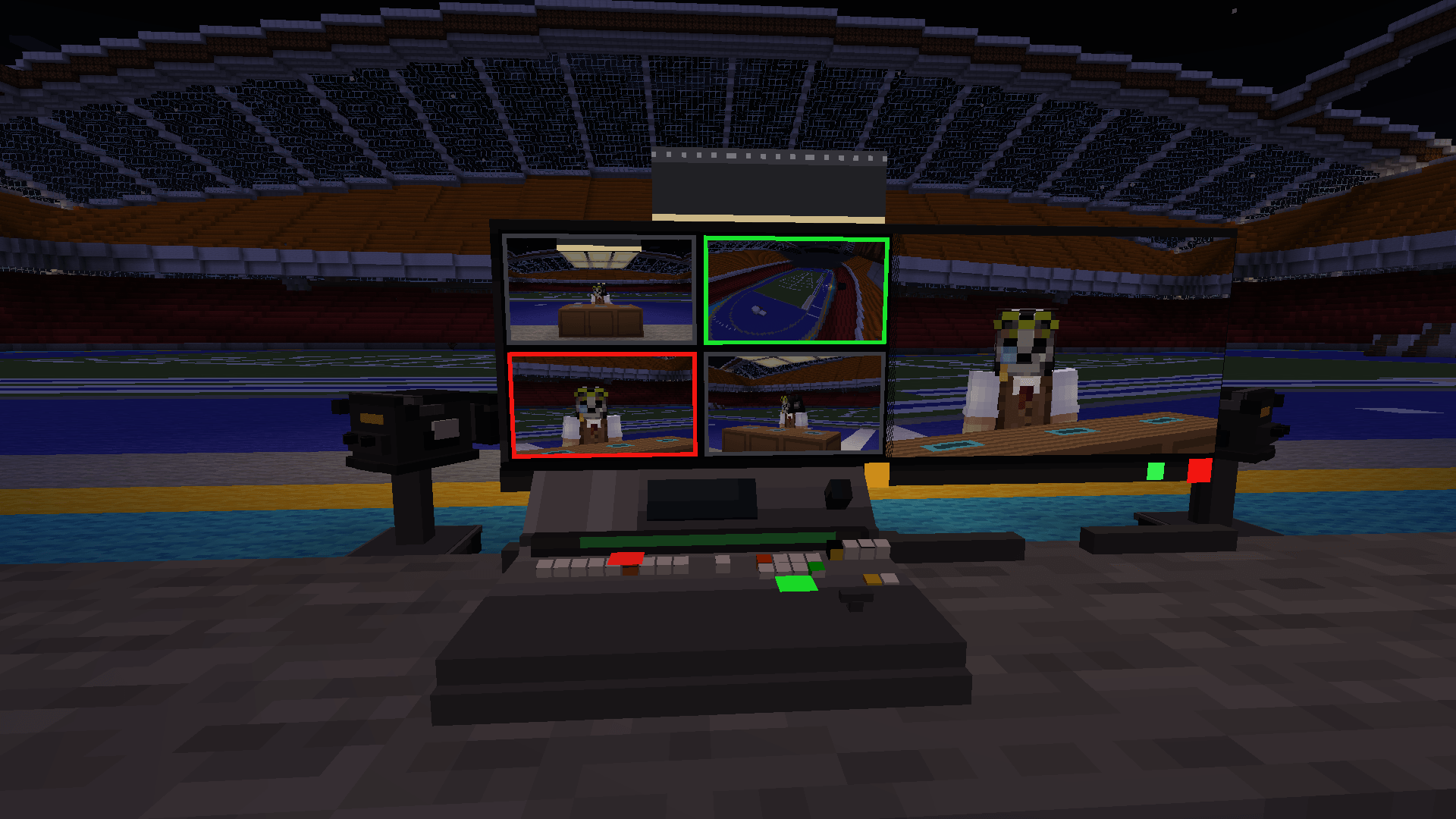
BroadcastCraft is a working television station for Minecraft. The cameras genuinely capture what they are pointed at — rendered from the physical lens, not faked with a texture. A vision mixer decides which camera is on air. Televisions anywhere in the world tune in by channel number and receive the finished programme.
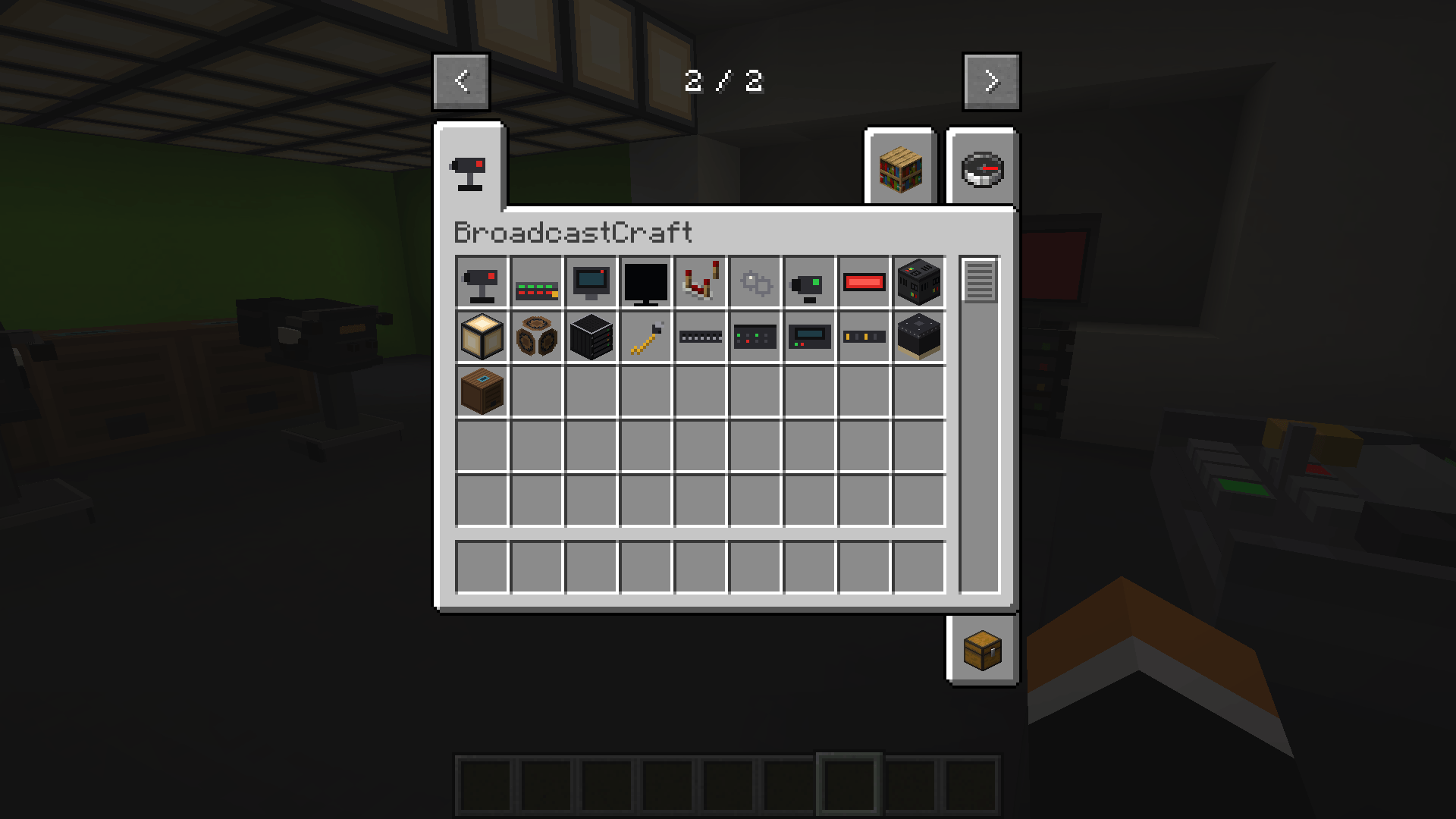
The first item in the creative tab is the Broadcast Handbook. Ten chapters, and a seven-step build-along that takes you from an empty field to a working station in a few minutes — plus a troubleshooting page that tells you what every monitor status colour means.
If you have looked at this mod before and wondered where to start, start there.
Three blocks are enough:
Link them with the Camera Linking Tool: right-click the source, then the destination. That is the whole wiring system.
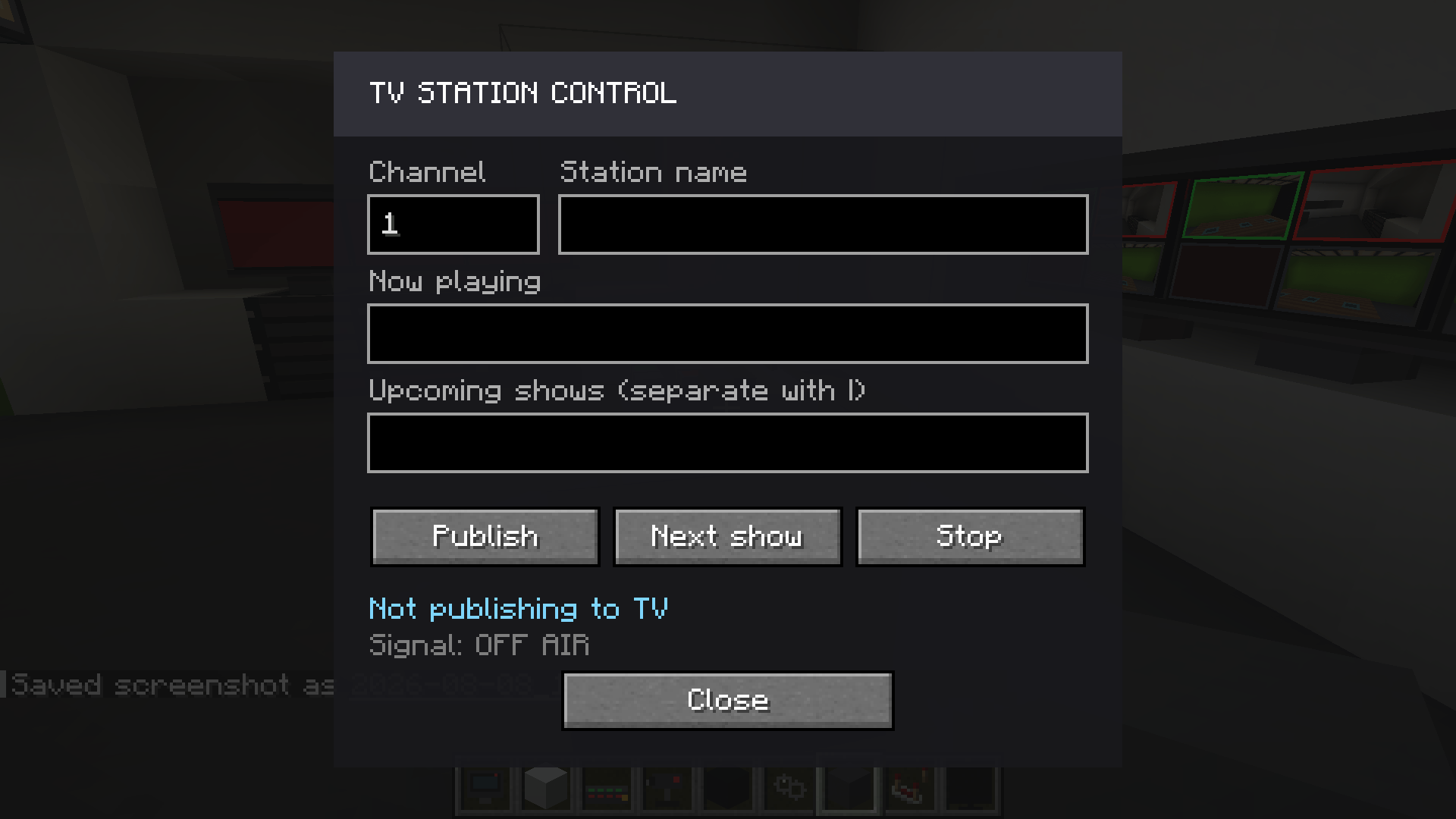
Then publish the mixer's output as a TV station with a channel number and a name, and every television in the world can tune to it.
Everything below lives in one place: press Escape in-game for a BroadcastCraft settings screen — no config file to hand-edit, no restart to change a slider.
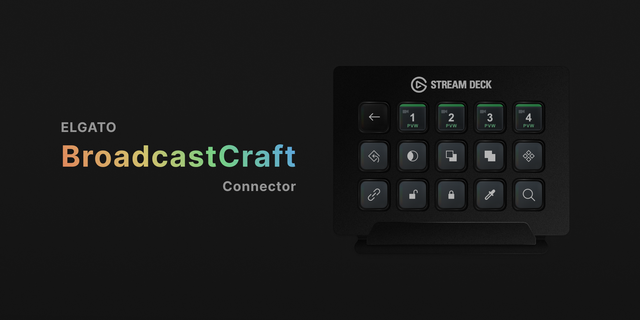
Stream Deck. Six keys, no Bitfocus Companion: Preview 1–4, Cut and Black, straight from an Elgato Stream Deck to your Vision Mixer. Install the free BroadcastCraft plugin, turn it on in the settings screen, paste in a token, and you are directing with real buttons instead of menus.
NDI output. Send the nearest mixer's Program picture out as a live NDI video source, so OBS (with its free NDI plugin), vMix or any other NDI-capable software can use BroadcastCraft as a real camera — no capture card, no window capture. Needs the free NDI Tools installed separately from ndi.video.
Both run entirely on your own machine — the mod only ever talks to 127.0.0.1, never the network — and are off by default.
With Simple Voice Chat installed, speak in front of a camera that is on Program and you are heard from every television tuned to that station, anywhere in the world. Stand in front of a Preview camera and nobody hears you — you are not on air, in picture or in sound.
Not installed? Nothing changes; the mod runs exactly the same.
Give televisions a PAL or NTSC picture: scanlines and a period colour cast, PAL finer and cooler, NTSC coarser and warmer. Broadcast Monitors stay clean, the way a real gallery looks at clean feeds. Off by default.
Built for it, not retrofitted. Every action is validated on the server, so what one player switches, everyone sees — and camera, mixer, station and schedule configuration all survive a restart.
A studio works fine for one player, and scales to a production team running a live event.
Two builds, same features - pick the one matching your Minecraft version:
Shaderpacks (Iris/Oculus). With a shaderpack enabled, camera feeds pause and monitors show a standby screen instead - feeds render the world a second time, which is exactly the stage a shader pipeline replaces. Everything returns the moment shaders are turned off.
Chunk loading. A camera can only produce a picture while its part of the world is loaded. If nobody is near your studio, distant televisions show a station-offline screen. That is how Minecraft loads the world rather than a bug, and the Handbook explains the practical ways around it.
Talkback and intercom, local video playback with scheduling, more studio equipment, and audio control-room tools.
BroadcastCraft turns broadcasting into a real Minecraft gameplay system — not just decoration.