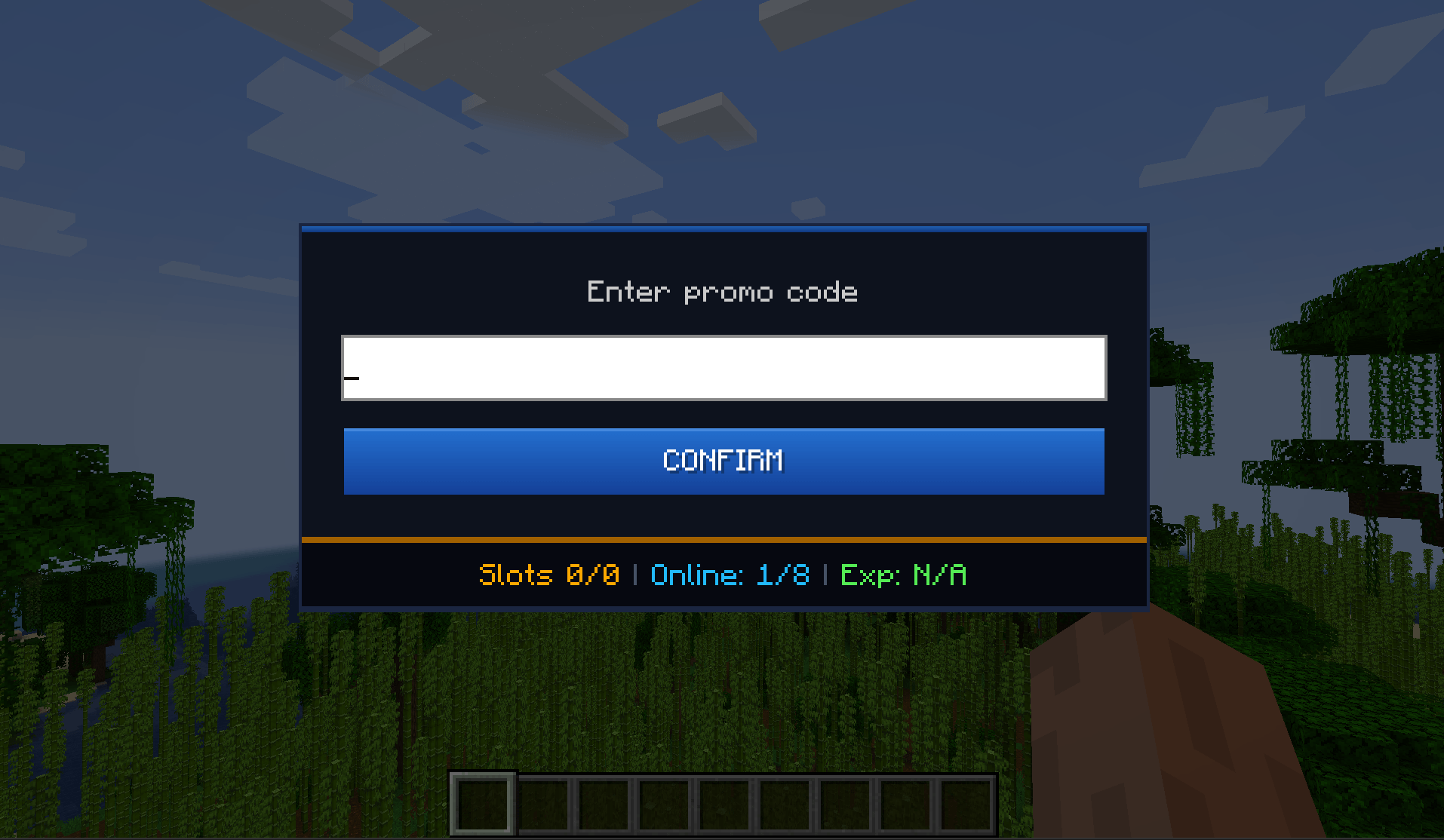
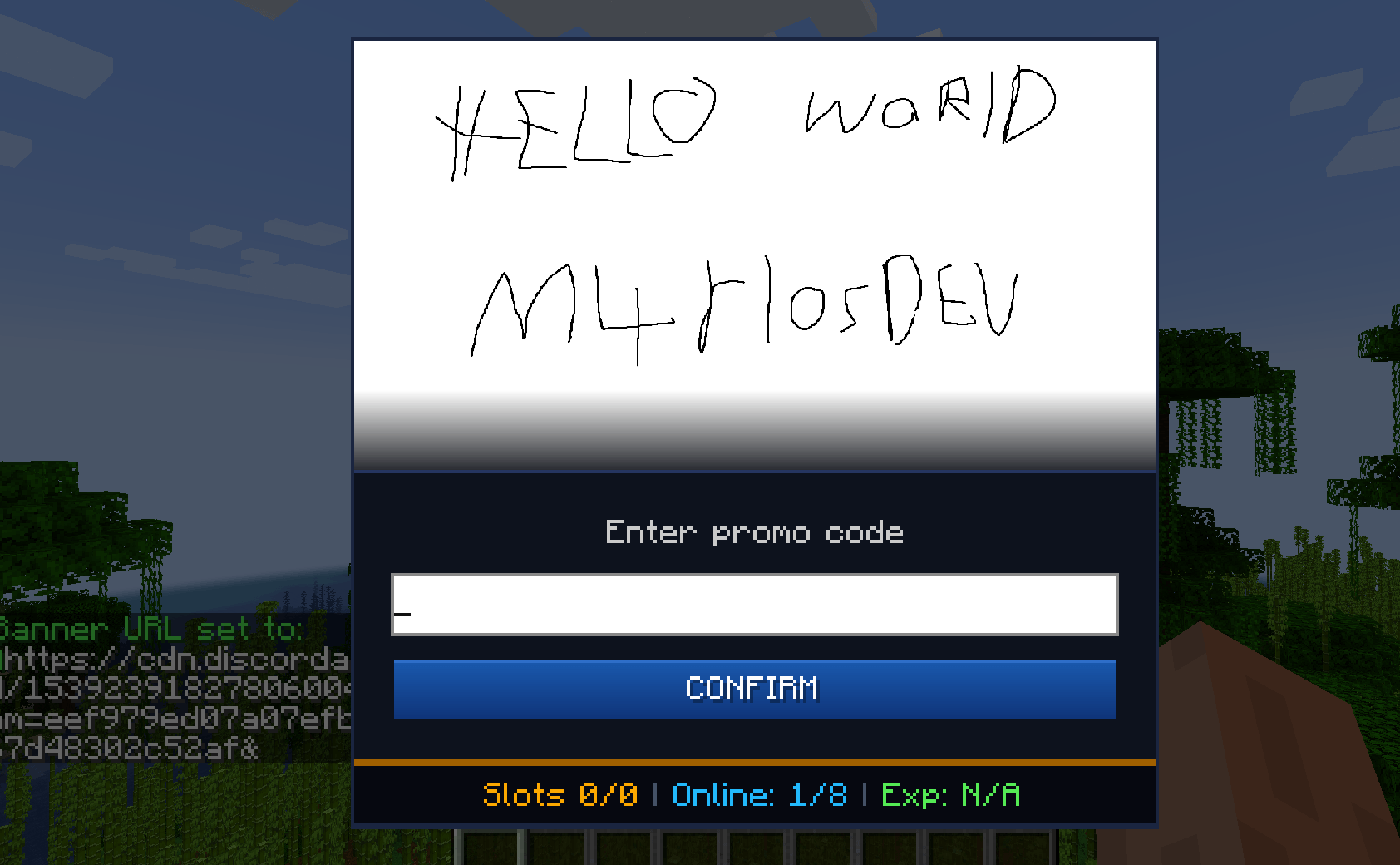
A complete promotional code system for Minecraft servers. Server administrators can create custom codes that reward players with items, with full control over quantities, usage limits, and expiration dates.
BetterRewards adds an intuitive in-game interface for redeeming promotional codes.
Perfect for:
✅ Simple GUI — Players use /promo and enter a code
✅ Flexible rewards — Add multiple items with custom quantities
✅ Admin controls — Create and delete codes in-game using commands
✅ Usage limits — Set maximum redemptions or expiration dates
✅ Anti-abuse — Each player can claim each code only once
✅ Statistics — Track total redemptions and unique players
✅ Offline-mode support — Designed to work on offline-mode servers
✅ Online-mode support — Works normally on online-mode servers
✅ Auto-save — Redemption data is automatically persisted
✅ Multiple Minecraft versions — Check the available files for supported versions
.jar file for your Minecraft version.mods/ folder.server_config/promocodemod-server.toml to add default codes.Make sure you download the correct BetterRewards build for your Minecraft and modloader version.
BetterRewards is primarily designed for servers.
Depending on the server configuration and Minecraft/modloader version, the mod may also be required on the client. Always follow the installation instructions provided by the server administrator.
/promocode create WELCOME minecraft:diamond 5Players can then use /promo, enter WELCOME, and receive 5 diamonds.
/promocode create STARTER minecraft:diamond 3 minecraft:iron_sword 1 minecraft:bread 10 0 0Rewards:
/promocode createraw HALLOWEEN:minecraft:pumpkin,20;minecraft:orange_dye,10|50|0This code:
/promocode delete WELCOME| Command | Purpose |
|---|---|
/promo |
Open the promo-code redemption GUI |
/promocode help |
Display available commands |
Administrator commands require OP Level 2+.
/promocode create <CODE> <item> <count> [maxUses] [expiryEpoch]Multiple rewards:
/promocode create <CODE> <item1> <count1> <item2> <count2> [item3] [count3] [maxUses] [expiryEpoch]Raw format:
/promocode createraw <CODE:item1,count1;item2,count2|maxUses|expiryEpoch>/promocode delete <CODE>/promocode help| Parameter | Value | Description |
|---|---|---|
CODE |
Letters, numbers, _, - |
Example: WELCOME, SUMMER2026, EVENT_01 |
item |
Minecraft item ID | Format: namespace:name |
count |
1–64 |
Quantity of the item |
maxUses |
0–999 |
0 means unlimited |
expiryEpoch |
Unix timestamp | 0 means the code never expires |
minecraft:diamond
minecraft:emerald
minecraft:golden_apple
minecraft:enchanted_golden_apple
minecraft:netherite_sword
minecraft:diamond_pickaxe
minecraft:diamond_axe
minecraft:iron_sword
minecraft:bread
minecraft:coal
minecraft:iron_ingot
minecraft:oak_log
minecraft:obsidian
Additional items may be available depending on the Minecraft version you are running.
Expiration dates use Unix timestamps in seconds.
Examples:
| Date | Epoch |
|---|---|
| 1 January 2025 | 1735689600 |
| 1 July 2025 | 1751328000 |
| 1 January 2026 | 1767225600 |
Use:
0for a code that never expires.
You can use a Unix timestamp converter to generate timestamps for other dates.
The server configuration can be found at:
server_config/promocodemod-server.tomlExample:
[[promocodes]]
codes = [
    "EARLY_EASTER:minecraft:diamond,5;minecraft:golden_apple,3|100|0",
    "FREESTART:minecraft:iron_sword,1;minecraft:bread,10|200|0",
    "DIAMONDS4ALL:minecraft:diamond,64|10|0"
]CODE:item1,count1;item2,count2|maxUses|expiryEpochRestart the server after changing the configuration.
/promo.If the inventory is full, overflow items are dropped at the player's feet.
Invalid redemptions display an appropriate error, such as:
BetterRewards keeps track of promo-code usage.
The GUI can display information such as:
Redeemed
25 / 100Meaning 25 of the available 100 redemptions have been used.
Players
10Meaning 10 unique players have redeemed rewards.
Each player can redeem each promotional code only once.
Redemption information is persisted between server restarts.
This helps prevent players from repeatedly claiming the same reward.
BetterRewards supports offline-mode servers.
However, offline-mode servers cannot provide the same identity guarantees as authenticated online-mode servers. Server administrators should monitor suspicious activity and disable or delete problematic codes if necessary.
Redemption data is automatically saved to:
world_folder/promocodes_data.jsonThe file contains information including:
Manual editing is not recommended.
If you need to modify the file manually, create a backup first.
/promocode create WELCOME minecraft:diamond 5 minecraft:iron_sword 1 minecraft:bread 20 0 0Rewards:
/promocode create ANNIVERSARY minecraft:golden_apple 3 100 1767225600Rewards 3 Golden Apples with a maximum of 100 total redemptions.
/promocode createraw STARTER:minecraft:diamond,10;minecraft:emerald,5;minecraft:enchanted_golden_apple,2|50|0Rewards:
/promocode create XMAS minecraft:red_concrete 20 minecraft:green_concrete 20 minecraft:gold_block 5 0 0Check the exact Minecraft item ID.
Example:
minecraft:acacia_lognot:
acacia logItem availability can also depend on your Minecraft version.
Delete the existing code first:
/promocode delete OLDCODEThen create it again.
Check whether:
Check the player's inventory.
If the inventory is full, overflow rewards are dropped at the player's feet.
Check:
promocodemod-server.tomlfor syntax errors and verify that all configured item IDs are valid for the Minecraft version being used.
Always download the file that matches your exact Minecraft version and modloader.
create commandcreateraw for more complex reward configurations1–64 per reward entryRedistribution without credit is not permitted.