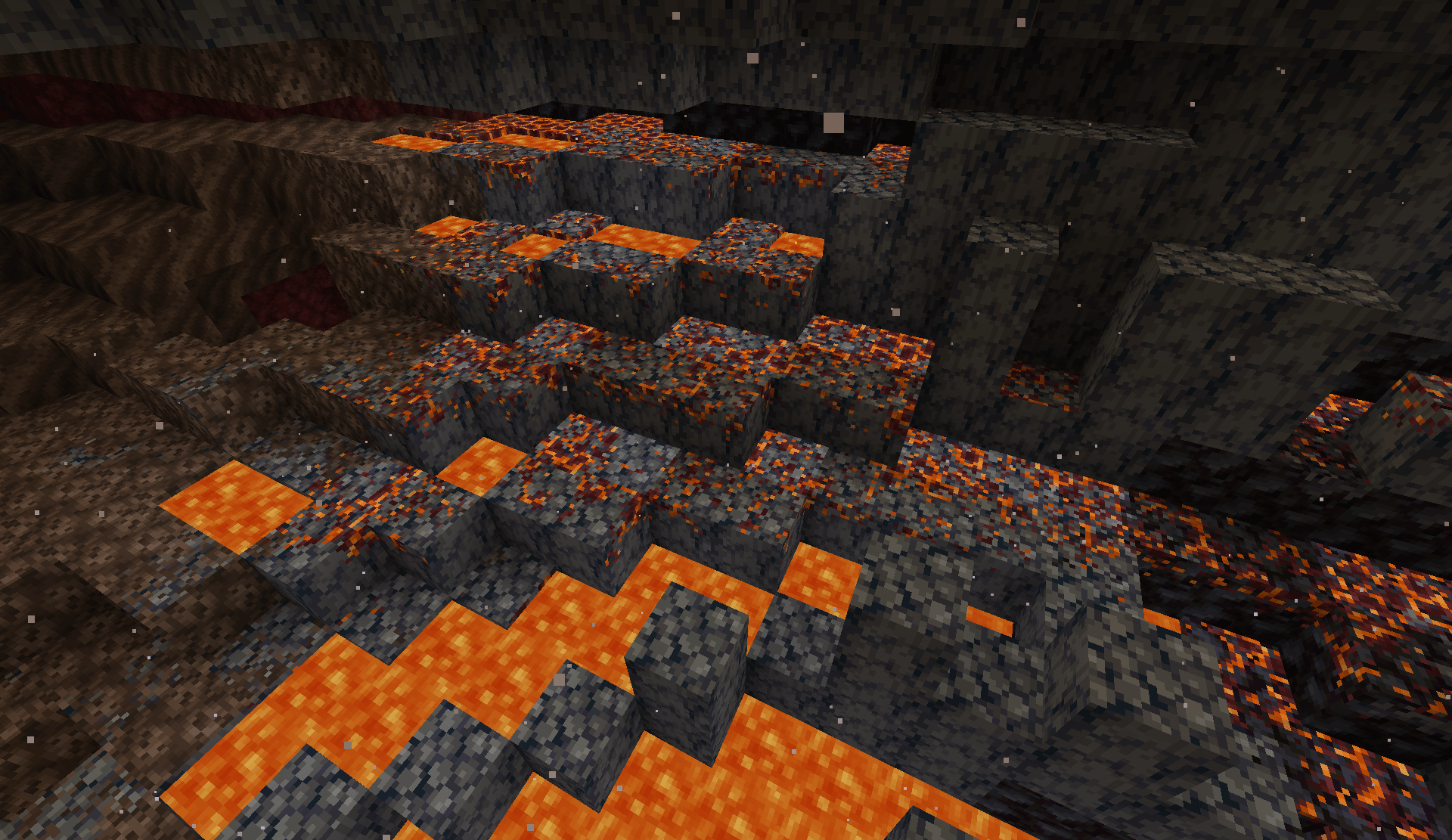
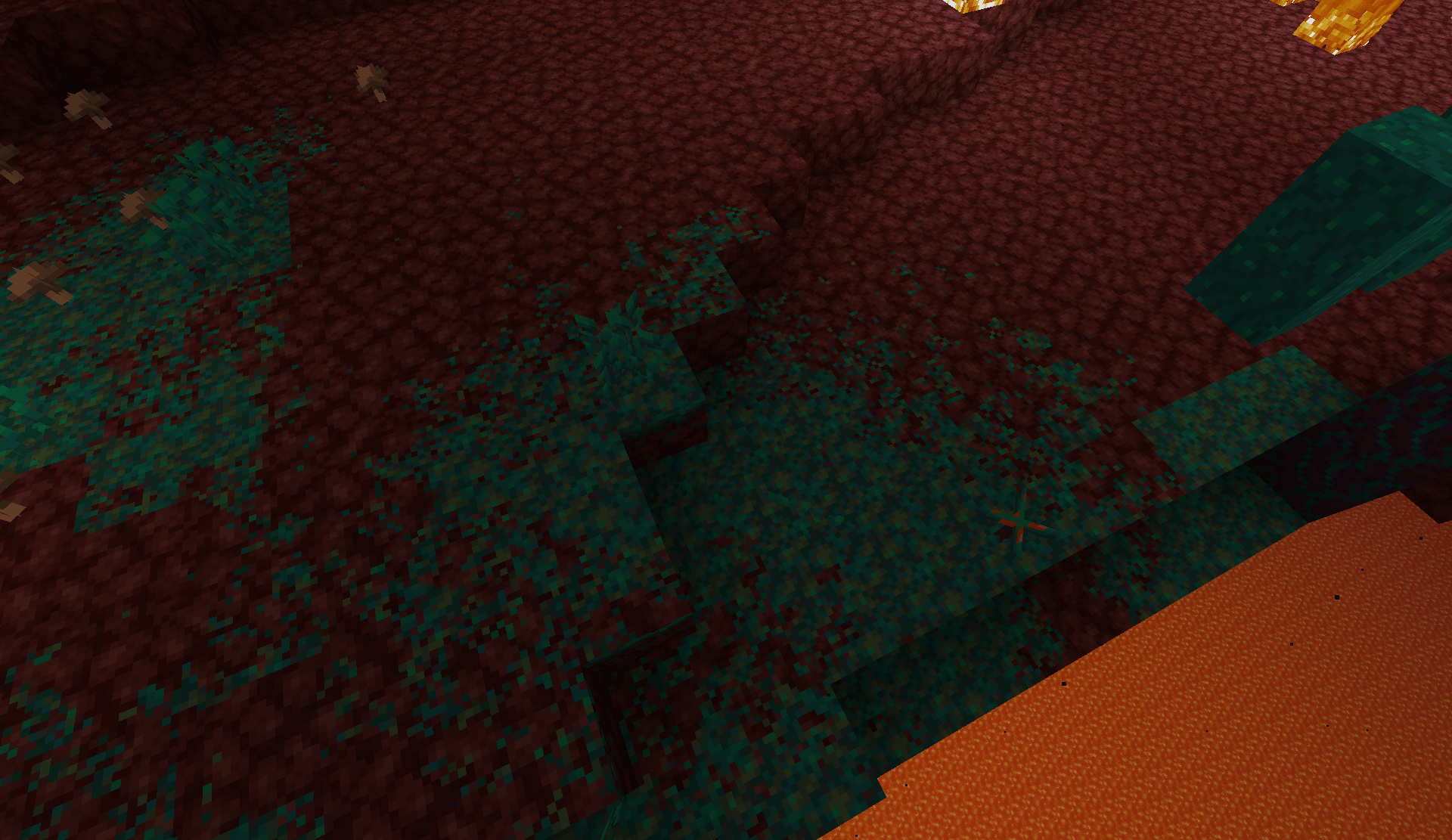
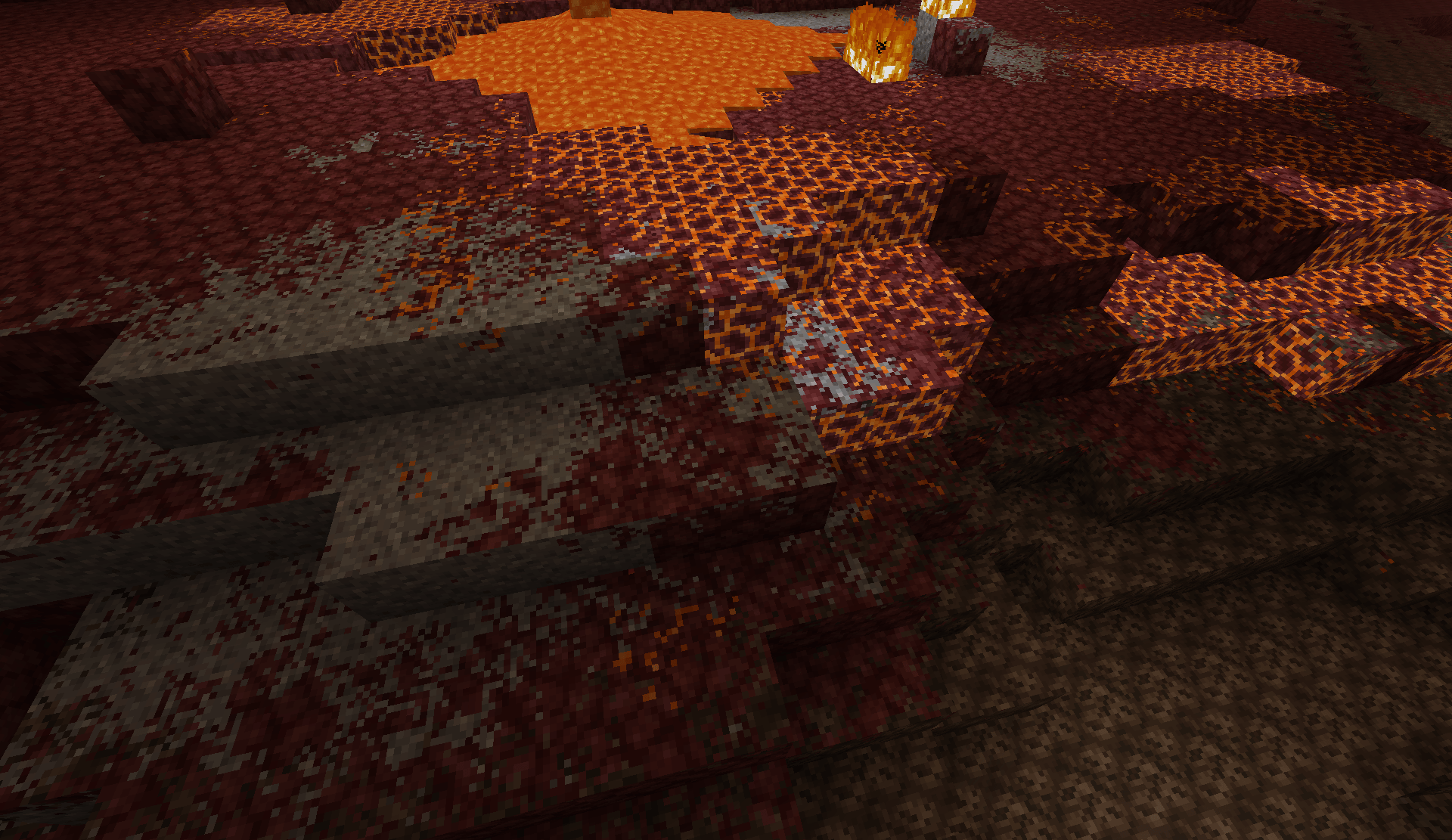
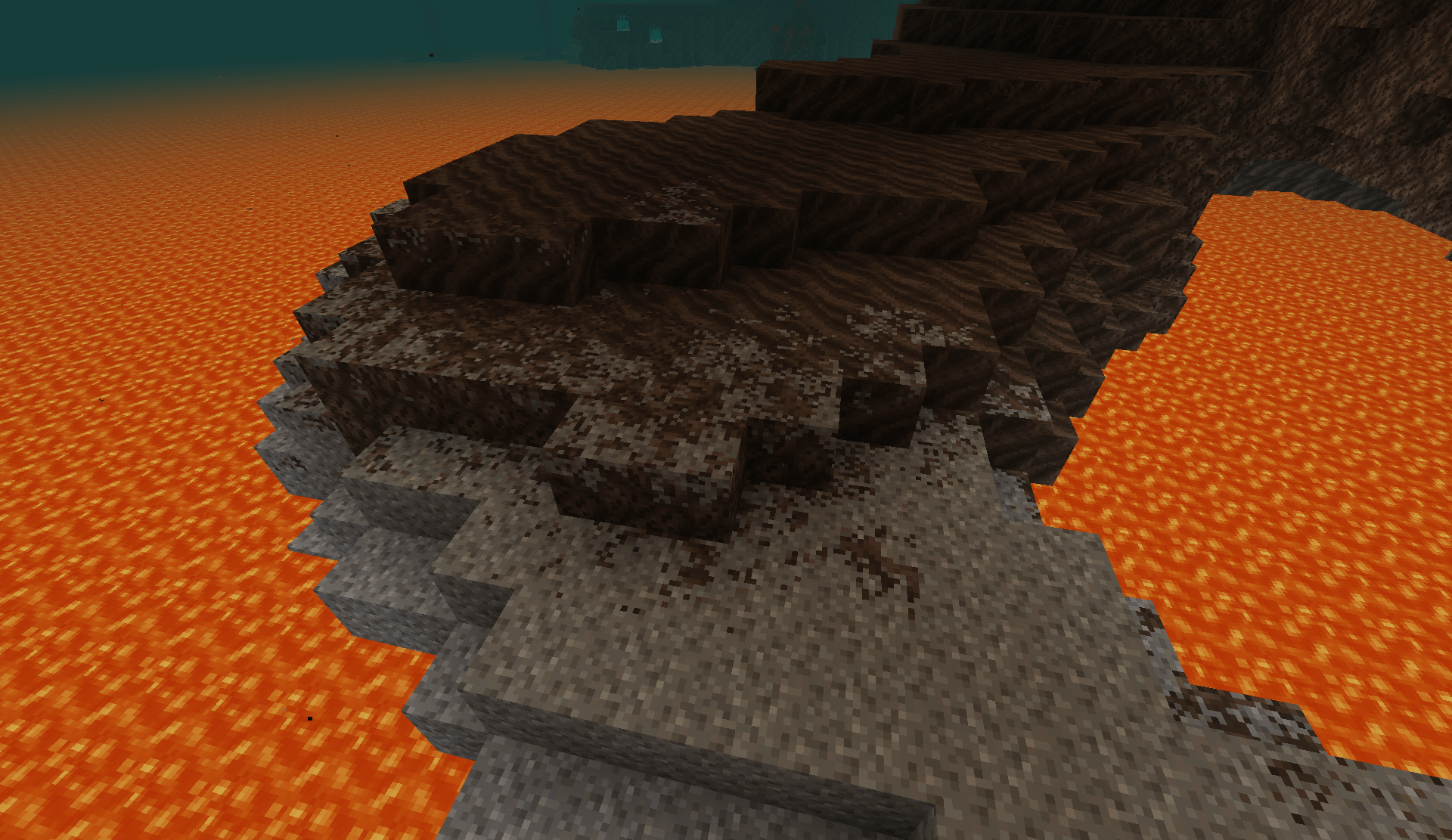
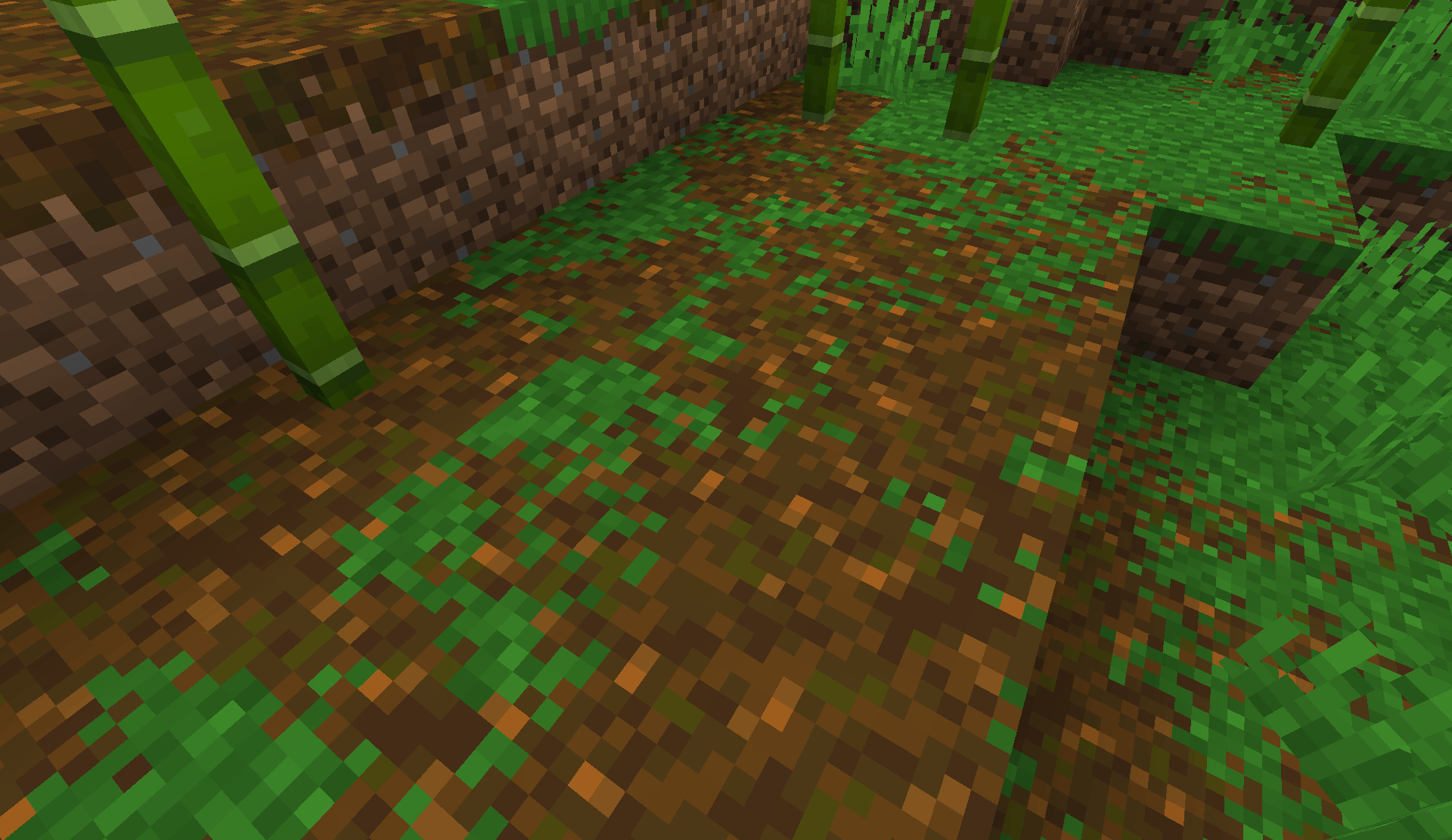
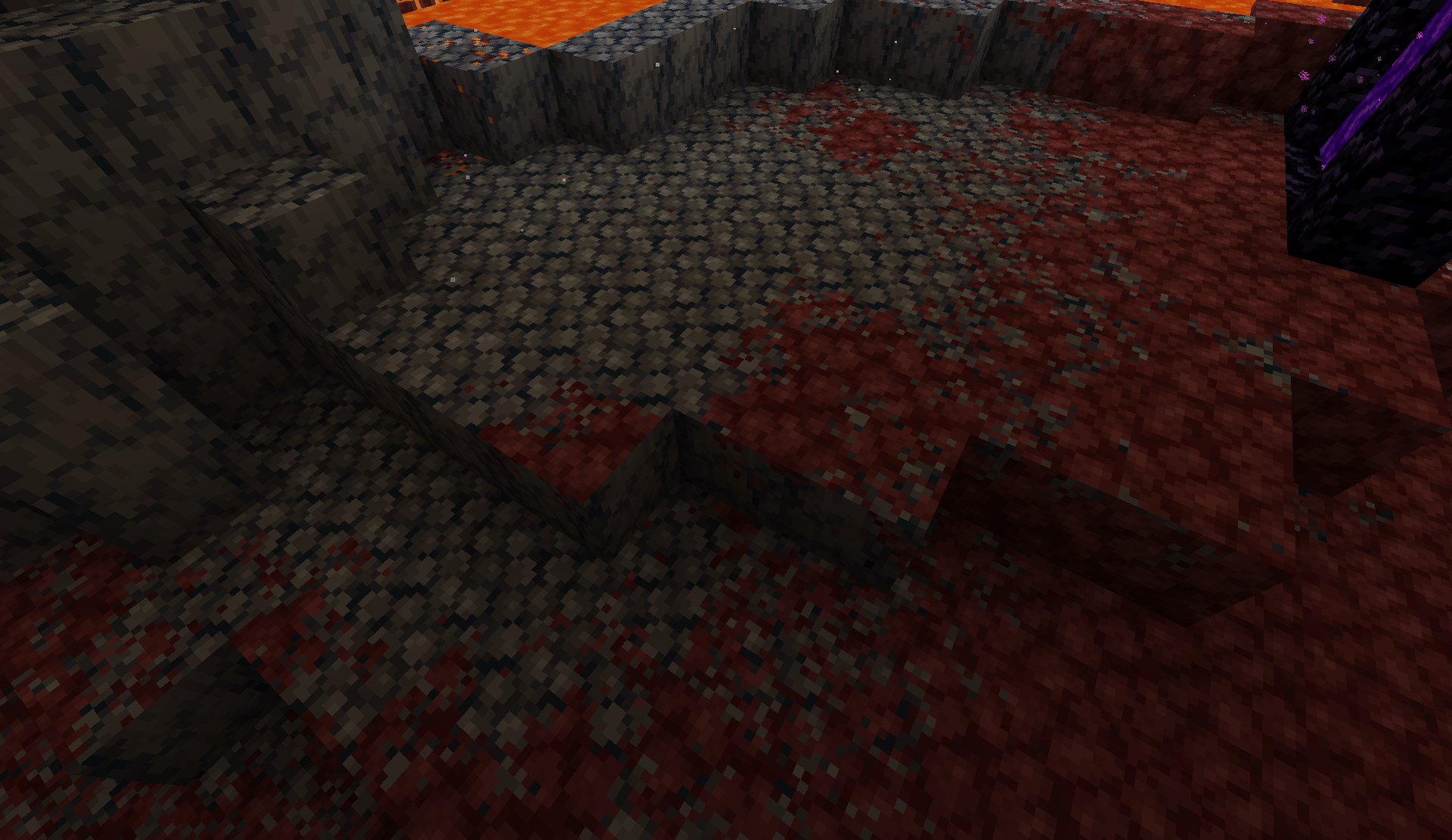
Smoother terrain transitions without changing Minecraft's blocky style.
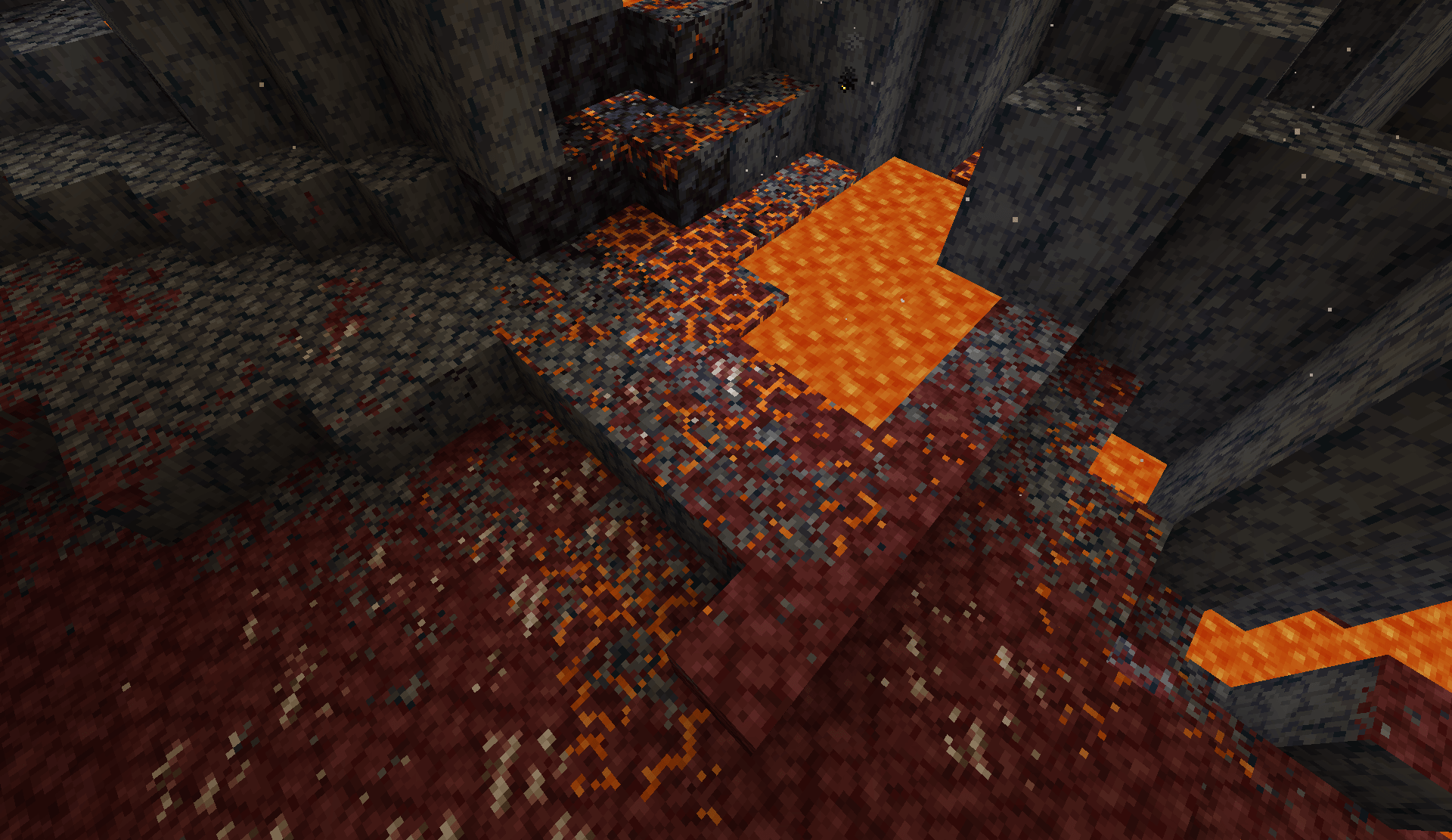
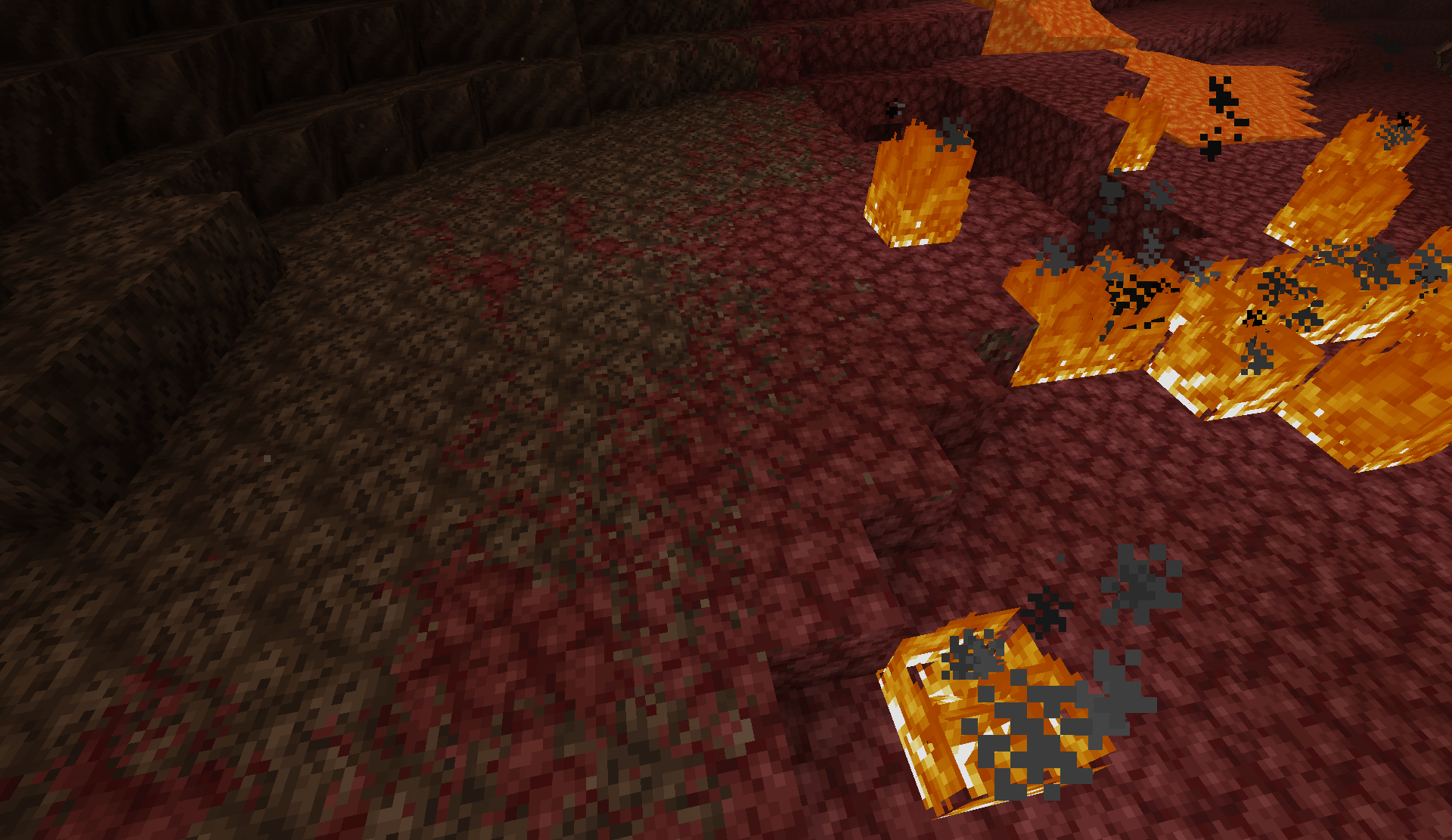
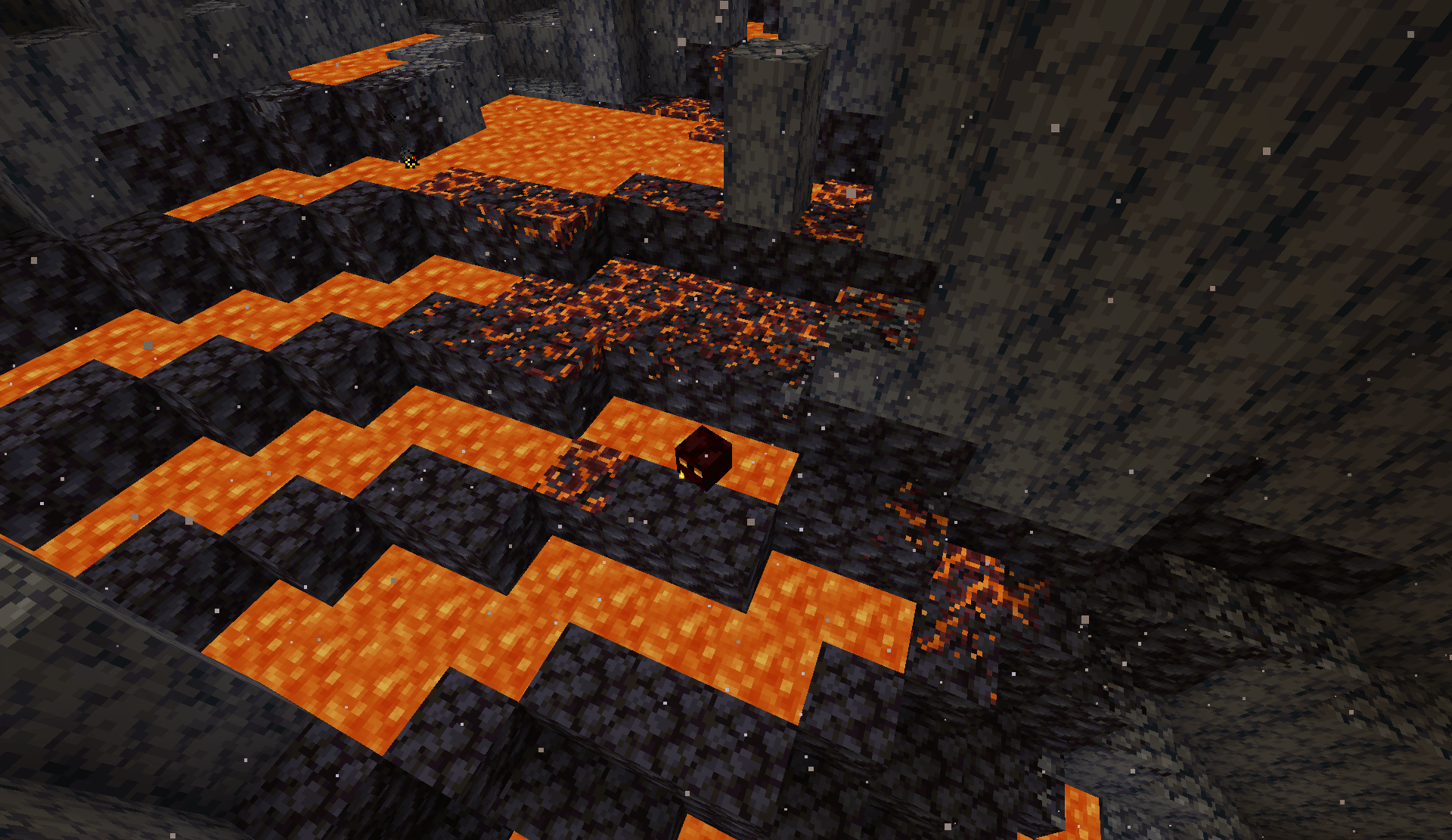
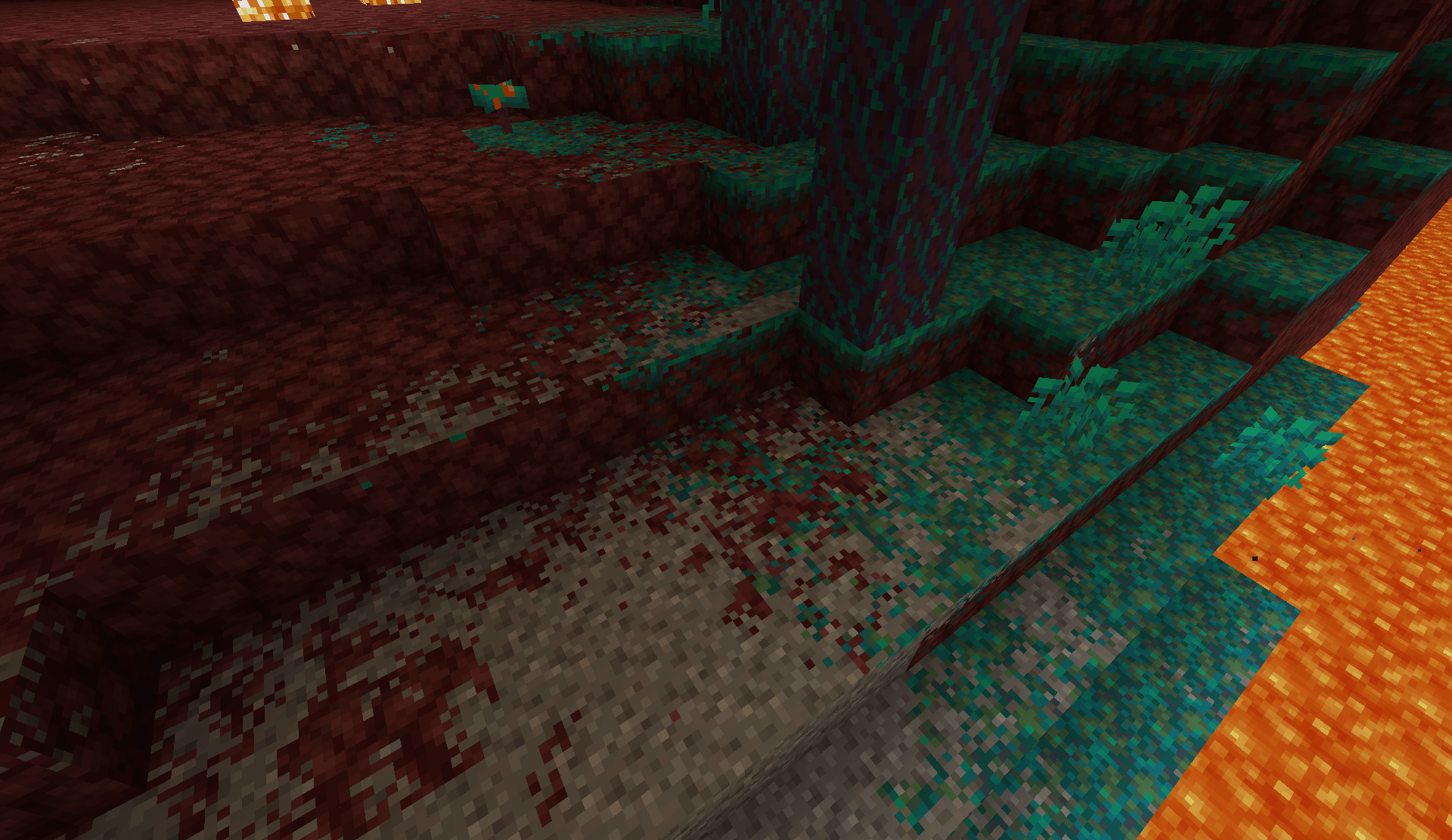
Better Blending softens the hard borders between neighboring terrain textures. Dirt blends into stone, sand fades into grass, and patches of rock merge more naturally into cave walls. The goal isn't to make Minecraft realistic or hide its blocks, but to make terrain transitions look less abrupt while keeping the normal pixel-textured style.
Minecraft 1.21.1 · Fabric & NeoForge · Client-side only · No shader pack required
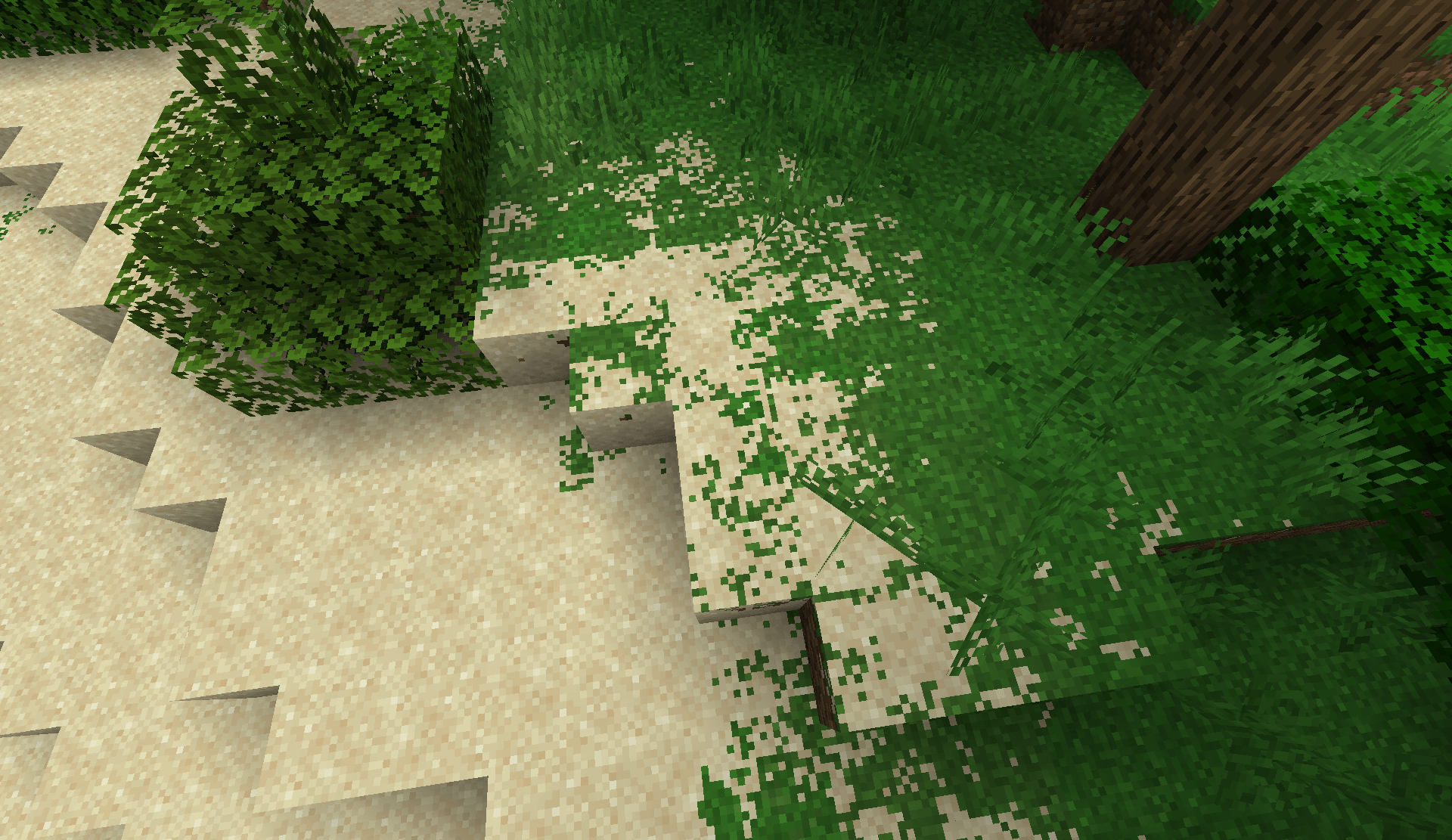
Blending follows exposed block faces, so it works on floors, cliffs, cave walls, and ceilings instead of only the top of terrain. It works in the Overworld, Nether, End, and modded dimensions.
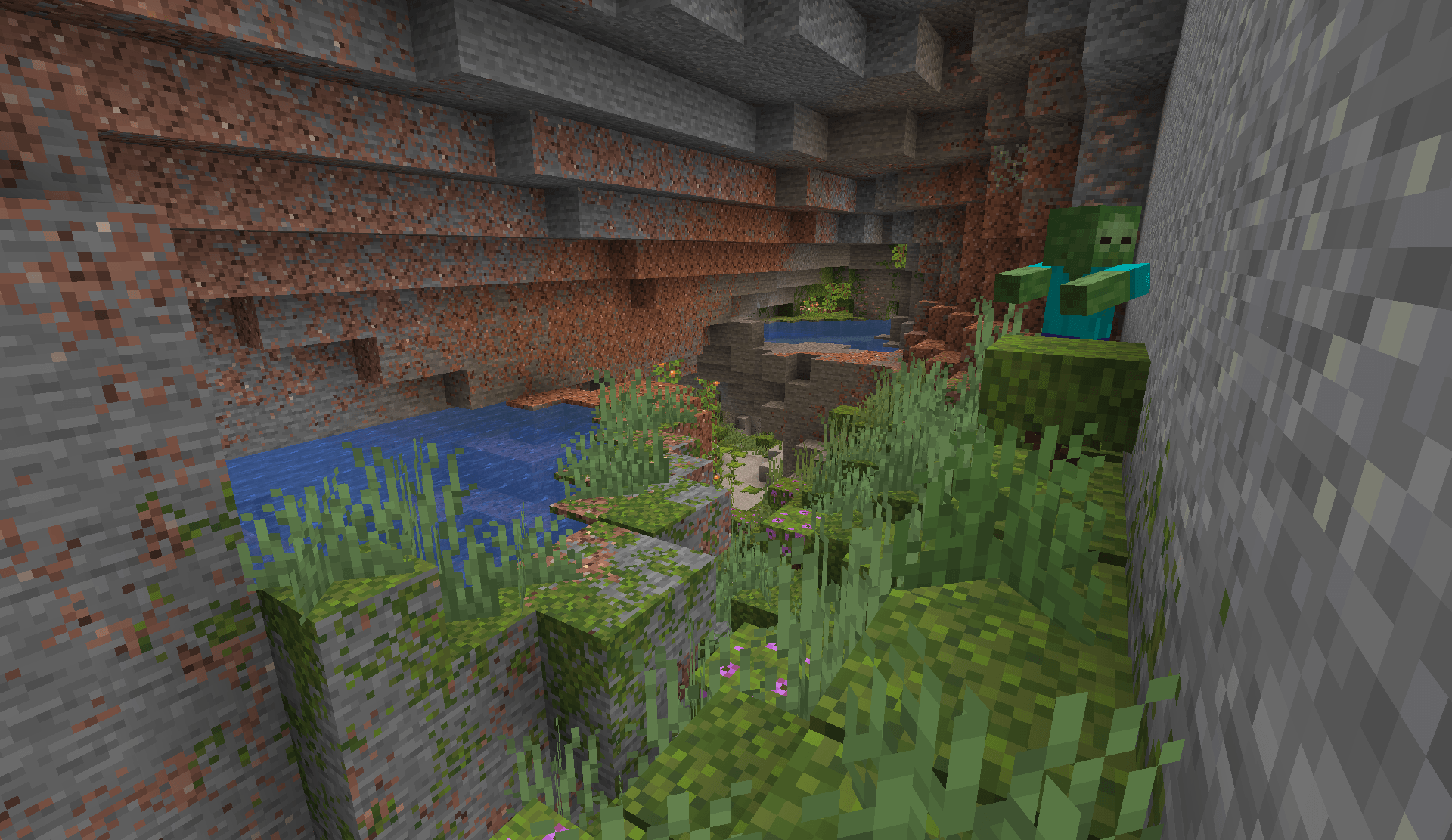
The defaults keep blending fairly subtle, but you can adjust the overall strength, local and regional blending, texture alignment, terrain detail, block exclusions, and which dimensions the effect is enabled in.
For an in-game settings screen, install Cloth Config. Fabric users will also need Mod Menu to access it. Changes made through the settings screen apply immediately. You can also edit config/better-blending.json manually and restart Minecraft.
Better Blending 0.2.0 supports Sodium 0.6.13 on Fabric/NeoForge and Embeddium 1.0.15 on NeoForge. You only need one terrain renderer installed.
Iris is supported with shaders enabled or disabled. It has been tested with Iris 1.8.8 on Fabric and 1.8.12 on NeoForge using Sodium, including Complementary Reimagined. Blending happens before the shader pack's lighting, allowing the pack to keep its own fog, shadows, and lighting. Shader packs using unusual texture sampling, custom geometry, or tessellation may need additional compatibility work, and normal/specular maps are left unchanged.
Better Blending discovers supported textures from block models rather than using a fixed list of vanilla blocks, so many resource packs and modded blocks work automatically. Unusual models, complex texture layers, fluids, and translucent geometry may keep their normal appearance.
Blending adds some GPU work, with regional blending having the largest impact because it samples terrain across a wider area. Performance will depend on your hardware, scene, and settings. If you need a lighter setup, regional blending can be reduced or disabled independently while keeping local blending enabled.
For Minecraft 1.21.1 on Fabric or NeoForge, download the file for your loader and place it in your mods folder. Fabric users also need Fabric API.
Better Blending is completely client-side, so servers do not need it installed. It only changes how terrain is rendered and does not modify blocks, world generation, or saved worlds.
Found a strange transition or compatibility problem? When reporting it, please include a screenshot, the affected blocks, your Minecraft version and mod loader, and any resource packs or rendering mods you're using.