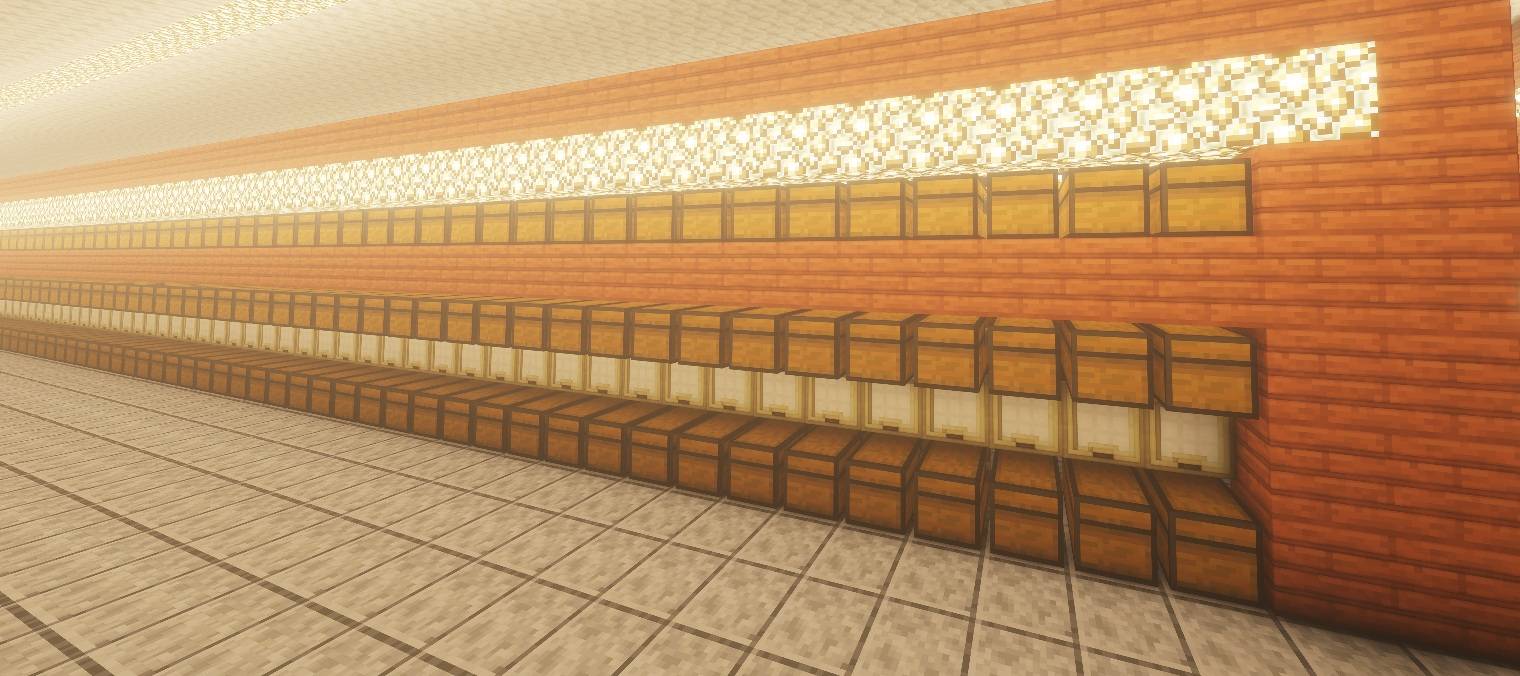
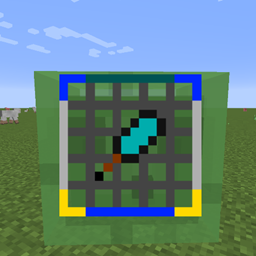
Auto Storage Labels & Signs is a utility mod designed for large storage systems. It automatically labels rows of storage chests based on their contents by placing signs, hanging signs and item frames for you.
Instead of manually checking hundreds of chests, placing signs and adding items to frames one by one, you can select a reference chest, configure the desired layout and let the mod handle the repetitive work.
The mod is especially useful for large warehouses and organized storage halls containing hundreds or even thousands of chests.
Look at a chest and press:
Ctrl + Alt + L
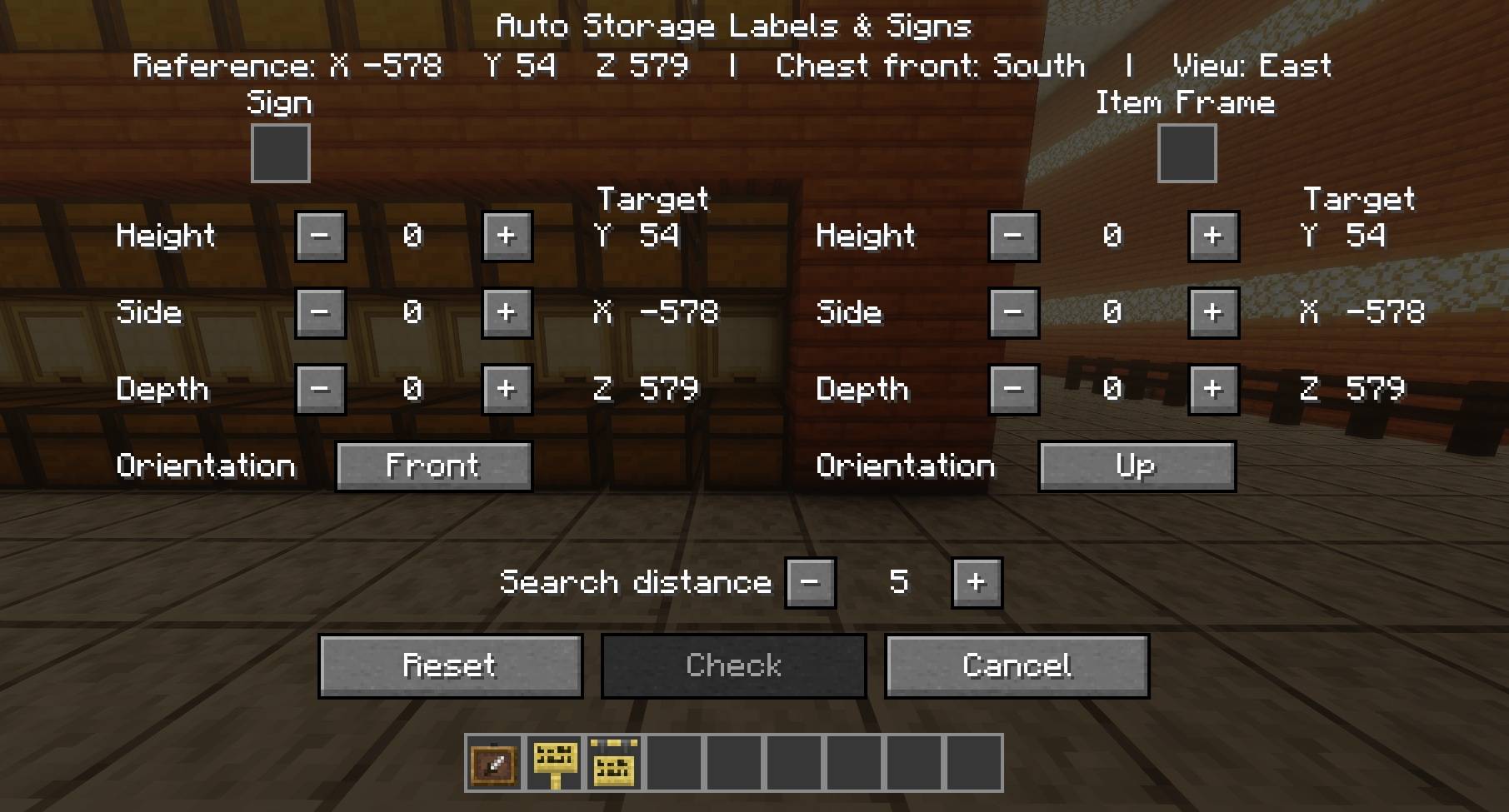
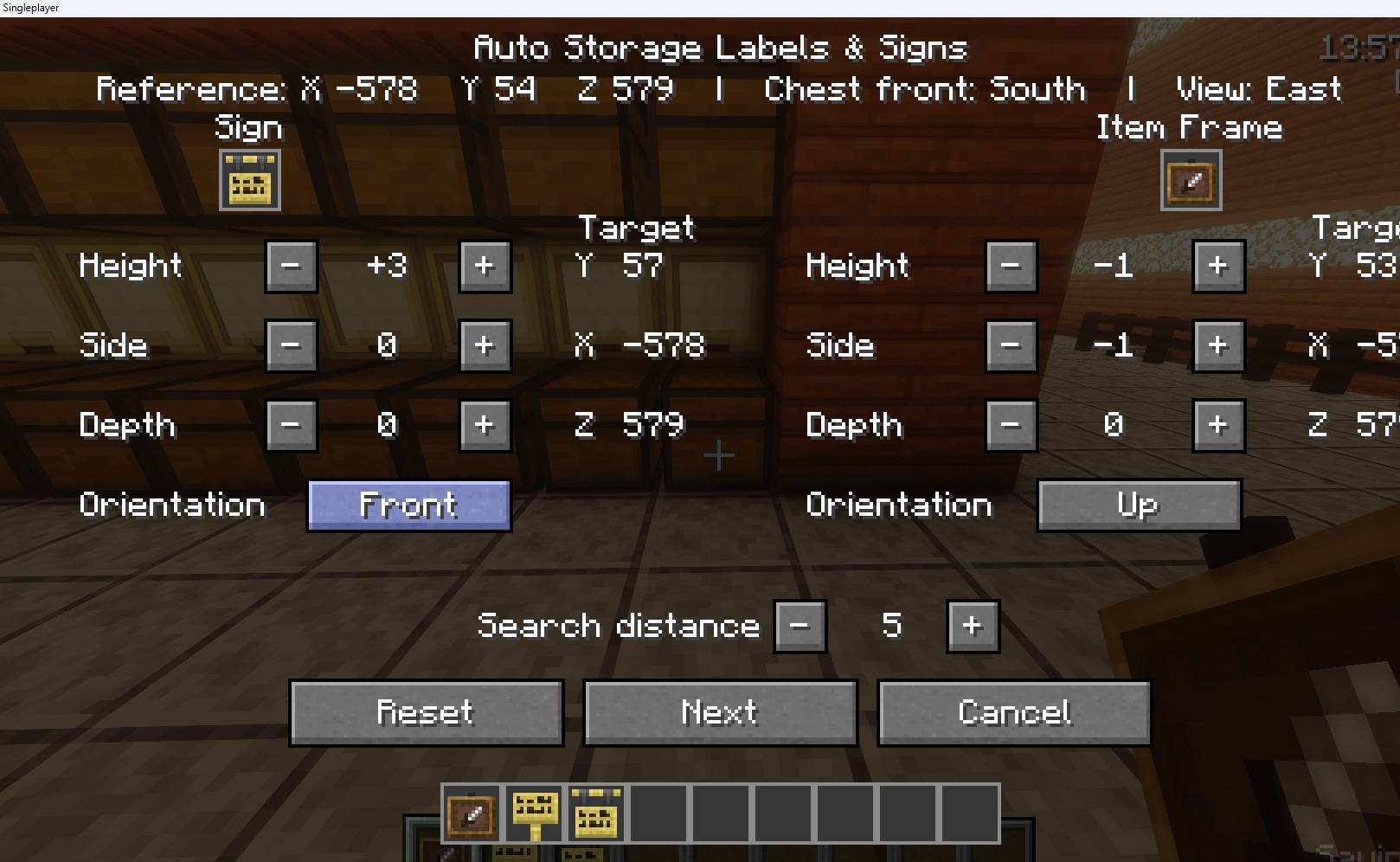
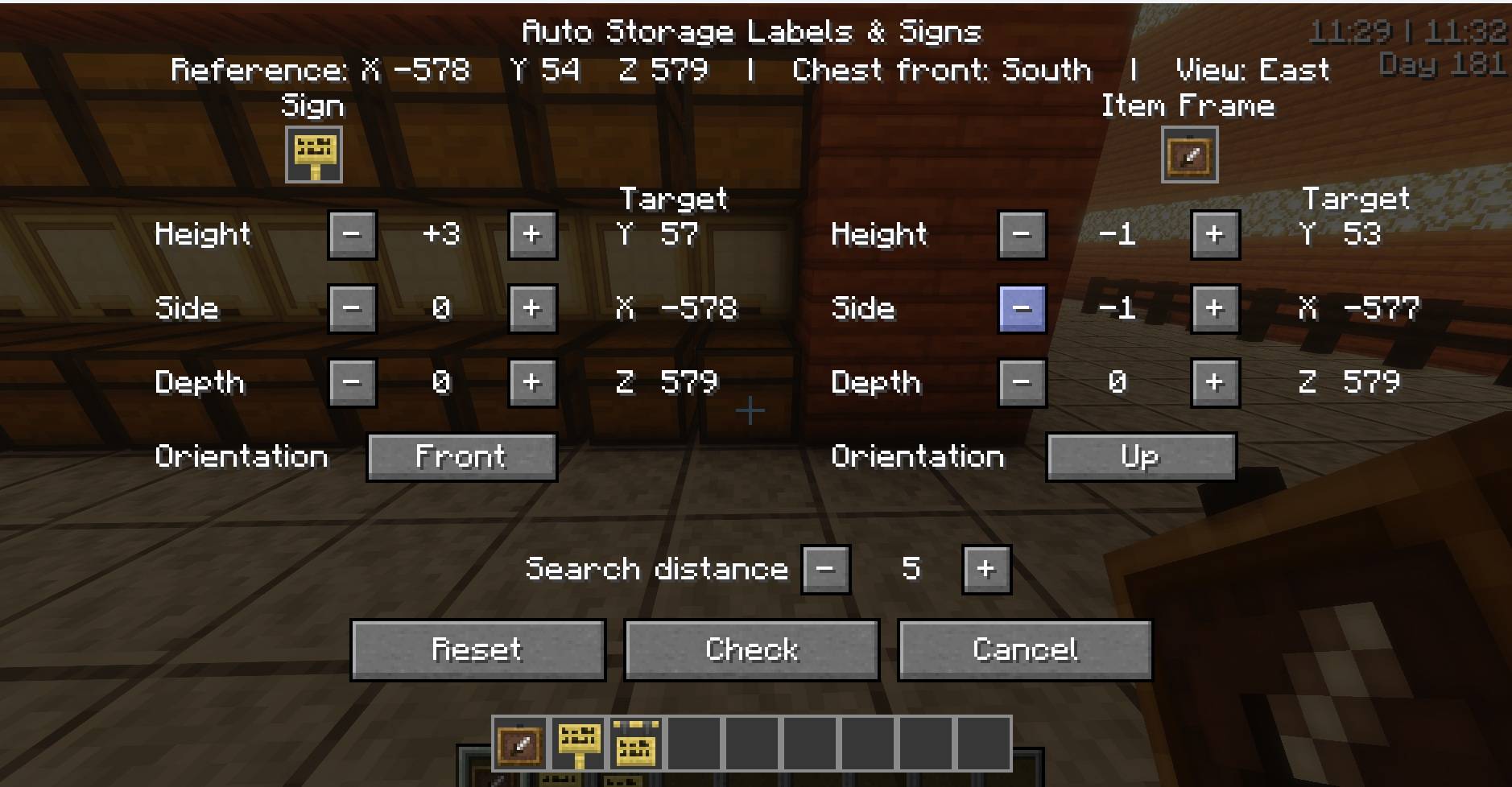
This opens the Auto Storage Labels & Signs interface.
From there you can select the sign and/or item frame you want to use, define where they should be placed relative to each chest and choose how far apart the chests in your storage row are.
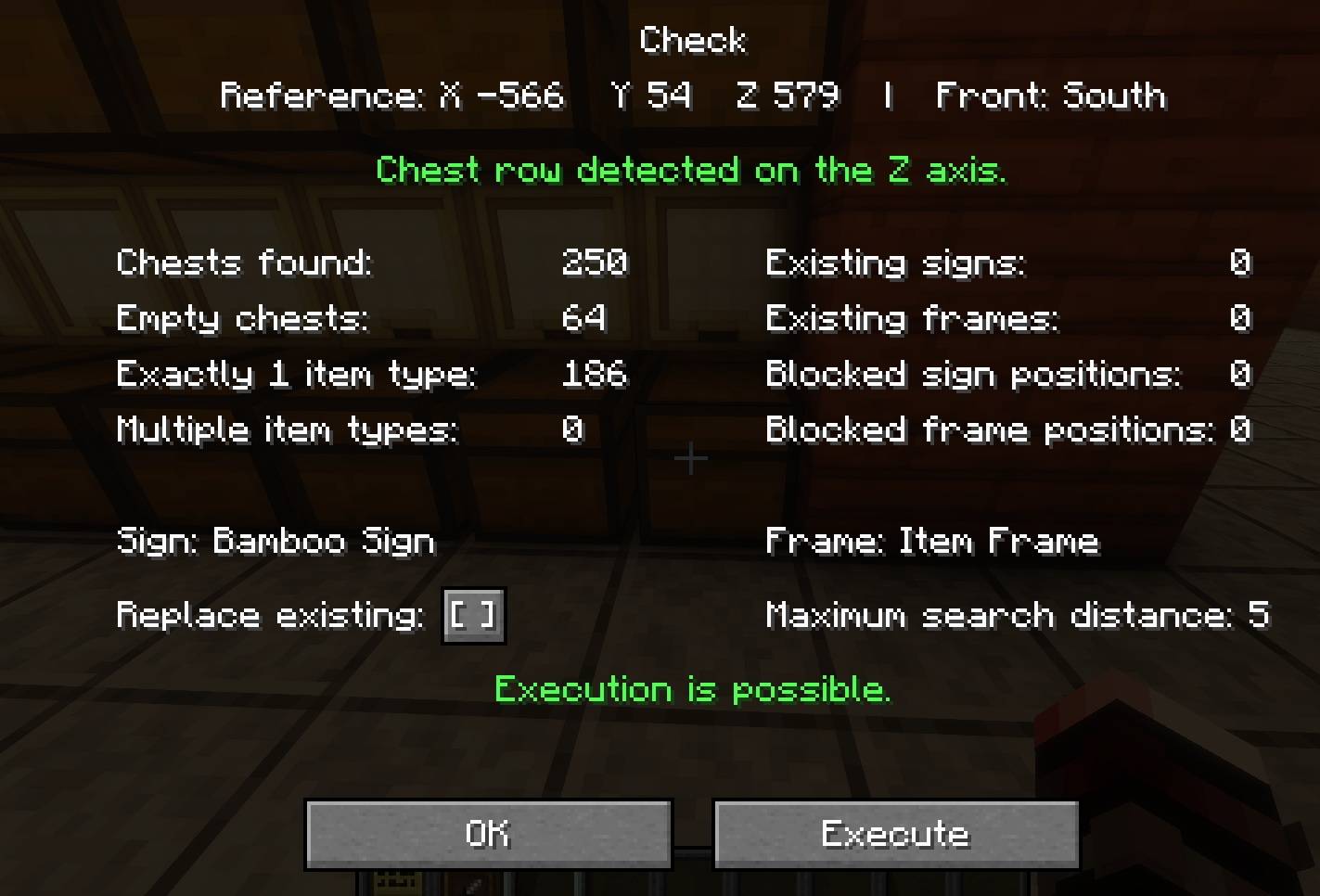
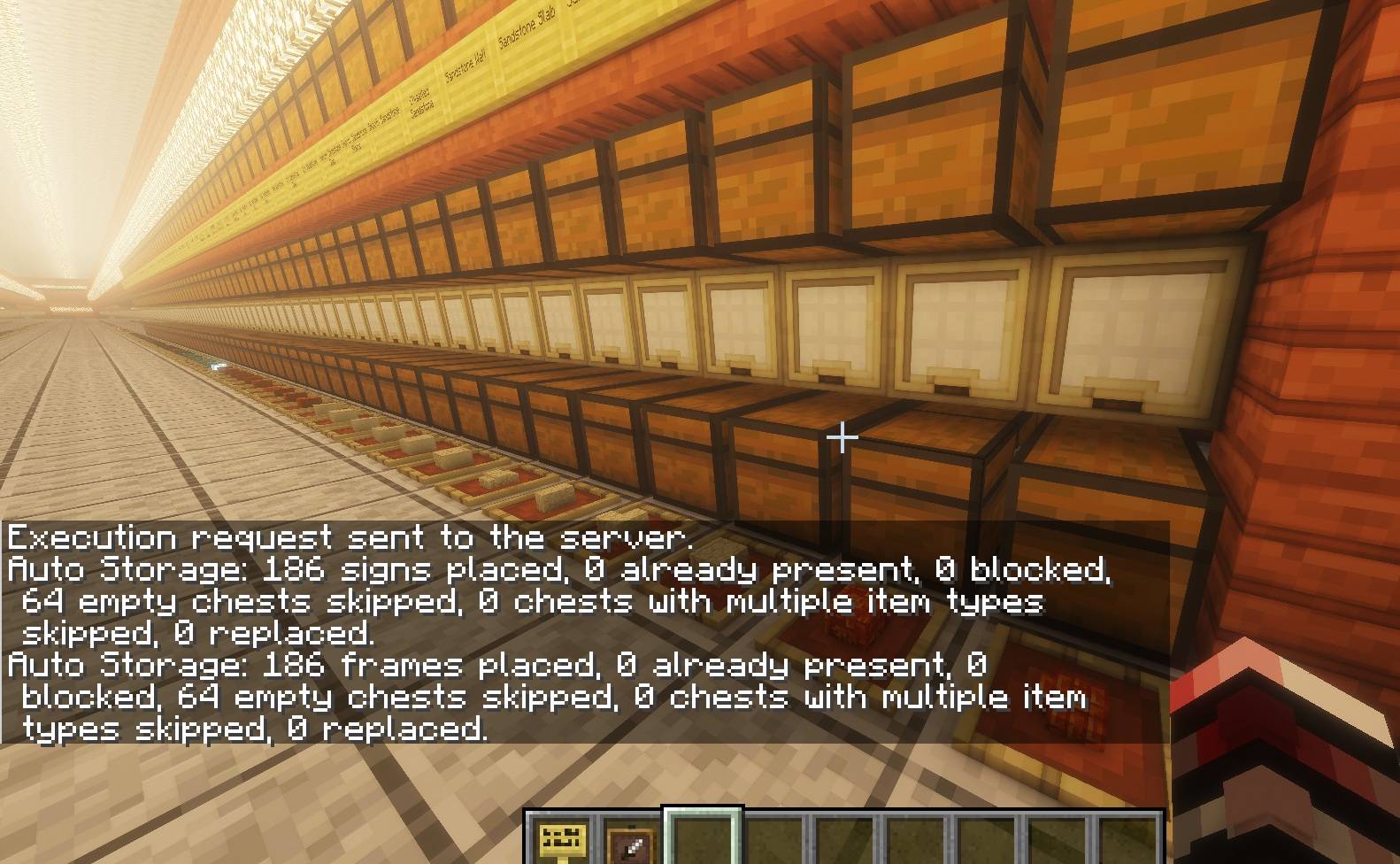
Before anything is changed in the world, the mod performs a check and shows you what it found. This includes the number of detected chests, empty chests, chests containing exactly one item type, chests containing multiple item types, existing labels and blocked placement positions.
Only after confirming the result will the labels actually be placed.
For a chest containing exactly one item type, the mod can automatically create a matching label.
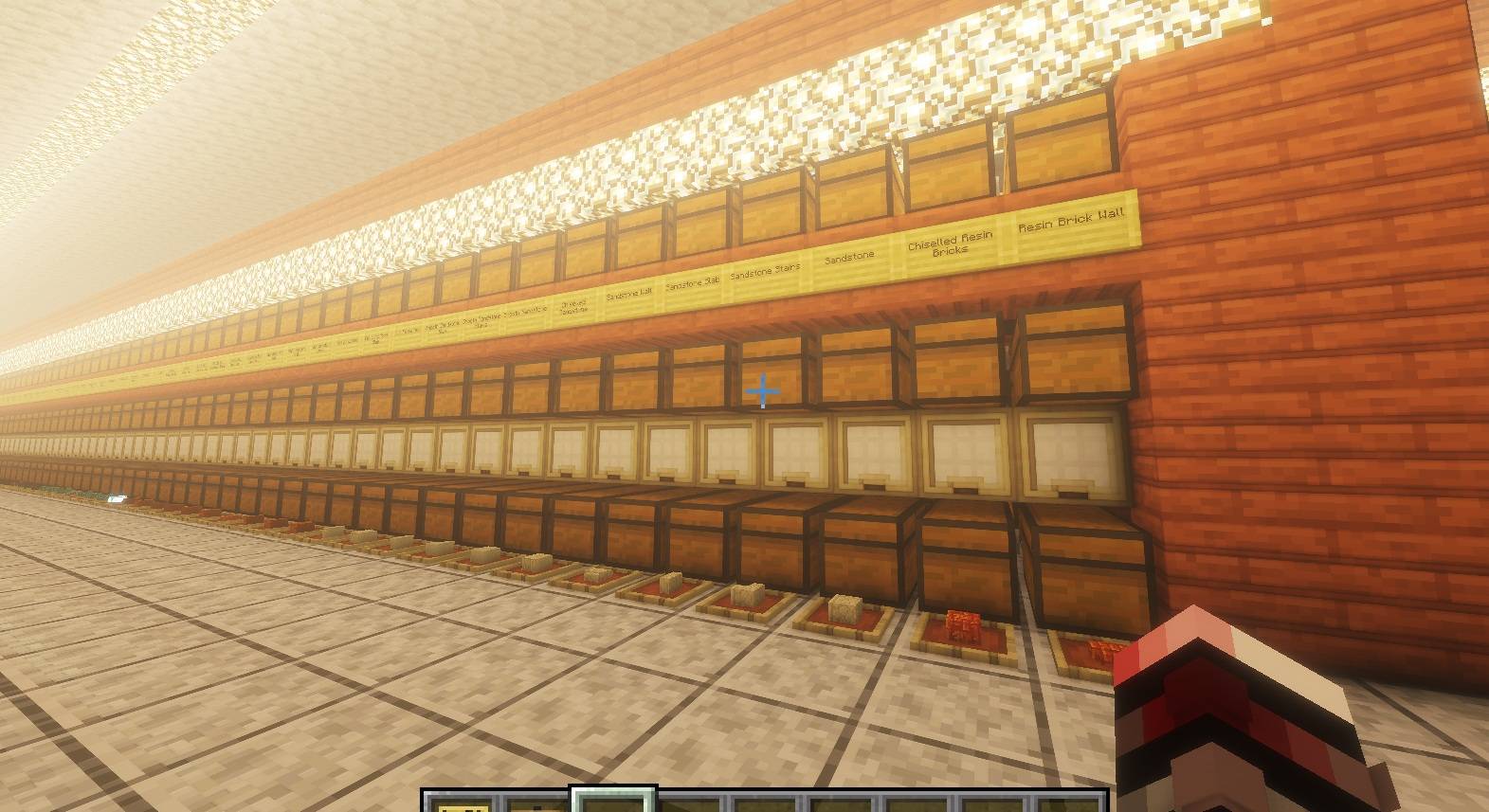
For example, a chest filled with cobblestone can receive a sign showing the item's name and an item frame displaying cobblestone.
The item placed into the frame is only a displayed copy. Items stored inside the chest are not removed.
Empty chests are skipped, so existing labels can remain in place even when a storage chest temporarily becomes empty.
Chests containing multiple different item types are detected and reported instead of being labeled incorrectly.
Every storage setup is different, so signs and item frames do not have to be placed directly on the chest.
Their positions can be adjusted independently using three offsets:
Height controls the vertical position, Side moves the label left or right relative to the chest and Depth moves it forward or backward.
This allows labels to be placed on walls, support blocks or other structures around your storage system.
The placement system works relative to the orientation of your storage row instead of relying on fixed world directions.
Normal signs can be automatically attached to suitable vertical surfaces.
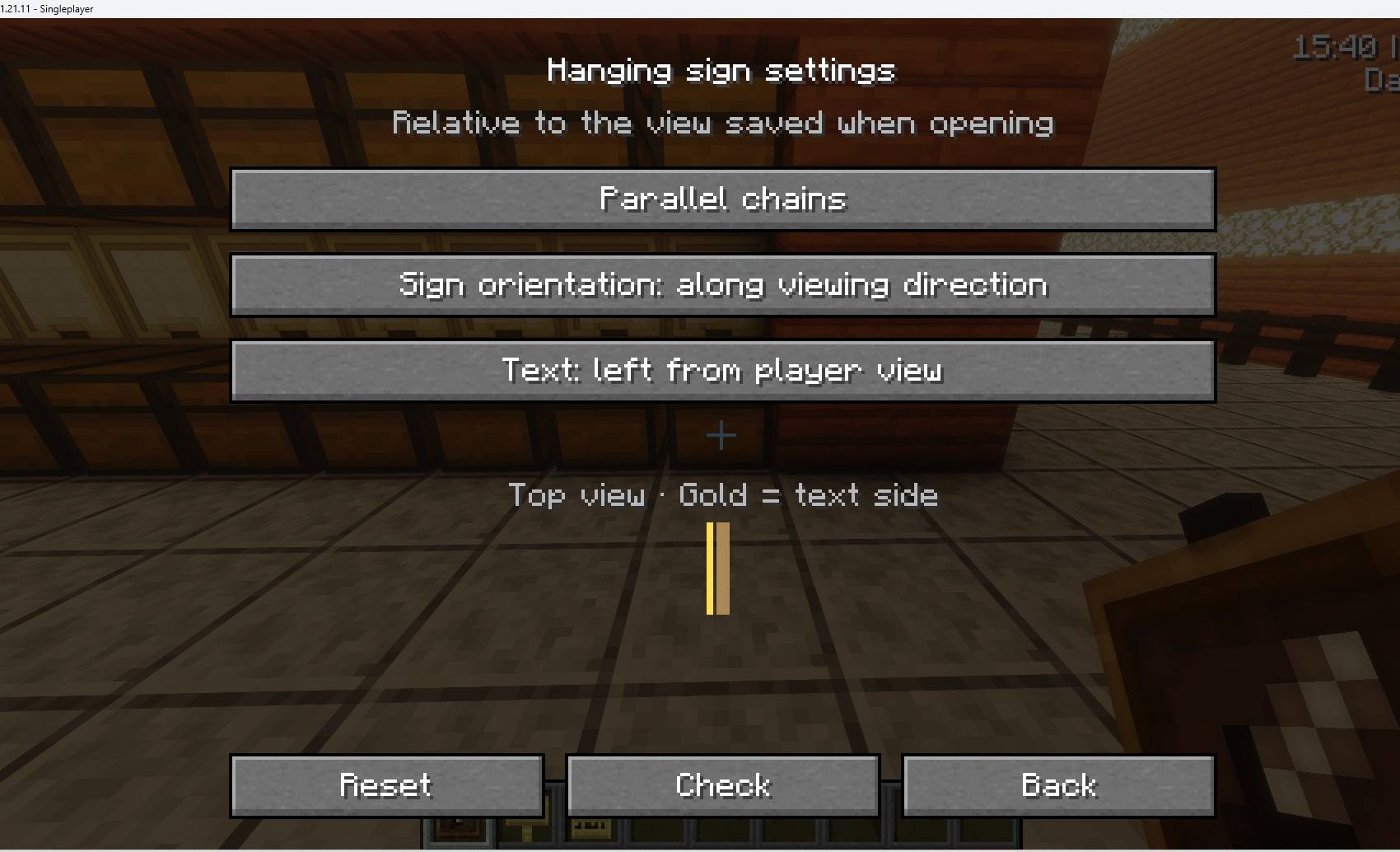
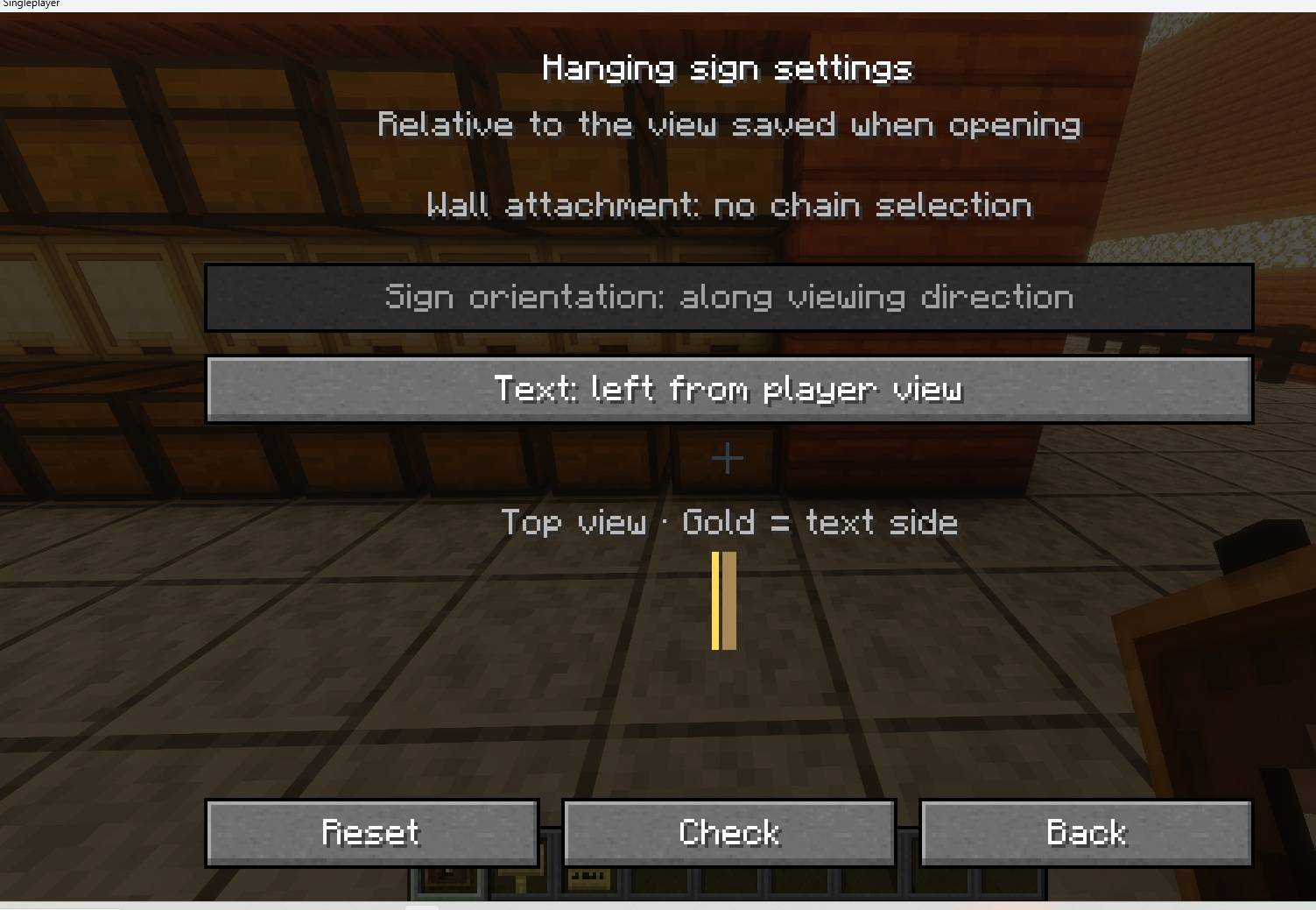
Hanging signs provide additional placement options and can also be placed below support blocks. Their orientation, visible text side and ceiling chain style can be configured before execution.
The mod automatically splits longer item names across multiple sign lines when necessary.
The mod does not immediately modify your storage system.
The Check function first analyzes the complete selected chest row and reports possible problems.
You can review the result before deciding whether to continue.
Blocked signs or item frames are skipped instead of stopping the entire operation, making the mod suitable for large storage systems where individual positions may differ.
If Replace Existing is enabled, existing signs and item frames at the relevant label positions can be replaced with the newly generated labels.
When replacement is disabled, existing labels are preserved.
This makes it possible to update an already labeled storage system after changing its contents or layout.
The mod can be used in both Survival and Creative Mode.
In Survival Mode, signs and item frames are only consumed after they have actually been placed successfully.
The item shown inside an automatically created item frame is free and does not remove an item from the chest or the player's inventory.
In Creative Mode, signs and item frames are not consumed.
Auto Storage Labels & Signs was originally designed for storage systems where manually labeling every chest is no longer practical.
Whether you have a small organized storage room or rows containing hundreds of chests, the goal is simple:
Spend less time labeling storage and more time using it.
Auto Storage Labels & Signs may be used in any modpack, including public and private modpacks. No additional permission is required.