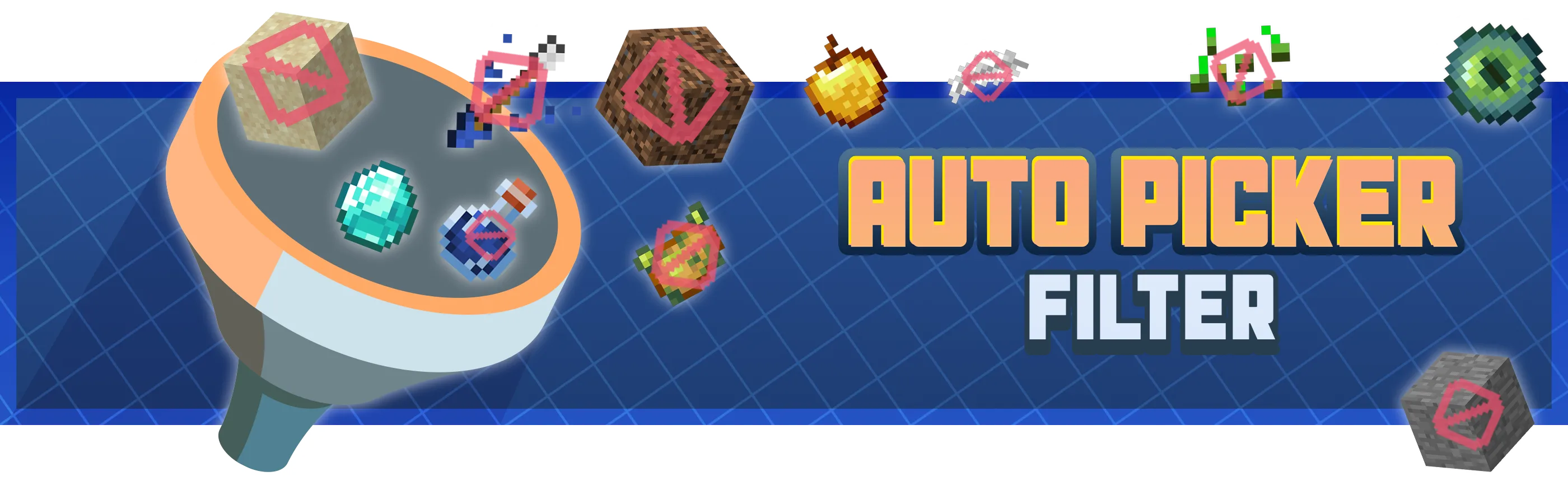
Tired of constantly picking up repetitive, annoying, or useless items while exploring, farming, or fighting? Auto Pickup Filter allows you to block the automatic collection of any item, whether from vanilla Minecraft or any mod.

🛠️ How to Use
Auto Pickup Filter is very easy to use and requires no menus or complex configuration.
1 - Open your inventory or search for an item in JEI / REI.
2 - Hover your mouse over the item you don’t want to be picked up automatically.
3 - Press the I key.
4 - From that moment on, the item will no longer be automatically picked up from the ground.
To allow the item to be picked up again, simply press I again on the same item.
⭐ Features
I key.⚙️ Requirements
Architectury API (mandatory)
Want to play with friends?

Get your own Minecraft server today and enjoy endless adventures with your friends! With top performance and reliable uptime, our servers guarantee a smooth and fun gaming experience for everyone. Use code THEWIZARD for a 25% discount!