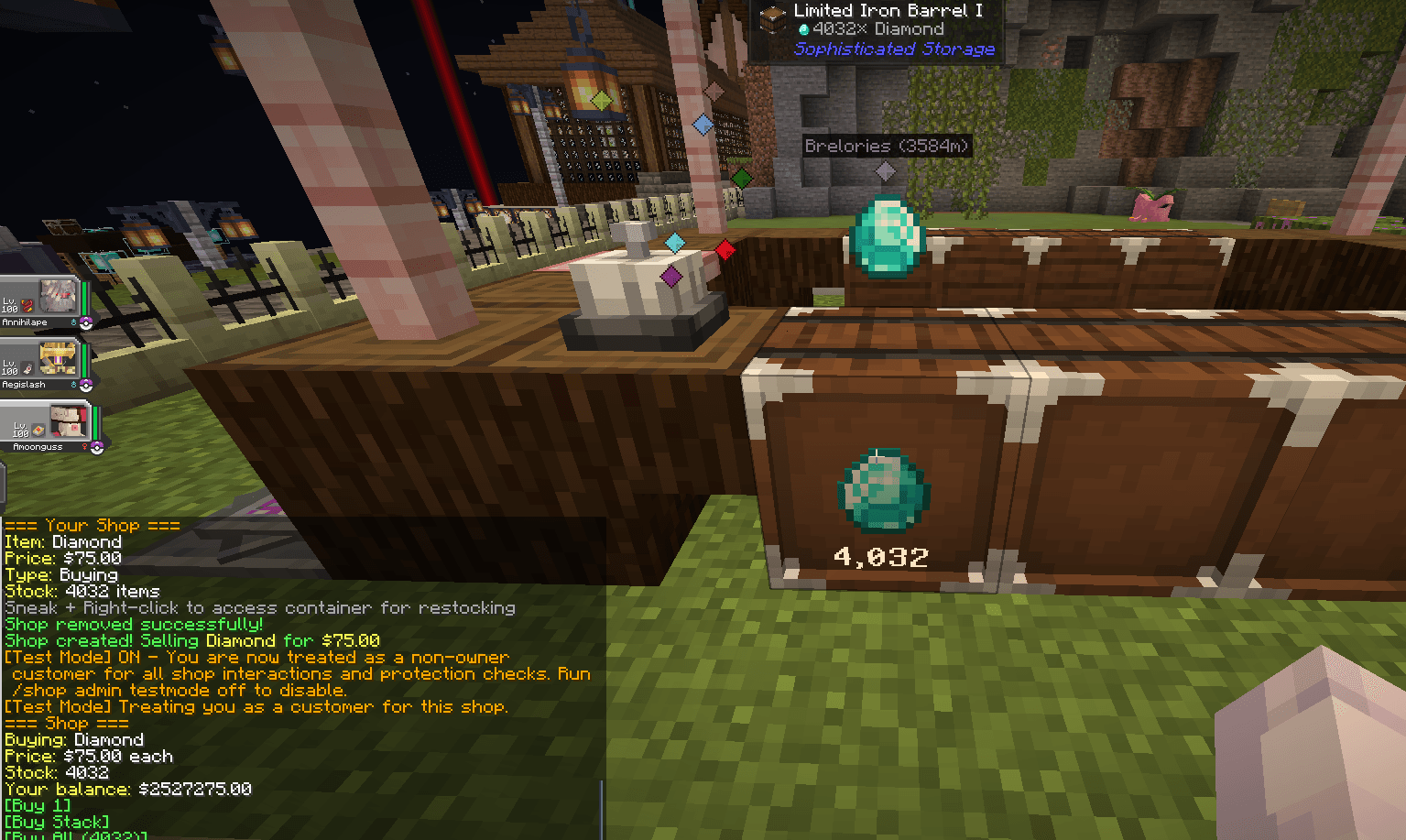
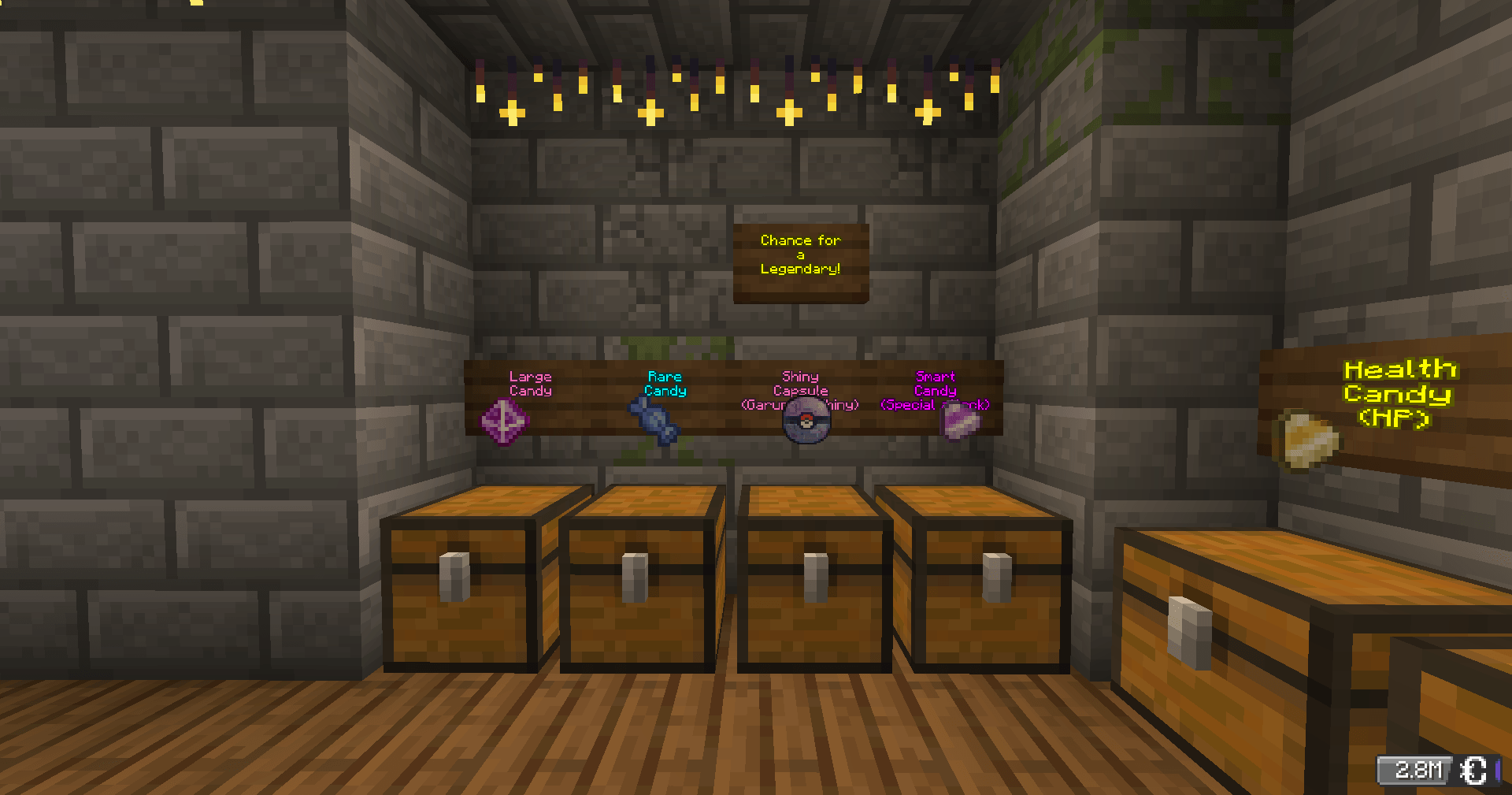
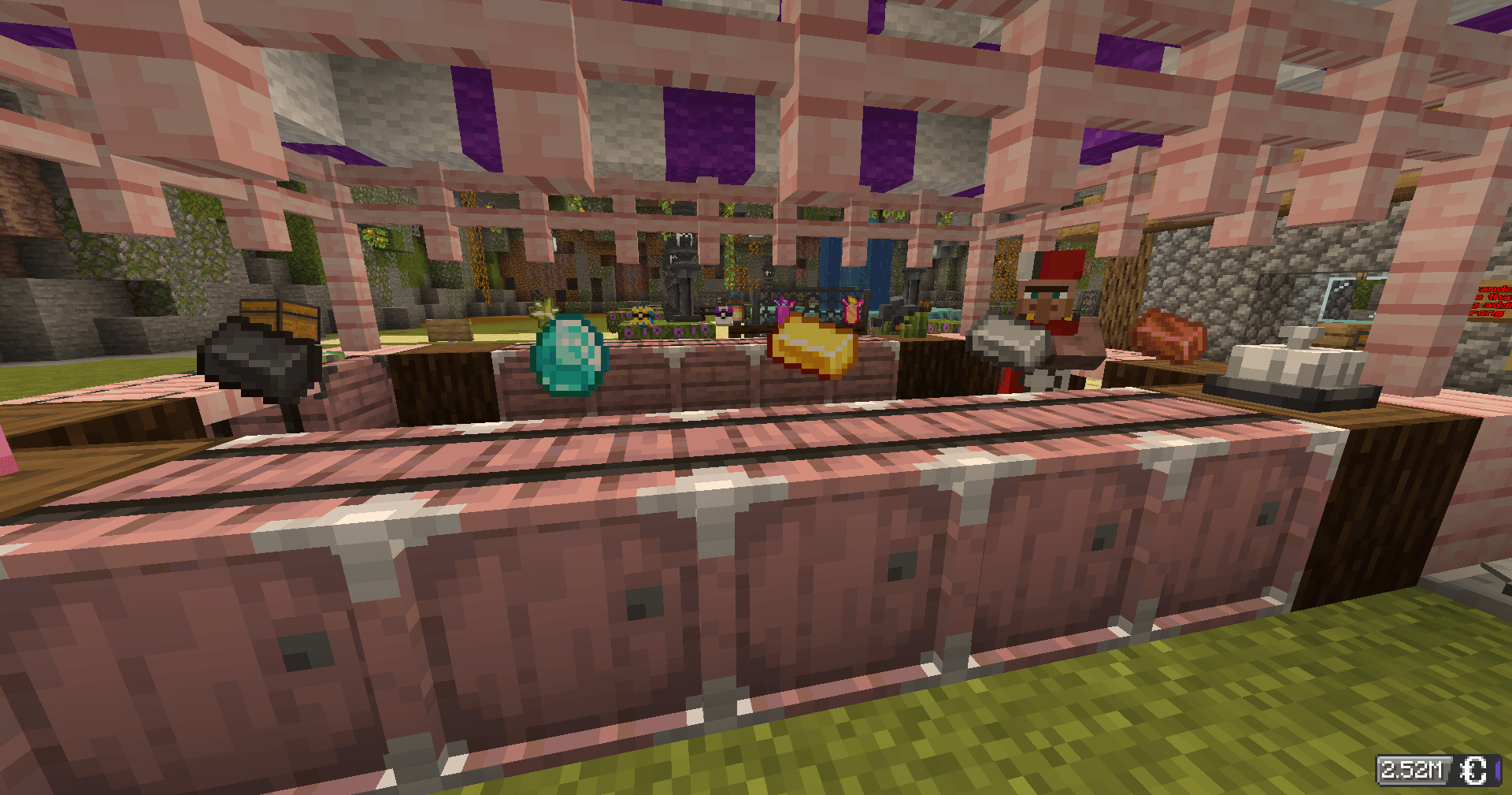
Turn any chest into a shop. Other players can buy from you automatically, even while you're offline. All payments use CobbleDollars.
Point at a chest and run a command:
| Type | Hand | Command |
|---|---|---|
| 🛒 Selling — players buy from you | Hold the item to sell | /shop create selling <price> |
| 💰 Buying — you buy from players | Hold the item you want | /shop create buying <price> |
| 🎲 Mystery — random item each time | Empty hand | /shop create random <price> |
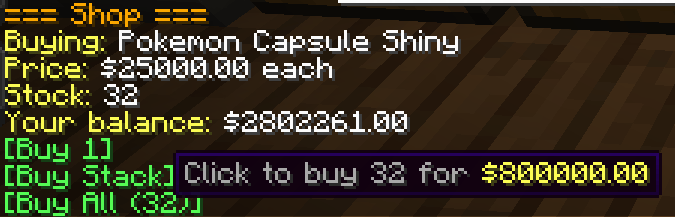
Right-click any shop chest — the shop panel appears in chat with clickable buttons.
If your inventory is full or the owner can't afford to pay you, the transaction cancels automatically. Nothing is lost.
All commands require you to be looking at your shop chest.
| Command | What it does |
|---|---|
/shop price <amount> |
Update the price |
/shop remove |
Delete the shop (items stay in chest) |
/shop display on|off |
Toggle the floating item display |
/shop info |
View shop details |
/shop search <item> |
Find shops selling something |
/shop balance |
Check your CobbleDollars |
/shop help |
Full command list |
Restock: Hold Shift + right-click your chest to open it.
Expand: Place a second chest next to yours for a 54-slot double chest.
/qs is a shortcut for /shopRight-click a chest. That's all it takes.