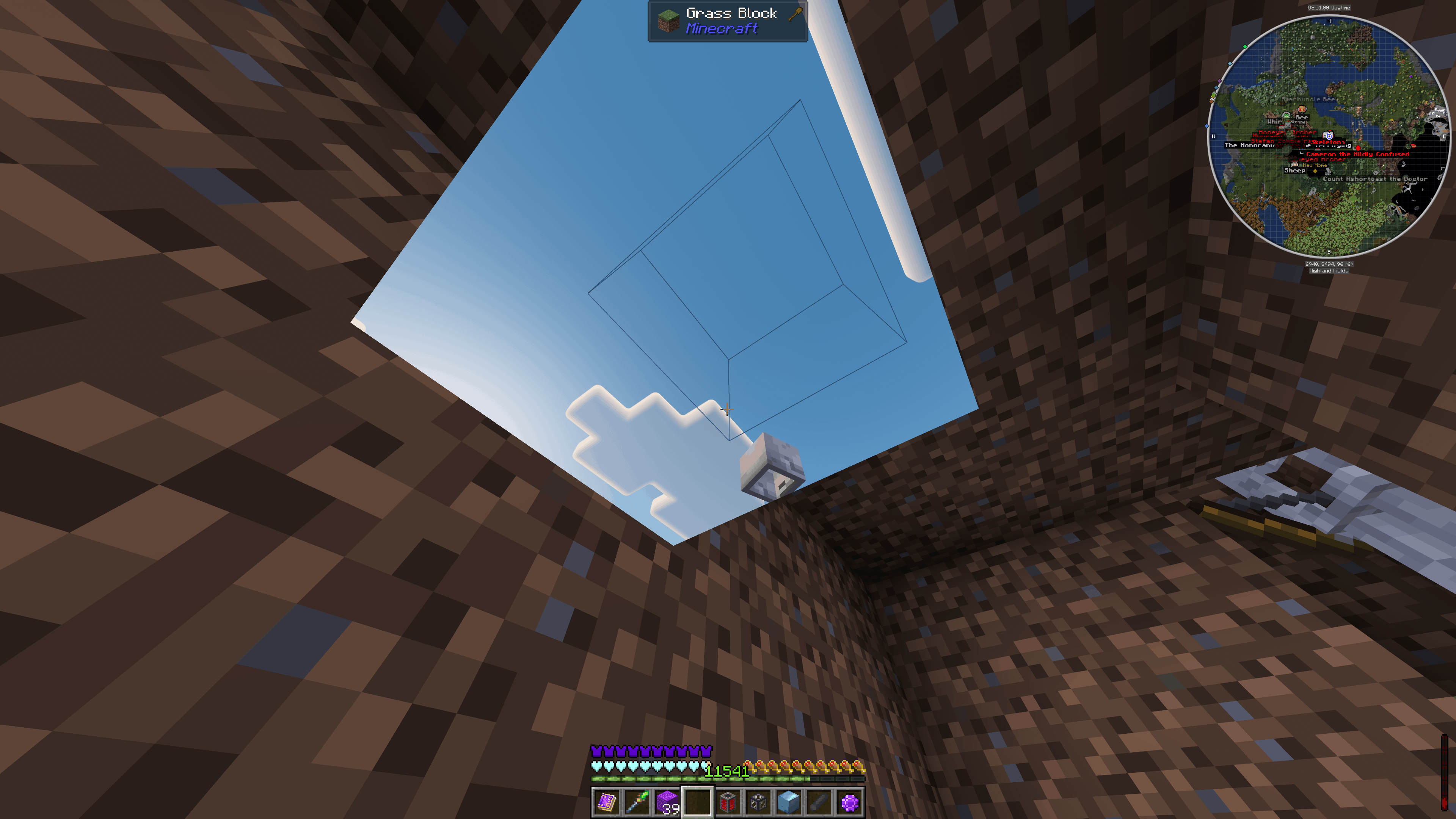
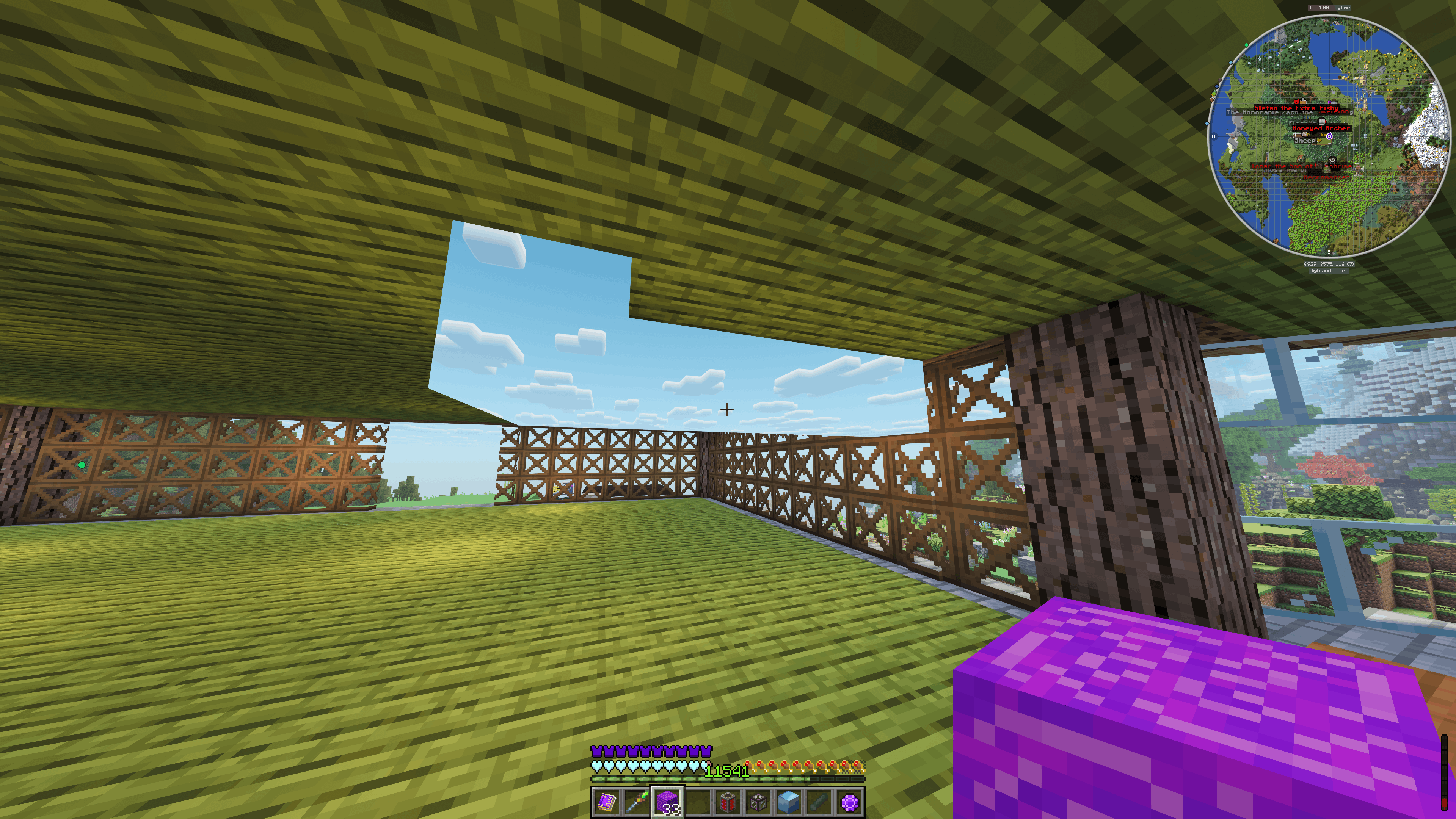
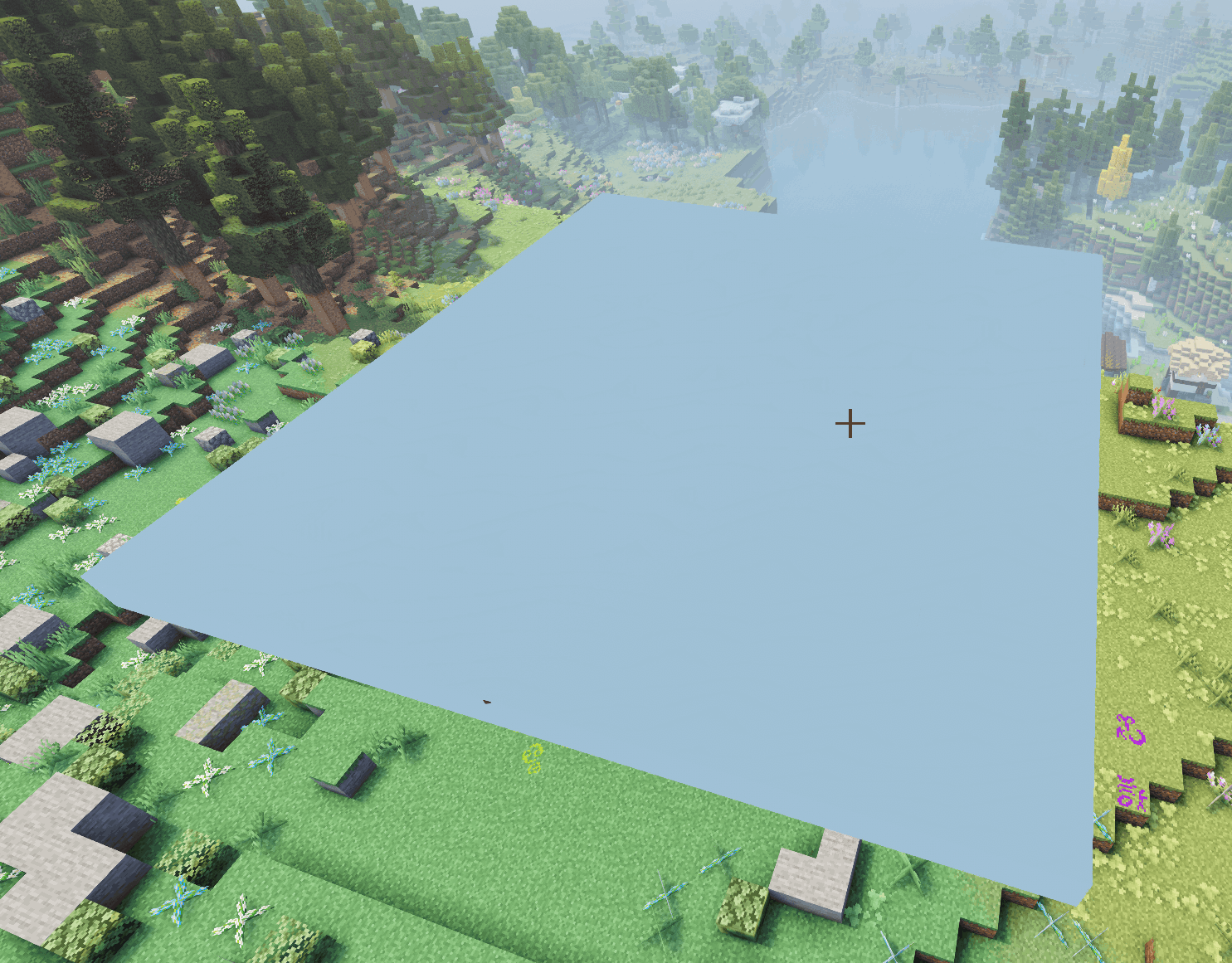
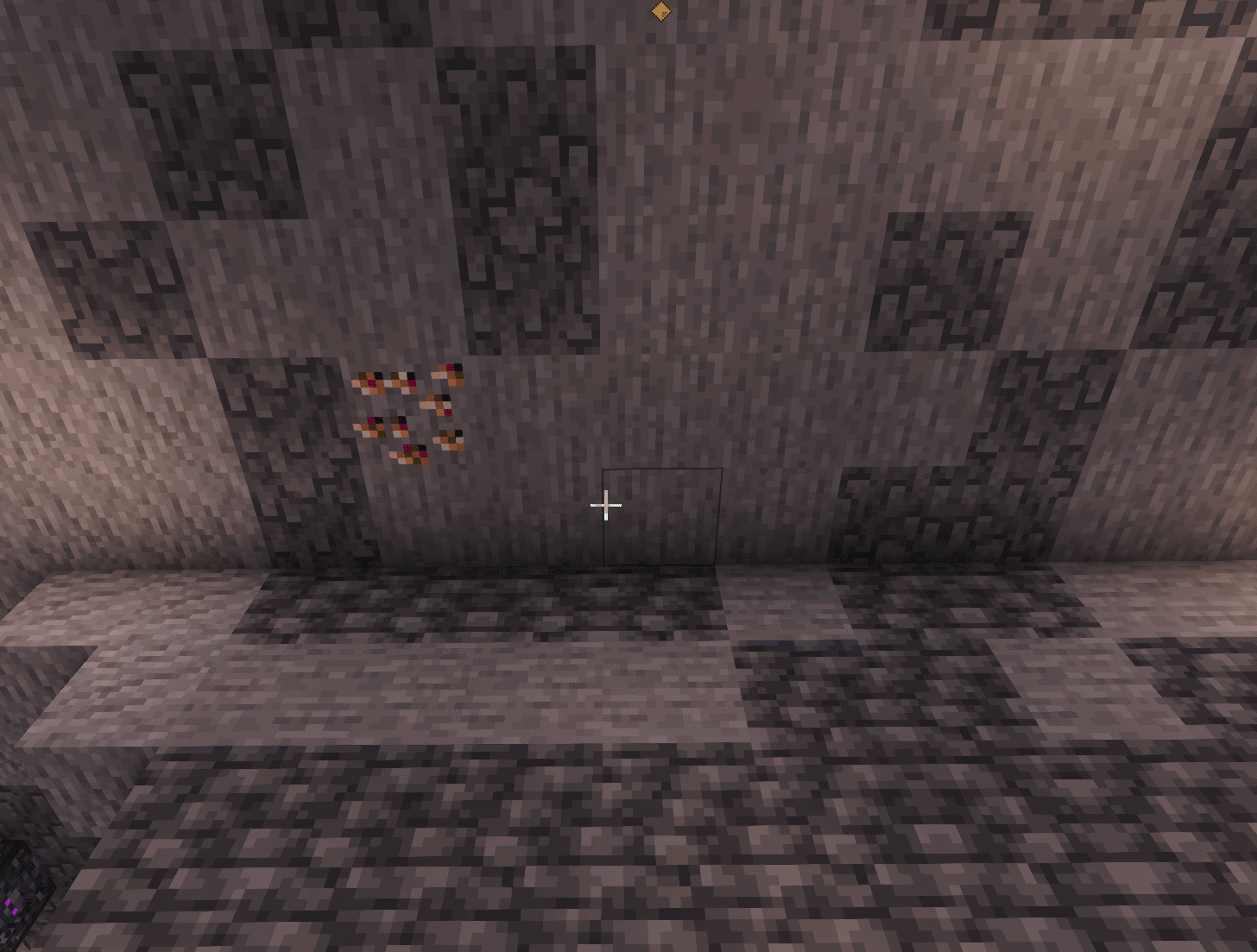
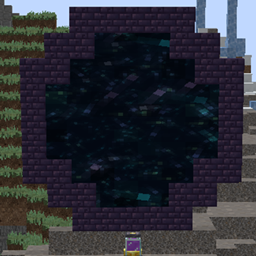
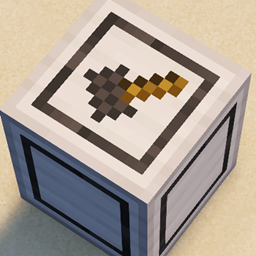
Ever put down an Ars Nouveau Skyweave Block, loaded up your favourite shaders, and… stared at a big black cube? Yeah. This tiny addon fixes exactly that.
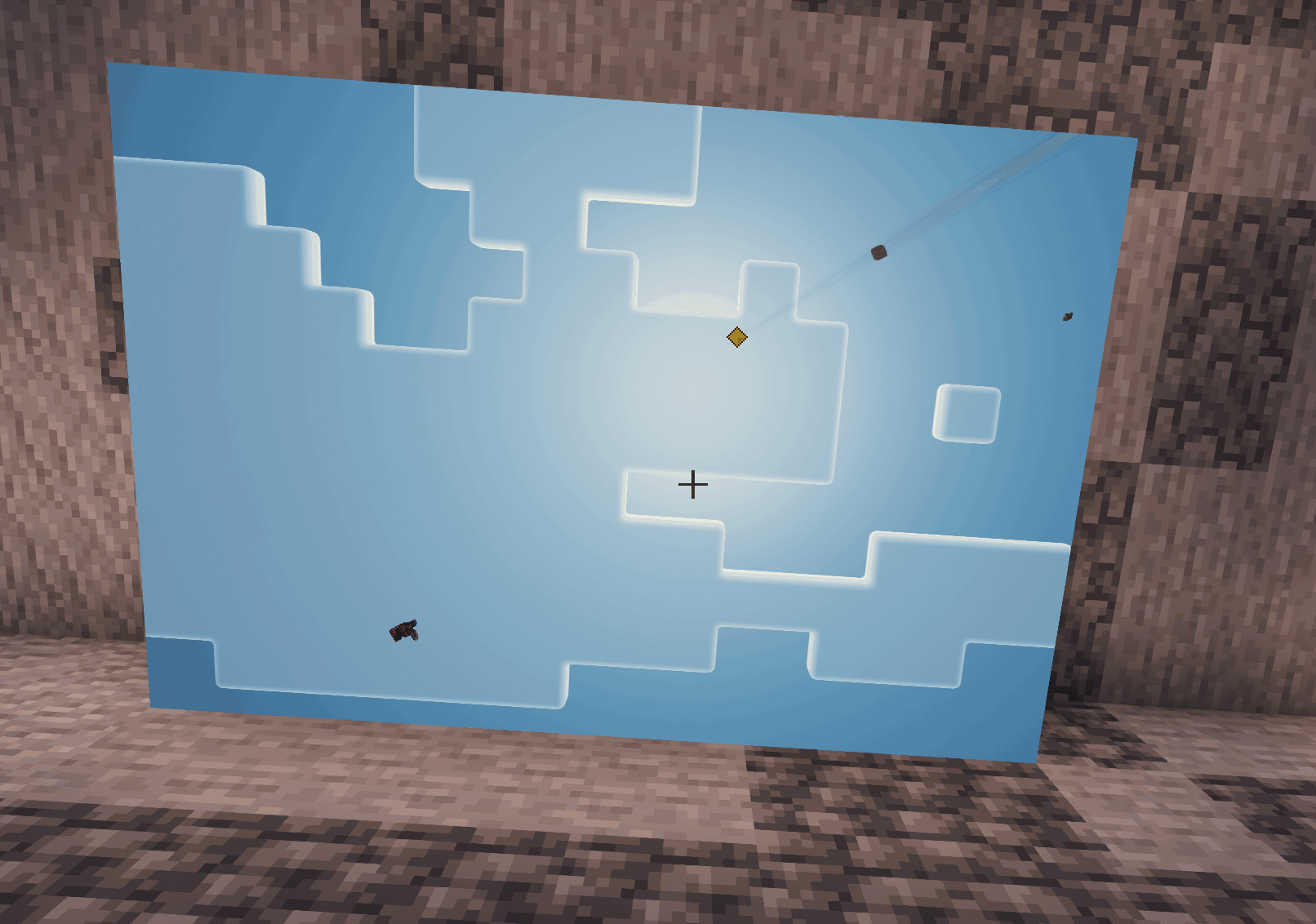
Ars Nouveau draws the Sky Block with its own little custom shader. Iris politely ignores custom shaders when a shaderpack is running, so the block just turns pitch black. This mod steps in and draws the block through the shaderpack's own sky instead — so it actually shows the sky again, shaders and all.
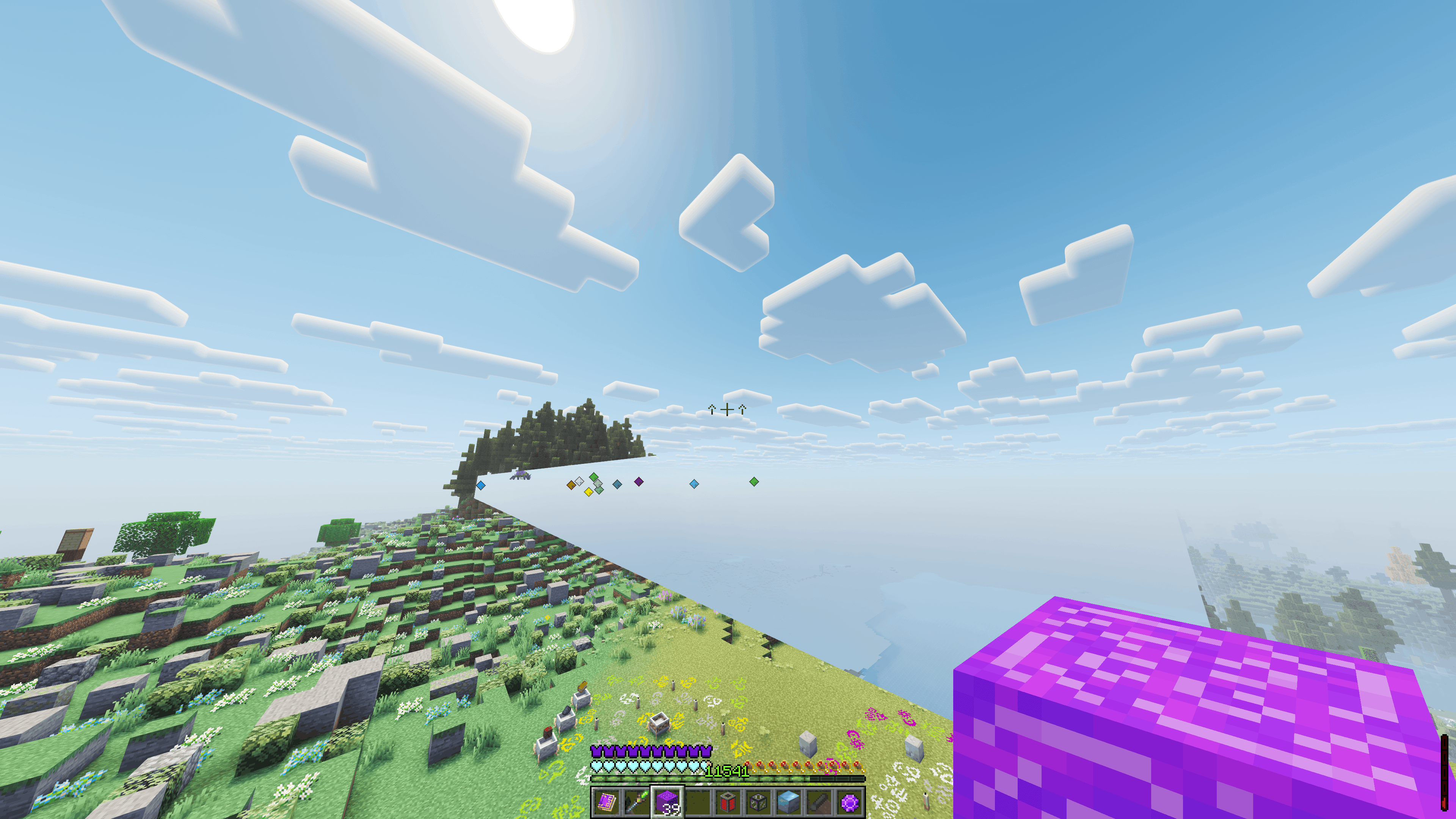
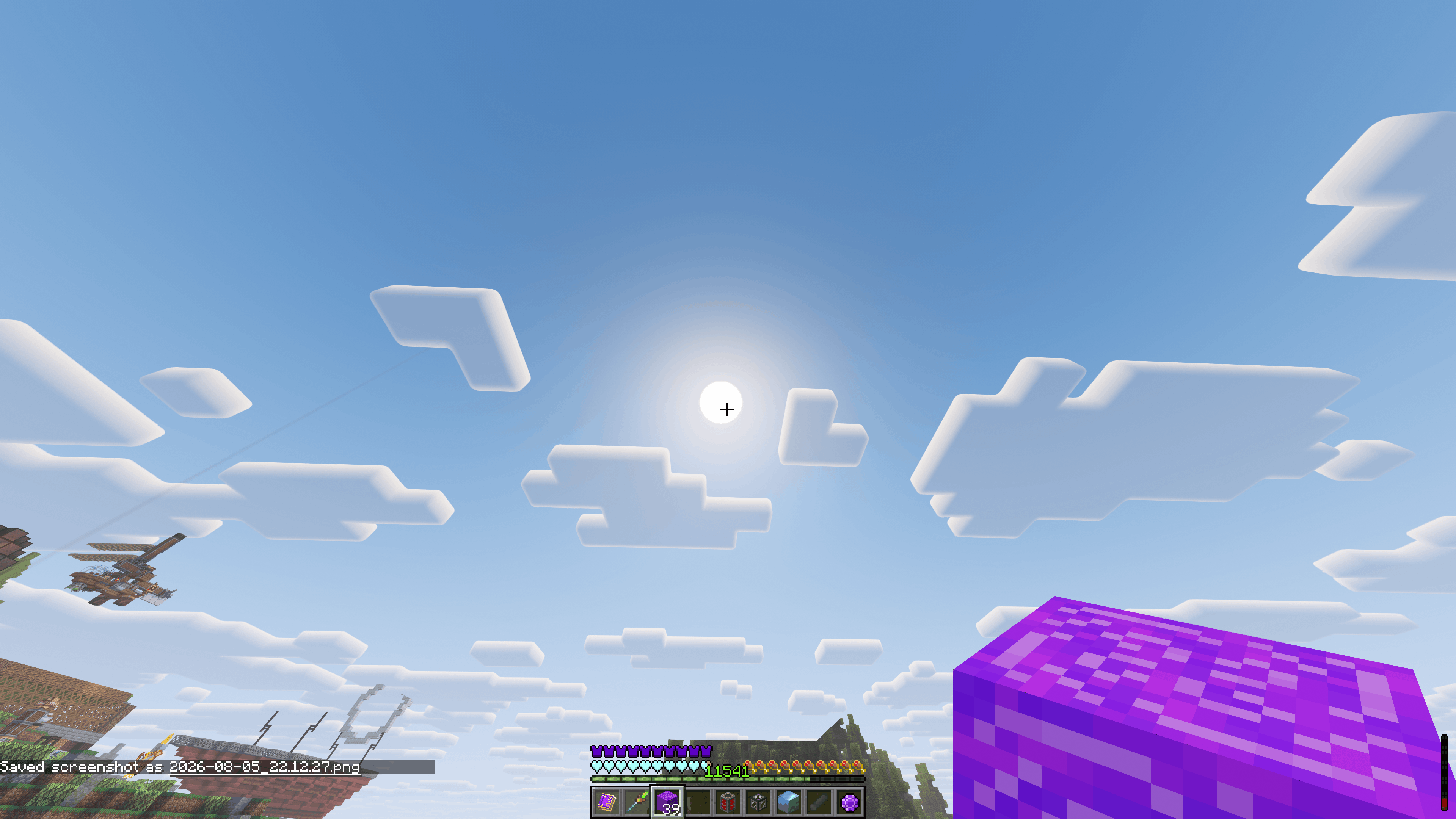
With a supported shaderpack active, the Sky Block becomes a proper window to the sky:
No shaderpack? Nothing changes — you get the normal vanilla effect.
Set the config to SHADER and the mod injects the sky into your shaderpack at runtime, in memory — it never touches the files in your shaderpacks folder. It detects the pack automatically and applies the right patch for that family. Nothing to install into the pack, nothing to reload by hand.
| Family | Tested version(s) | Notes |
|---|---|---|
| Complementary Reimagined | r5.7.1, r5.8.1, r5.9 | Full sky (sun/moon/stars/clouds). Works with or without EuphoriaPatches (tested up to 1.10.0). |
| Complementary Unbound | r5.7.1, r5.8.1, r5.9 | Full sky (sun/moon/stars/clouds). Works with or without EuphoriaPatches (tested up to 1.10.0). |
| Photon | v1.3b | Full sky incl. volumetric clouds. |
| BSL | v10.1.3 | Full sky. Sun/sunbeams are partly screen-space (a documented limit). |
| SEUS Renewed | v1.0.1 | Sky gradient + sun disc + clouds. Moon/stars are vanilla-texture based in this pack and don't show on block faces. |
| Sildur's Vibrant | v2.01 Extreme | Full sky (sun/moon/stars/clouds). |
| Solas | V3.7b | Full sky (sun/moon/stars/clouds). |
| Astra Lex | V93.0 | Full sky (sun/moon/stars/clouds). |
| Pastel | v1.200 | Stars + clouds. Sun/moon are vanilla-texture based in this pack and don't show on block faces. |
| Insanity | v1.650 | Stars + clouds. With the pack's round sun/moon setting enabled, sun and moon show on the block too (its default textured sun/moon don't). |
| Hysteria | v1.2.2 | Full sky (sun/moon/stars/clouds). |
| Spooklementary | v2.0.4 | Full sky (sun/moon/stars/clouds). TAA off required — the block edge shimmers at night otherwise. |
| Bliss | v2.1.2 | Full sky (sun/moon/stars/clouds). |
| Mellow | v3.4.1a | Stars + clouds. TAA off required. Sun/moon are vanilla-texture based in this pack and don't show on block faces. |
| Reverie | Beta v0.9 | Sky, sun, moon, stars + solid buildable top, correct depth. Clouds don't render on the block (this pack composites them in a depth-dependent late pass). |
Temporal Filter / TAA: turning the shader's Temporal Filter (TAA) off is recommended with this mod in general — it removes faint shimmer along the block's edges. A handful of packs require it off (marked TAA off in the table above); everywhere else it's optional but nicer.
EuphoriaPatches note: if you use EuphoriaPatches with Complementary, use a current EuphoriaPatcher version (1.9.3+). Older ones (e.g. 1.8.6) aren't supported (but can work) — the block just stays plain, it won't break anything.
Plenty of other packs that draw their sky the "normal" way happen to work out of the box in SHADER mode too (sky + correct depth) even without a dedicated patch — Sunflawer is one example. Give your pack a try; if the sky and occlusion look right, you're good.
Packs that aren't compatible (pathtracers like SEUS PTGI and Kappa, or packs that build their sky in an unusual way) will show one of two tells in SHADER mode:
If you see either, that pack needs a dedicated patch (or can't be supported). Support is per-family because every pack builds its sky differently — the list above grows over time.
renderMode)Rule of thumb: supported (or compatible) pack → SHADER. Want something cheap and clean on an unsupported pack → SKYBASIC or SOLID. HYBRID is only there to show what a full window looks like — don't rely on it.
Because the open faces blend perfectly into the sky, a placed Sky Block can be almost impossible to spot. So the top face is given a solid colour (soft lavender by default) — from above it reads as a normal block. You can recolour it or turn it off:
topMarker — true/false (default true).topColorR / topColorG / topColorB — 0–255 each. Presets in the config comments (white, magenta, red, cyan, amber, …).Some stuff simply lives outside what a mod can control, so heads up:
A block sitting on top of the Sky Block can hide the sun/moon. If a pack draws the sun/moon as procedural sky elements, they show through fine. If it uses the vanilla textured sun/moon (e.g. SEUS Renewed's moon and stars), that's a separate object a block on top genuinely blocks — nothing the mod can do. This is noted per pack in the table above.
Floating builds cast a shadow on the ground below. If you make a floating platform of Sky Blocks and build on it, the stuff on top casts a normal shadow downward — exactly like any floating build would. The Sky Block itself casts no shadow, but real blocks placed on it do, and that's just how shadows work. Not fixable from the mod side.
Everything else? Fair game — bug away.