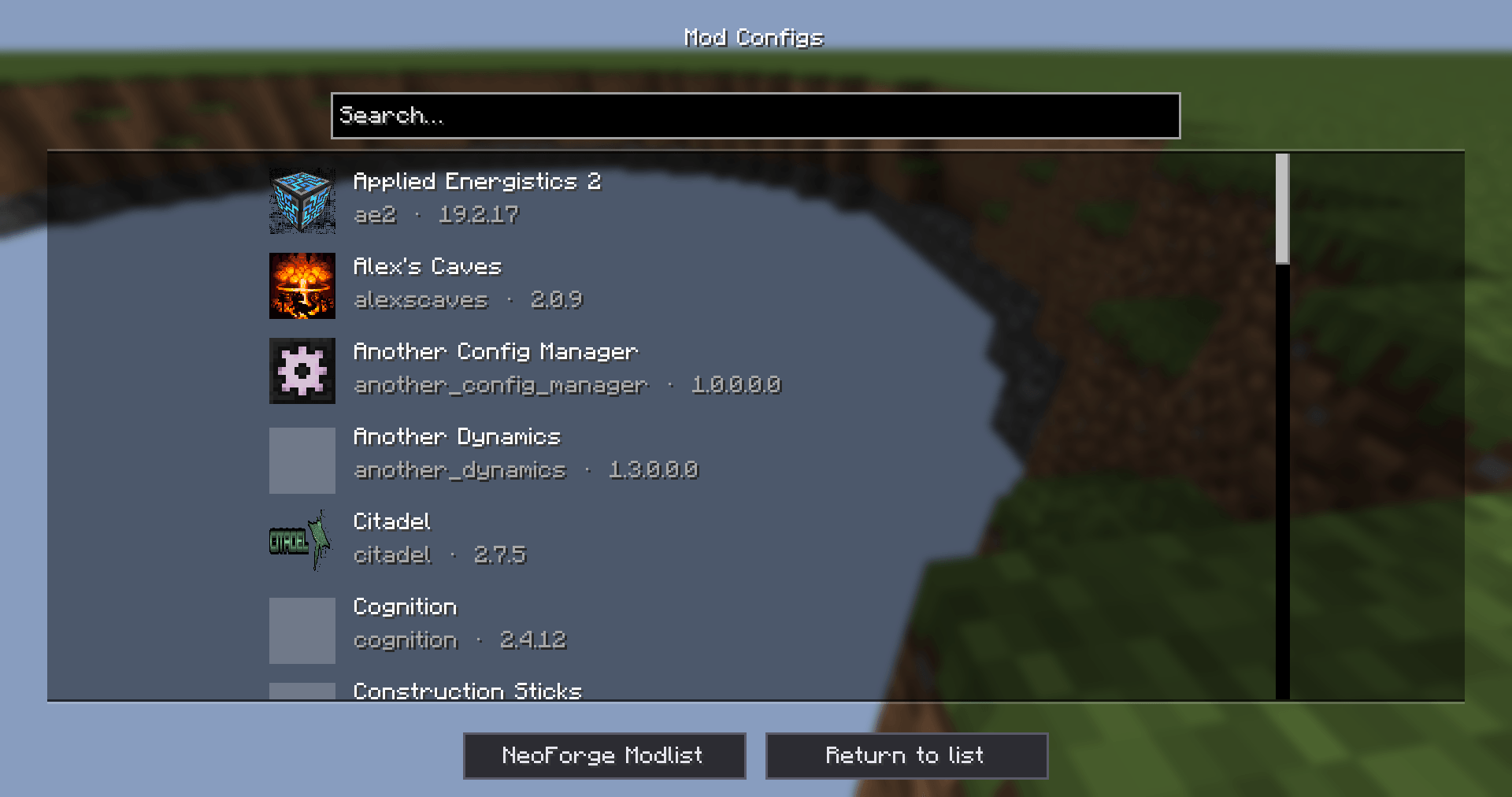
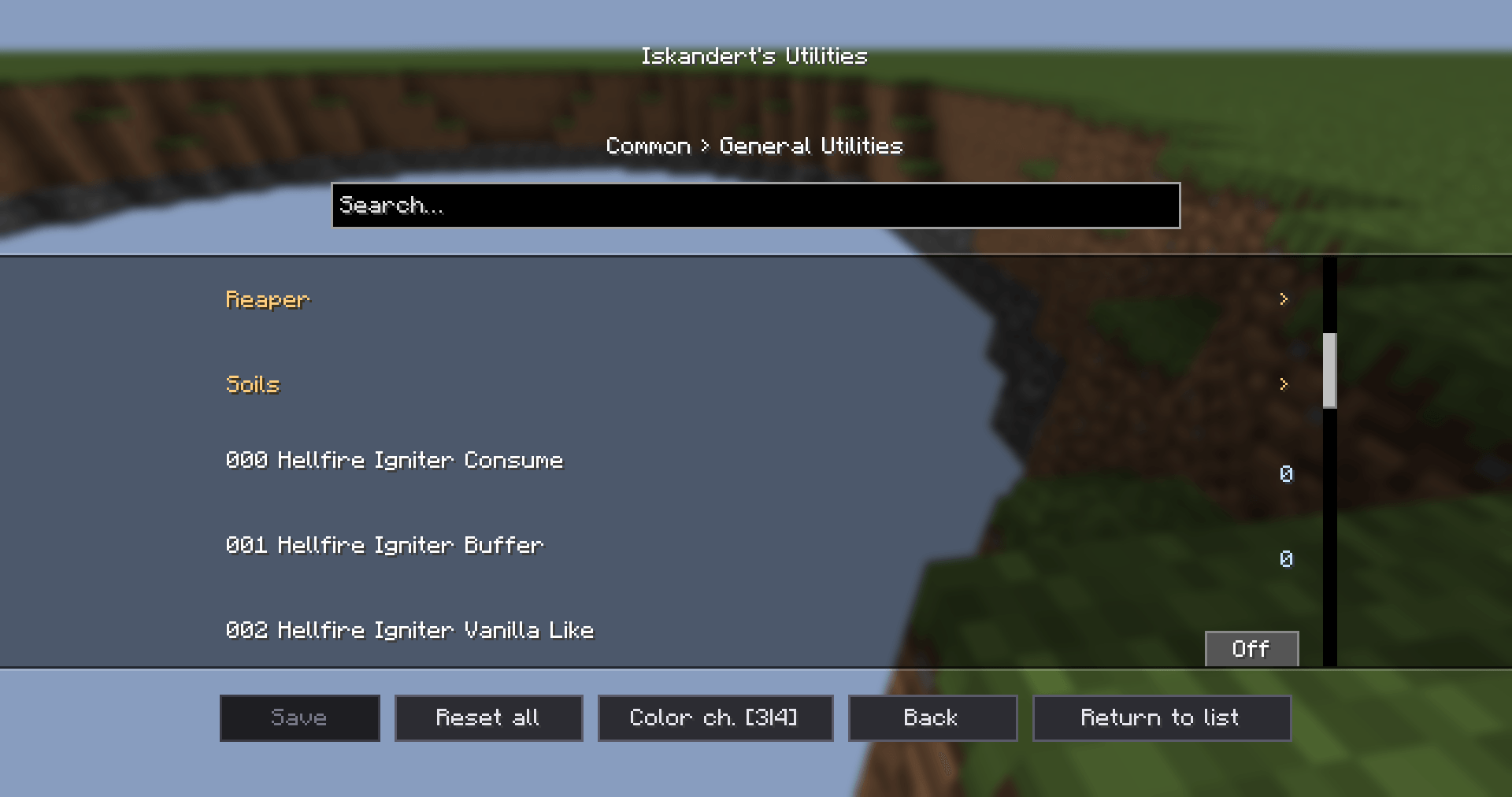
Another Config Manager is a config browser and editor for configs. Browse every mod that has configs, dig into sections, edit values with proper widgets, and save only when you are ready.
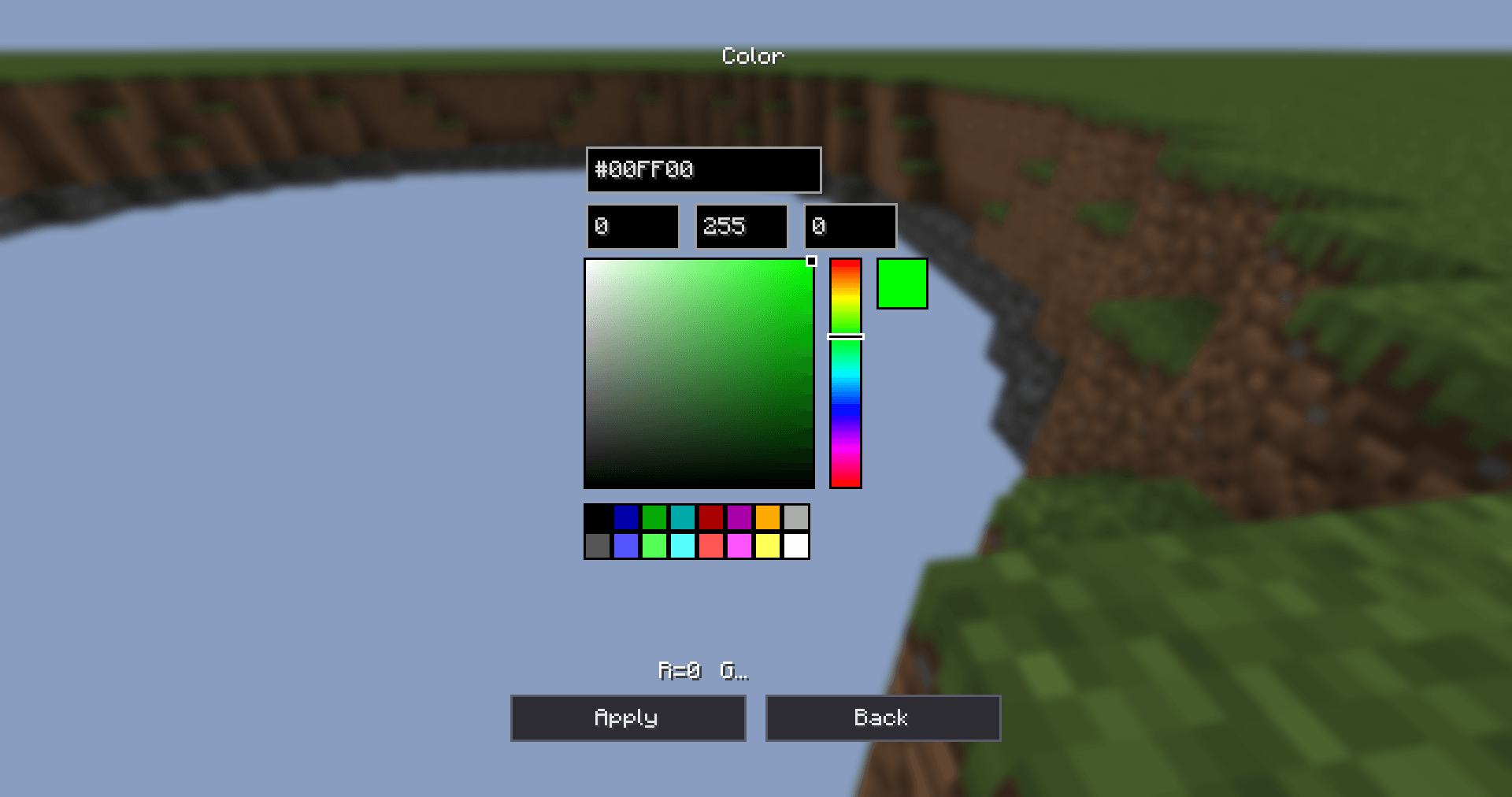
It also adds CSV tables for string lists and an HSV color picker for color values, and other mods can register their own table layouts and color formats.
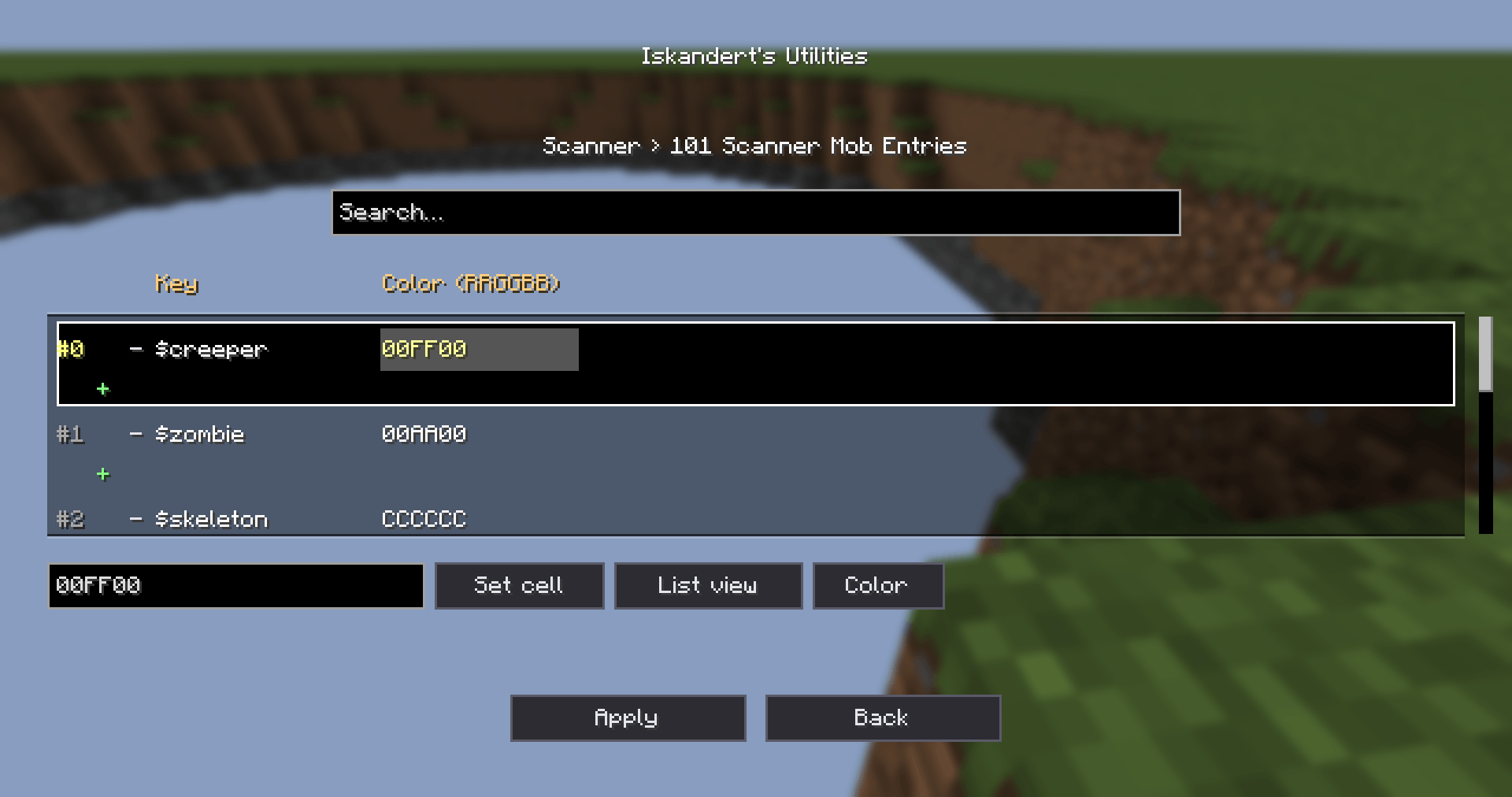
maxItemsPerTick show up as "Max Items Per Tick" (mods can provide translated names, see For developers).* and highlighted. Values that differ from the default show a default: … hint.Many mods store rows like minecraft:iron_ore;FFAA00 in a string list. ACM can edit these as a table:
Color ch. [3|4]): select 3 or 4 sibling numeric values with a 0–255 range, assign each one to R/G/B/(A), then edit them together in one picker.| Feature | Description |
|---|---|
/another_config_manager config |
Opens the Mod Configs browser (client command, requires permission level 2). |
/another_config_manager config <modId> |
Opens the config screen for that mod, with tab completion. Uses the mod's own config screen if it has one, otherwise the ACM editor. |
| Replace Mods button | Optional (replace_mods_button, off by default). When enabled, the Mods button on the title screen and pause menu opens the ACM browser instead of the NeoForge mod list. The NeoForge mod list stays reachable from the ACM screens. |
The browser also has buttons to open the mods folder and the NeoForge mod list.
ACM's own config (another_config_manager-common.toml) contains:
| Option | Description |
|---|---|
csv_manager |
CSV rule overrides. These win over the defaults registered by mods. Declare CSV writes here. This list is itself edited as a CSV table in-game. |
color_manager |
Color binding overrides. These win over the defaults registered by mods. Declare Color and color channel mode write here. |
replace_mods_button |
Replace the Mods button with the ACM browser (default false). |
So you can add CSV or color editing to any mod's config from inside the game and ship the result with your pack.
ACM doesn't need any code to work: every ModConfigSpec config is picked up automatically. Integration is optional and lets you control how your config looks and edits.
Declare ACM in your neoforge.mods.toml:
[[dependencies.yourmodid]]
    modId="another_config_manager"
    type="required"
    versionRange="[1.0.0.0.0,)"
    ordering="NONE"
    side="BOTH"
Then add the ACM jar to your compile classpath.
Mark your mod so ACM always registers its screen for it (even with Configured installed):
[modproperties.yourmodid]
another_config_manager=true
At runtime you can also call ConfigOpener.claim("yourmodid").
Register a default table layout for a string list (package net.unfamily.anotherconfigmanager.config):
CsvRuleRegistry.register("yourmodid", "scanner.ore_entries",
        ";yourmodid:scanner/ore_entries;0=yourmodid.config.csv.key;type:color_hex:order=rgb:prefix=none;1=yourmodid.config.csv.color");
{sep}[rulePath]{sep}{colDef}{sep}{colDef}... (the first character is the separator).0, 0=lang.key, 0-3, 0-3=lang.key, 2+, 2+=lang.key, and 0-3$ to show only the declared columns.type:color_hex:order=rgb:prefix=none; (or color_int_packed) to get a color picker for that column.ModConfig.Type (the default is COMMON) or a List<String> path.iska_csv:<rule> to the value's comment.ColorRuleRegistry.register("yourmodid", ModConfig.Type.COMMON, "scanner.default_color", "hex;rgb;prefix=none");
storage;order[;prefix=…][;case=upper|lower][;scale=…]storage: hex (string) or int (packed integer). order: any rgb / argb permutation.Rules registered in code are defaults. Entries in ACM's csv_manager / color_manager override them.
ConfigOpener.open("yourmodid"): opens your config screen on the client.ConfigOpener.open("yourmodid", ModConfig.Type.CLIENT): opens a specific config type.ConfigOpener.openModBrowser(): opens the Mod Configs browser.