*IMPORTANT!!!*: Since AL's Squids & Nautiluses uses custom entity models and textures, this pack will require the following:
*Entity Model Features + Entity Texture Features
...or alternatively:
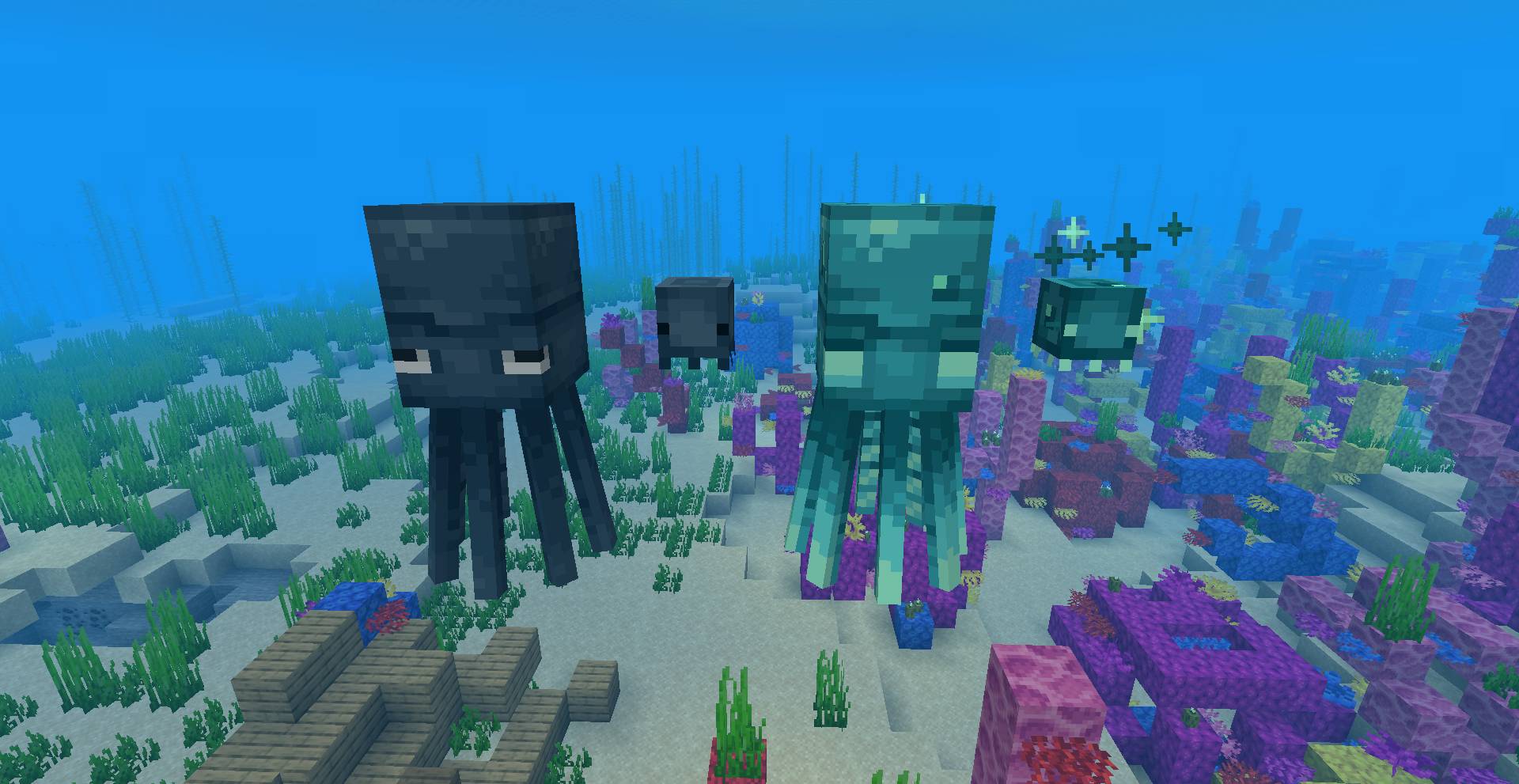
A pack that revamps Squids and Nautiluses and adds more variants by changing the models and textures!
I made this as a more "Vanilla style" pack while still giving them a well needed revamp.
Features:
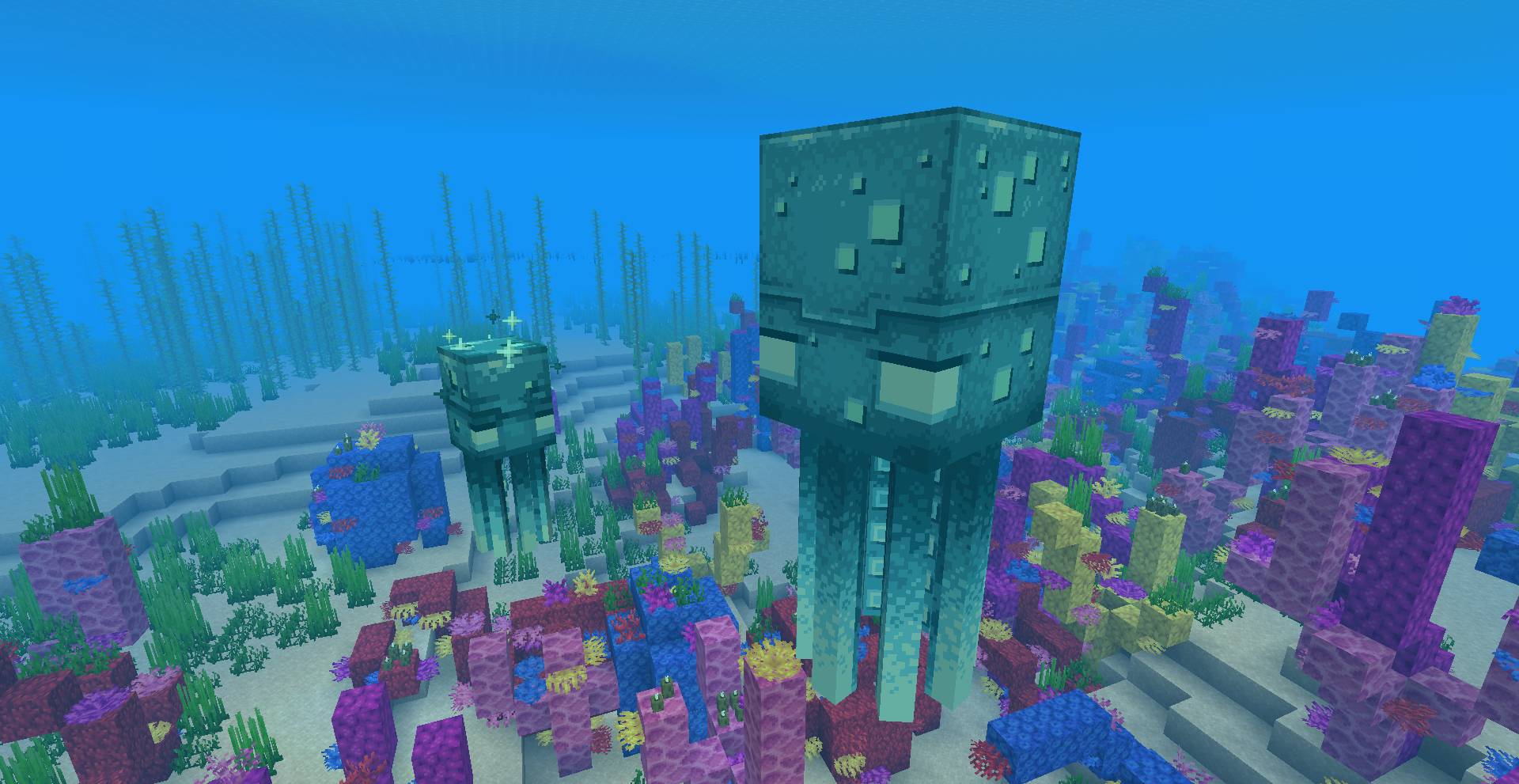
-Squids and Glow Squids have a better-looking texture with the baby model now looking how they do in Minecraft Dungeons!
-Glow Squids have a 1/100 chance of spawning as a giant "Eponymous Squid", another reference to Minecraft Dungeons.
(This variant can also be obtained manually via renaming it to Eponymous Squid or Nanaimoteuthis)
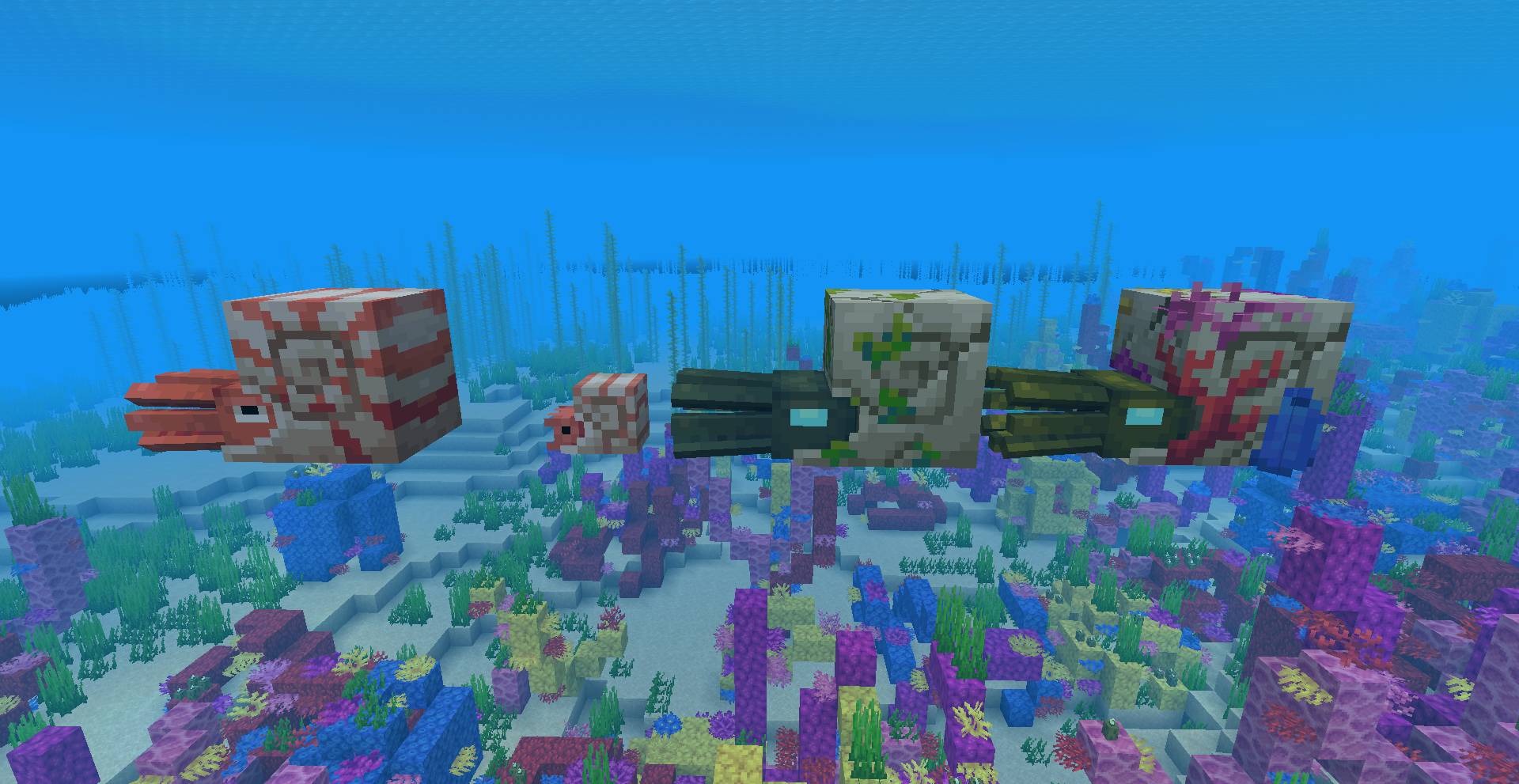
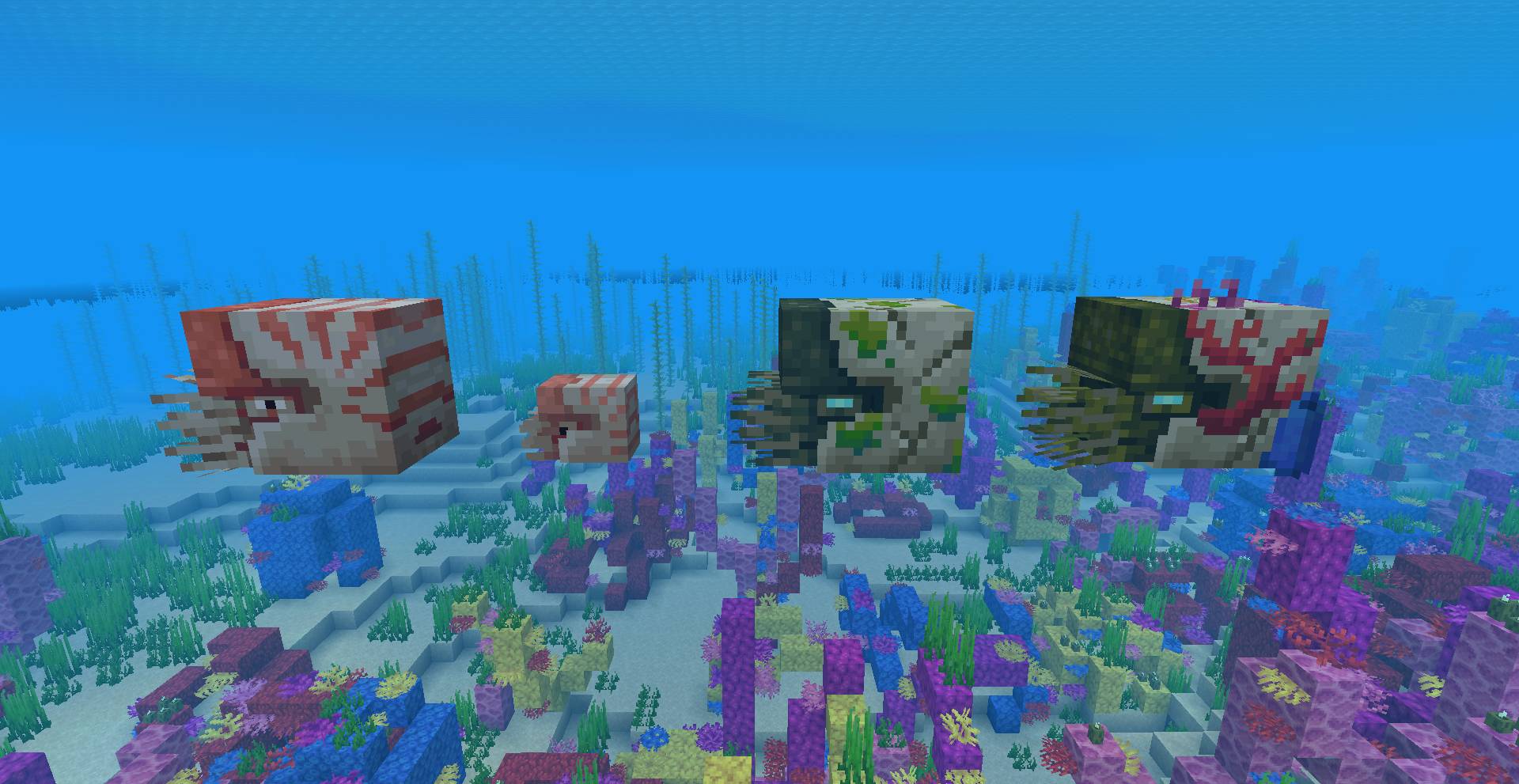
-Nautilus, Zombie Nautilus, and Coral Zombie Nautilus now actually look like real nautiluses instead of half-baked ammonites.
-Miss the ammonite look of the vanilla Nautilus? No problem! renaming any Nautilus to Ammonite will turn it into a better, more accurate looking ammonite!
-New, better, textures for Nautilus Armor
Make sure that these are all set to "ON":
Custom Entity Models
Random Entities
Emissive Textures
You can find these toggles by going into:
Options>Video Settings>Quality