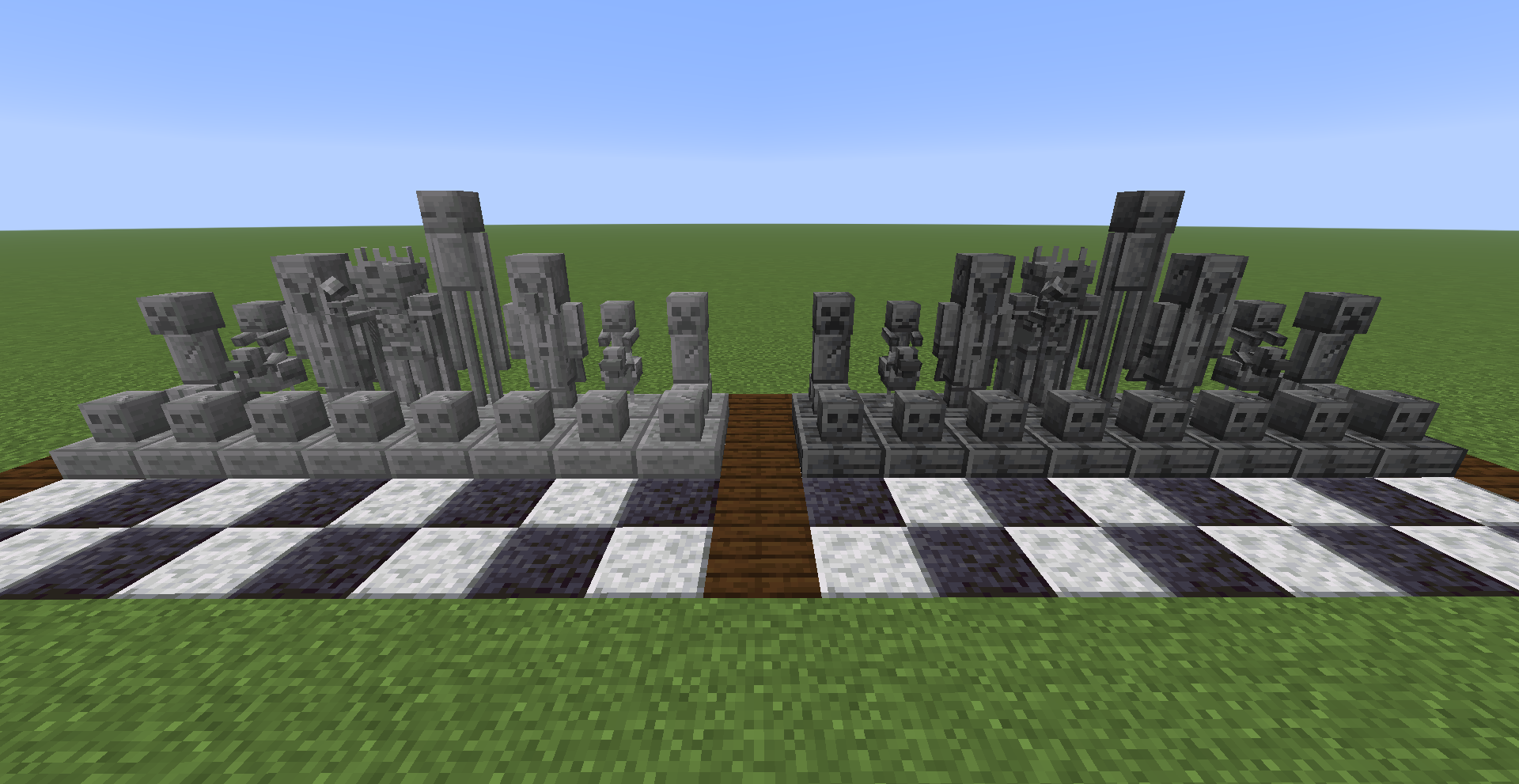
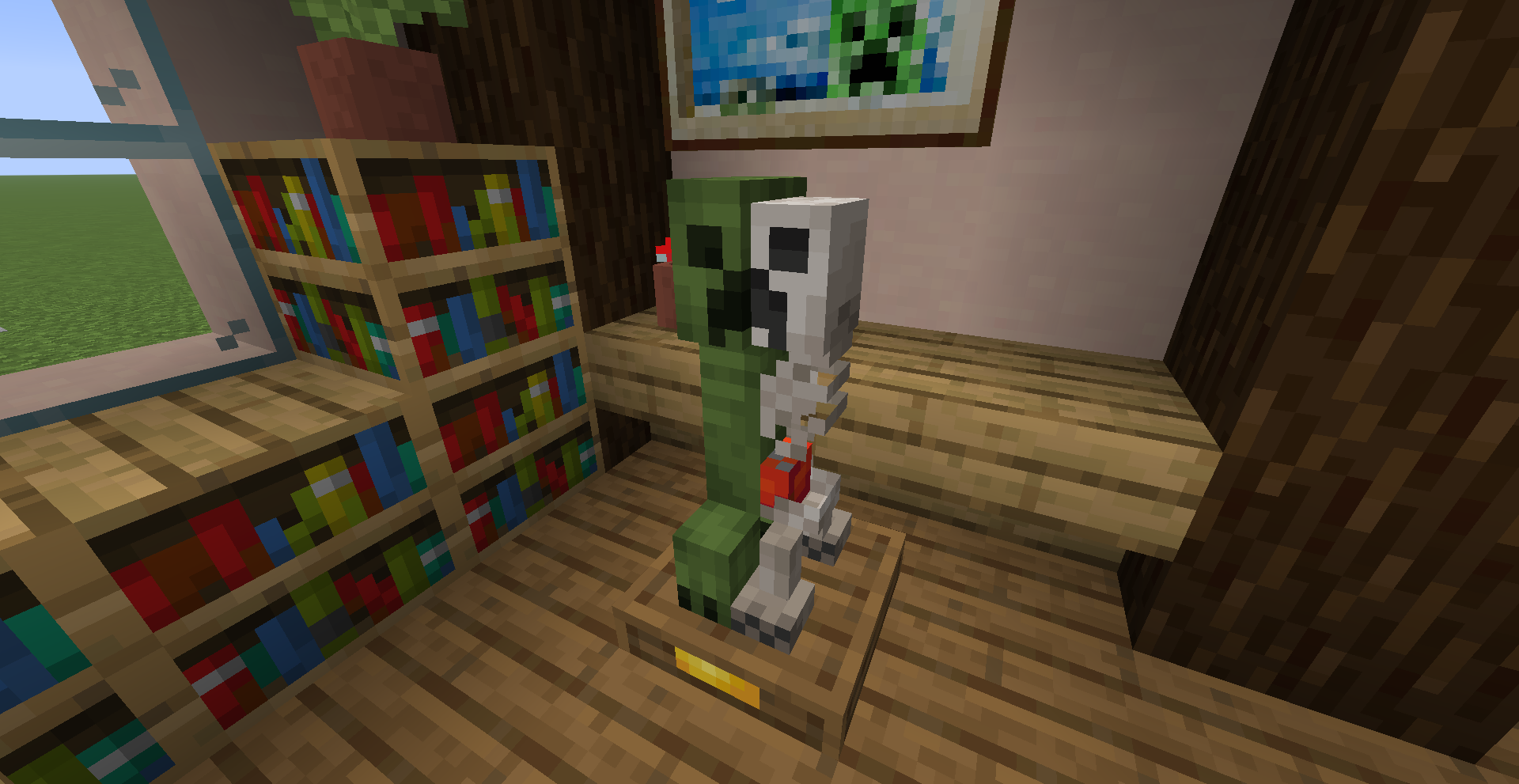
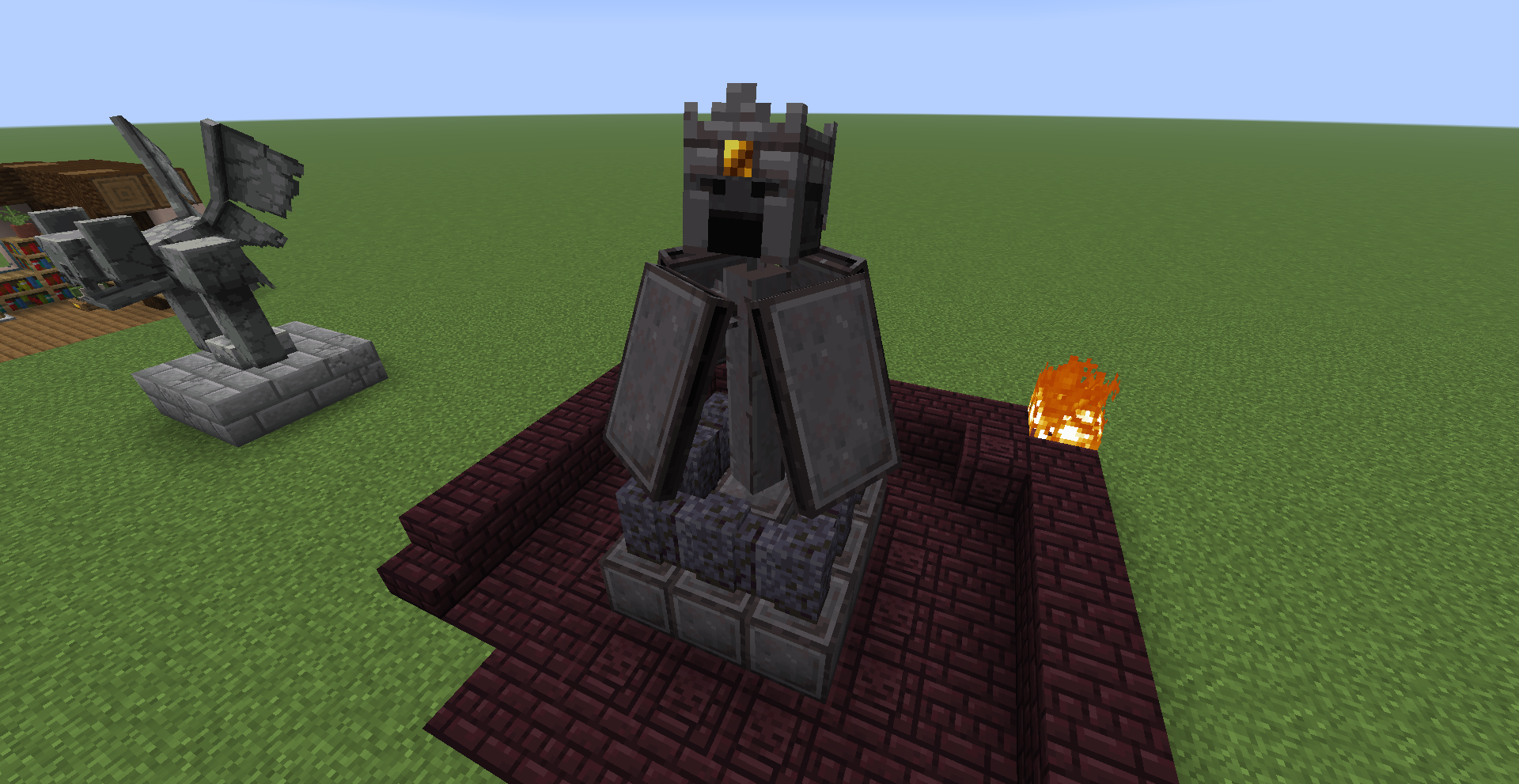
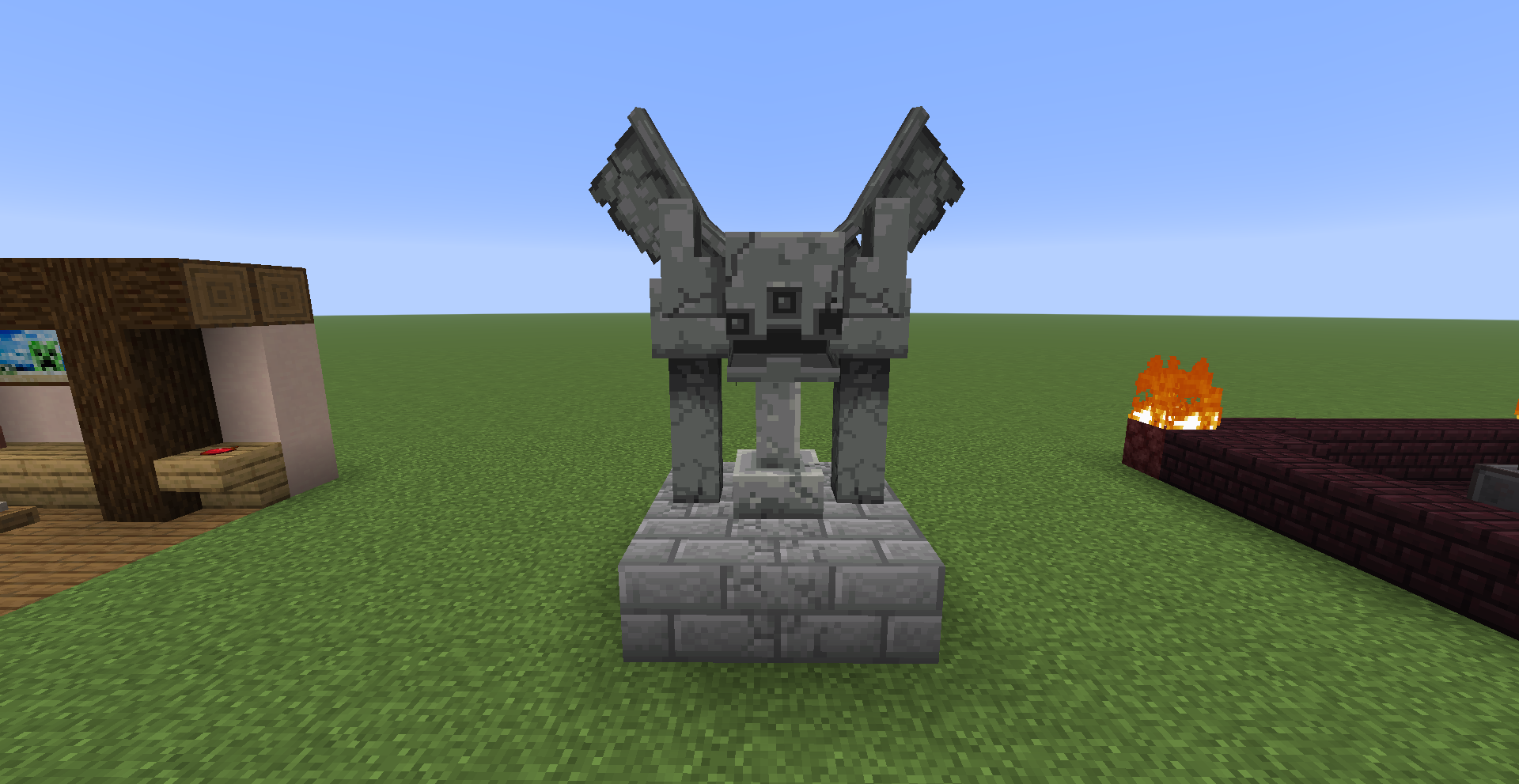
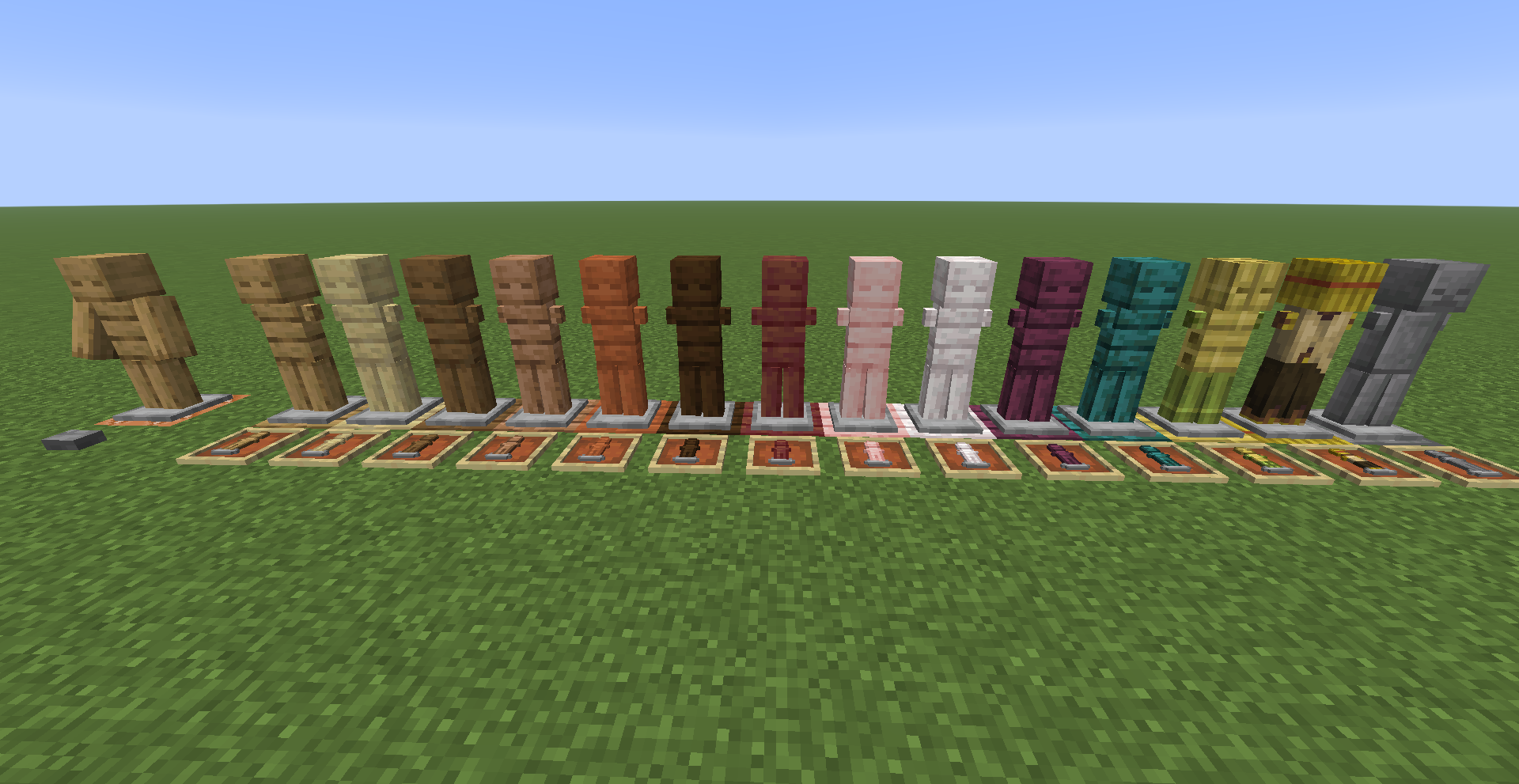
*IMPORTANT!!!*: Since Armor Stands Revamped uses custom entity models and textures, this pack will require the following:
*Entity Model Features + Entity Texture Features
...or alternatively:
A pack that revamps Armor Stands and adds more variants by adding many decorative renamable variants!
I made this as a more "Vanilla style" pack while still giving them a well needed revamp.
In order to obtain the variants, you need to rename an Armor Stand in an Anvil using one of the valid names listed below.
List of valid Armor Stand renames:
*Birch Armor Stand
*Spruce Armor Stand
*Jungle Armor Stand
*Acacia Armor Stand
*Dark Oak Armor Stand
*Mangrove Armor Stand
*Cherry Armor Stand
*Pale Armor Stand
*Crimson Armor Stand
*Warped Armor Stand
*Bamboo Armor Stand
*Target Dummy
*Stone Armor Stand
*Gargoyle
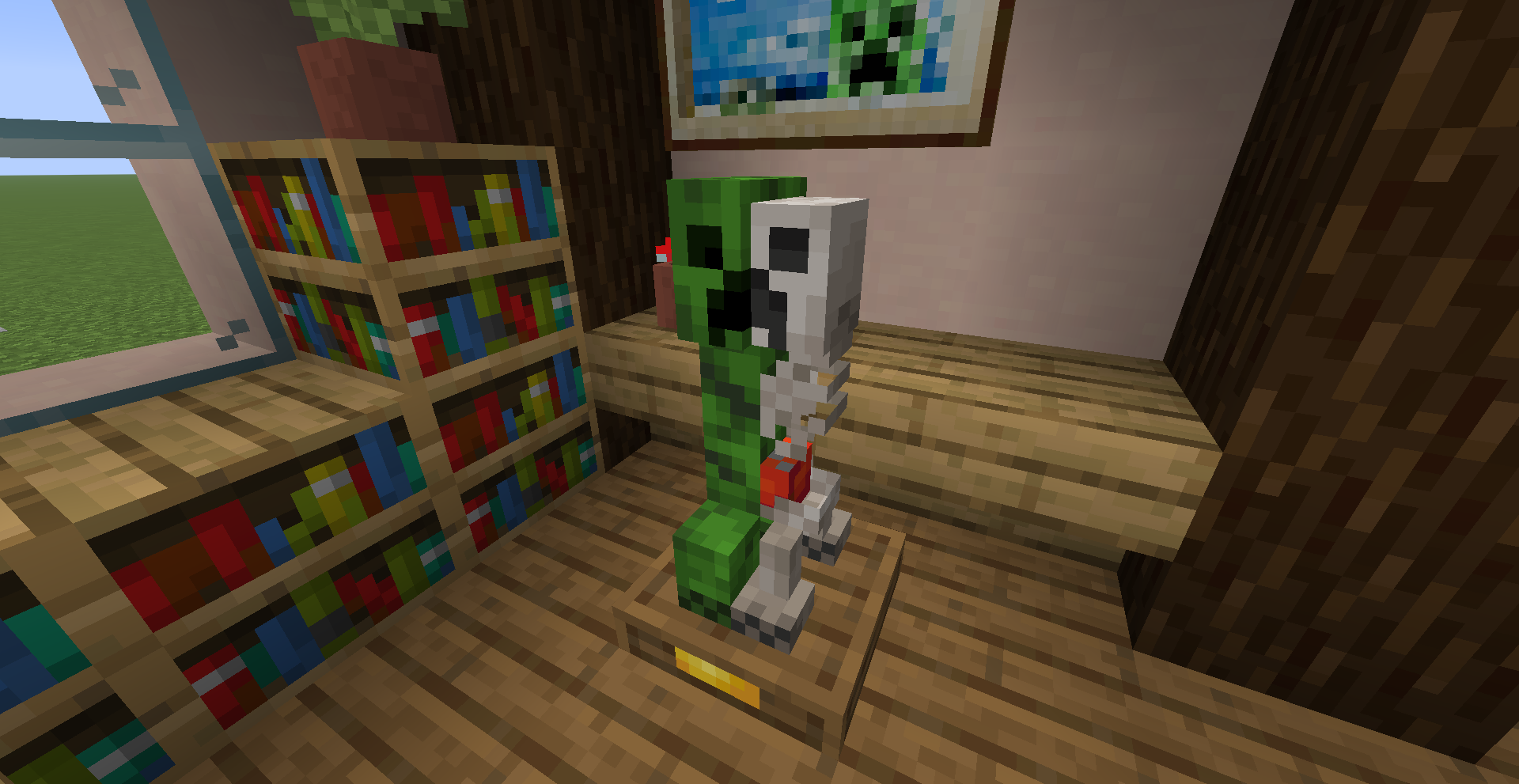
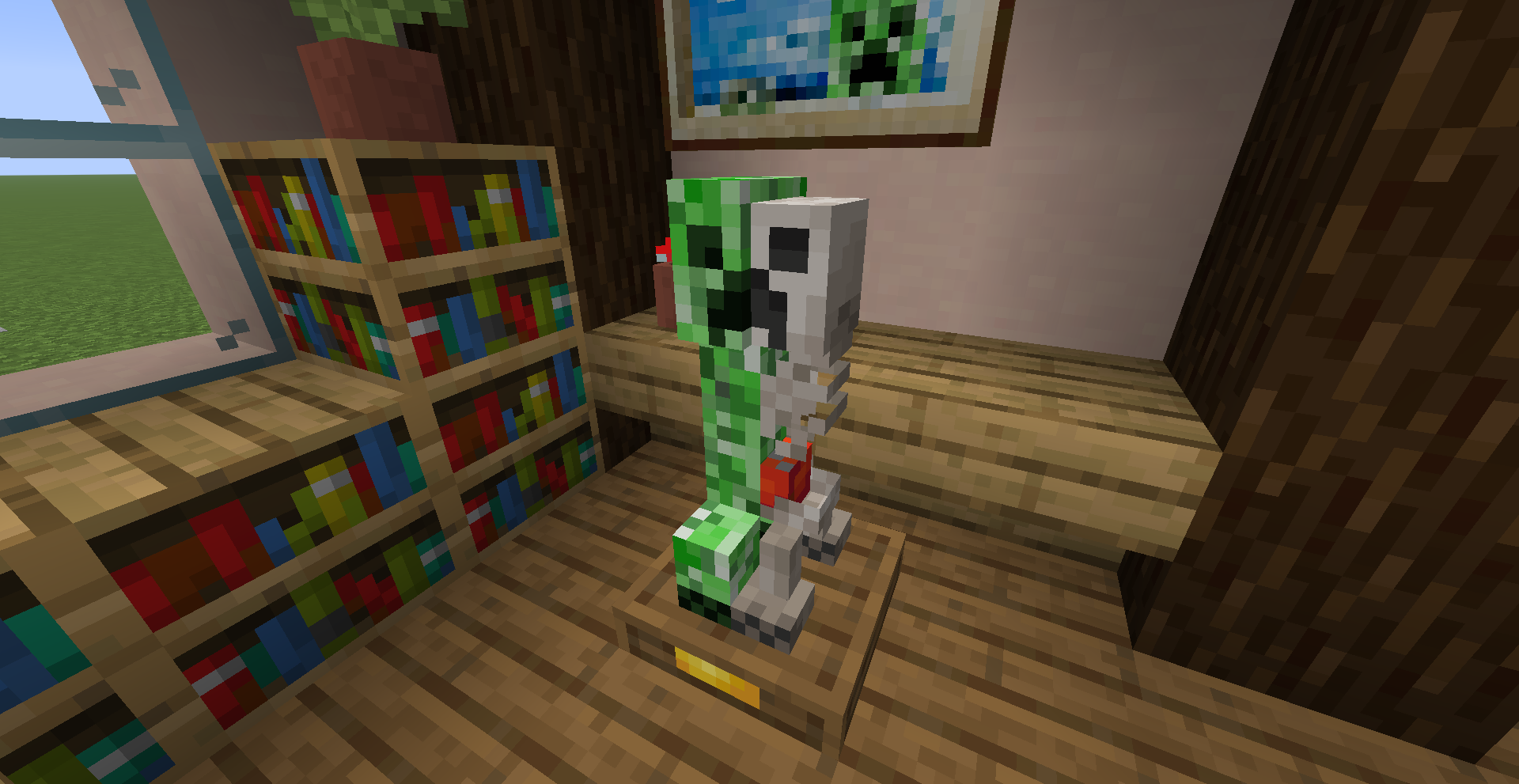
*Anatomy of a Creeper
*Wildfire
*Stone Pawn
*Stone Rook
*Stone Knight
*Stone Bishop
*Stone Queen
*Stone King
*Deepslate Pawn
*Deepslate Rook
*Deepslate Knight
*Deepslate Bishop
*Deepslate Queen
*Deepslate King
Make sure that these are all set to "ON":
Custom Entity Models
Random Entities
Emissive Textures
You can find these toggles by going into:
Options>Video Settings>Quality