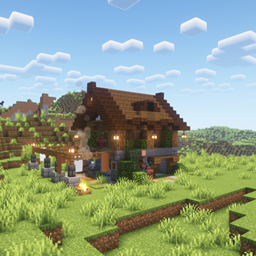
Airdrop: Supply Drops brings immersive supply deliveries to your Minecraft world.
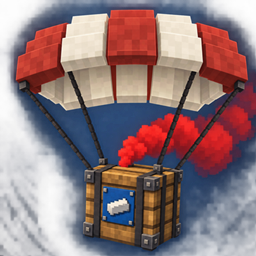
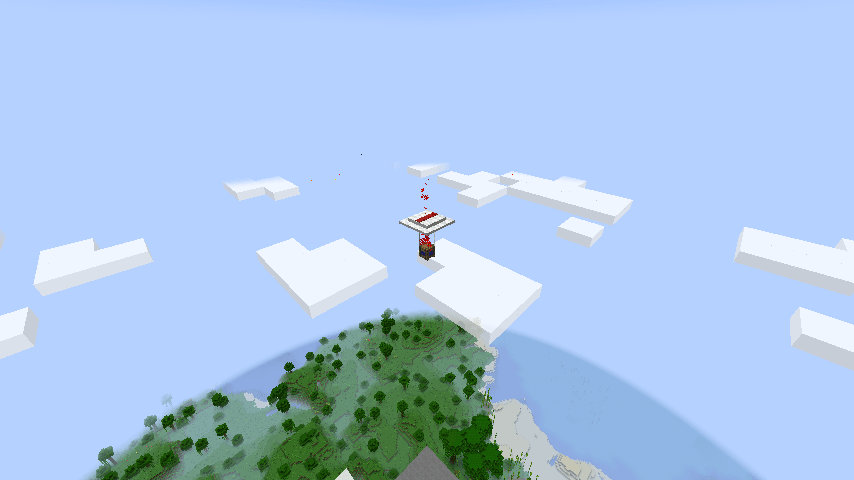
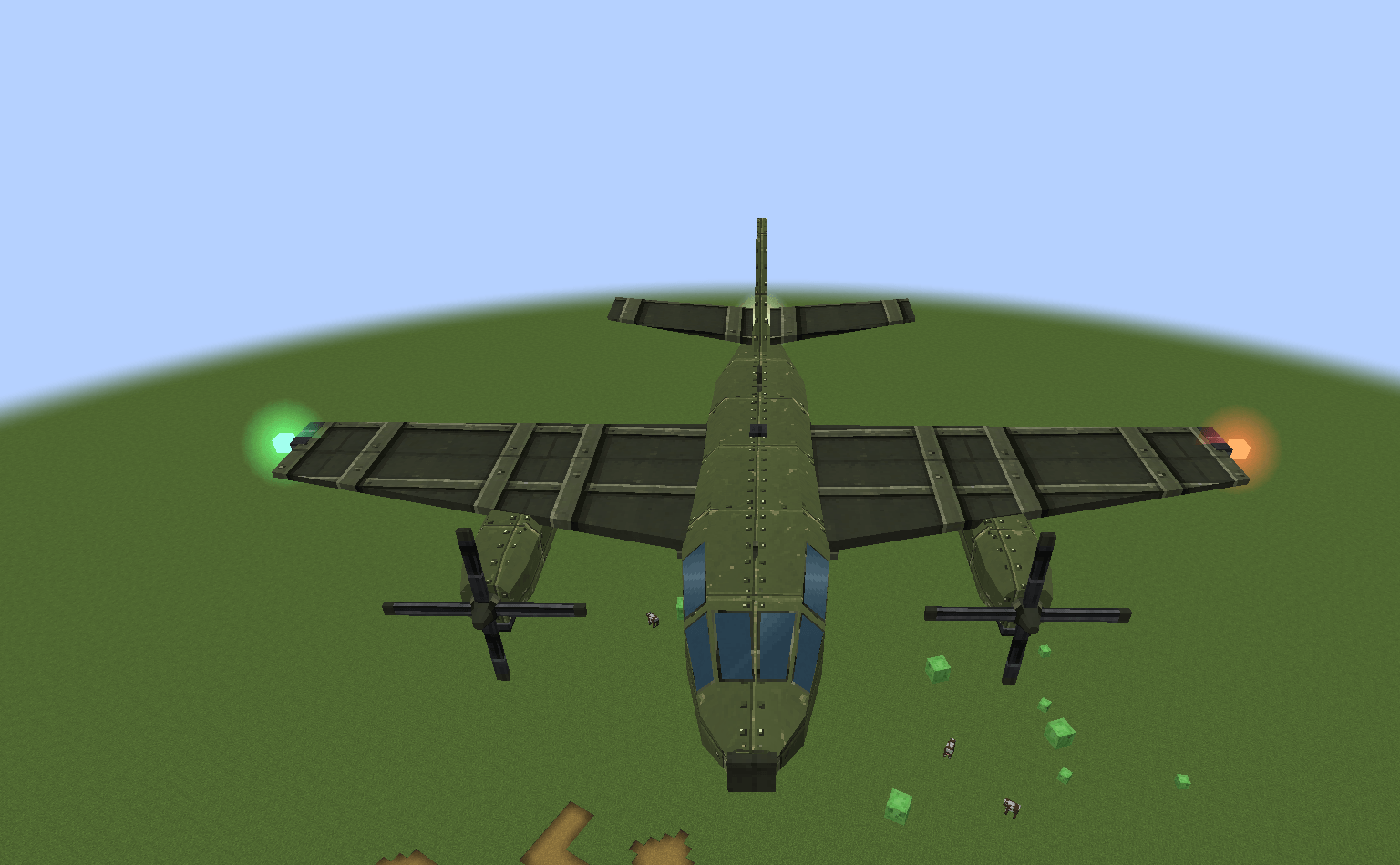
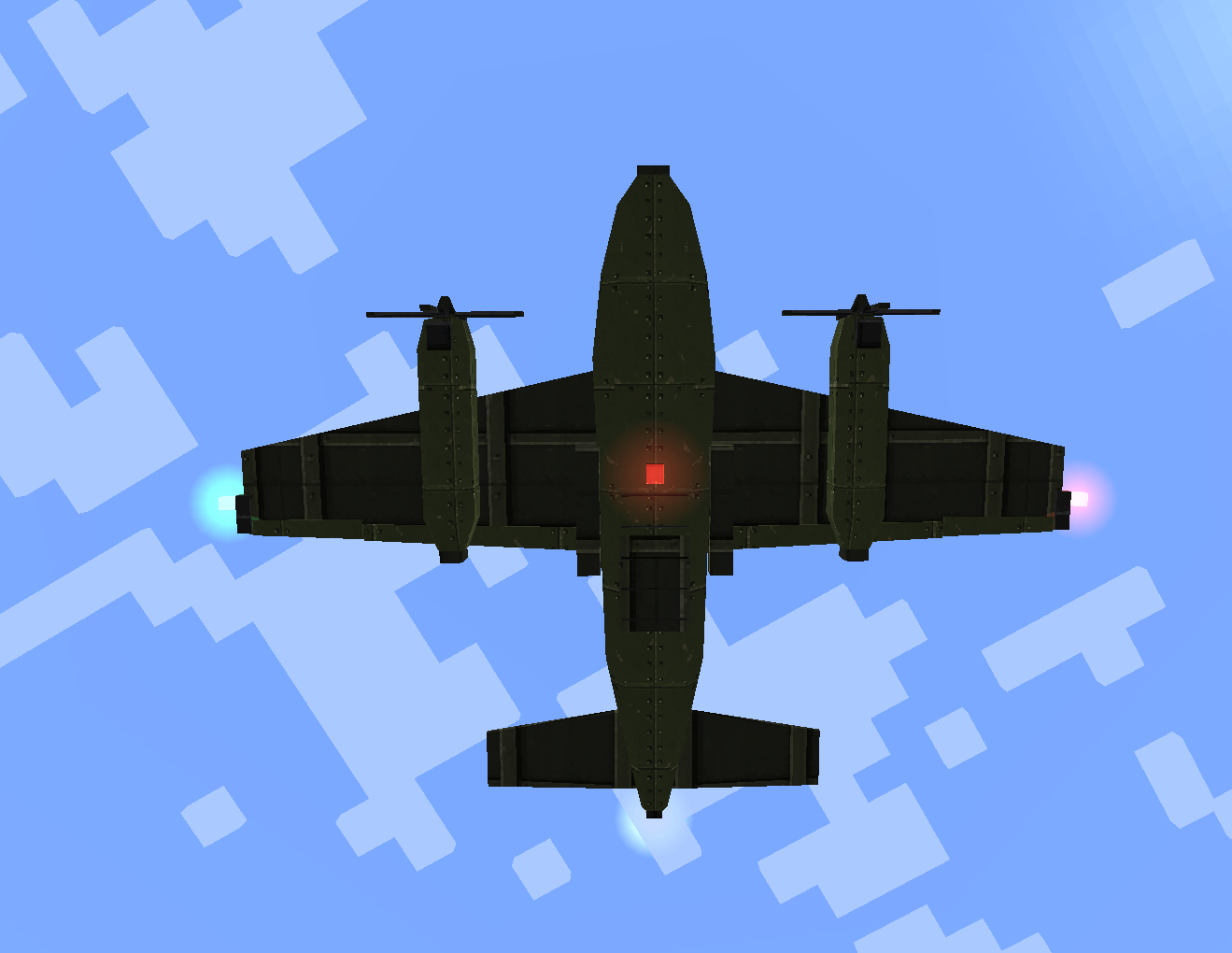
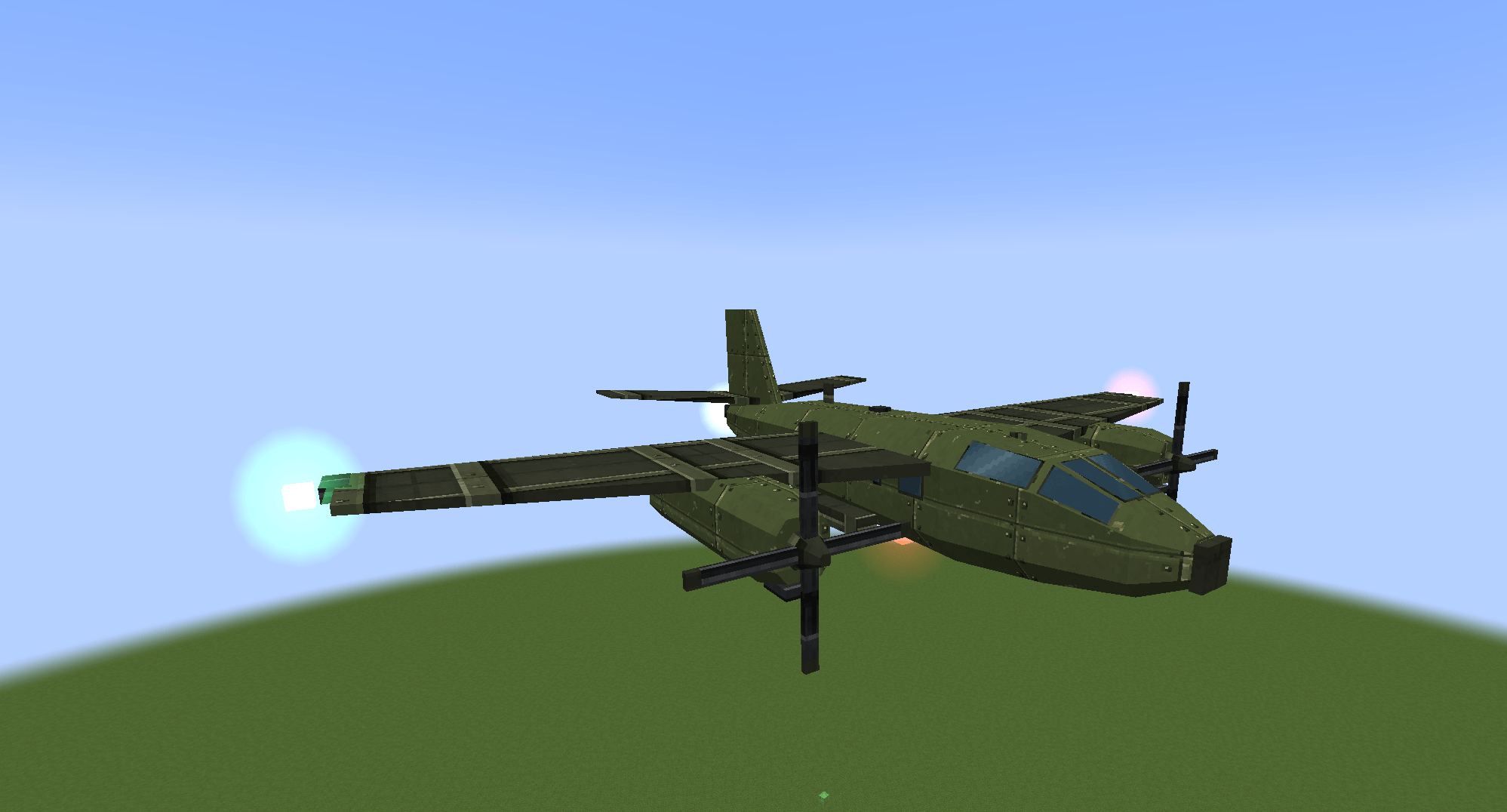
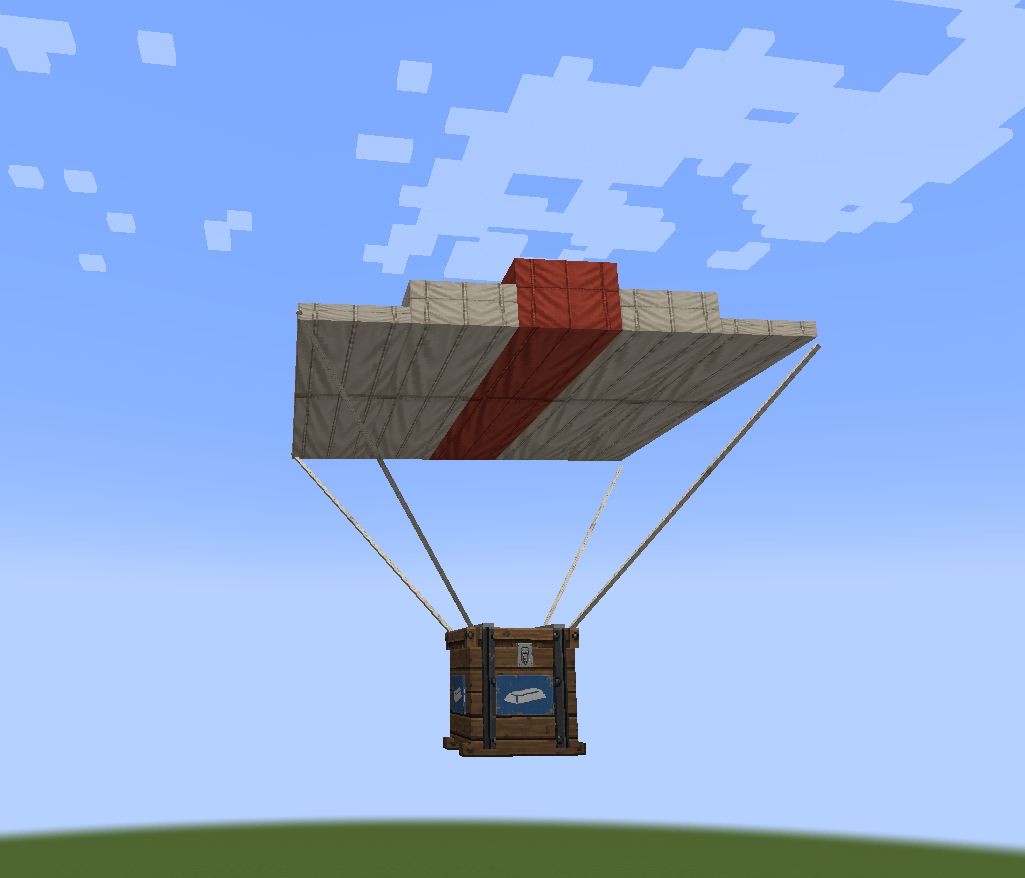
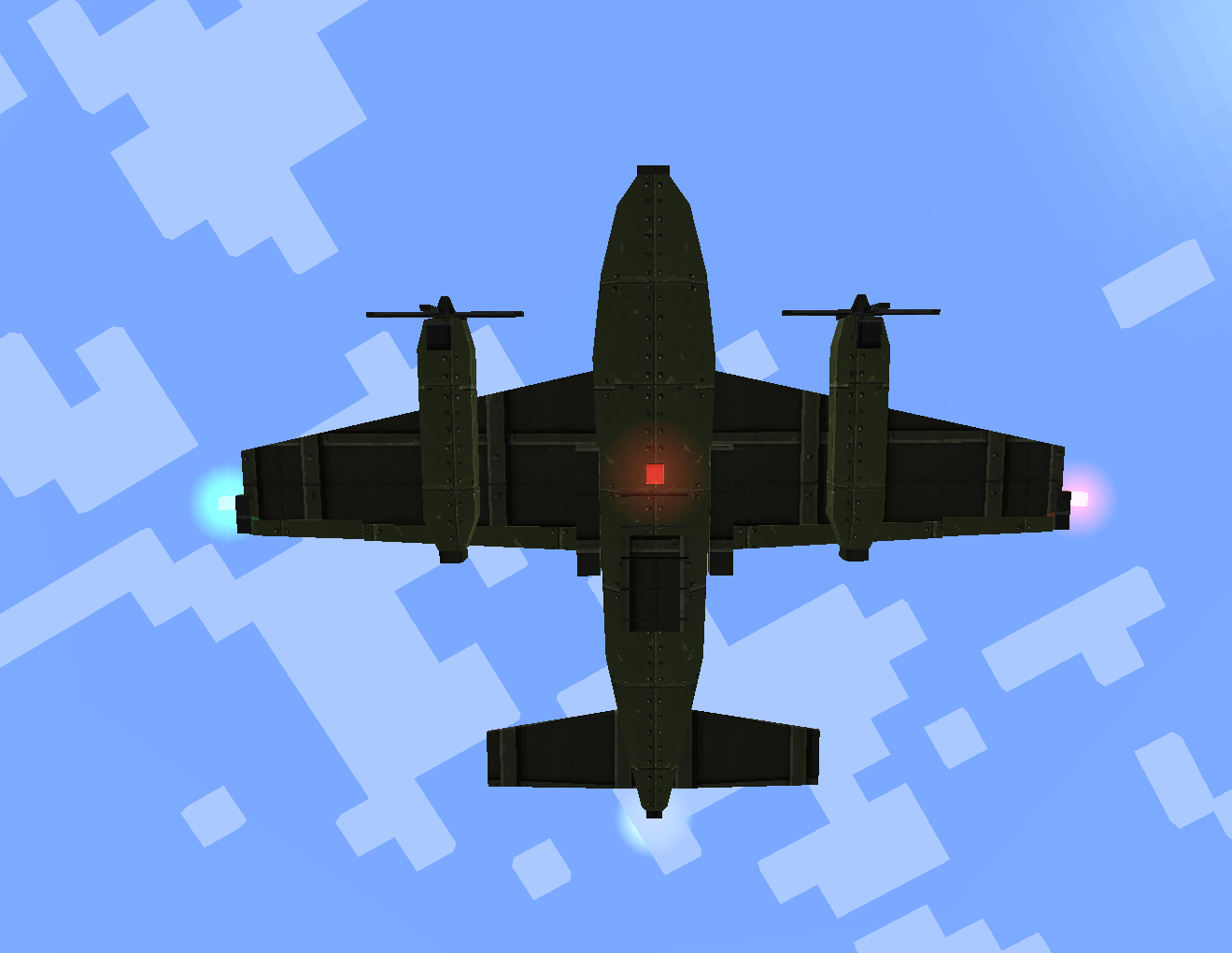
Hear the engines approaching, look to the sky, and watch a block-style cargo plane fly toward the drop zone. The aircraft deploys flares before releasing a supply crate beneath a red-and-white parachute.
Follow the smoke column, find the crate, and collect its randomized supplies. Unclaimed supplies remain in the crate without a despawn timer.
By default, automatic airdrops are attempted in the Overworld every 20–30 minutes. The interval can be changed in the server configuration.
When an event begins, the mod selects an eligible player and searches for a suitable surface landing site 64–150 blocks horizontally from that player's position. The landing point remains fixed if the player moves.
Only one supply aircraft may be in flight across the server. Once it departs, another event can begin even if previous cargo is still descending or landed crates remain.
The aircraft starts its route 600 blocks before the landing point and leaves 400 blocks beyond it. At normal 20 TPS, it releases three bursts of flares, drops its cargo at 30 seconds, and departs at 50 seconds.
The detailed aircraft features red and green navigation lights, white strobes, and alternating red beacons to help you follow deliveries at night.
The crate accelerates after release, unfolds its parachute, and settles into a steady descent. Dedicated sound effects accompany the aircraft engines, parachute deployment, descent wind, and landing.
Airdrops may land on solid terrain or above water, lava, and other liquids without replacing the liquid blocks beneath them.
By default, smoke begins after landing. The server can change its color and enable smoke during descent.
Airdrop: Supply Drops includes mineral and food deliveries containing vanilla items.
Mineral crates offer coal, copper, iron, gold, and rare diamonds. Food crates provide cooked meats, fish, and other edible supplies.
Loot is randomized for every crate. Rare rewards appear less frequently and are generally provided in smaller quantities.
Each crate contains 27 inventory slots. You can take supplies out, but cannot use the crate to store your own items. Hoppers cannot insert or extract items.
Mining a crate, including by hand, drops four oak planks plus any remaining supplies. Silk Touch and Fortune do not change the plank count, and the crate itself cannot be collected as an item.
Landed crates no longer disappear when emptied or after a timeout. Crates and their remaining supplies persist across chunk unloading, world re-entry, and server restarts.
Smoke rises in a roughly 13-block column, gently broadening with height. The crate stops producing smoke when emptied or five minutes after landing, whichever happens first. The crate and any unclaimed supplies remain.
Unloading chunks or restarting does not extend the smoke timer. Pausing a singleplayer world pauses its game time.
Loot is generated once when the delivery is created. Reloading the world, reconnecting, or restarting the server does not reroll its contents.
Airdrop: Supply Drops supports custom supply types through datapacks, including crates containing items from other installed mods.
You can configure:
Omitted per-type settings inherit the server defaults. Custom types can use either the blue mineral-crate appearance or the orange food-crate appearance.
For example, a datapack could define medical supplies, ammunition deliveries, survival packages, or a rare military supply drop with a separate bonus pool for a valuable item.
Separate example datapacks demonstrate medical and survival deliveries. Use the example matching your Minecraft version. Types with unmet optional mod requirements are skipped automatically.
Server settings control automatic scheduling, minimum and maximum event intervals, allowed dimensions, landing distances, liquid landing, smoke color, and smoke during descent.
The configuration is generated at:
<world>/serverconfig/airdrop_supply_drops-server.toml
The default interval is 20–30 minutes. Set interval_min_seconds and interval_max_seconds to the same value for a fixed interval.
Existing worlds retain their saved settings. To use the current default landing range, set min_drop_distance = 64 and max_drop_distance = 150. Per-type distance overrides still take precedence.
Resource packs can replace textures, sounds, and translations. Crate persistence and the five-minute landed smoke duration are fixed behavior.
Cheats or operator permissions are required. The spawn and crate commands require a player.
| Command | Purpose |
|---|---|
/airdrop_supply_drops spawn airdrop_supply_drops:mineral |
Start a complete mineral delivery with aircraft, flares, and parachute. |
/airdrop_supply_drops spawn airdrop_supply_drops:food |
Start a complete food delivery. |
/airdrop_supply_drops spawn <type> |
Start a delivery using a custom supply type. |
/airdrop_supply_drops crate <type> |
Place a supply crate two blocks ahead for loot testing. |
/airdrop_supply_drops list |
List available supply types. |
/airdrop_supply_drops status |
Show pending deliveries, their IDs, stages, and locations. |
/airdrop_supply_drops cancel <UUID> |
Cancel a pending delivery and remove its associated cargo without dropping supplies. |
/airdrop_supply_drops validate |
Check loaded definitions and report invalid files or references. |
/reload |
Reload datapacks after changes. |
The spawn testing command bypasses automatic spawning conditions and the global dimension whitelist while preserving landing-site checks and the one-aircraft limit. Completed crates no longer have pending event records and cannot be removed with cancel.
Run /reload after editing datapacks, then /airdrop_supply_drops validate to check the definitions.
Existing deliveries retain their captured loot and per-type settings, so reloading datapacks does not reroll their supplies. Server TOML settings are separate from datapacks; /reload does not reload those settings.
Available for Forge on Minecraft 1.20.1 (Java 17) and Minecraft 1.21.1 (Java 21). Install the matching file on both the client and server.
Airdrop: Supply Drops is designed for survival worlds and customized modpacks. Its datapack-driven design lets authors integrate weapons, ammunition, medical items, food, resources, and other modded content into supply deliveries.
The system is especially suited for survival, military, extraction-style, zombie, and tactical modpacks.
Multiplayer behavior has not yet been fully tested. Aircraft currently follow a fixed flight altitude relative to the landing surface and do not automatically avoid mountains.
Please use the GitHub issue tracker to report bugs, configuration problems, or compatibility issues. Suggestions and feedback are welcome.