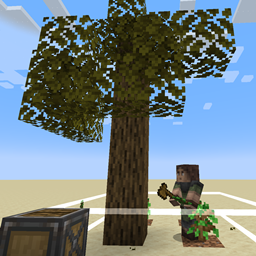
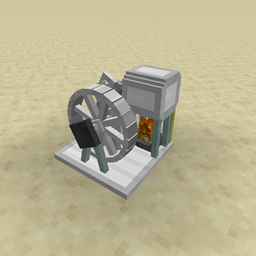
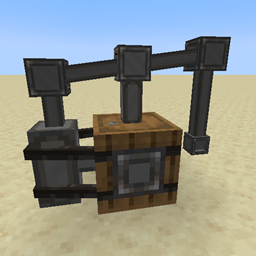
The Sawmill has a config file. You can define custom inputs / outputs but only BlockItems will render correctly
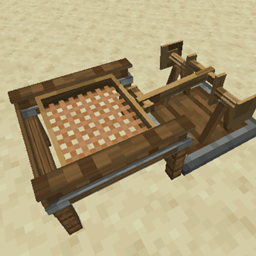
The Mechanical Sieve:
How to use:
Place a mesh inside the Sieve.
Place Sand or other configured inputs inside the sieve by clicking on it.
Click the Sieve OR use a small wooden crankshaft to automate it.
The outputs will be thrown somewhere around the sieve.
If a inventory is present next to the sieve, outputs will be placed inside the inventory.
Automate the sieve using the Sieve Hopper Upgrade.
The Sieve has a config file. You can define custom inputs / outputs but only BlockItems will render correctly.
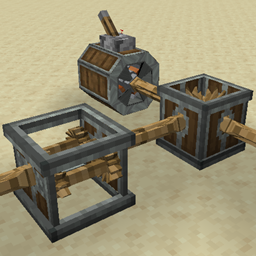
The Spinning Wheel:
How to use:
place input items in the inventory
shift click the wheel to spin it OR use mechanical power from other sources
The Spinning Wheel has a config file. You can define custom recipes there.
The Millstone:
How to use:
place the Millstone
shift click the main block to show the structure (6x stone slab / 2x wooden axle)
place wheat inside the Millstone using the gui
The MillStone has a config file. You can define custom recipes there. The millstone only supports one input item -> one output itemstack (for example wheat -> 2x flour)