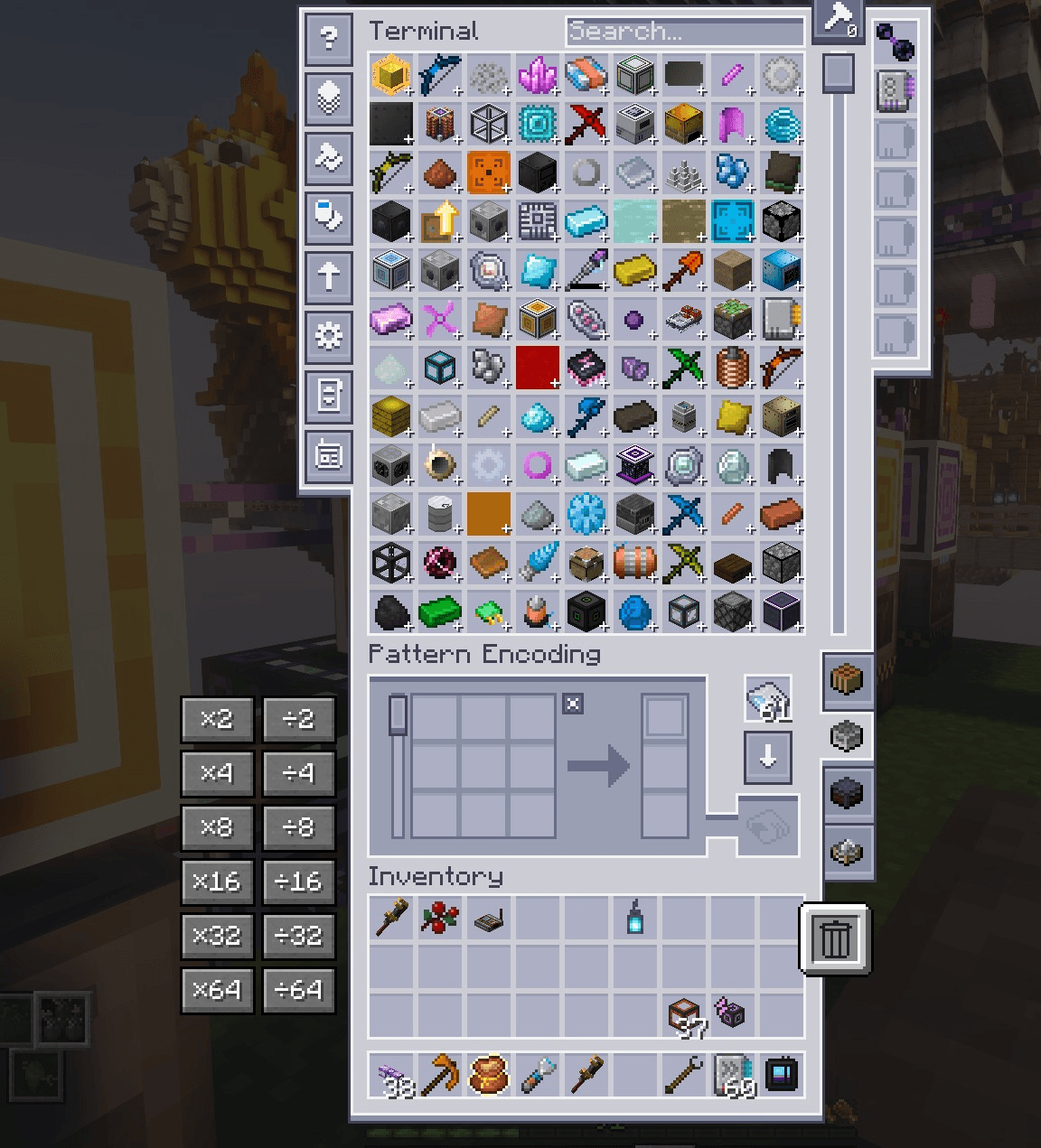
Pattern Scale adds quick quantity controls to Applied Energistics 2’s Pattern Encoding Terminal. When setting up a processing pattern, you can scale all of its inputs and outputs together instead of editing every slot one at a time.
Use the multiplier buttons to create larger batches, or the division buttons to reduce an existing pattern. The controls are intended for recipes with several ingredients, outputs, or fluid quantities, where adjusting each amount manually can take a while.
Multiply or divide all populated processing-pattern inputs and outputs together.
Scale item and fluid quantities while preserving their identities.
Keep within AE2’s normal quantity limits and stored fluid precision.
Leave empty slots unchanged.
Requires Applied Energistics 2. For Minecraft 1.21.1 with NeoForge.