Badges update automatically and link to the mod page on MineUniverse.
A simple game of advancement bingo.

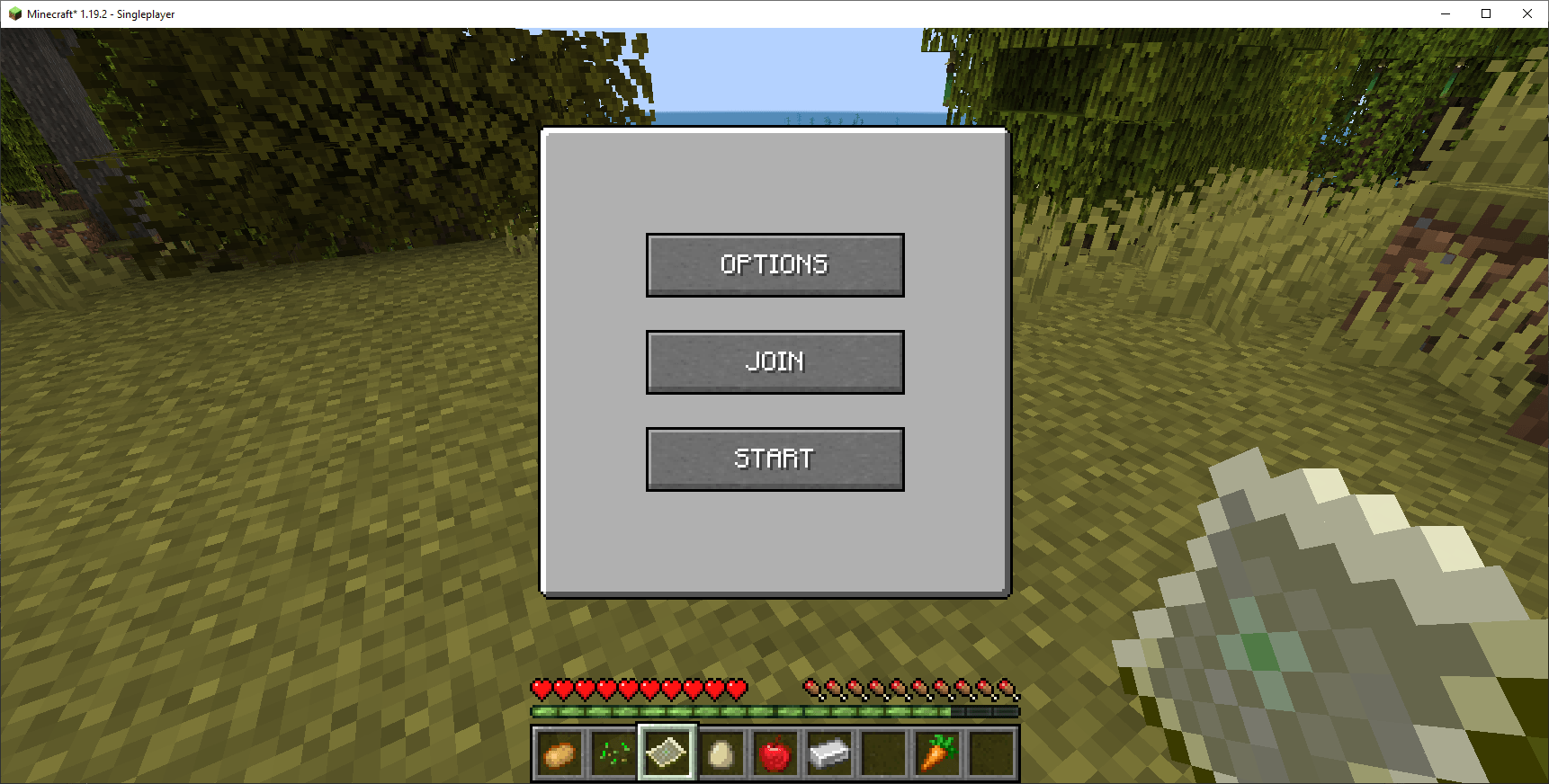
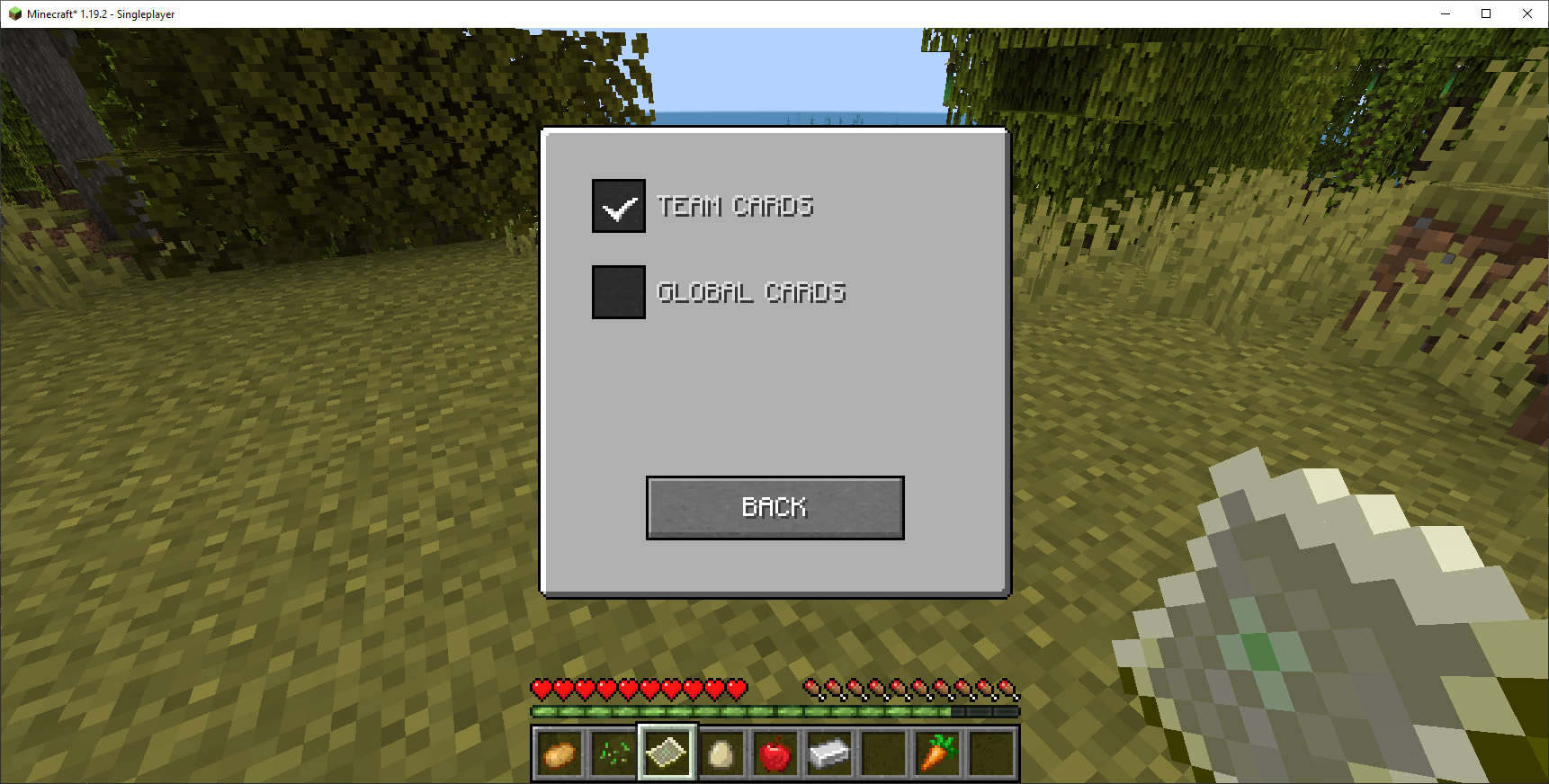
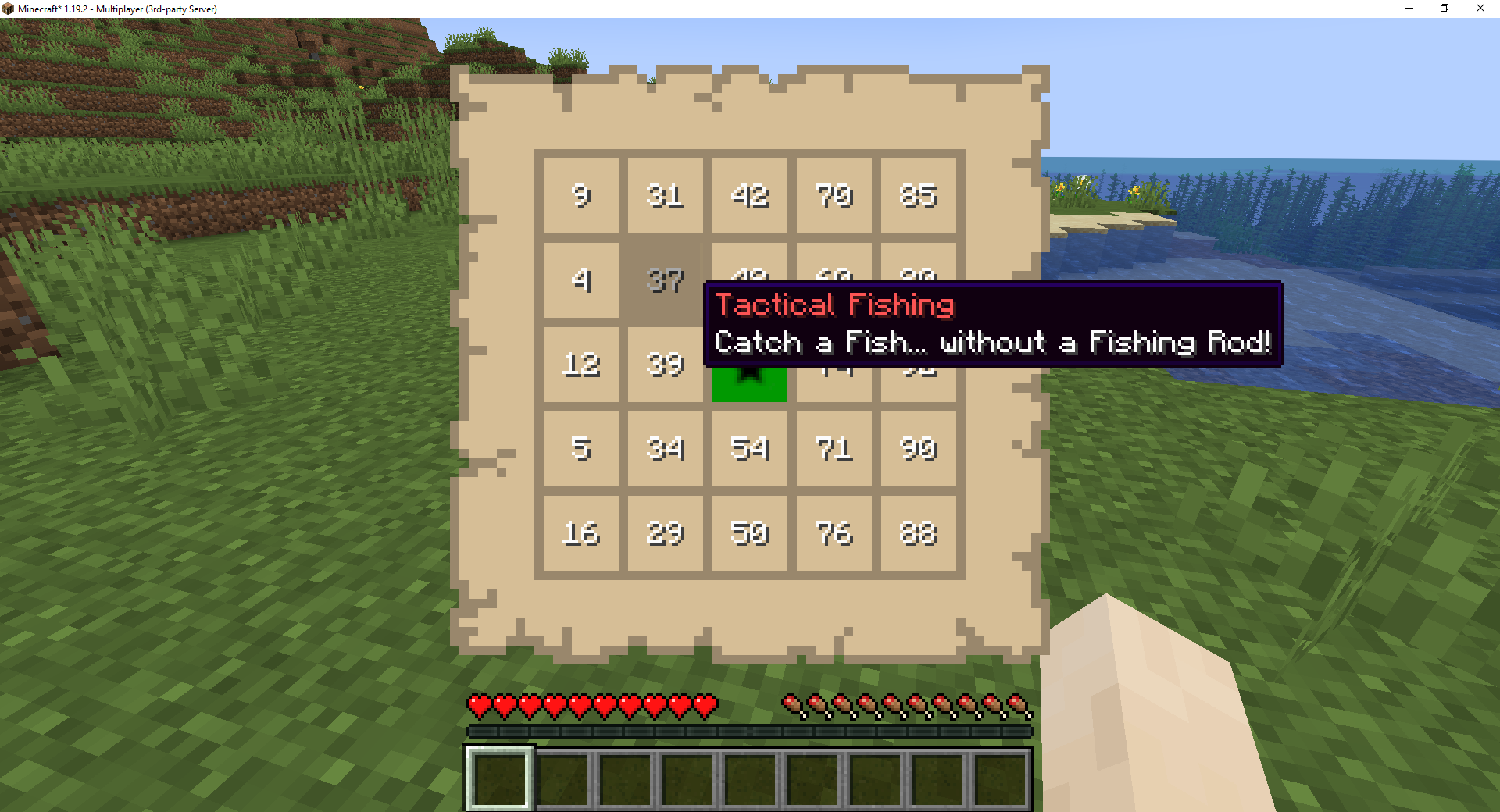
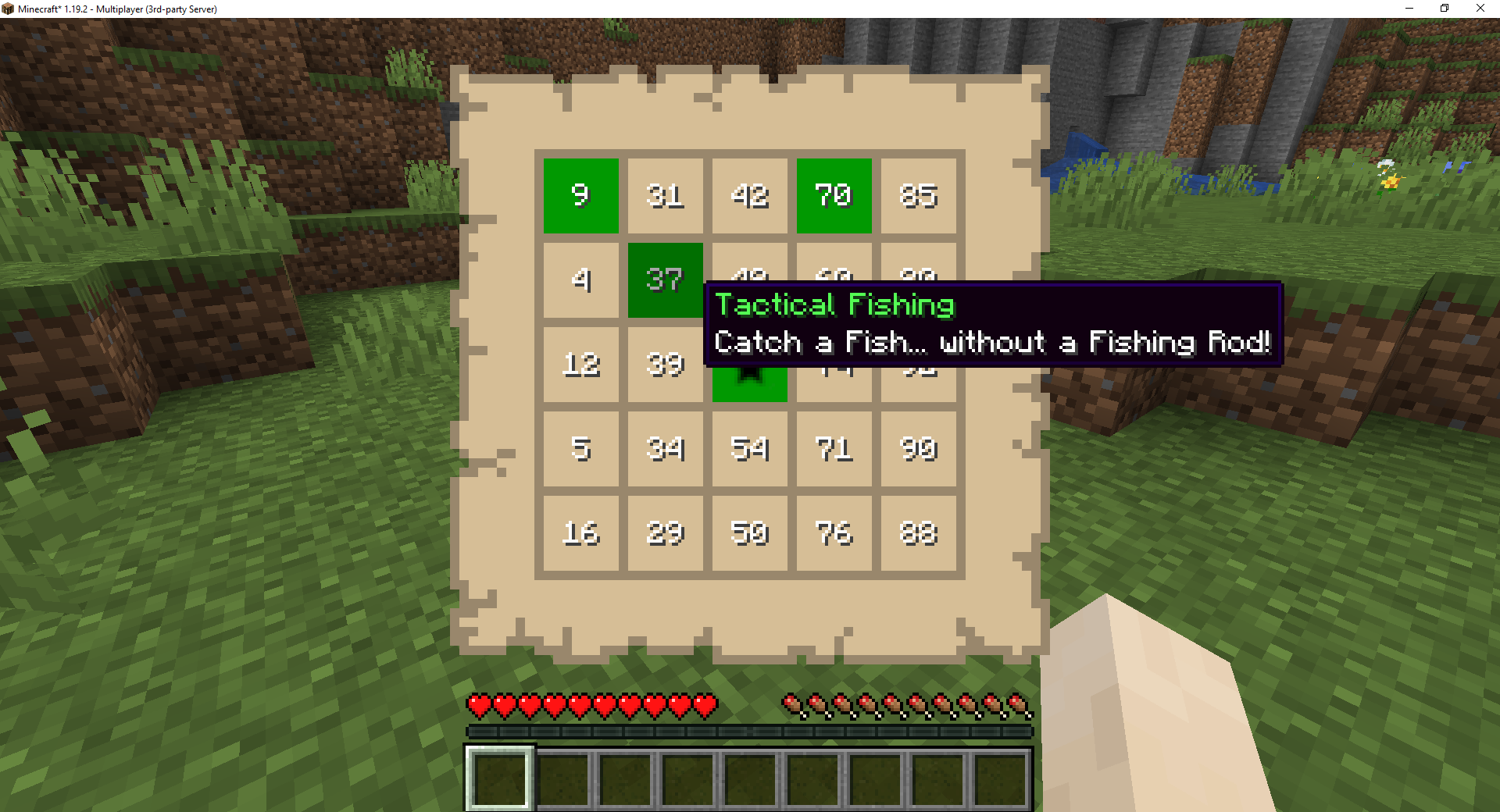
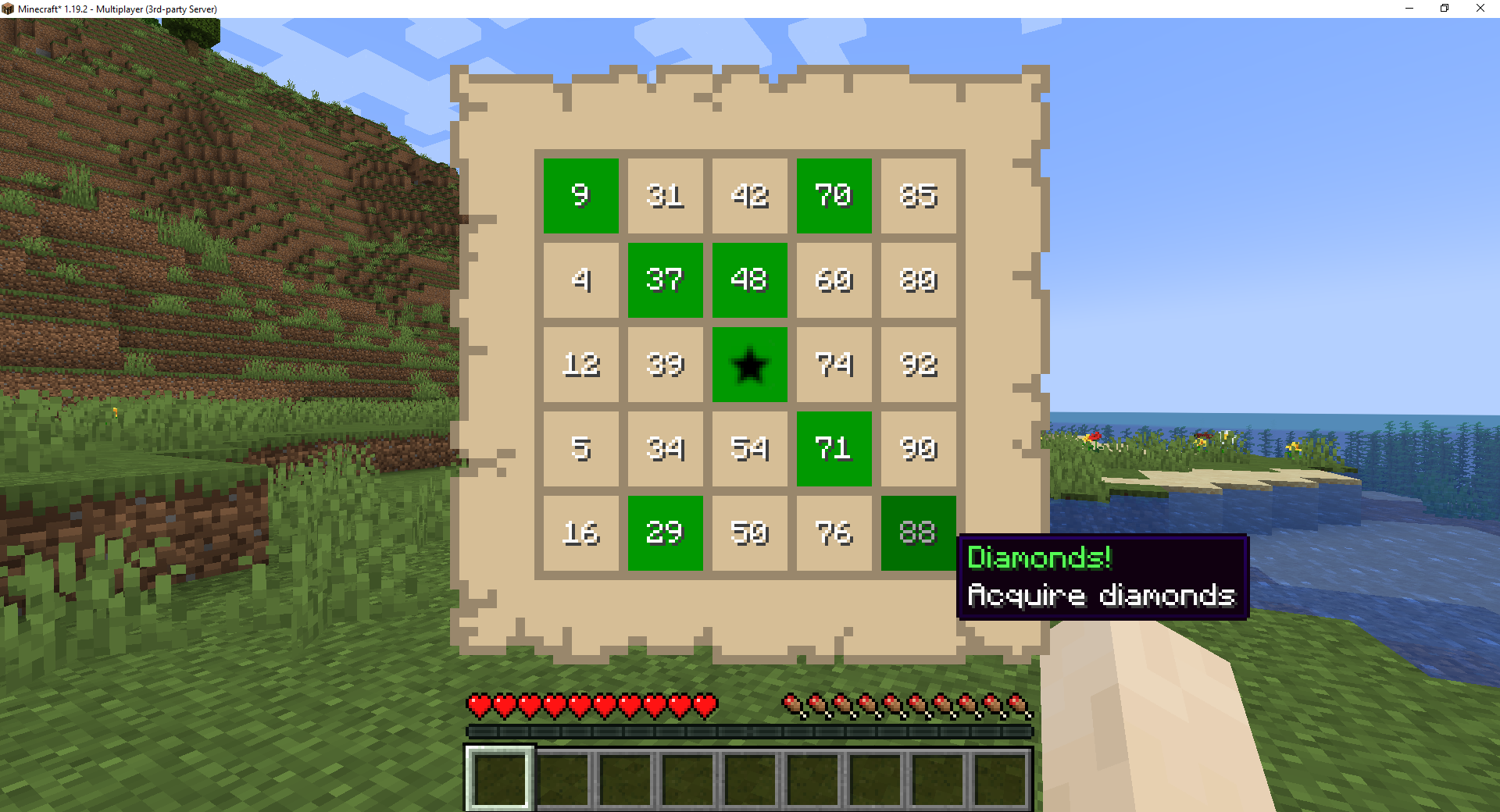
A user can start a game of advancement bingo for players in the session. This simple to install, fully customizable game works in virtually any vanilla world, custom world, or modpack world with both vanilla advancements and/or custom advancements. Options for various game rules and card generation can be changed in the start screen. Advancements are numbered starting from one and generated boards have a proper bingo number spread among all rows and columns.
'b' key to choose game options\bingo start command to start the game of advancement bingo\bingo stop command\bingo started command'o' key or right-clicking a bingo card item\bingo return items commandUse the Bingo Game Screen using the 'b' key
Use the Bingo Game Screen using the 'b' key
NOTE: Edit the bingo loot table to customize loot drops.
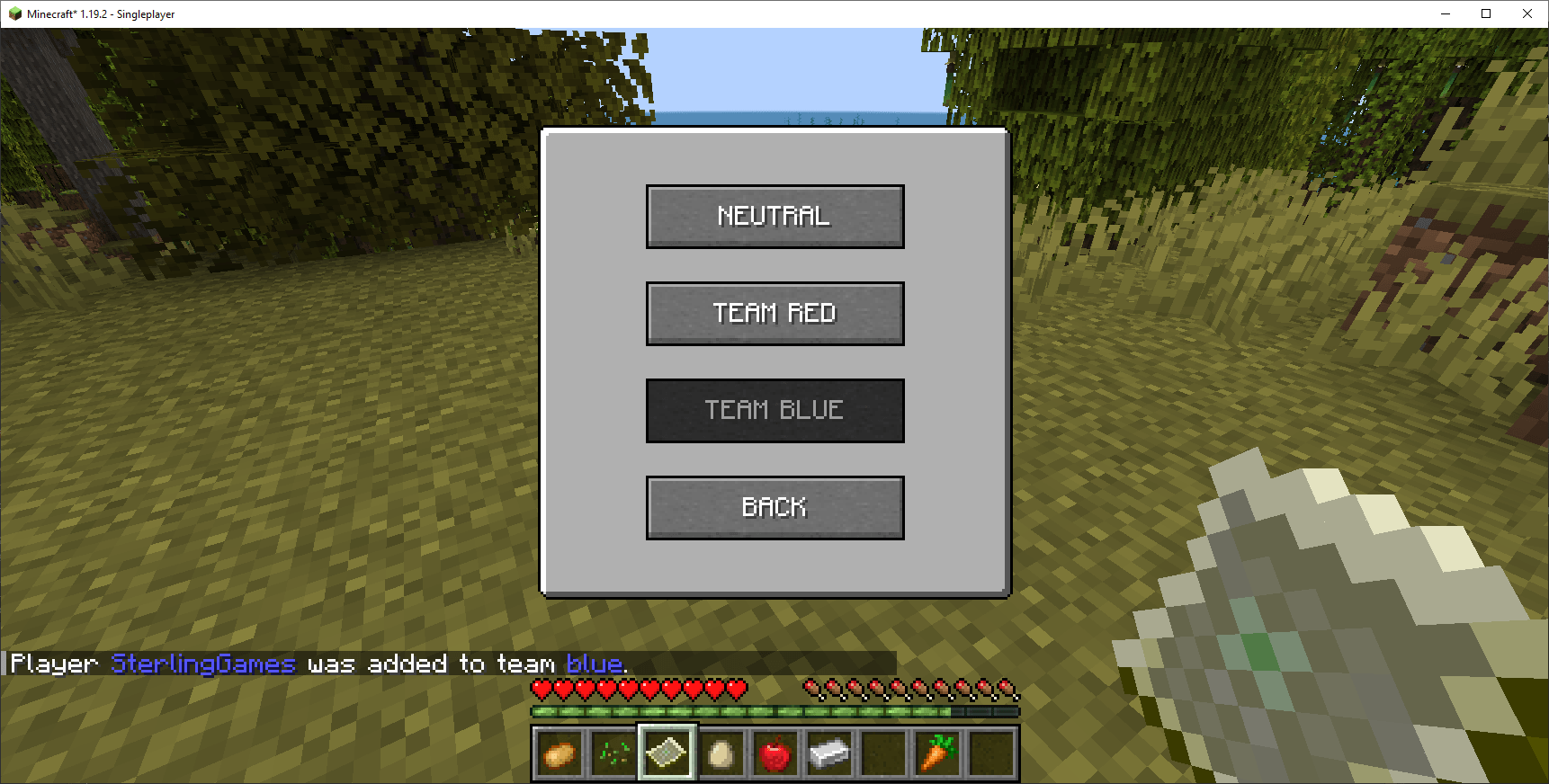
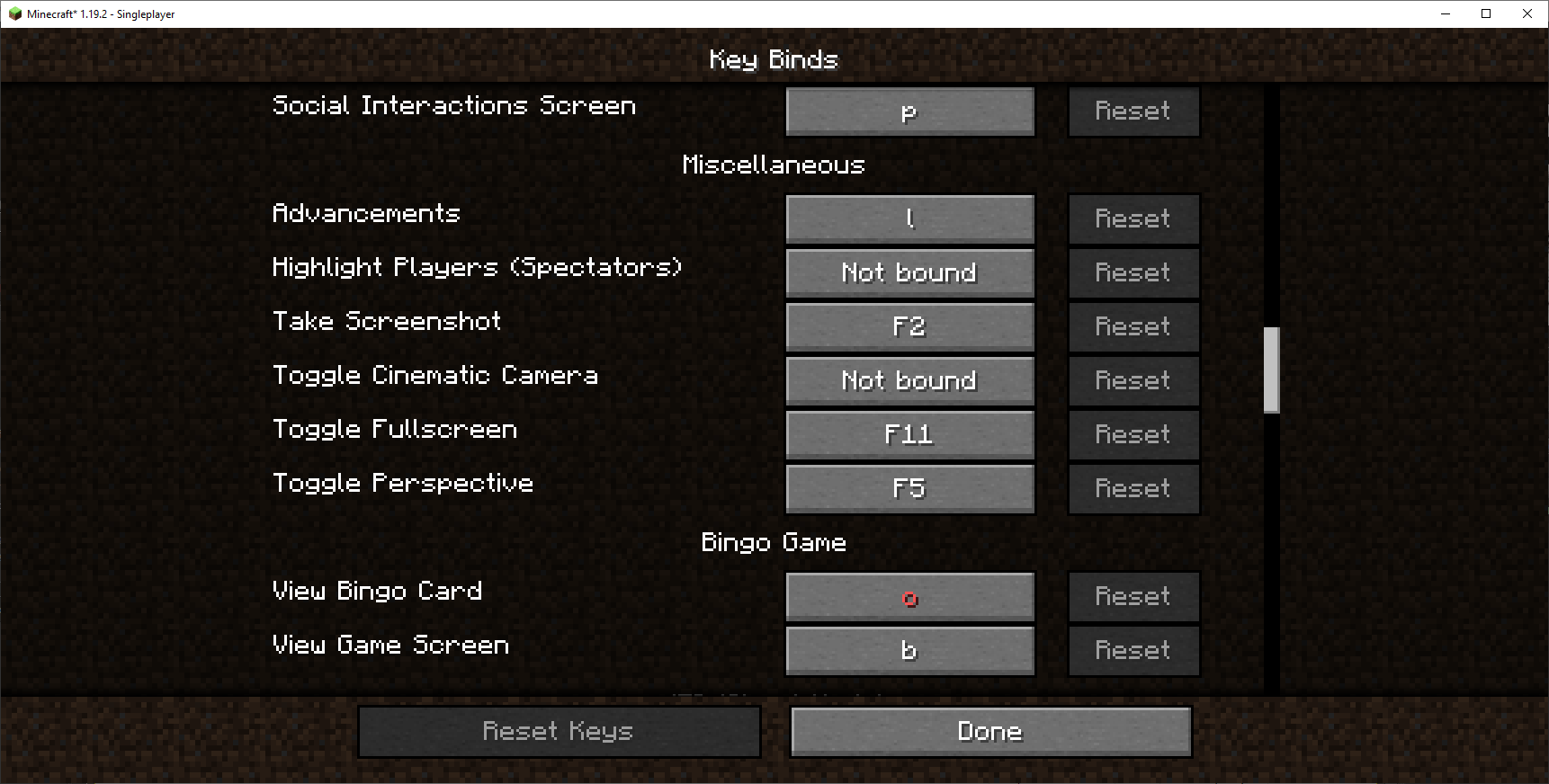
\bingo join red|blue to join the red or blue team\bingo add -player- red|blue command to add another player to the red or blue team\bingo players command each player name is displayed in their team color if anyThe default keys for the bingo game can changed in the Minecraft Menu for Key Binds
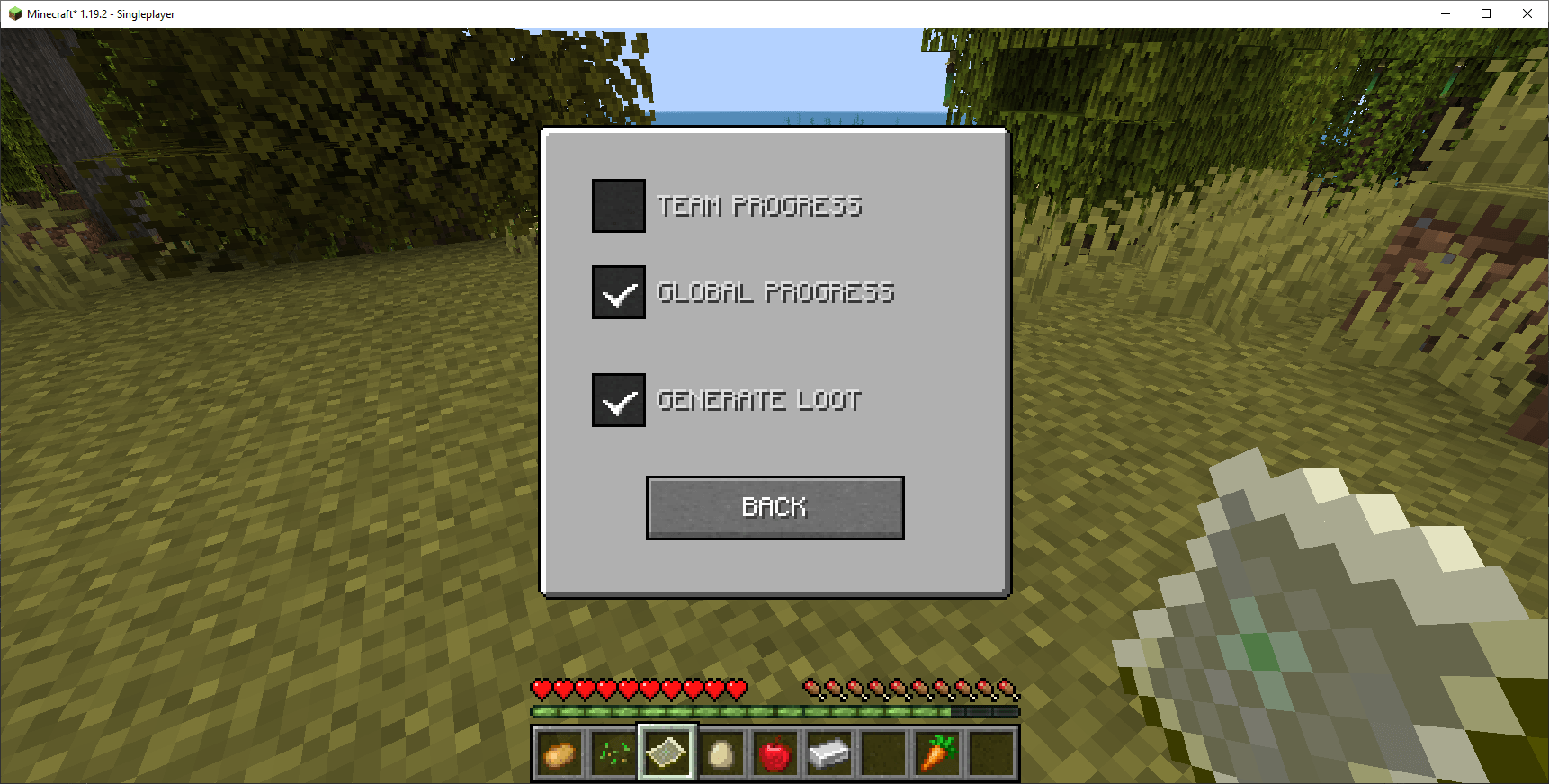
'o''b'Game Screen option for Loot Generation on the Progress page using the 'b' key
-OR-
\bingo toggle loot command to toggle loot generation on or offJust download the BingoLoot datapack and drop the zip file into your world save's datapacks folder to generate random loot during the game. You can customize the given loot by extracting the datapack files and editing the square.json and winner.json files according to standard loot table specifications.
Download Bingo Loot Tables here
NOTE: Edit the bingo loot tables to customize loot drops.
Just drop any or all collectables datapacks into your world save's datapacks folder and enable modded advancements to enable all modded and custom advancements. You can customize the given collectables by editing the json files according to standard advancement specifications or create your own! Most modpacks already come with custom advancements loaded and needs no adjustment to start a game of bingo, just add the mod to the mods folder of the modpack and play! If you want to restrict the advancements or recipes to a particular mod in your modpack, choose the custom option and supply the modid of the desired mod.
New Survival or Peaceful datapacks!
Download Peaceful Easy collectables datapack here (100+ items!)
Download Peaceful Medium collectables datapack here (100+ items!)
Download Survival Easy collectables datapack here (100+ items!)
Download Survival Medium collectables datapack here (100+ items!)
Download Survival Hard collectables datapack here (100+ items!)
NOTE: Edit the bingo collectibles to customize square unlocks or create your own!
Find an error? Missing language? Create your own language file! Download Official Language Specification: en_us.json Download All Languages: language_pack.zip
Just drop the language datapacks zip file into your datapacks folder!
NOTE: English and French language files are installed by default already.
bingo start starts the game for all active playersbingo restart restarts the game for all active playersbingo stop cancels any game in progressbingo reset same as bingo stop to cancel a game in progressbingo add -player- red|blue adds the player to the list of active team playersbingo players lists all active players in the sessionbingo join red|blue adds the player to the list of active team playersbingo quit team leaves the current team and joins the neutral teambingo toggle loot toggles game loot generation on or offbingo return items returns the player's items when a game is not in progressFeel free to leave a comment and submit an issue ticket if something goes wrong. We're working hard to get this mod into an official release state! Thanks! Submit an Issue