Mineuniverse
Data Packs
Village Map On Start

Village Map On Start

DATA PACK
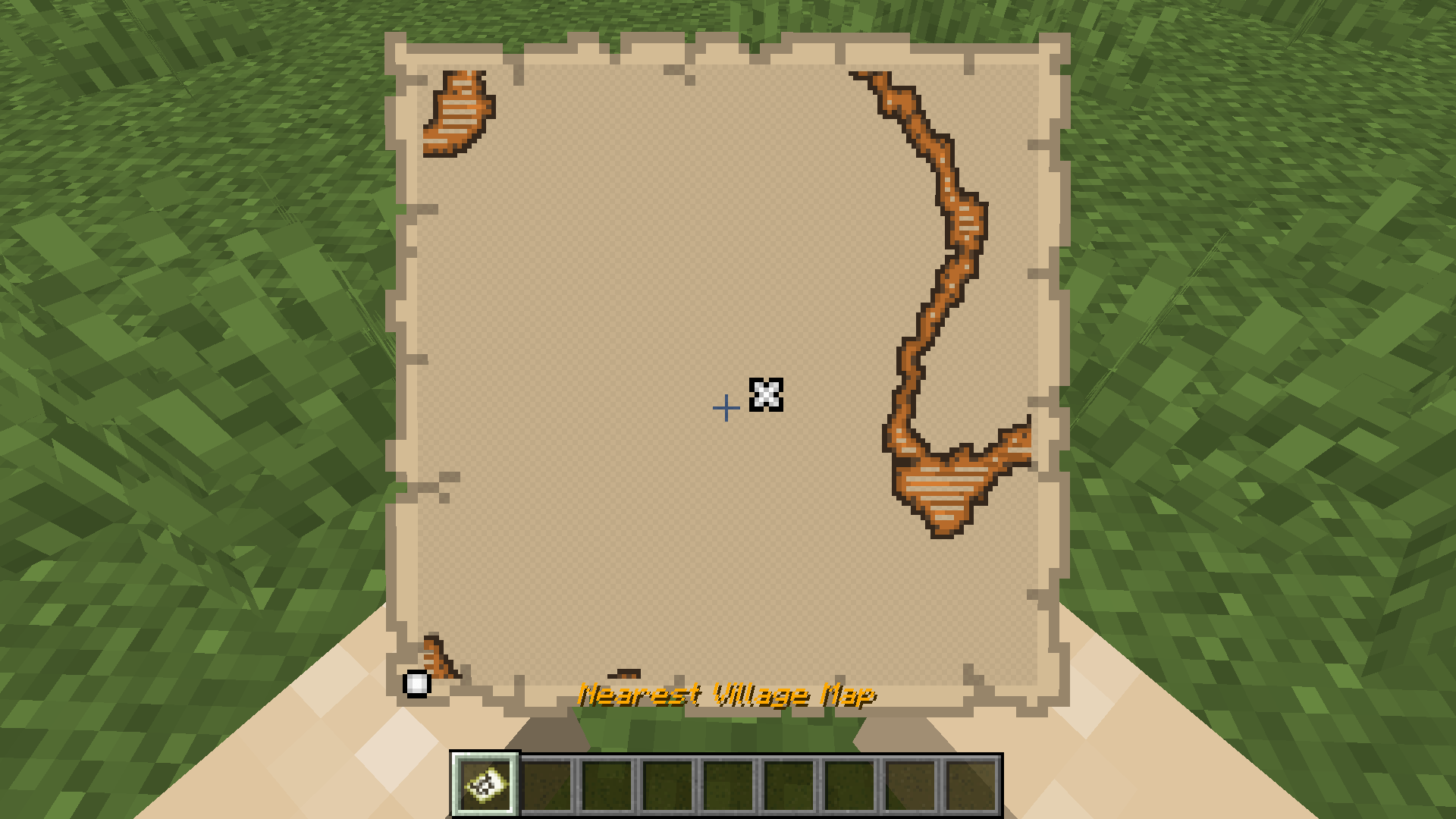
Player receives a map to the nearest village on joining the world for the first time.
by Perhanon
Download Claim this project
950 downloads
0 likes
Updated Oct 14, 2026
0 hypes
Adventure Miscellaneous Utility
Advertisement Remove ads with Premium →

This datapack gives players a map to the nearest village when they first log into the game.

Installation Instructions:

  1. Download the datapack file.
  2. Open your Minecraft world save folder:
    C:\Users\<YourUsername>\AppData\Roaming\.minecraft\saves\<YourWorldName>\datapacks
  3. Copy the downloaded datapack file into the datapacks folder.
  4. Start your Minecraft world and use /reload to load the datapack.
VillageMapOnStart.zip
MC 1.20.1, 1.20
Release 2024-10-15 Get

Requirements & install

How to use this data pack in Minecraft
Mods needed
None, works in vanilla
Minecraft
1.20 – 1.20.1
Install folder
saves/<world>/datapacks

How to install data packs

  1. Download the data pack .zip file (do not extract it).
  2. New world: click Data Packs on the world creation screen and drop the .zip in. Existing world: open .minecraft/saves/<world>/datapacks.
  3. Put the .zip into the datapacks folder of the world (servers: world/datapacks).
  4. Run /reload in game (or rejoin the world) and check it with /datapack list.
Browse more: Data Packs for 1.20.1 All data packs
Advertisement Remove ads with Premium →

You Might Also Like