Badges update automatically and link to the data pack page on MineUniverse.
A vanilla, Aether-style sky dimension for Minecraft Java 26.3 No mods, no resource pack
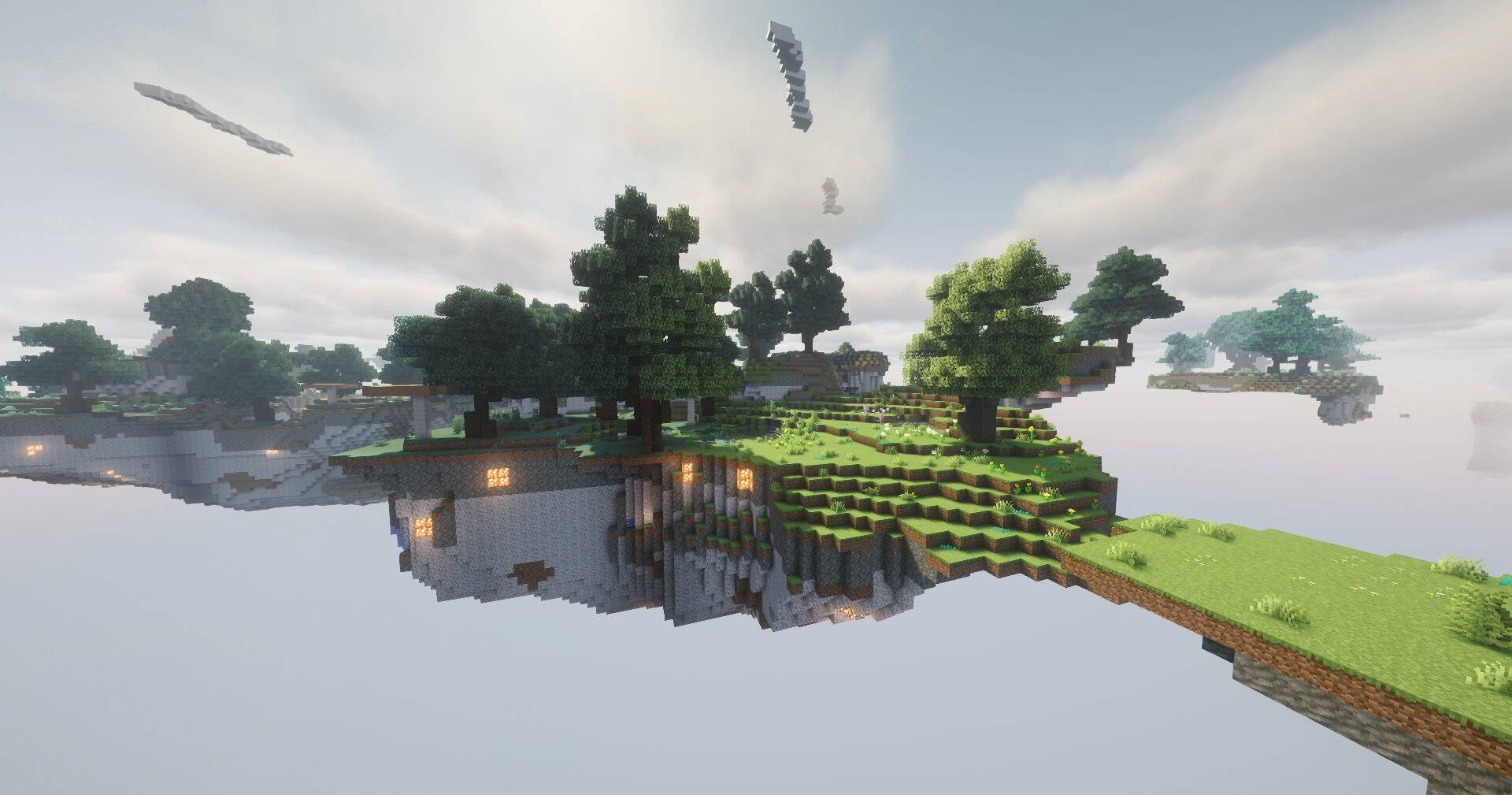
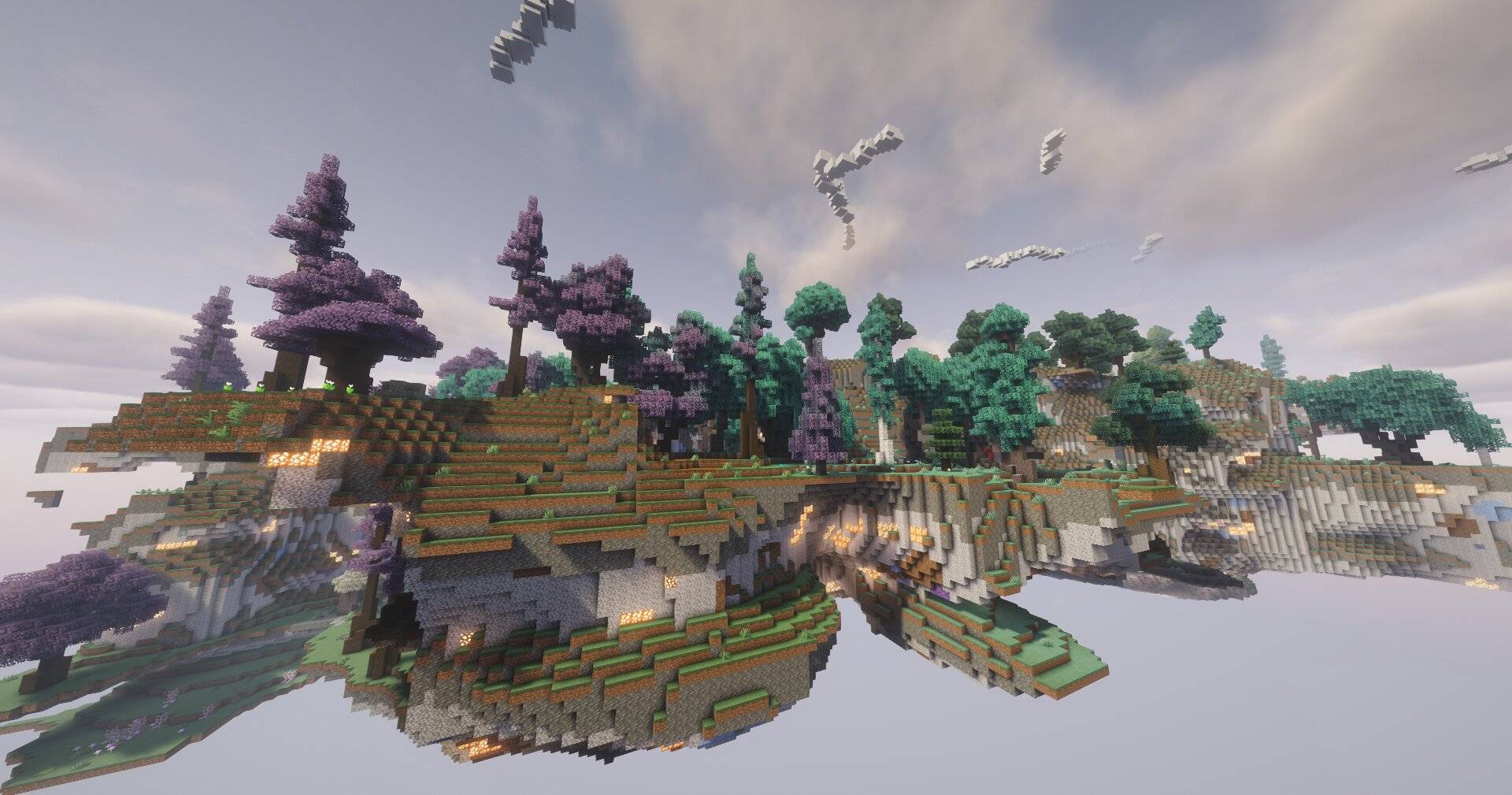
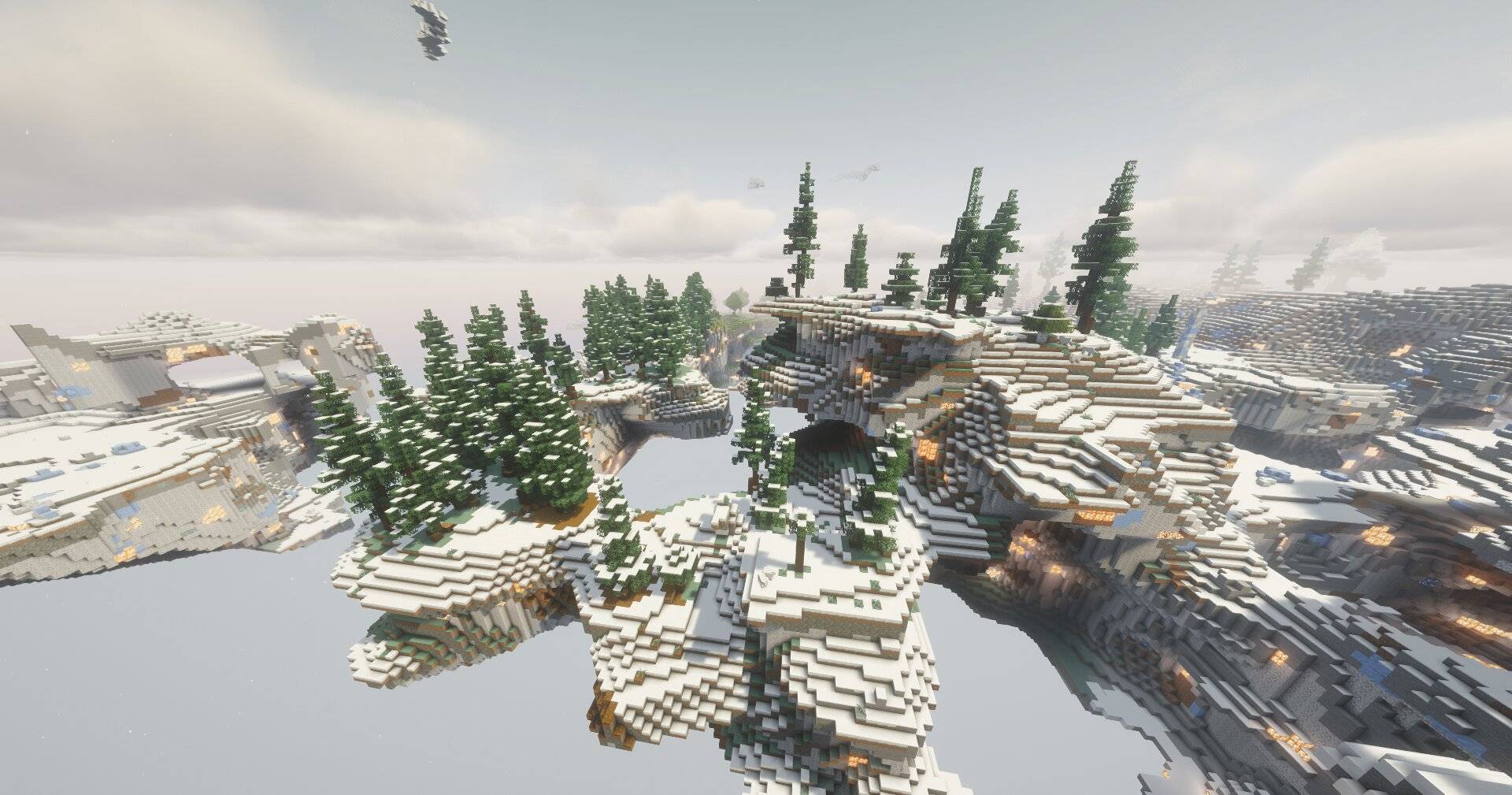
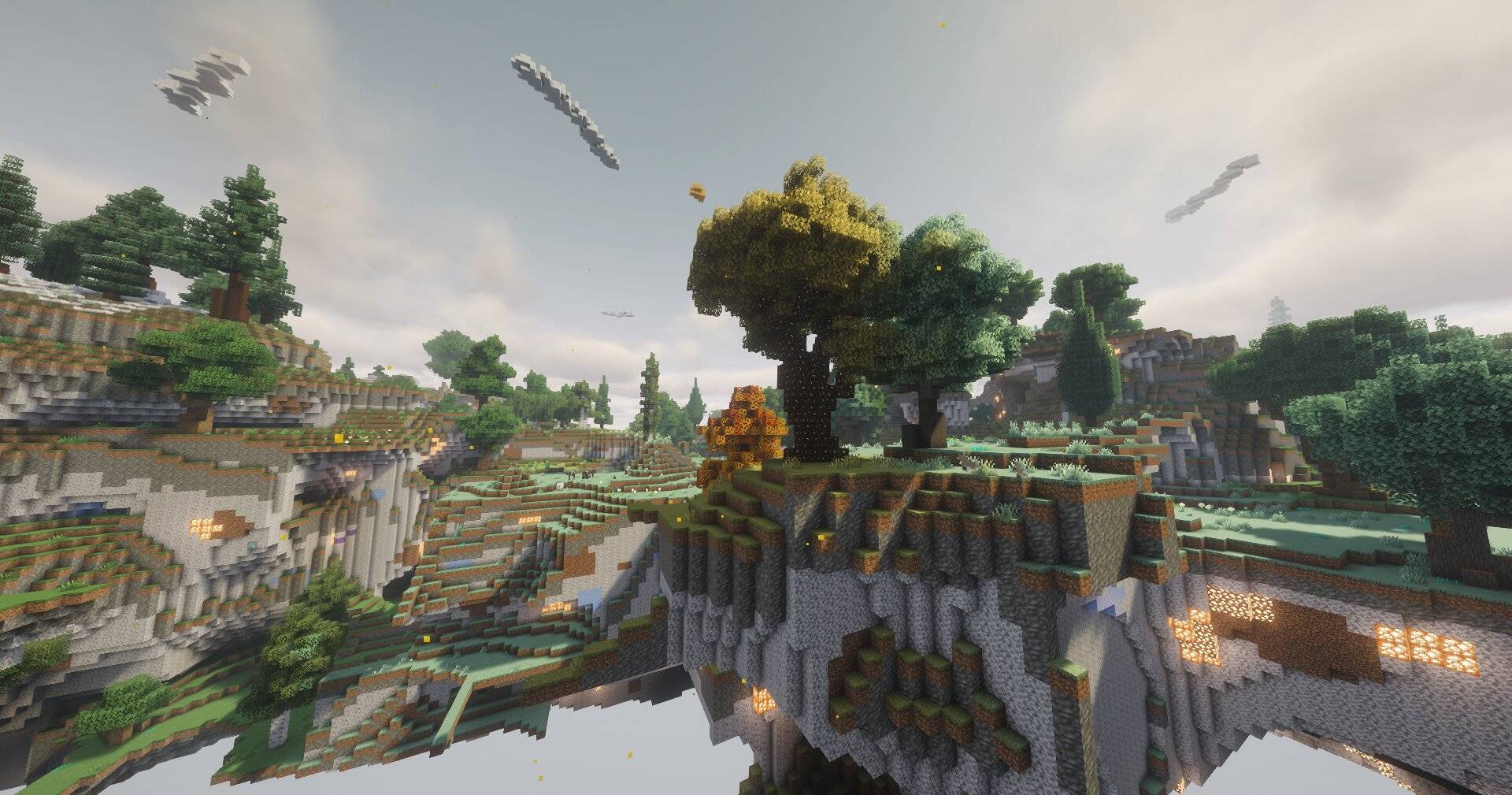
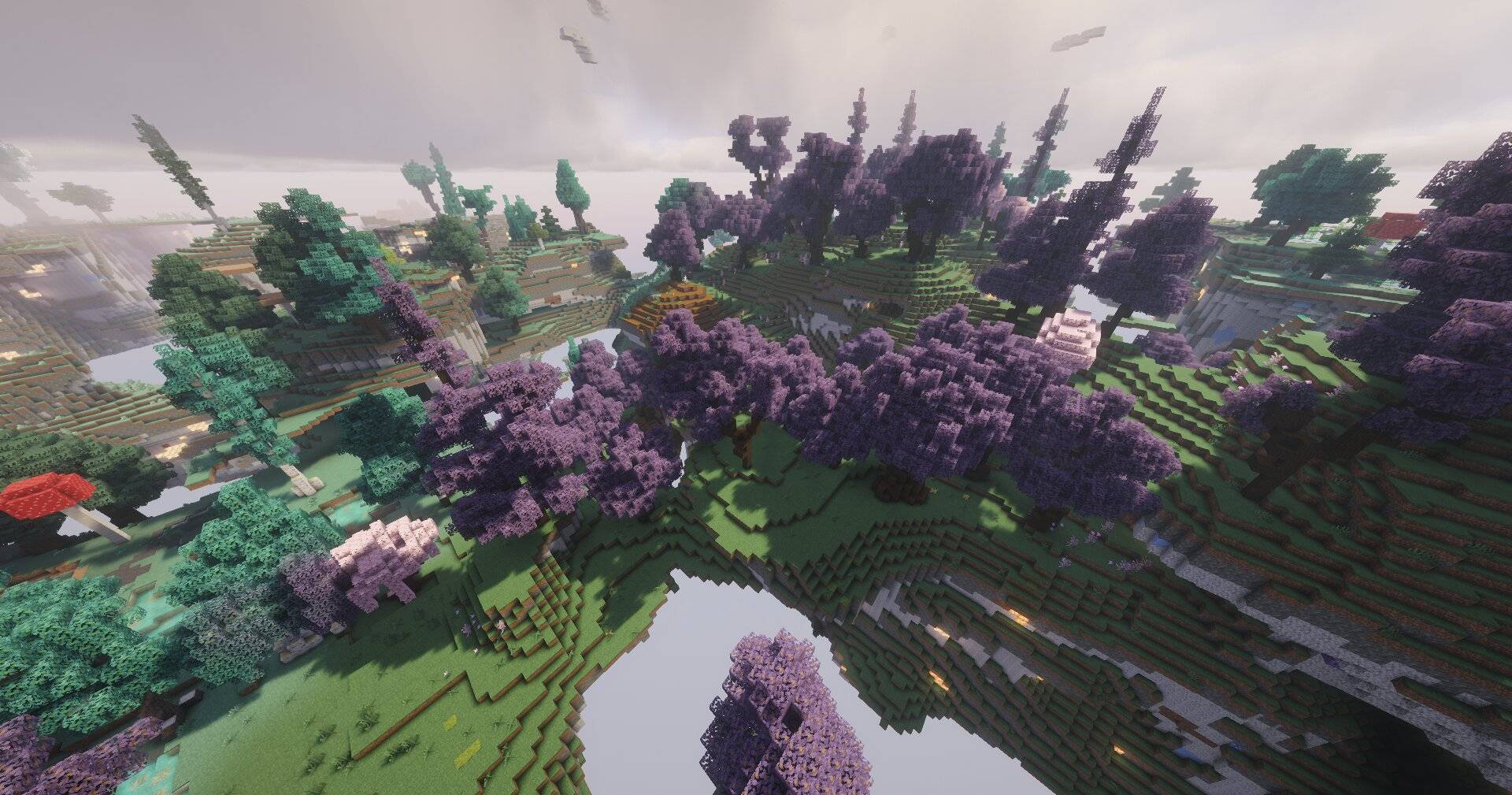
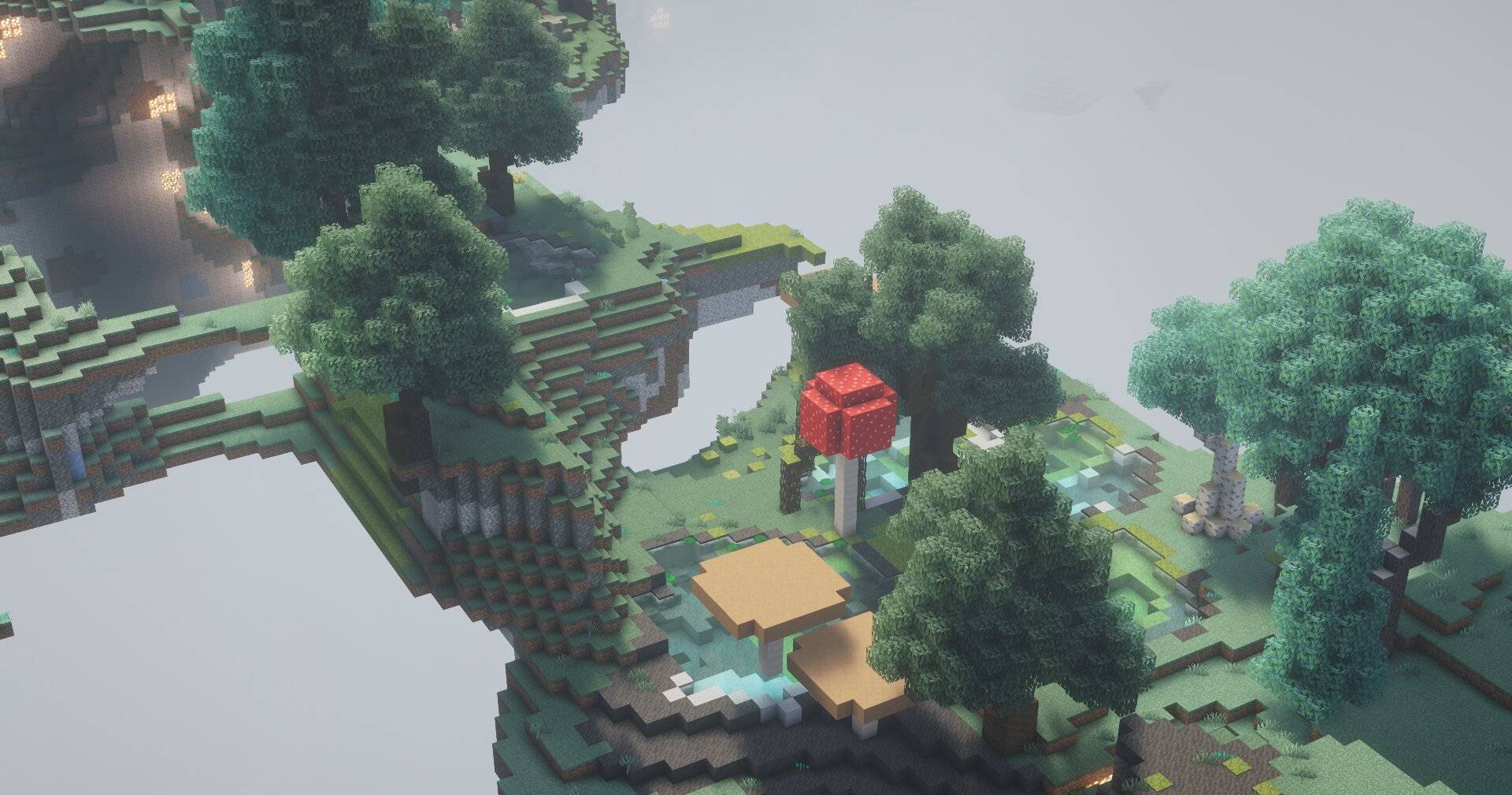
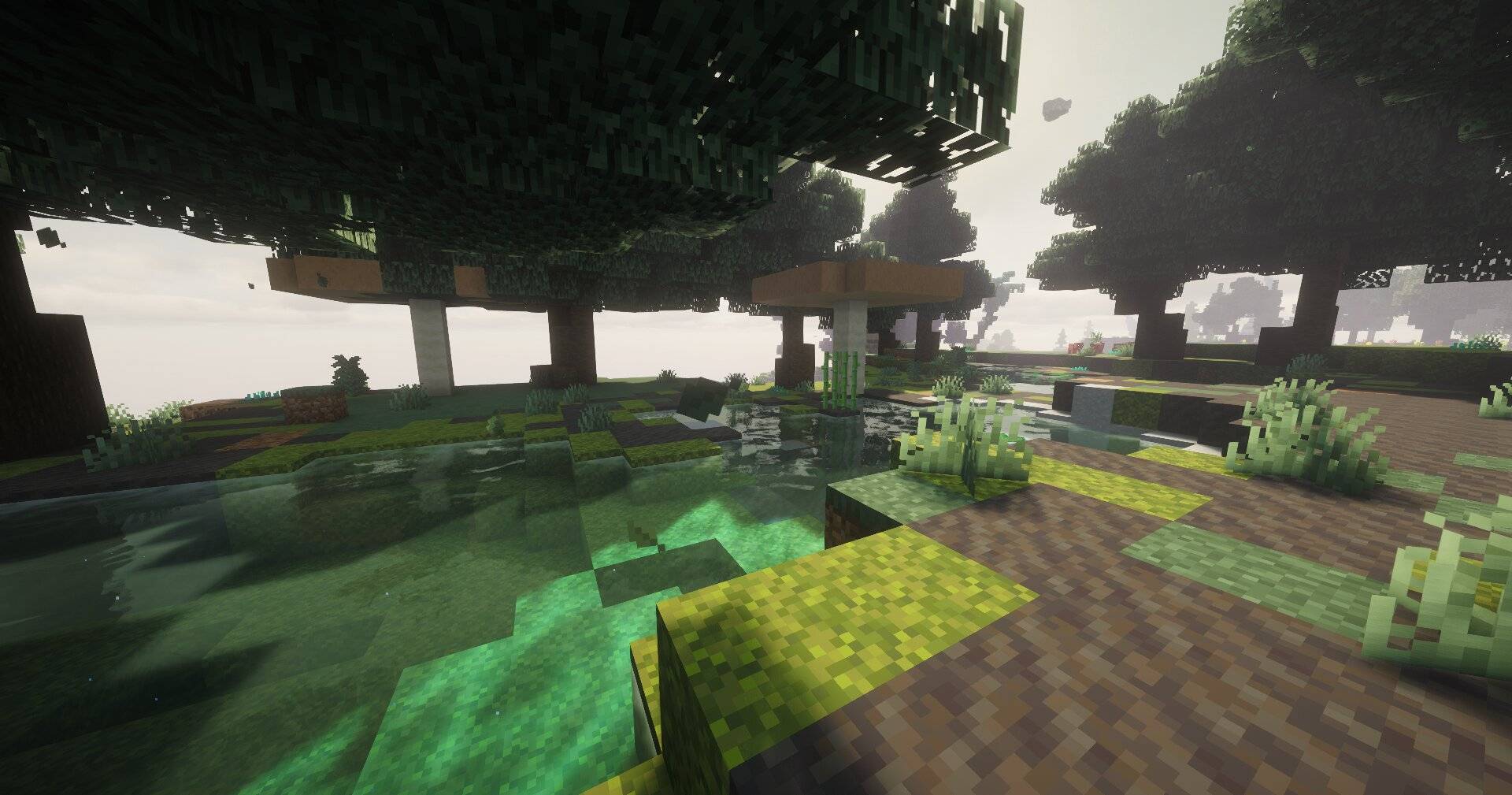
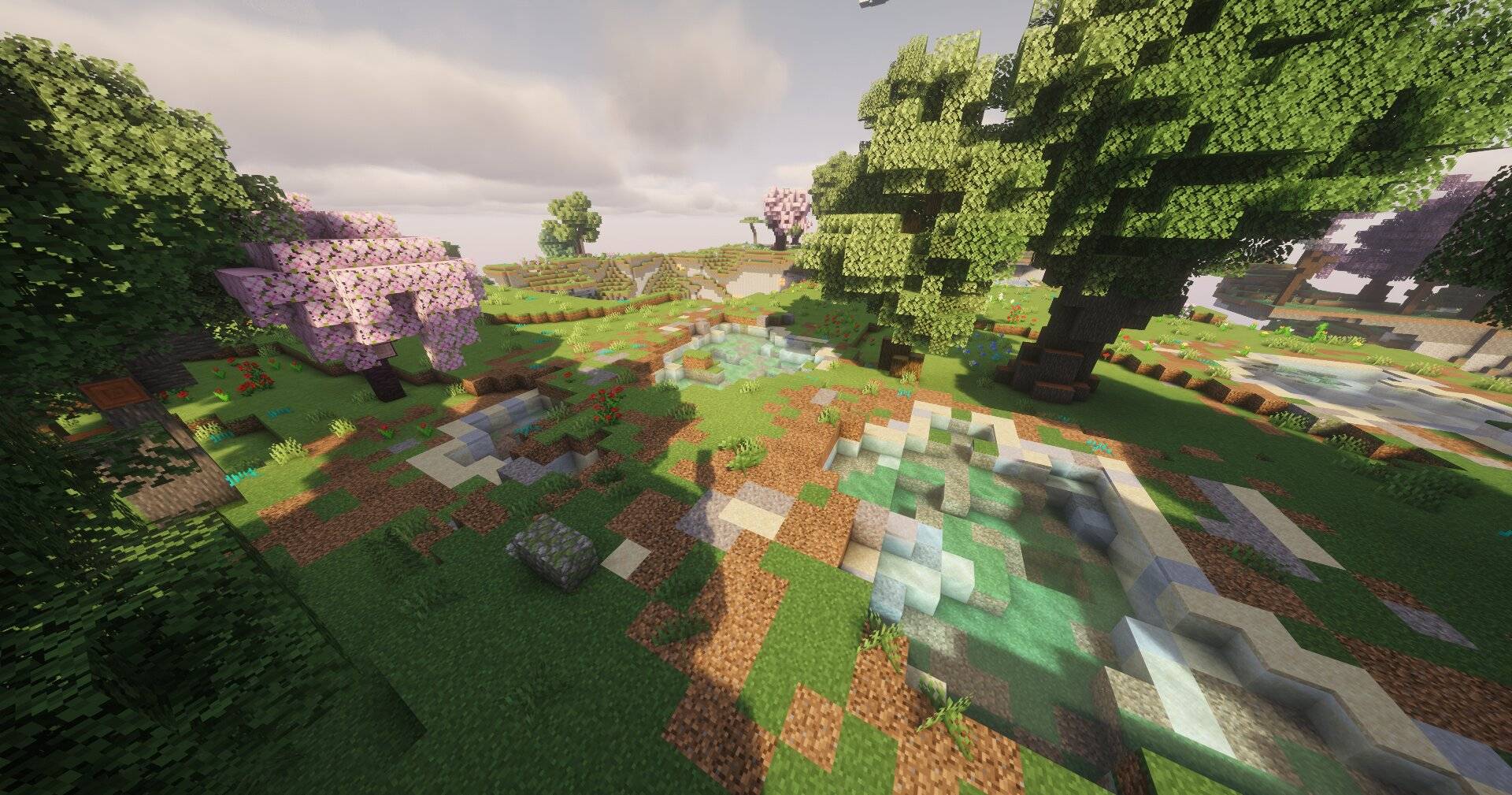
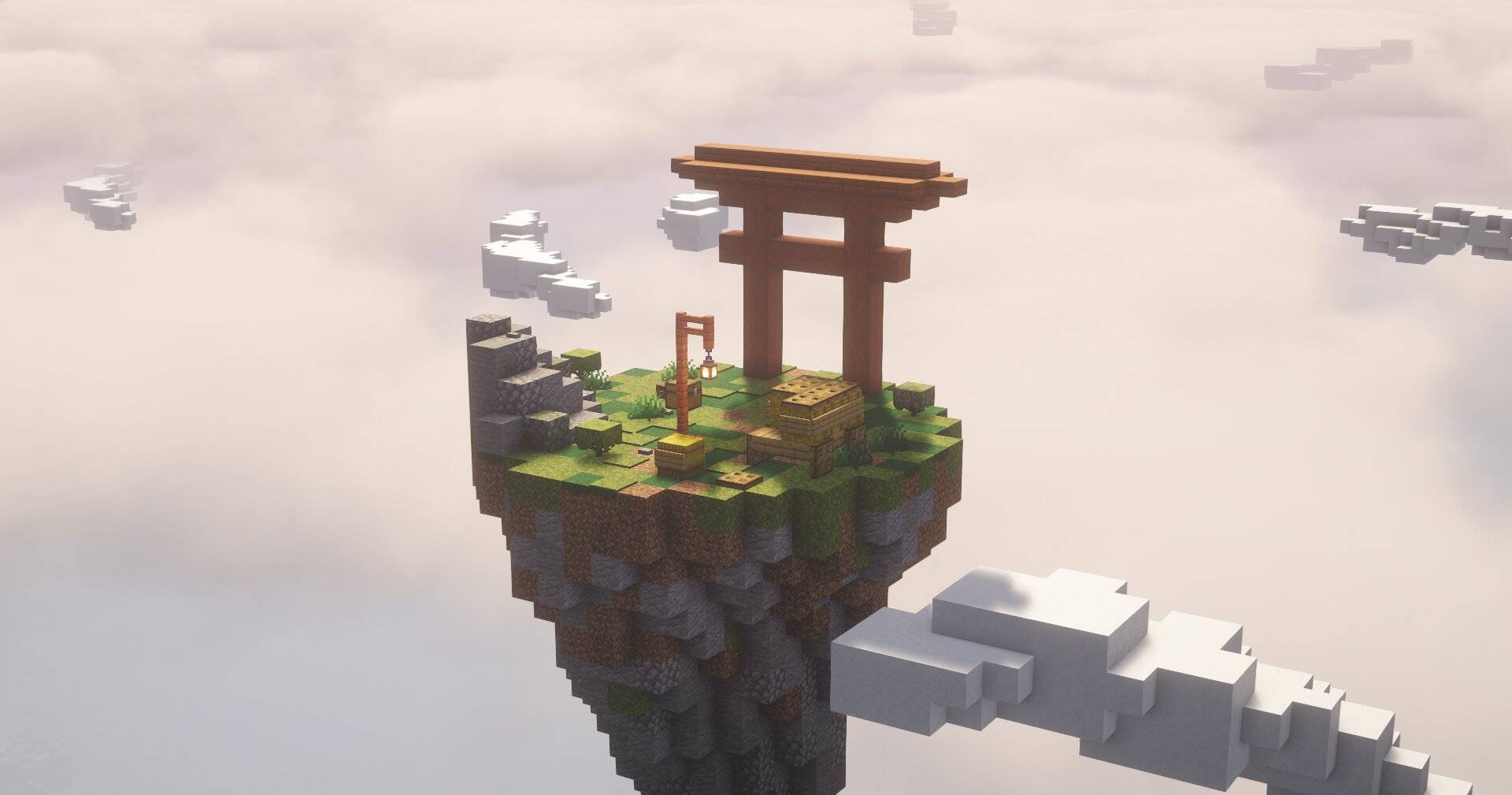
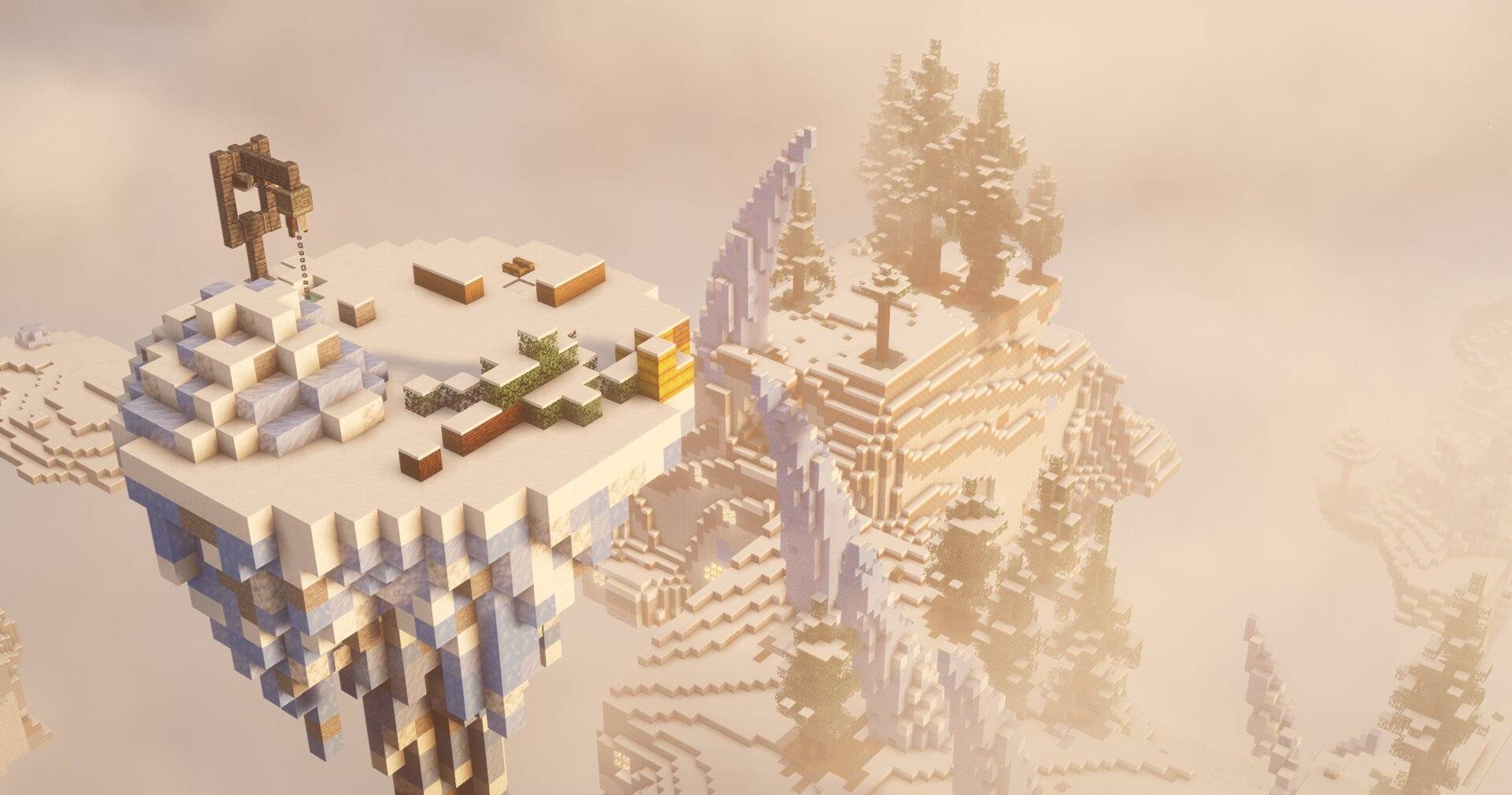
Upperwilds adds the Skylands: a dimension of floating islands wrapped in clouds, inspired by The Aether. It is built only from vanilla blocks and vanilla world generation.
This is an early version. Right now it has the dimension, the terrain, the biomes and the portal. More levels, bosses, structures and more are planned for future updates
GETTING IN
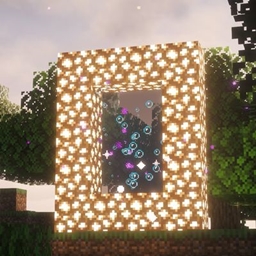
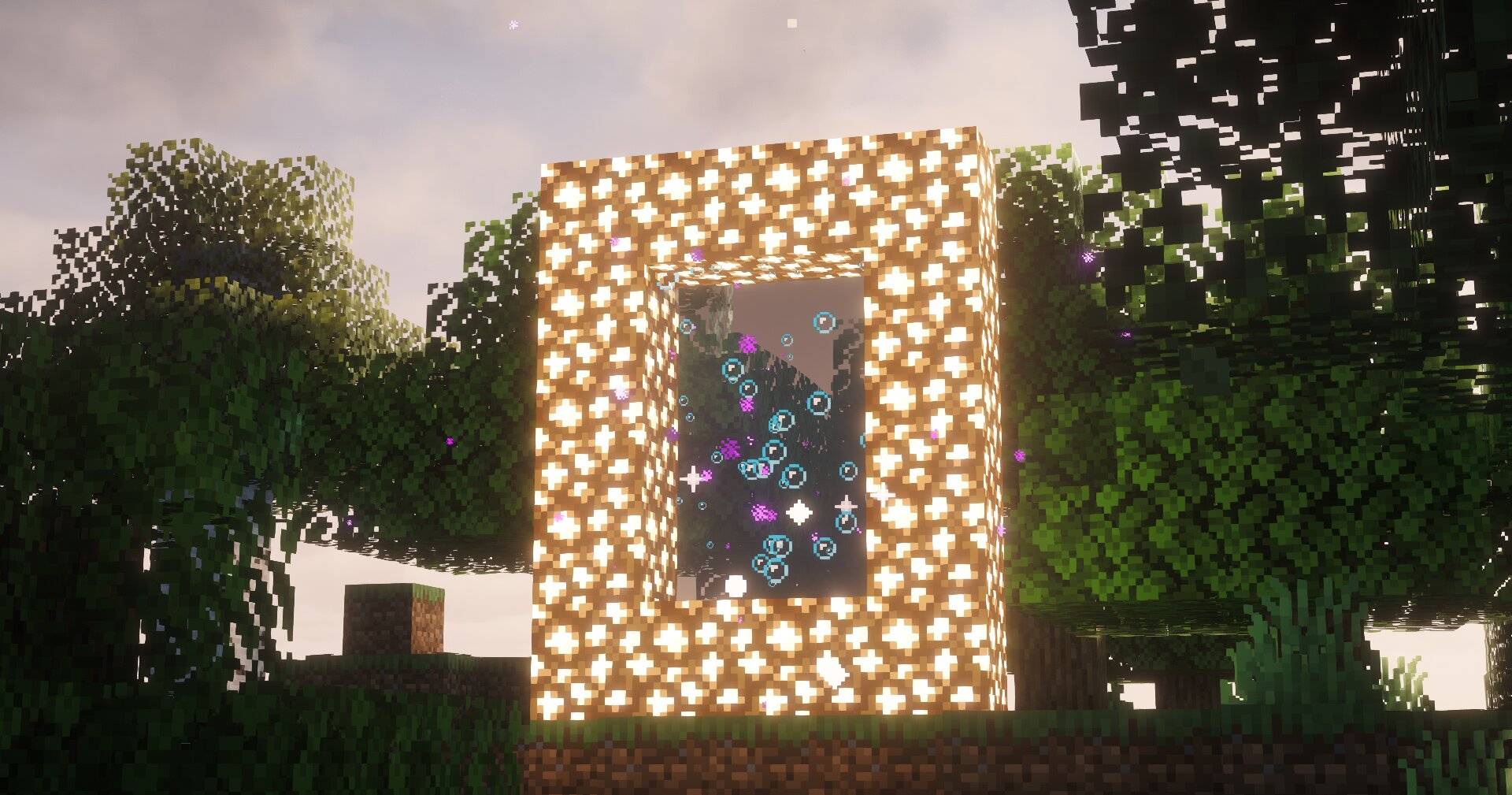
Build a glowstone frame. Four blocks wide and five tall, which leaves a 2 x 3 opening. Pour a bucket of water into it. The water stays sealed inside the frame and does not spread. Stand in the water for about four seconds. The Skylands are waiting on the other side.
ELEVEN BIOMES, THREE FAMILIES
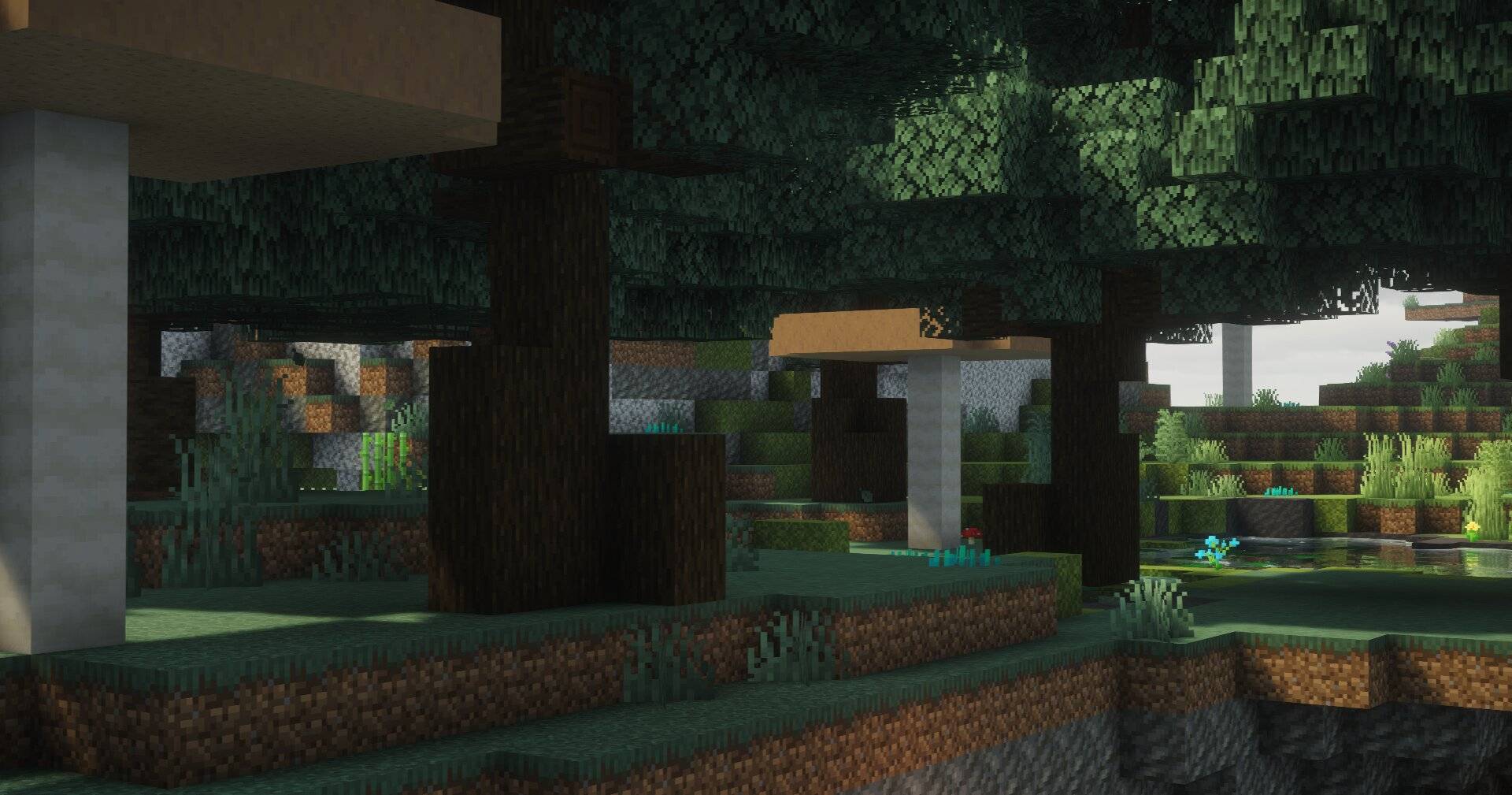
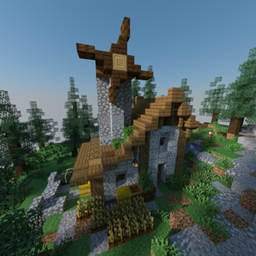
Custom climate noise lays the biomes out in large regions, so each one has room to develop its own character. Open a family to see what lives there.
WHAT'S NEXT
Upperwilds is still growing. More levels, bosses and structures are planned, along with whatever else the Skylands turn out to need. Ideas and feedback are welcome.
TESTED ON
Minecraft Java Edition 26.3, singleplayer only. Servers, multiplayer and older versions have not been tested.
GOOD TO KNOW
The water in the portal sits about 1/9 of a block below the top beam. That is how vanilla renders a water source, not a bug. Bug reports and feedback are very welcome.