Mineuniverse
Data Packs
Unblock enchant

Unblock enchant

DATA PACK
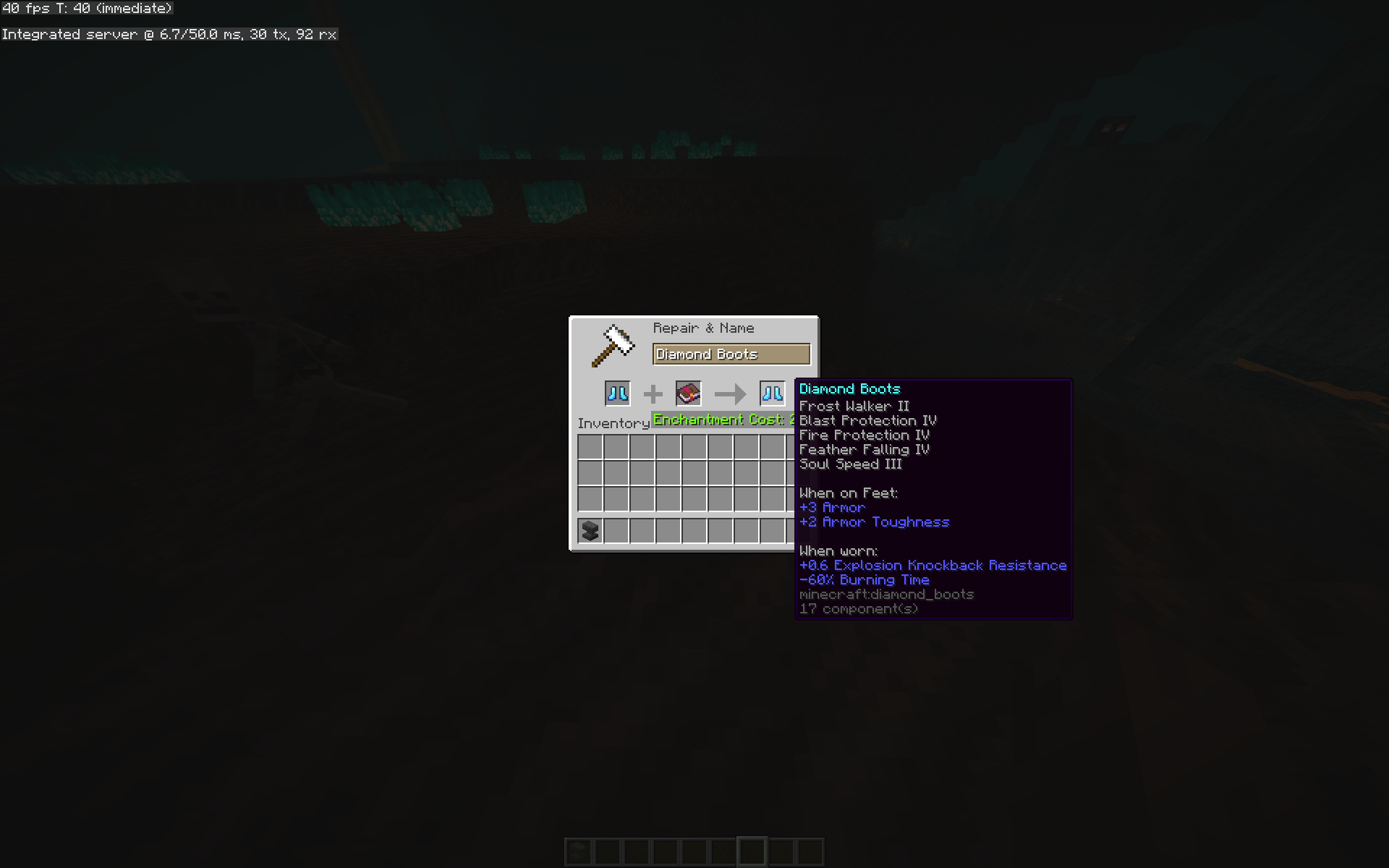
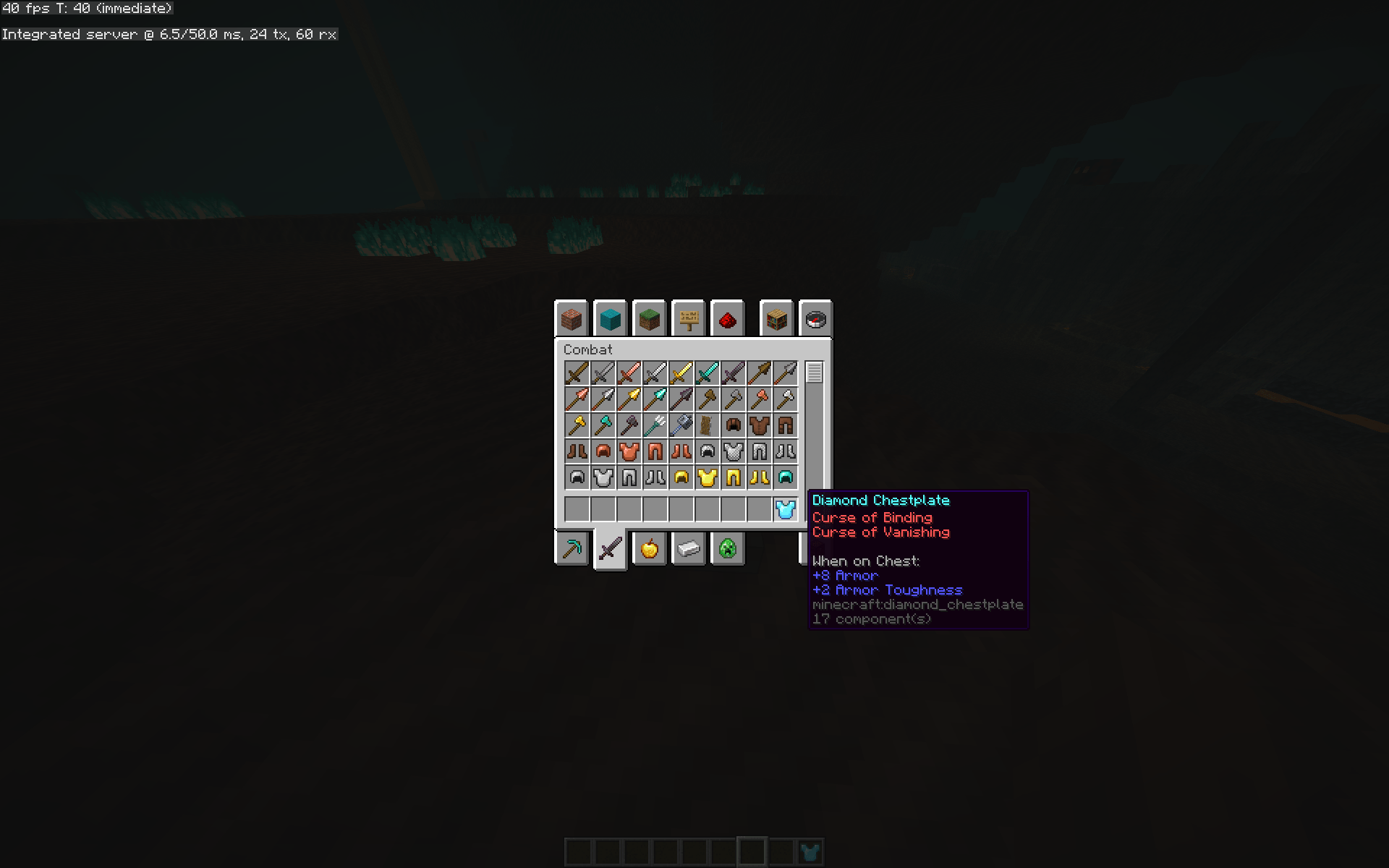
Tired of not being able to craft top-tier armor with top-tier enchantments? This data pack will solve your problem! It removes incompatible enchantments.
by cota5
Download Claim this project
2,208 downloads
0 likes
Updated Oct 14, 2026
0 hypes
Magic Miscellaneous
Advertisement Remove ads with Premium →

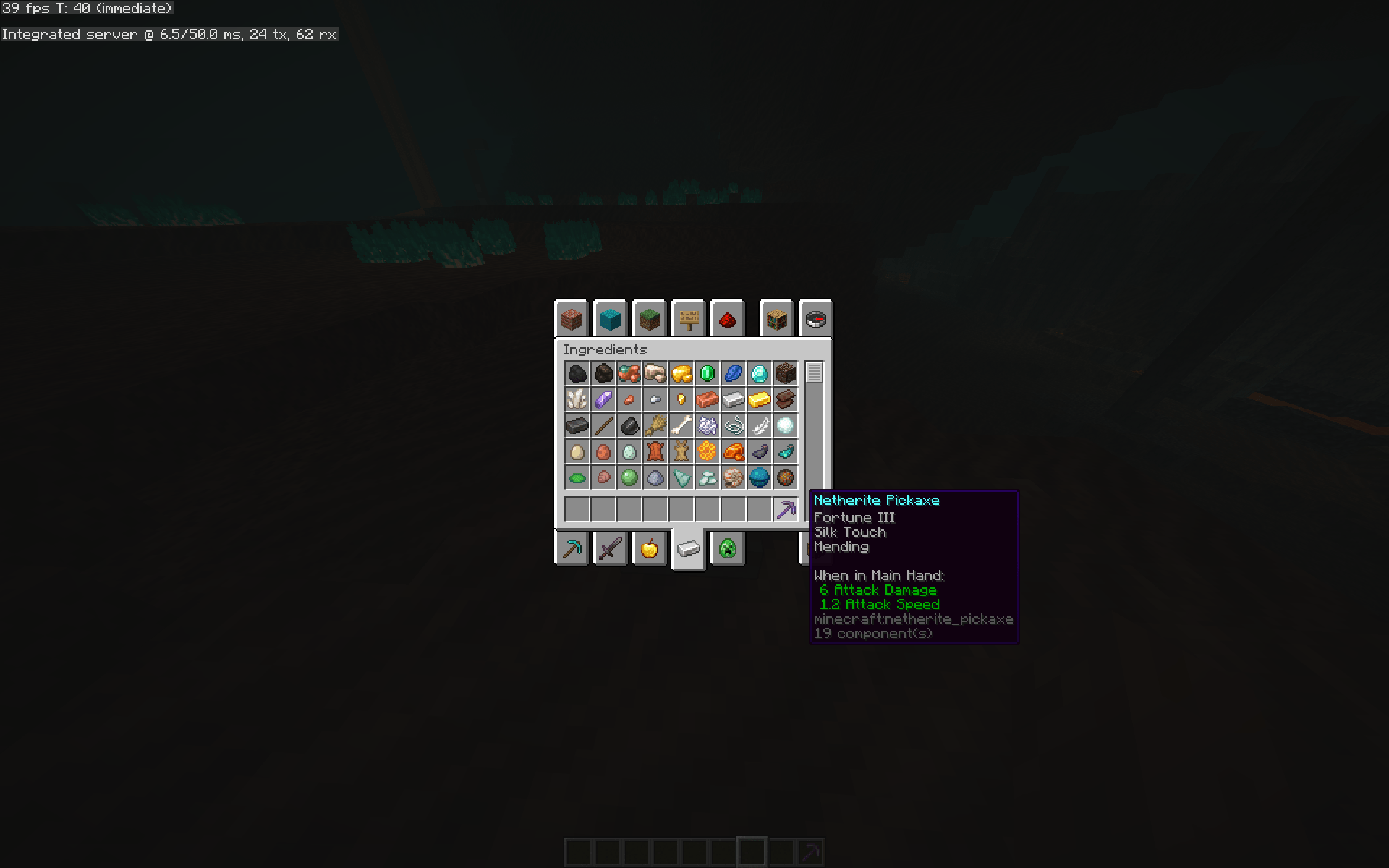
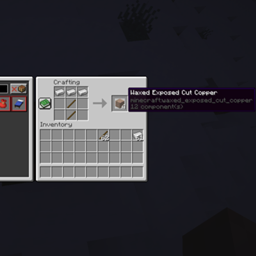
Are you tired of not being able to craft top-tier armor with top-tier enchantments? The game constantly refuses to connect Ice Drift and Underwater Ladder. This datapack will solve your problem! After all, it combines incompatible enchantments. I was wondering what would happen if I set Luck to 3 and Silk Touch? Download the datapack and try it out!

Additional information! When entering a world, the game may unexpectedly enter "Safe Mode." This disables datapacks when entering a world, but you can re-enable them later with the datapack Enable command.

unblock enchant.zip
MC 1.21, 1.21.8, 1.21.5, 1.21.4, 1.21.1, 1.21.6, 1.21.3, 1.21.7, 1.21.2, 1.21.9, 1.21.10, 1.21.11, 26.1, 26.1.1, 26.1.2, 26.2
Release 2026-07-10 Get
allenchantunblock.zip
MC 1.21, 1.21.8, 1.21.5, 1.21.4, 1.21.1, 1.21.6, 1.21.3, 1.21.7, 1.21.2, 1.21.9, 1.21.10, 1.21.11
Release 2026-02-12 Get

Requirements & install

How to use this data pack in Minecraft
Mods needed
None, works in vanilla
Minecraft
1.21.8 – 26.2
Install folder
saves/<world>/datapacks

How to install data packs

  1. Download the data pack .zip file (do not extract it).
  2. New world: click Data Packs on the world creation screen and drop the .zip in. Existing world: open .minecraft/saves/<world>/datapacks.
  3. Put the .zip into the datapacks folder of the world (servers: world/datapacks).
  4. Run /reload in game (or rejoin the world) and check it with /datapack list.
Browse more: Data Packs for 26.2 All data packs

More from cota5

Advertisement Remove ads with Premium →

You Might Also Like