Mineuniverse
Data Packs
Twilight Forest - Aurora Palace Regeared

Twilight Forest - Aurora Palace Regeared

DATA PACK
Revamps the Twilight Forest's Aurora Palace with a new build by Gearsaw Studios!
by sm644me
Download Claim this project
155,578 downloads
0 likes
0 followers
Updated Oct 14, 2026
0 hypes
Follow0
Adventure Mod Support
Advertisement Remove ads with Premium →

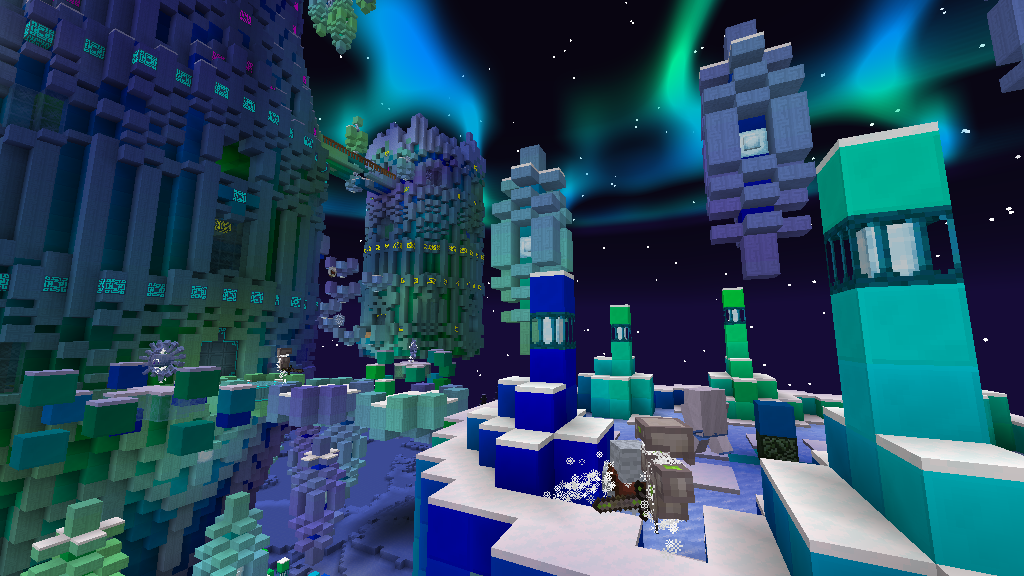
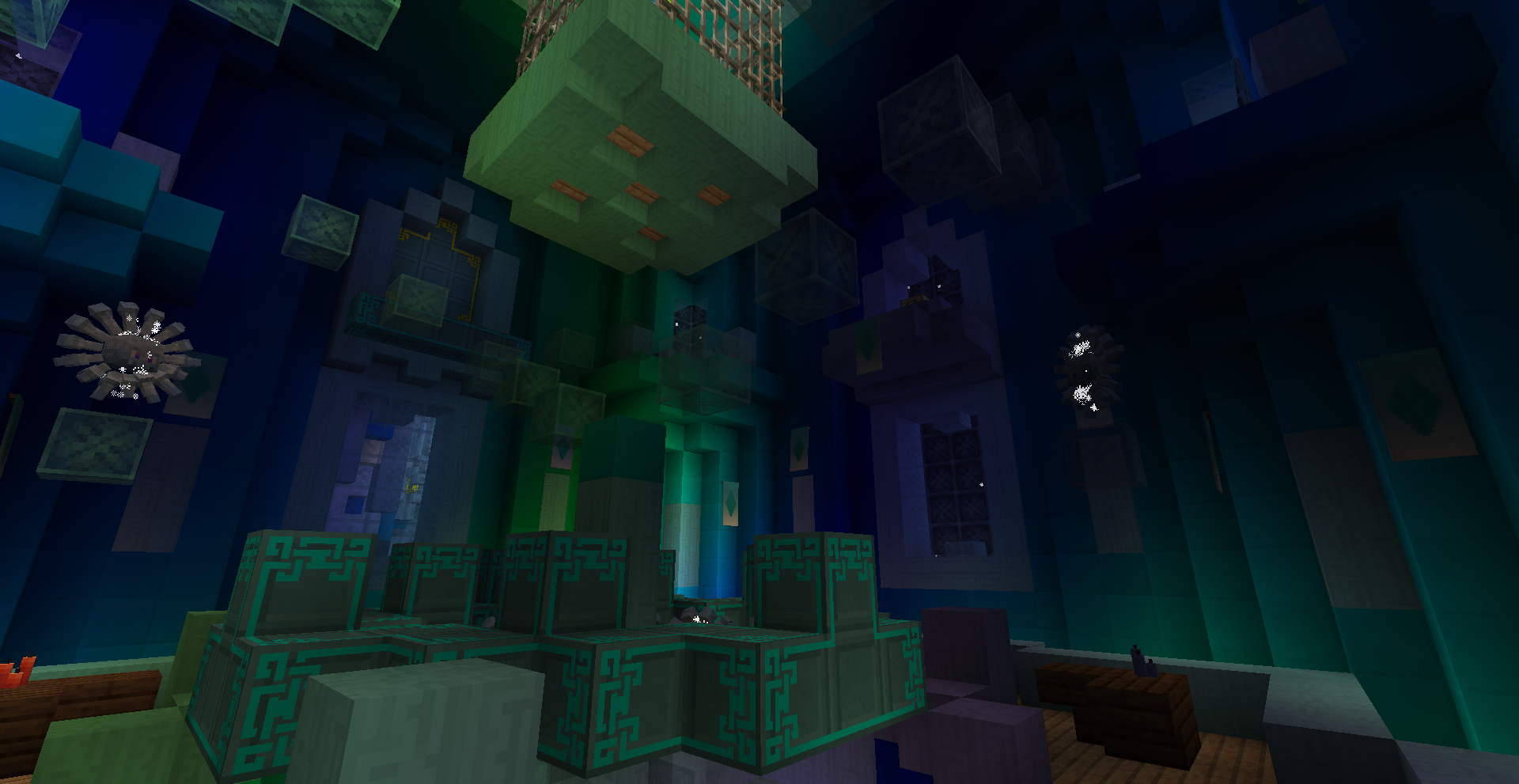
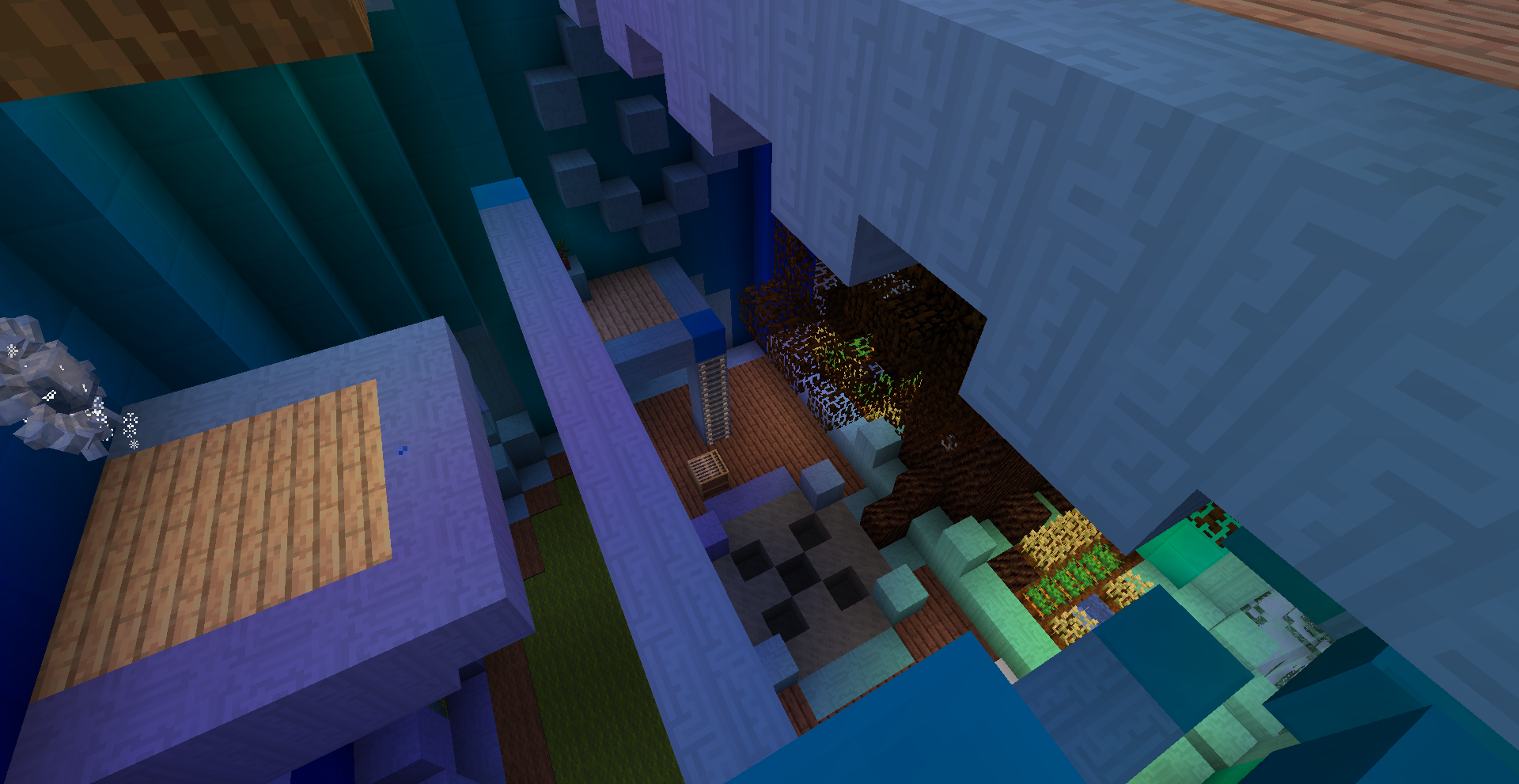
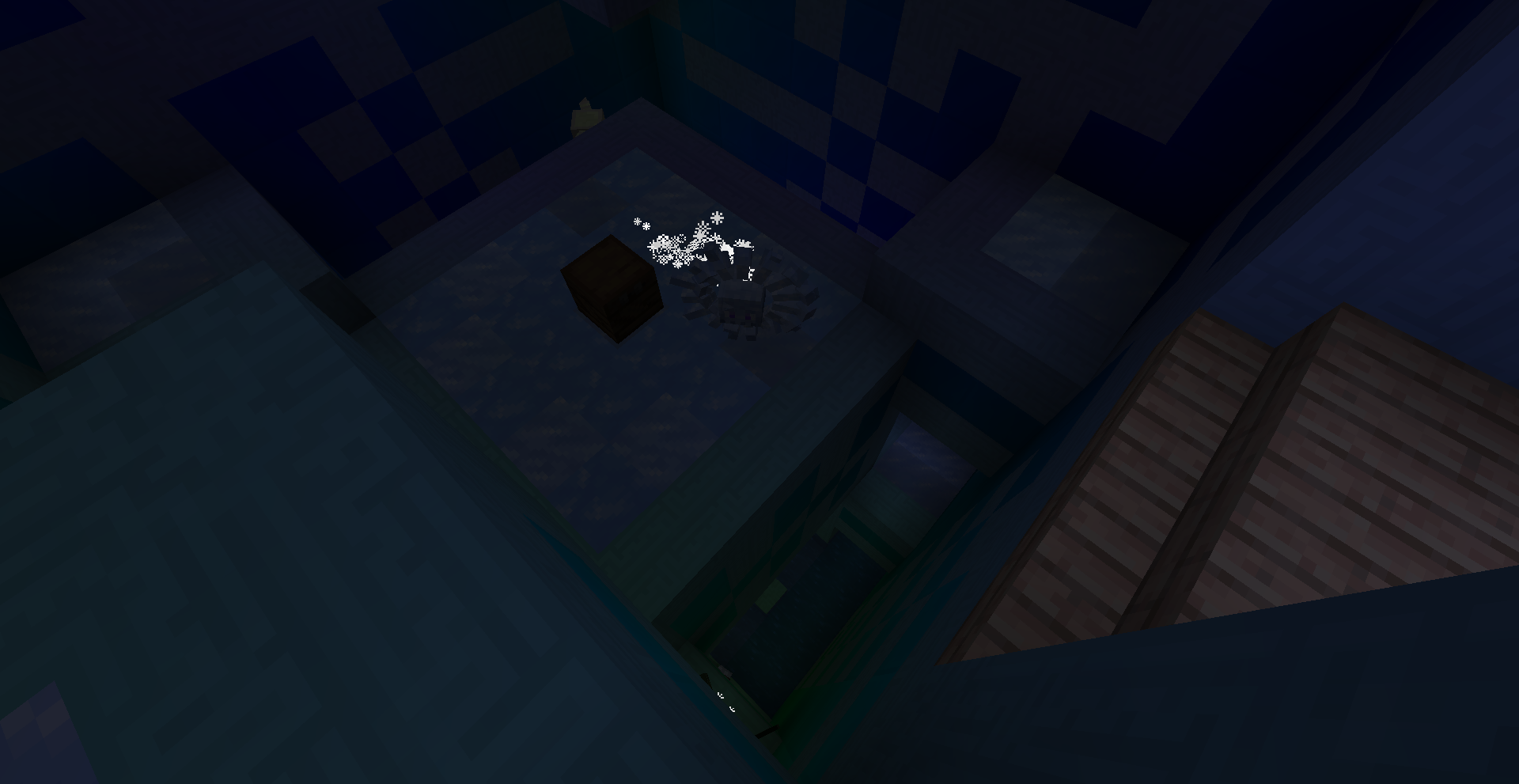
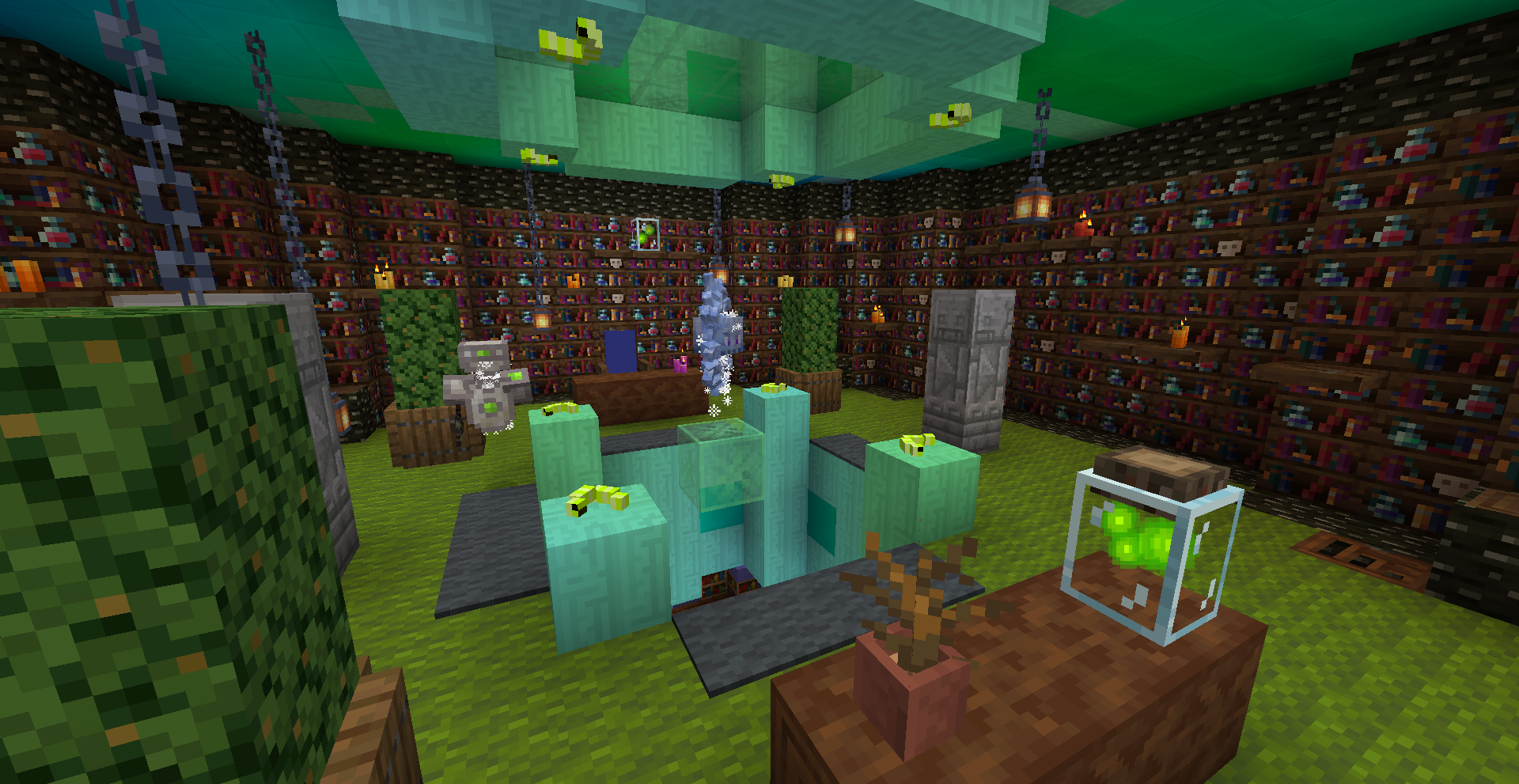
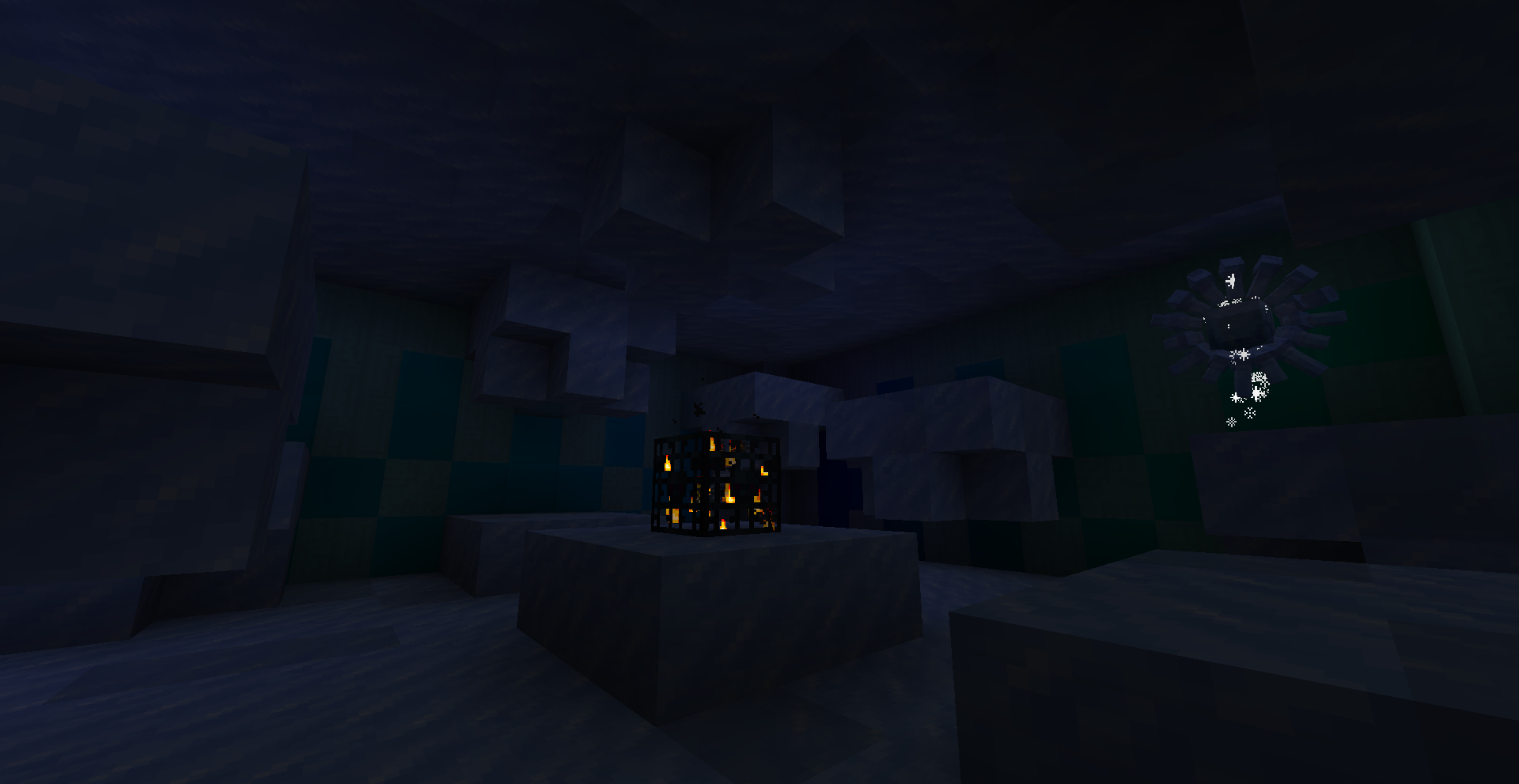
The Twilight Forest's Aurora Palace uses some pretty blocks, but the structure itself hasn't kept up with modern Minecraft. The Twilight Forest developers know this and are planning on reworking it, but why wait? This regeared Aurora Palace can be dropped into your Twilight Forest adventure to breathe new life into this part of the mod! This enormous revamp aims to make the Aurora Palace a high point of the Twilight Forest, both in aesthetics and gameplay. Even once you clear it, the numerous room variants will give you something new to look forward to for the next time! Take a look at the image gallery to see some of what awaits!

A full view of the Aurora Palace.

This datapack works on 1.19.2, 1.19.4, 1.20.1, 1.20.4, 1.20.6, and 1.21.1. It's primarily made for the Explorer's Eve modpack on Minecraft 1.19.4, so other versions are marked as betas to signify that they've only been briefly tested. However, they are fully functional, and any issues within are minor.

Not sure how to install a datapack? Here's how:

  1. Download the datapack. Make sure to get the right version, or it'll be invalid!
  2. Launch your modded Minecraft instance and create a new world.
  3. On the world creation menu, find the "Data Packs" button and click it.
  4. In the bottom-left corner, select "Open Pack Folder".
  5. Place the downloaded datapack in the folder that opens.
  6. Back in-game, click on the newly-added datapack to move it into the right column, and you're good to go!
  7. If you're using the 1.19.4 + 1.20.1 version on 1.20.1, you'll see an "outdated version" warning. Ignore this, it's fine.

If you want to add this datapack to an already existing world, open your world save folder and drop it directly into the "datapacks" folder.

Alternatively, use a mod like Open Loader, Paxi, or KubeJS to automatically add datapacks into newly created worlds!


If you're also using Blue Skies, you can enable optional compatibility to use Moonstone as the palace's primary light source! Here's how:

  1. Unzip the datapack.
  2. Navigate through the folders to data/gearsaw_palace/worldgen/processor_list. This folder contains two files, compat and compat_and_ice, and another folder named blue_skies_compat_use_to_replace_default.
  3. Take the items from the blue_skies_compat folder and use them to overwrite the files in the main processor_list folder.
  4. Blue Skies blocks will now attempt to generate in future Aurora Palaces. If Blue Skies isn't installed, these blocks will be replaced with air.


This structure was primarily made by Gearsaw Studios. Please check out his channel; he's an excellent builder.

Aurora Palace - Regeared (1.21.1)
MC 1.21.1
Release 2025-06-13 Get
Aurora Palace - Regeared (1.19.4 + 1.20.1)
MC 1.19.4, 1.20.1
Release 2024-07-31 Get
Aurora Palace - Regeared (1.19.2)
MC 1.19.2
Beta 2024-07-31 Get
Aurora Palace - Regeared (1.20.4)
MC 1.20.4
Beta 2024-07-31 Get
Aurora Palace - Regeared (1.20.6)
MC 1.20.6
Beta 2024-07-31 Get

Requirements & install

How to use this data pack in Minecraft
Mods needed
None, works in vanilla
Minecraft
1.19.2 – 1.21.1
Install folder
saves/<world>/datapacks

How to install data packs

  1. Download the data pack .zip file (do not extract it).
  2. New world: click Data Packs on the world creation screen and drop the .zip in. Existing world: open .minecraft/saves/<world>/datapacks.
  3. Put the .zip into the datapacks folder of the world (servers: world/datapacks).
  4. Run /reload in game (or rejoin the world) and check it with /datapack list.
Browse more: Data Packs for 1.21.1 All data packs

More from sm644me

Advertisement Remove ads with Premium →

You Might Also Like