Mineuniverse
Data Packs
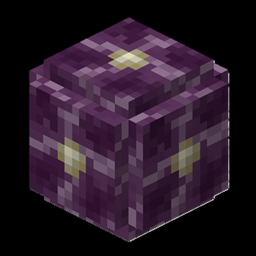
ThatCoolerGuys Chorus Flower Reset

ThatCoolerGuys Chorus Flower Reset

DATA PACK
Made for Mods like Enderscape that remove young Chorus Flowers
by user_pocsjss1ym80xiji
Download Claim this project
19 downloads
0 likes
0 followers
Updated Oct 14, 2026
0 hypes
Follow0
Adventure Fantasy Magic Mod Support Utility
Advertisement Remove ads with Premium →

ThatCoolerGuys Chorus Flower Reset

Did you install a mod that changes the End and removes chorus flowers from the world?

ThatCoolerGuys Chorus Flower Reset fixes that.

This datapack resets old chorus flowers in existing End worlds, allowing them to properly return when using mods that remove or replace them—such as Enderscape. This helps restore chorus flowers to areas where they may have disappeared after installing a world-generation overhaul and makes mods like enderscape compatible with the effective mod.

🌸 Features:

  • Resets old chorus flowers in the End
  • Helps restore chorus flowers removed by world-generation mods
  • Designed for mods such as Enderscape
  • Helps existing worlds adapt to changes in End generation
  • Useful for players updating or changing their modpacks

No complicated setup. No manually searching for new End terrain.

Bring the chorus flowers back.

ChorusFlowerReset_FIXED.zip
MC 1.21.1
Release 2026-07-18 Get

Requirements & install

How to use this data pack in Minecraft
Mods needed
None, works in vanilla
Minecraft
1.21.1
Install folder
saves/<world>/datapacks

How to install data packs

  1. Download the data pack .zip file (do not extract it).
  2. New world: click Data Packs on the world creation screen and drop the .zip in. Existing world: open .minecraft/saves/<world>/datapacks.
  3. Put the .zip into the datapacks folder of the world (servers: world/datapacks).
  4. Run /reload in game (or rejoin the world) and check it with /datapack list.
Browse more: Data Packs for 1.21.1 All data packs

More from user_pocsjss1ym80xiji

Advertisement Remove ads with Premium →

You Might Also Like