Mineuniverse
Data Packs
TFC Paleolithic Pigments

TFC Paleolithic Pigments

DATA PACK
Adds new ways to obtain and use dyes in TerraFirmaCraft that aren't locked behind copper
by MrHiTech
Download Claim this project
1,727 downloads
0 likes
0 followers
Updated Oct 14, 2026
0 hypes
Follow0
Mod Support Utility
Advertisement Remove ads with Premium →

NOTE: THIS DATAPACK IS OBSOLETE, AND ITS FEATURES HAVE BEEN SUBSUMED INTO TFC BETTER STONE AGE.

Adds copper-free recipes for the creation and use of liquid dyes.

Changelog:

v1.1: The Black and White Update

  • Added the ability to break placed charcoal with a hammer to obtain charcoal powder, which can then be crafted into black dye.
  • Added the ability to craft flux into white dye (calcium carbonate is a real white pigment that was used in the stone age!)
  • Added a nonfunctional loot table for calcite that makes it drop flux. If the TFC devs decide to fix calcite being unable to have a loot table, then calcite should start dropping flux!
  • Added some recipes that allow lighter dyes to be crafted into darker ones using black dye (this isn’t really “paleolithic” but I’ve been wanting to do this for a while and it fit best here).

Creation and use of flower-based dyes:

Creation:

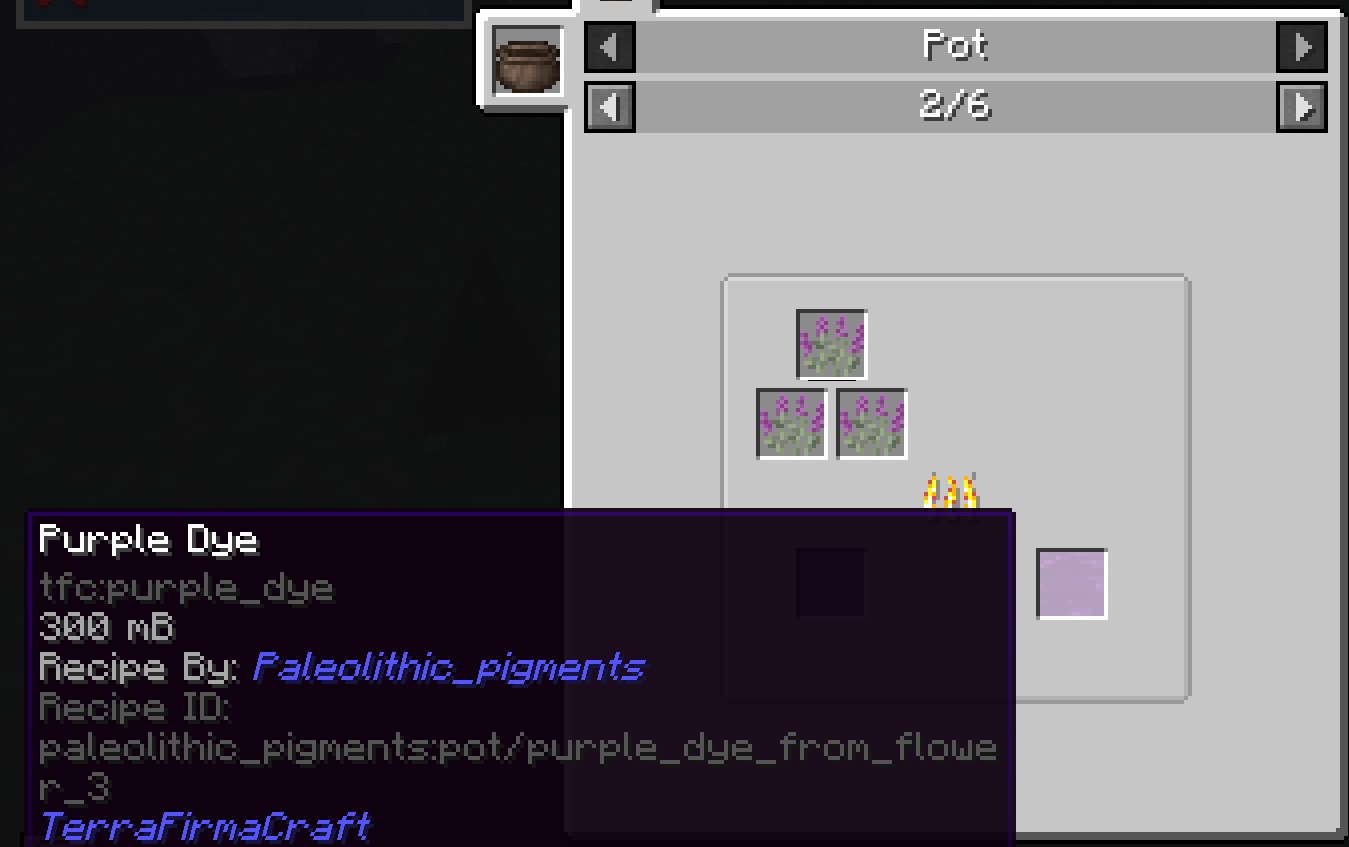
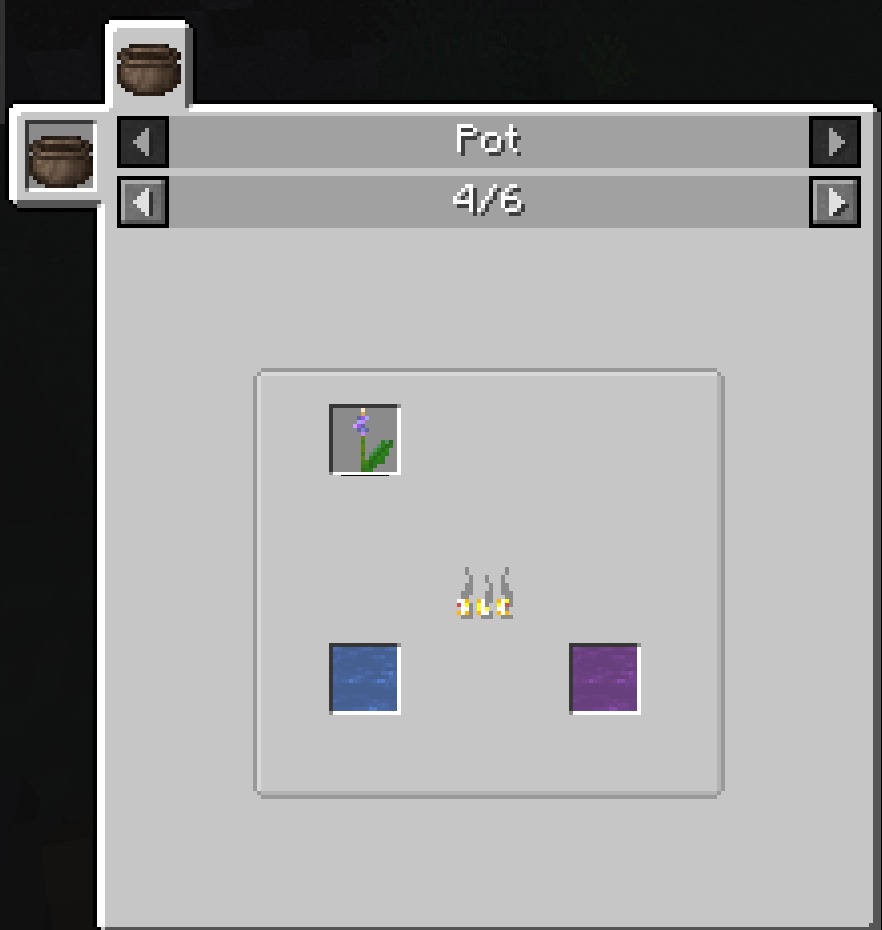
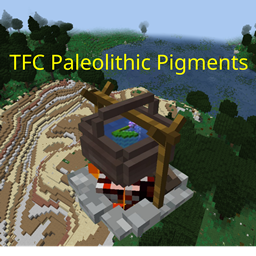
If a TFC flower can be ground with a quern into dye, it can now be boiled in a water pot to create liquid dye. However, this is much less efficient, only yielding 100 mb of dye per flower used. Also, the pot's temperature must be at least Bright Red during the boiling process, so make sure you're using a wood that burns that hot.

Use:

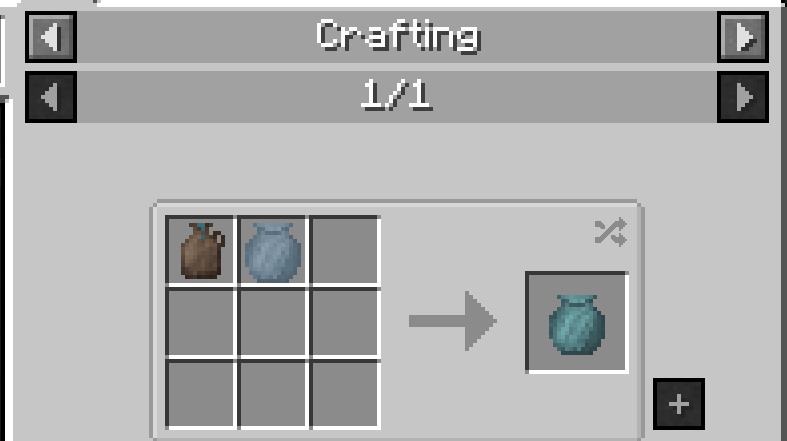
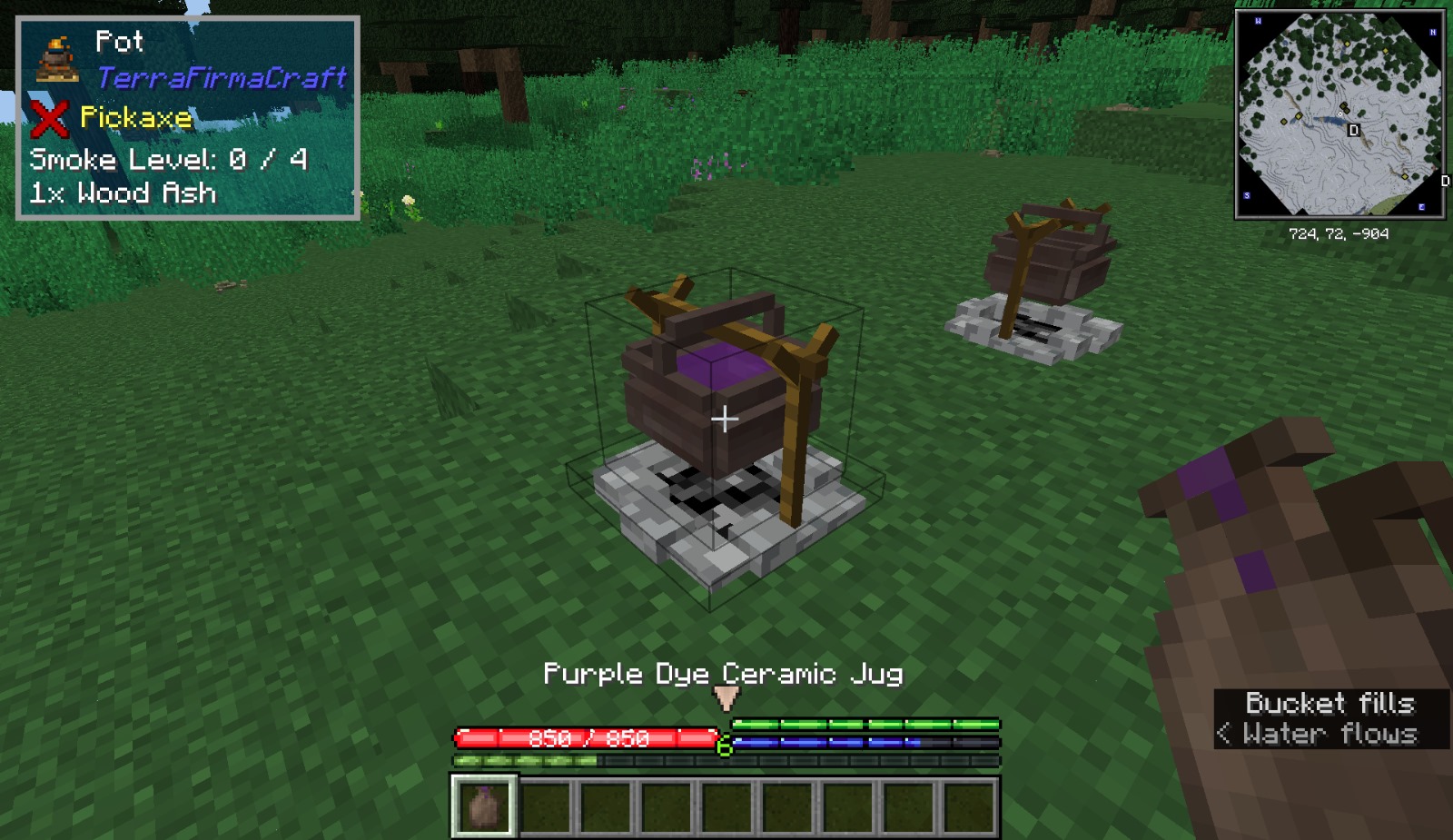
In base TFC, even if you have liquid dye, you need a barrel to actually dye something. Thus, this datapack adds the ability to put liquid dye into ceramic jugs. Then, craft that jug with an unfired ceramic vessel or large vessel to dye it!

TFC Paleolithic Pigments v1.1
MC 1.20.1
Release 2024-04-28 Get
TFC Paleolithic Pigments v1.0
MC 1.20.1
Release 2024-03-17 Get

Requirements & install

How to use this data pack in Minecraft
Mods needed
None, works in vanilla
Minecraft
1.20.1
Install folder
saves/<world>/datapacks

How to install data packs

  1. Download the data pack .zip file (do not extract it).
  2. New world: click Data Packs on the world creation screen and drop the .zip in. Existing world: open .minecraft/saves/<world>/datapacks.
  3. Put the .zip into the datapacks folder of the world (servers: world/datapacks).
  4. Run /reload in game (or rejoin the world) and check it with /datapack list.
Browse more: Data Packs for 1.20.1 All data packs

More from MrHiTech

Advertisement Remove ads with Premium →

You Might Also Like