Spectral Frequency
Paranormal Investigation Datapack for Minecraft 1.21.11
Beta 13.0 "Foundation"
👻 About
Spectral Frequency transforms Minecraft into a paranormal investigation experience inspired by Phasmophobia. Hunt ghosts, gather evidence, manage your sanity, and contain anomalies before they claim you.
📊 Features
- 12 Unique Ghosts — Whisper, Shadow, Wraith, Phantom, Shade, Specter, Poltergeist, Hollow, Revenant, Banshee, The Dread, Mare
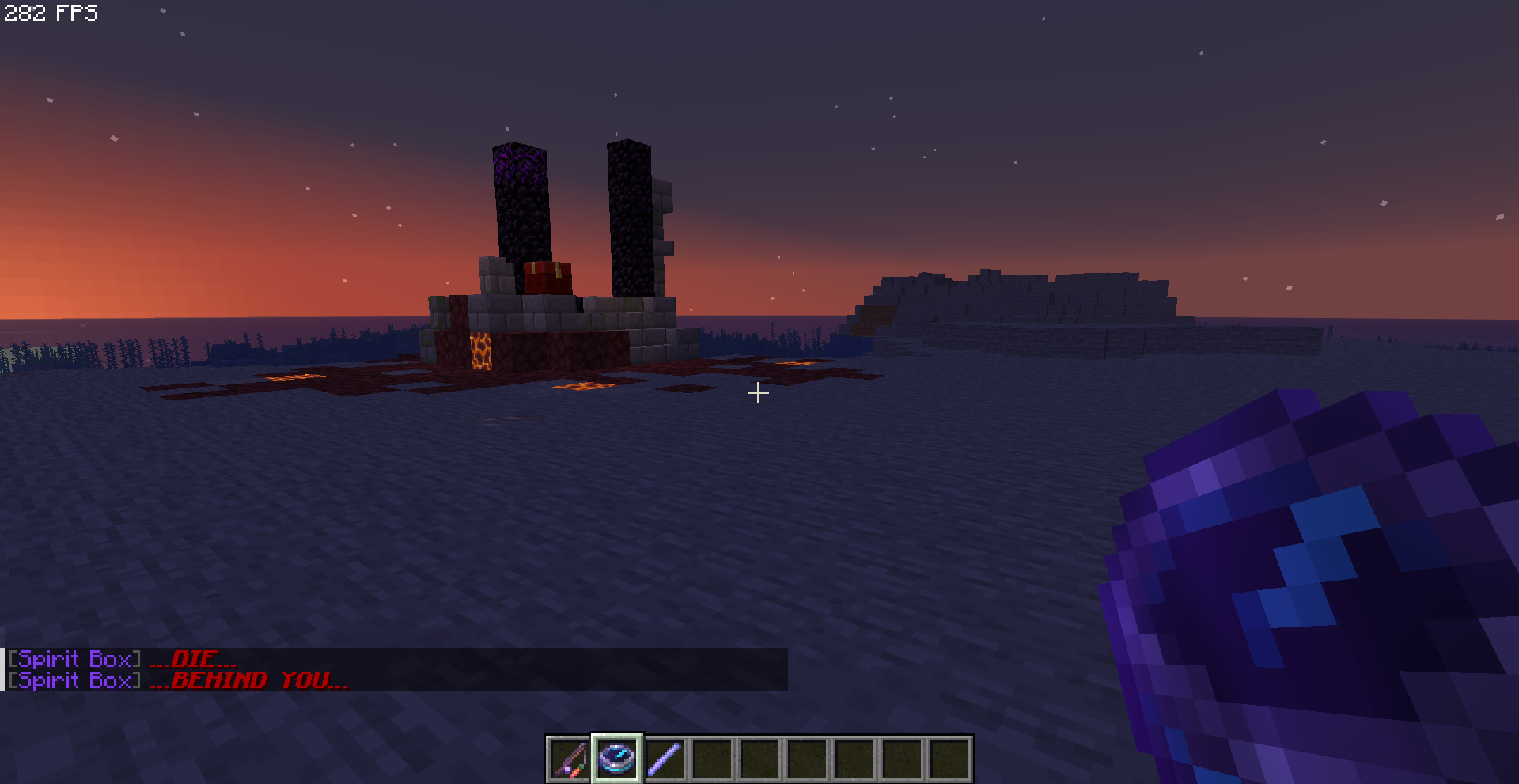
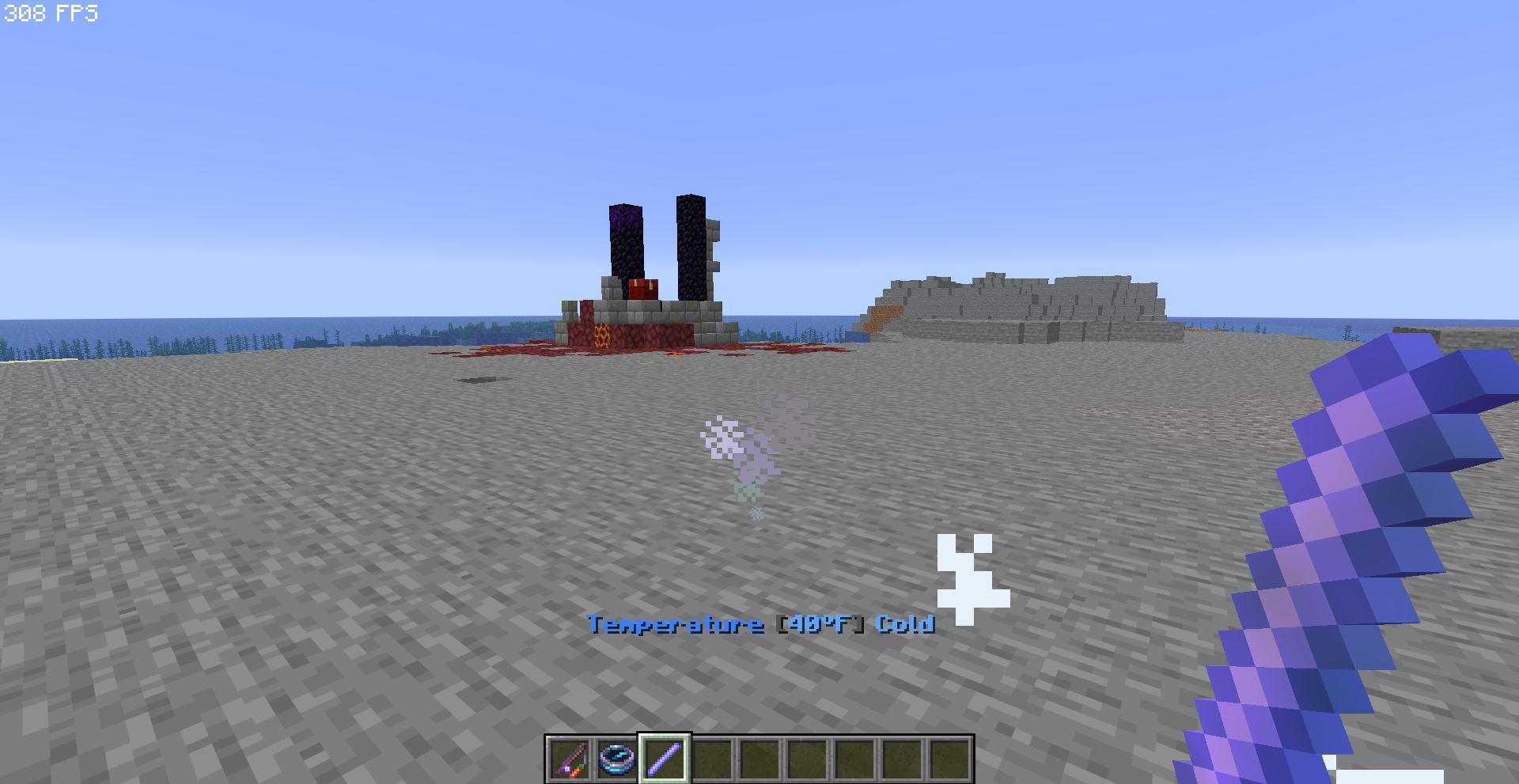
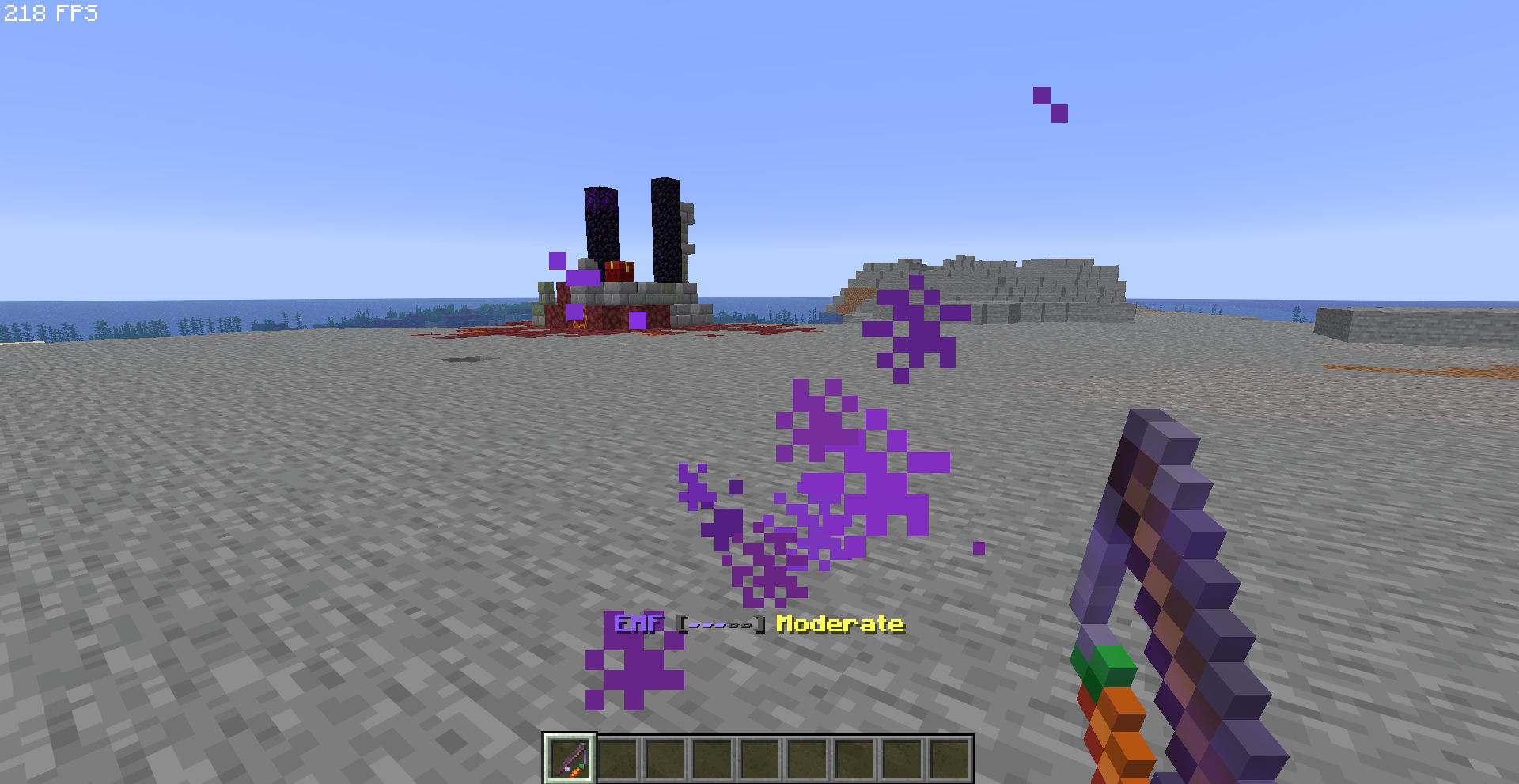
- 12 Investigation Tools — EMF Detector, Spirit Box, Thermometer, Spectral Journal, UV Flashlight, Flashlight, Photo Camera, Motion Sensor, Containment Device, Warding Totem, Soul Incense, Guidebook
- 5 Evidence Types — EMF Spikes, Spirit Box Responses, Ghost Writing, UV Marks, Freezing Temperatures
- Sanity System — Your mental state deteriorates over time. Low sanity = more danger.
- Manifestations — Ghosts can hunt! Hide and survive.
- Containment — Capture ghosts after gathering evidence.
- Veil Tears — Dangerous rifts in the Deep Dark.
- Multiplayer Support — Up to 12 players with individual sanity tracking.
📖 New in Beta 13
- Complete Restructure — 334 functions reorganized into 11 clean folders for performance and maintainability
- Tiered Performance Loops — Game logic runs on scheduled intervals (1s/5s/30s) instead of every tick
- Research Notes — 12 unique lore documents, one per ghost. Piece together the story of UMBRA and Dr. Silas Thorne.
- Corrupted Note — A mysterious fragment that may drop on any containment…
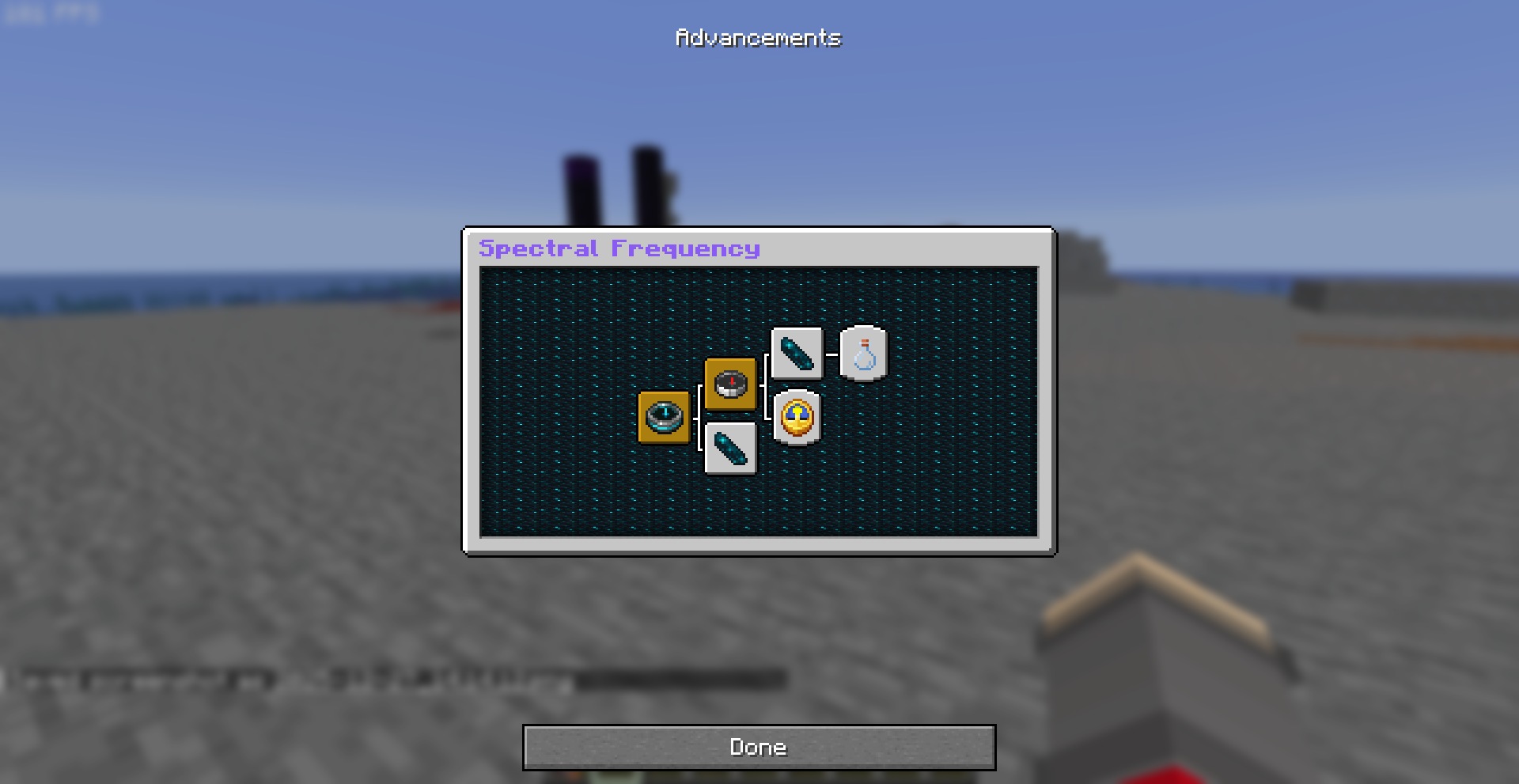
- Containment Specialist — Contain all 12 ghost types to earn the ultimate challenge advancement
- Ghost Watching — Ghosts now observe nearby investigators before acting
- Debug & Uninstall — Full debug toolkit and clean removal system
⚙️ Installation
- Download the datapack
- Place in your world's
datapacks folder
- Run
/reload or restart
- Type
/trigger sf.help to begin!
🔗 Links
Created by Nexus Labs • Part of Nexus Productions
Something has been forgotten. 1.0 is coming.