

Mineuniverse
Data Packs
Snowy Weather [Data pack]

Snowy Weather [Data pack]

DATA PACK
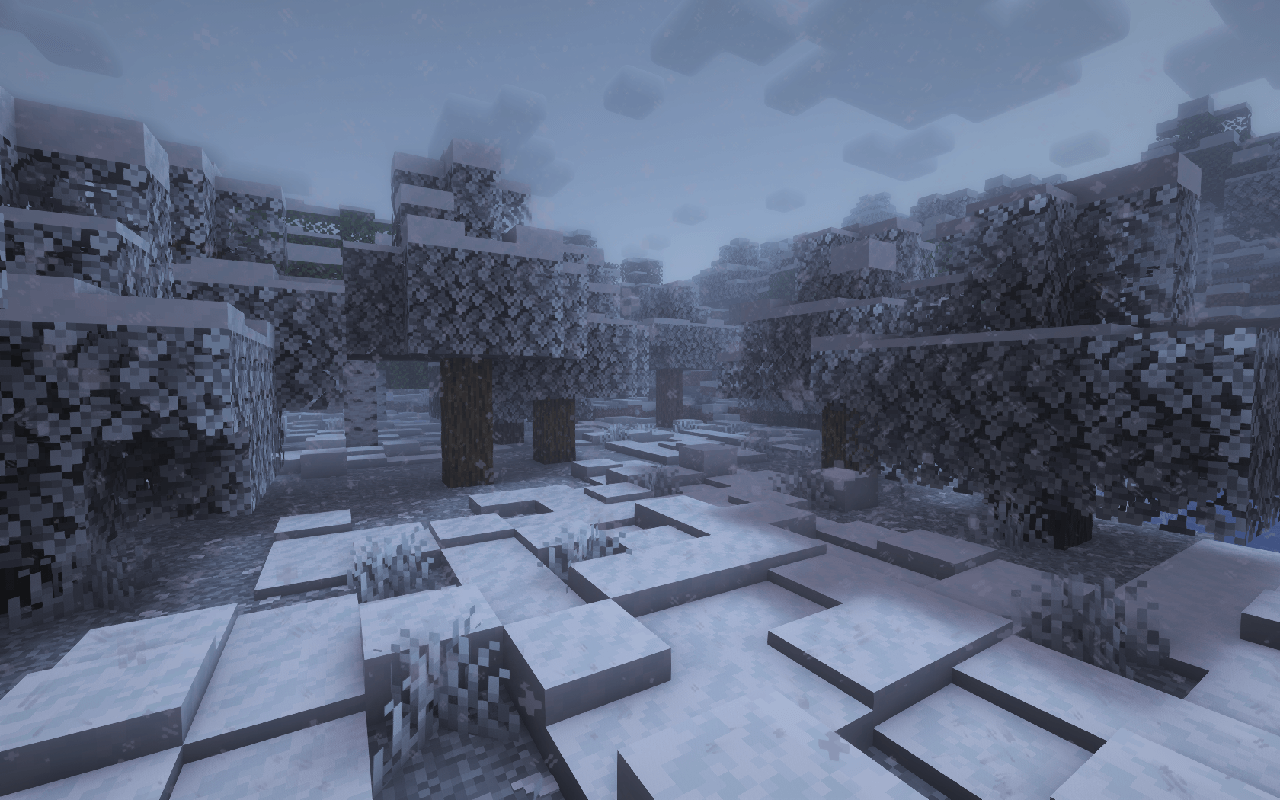
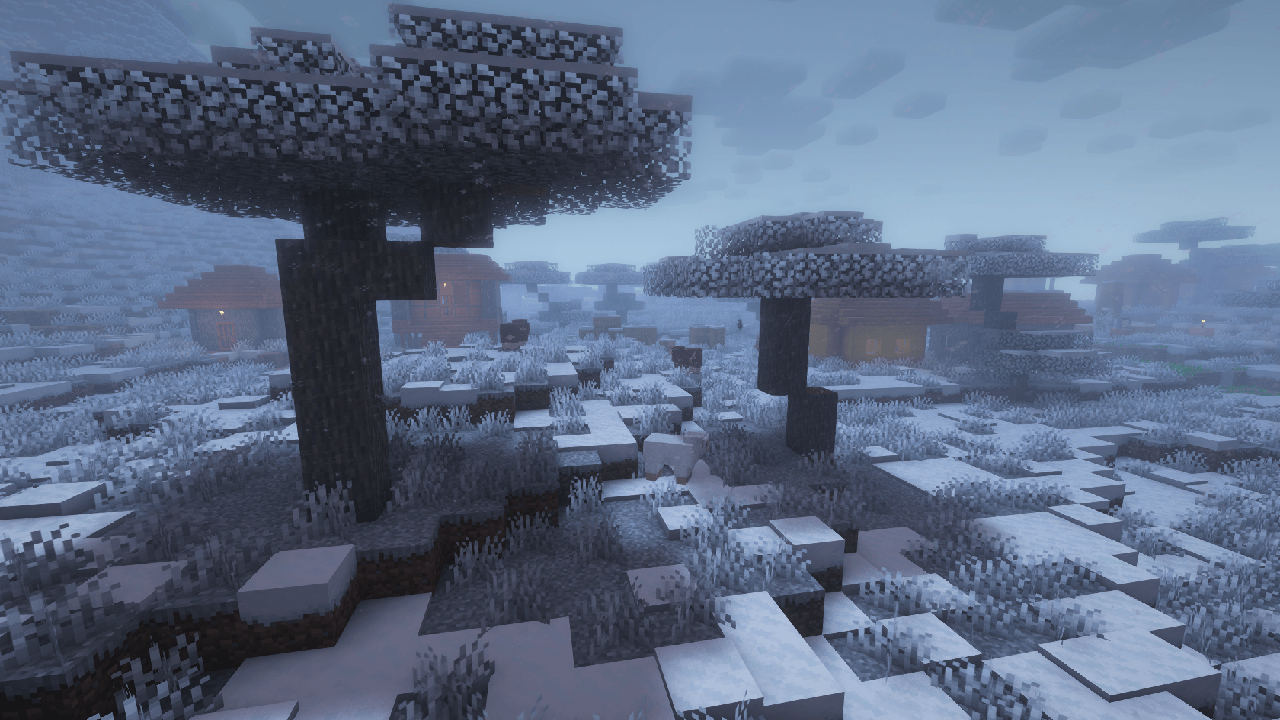
In all biomes of the world, the earth is covered with snow, and the water freezes!
by SayNooty
Download Claim this project
5,086 downloads
0 likes
Updated Oct 14, 2026
0 hypes
Adventure Fantasy Magic
Advertisement Remove ads with Premium →

YouTube Subscribes Discord Members Telegram Subscribes Modrinth Downloads CurseForge Downloads

Snowy Weather - Now it will snow instead of rain in all biomes, even in the desert!

Embed Removed: https://www.youtube-nocookie.com/embed/Xcl5llfqGwU

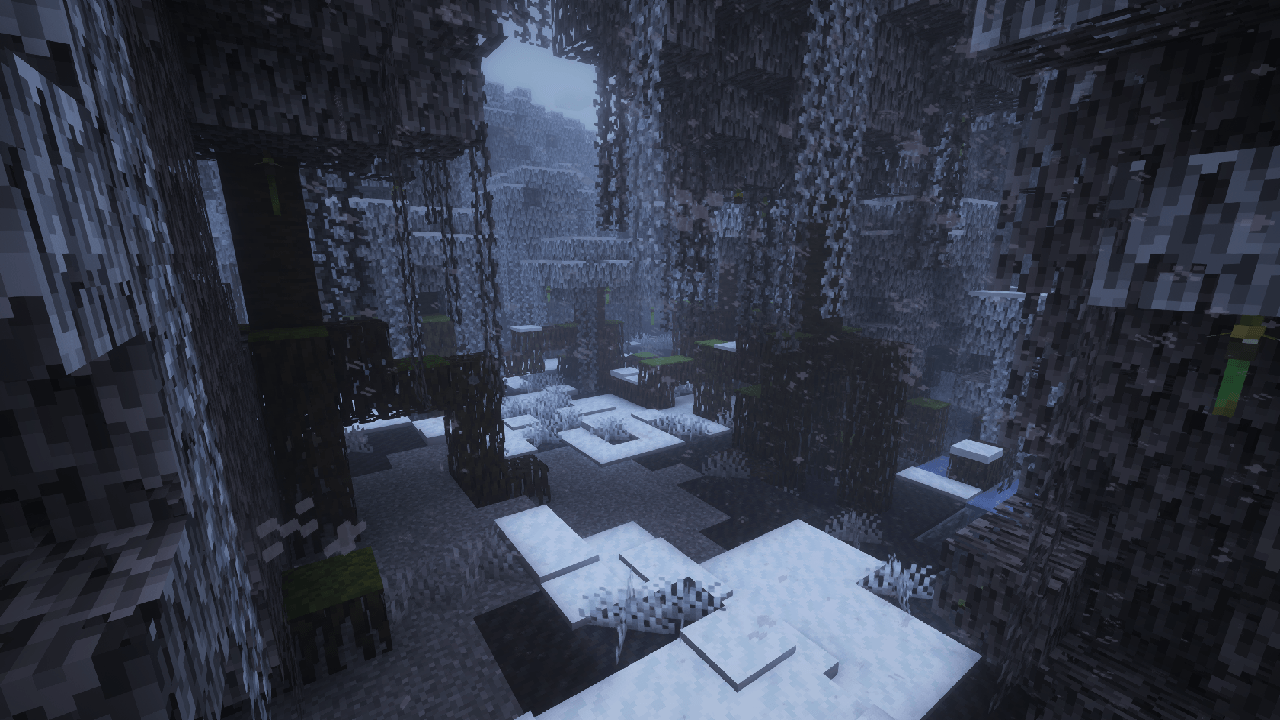
A cold winter has overtaken the world, which covers the whole world with snow and cold, even in hot biomes. Water freezes everywhere and snow appears. You can only escape in caves or other dimensions.

When it starts to rain or thunderstorm, it will always snow! The temperature in all biomes is below 0!

Each new generated chunk will be frozen. If your chunks were uploaded before you installed the datapack, then the snowy weather will also happen and everything will gradually freeze.

❗If, after adding a datapack to your world or server, you want to delete it, then the biomes will return to their original state, but the fallen snow and ice will remain on the meset!


For those who like a lot of snow:

Can you activate the function unlimited_snow_accumulation_height which removes the accumulated snow limit. That is, when the snow layer reaches a maximum value of 8, it is automatically replaced by a block of snow. Applies to players within a radius of 8 blocks in all directions.

❗ Attention! The function may affect the performance of your world or server.

  • Enter command to enable function: /function snowy_weather:unlimited_snow_accumulation_height


  • Enter command to disable function: /schedule clear snowy_weather:unlimited_snow_accumulation_height

Snowy Weather [1.3.1]
MC 1.21.8, 1.21.5, 1.21.6, 1.21.7, 1.21.9, 1.21.10
Release 2026-09-22 Get
Snowy Weather [1.3.1]
MC 1.21.11
Release 2026-09-22 Get
Snowy Weather [1.3.1]
MC 26.1, 26.1.1, 26.1.2
Release 2026-09-22 Get
Snowy Weather [1.3.1]
MC 26.2
Release 2026-09-22 Get
Snowy Weather [1.3.3]
MC 26.3
Release 2026-09-22 Get
Snowy Weather [1.3]
MC 26.2
Release 2026-06-22 Get
Snowy Weather [1.3]
MC 26.1
Release 2026-03-25 Get
Snowy Weather [1.3]
MC 1.20.1, 1.20
Release 2026-02-25 Get
Snowy Weather [1.3]
MC 1.21.8, 1.21.5, 1.21.6, 1.21.7, 1.21.9, 1.21.10
Release 2025-12-30 Get
Snowy Weather [1.3]
MC 1.21.11
Release 2025-12-26 Get
Snowy Weather v1.2.2
MC 1.16.3, 1.16.1, 1.16, 1.16.5, 1.16.4, 1.16.2
Release 2025-04-06 Get
Snowy Weather v1.2.2
MC 1.21, 1.20.5, 1.20.3, 1.20.6, 1.20.4, 1.21.1
Release 2025-04-06 Get
Snowy Weather v1.2.2
MC 1.21.5, 1.21.4, 1.21.6, 1.21.3, 1.21.2, 1.21.9, 1.21.10, 1.21.11
Release 2025-04-06 Get
Snowy Weather v1.2.1
MC 1.16.3, 1.16.1, 1.16, 1.16.5, 1.16.4, 1.16.2
Release 2025-03-03 Get
Snowy Weather v1.0.0
MC 1.20.2, 1.20.3, 1.20.1, 1.20.4
Release 2025-03-02 Get
Snowy Weather v1.1.0
MC 1.21, 1.21.1
Release 2025-03-02 Get
Snowy Weather v1.2.0
MC 1.21.4
Release 2025-03-02 Get
Snowy Weather v1.2.1
MC 1.21.4
Release 2025-03-02 Get
Snowy Weather v1.2.1
MC 1.21, 1.21.1
Release 2025-03-02 Get
Snowy Weather v1.2.1
MC 1.21, 1.20.5, 1.20.3, 1.20.6, 1.20.4, 1.21.1
Release 2025-03-02 Get

Requirements & install

How to use this data pack in Minecraft
Mods needed
None, works in vanilla
Minecraft
1.21.9 – 26.3
Install folder
saves/<world>/datapacks

How to install data packs

  1. Download the data pack .zip file (do not extract it).
  2. New world: click Data Packs on the world creation screen and drop the .zip in. Existing world: open .minecraft/saves/<world>/datapacks.
  3. Put the .zip into the datapacks folder of the world (servers: world/datapacks).
  4. Run /reload in game (or rejoin the world) and check it with /datapack list.
Browse more: Data Packs for 26.3 All data packs

More from SayNooty

Advertisement Remove ads with Premium →

You Might Also Like