Mineuniverse
Data Packs
Snake's Impossible Pack

Snake's Impossible Pack

DATA PACK
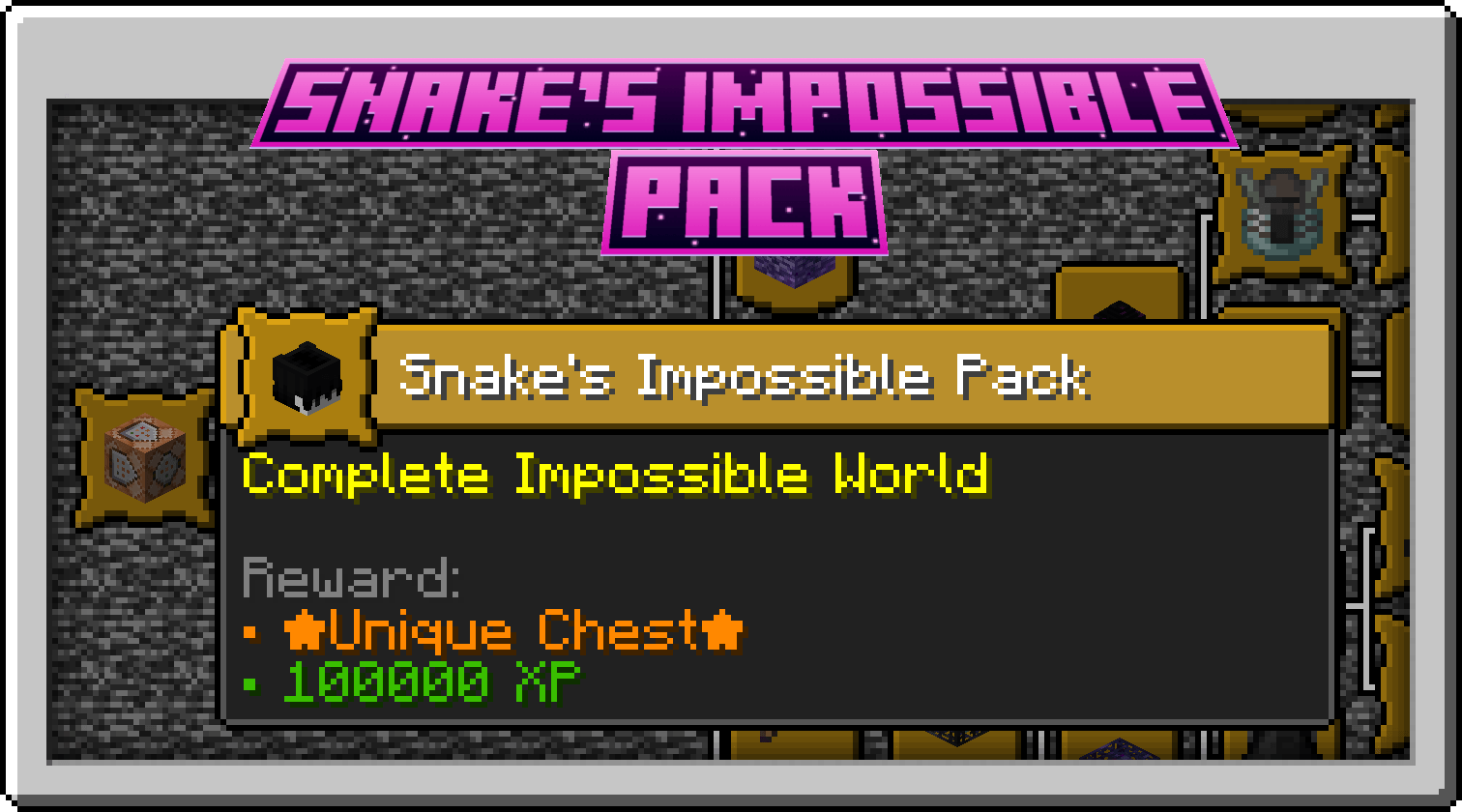
The Impossible Datapack adds dozens of incredibly difficult advancements and upgrade challenges that will test even the most dedicated Minecraft players.
by Snake6337
Download Claim this project
205 downloads
0 likes
Updated Oct 14, 2026
0 hypes
Adventure
Advertisement Remove ads with Premium →

Snake's Impossible Pack

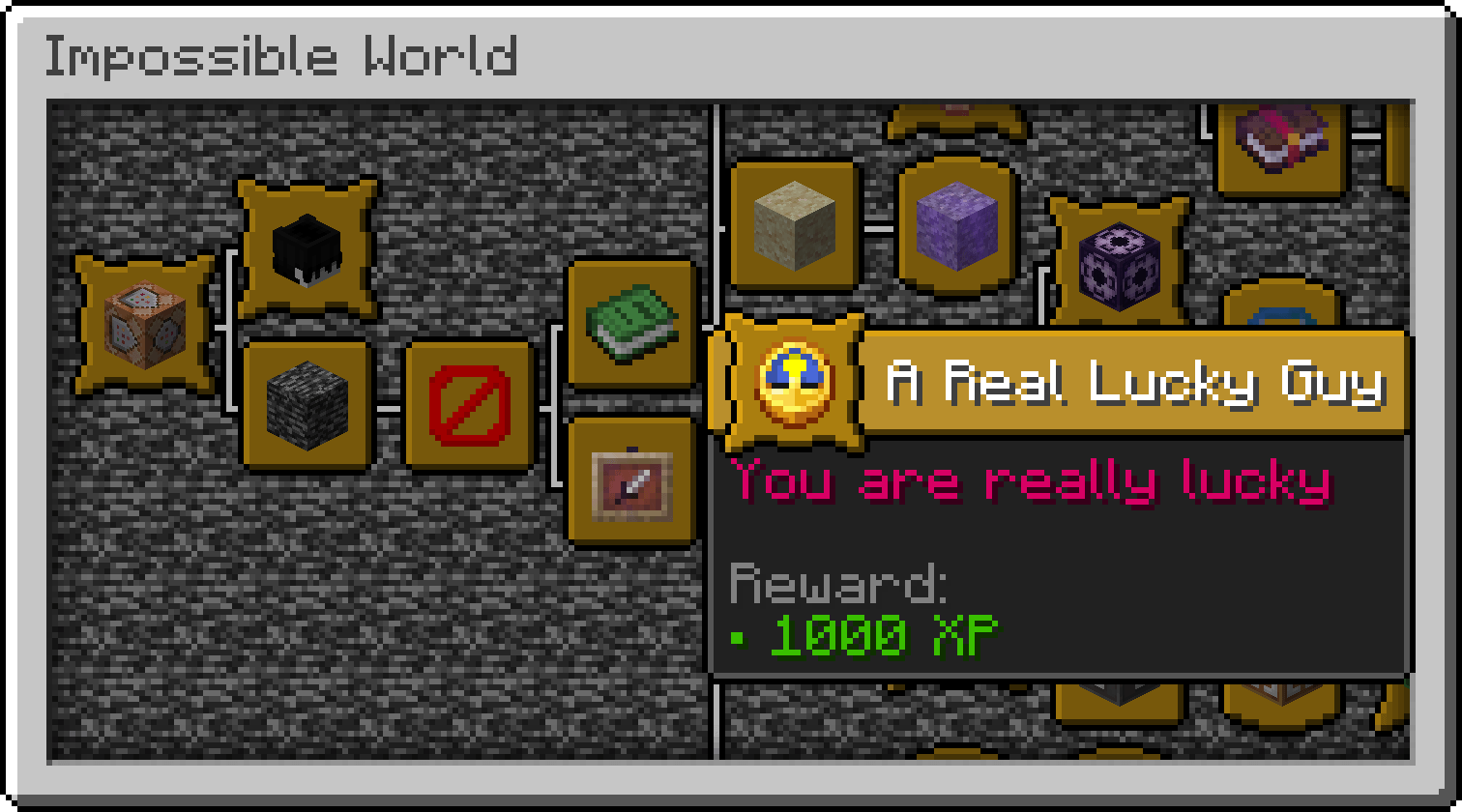
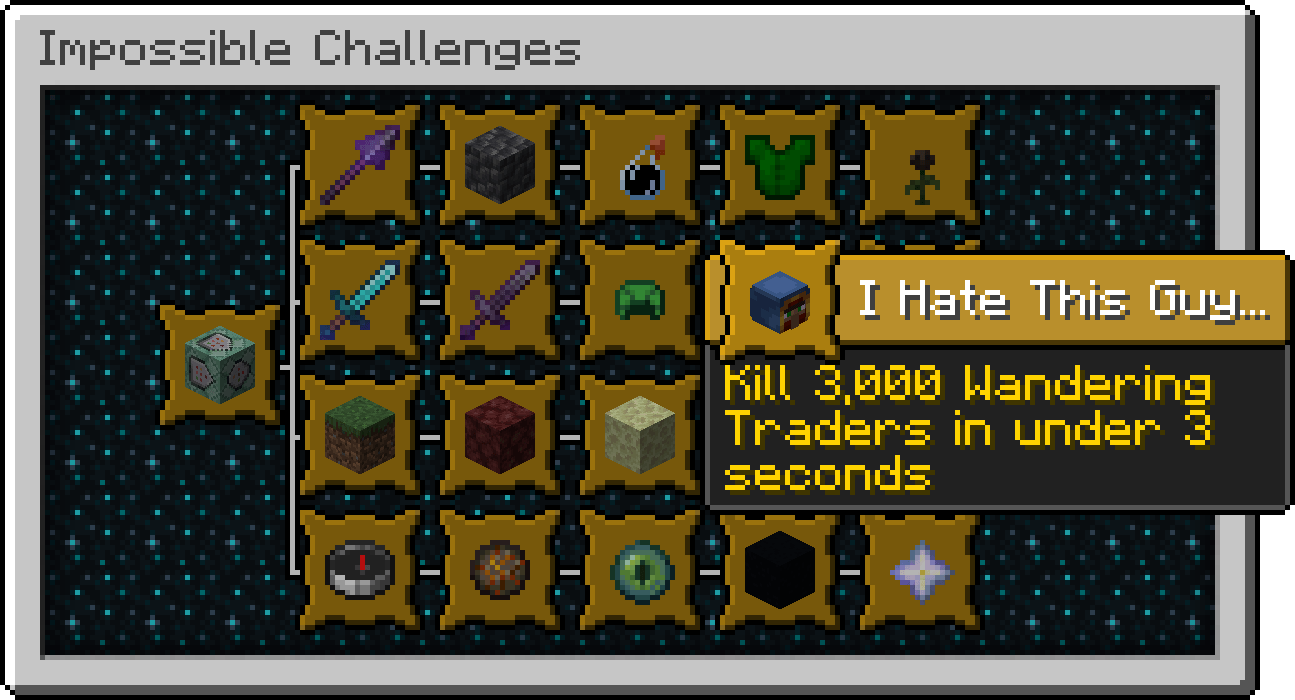
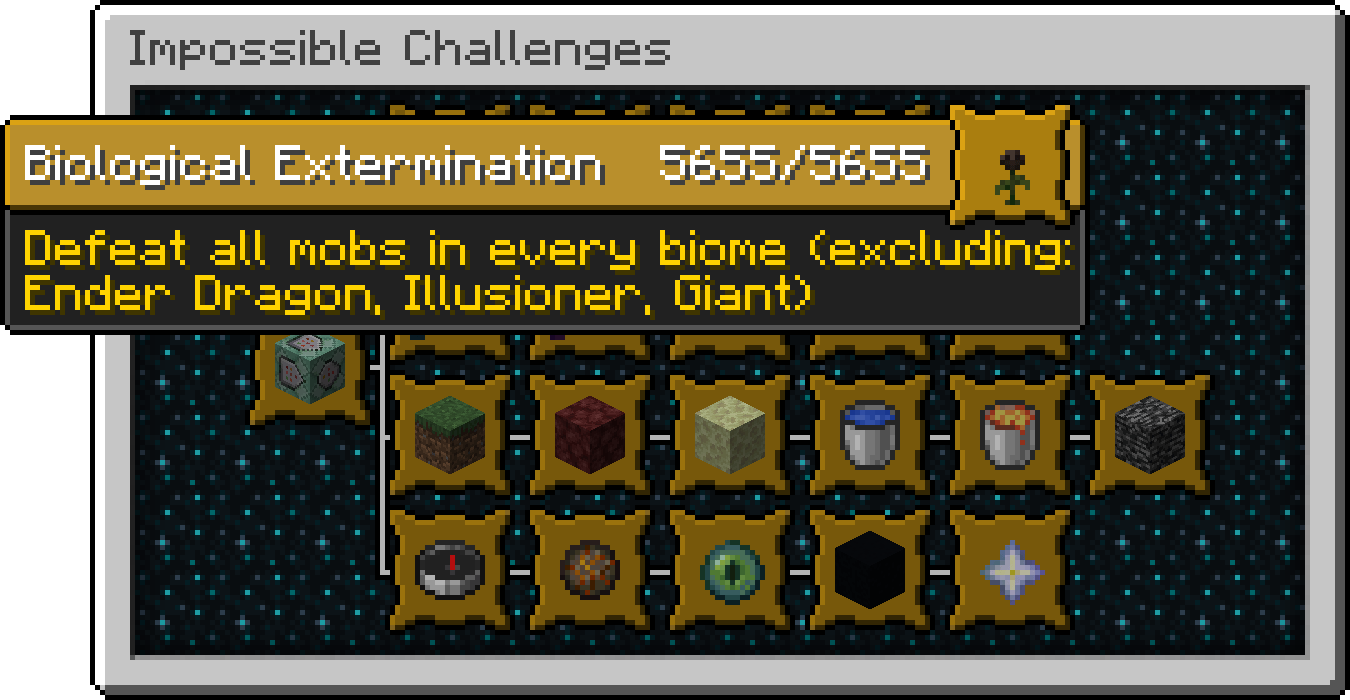
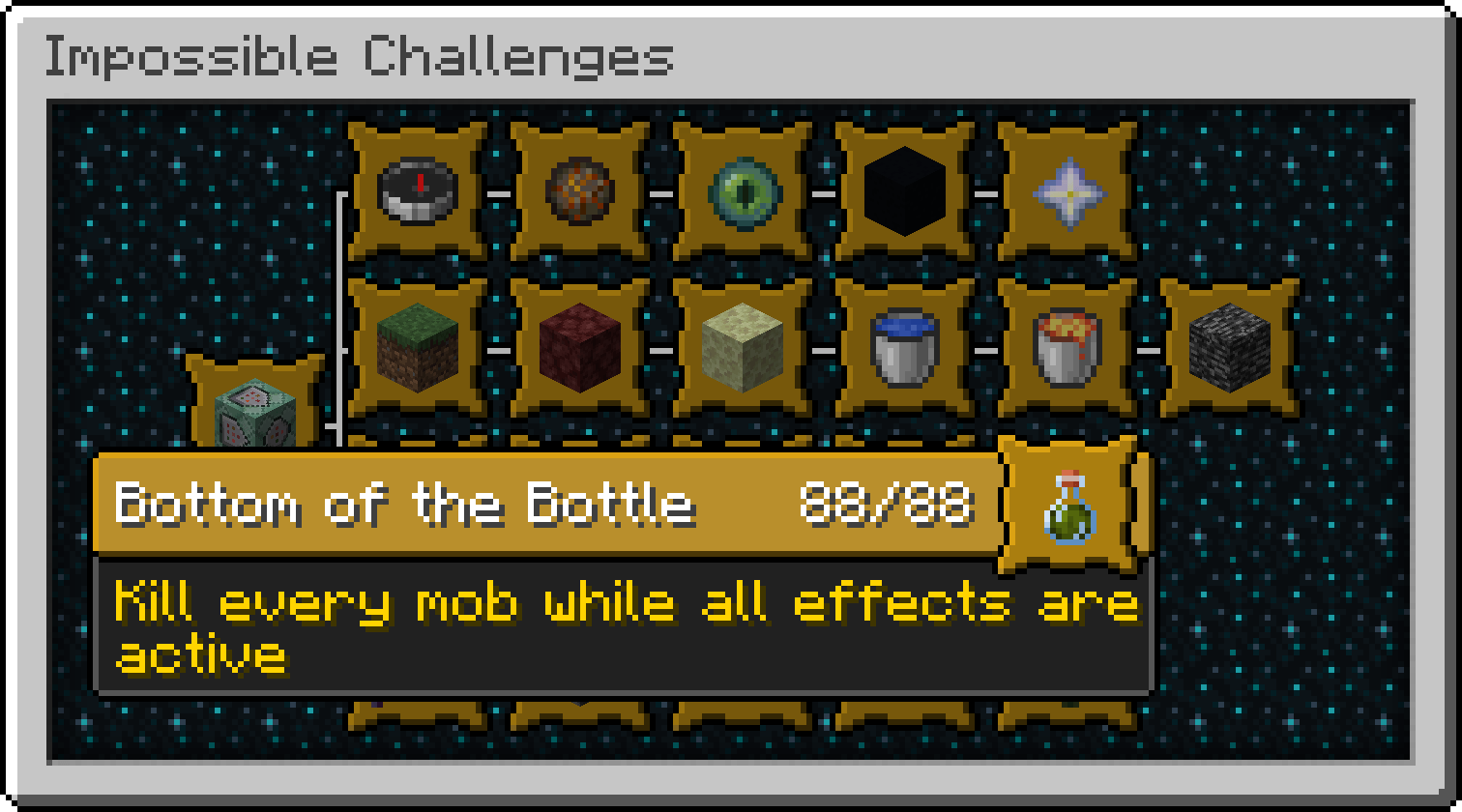
Impossible Datapack adds dozens of extremely difficult and unique advancements and challenges designed for players who have already completed Minecraft and are looking for an even greater challenge.

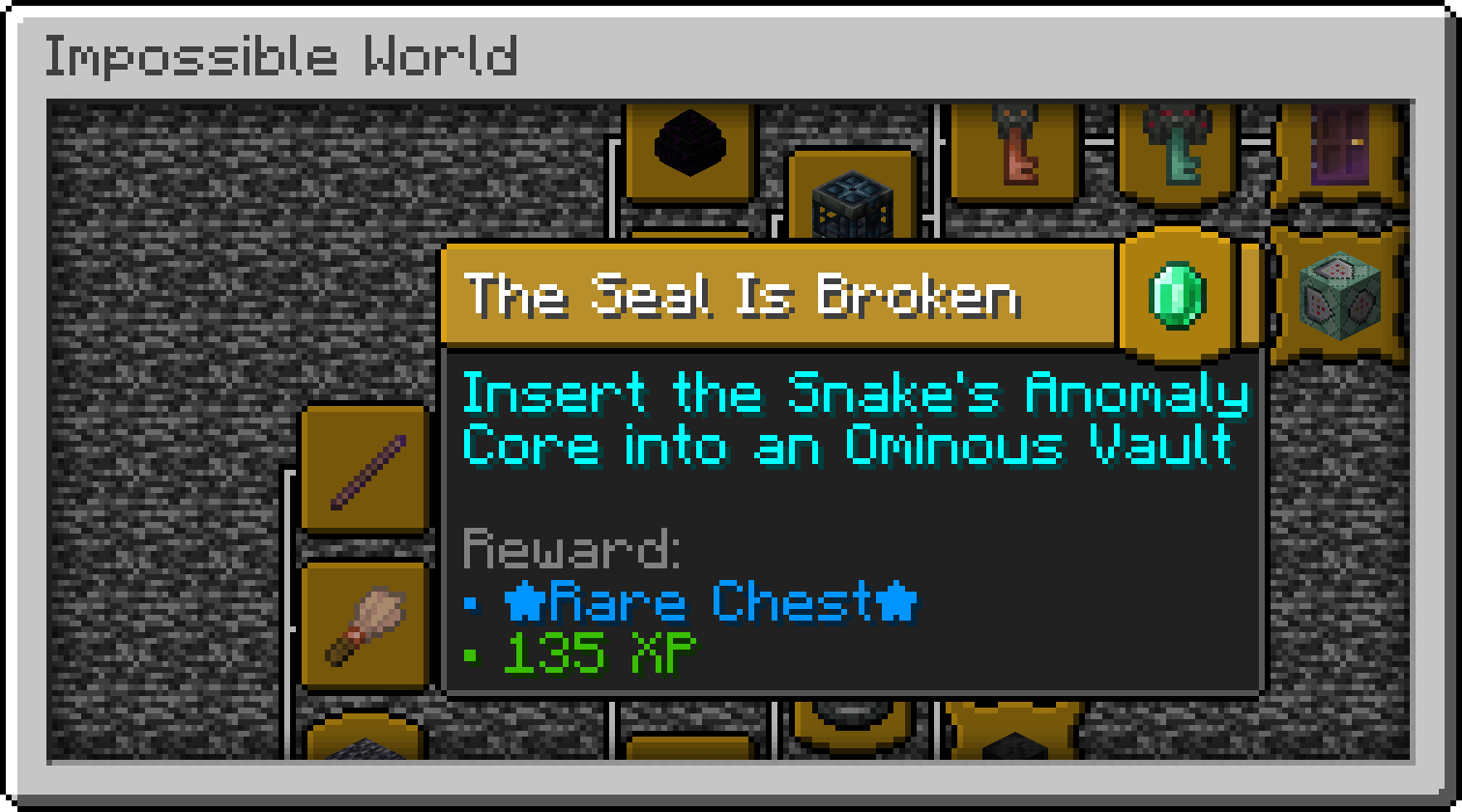
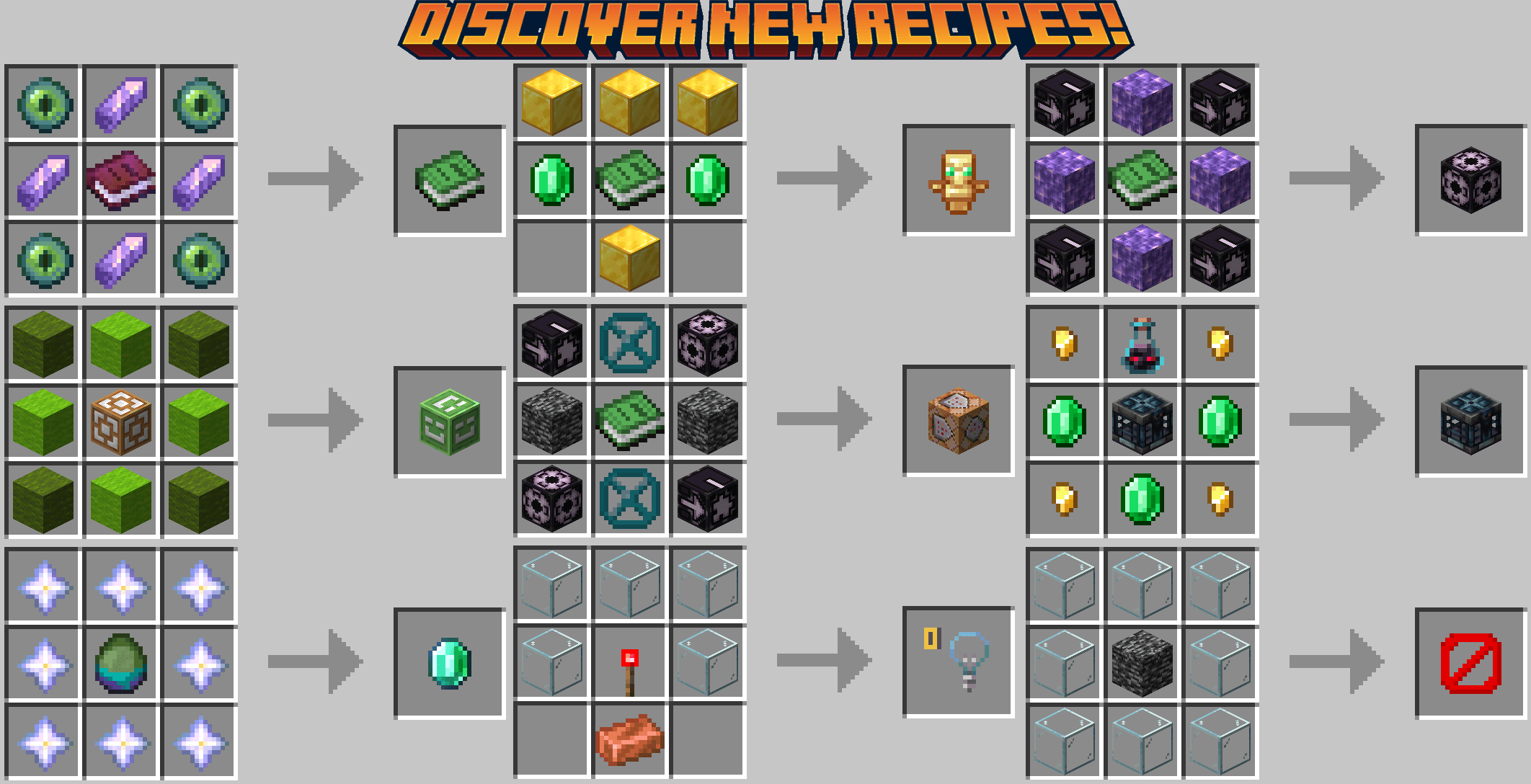
From obtaining blocks that are normally impossible to acquire in Survival mode, such as Command Blocks, Spawners, and Structure Blocks, to completing unusual tasks and achieving absurdly rare objectives, this datapack will put your knowledge, patience, creativity, and determination to the test.

Features

  • 50+ custom advancements
  • Extremely difficult and rare challenges
  • Exploration-based objectives
  • Progression-focused advancement trees
  • Hidden advancements to discover
  • Vanilla-friendly gameplay
  • Multiplayer compatible

Examples of Challenges

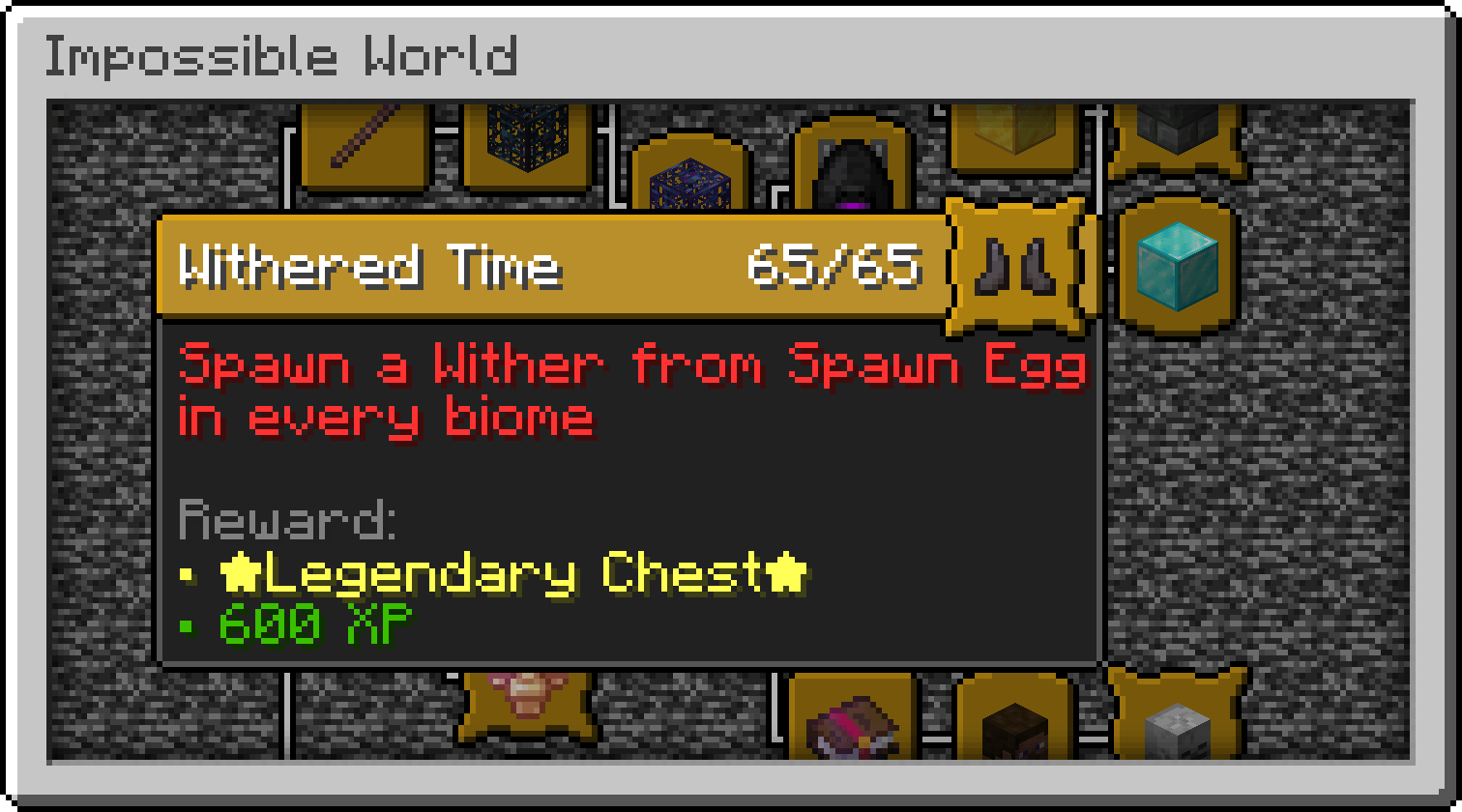
  • Withered Time - Spawn a Wither from Spawn Egg in every biome
  • The World of Trains - Place 100 Minecarts with Command Block on Rails
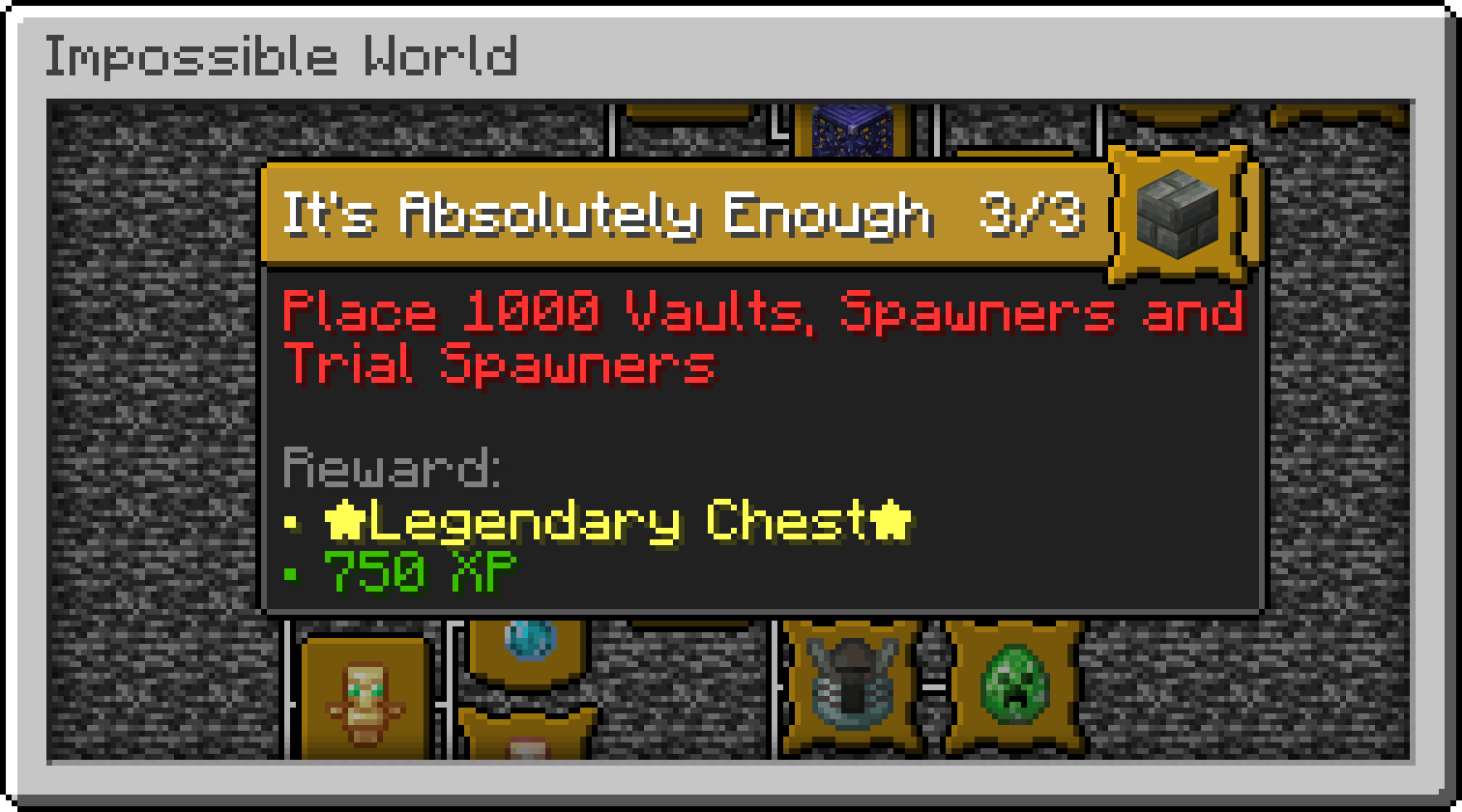
  • It's Absolutely Enought - Place 1000 Vaults, Spawners and Trial Spawners
  • Complete the Impossible Challenges
  • Achieve seemingly impossible goals

Compatibility

  • Minecraft Java Edition 26.1+
  • Singleplayer and Multiplayer
  • No mods and Datapacks required

Are you ready to complete the impossible?

Impossible v2.0.zip
MC 26.3
Release 2026-10-10 Get
Impossible v1.1.4.zip
MC 26.2
Release 2026-09-11 Get
Impossible v1.1.3.zip
MC 26.2
Release 2026-08-17 Get
Impossible v1.1.2.zip
MC 26.2
Release 2026-08-06 Get
Impossible v1.1.1.zip
MC 26.2
Release 2026-07-12 Get
Impossible v1.1.zip
MC 26.2
Release 2026-06-19 Get
Impossible v1.0.zip
MC 26.1, 26.1.1, 26.1.2
Release 2026-06-07 Get

Requirements & install

How to use this data pack in Minecraft
Mods needed
None, works in vanilla
Minecraft
26.1 – 26.3
Install folder
saves/<world>/datapacks

How to install data packs

  1. Download the data pack .zip file (do not extract it).
  2. New world: click Data Packs on the world creation screen and drop the .zip in. Existing world: open .minecraft/saves/<world>/datapacks.
  3. Put the .zip into the datapacks folder of the world (servers: world/datapacks).
  4. Run /reload in game (or rejoin the world) and check it with /datapack list.
Browse more: Data Packs for 26.3 All data packs
Advertisement Remove ads with Premium →

You Might Also Like