Mineuniverse
Data Packs
Small Players

Small Players

DATA PACK
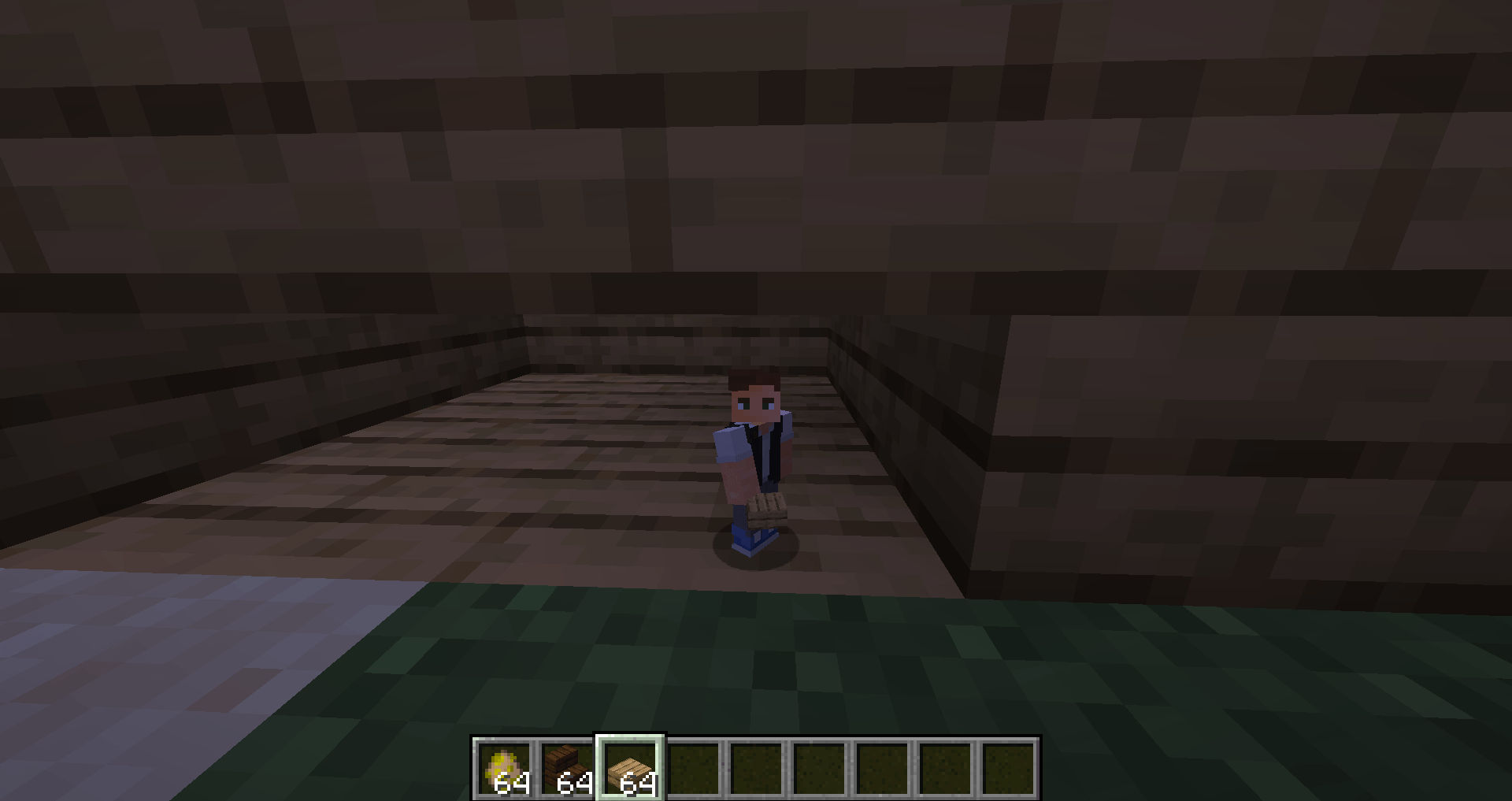
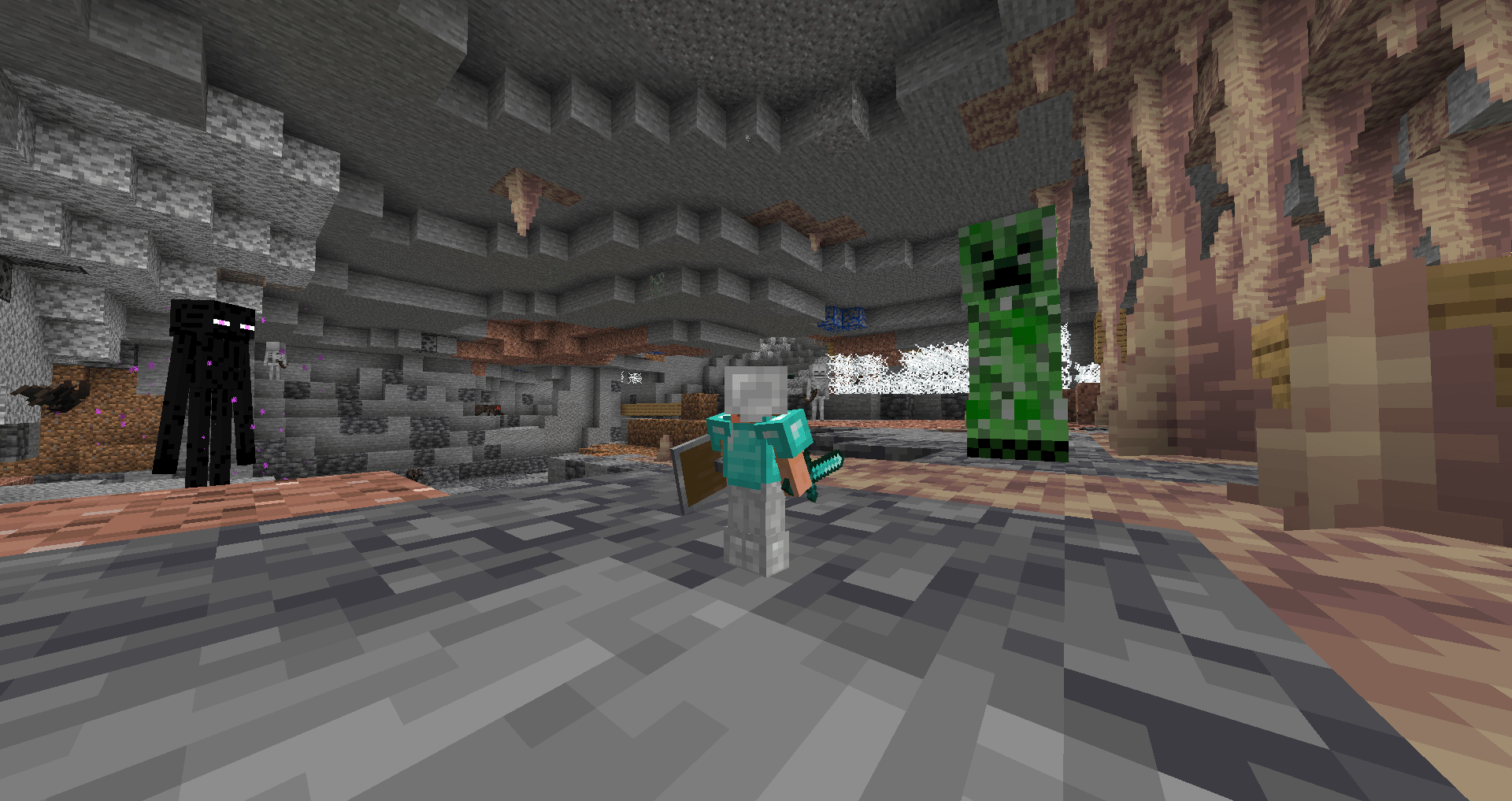
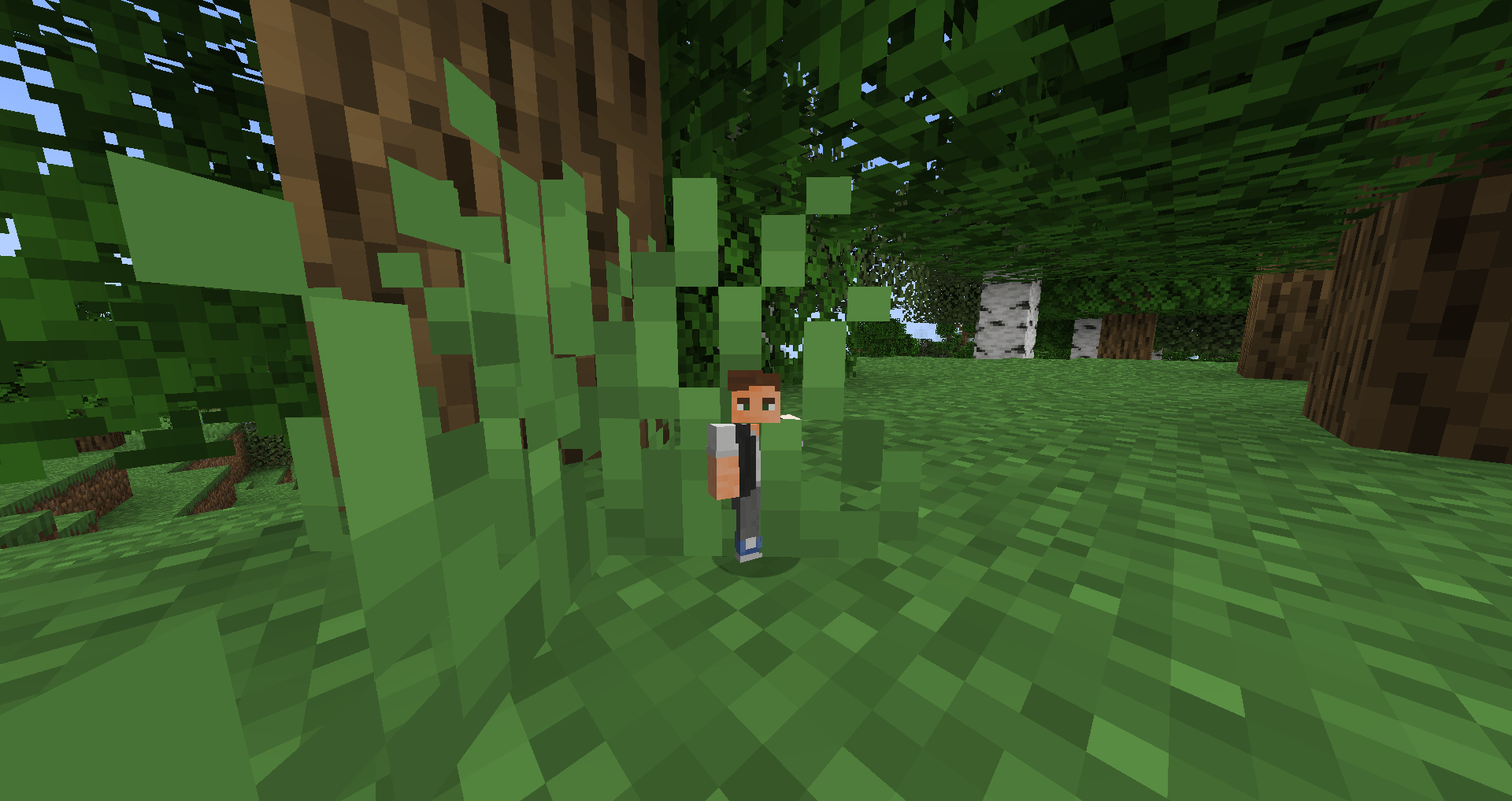
Shrink down and explore Minecraft from a tiny perspective with this datapack! Every block and mob becomes massive as you navigate the world at this size. For the best experience, set your FOV to 50. Perfect for adding a fun challenge to your gameplay!
by Levmashar
Download Claim this project
943 downloads
0 likes
0 followers
Updated Oct 14, 2026
0 hypes
Follow0
Adventure
Advertisement Remove ads with Premium →

Introducing the 'Small Players' Minecraft datapack, where the entire game takes on a new perspective—literally! This unique datapack shrinks all players down to a tiny size, making every block and mob feel like towering giants. Navigate familiar landscapes with an exciting twist, as even simple tasks become challenging in your shrunken form. Whether you’re exploring caves, building structures, or battling mobs, this datapack provides a fresh and fun experience that makes Minecraft feel brand new. For the best visual immersion and to avoid any potential visual bugs, it’s recommended to set your FOV to 50. UnZIP the downloaded file before placing it in the datapack folder. Get ready for an epic adventure in a world that's suddenly much larger than before!"

Small Players.zip
MC 1.21.2-Snapshot, 1.21, 1.21.1-Snapshot, 1.21-Snapshot, 1.21.3, 1.21.1, 1.21.2
Release 2024-10-20 Get

Requirements & install

How to use this data pack in Minecraft
Mods needed
None, works in vanilla
Minecraft
1.21-Snapshot – 1.21.3
Install folder
saves/<world>/datapacks

How to install data packs

  1. Download the data pack .zip file (do not extract it).
  2. New world: click Data Packs on the world creation screen and drop the .zip in. Existing world: open .minecraft/saves/<world>/datapacks.
  3. Put the .zip into the datapacks folder of the world (servers: world/datapacks).
  4. Run /reload in game (or rejoin the world) and check it with /datapack list.
Browse more: Data Packs for 1.21.3 All data packs
Advertisement Remove ads with Premium →

You Might Also Like