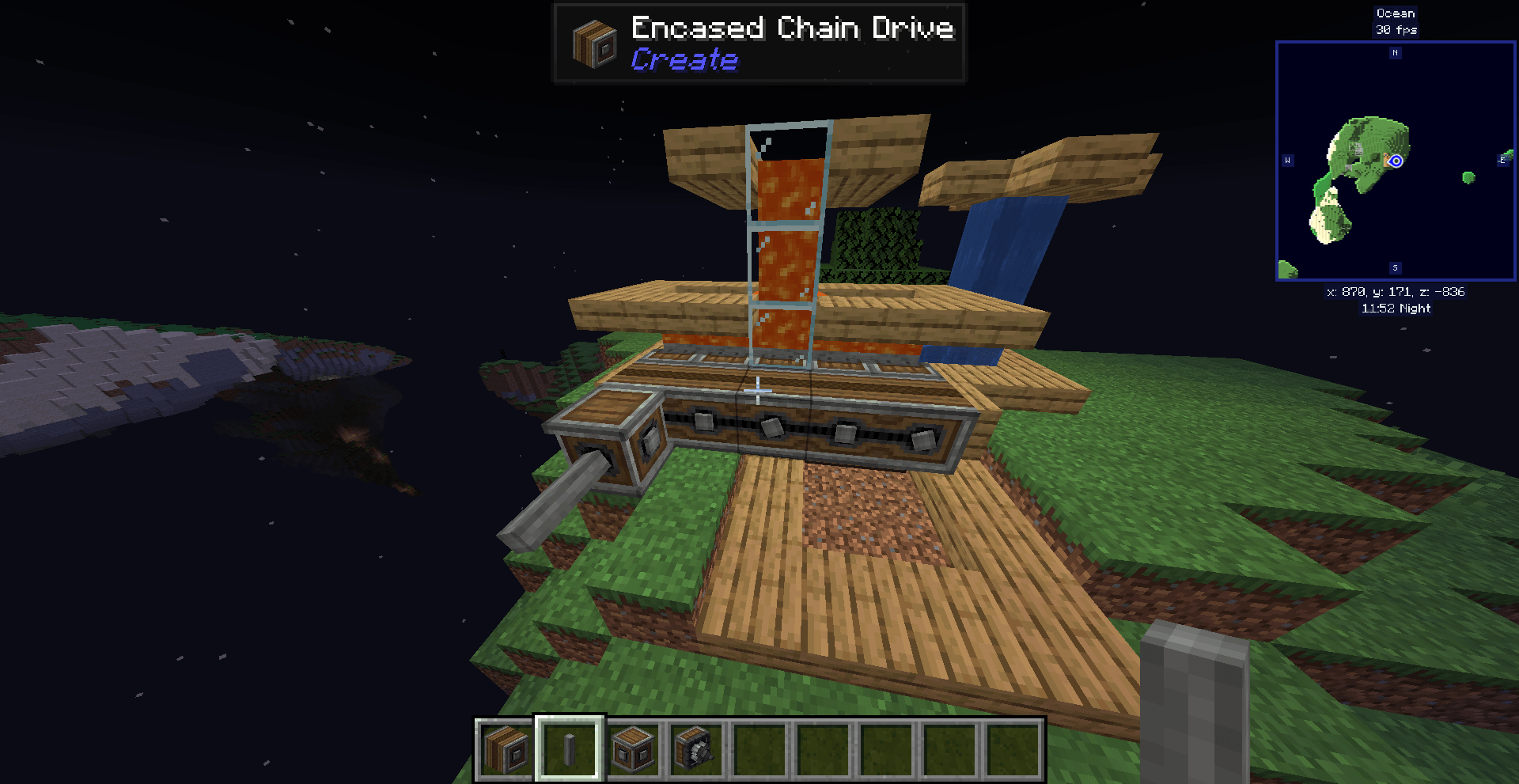
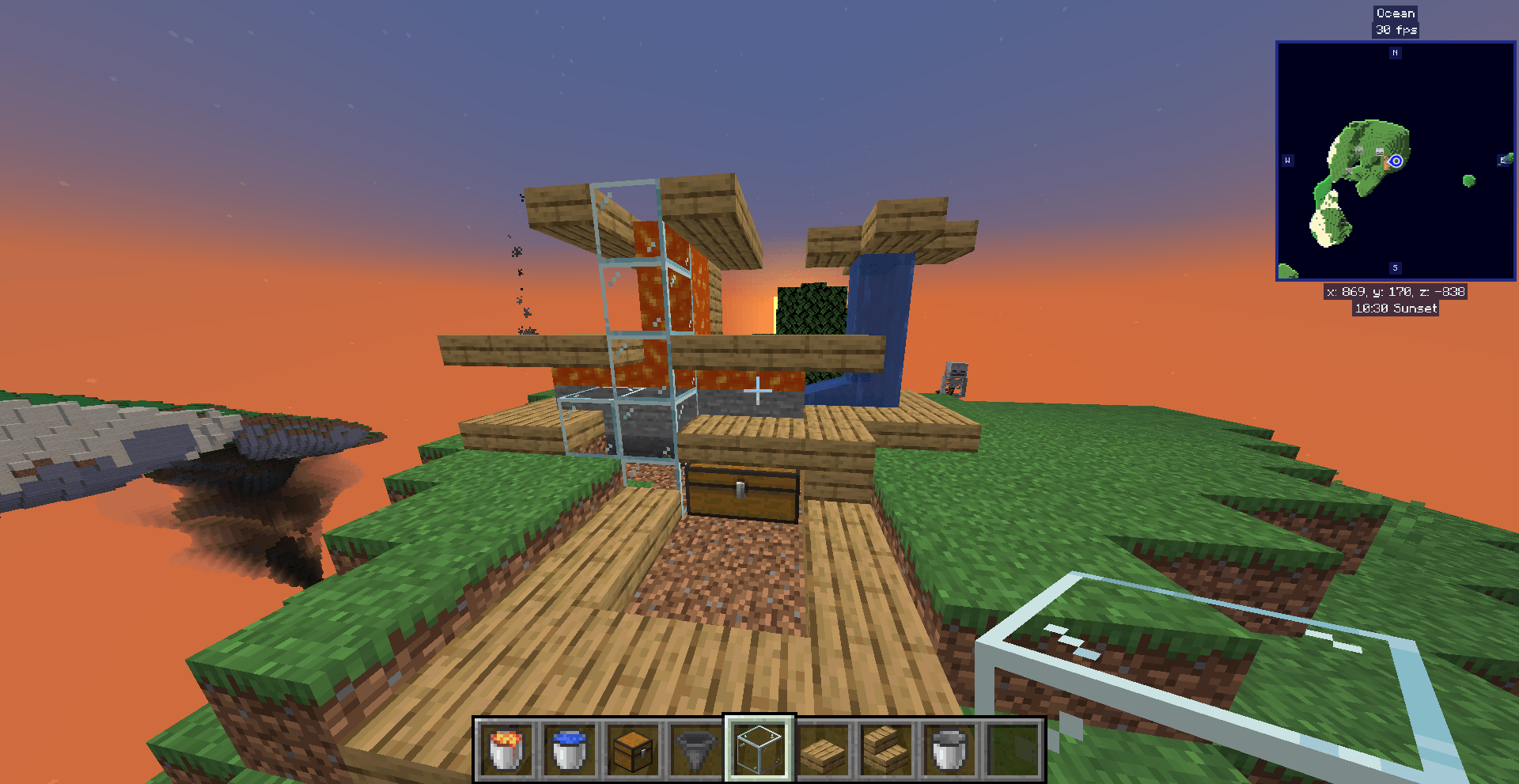
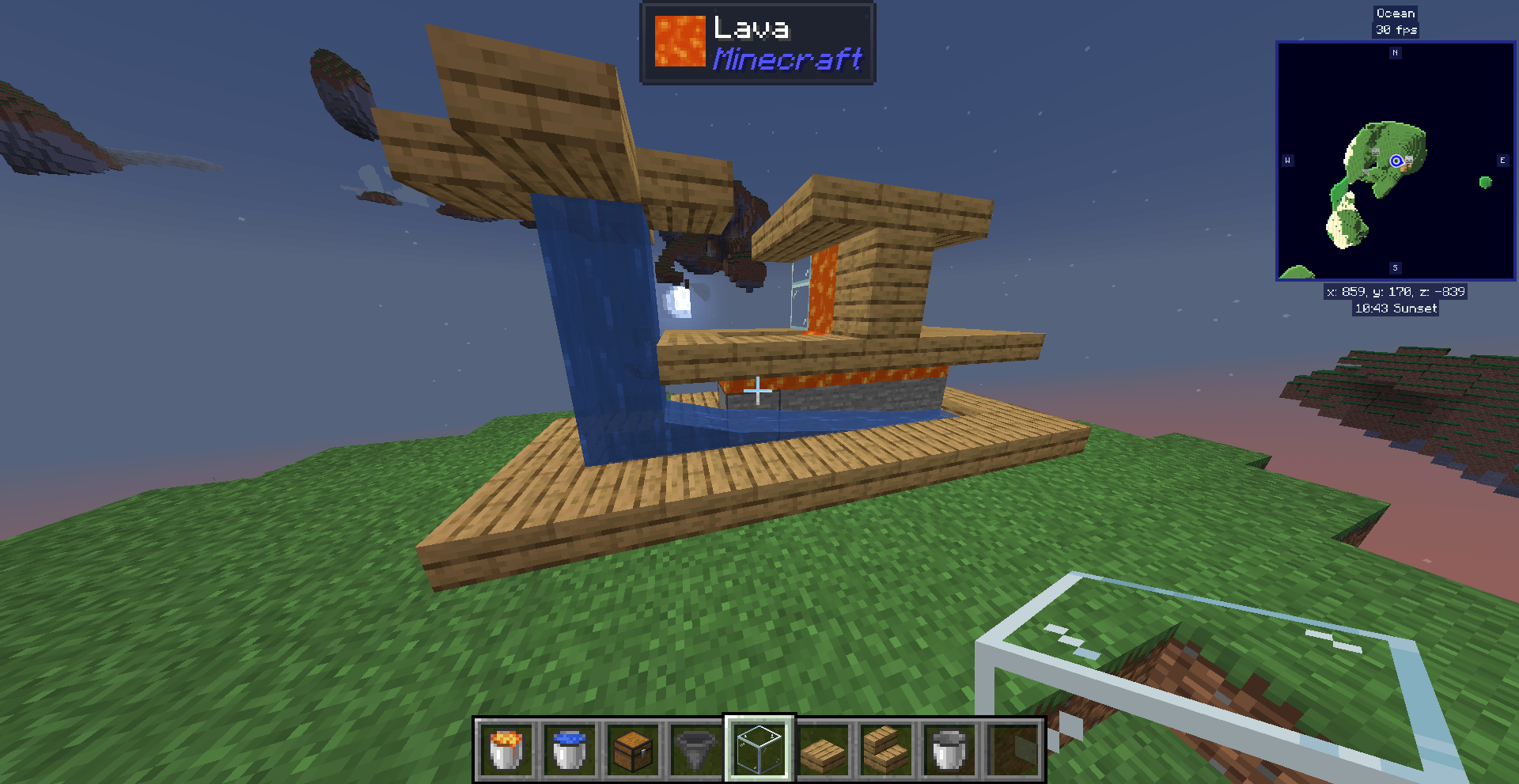
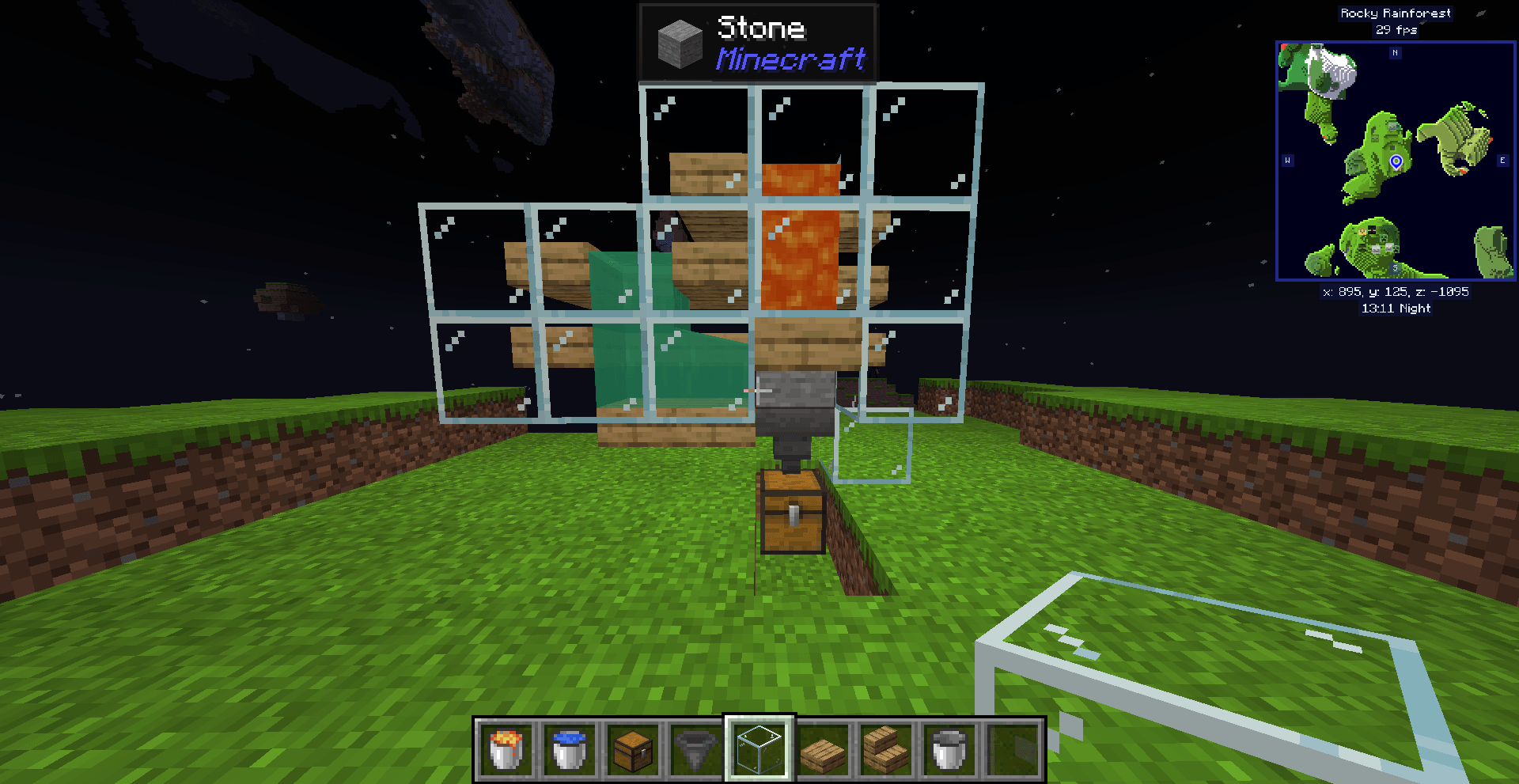
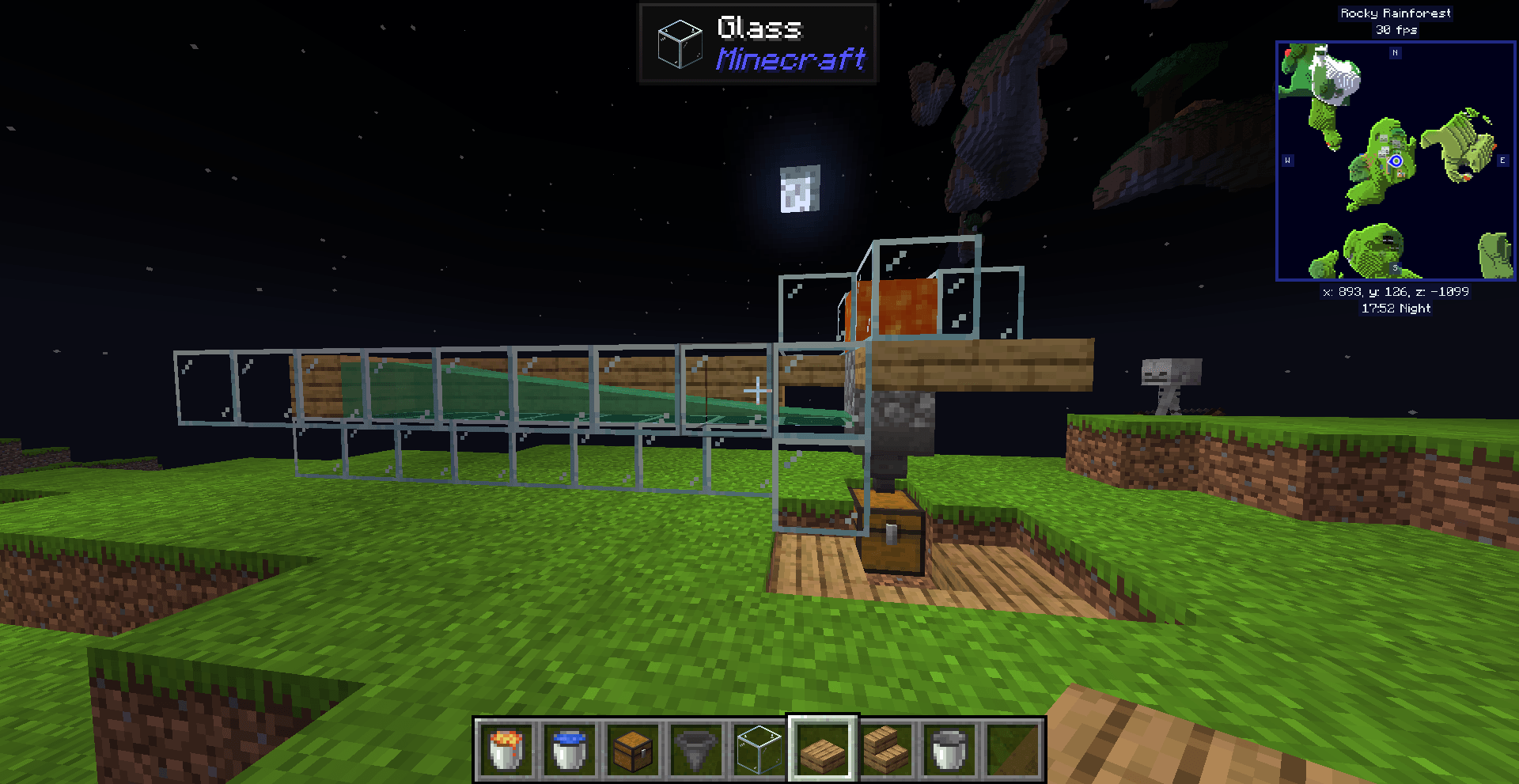
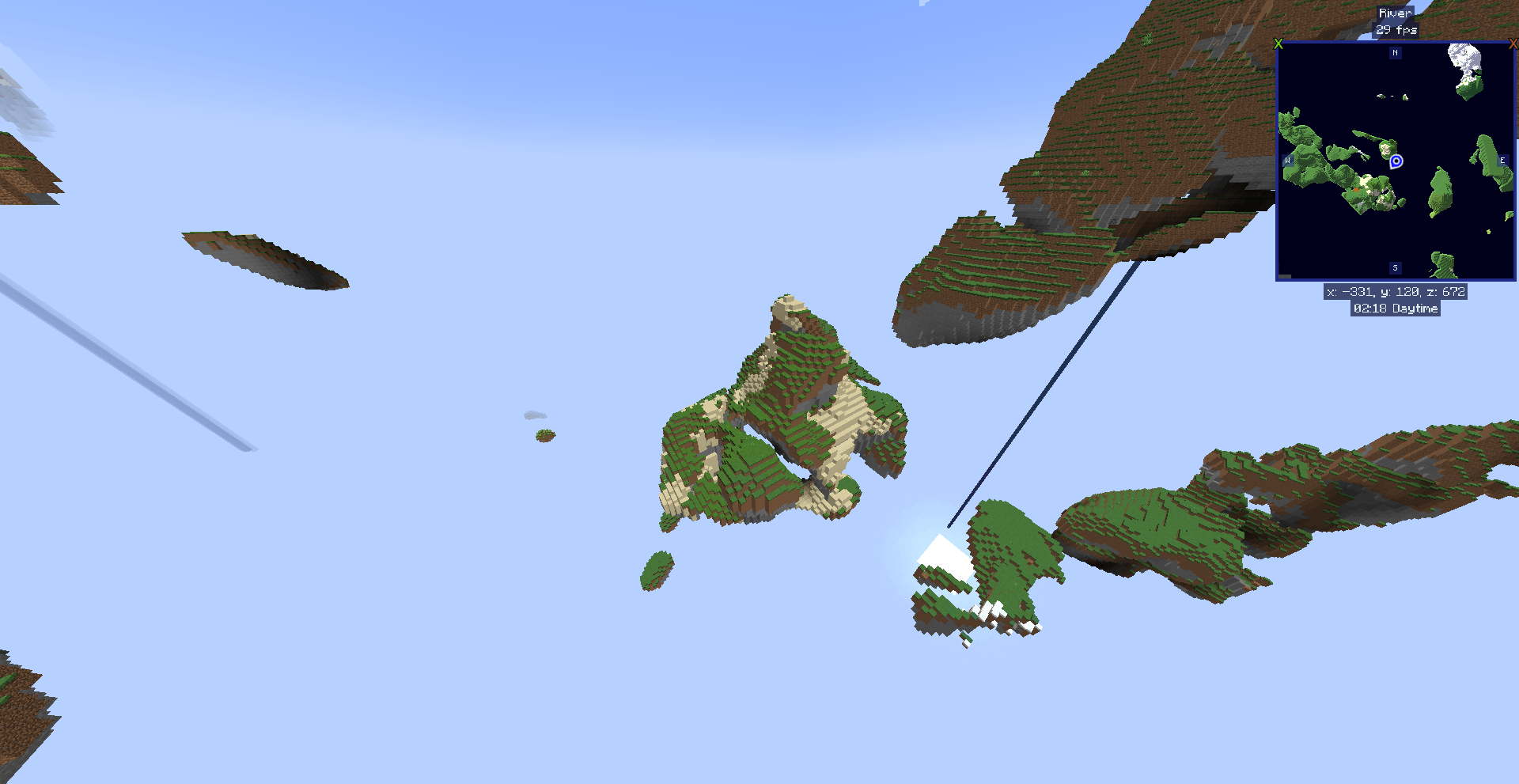
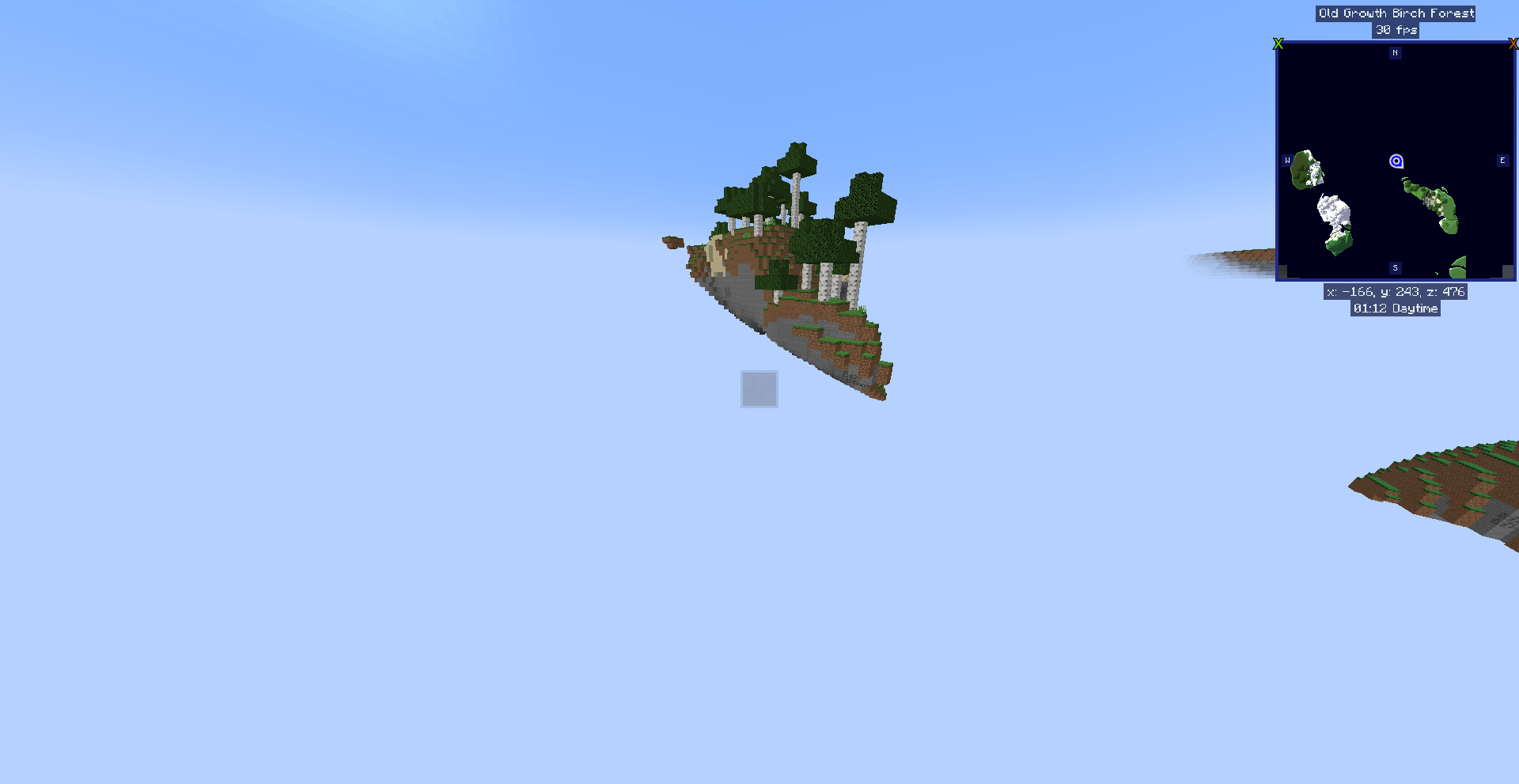
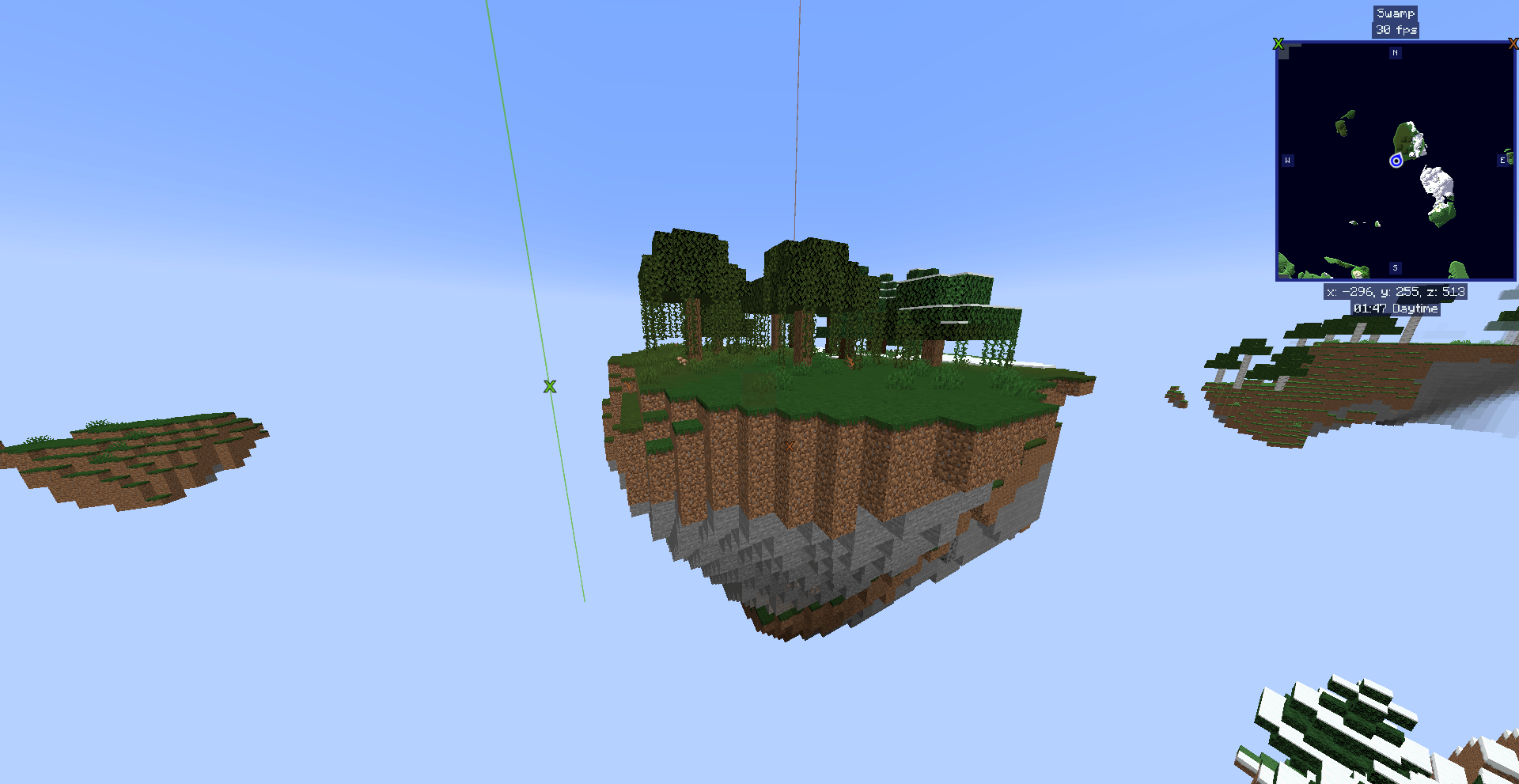
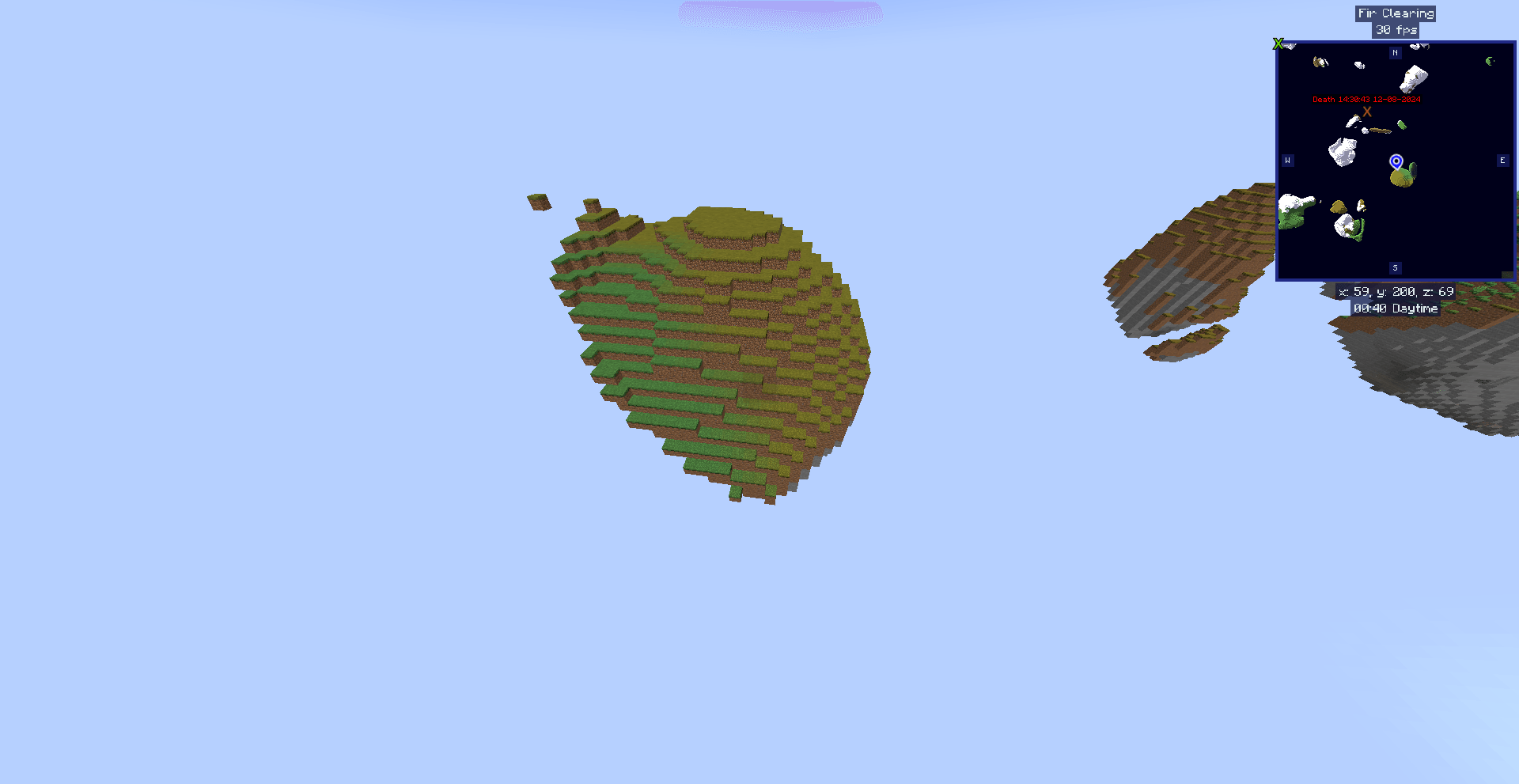
This datapack is focused on a floating island world (Sky World),
it tweaks a lot of game mechanics to make you experince a nice world as your personal SKY!
I focus this pack on the usage of create. If you want to use it different,
please dont change it without my permission, but feel free to DM me for collab at GitHub.
Because i try to balance your game experience to a point where not everything feels so repetive.
Other sky islands offer you a shop or others ways to get stuff, here its more like a game,
more RNG, more fun to explore.
Get your start island, find smth. nice with rtp, set a home (for basic items also).
Start to gather materials as any normal sky island, but soon advance to create stuff and build
factories on limitied space. Advance with contraptions or bridges to another island and conquer
it and/or build on it to create your dream floating island world!
Build YOUR personal DREAM SKY!
You need to add this datapack while creating your world.
Change the generator to small sky islands (The untranslated generator)
Load the world and use /reload
There are some admin options to change how the modules work, check the files for these infos.
The mods i used (1.20.1):
Create, Create Steam 'n' Rails, Biomes O' Plenty, Quark, JEI, Journeymap, Jade, Mouse Tweaks,
Controlling, Clumps, Fast Leaf Decay, Fast Furnace, Fast Workbench, Searchables
Set home (saves your current coordinates):
/trigger set_home
If home is set, you cant use random teleport anymore(standard settings)
Only 1 can be set and only in overworld
Teleport home:
/trigger home
Has a cooldown (standard 1 minute)
Random teleport:
/trigger random_tp
Has a cooldown (standard 1 minute)
You can get these items from Cobblestone:
Cobblestone, gravel, sand, red_sand, limestone, create:scoria, netherrack,
soul_sand, mud, clay_ball, coal, glowstone_dust, redstone, prismarine_shard,
quartz, prismarin_crystal, lapis_lazuli, diamond, emerald
This you can get from Stone:
cobblestone, blackstone, basalt, cobbled_deepslate, granite, diorite, calcite,
andesite, tuff, create:asurine, create:veridium, create:crimsite, create:ochrum,
create:raw_zinc, raw_iron, raw_gold, raw_copper, netherite_scrap
create age :DFirst checkout the GitHub & play arround with this datapack:
[Skyworld]
Feel free to DM me! And then we look at what you can contribute :)