Mineuniverse
Data Packs
[SBW] Brimm Armors  compatibility

[SBW] Brimm Armors compatibility

DATA PACK
Allows Brimm Armors to benefit from the armor system of the Superb Warfare mod.
by Mozork
Download Claim this project
1,526 downloads
0 likes
0 followers
Updated Oct 14, 2026
0 hypes
Follow0
Adventure Mod Support
Advertisement Remove ads with Premium →

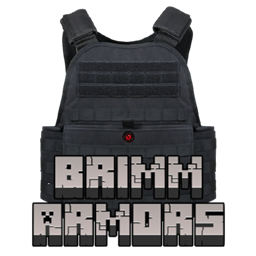
In the default mod, Brimm Armors armor does not fully benefit from the armor plate system.
By default, only one plate can be inserted into the vest.
With this datapack, the limit increases to two plates.

⚠️This datapack requires the mod "[SBW] Superb Warfare" and "Brimm Armors | Tactical Military Armors".
⚠️This change applies only to chest armor.

📌 Datapack Installation :

  1. Open Minecraft.

  2. Select your world, click "Edit", then "Open World Folder".

  3. Open the "datapacks" folder and place the zip file inside.

  4. If you are already in the world when adding it, type the command /reload.

  5. If this doesn’t work, close and restart your world.

Want to make a mod compatible? Leave a comment on any of my datapacks with the exact name of the desired mod.


Datapacks Armor compatibility list for SBW

SBW Brimm Armors V1.zip
MC 1.20.1
Release 2025-10-15 Get

Requirements & install

How to use this data pack in Minecraft
Mods needed
None, works in vanilla
Minecraft
1.20.1
Install folder
saves/<world>/datapacks

How to install data packs

  1. Download the data pack .zip file (do not extract it).
  2. New world: click Data Packs on the world creation screen and drop the .zip in. Existing world: open .minecraft/saves/<world>/datapacks.
  3. Put the .zip into the datapacks folder of the world (servers: world/datapacks).
  4. Run /reload in game (or rejoin the world) and check it with /datapack list.
Browse more: Data Packs for 1.20.1 All data packs

More from Mozork

Advertisement Remove ads with Premium →

You Might Also Like