Mineuniverse
Data Packs
Rever Recipes

Rever Recipes

DATA PACK
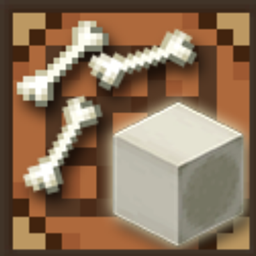
Craft items in their flipped or reversed crafting shapes
by BiboyStudios
Download Claim this project
73 downloads
0 likes
0 followers
Updated Oct 14, 2026
0 hypes
Follow0
Adventure Miscellaneous
Advertisement Remove ads with Premium →

ANNOUNCEMENT:

On May 2, 2026, this datapack will no longer be maintained, or continued it, However, they will not be loaded datapacks from saves folder (including world only because of its still recommended both 1.21.11, and 26.1 only) may be discontinued from the game it..

This datapack is based on modding community including Rever Recipes from Fabric ported to datapacks in 1.21.11 update?

Difference between mod, and datapack:

The introduction of Rever Recipes is a Fabric mod only, while datapacks are ported or created by Lizter from 1.21.11 of the game

What the datapack was inspired by Reve Recipes created by Lizter, but both mod, and datapack to play the game


Permissions:

  • You can use datapacks to install .zip files to create saves directory, however using Minecraft Launcher (official), and Mojo Launcher (Android only)?
  • You can have video on YouTube Channel
Rever Recipes Datapack v2
MC 26.1
Release 2026-03-27 Get
Rever Recipes Datapack
MC 1.21.11
Release 2026-01-24 Get

Requirements & install

How to use this data pack in Minecraft
Mods needed
None, works in vanilla
Minecraft
1.21.11 – 26.1
Install folder
saves/<world>/datapacks

How to install data packs

  1. Download the data pack .zip file (do not extract it).
  2. New world: click Data Packs on the world creation screen and drop the .zip in. Existing world: open .minecraft/saves/<world>/datapacks.
  3. Put the .zip into the datapacks folder of the world (servers: world/datapacks).
  4. Run /reload in game (or rejoin the world) and check it with /datapack list.
Browse more: Data Packs for 26.1 All data packs

More from BiboyStudios

Advertisement Remove ads with Premium →

You Might Also Like