Introducing the Paulinity Jessity mod! As seen on TikTok.
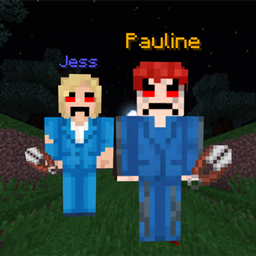
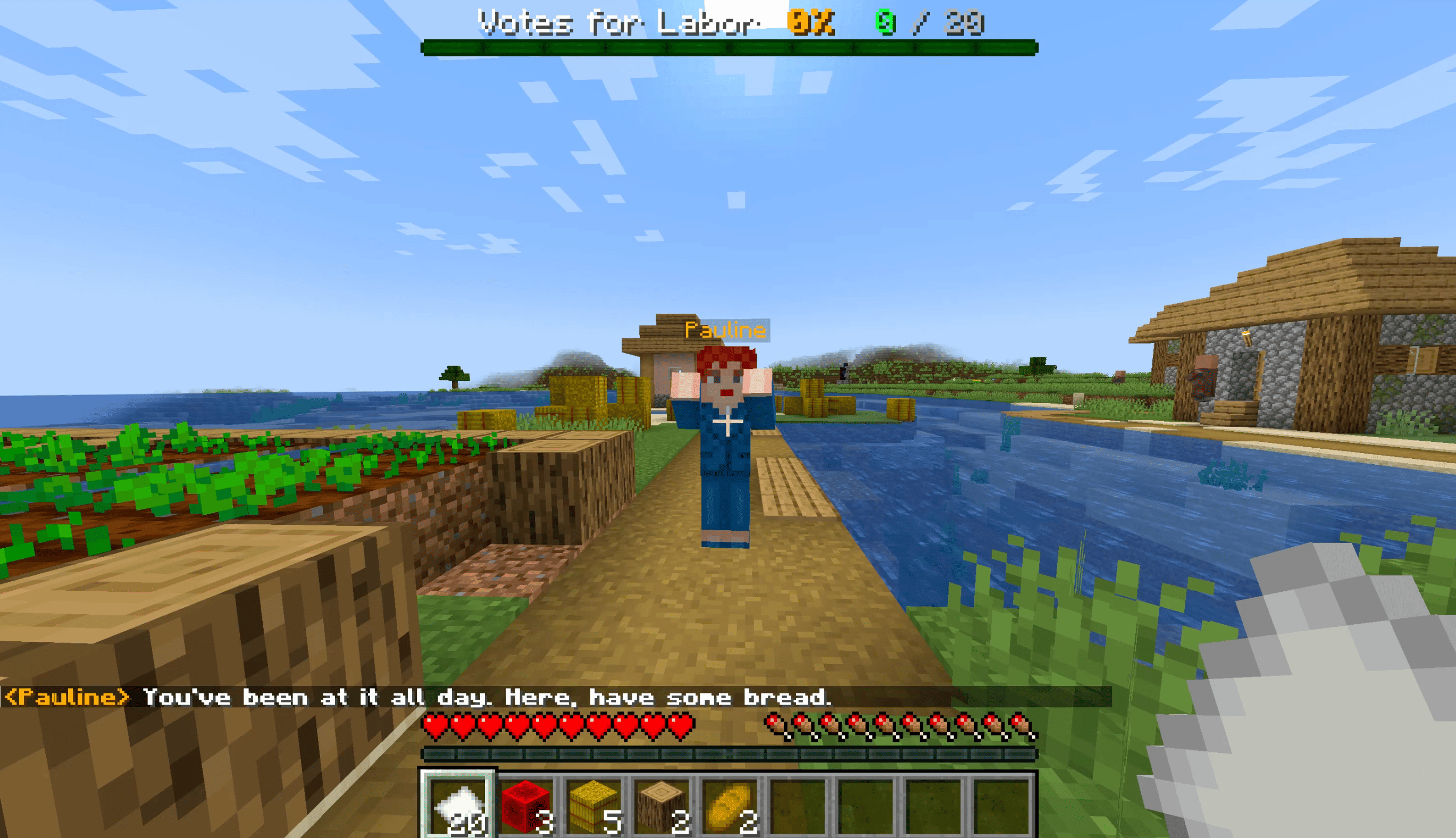
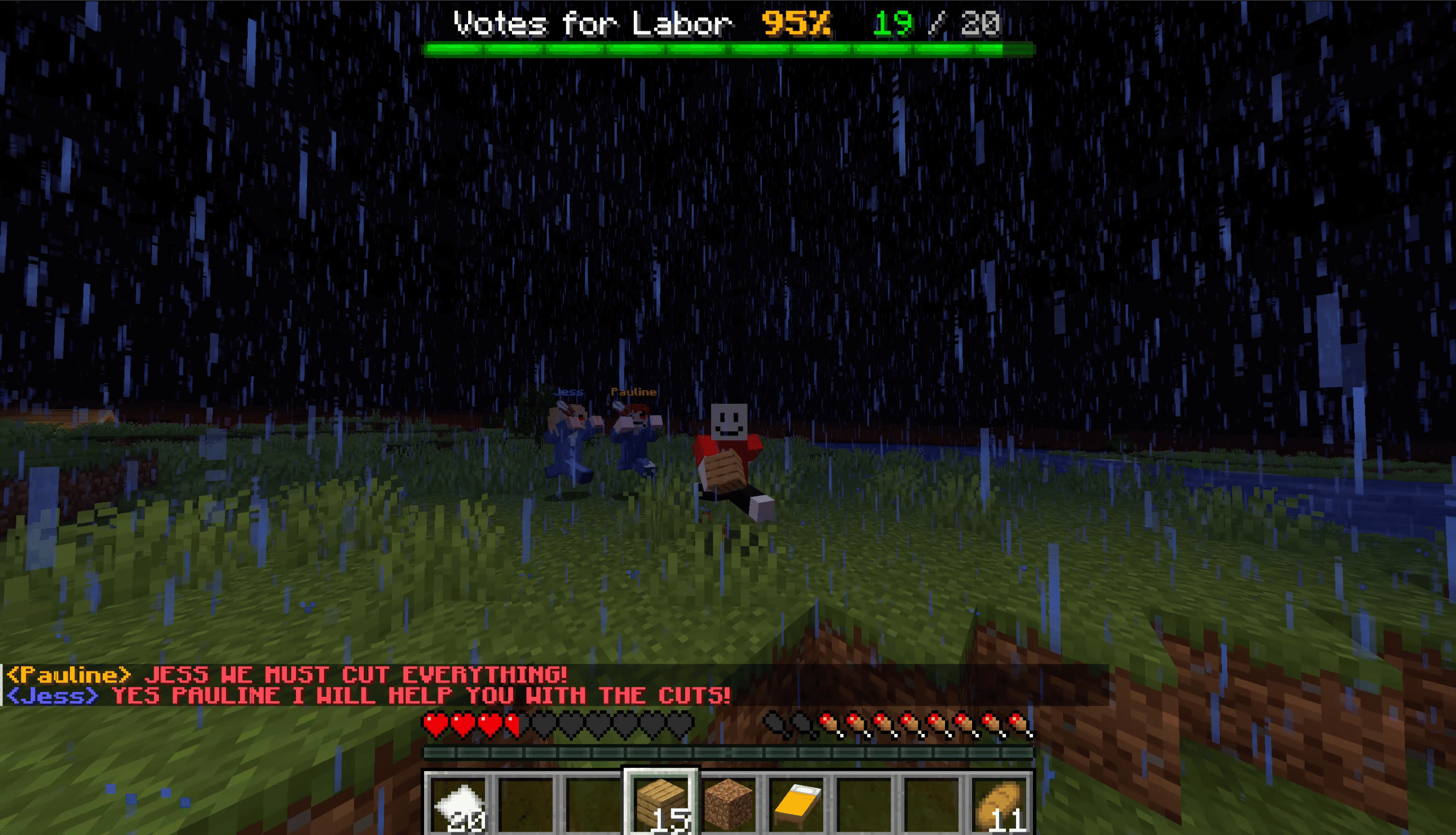
Inspired by Verity, Pauline spawns in and seems friendly at first, but reveals her true self at night time with her best friend Jess.
Survive their cuts by acquiring the 20 votes from villagers and get a special prize at the end!!
Notes for install:
- this is a datapack, so it will only touch the world you install it into, not any other game files.
- you will need to use the texture pack for the skins to load properly, find it by searching Paulinity Jessity Textures on Curseforge! https://www.curseforge.com/minecraft/texture-packs/paulinity-jessity-textures
INSTALL:
1. **Singleplayer → Create New World → MORE → Data Packs → Open Pack Folder**
2. Drag **`Paulinity & Jessity Datapack folder unzipped`** into that folder
3. Click the arrow on it so it moves to the right-hand *Selected* column
4. **Create New World**
5. Download the Paulinity Jessity Textures .zip from Curseforge and install that resource pack like a normal texture pack!
For a world you already have, put the mod unzipped in
`saves/<your world>/datapacks/` instead. The Minecraft folder is
`%appdata%\.minecraft` on Windows, `~/Library/Application Support/minecraft` on
macOS, `~/.minecraft` on Linux.
6. Open the world
7. Press the button to begin!
Be sure to tag us @victorianlabor on TikTok if you make any vids!! Thanks for playing :)
Authorised by S. Staikos, ALP, Docklands.