Mineuniverse
Data Packs
OBR less vegetation

OBR less vegetation

DATA PACK
Openworld BattleRoyale datapack: Reduced overworld vegetation
by XiaoColorful
Download Claim this project
1,085 downloads
0 likes
Updated Oct 14, 2026
0 hypes
Adventure Mod Support
Advertisement Remove ads with Premium →

This data pack is custom-made for Openworld BattleRoyale modpack.

Key Modifications

  • Only modifies biomes found in the Overworld.
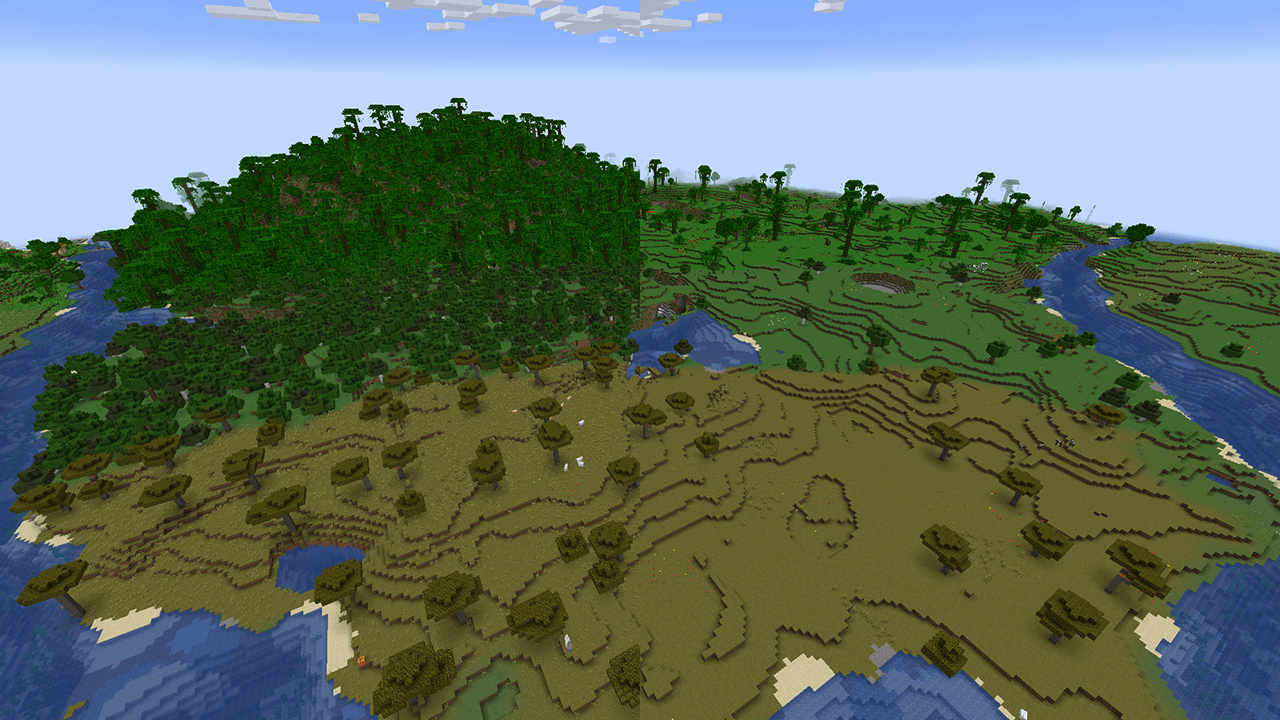
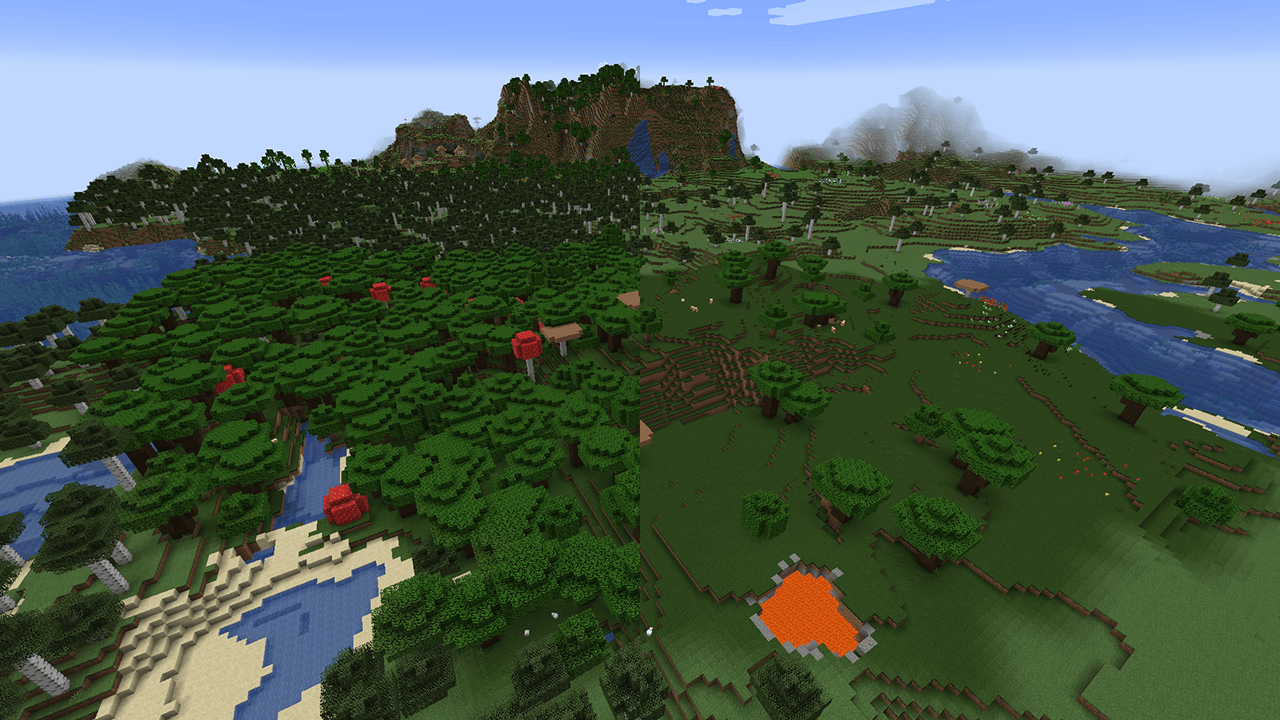
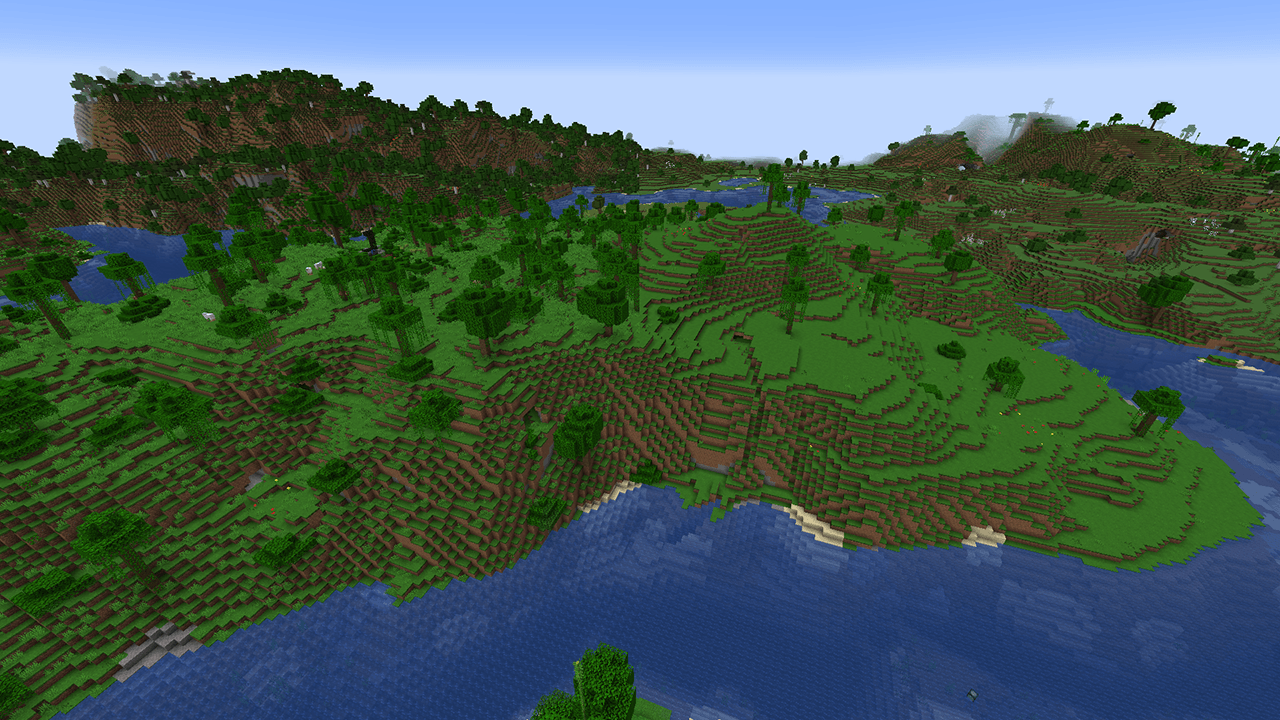
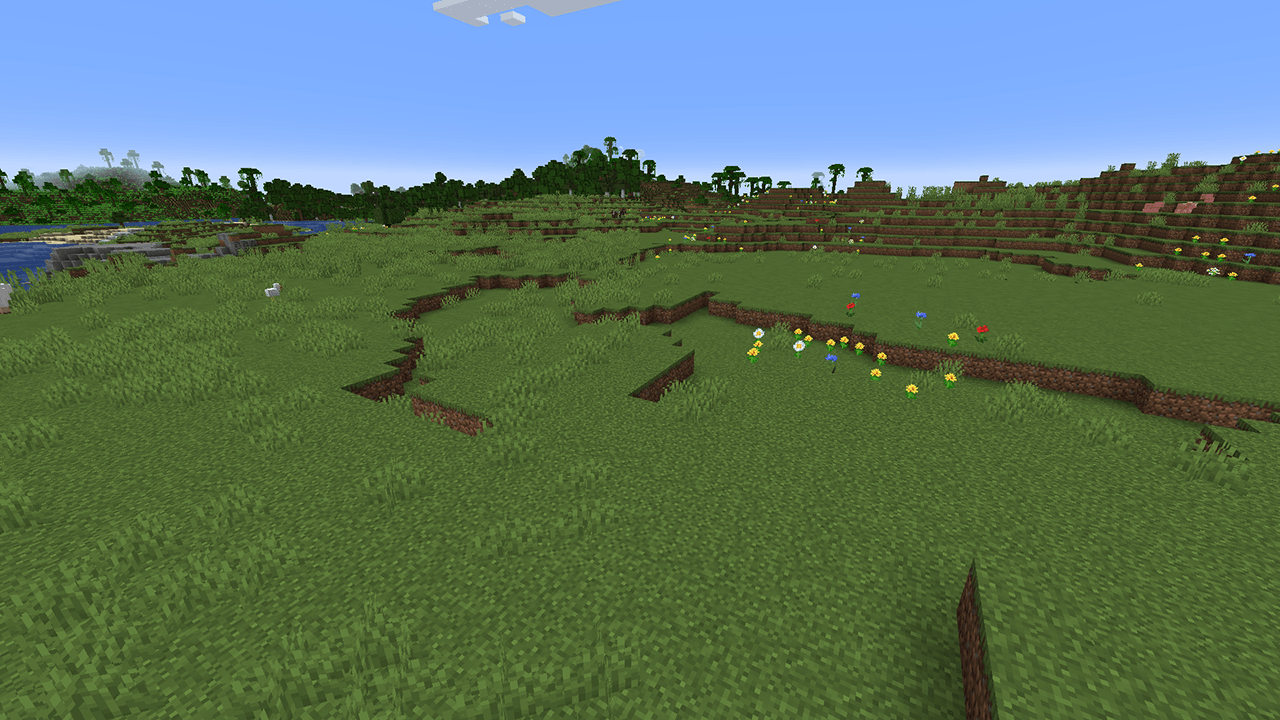
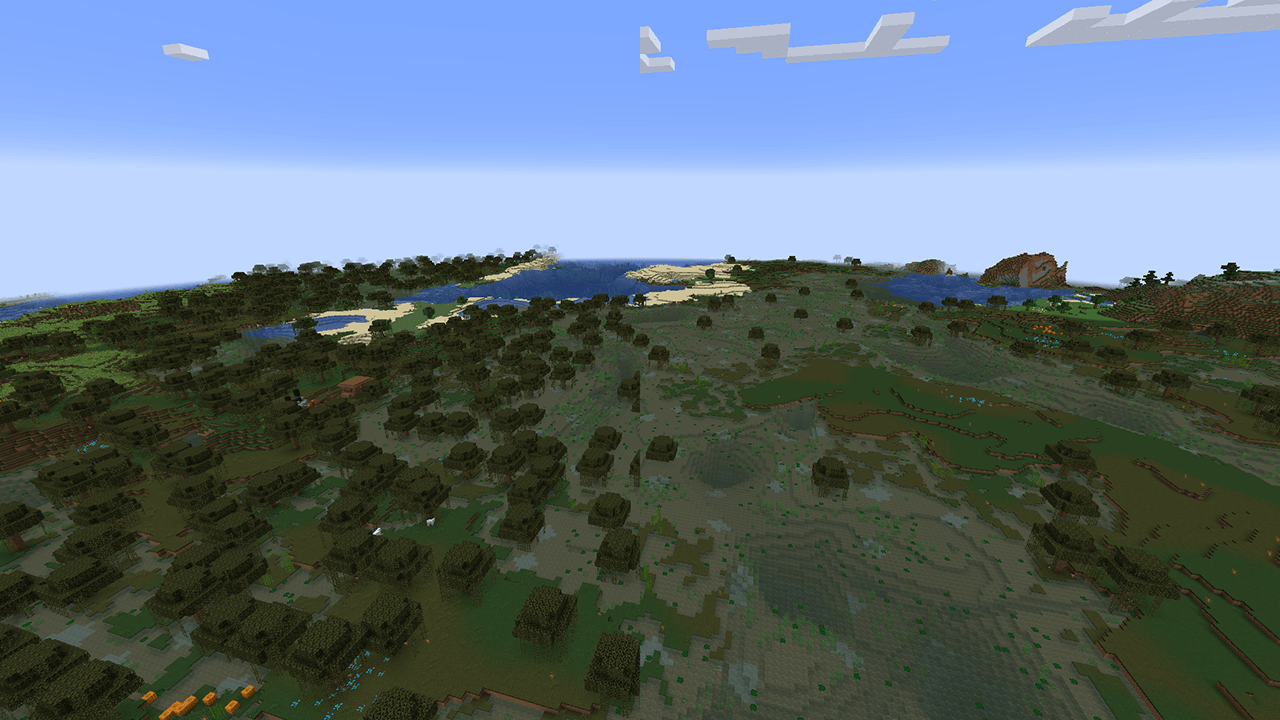
  • Significantly reduces the generation of vegetation such as trees and grass in the Overworld.
  • Slightly alters the spawning rates of flowers and melons/pumpkins.

The modified vanilla biomes are broadly categorized into three types based on their intended design:

Open Plains Zones

Cover is scarce and clearly defined, making it difficult to reposition once combat begins.

  • Key Characteristics: Sparse trees, very little tall grass.
  • Typical Biomes: Plains, Desert.

> A camper's nightmare.

Woodland Zones

The amount of vegetation in these areas doesn't hinder visibility of enemy movements; trees primarily serve as cover during engagements.

  • Key Characteristics: Moderate tree density, may include tall grass.
  • Typical Biomes: Birch Forest, Cherry Grove, Dark Forest, Savanna.

> Beware of third-party interference.

Dense Jungle Zones

These areas allow for quick concealment to evade pursuit, but also leave players vulnerable to hidden ambushes from all directions.

  • Key Characteristics: Denser trees, contains numerous readily available hiding spots.
  • Typical Biomes: Jungle.

> You'll struggle in vain against the auto-firing foliage.

0.3.7-2
MC 1.20.1
Beta 2025-09-20 Get
0.3.7-1
MC 1.20.1
Beta 2025-09-19 Get
OBR-less-vegetation.zip
MC 1.20.1
Beta 2025-07-20 Get

Requirements & install

How to use this data pack in Minecraft
Mods needed
None, works in vanilla
Minecraft
1.20.1
Install folder
saves/<world>/datapacks

How to install data packs

  1. Download the data pack .zip file (do not extract it).
  2. New world: click Data Packs on the world creation screen and drop the .zip in. Existing world: open .minecraft/saves/<world>/datapacks.
  3. Put the .zip into the datapacks folder of the world (servers: world/datapacks).
  4. Run /reload in game (or rejoin the world) and check it with /datapack list.
Browse more: Data Packs for 1.20.1 All data packs

More from XiaoColorful

Advertisement Remove ads with Premium →

You Might Also Like