Mineuniverse
Data Packs
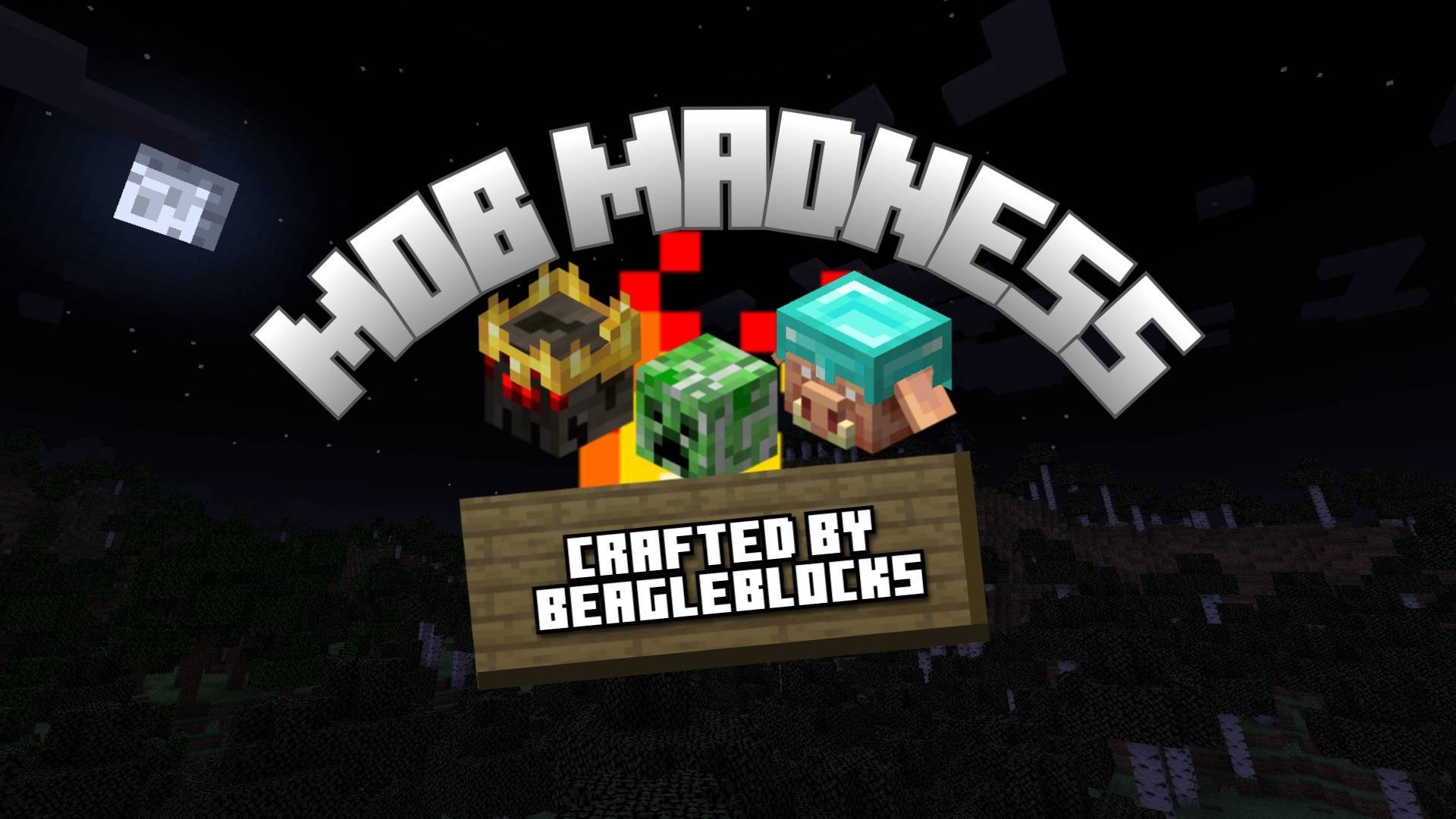
Mob Madness - A World of Chaos

Mob Madness - A World of Chaos

DATA PACK
Grab your sword and shield! Hostile Mobs now have a 5% chance to spawn as an Augmented version. Augmented versions are considered ELITE versions of the vanilla mob. Augmented mob will have increased attributes, and a potential to inhibit custom behaviors.
by BeagleBlocks
Download Claim this project
Add a badge to your pageLink to Mob Madness - A World of Chaos from a README, website or forum post.
Preview: Badge

Badges update automatically and link to the data pack page on MineUniverse.

4,936 downloads
0 likes
0 followers
Updated Oct 14, 2026
0 hypes
Follow0
Adventure
Advertisement Remove ads with Premium →

Don’t Trust the Creepers!

Expect the unexpected with the Mob Madness Vanilla+ data pack. In this data pack Hostile Mobs have a 5% chance to spawn as an Augmented version. Augmented versions are considered ELITE versions of the vanilla mob. What does this mean? It means the Augmented mob will have increased attributes, and a potential to inhibit custom behaviors. Fancy a Small Multiplayer experience? This data pack is Realm compatible and features a great PVE experience.

What it Adds

  • 25+ Mob Augmentations
  • New Hostile Mob Behaviors
  • Hardmode Difficulty Enhanced
  • SMP/Realms Friendly
  • 26.2 Compatible
  • No Resource Pack Needed - Plug and Play Pack

Realms/SMP Friendly

This data pack is Realms compatible! If you fancy a multiplayer experience, simply create a single player world and add the data pack to it. Once it is created, upload the world to your realm and you are good to go!

Server Load: Low Impact

How to Install - Easy to Install Data Pack

  • Download the Data pack
  • Open Minecraft Launcher >> Launch Game
  • At Main Menu >> Select Single Player >> Create New World >> More Tab
  • Select Data Packs >> Open Pack Folder >> Drag the Zipped mm_data file into this folder.
  • Close the File Browser >> Toggle the file so that it is under the Selected Column.
  • Good to Go >> You can now hit Create New World.

Special Thanks

I wanted to give very special thanks to the following creators/communities:

*Cloudwolf

*Timbeforge

Your tutorials and discord servers were incredibly helpful in the creation of this data pack. Thank You for all that you do, KEEP BEING AWESOME!

I also want to thank the amazing Friends and Family that helped me test out, and troubleshoot many of the bugs that were previously present.

*Thank You Benji, Spence, Andrew, Haley, Ted, and Madison.

Have feedback? Found a Bug? Got an interesting idea? Let me know in the comments below!

mm-data-1.5.0.zip
MC 26.2
Release 2026-08-28 Get
mm-data-1.4.1.zip
MC 1.21.11
Release 2026-01-22 Get
mm-data-1.4.0.zip
MC 1.21.11
Release 2025-12-11 Get
mm-data-1.3.0.zip
MC 1.21.9, 1.21.10
Release 2025-10-02 Get
mm-data-1.2.1.zip
MC 1.21.8
Release 2025-08-27 Get
mm-data-1.2.0.zip
MC 1.21.8
Release 2025-08-15 Get
mm-data-1.1.12.zip
MC 1.21.7
Release 2025-06-30 Get
mm-data.1.1.11.zip
MC 1.21.6
Release 2025-06-23 Get
mm-data-1.1.0.zip
MC 1.21.6
Release 2025-06-17 Get
mm-data-1.0.3.zip
MC 1.21.5
Release 2025-06-11 Get
mm-data-1.0.2.zip
MC 1.21.5
Release 2025-05-02 Get
mm-data-1.0.1.zip
MC 1.21.5
Release 2025-04-11 Get
mm-data-1.0.0.zip
MC 1.21.4
Release 2025-03-07 Get

Requirements & install

How to use this data pack in Minecraft
Mods needed
None, works in vanilla
Minecraft
1.21.5 – 26.2
Install folder
saves/<world>/datapacks

How to install data packs

  1. Download the data pack .zip file (do not extract it).
  2. New world: click Data Packs on the world creation screen and drop the .zip in. Existing world: open .minecraft/saves/<world>/datapacks.
  3. Put the .zip into the datapacks folder of the world (servers: world/datapacks).
  4. Run /reload in game (or rejoin the world) and check it with /datapack list.
Browse more: Data Packs for 26.2 All data packs

More from BeagleBlocks

Advertisement Remove ads with Premium →

You Might Also Like