Mineuniverse
Data Packs
MES - Biomes O' Plenty Compat Pack

MES - Biomes O' Plenty Compat Pack

DATA PACK
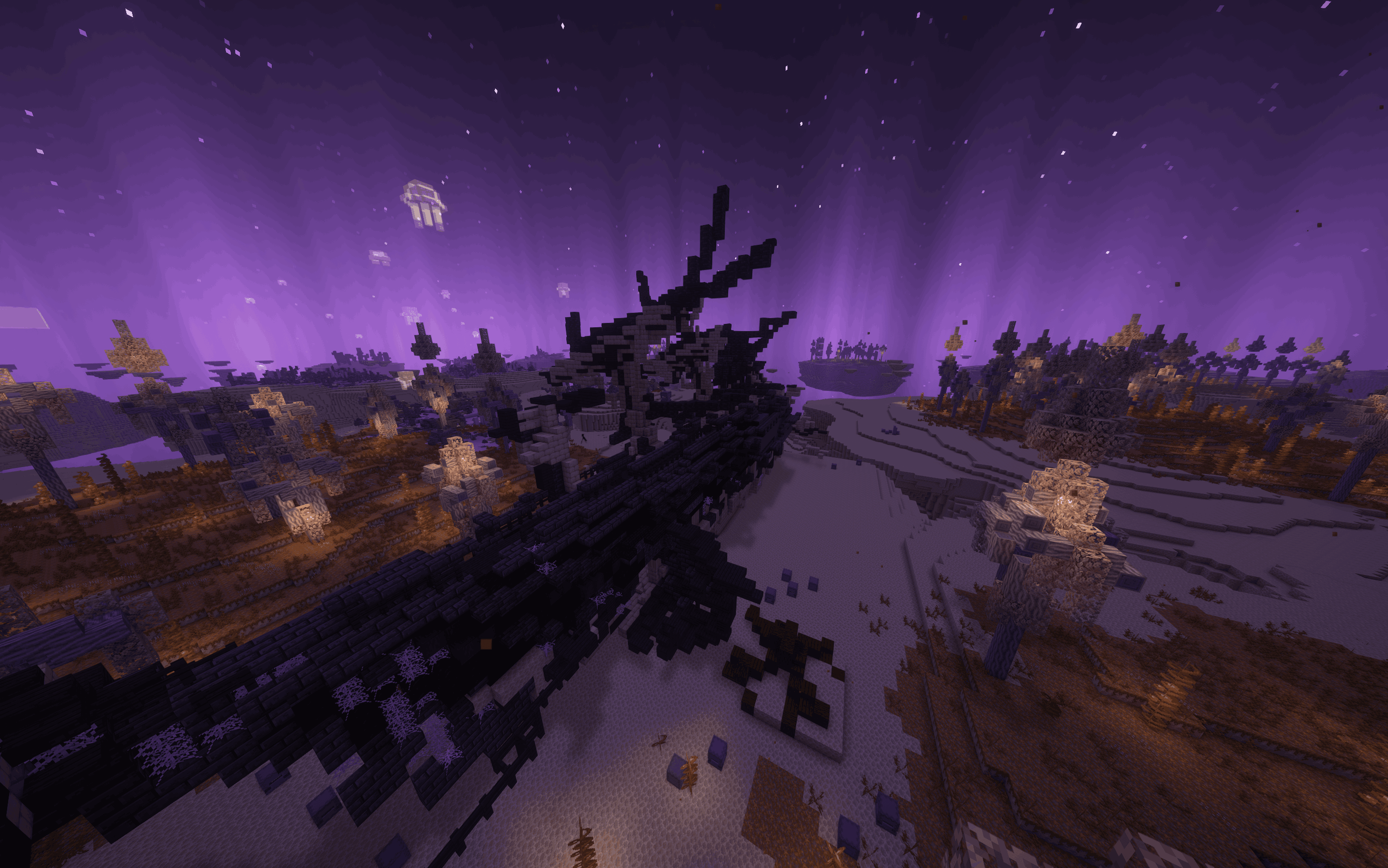
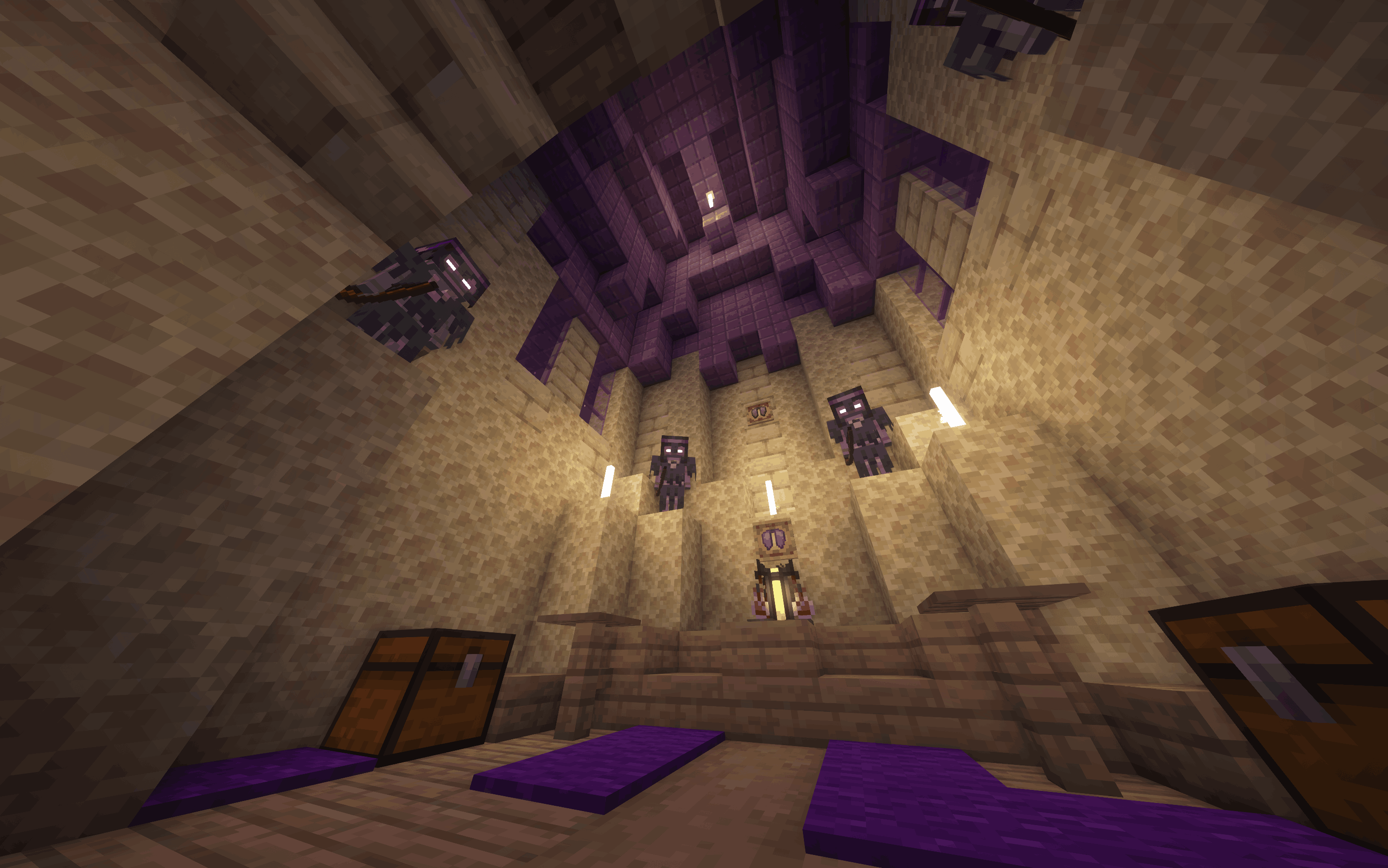
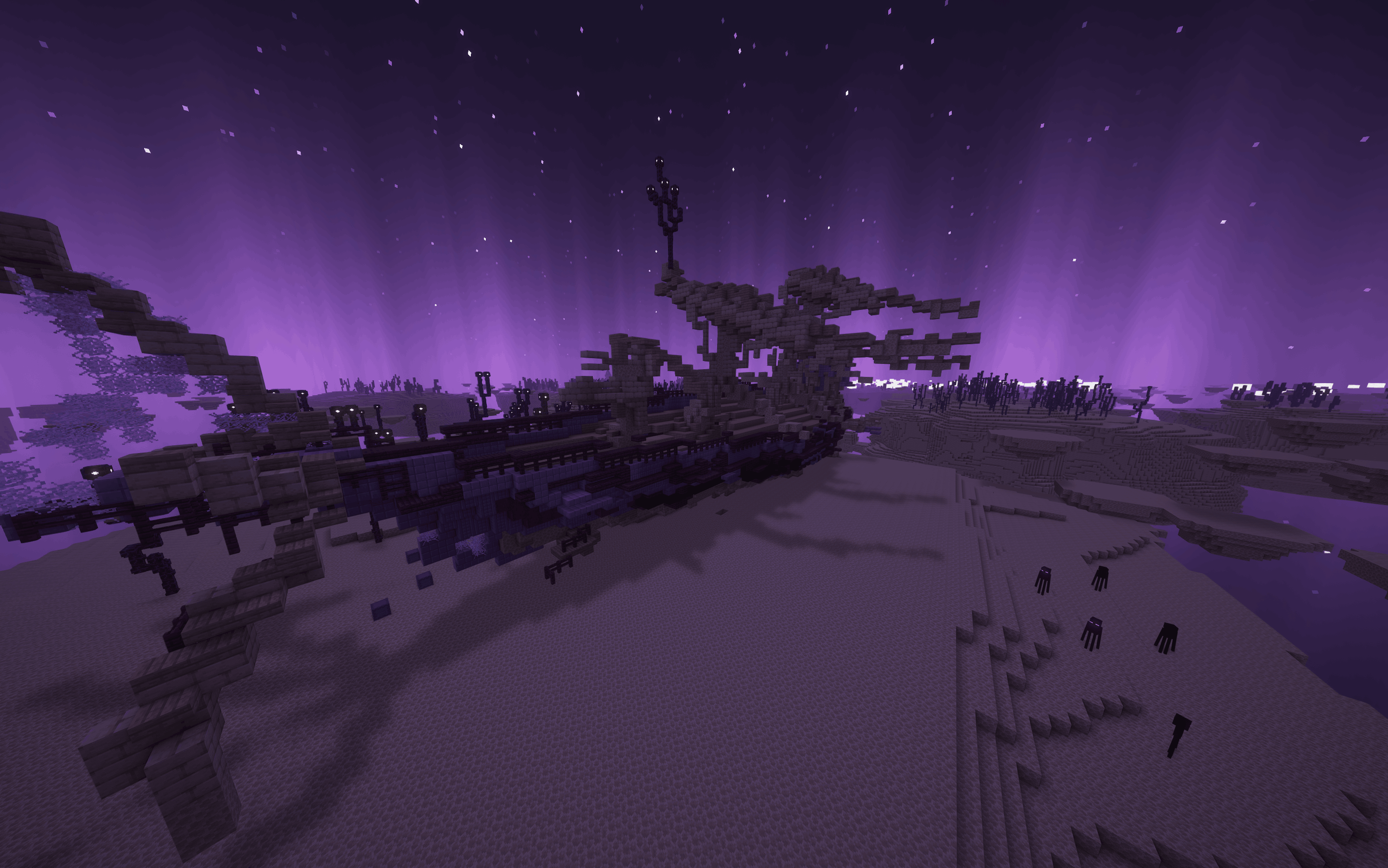
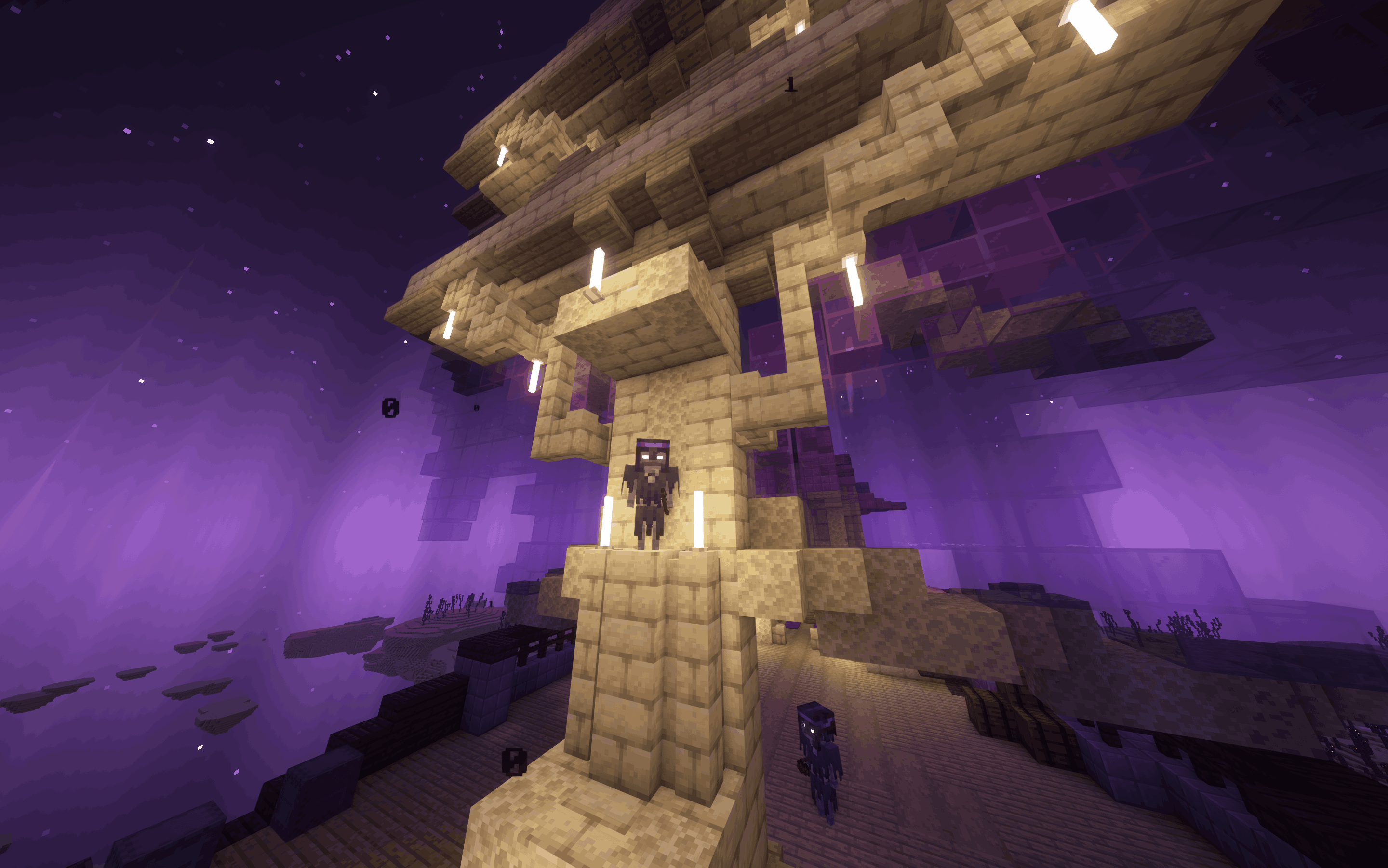
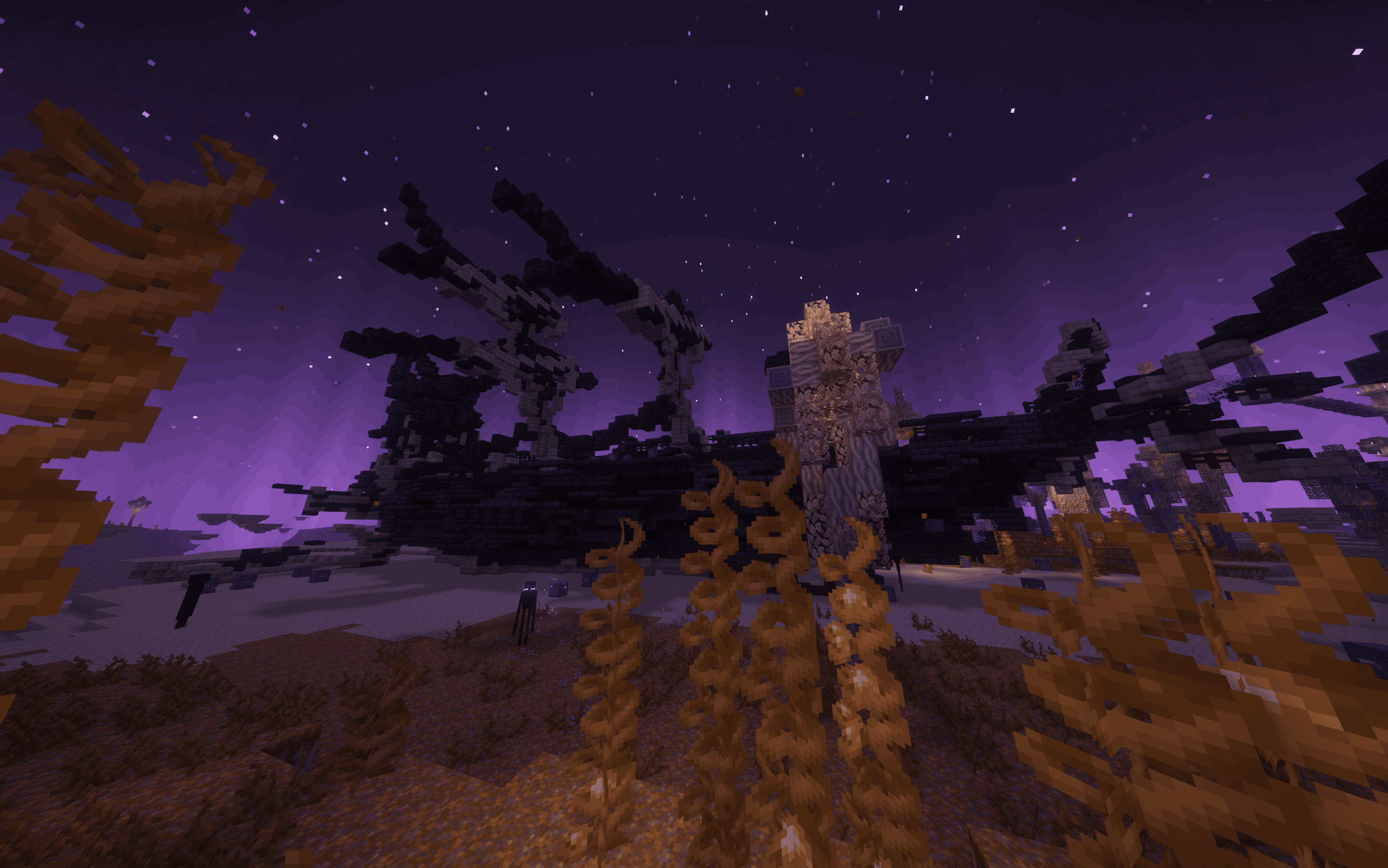
Switches out the style of MES structures to use blocks from BOP, creating a more cohesive and immersive experience when both mods are installed.
by finndog_123
Download Claim this project
3,483,288 downloads
0 likes
Updated Oct 14, 2026
0 hypes
Adventure Fantasy Mod Support
Advertisement Remove ads with Premium →

banner

Ko-fi

Discord

My projects

My projects

Overview

Biomes O Plenty Compatibility Datapack

This datapack is designed to enhance the integration of Moog's End Structures with Biomes O Plenty. By installing this pack, the style of some of our existing structures will be automatically switched out to use blocks and more from Biomes O Plenty, creating a more cohesive and immersive experience when both mods are installed.

How to Use

  1. Download: Download the compatibility pack
  2. Install: Place the entire folder into your world's datapacks folder.
  3. Reload: Run the command /datapack enable "file/moogs_end_structures_bop_compat" or /reload to apply the changes.

Important Notes

  • This datapack requires both Moog's End Structures and Biomes O Plenty to be installed to function correctly.
  • The specific structure changes made by this pack will be visible only in new chunks generated after installation.

DISCORD

DISCORD

The best and fastest way to get replies is to join our Discord server.

BHsponser

MES - Biomes O' Plenty Compat Pack 4.7.0-1.20+
MC 1.21, 1.20.2, 1.21.8, 1.20.5, 1.21.5, 1.21.4, 1.20.1, 1.20, 1.20.6, 1.21.1, 1.21.6, 1.21.3, 1.21.7, 1.20.4, 1.20.3, 1.21.2, 1.21.9, 1.21.10, 1.21.11, 26.1, 26.1.1, 26.1.2
Release 2026-09-30 Get
MES - Biomes O' Plenty Compat Pack 4.5.7
MC 1.21.8, 1.21.5, 1.21.4, 1.21.6, 1.21.3, 1.21.7, 1.21.2, 1.21.9, 1.21.10, 1.21.11, 26.1, 26.1.1, 26.1.2, 26.2
Release 2026-07-05 Get
BOP_MES_compat_datapack 1.20-1.21.1
MC 1.21, 1.20.2, 1.20.5, 1.20.1, 1.20, 1.20.6, 1.21.1, 1.20.4, 1.20.3
Release 2025-08-22 Get
MES - Biomes O' Plenty Compat Pack
MC 1.21.8, 1.21.5, 1.21.4, 1.21.6, 1.21.3, 1.21.7, 1.21.2, 1.21.9, 1.21.10, 1.21.11
Release 2025-08-21 Get

Requirements & install

How to use this data pack in Minecraft
Mods needed
None, works in vanilla
Minecraft
1.21.8 – 26.2
Install folder
saves/<world>/datapacks

How to install data packs

  1. Download the data pack .zip file (do not extract it).
  2. New world: click Data Packs on the world creation screen and drop the .zip in. Existing world: open .minecraft/saves/<world>/datapacks.
  3. Put the .zip into the datapacks folder of the world (servers: world/datapacks).
  4. Run /reload in game (or rejoin the world) and check it with /datapack list.
Browse more: Data Packs for 26.2 All data packs

More from finndog_123

Advertisement Remove ads with Premium →

You Might Also Like