Mineuniverse
Data Packs
Mango's Custom Mob Stats

Mango's Custom Mob Stats

DATA PACK
A data pack used to increase statistics of the hostile mobs while also adding some advancements.
by Mangos75
Download Claim this project
500 downloads
0 likes
0 followers
Updated Oct 14, 2026
0 hypes
Follow0
Adventure Miscellaneous
Advertisement Remove ads with Premium →

Welcome to Mangos' Custom Mob Stats

A data pack intended to make the game harder by boosting the attributes of mobs.

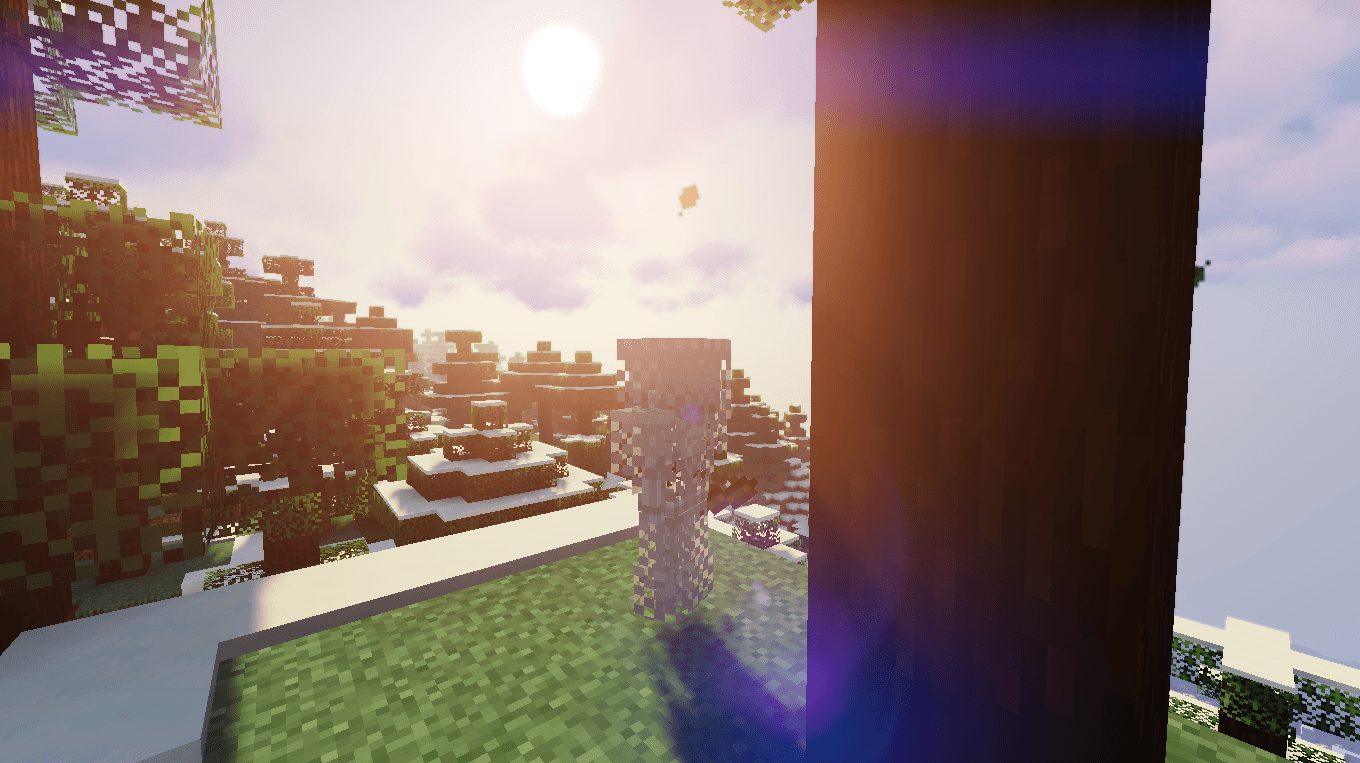
All hostile mobs have modified health, speed, and armor (limited to mobs that have armor support). This also adds 4 advancements for when the player installs the data pack, kills the wither, warden, and lastly the ender dragon.

The mobs that have armor are:
- Zombies
- Skeletons

Also, some mobs have abilities:

- Zombies: Able to spawn 1 vanilla zombie every few seconds
- Spiders: Are able to create cobweb traps every few seconds on where they are at
- Creepers: When spawning, they summon 3 tnt which explode in a cluster bomb
- Wither: Every few seconds, they summon a barrage of soul explosions

More advancements and features coming soon.

Mango's Custom Datapack 1.21.2-1.21.8 2.0.1
MC 1.21.8, 1.21.5, 1.21.4, 1.21.6, 1.21.3, 1.21.7, 1.21.2
Release 2026-08-17 Get
Mango's Custom Datapack 26.2 2.0.1
MC 26.2
Release 2026-08-17 Get
Mango's Custom Datapack 1.21.2-1.21.8 1.0.2
MC 1.21.8, 1.21.5, 1.21.4, 1.21.6, 1.21.3, 1.21.7, 1.21.2
Release 2025-08-17 Get
Mango's Custom Datapack 1.20.X 1.0.1
MC 1.20.2, 1.20.5, 1.20.3, 1.20.1, 1.20, 1.20.6, 1.20.4
Release 2025-07-29 Get
Mango's Custom Datapack 1.21.2-1.21.8 1.0.1
MC 1.21.5, 1.21.8, 1.21.4, 1.21.3, 1.21.7, 1.21.6, 1.21.2
Release 2025-07-27 Get
Mango's Custom Datapack 1.21-1.21.1 1.0.1
MC 1.21, 1.21.1
Release 2025-07-25 Get

Requirements & install

How to use this data pack in Minecraft
Mods needed
None, works in vanilla
Minecraft
1.21.2 – 26.2
Install folder
saves/<world>/datapacks

How to install data packs

  1. Download the data pack .zip file (do not extract it).
  2. New world: click Data Packs on the world creation screen and drop the .zip in. Existing world: open .minecraft/saves/<world>/datapacks.
  3. Put the .zip into the datapacks folder of the world (servers: world/datapacks).
  4. Run /reload in game (or rejoin the world) and check it with /datapack list.
Browse more: Data Packs for 26.2 All data packs
Advertisement Remove ads with Premium →

You Might Also Like