Mineuniverse
Data Packs
Magical Addons

Magical Addons

DATA PACK
A data pack designed to further the boundaries of magic in Minecraft.
by Jatzylap
Download Claim this project
1,453 downloads
0 likes
Updated Oct 14, 2026
0 hypes
Adventure Magic Mod Support
Advertisement Remove ads with Premium →

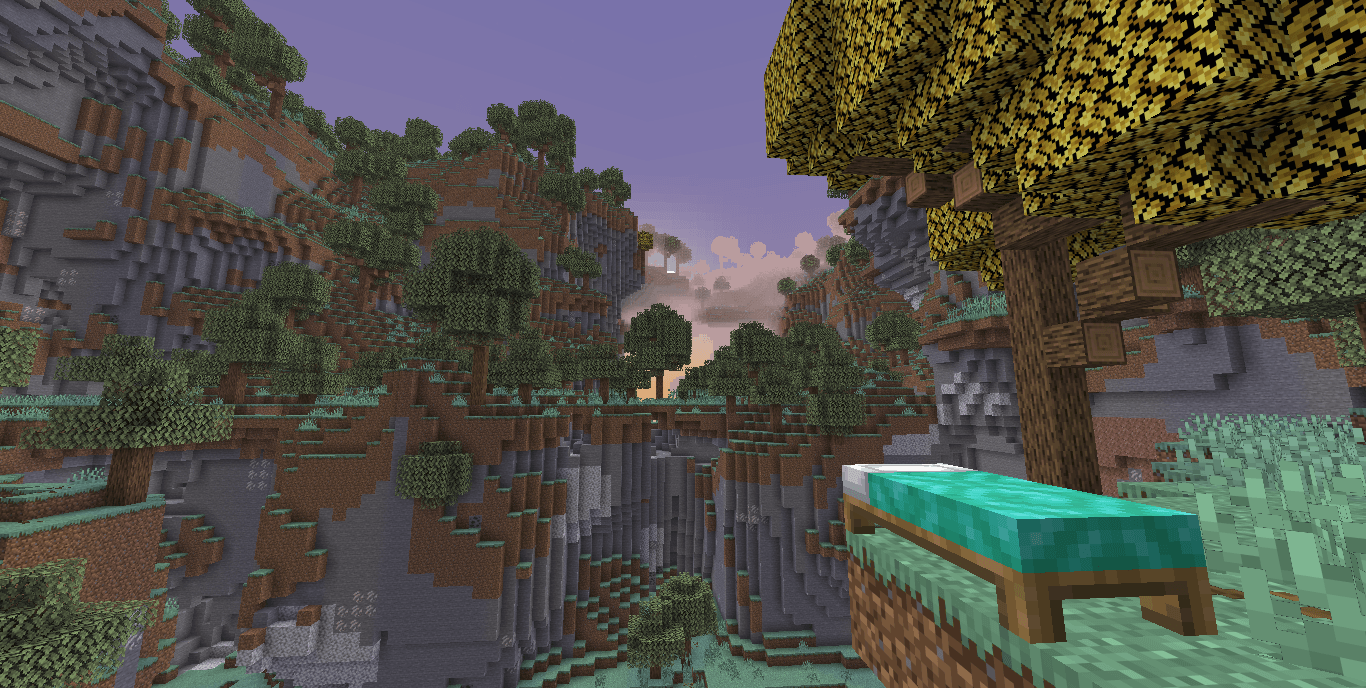
Craft a wand and fight new mobs or go to bed and chase the Aether dimension! Magical Addons is a data pack designed to consistently further the boundaries of magic in Minecraft.


Summary

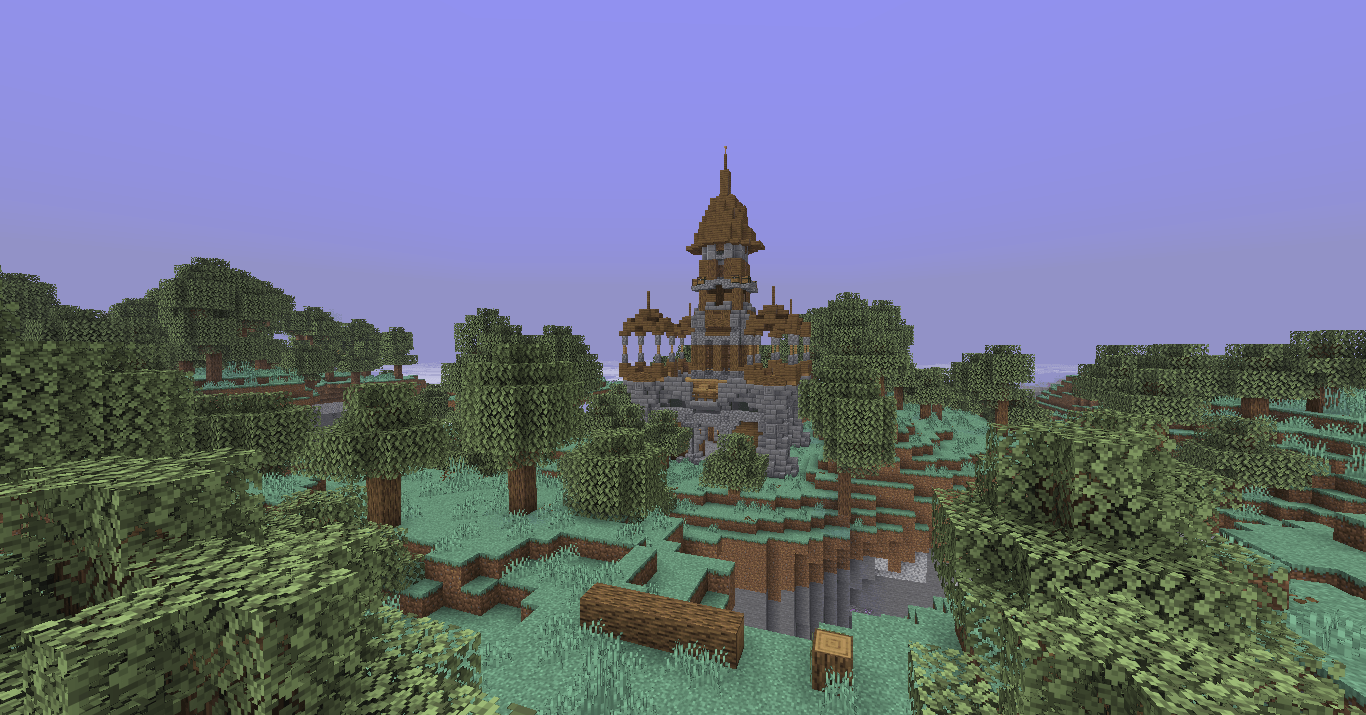
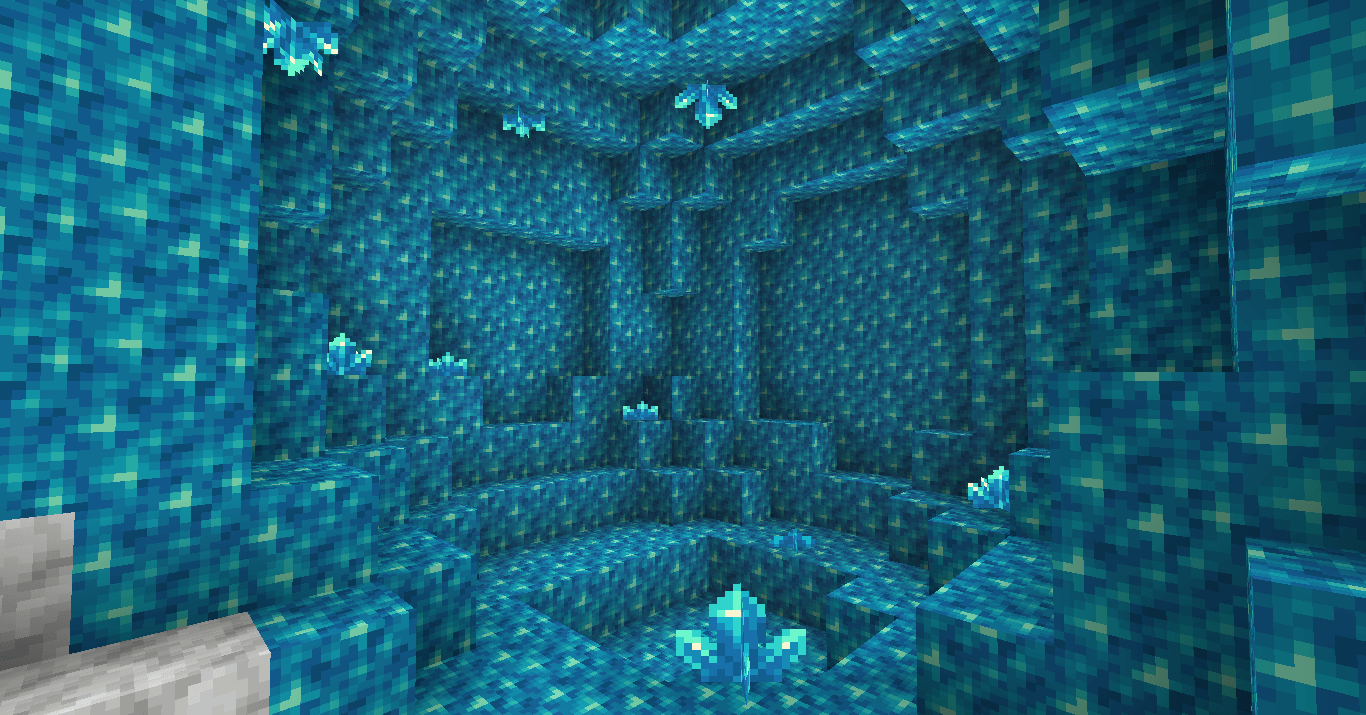
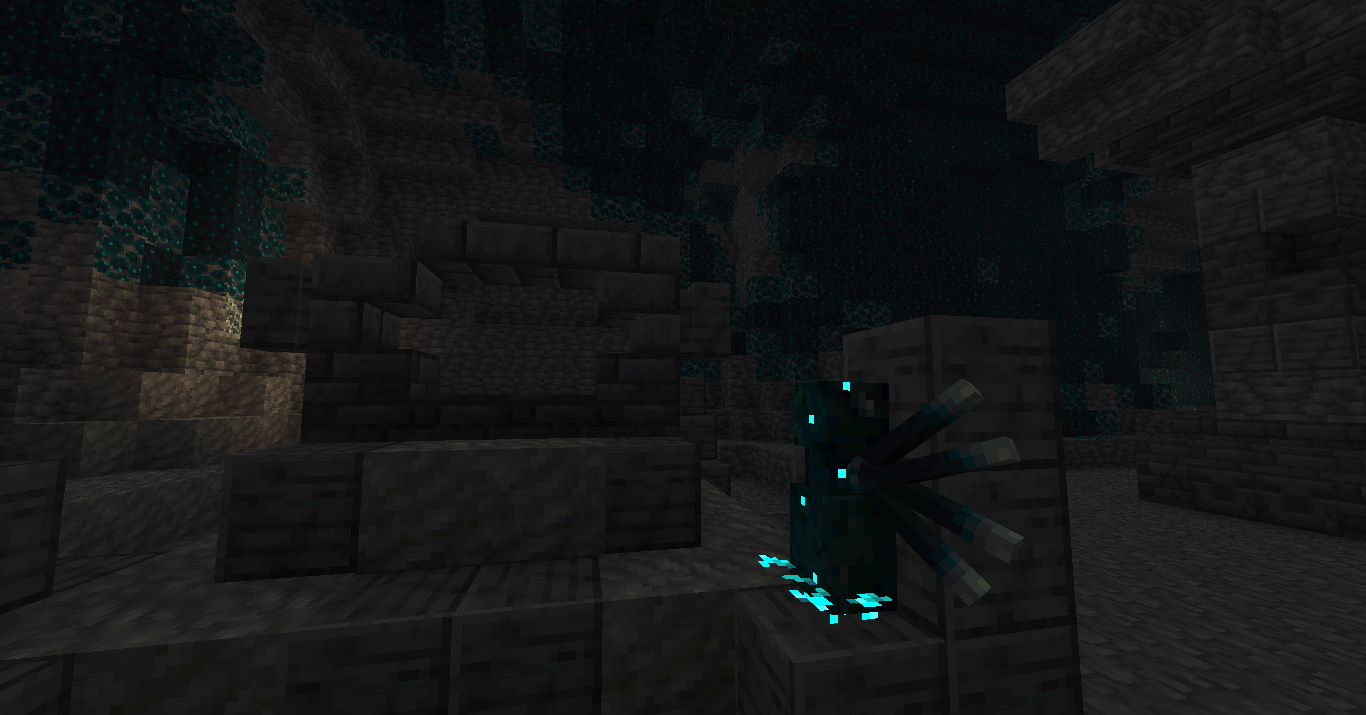
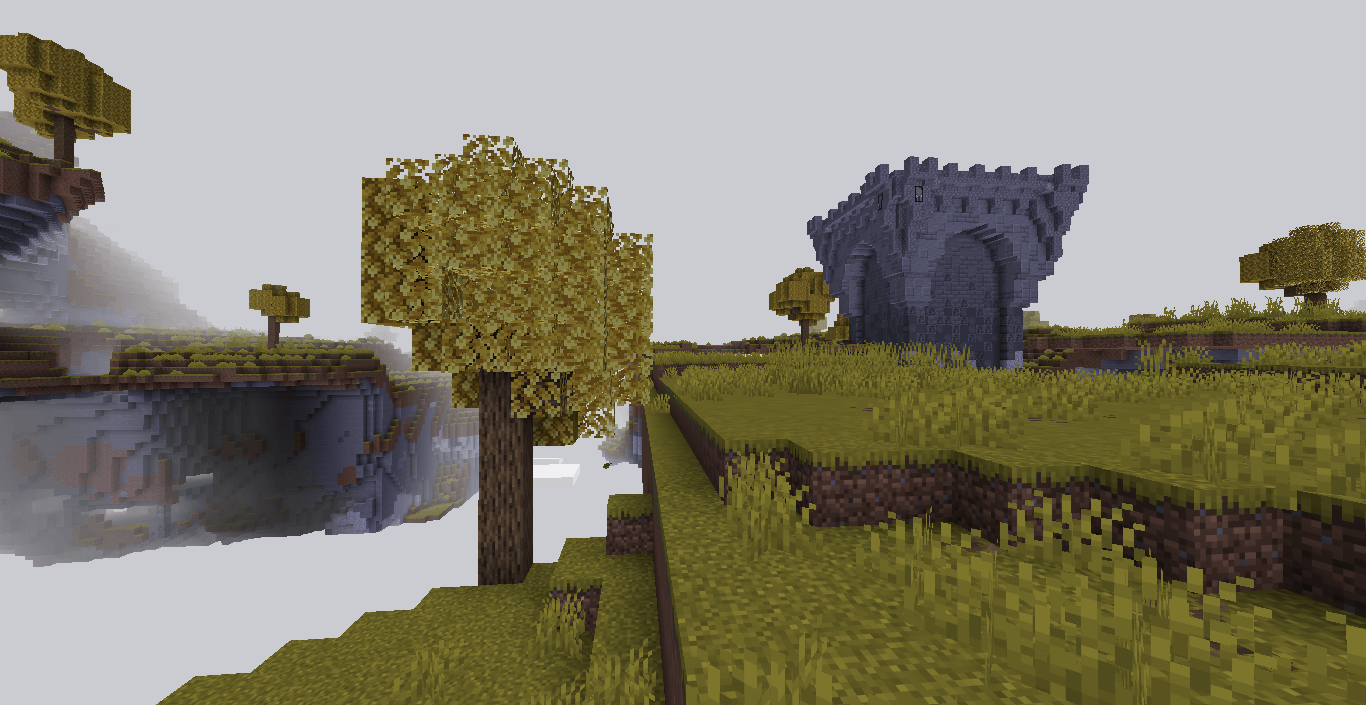
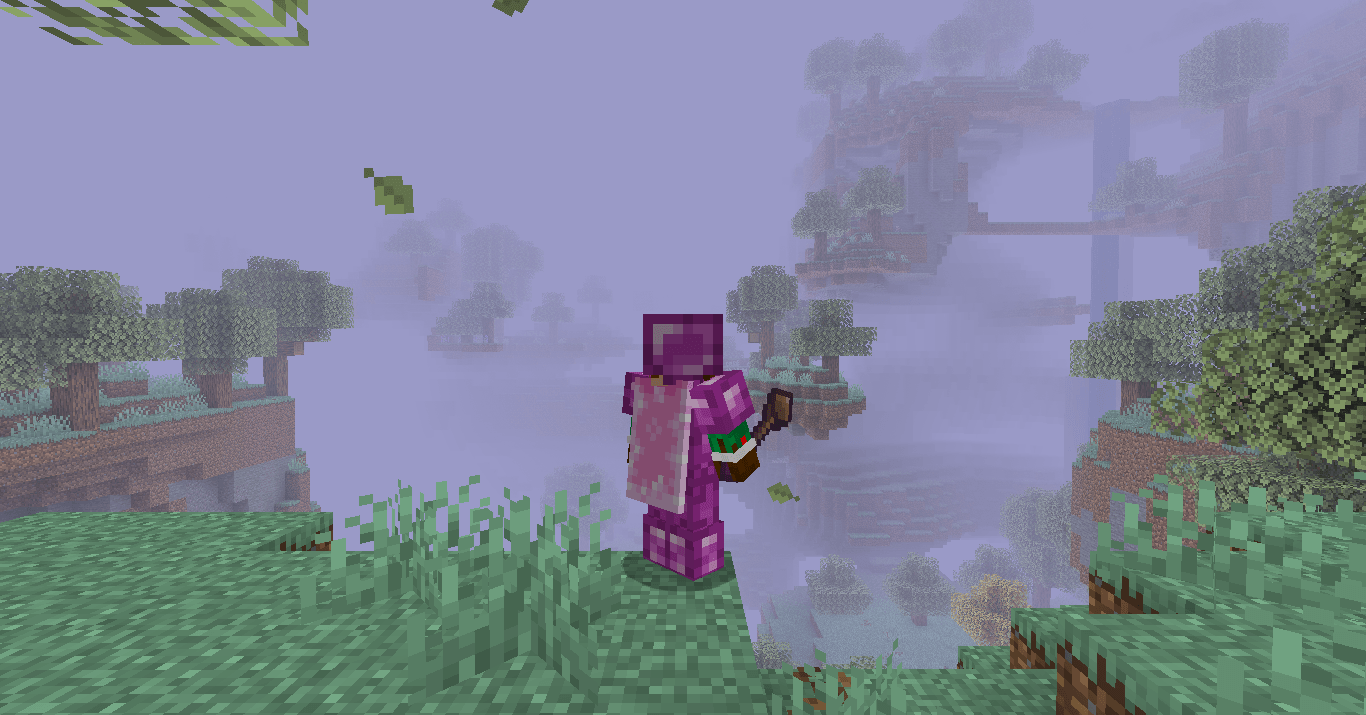
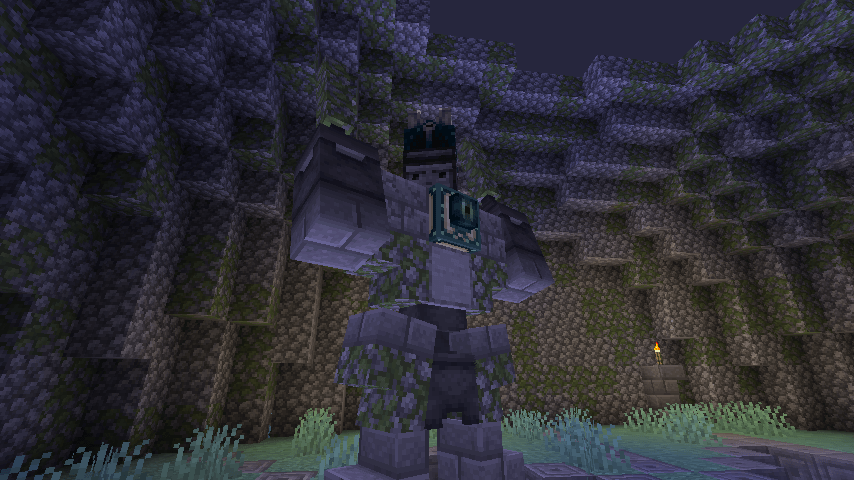
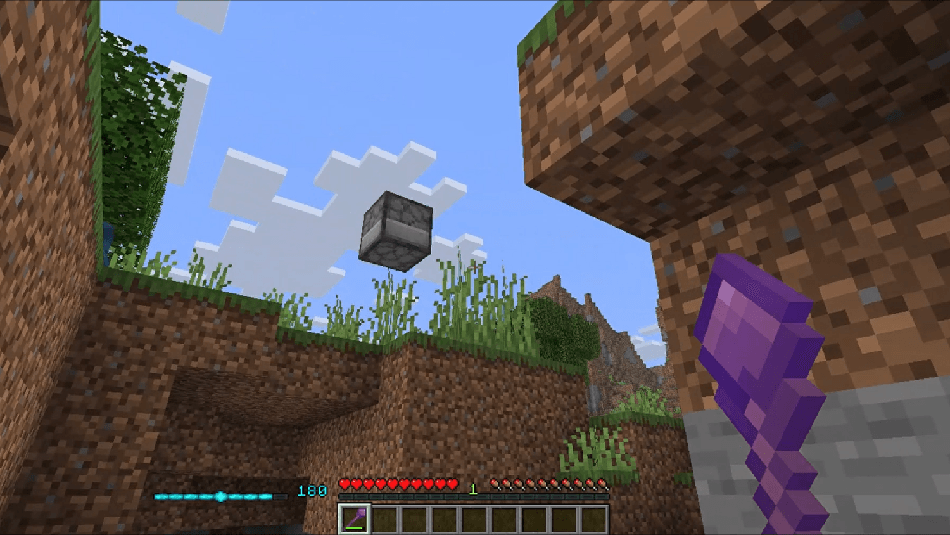
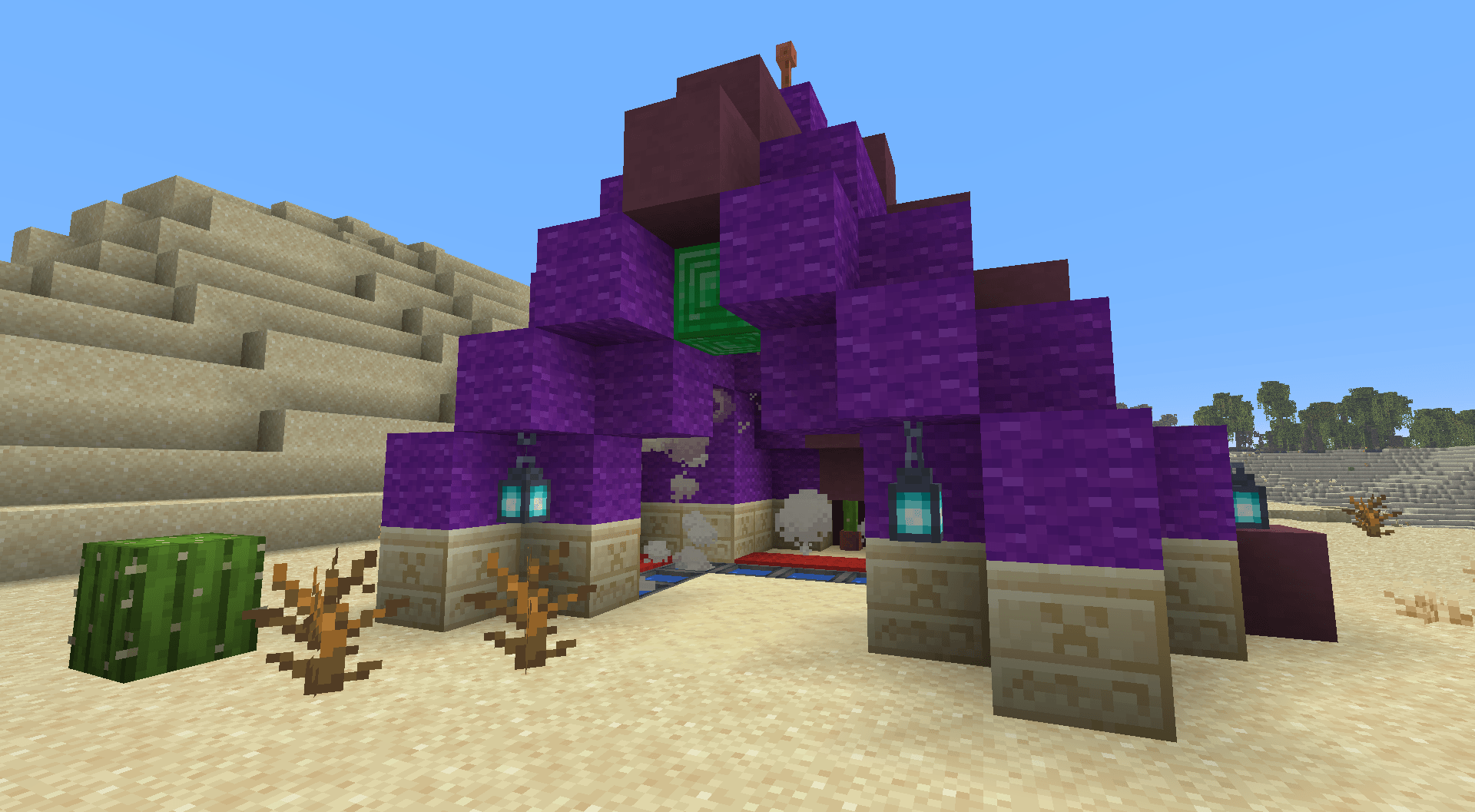
Centered around the idea of a magic ecosystem, Magical Addons breathes new life into Minecraft with the addition of a new magic system and a reimagined Aether dimension. On your journey through the Aether, you may encounter naturally occurring materials such as Sparkstone and Gravitite; known to bestow magical properties on their bearer. Once Sparkstone has been obtained, you will be able to craft the Sparkstone Orb: an item which imbues you with the power to cast spells. Beyond this, equip yourself with Gravitite Armour and search for the Staff of Ancients: a legendary item guarded by an ancient Automaton.


Getting to the Aether

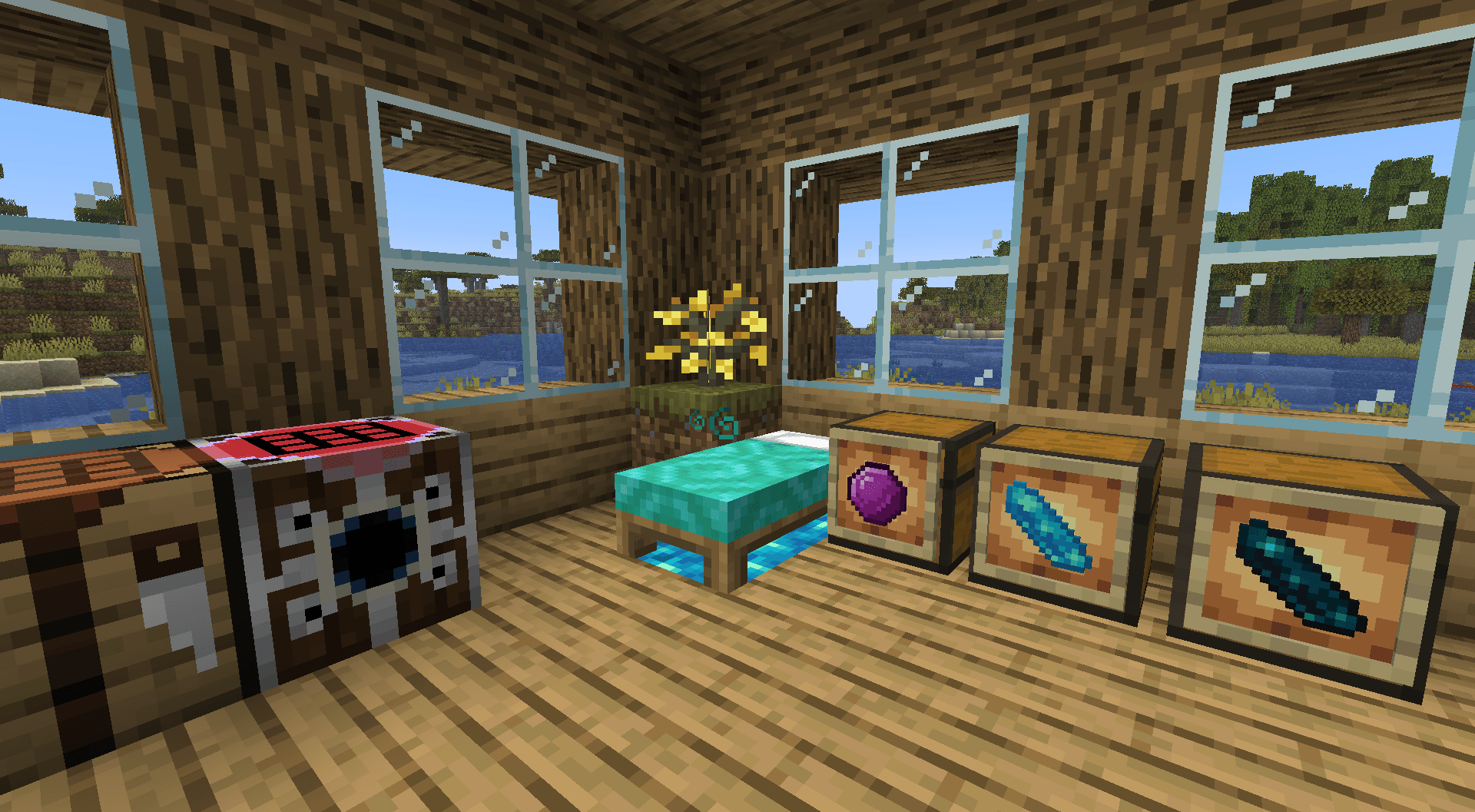
When struck by a Lightning Bolt, a White Bed turns into an Aether Portal; providing the sleeping player with a unique entry into the Aether dimension. For the best chance of a strike, you can place a Lightning Rod next to the bed. Striking the rod with the Channelling enchantment works too. Next, sleep in the bed when it is way past your bedtime.


Setup

  1. Download the RP (26.2 Download) (1.21.11 Download)
  1. Drop the DP into the datapacks directory of your world or the Data Pack world settings window
  2. Drop the RP into the resourcepacks directory
  3. Select the RP from your Resource Pack list


Credits

GhostAdmiral
Kotew
NachoToast
Odedbir
Oisann
SammygoodTunes
SerpentLord77
Crusher919
Bazoo27
Gilt
Ianthekitten
Netrovek
Scarpionfighter

magical-addons-datapack-0-3-2
MC 26.2
Release 2026-06-30 Get
magical-addons-datapack-0-2-1.zip
MC 1.21.11
Release 2026-02-09 Get

Requirements & install

How to use this data pack in Minecraft
Mods needed
None, works in vanilla
Minecraft
1.21.11 – 26.2
Install folder
saves/<world>/datapacks

How to install data packs

  1. Download the data pack .zip file (do not extract it).
  2. New world: click Data Packs on the world creation screen and drop the .zip in. Existing world: open .minecraft/saves/<world>/datapacks.
  3. Put the .zip into the datapacks folder of the world (servers: world/datapacks).
  4. Run /reload in game (or rejoin the world) and check it with /datapack list.
Browse more: Data Packs for 26.2 All data packs
Advertisement Remove ads with Premium →

You Might Also Like