This datapack adds 5 new structures with 1 Legendary Pokémon in each one, but you will need to do some type of challange to catch them.
New Legendary Pokémon and how to catch them:
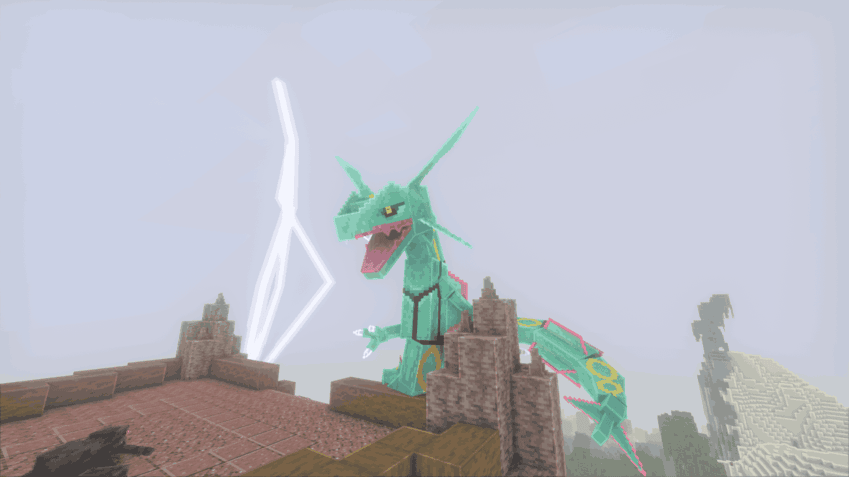 Rayquaza is found at the top of Sky Pillar, a new rare structure that you can find in desert biomes. After doing a challange parkour you will be able to fight against a level 70 Rayquaza.
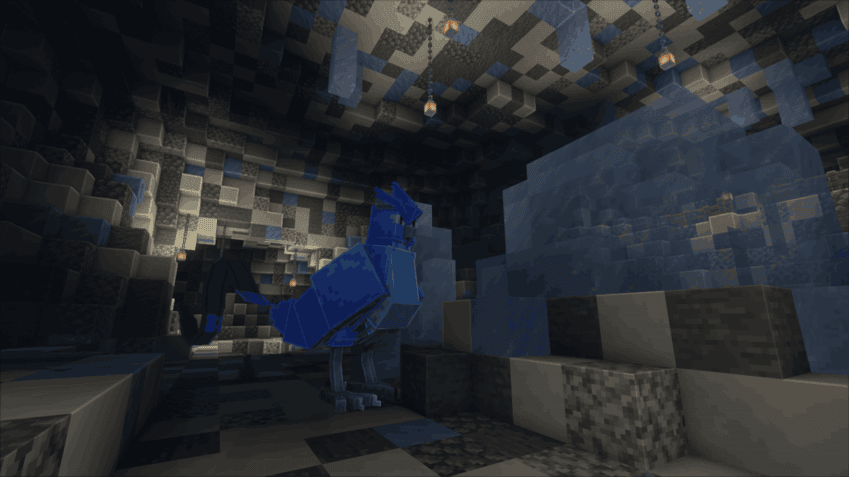 Articuno is found inside of the Ice Cave, a new rare structure that you can find underneath icy/snowy biomes. After doing a mini quest you will hear a strange roar and have the oppurtunity to fight a level 50 Articuno.
 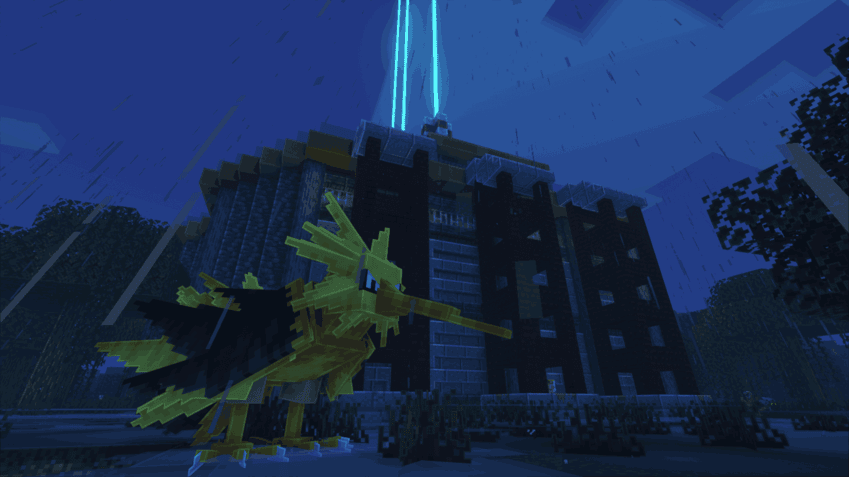 Zapdos is found inside of Power Plant, a new rare structure that you can find in swamp biomes. After doing a mini quest you will hear a strange roar and have the oppurtunity to fight a level 50 Zapdos.
 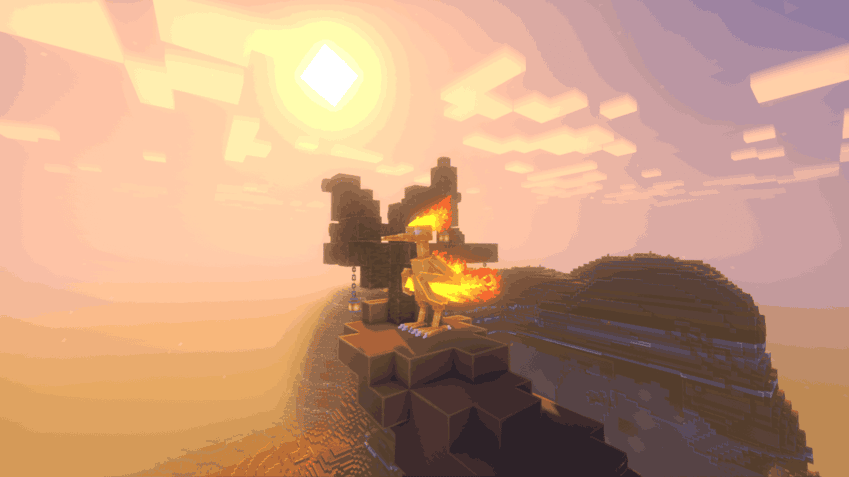 Moltres is found at the top of Mesa Peak, a new rare structure that you can find in mesa biomes. After doing a mini quest you will hear a strange roar and have the oppurtunity to fight a level 50 Moltres.
 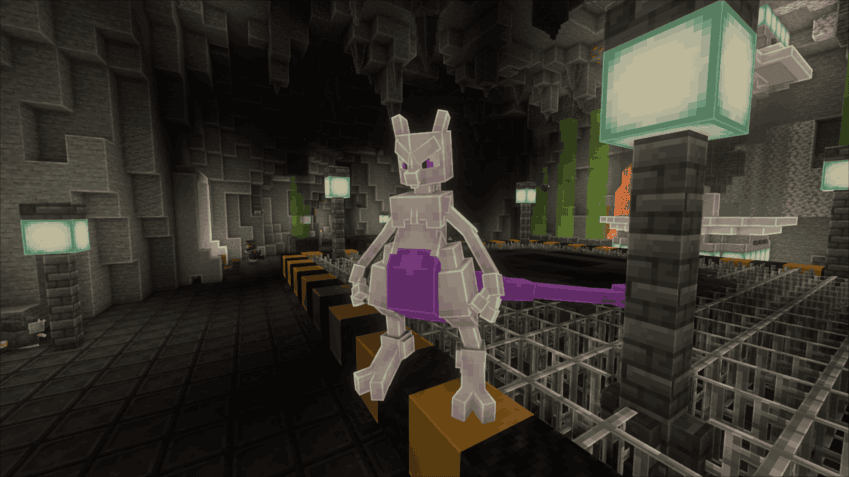 Mewtwo is found inside of the Team Rocket HQ, a new rare underground structure. After defeating three strong Pokémon, Mewtwo spawns at level 80, so bring your top team!