Mineuniverse
Data Packs
Kislevemon

Kislevemon

DATA PACK
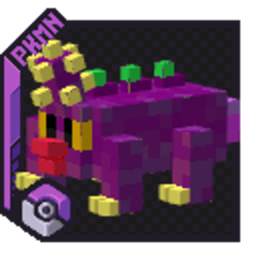
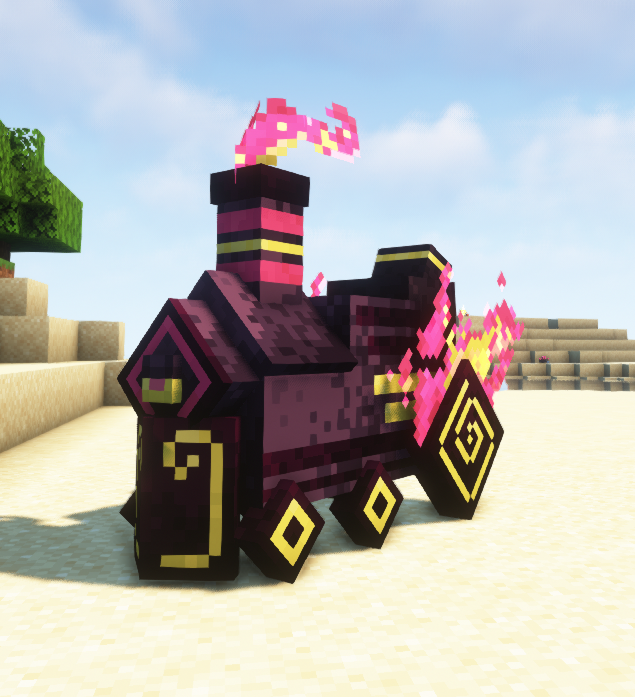
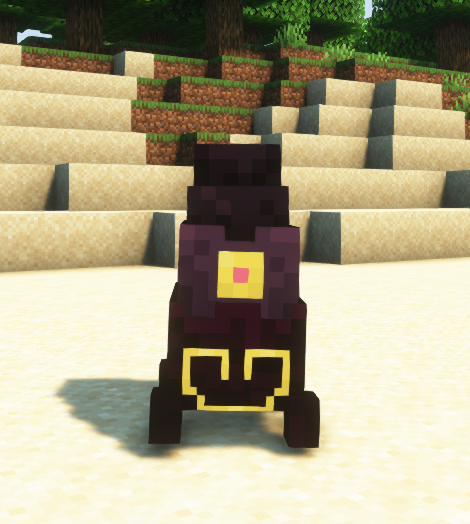
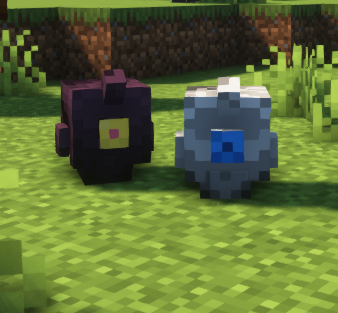
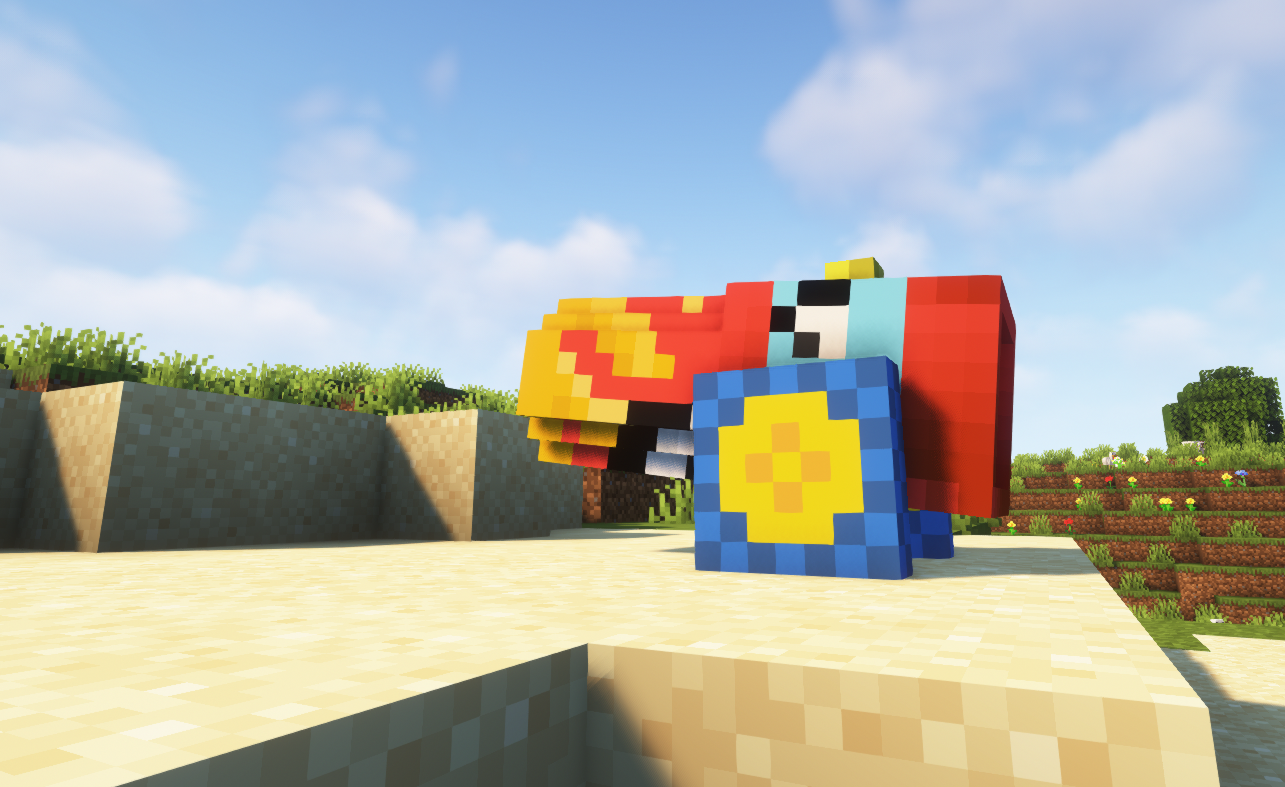
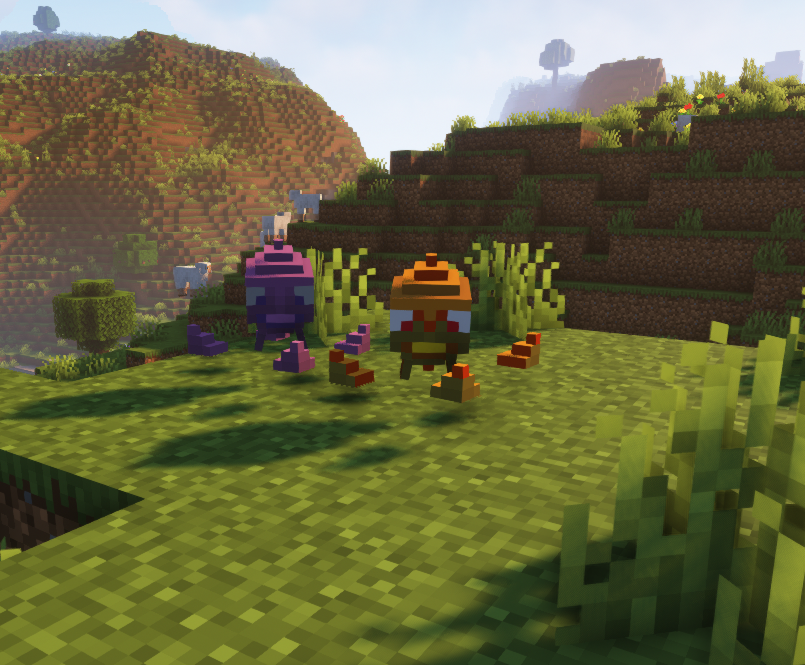
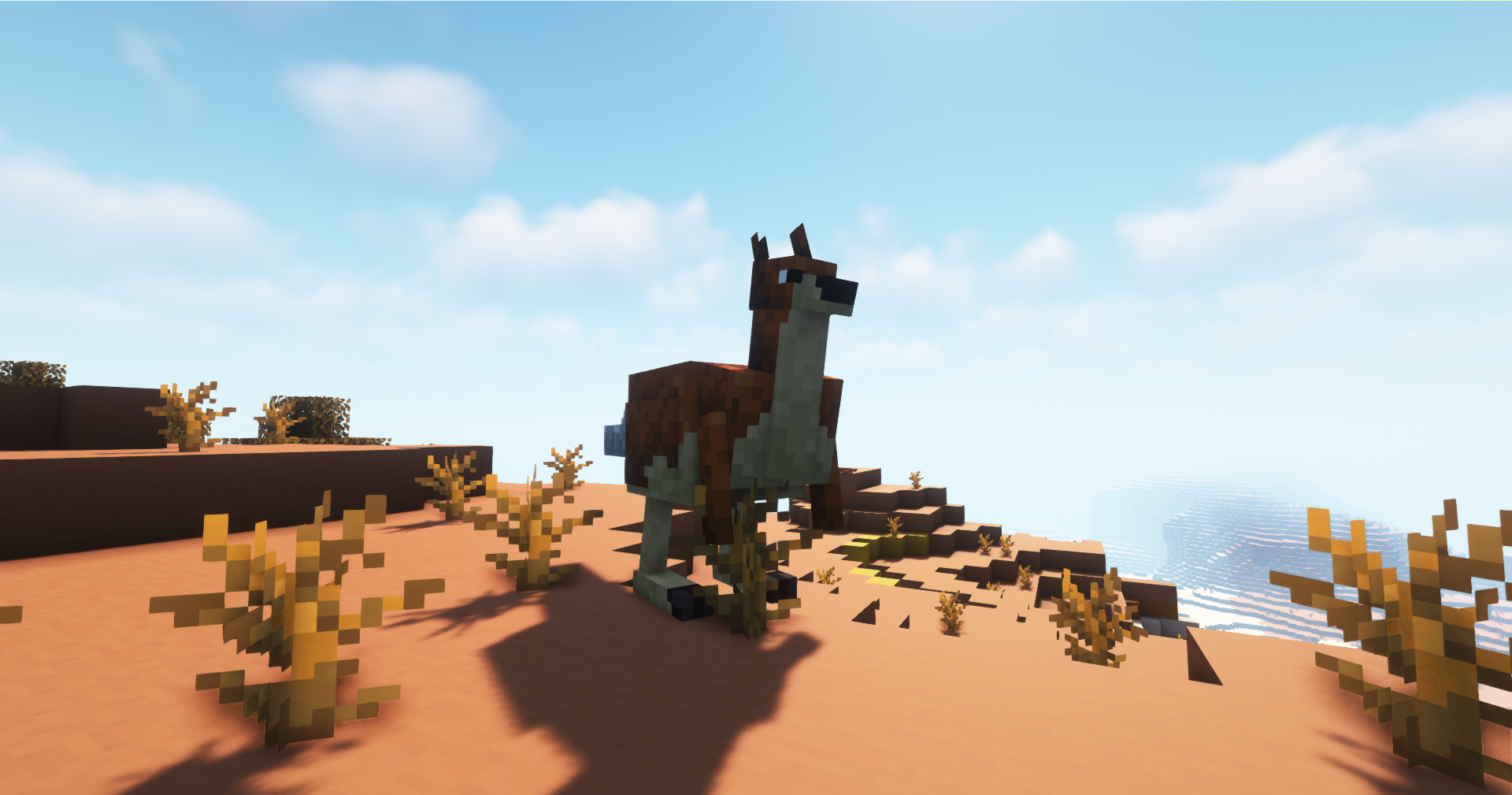
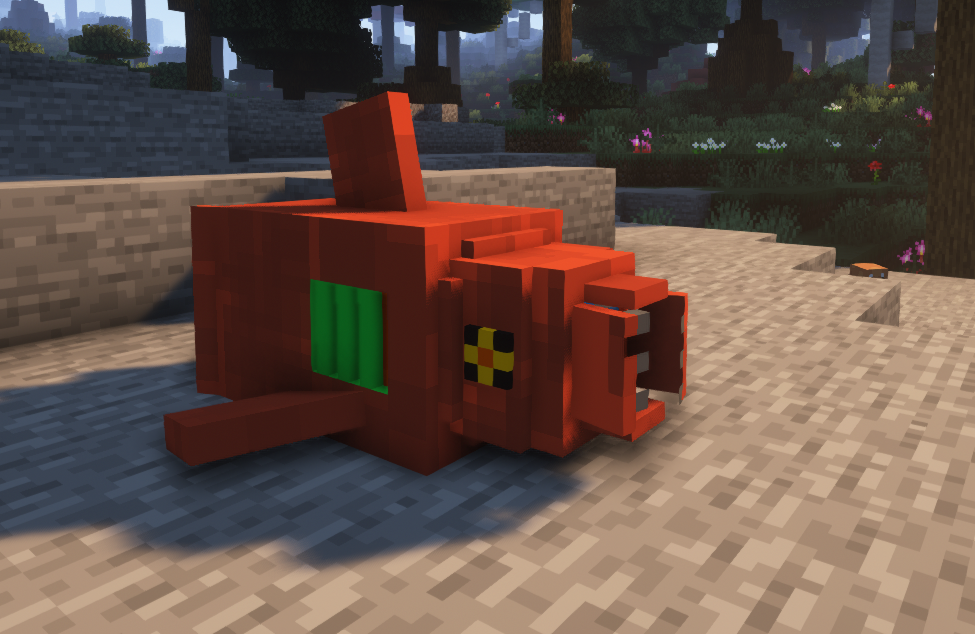
This is a Cobblemon addon which comes with currently 19 fakemons, Shiny and non shiny! they can be found in the oceans, deserts and forests.
by Alonzurro
Download Claim this project
222 downloads
0 likes
0 followers
Updated Oct 14, 2026
0 hypes
Follow0
Adventure Fantasy Magic Mod Support
Advertisement Remove ads with Premium →

KislevemonTitle

💡About this addon:

Kislevemon is an addon which aims to add some new fakemons for the mod cobblemon. to use this addon make sure to put the file both in the resource pack folder and in the datapacks folder of your world.

🐉Current fakemons:

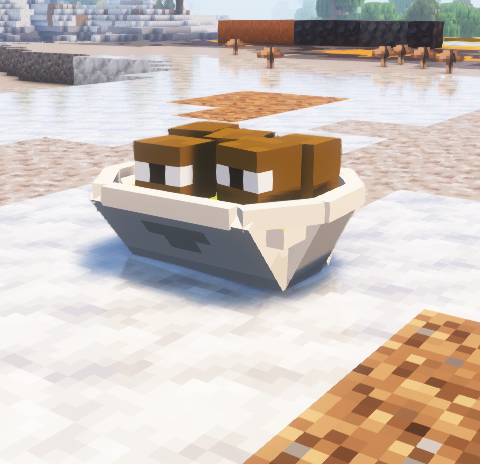
this pack currently has 19 fakemons. here is a list of some of them:

  • krechtzen (dragon & fairy type)
  • giftaboo (ghost & ice type)
  • sharfire (water & fire type)
  • phantomoir (ghost & steel type)
  • Kangoruk (dark & fighting)
  • Cigrass (poison & grass)
  • Pyromid (fire & ground)
  • Blasticoil (steel & fairy)
  • Smolderail (fire)
  • Coalistrove (fire & rock)
  • Steamilok (fire & steel)
  • Inkthulhu (psychic & fighting)
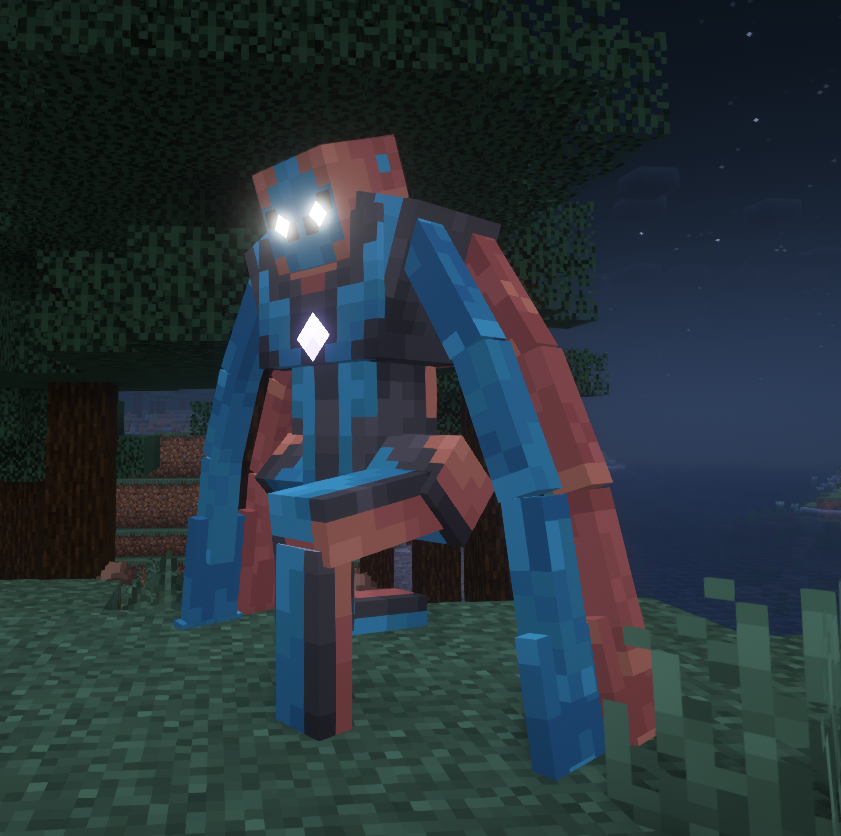
  • Kislevian Deoxys (steel & dark)

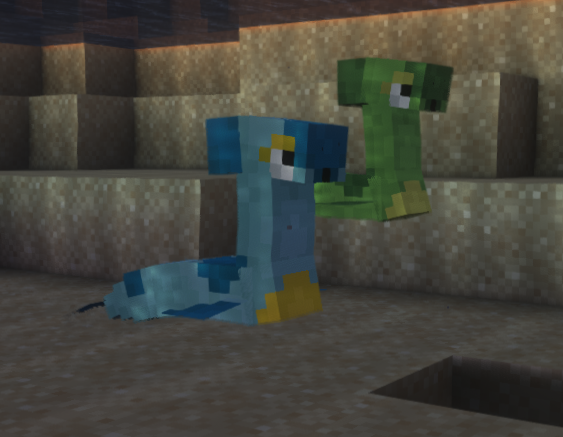
we also added textures, model and animations for inkay since it's not in the base mod yet

*more fakemons will come soon!

📜credit list:

  • Angelsaurus
  • ivangarcia1.0
  • igeprogrammer
  • fire_jaguar
  • mr.shooter123
  • Jet Setter
  • charmingloopy
  • Flame776
  • wildfireaspect

join our discord server for the latest sneak peeks ;)

this datapack won't work on servers currently

Kislevemon - v1.0
MC 1.19.2
Release 2024-03-21 Get
Kislevemon - v1.1
MC 1.19.2
Release 2024-03-21 Get
Kislevemon - v1.2
MC 1.19.2
Release 2024-03-21 Get
Kislevemon - v1.3
MC 1.19.2, 1.20.1
Release 2024-03-21 Get
Kislevemon - v1.3.1
MC 1.19.2, 1.20.1
Release 2024-03-21 Get

Requirements & install

How to use this data pack in Minecraft
Mods needed
None, works in vanilla
Minecraft
1.19.2 – 1.20.1
Install folder
saves/<world>/datapacks

How to install data packs

  1. Download the data pack .zip file (do not extract it).
  2. New world: click Data Packs on the world creation screen and drop the .zip in. Existing world: open .minecraft/saves/<world>/datapacks.
  3. Put the .zip into the datapacks folder of the world (servers: world/datapacks).
  4. Run /reload in game (or rejoin the world) and check it with /datapack list.
Browse more: Data Packs for 1.20.1 All data packs
Advertisement Remove ads with Premium →

You Might Also Like