Mineuniverse
Data Packs
Kinda Indev Hell

Kinda Indev Hell

DATA PACK
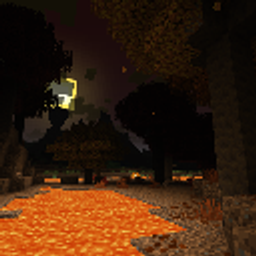
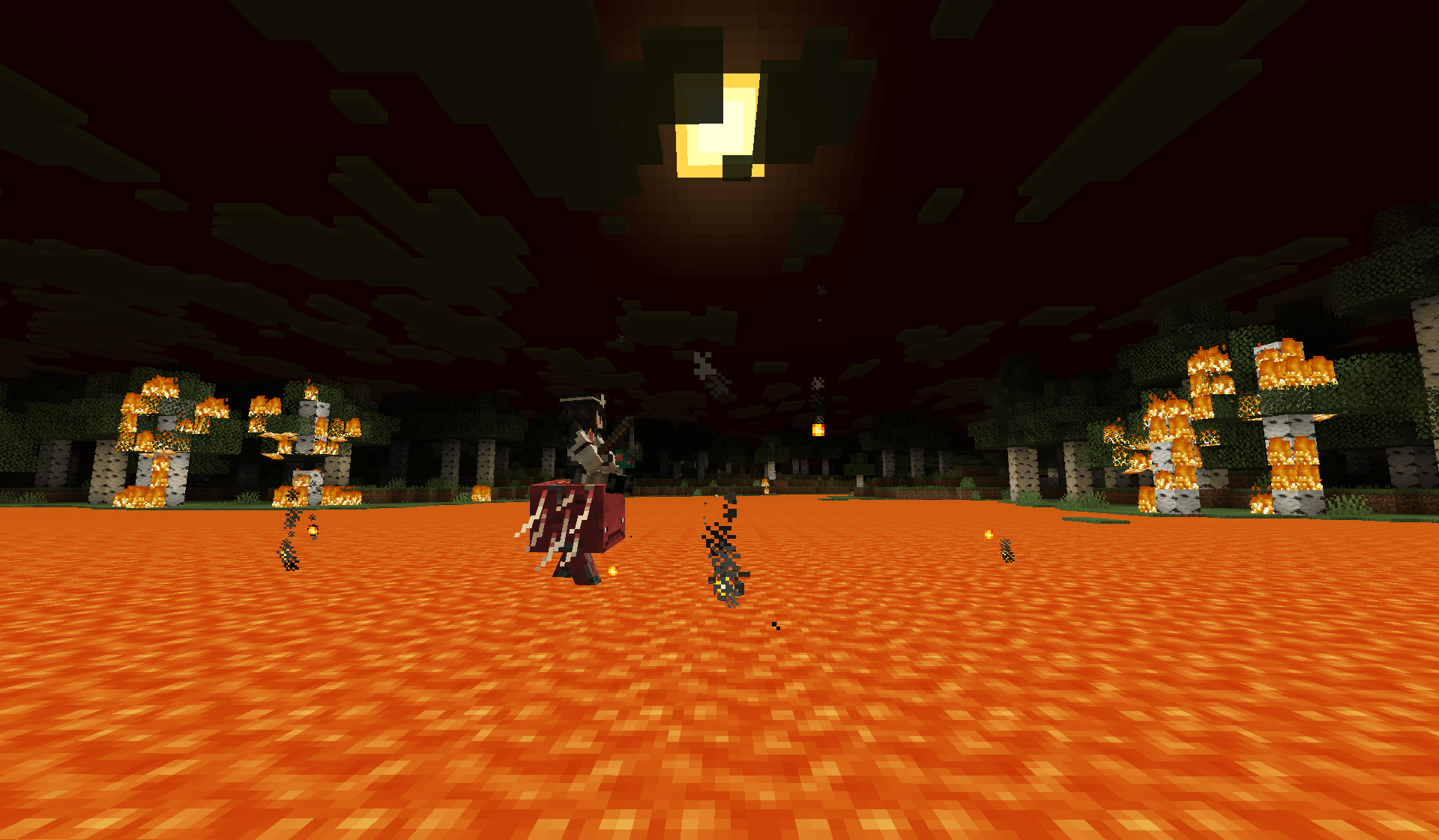
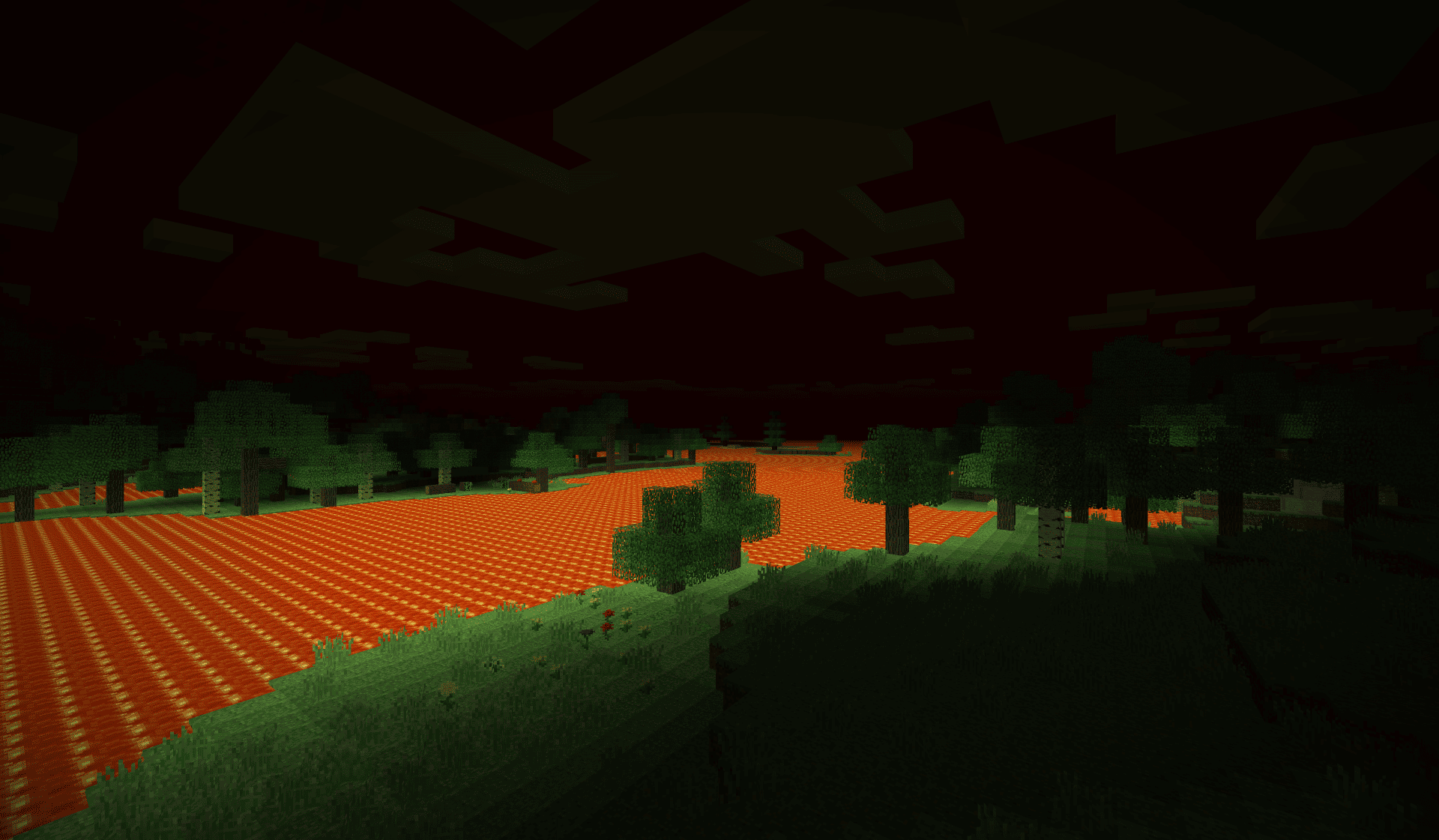
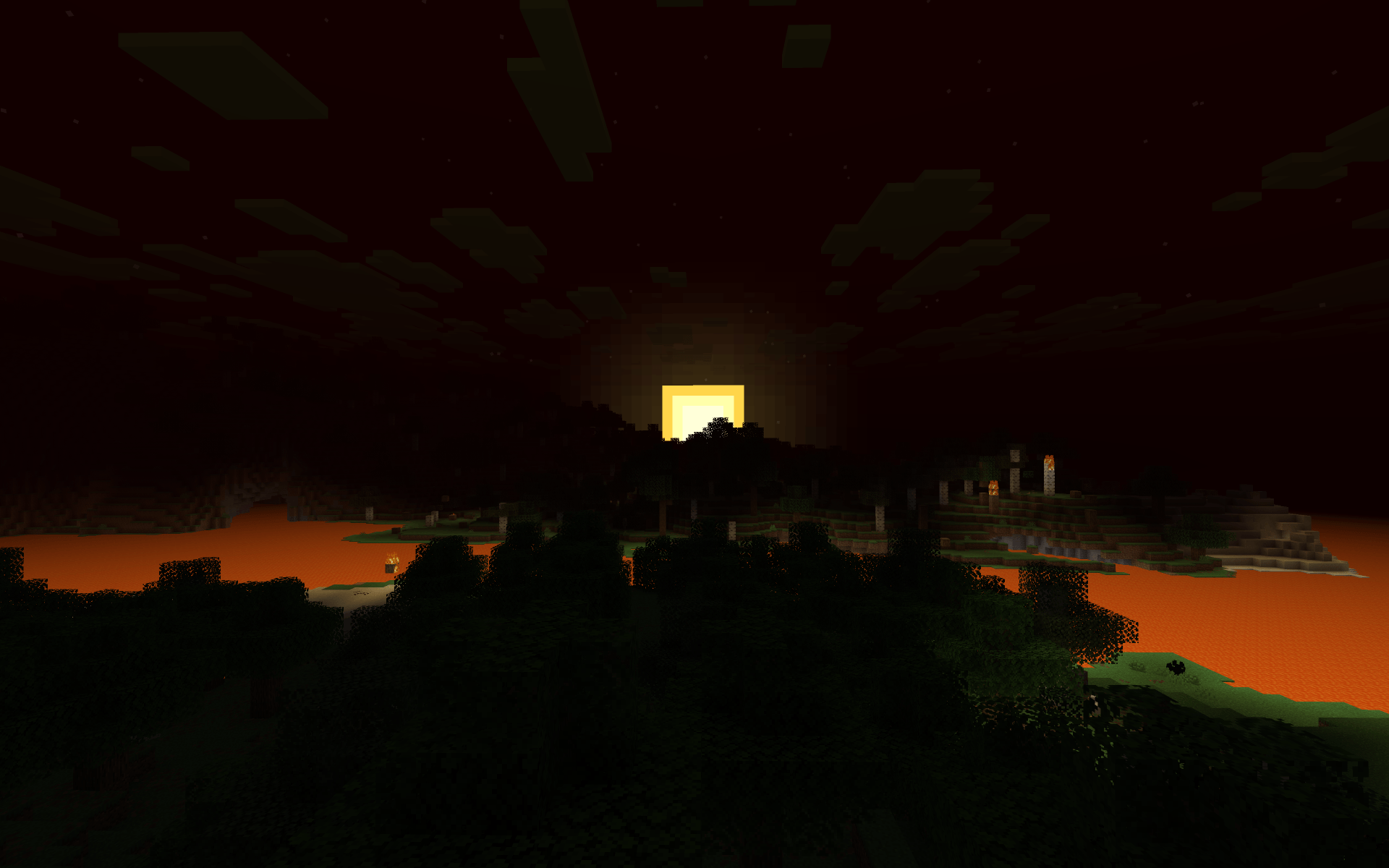
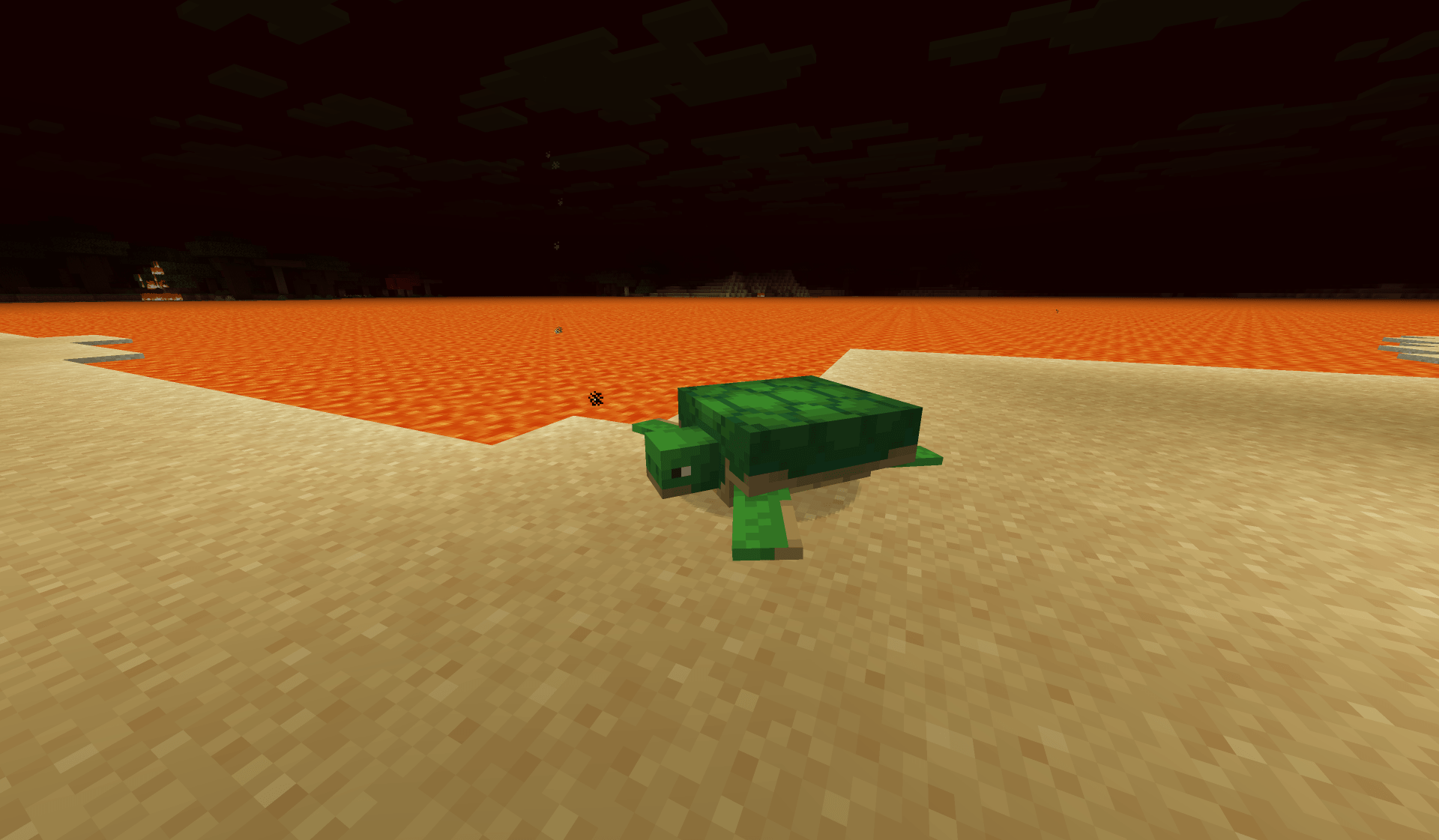
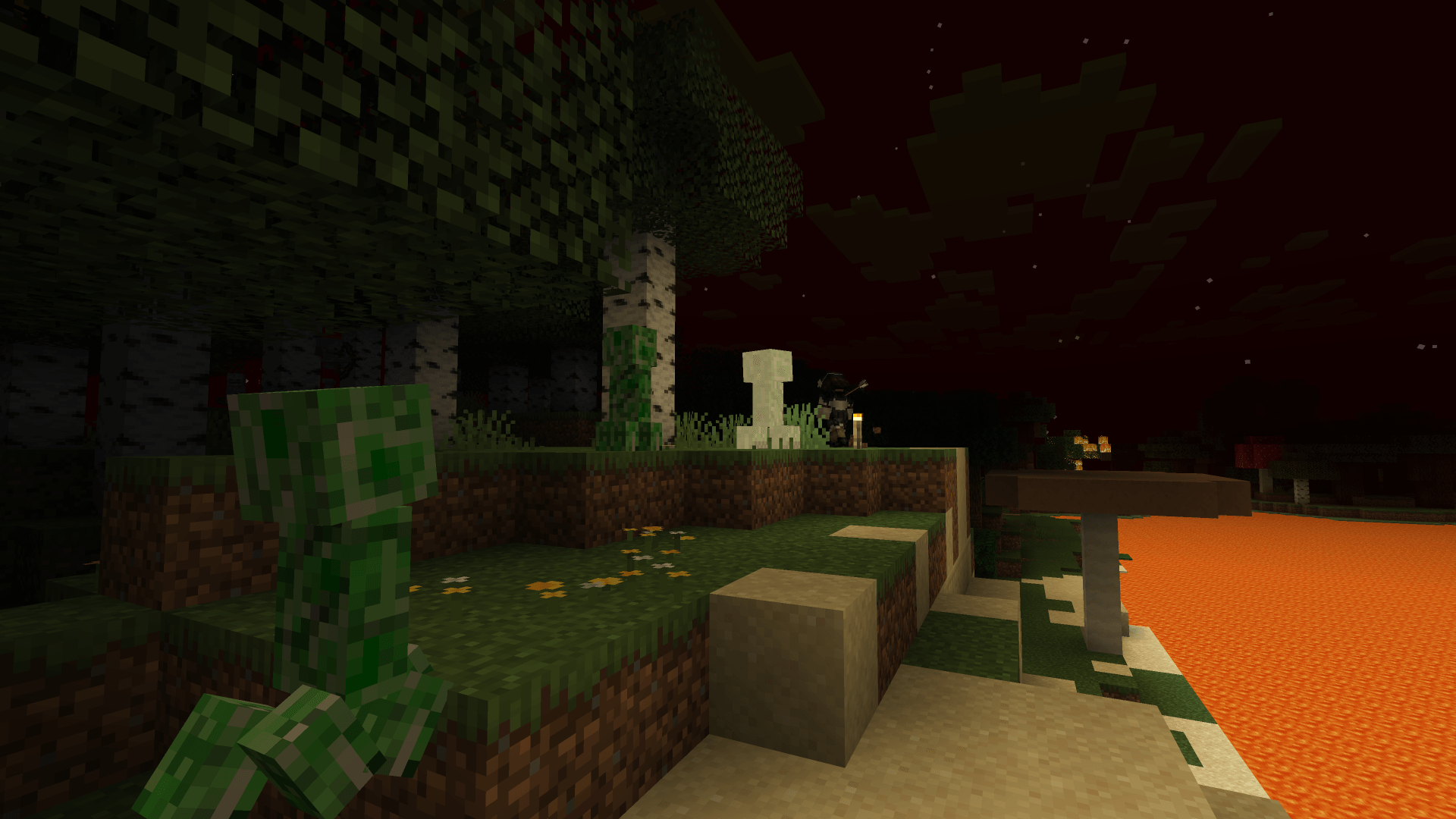
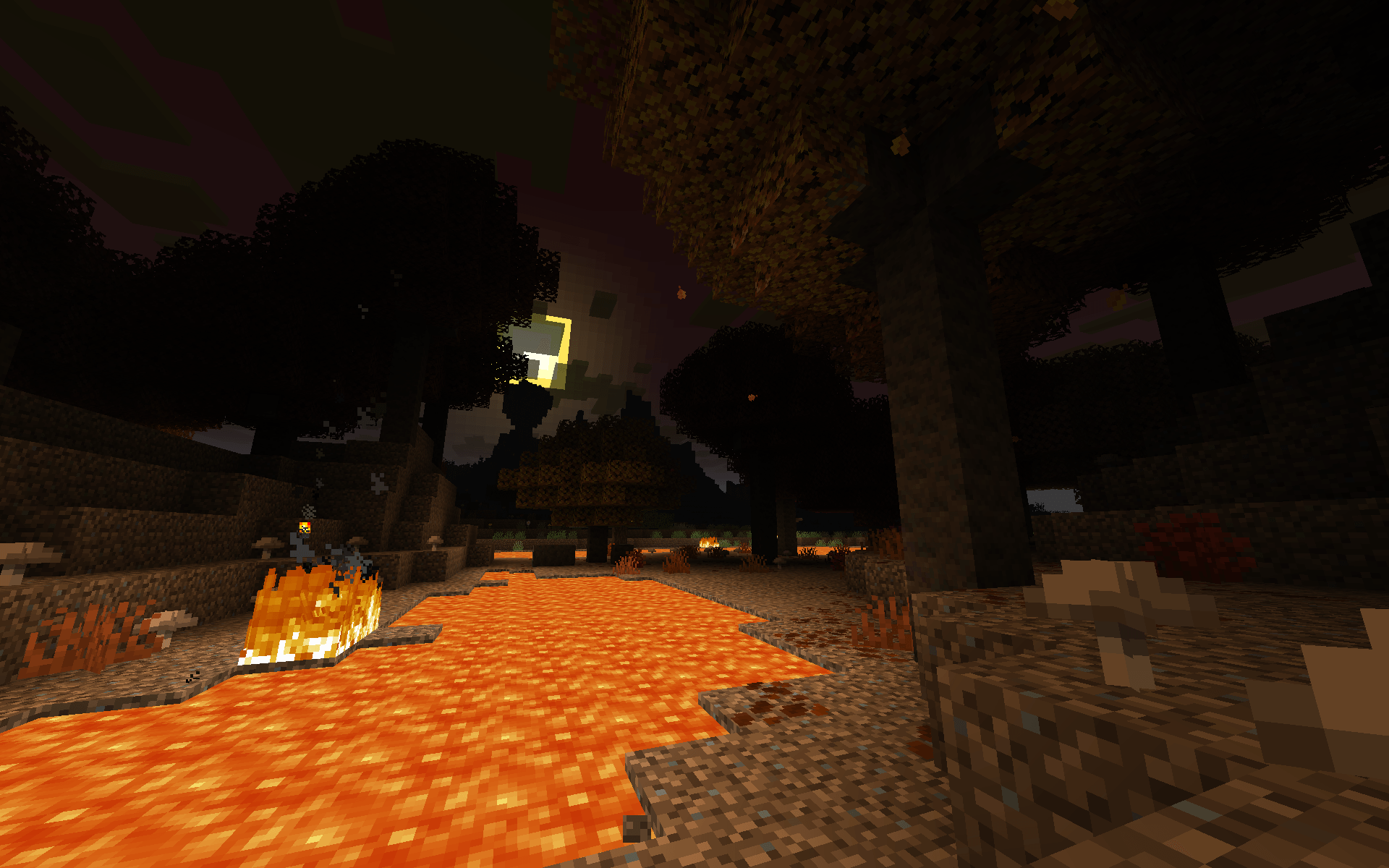
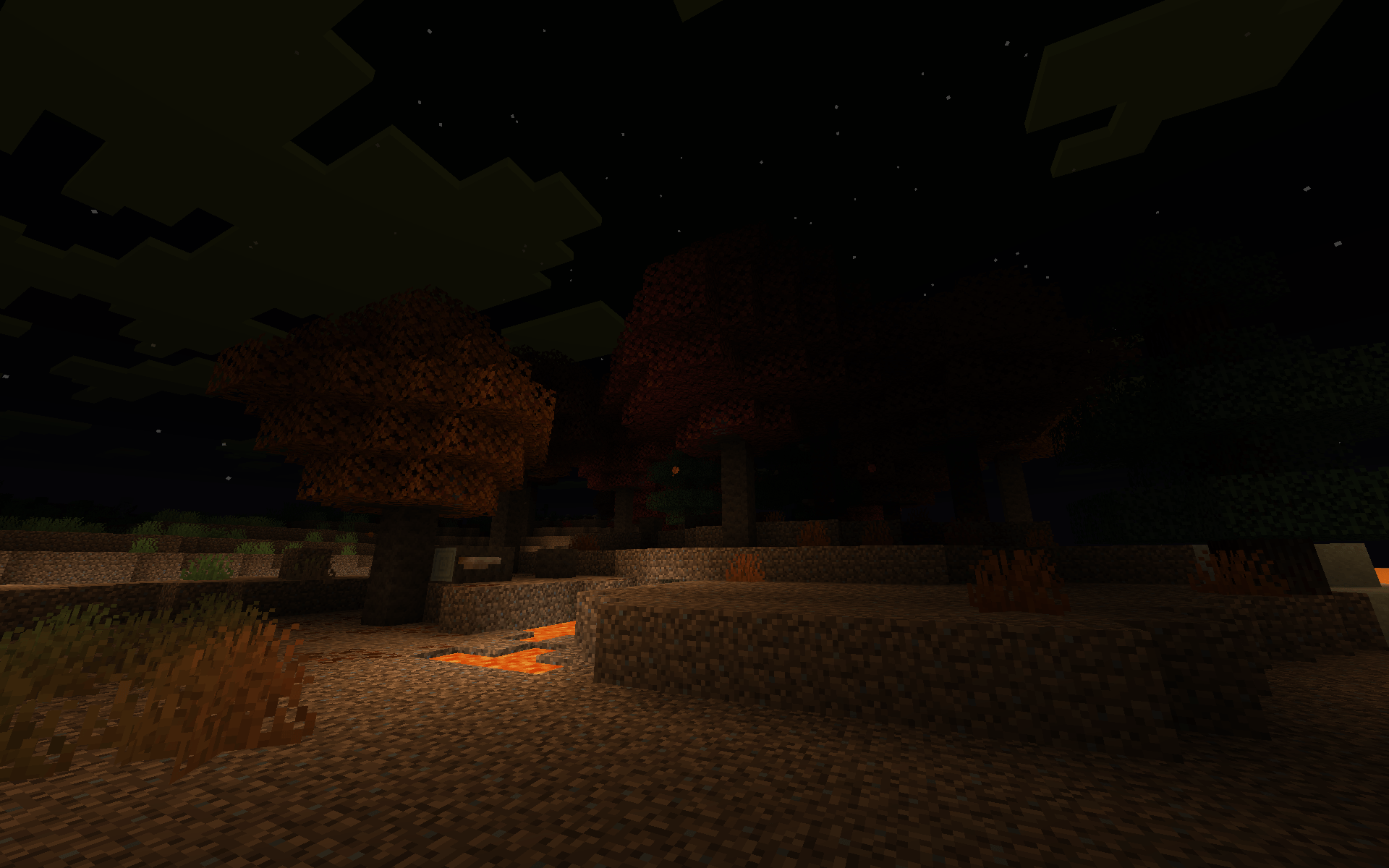
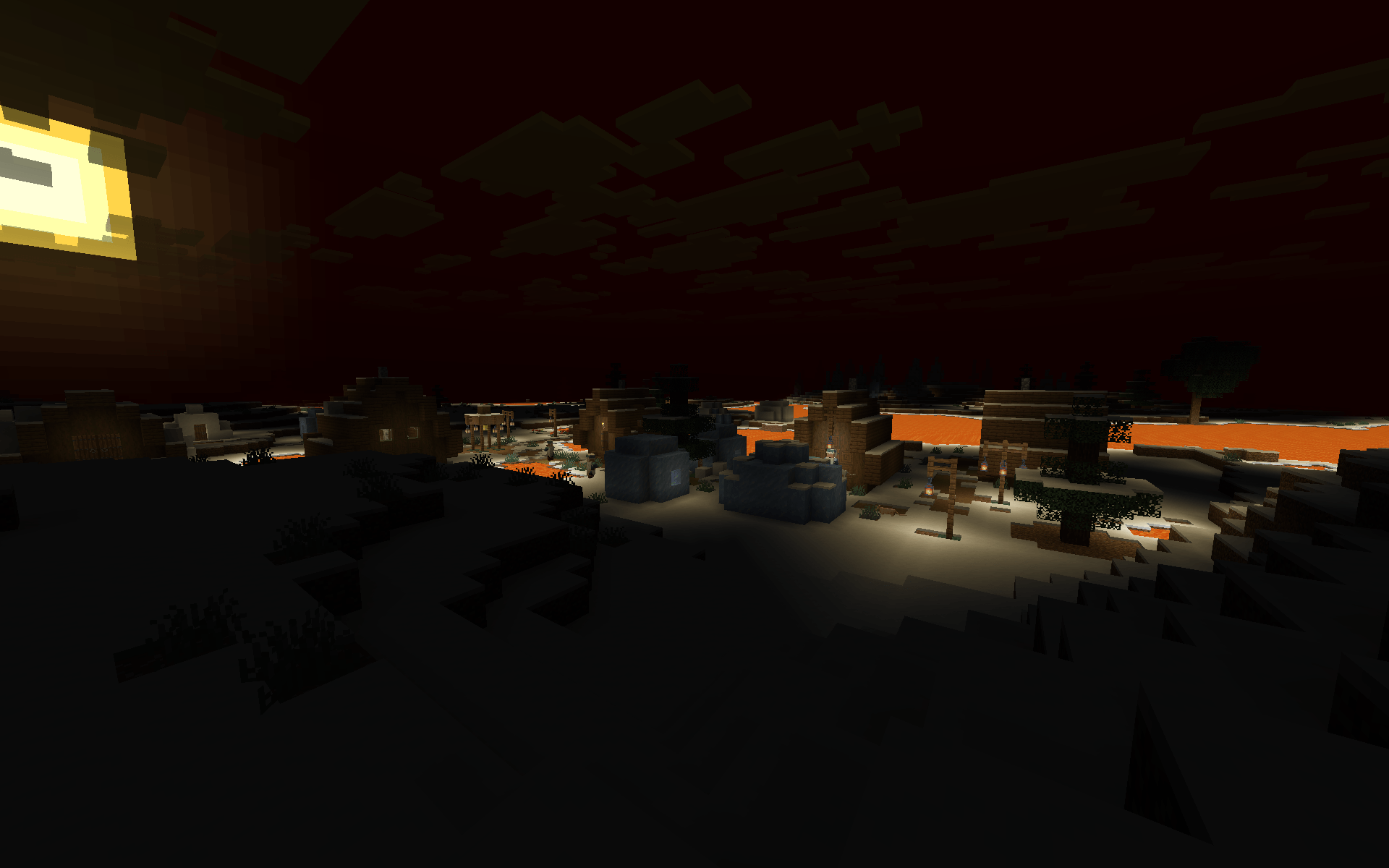
Modern world generation with lots of lava, enternal darkness, and gritty crimson sky. Almost like Indev's "Hell" map theme!
by asapacey2
Download Claim this project
33 downloads
0 likes
Updated Oct 14, 2026
0 hypes
Adventure Fantasy Miscellaneous
Advertisement Remove ads with Premium →

Cool image that said "Kinda Indev Hell"

Do you want more lava? in your game??? Do you want to not see anything!??? Do you want mobs spawning everywhere due to no lightnings??? are you like, an vampire? Do you want to live like an ARG protagonist going through their religious allagory arc??? Do you hate grass?!!!! Then this datapack is for you!!!

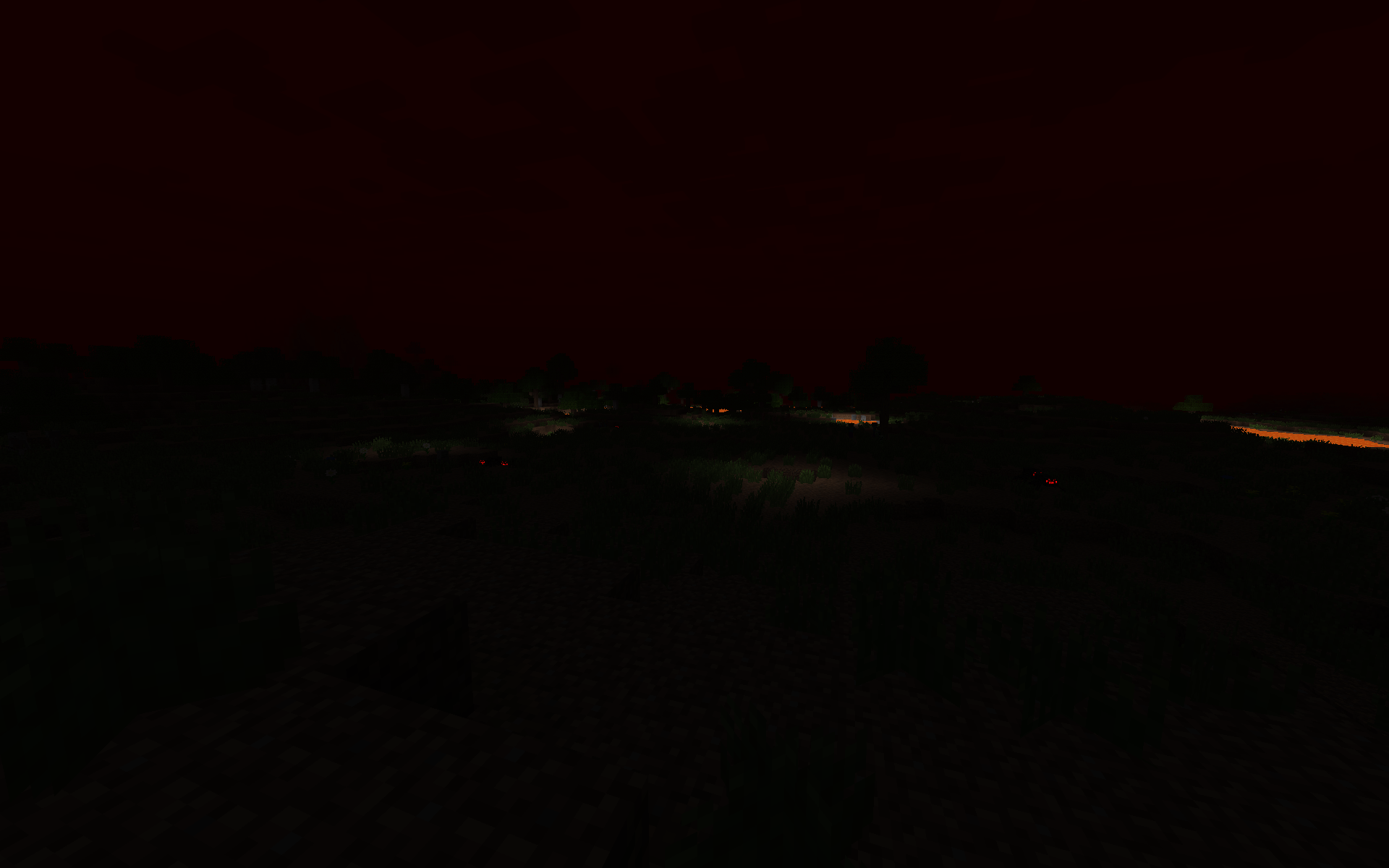
This datapack changes the noise setting of overworld to make it lava everywhere (almost, you can still find water in some odd places and structures). Ambient lights was also significantly lowered. Sky colours, fogs of moon/sun/other stuff, coloured dark red through dimension types and timelines. (Biomes was untouched so expect some funky sky in pale garden or sulface caves)

Incompatible with any datapack that changes overworlds' noise settings, dimension type (so probably 99% of world gen DP out there), and days timeline

Inspired by Indev's "Hell" map theme, and some youtube videos about it that i saw

Features:

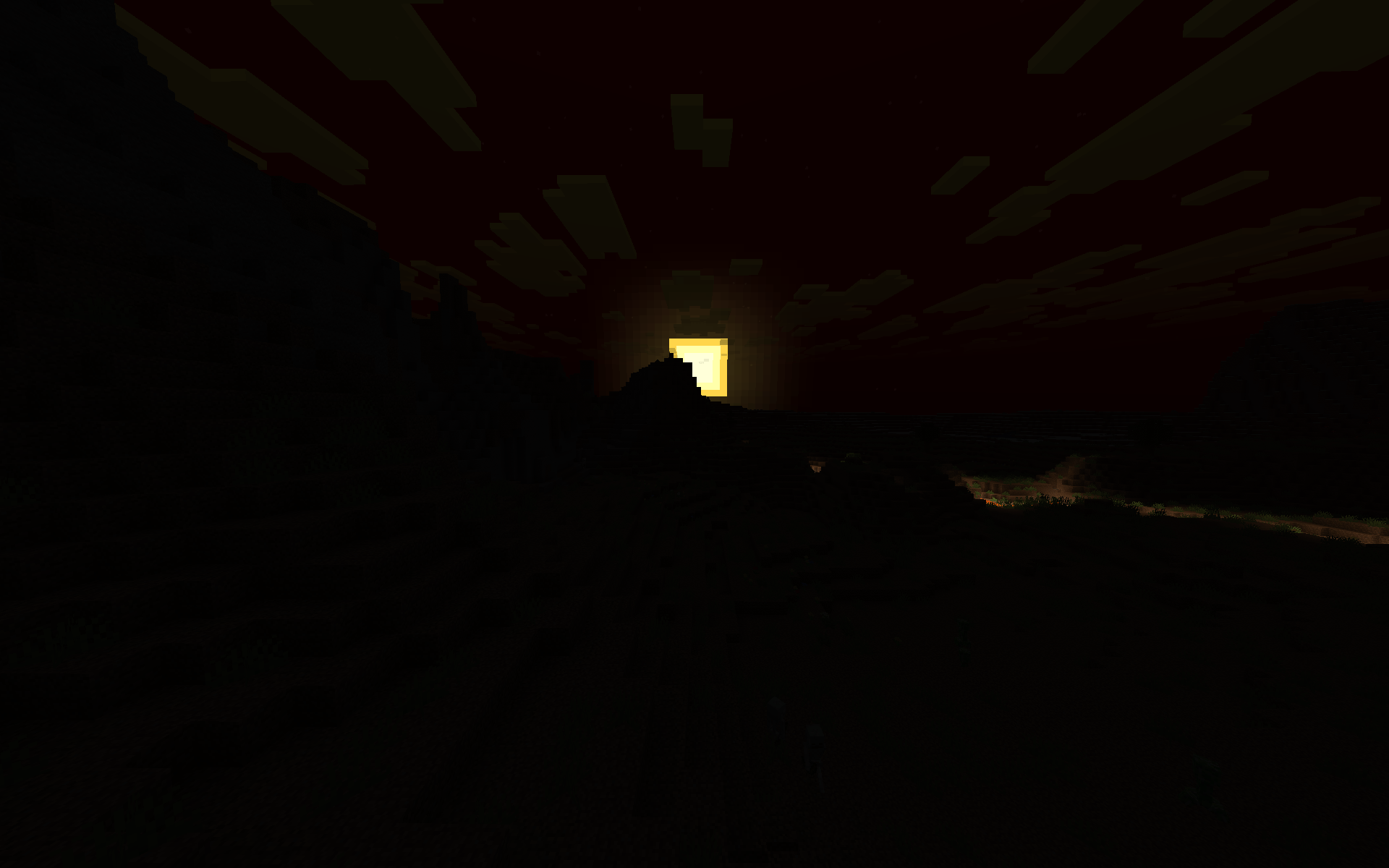
  • perpetual darkness
  • hostile mobs can spawn everywhere
  • lava lakes, lava ocean, lake rivers!!
  • caves are even flooded with lavas! good luck finding diamonds now!
  • some structures are not affected, somehow
  • dark and gritty crimson sky
  • you can see the sun, but you can't feel its warm.
  • there is no rain, or snow
  • occasional wildfire
  • grass is gone (26.3+)
kinda indev hell 26.3.zip
MC 26.3
Release 2026-09-18 Get
kinda indev hell 26.1.2-final
MC 26.1, 26.1.1, 26.1.2
Release 2026-09-08 Get
kinda indev hell 26.2-final
MC 26.2
Release 2026-09-08 Get

Requirements & install

How to use this data pack in Minecraft
Mods needed
None, works in vanilla
Minecraft
26.1 – 26.3
Install folder
saves/<world>/datapacks

How to install data packs

  1. Download the data pack .zip file (do not extract it).
  2. New world: click Data Packs on the world creation screen and drop the .zip in. Existing world: open .minecraft/saves/<world>/datapacks.
  3. Put the .zip into the datapacks folder of the world (servers: world/datapacks).
  4. Run /reload in game (or rejoin the world) and check it with /datapack list.
Browse more: Data Packs for 26.3 All data packs

More from asapacey2

Advertisement Remove ads with Premium →

You Might Also Like