Mineuniverse
Data Packs
Immersive Petroleum Alex's Caves Integration

Immersive Petroleum Alex's Caves Integration

DATA PACK
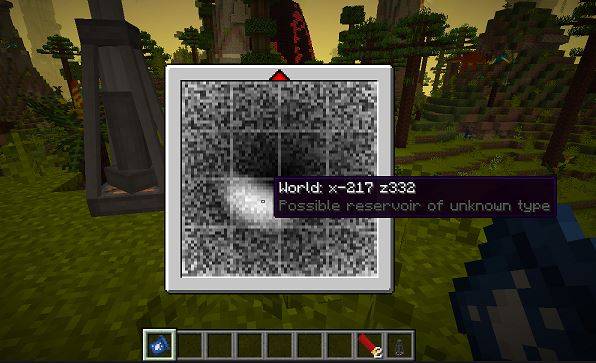
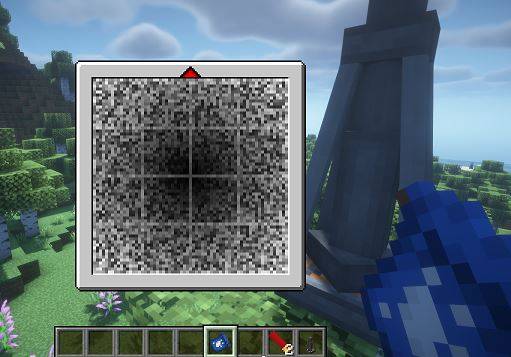
Adds Immersive Petroleum integration for Alex’s Caves, making oil reservoirs generate only in Primordial Caves instead of the Overworld.
by xTiesto18
Download Claim this project
Add a badge to your pageLink to Immersive Petroleum Alex's Caves Integration from a README, website or forum post.
Preview: Badge

Badges update automatically and link to the data pack page on MineUniverse.

149 downloads
0 likes
0 followers
Updated Oct 14, 2026
0 hypes
Follow0
Adventure Mod Support Utility
Advertisement Remove ads with Premium →

Alex's Caves - Immersive Petroleum Integration

This datapack integrates Immersive Petroleum with dimension-based setups for Alex’s Caves.

Instead of generating oil reservoirs across the Overworld and all cave biomes, petroleum deposits are now restricted exclusively to Primordial Caves, making exploration and oil extraction more immersive and balanced for modpacks using separate Alex’s Caves dimensions and custom portal systems.

Features

  • Restricts Immersive Petroleum reservoirs to Primordial Caves only
  • Prevents oil generation in the Overworld
  • Compatible with Forge 1.20.1
  • Lightweight datapack solution
  • Perfect for dimension-based Alex’s Caves setups
  • No coremod or Java edits required

Requirements

  • Minecraft Forge 1.20.1
  • Alex’s Caves
  • Immersive Petroleum

Recommended Use

Designed for modpacks and custom mods that separate Alex’s Caves biomes into dedicated dimensions using portals or custom world generation systems.

For a more immersive experience, this datapack works especially well with my mod:

Alex’s Caves Dimension Portals

which moves each Alex’s Caves biome into its own dedicated dimension through custom portals, making petroleum generate only inside the Primordial dimension.

PetroleumPrimordial.zip
MC 1.20.1
Release 2026-05-29 Get

Requirements & install

How to use this data pack in Minecraft
Mods needed
None, works in vanilla
Minecraft
1.20.1
Install folder
saves/<world>/datapacks

How to install data packs

  1. Download the data pack .zip file (do not extract it).
  2. New world: click Data Packs on the world creation screen and drop the .zip in. Existing world: open .minecraft/saves/<world>/datapacks.
  3. Put the .zip into the datapacks folder of the world (servers: world/datapacks).
  4. Run /reload in game (or rejoin the world) and check it with /datapack list.
Browse more: Data Packs for 1.20.1 All data packs

More from xTiesto18

Advertisement Remove ads with Premium →

You Might Also Like