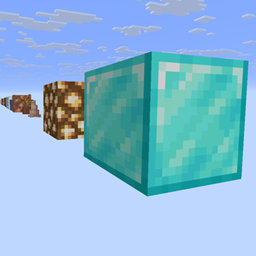
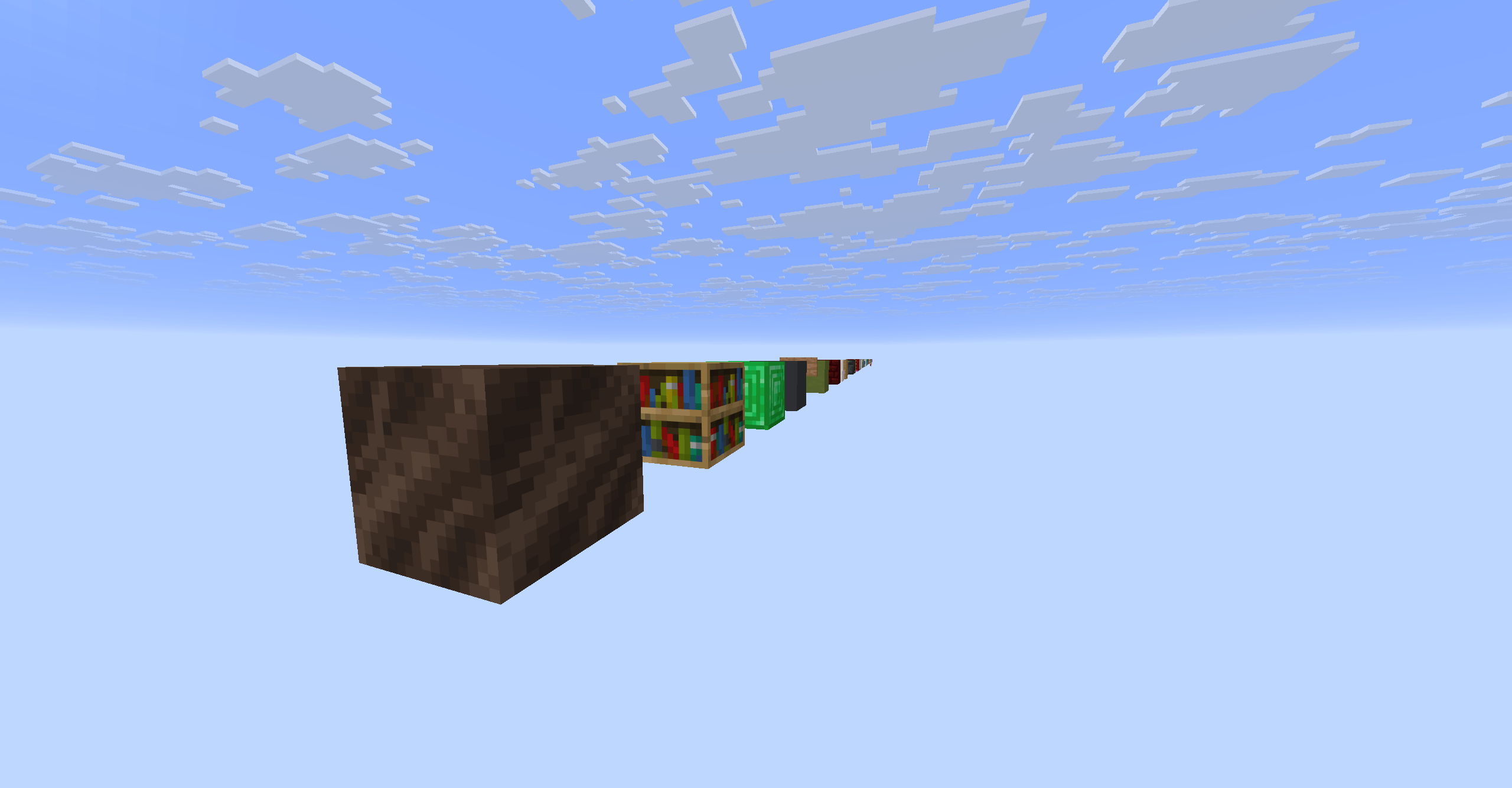
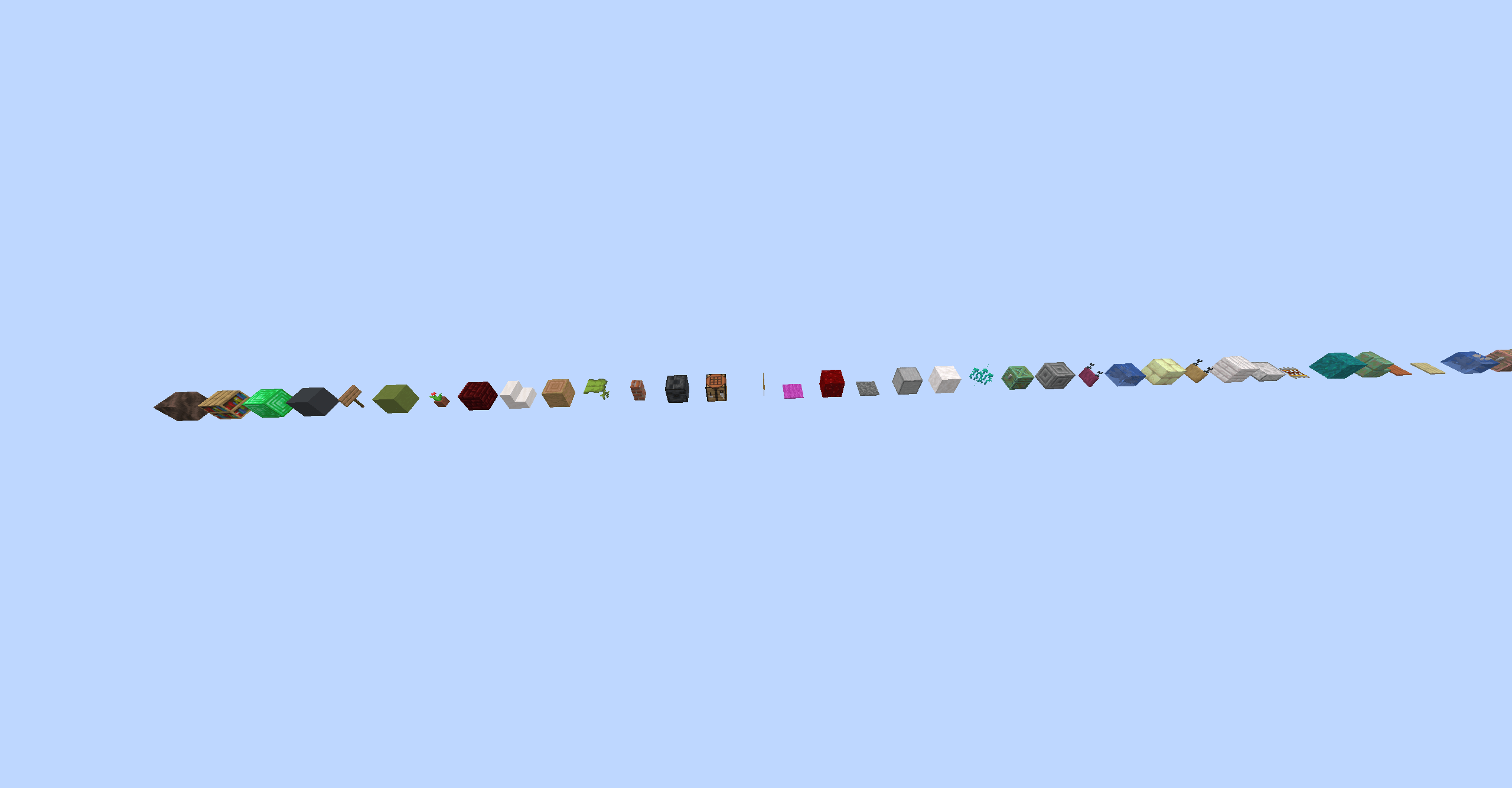
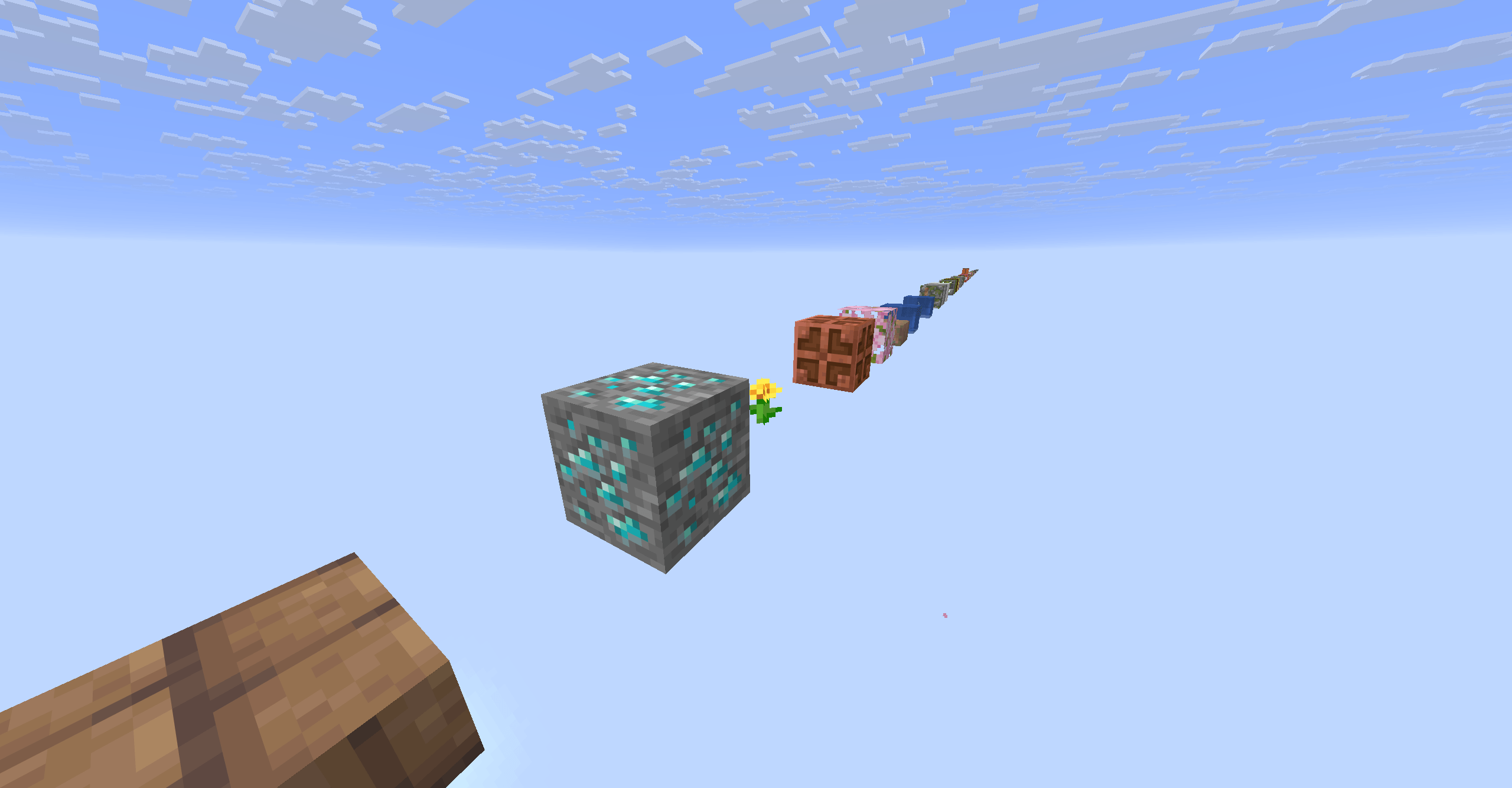
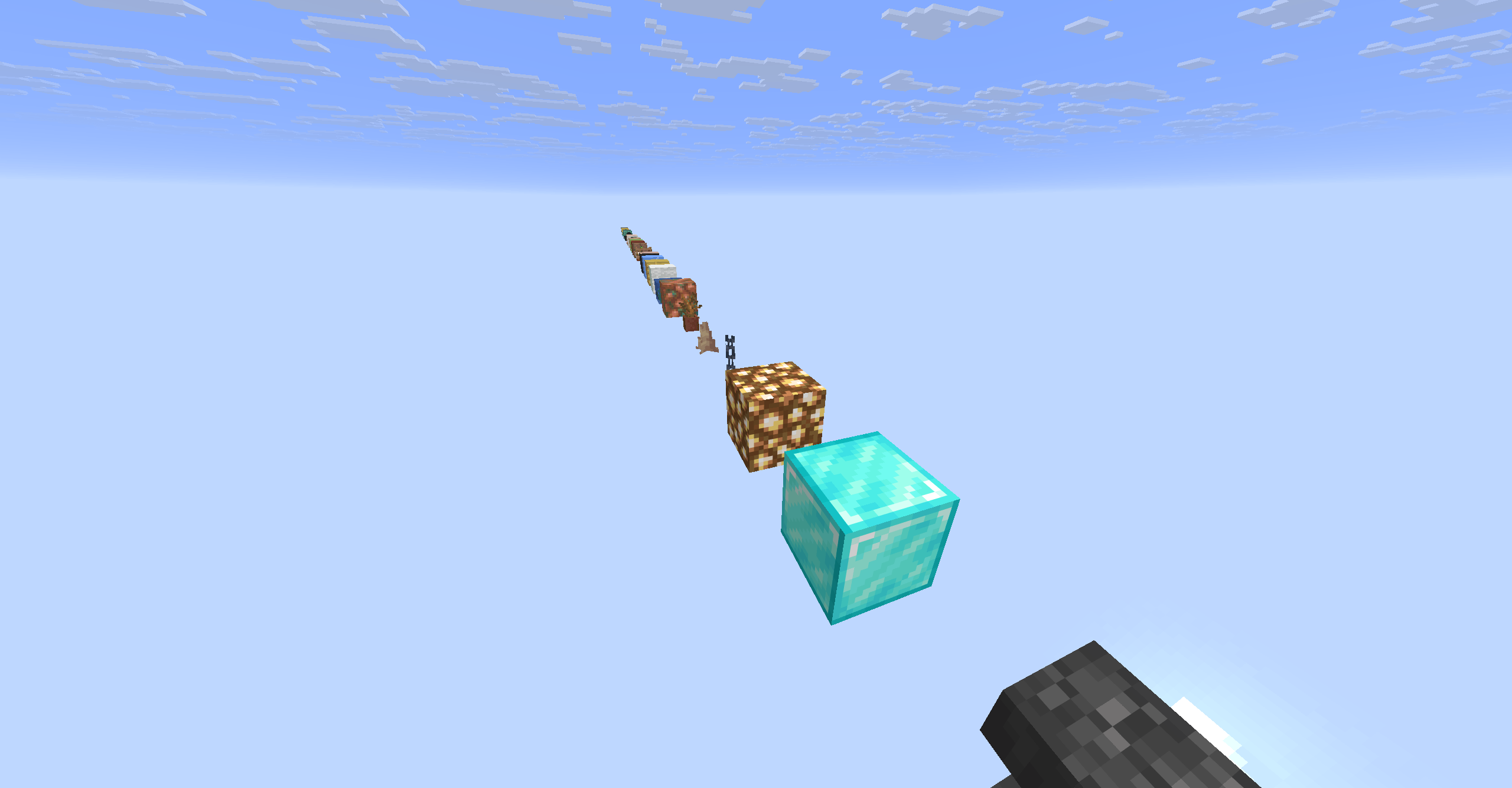
GridBlock drops you onto a single soul-soil block floating in an endless void, with a line of blocks running forward into the distance -> one block, one gap, forever.
Infinite & deterministic: the block at every position is a pure function of its coordinates and the world seed, so the line is identical every time you load, yet different in every world.
Self-repairing: break any block and the exact same one reappears next tick. Perfect for an endless one-block-style challenge.
1072 blocks: the palette is pulled straight from the game's own block registry, so you get the full spread of blocks, not a hand-picked handful.
Falling block: sand, gravel, anvils and the like are placed so they levitate instead of dropping into the void.
Datapack only: no mods. Works in single-player and on servers.
Two gap distances: 1 block and 2 block gap between blocks.
Setup: enable the pack when creating a new world. With this pack active you'll get an empty void automatically. The line begins at spawn and extends as you travel.
Made for Minecraft Java 26.2 (pack format 107).
New world: create a new world, open More -> Data Packs, drag gridblock.zip onto the window, move it to the Selected column, then create the world. You spawn on the soul-soil block with the line running forward.
Existing world: open the world folder (Edit -> Open World Folder), drop gridblock.zip into the datapacks folder, and run /reload in-game. Only builds correctly in a void world.
Server: put gridblock.zip in world/datapacks and run /reload.