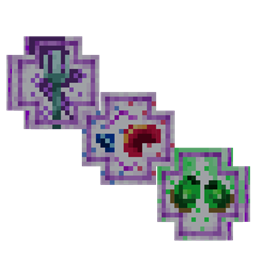
Unzip the folder to get the Datapack and Resourcepack Seperated. These don't need to be unzipped.
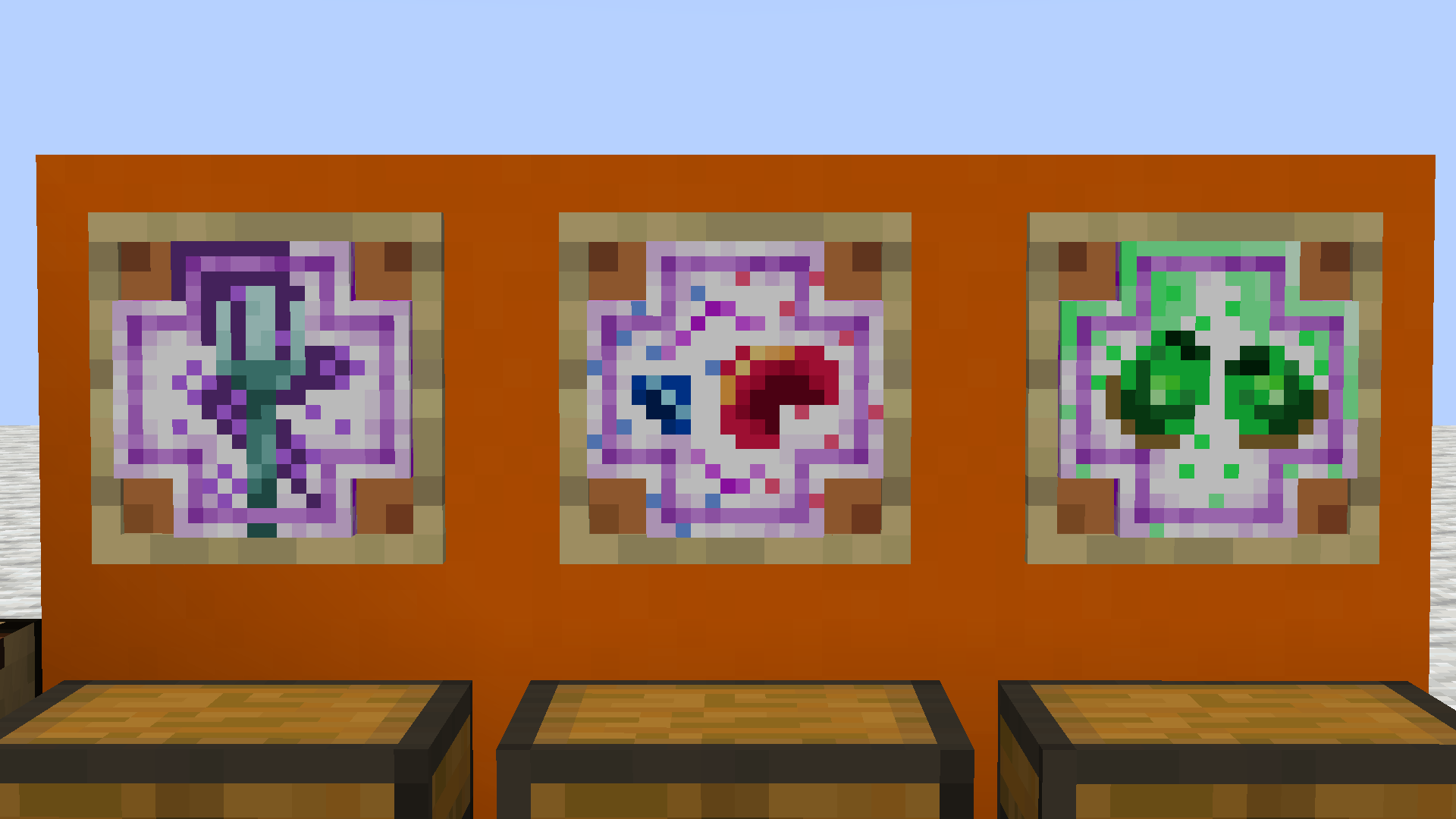
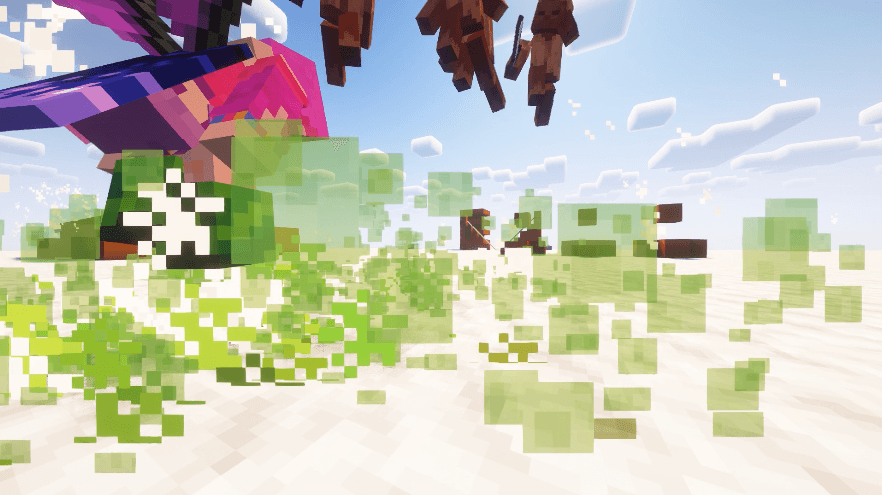
The Godweapons Data and Resourcepack add 3 cool new weapons to your Minecraft game to play around with.
These end game items allow for new ways to play and expirience the game.
Craft a token and consume it to aquire a Godweapon. Then type '/trigger Godweapons' to get a list of the weapons you own. Open the chat and click on the weapon you want and it pops right into your inventory!
You can also get the token back by typing '/trigger Trade_GW' which pops up a similar menu. This time it shows how many of each weapon you own. By clicking on the option you want and clicking 'confirm' one Godweapon will be removed and its Token pops right back into your inventory.
For further customisation you can use the '/function config:' commands These are only available if you have commands enabled or are OP on a server.
toggle_crafting: allows you to switch the crafting of Tokens on and off
toggle_consuming: allows you to switch the consuming of Tokens on and off
giveallweapons: gives the selector of the command (@s) all available Godweapons
clearallweapons: removes all Godweapons from the selector of the command (@s)
clearallglobalweapons: removes the Godweapons from every player