Mineuniverse
Data Packs
Frosthaven - Villages

Frosthaven - Villages

DATA PACK
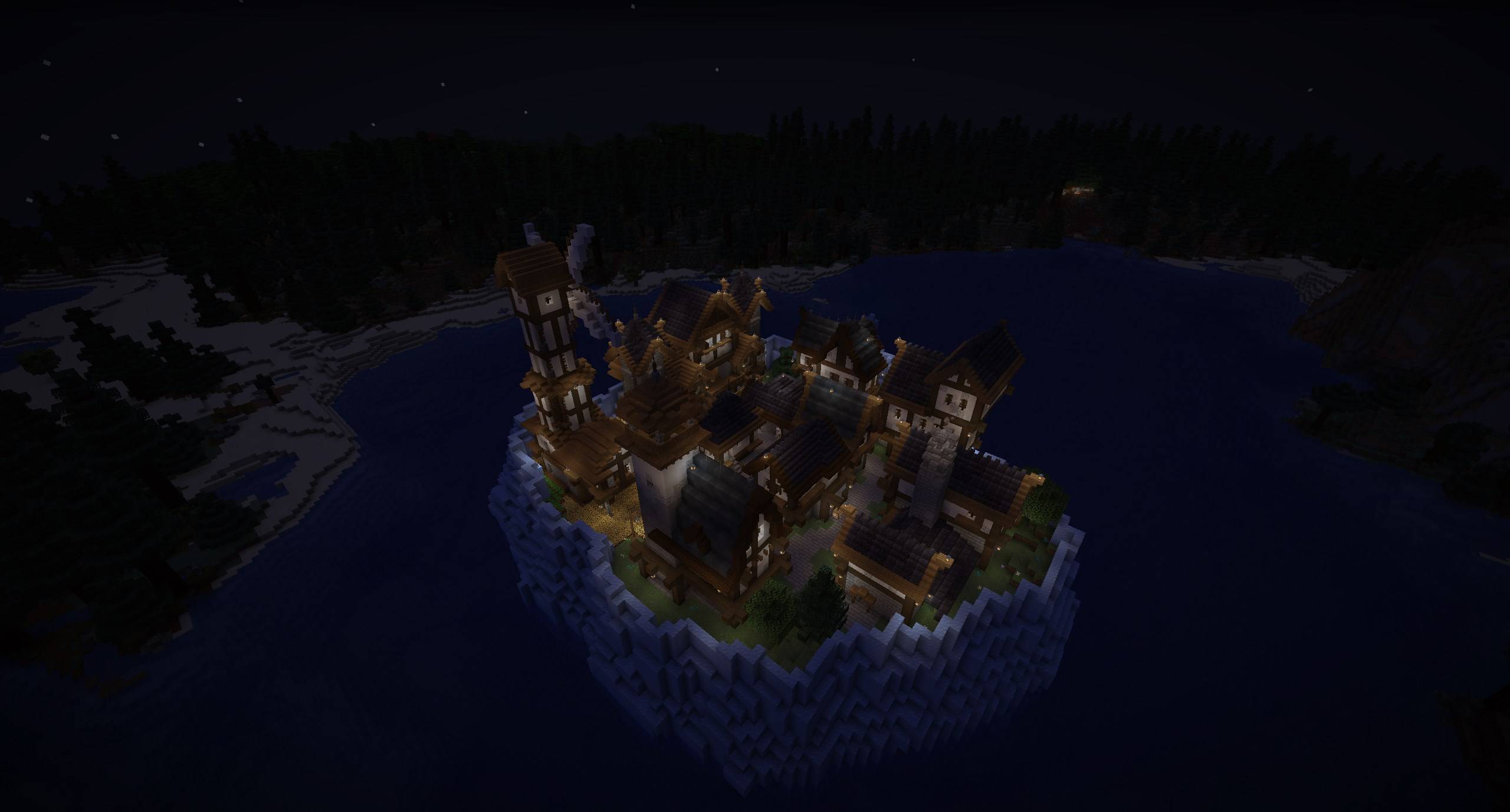
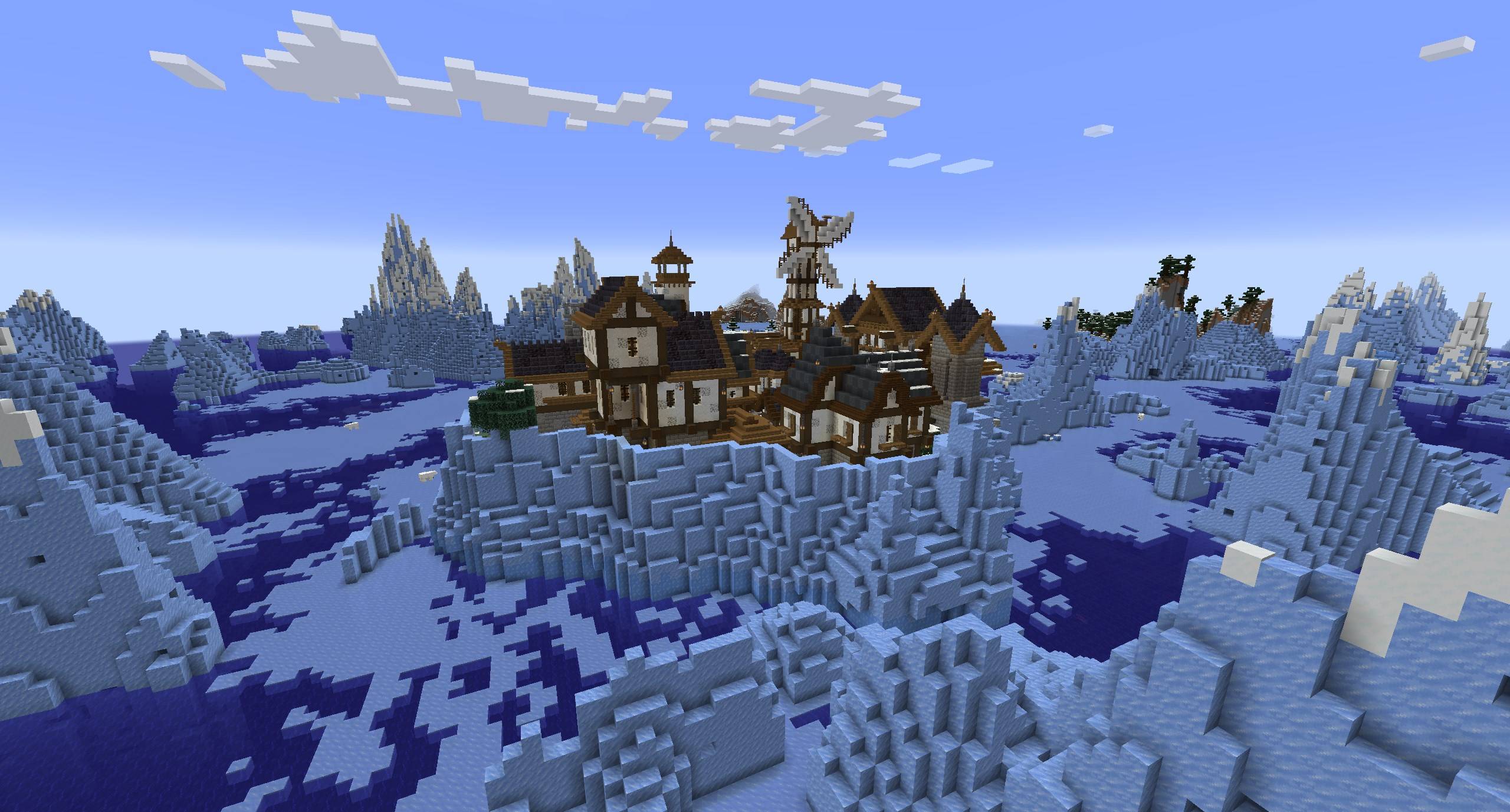
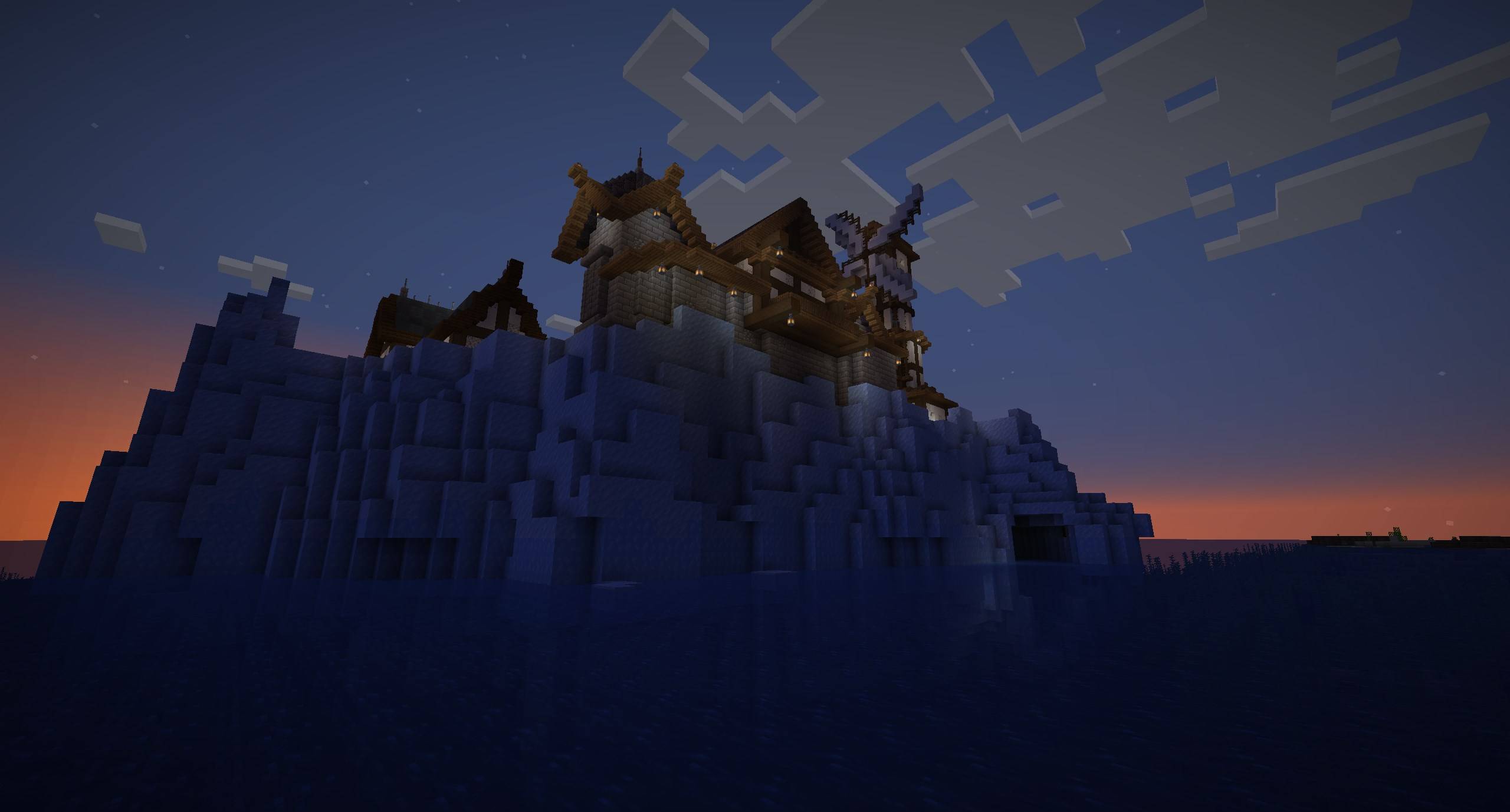
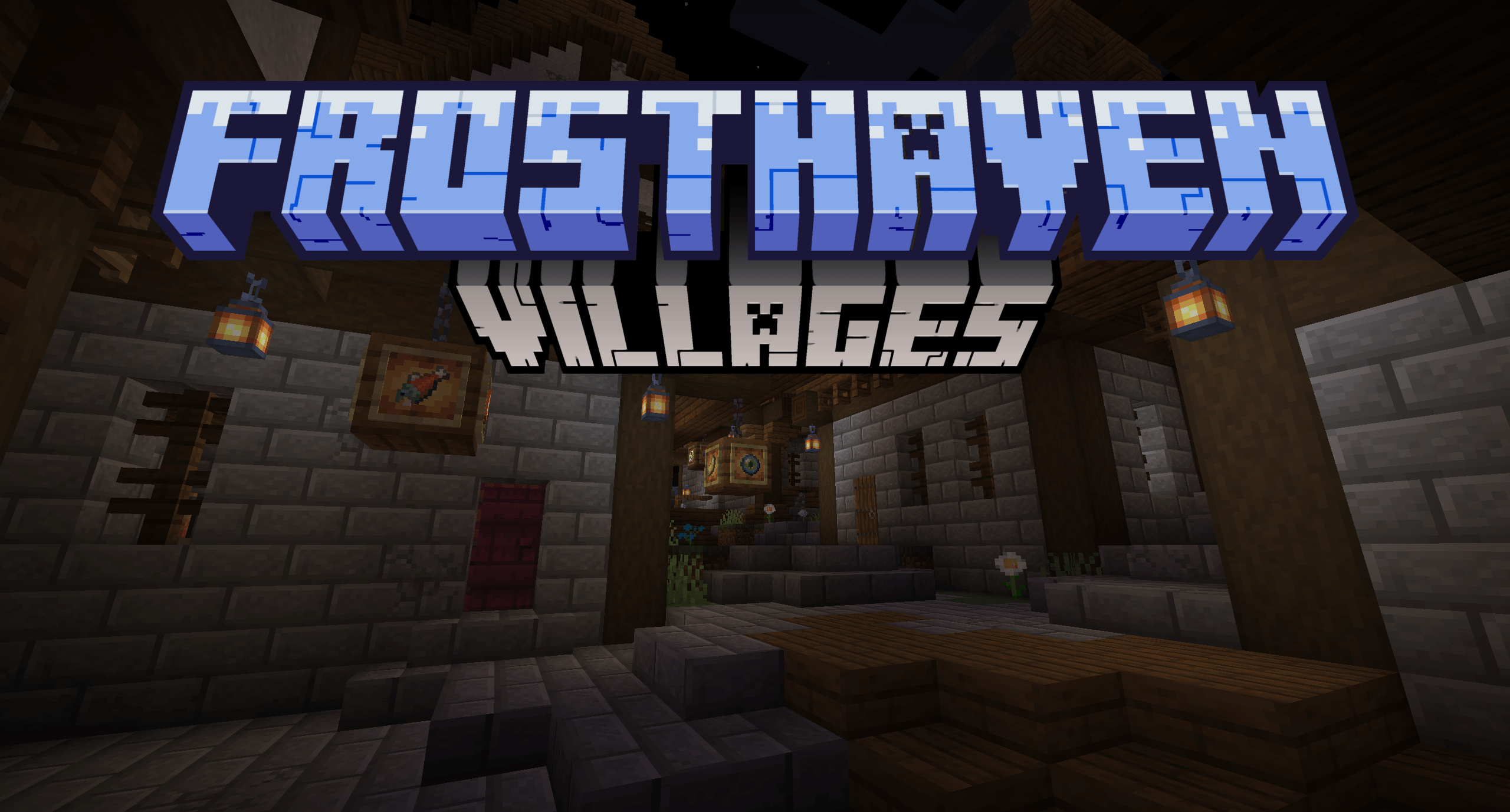
This datapack adds a village floating in the ocean, offering a safe haven for travelers and traders. But beware — rumors speak of dangerous secrets hidden deep within the iceberg.
by BuFFed
Download Claim this project
17,726 downloads
0 likes
0 followers
Updated Oct 14, 2026
0 hypes
Follow0
Adventure
Advertisement Remove ads with Premium →

This datapack adds a unique ocean village to world generation, designed to spawn in the following biomes:

  • Cold Ocean
  • Frozen Ocean
  • Deep Cold Ocean
  • Deep Frozen Ocean
  • Deep Ocean

The upper city is fully mob-proof and safe for both players and villagers. Villagers cannot access the tunnel entrance - the only path in or out - which keeps them safely contained. Hidden within the iceberg are underground sections, accessible through secret entrances waiting to be discovered.

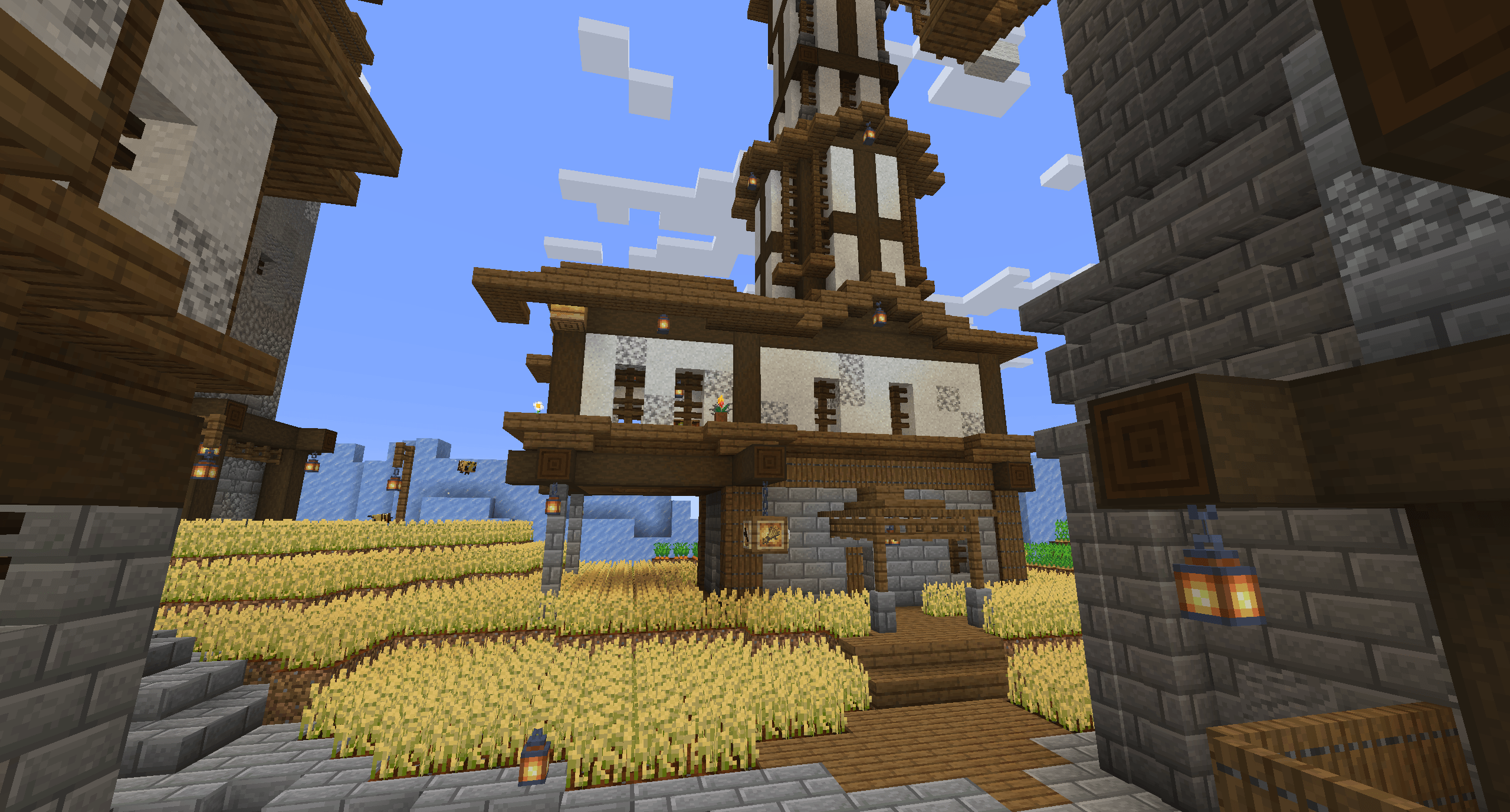
Every workstation is represented in the village, and there’s at least one villager for each profession (unless nitwits or children happen to spawn instead). This ensures a complete set of trades from your very first visit.

Thank you for playing my datapack, enjoy exploring Frosthaven and uncovering its secrets!


Known issues:

  • One redstone door sometimes breaks during world generation, probably due to chunkborders
  • Only in 1.20.x: the world generation waterlogs blocks that arent supposed to be waterlogged.
Frosthaven 1.0.3
MC 1.20.2, 1.21.2-Snapshot, 1.21, 1.21.6-snapshot, 1.20.5, 1.21.5, 1.20.2-Snapshot, 1.20.5-Snapshot, 1.21.1-Snapshot, 1.21.4, 1.21.5-Snapshot, 1.20.3-Snapshot, 1.20.3, 1.20.6, 1.20.4
Release 2025-06-01 Get
Frosthaven 1.0.2
MC 1.21.2-Snapshot, 1.21, 1.21.5, 1.21.1-Snapshot, 1.21.4, 1.21.5-Snapshot, 1.21-Snapshot, 1.21.3, 1.21.1, 1.21.4-Snapshot, 1.21.2
Release 2025-05-19 Get
Frosthaven
MC 1.21.5, 1.21.5-Snapshot
Release 2025-05-18 Get

Requirements & install

How to use this data pack in Minecraft
Mods needed
None, works in vanilla
Minecraft
1.21.2-Snapshot – 1.21.6-snapshot
Install folder
saves/<world>/datapacks

How to install data packs

  1. Download the data pack .zip file (do not extract it).
  2. New world: click Data Packs on the world creation screen and drop the .zip in. Existing world: open .minecraft/saves/<world>/datapacks.
  3. Put the .zip into the datapacks folder of the world (servers: world/datapacks).
  4. Run /reload in game (or rejoin the world) and check it with /datapack list.
Browse more: Data Packs for 1.21.6-snapshot All data packs

More from BuFFed

Advertisement Remove ads with Premium →

You Might Also Like