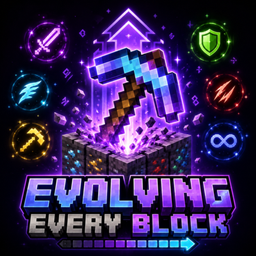
Evolving Every Block is a Minecraft Java Data Pack that makes mining more rewarding and chaotic.
Every time you mine a block using a Pickaxe, Axe, Shovel, or Hoe, the tool in your hand receives a random enchantment upgrade.
Features
- Every mined block gives one random enchantment upgrade.
- Includes all 42 vanilla enchantments.
- Enchantments can reach up to Level 255.
- Supports Pickaxes, Axes, Shovels, and Hoes.
- Works with Wooden, Stone, Iron, Golden, Diamond, and Netherite tools.
- Upgrades become stronger as you mine more blocks.
- Compatible with Minecraft Java Edition 1.21.8.
- Works as a Data Pack and can be used with Forge.
Progression
- 1–99 blocks: +1 enchantment level
- 100–299 blocks: +2 levels
- 300–699 blocks: +3 levels
- 700–1499 blocks: +5 levels
- 1500+ blocks: +10 levels
Because all vanilla enchantments are included, you can get unusual and extremely overpowered combinations that are normally impossible in vanilla Minecraft.
Installation
- Download the ZIP file.
- Place it inside your world's
datapacks folder.
- Enter the world and run
/reload.
- Start mining and watch your tool evolve!
Minecraft Java Edition 1.21.8