



Mineuniverse
Data Packs
Evolved Creepers  (Datapack)

Evolved Creepers (Datapack)

DATA PACK
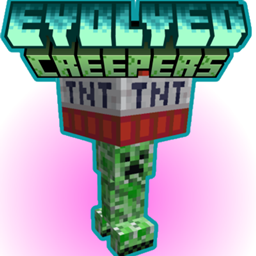
Evolved Creepers Public A Configurable Mod/Datapack that adds Evolved Creepers! both Normal and Chargeed, Spawn Rate Adjustable.
by PizzaEight
Download Claim this project
8 downloads
0 likes
Updated Oct 14, 2026
0 hypes
Adventure Miscellaneous
Advertisement Remove ads with Premium →

About

A Configurable Mod/Datapack that adds Evolved Creepers! both Normal and Chargeed, Spawn Rate Adjustable. It's Server Side only so you can add it to your world, or Server and it will just work

Features

Evolved Creepers 🧬

A configurable percentage of Creepers will now spawn as Evolved.

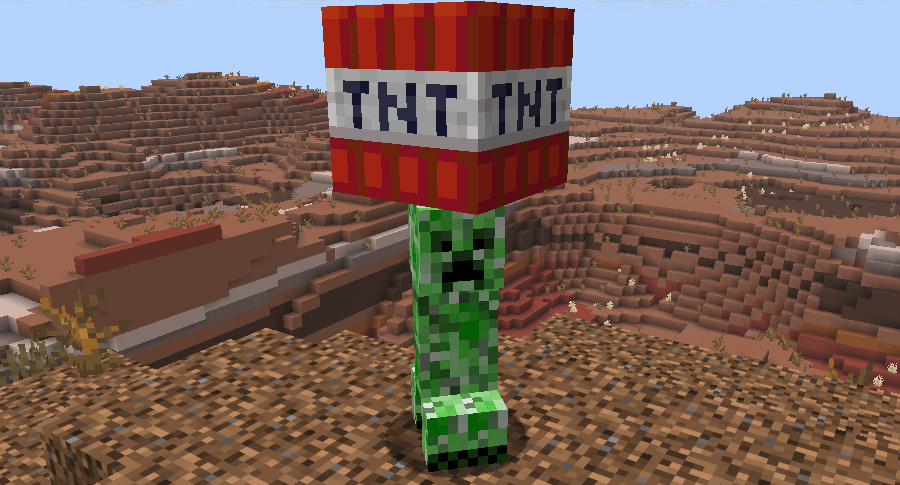
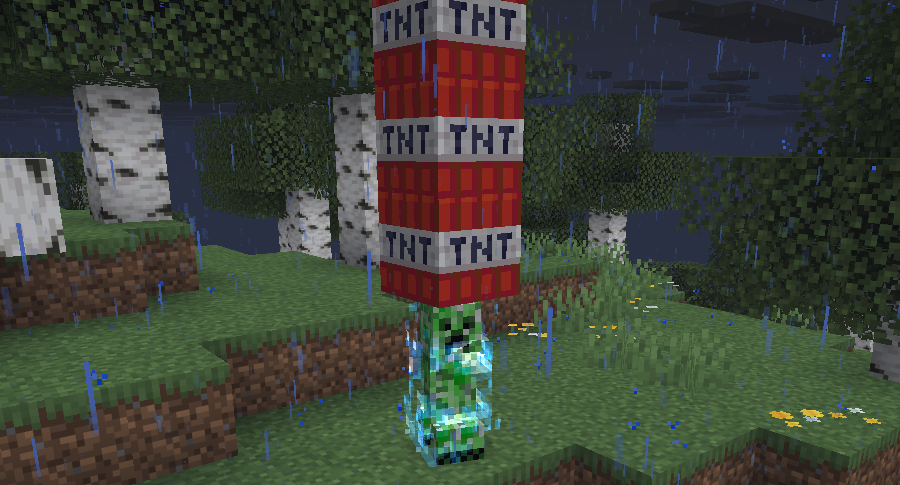
These Evolved Creepers carry a block of TNT and won't hesitate to throw it at a nearby player or when dying

After they have thrown it they can only gain another one after about 1 minute has passed
Evolved Charged Creepers ⚡️

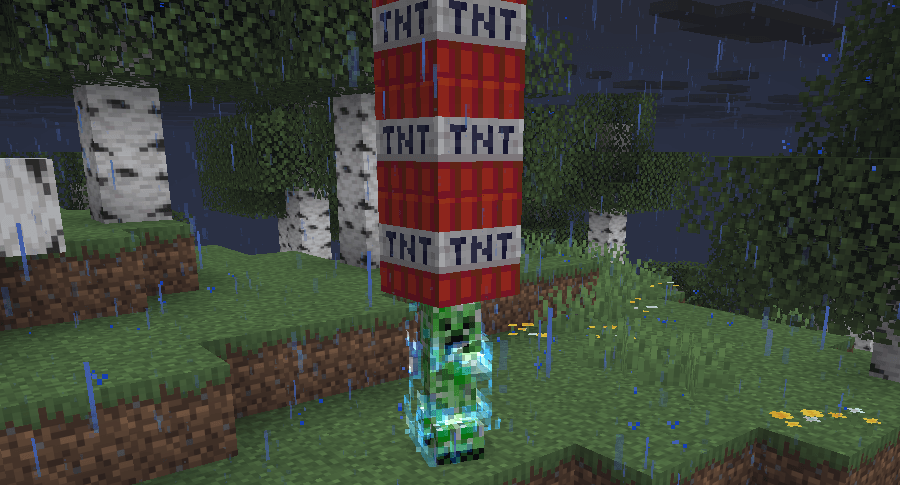
Evolved Charged Creeper

Evolved Charged Creepers can be seen when a Lightning Bolt strucks an Evolved Creeper

They carry 4 blocks of TNT throwing them in rapid succession at players or when dying

They will also regain them after 1 minute

Configeration ⚙️

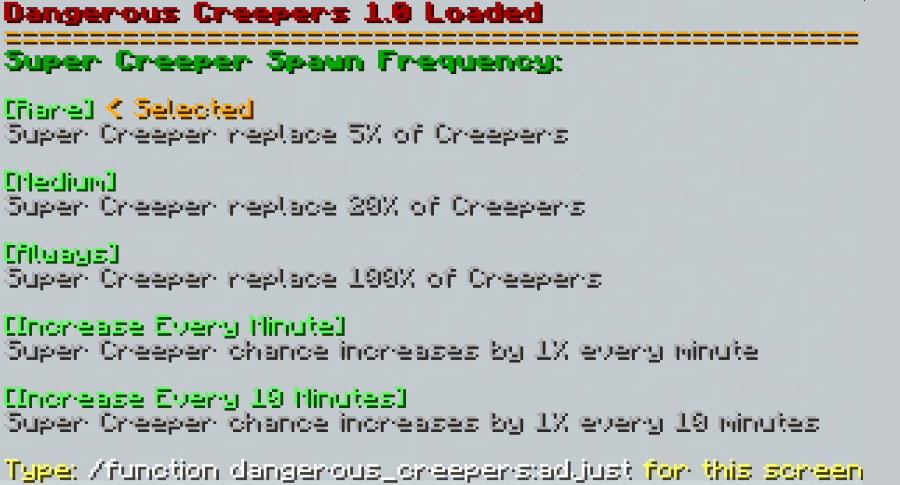
Spawn Rates of Evolved Creepers have 5 Options:

Rare

Evolved Creeper replace 5% of Creepers

Medium

Evolved Creeper replace 20% of Creepers

Always

Evolved Creeper replace 100% of Creepers

Increase Every Minute

Evolved Creeper chance increases by 1% every minute, At 50% Evolved Charged Creepers will start spawning Their chance also increasing by 1% every minute

Increase Every 10 Minutes

Evolved Creeper chance increases by 1% every 10 minutes, At 50% Evolved Charged Creepers will start spawning Their chance also increasing by 1% every 10 minutes

That screen can be accessed by typing: /function dangerous_creepers:adjust
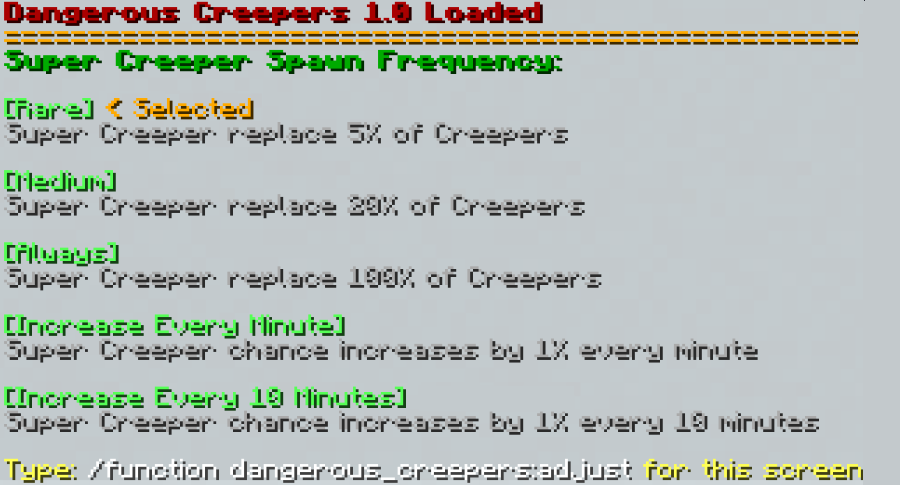
Configuration screen showing Evolved Creepers spawn-rate options

Evolved Creepers [26.3+]
MC 26.3
Release 2026-09-27 Get

Requirements & install

How to use this data pack in Minecraft
Mods needed
None, works in vanilla
Minecraft
26.3
Install folder
saves/<world>/datapacks

How to install data packs

  1. Download the data pack .zip file (do not extract it).
  2. New world: click Data Packs on the world creation screen and drop the .zip in. Existing world: open .minecraft/saves/<world>/datapacks.
  3. Put the .zip into the datapacks folder of the world (servers: world/datapacks).
  4. Run /reload in game (or rejoin the world) and check it with /datapack list.
Browse more: Data Packs for 26.3 All data packs

More from PizzaEight

Advertisement Remove ads with Premium →

You Might Also Like