Badges update automatically and link to the data pack page on MineUniverse.
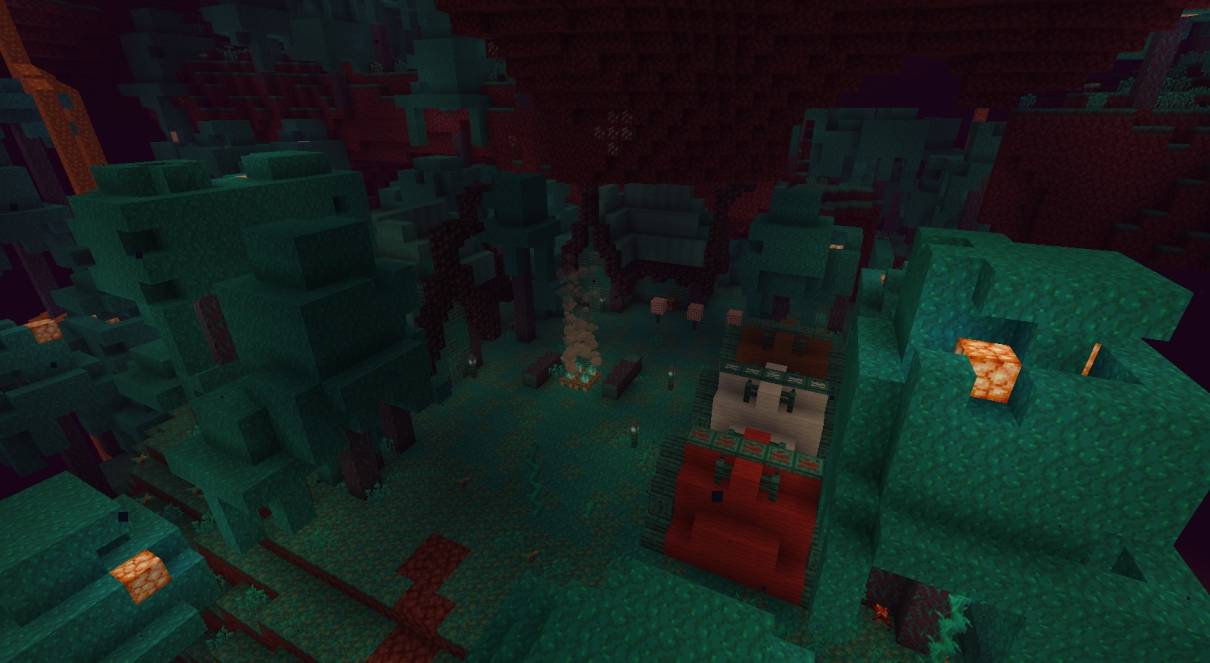
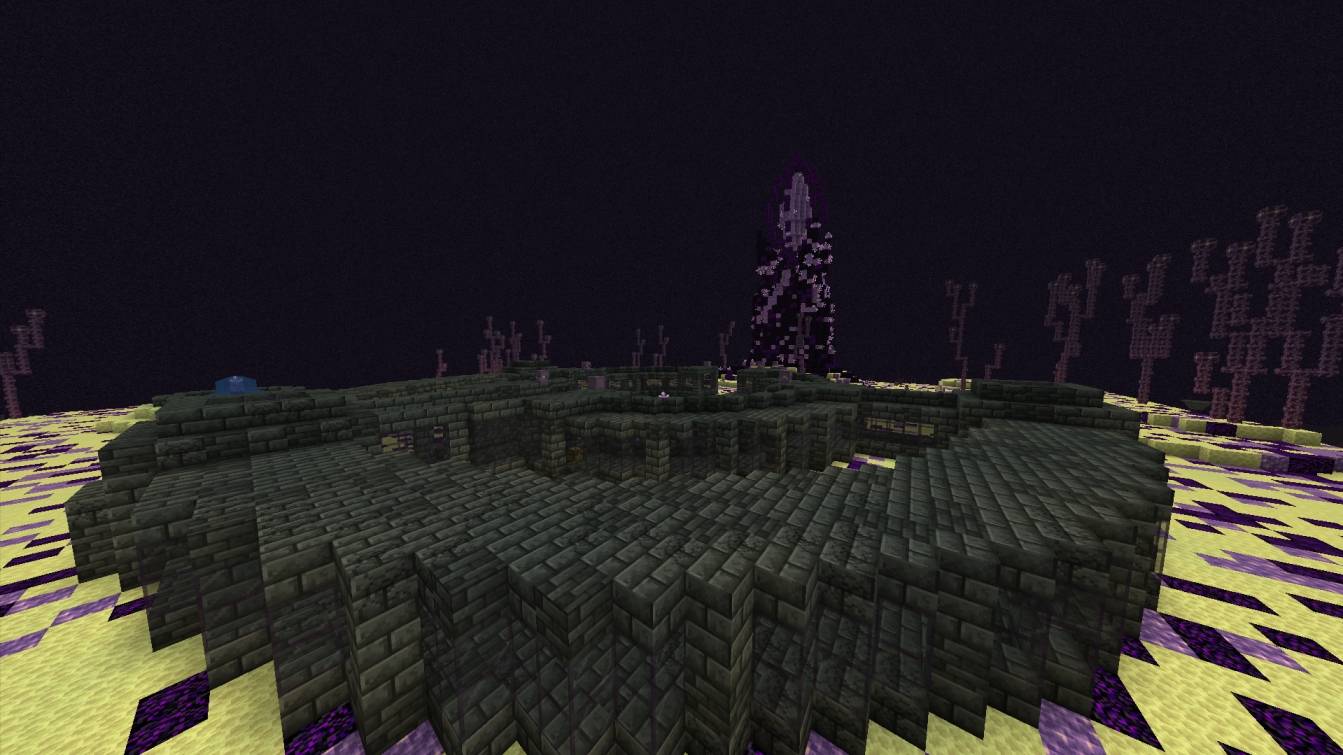
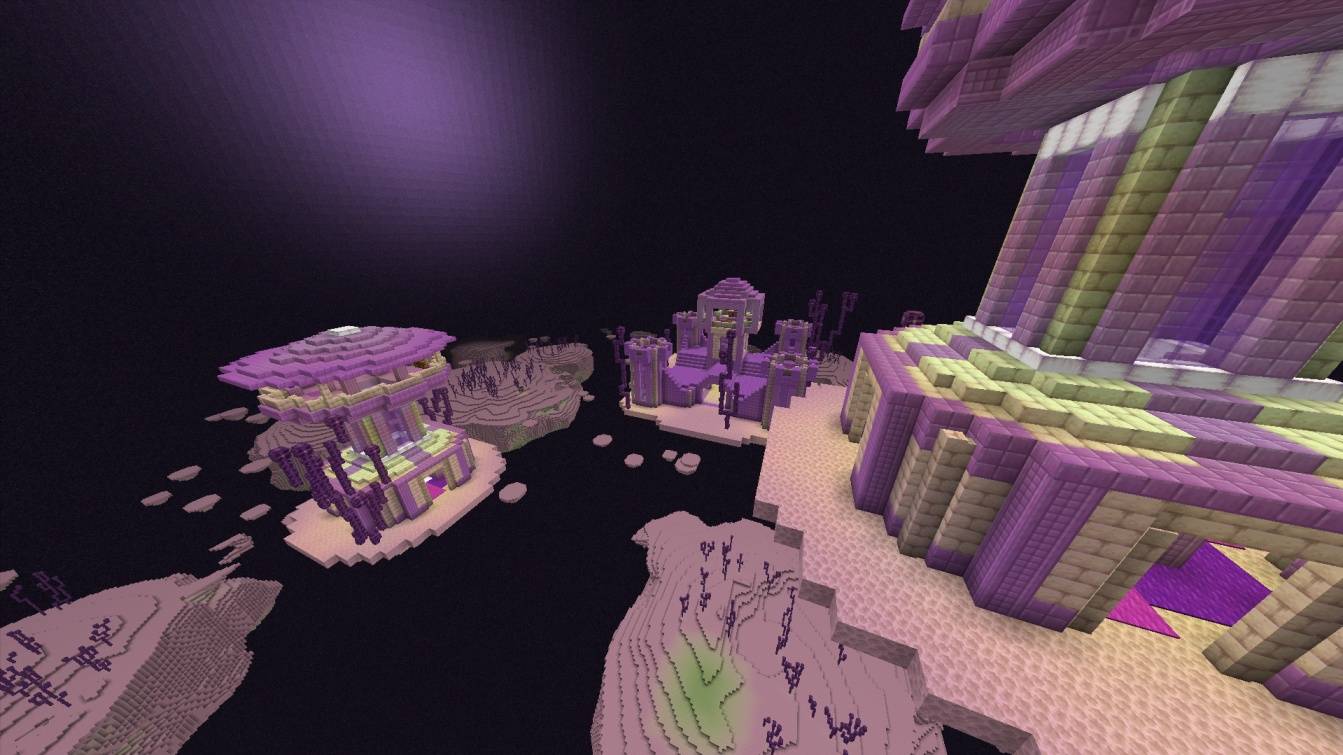
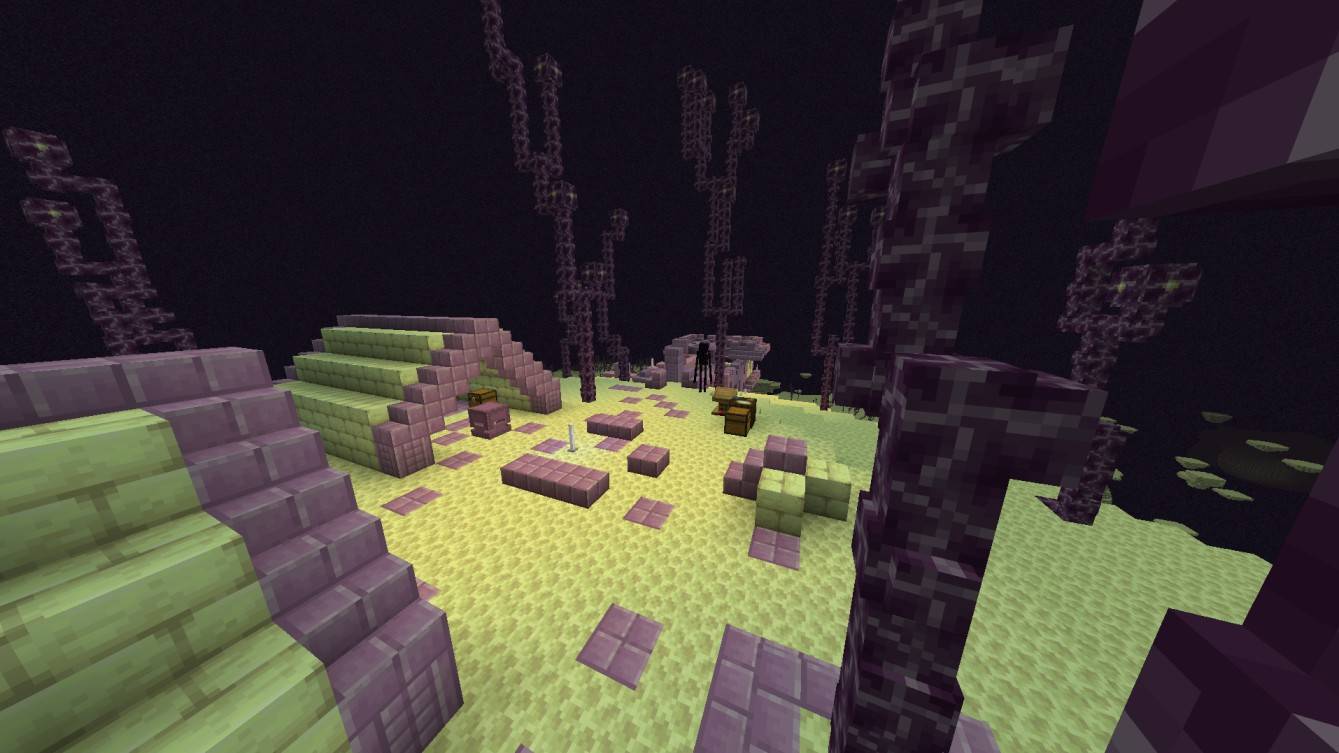
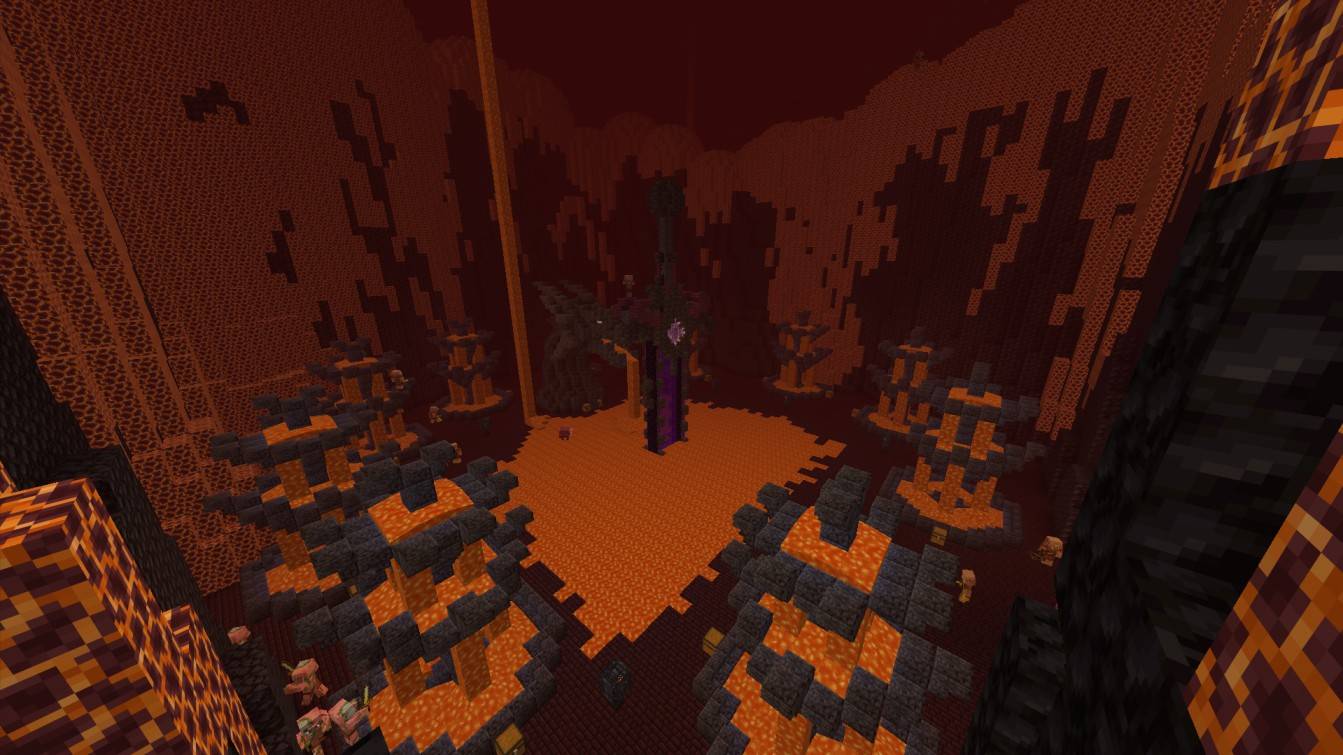
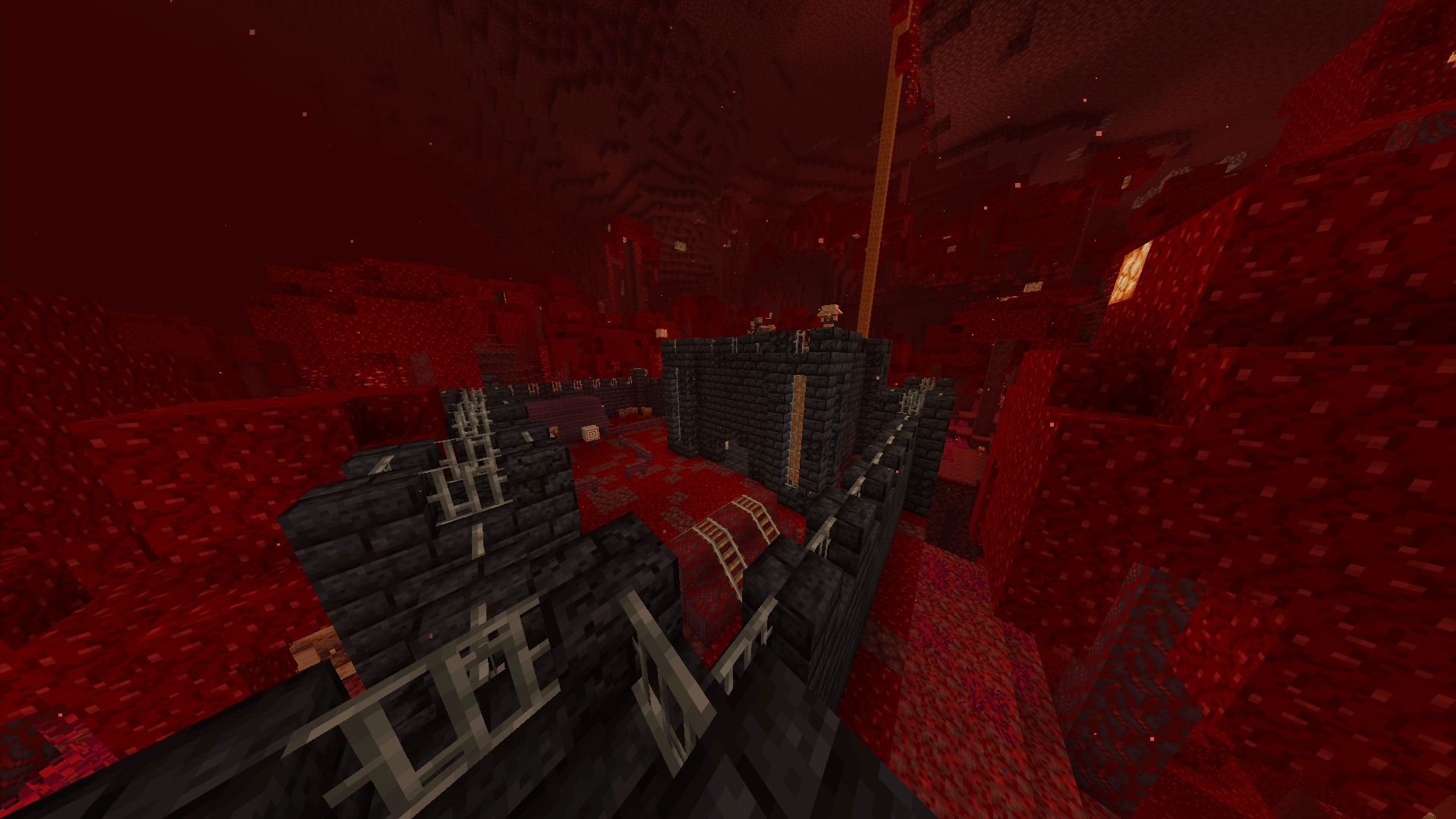
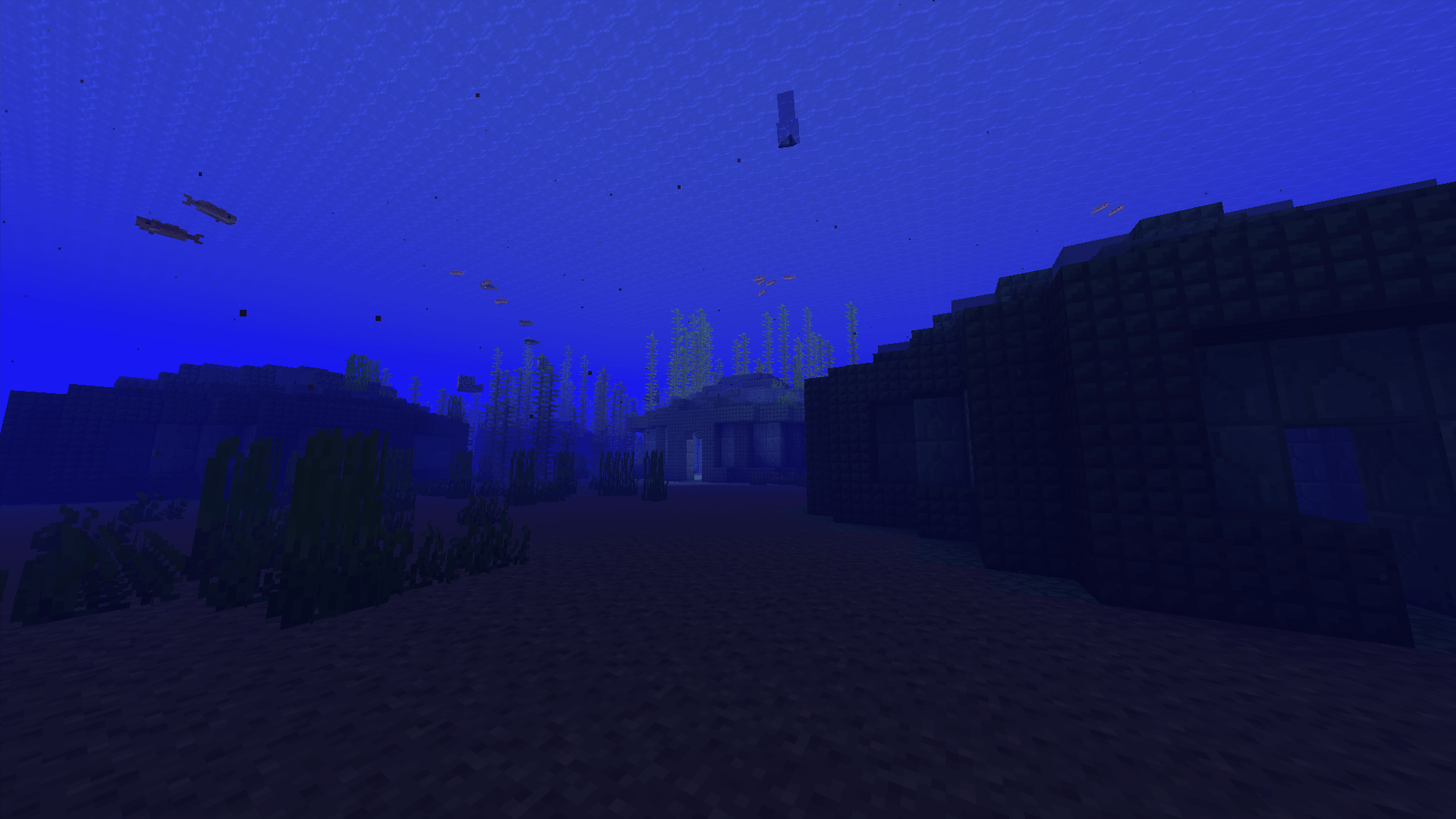
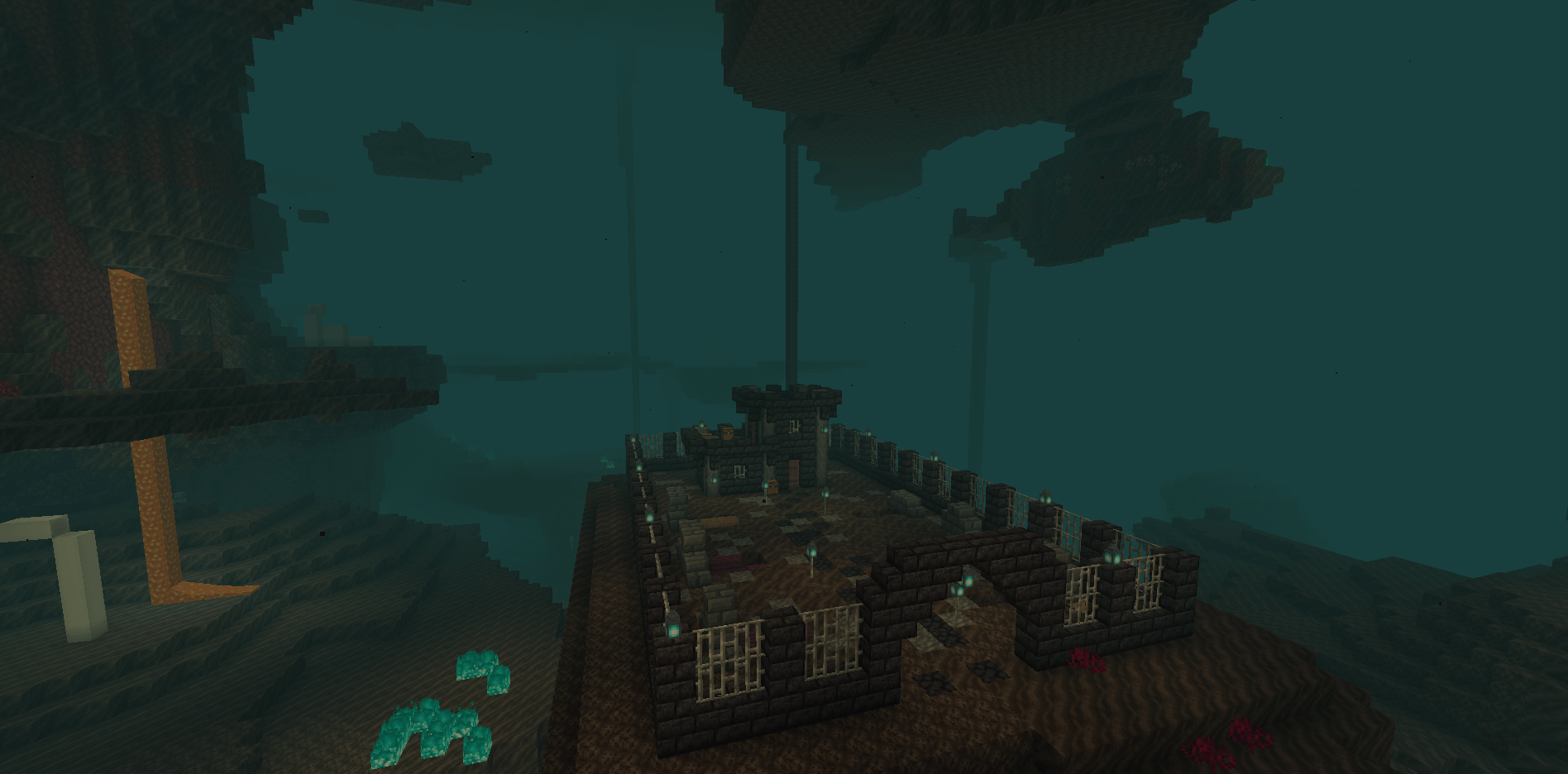
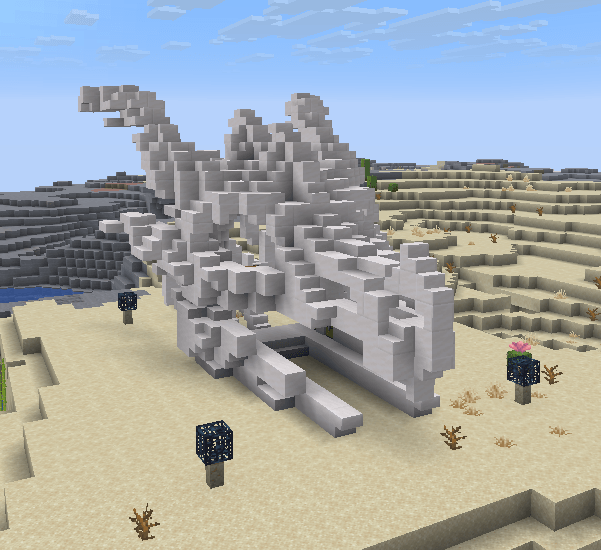
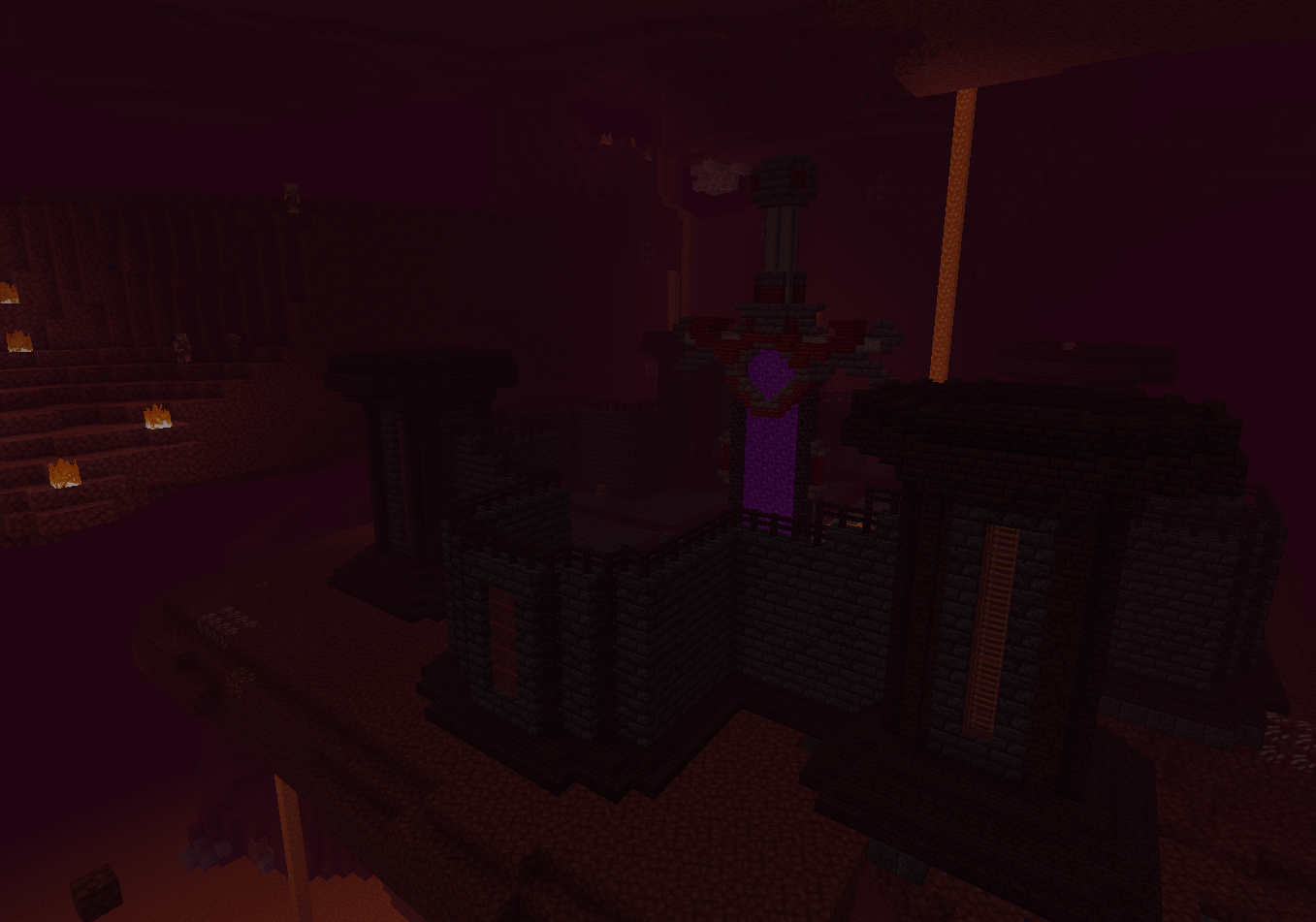
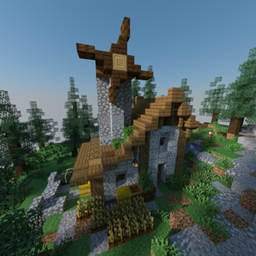
Echoes of Eternity is a Minecraft adventure based datapack that adds 10 ancient structures into the world spread out throughout the Overworld, Nether and End.
Before the player even comes into the picture, various civilizations have risen and fallen, fought and disappeared in one way or another. Their legacy continues to be present throughout the world as remains lying underneath the sands, hidden in the dangerous dimensions, submerged under the water or left as a monument to something older.
Each structure has been created with a sense of discovery in mind, not just an addition of a building to the game. They range from enigmatic ruins, ancient fortresses to unknown sanctuaries or remains of civilizations which no longer exist.
What the datapack strives for is to bring back the sense of purpose into exploration by making the players discover them naturally as they explore Minecraft, uncovering artifacts and hints of what happened there long time ago.
What distinguishes the datapack is its focus on environmental storytelling and how the structures blend in with the dimensions while being simultaneously ancient and mysterious.